How do I use the Speeder Chase Across a Cliff City (Single Continuous Shot) template?
Edit the prompt in the box under the preview — the template's model and format are already selected — and press Generate. Your version appears right on this page.
An extremely detailed, continuous-shot prompt describing a high-speed speeedr chase through a monumental cliffside city, focusing on dynamic camera movement, heat haze, debris, and culminating in a reveal of a…
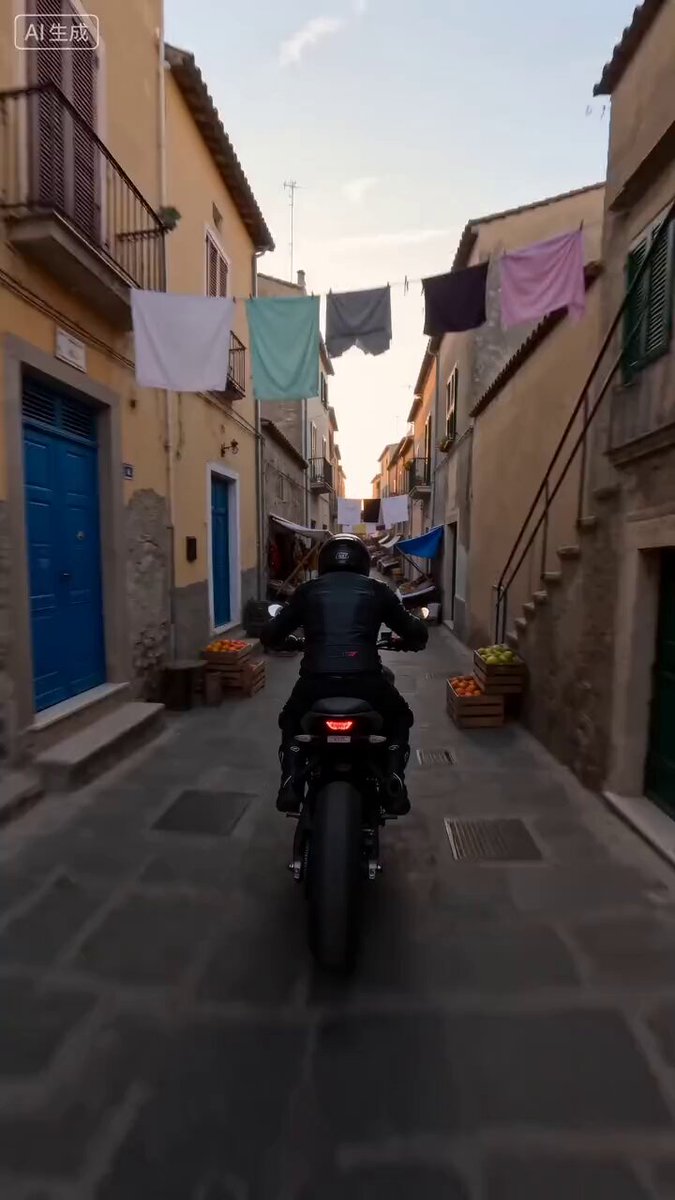
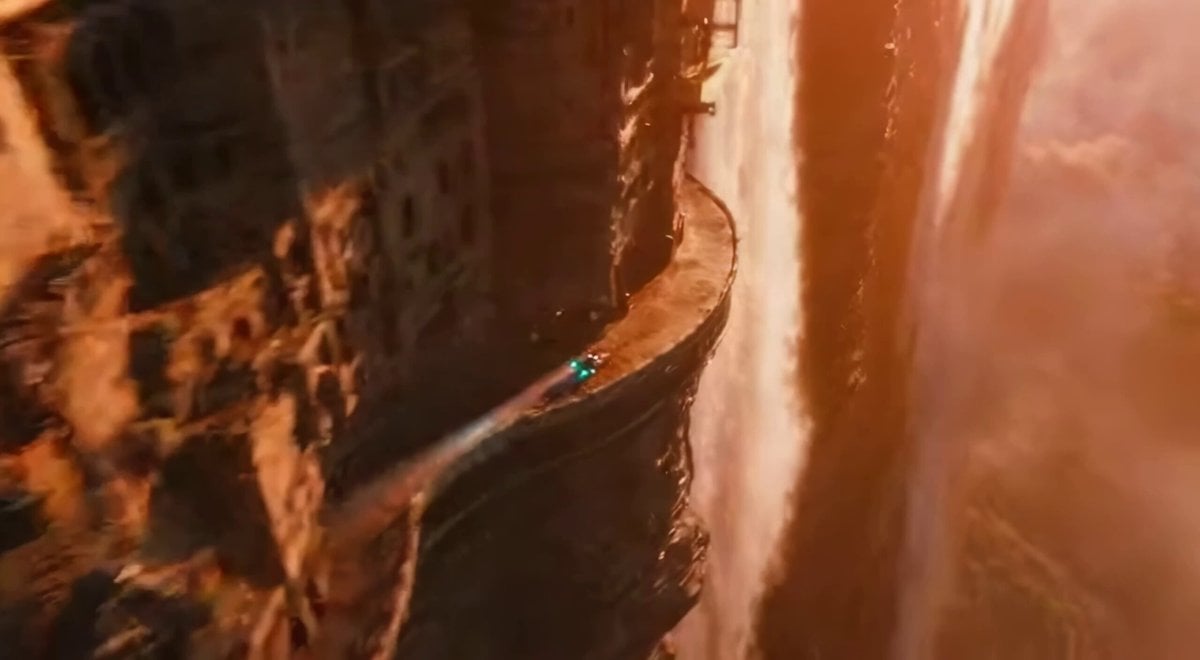
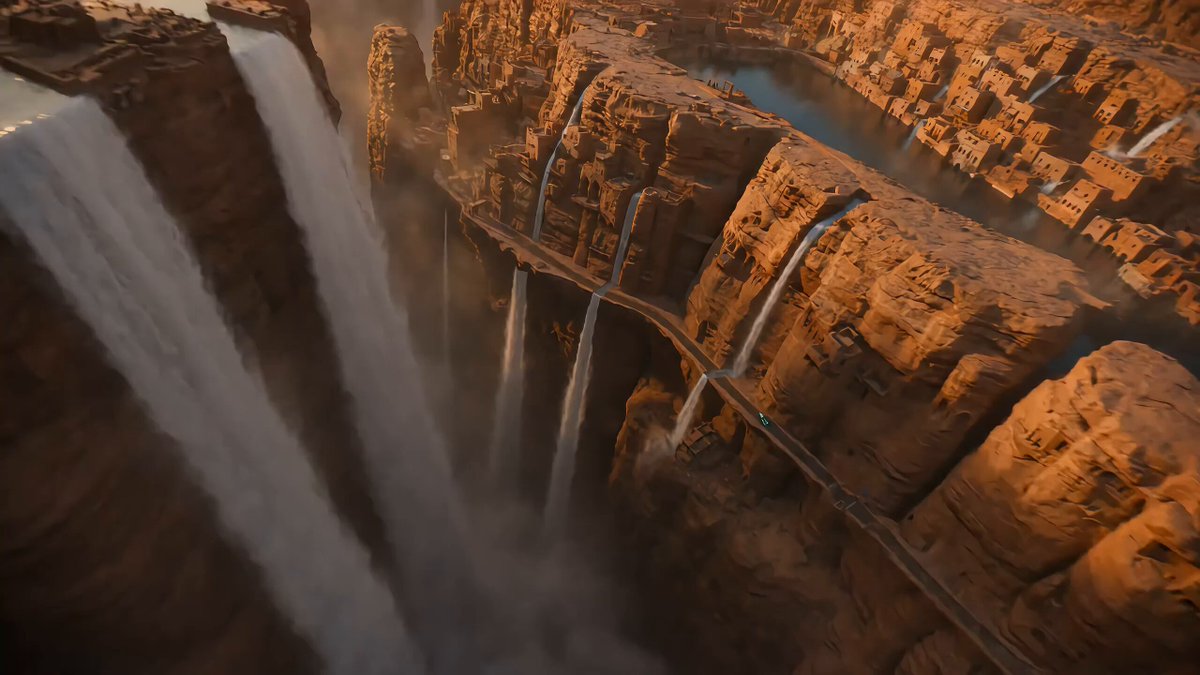
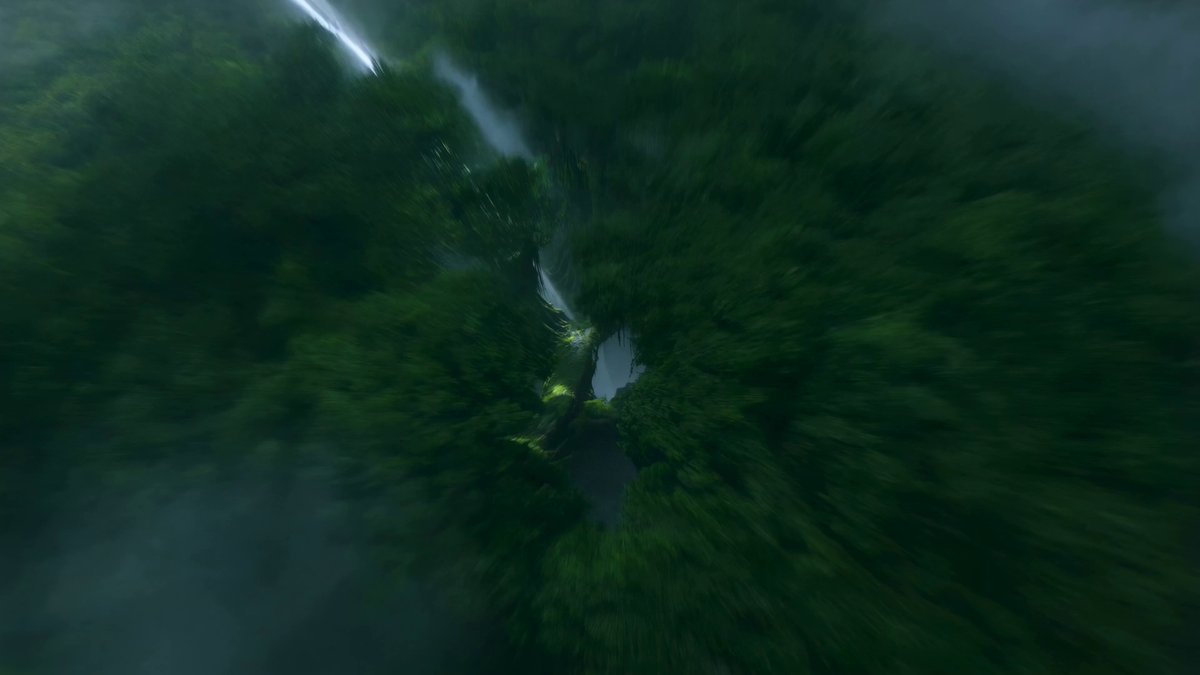
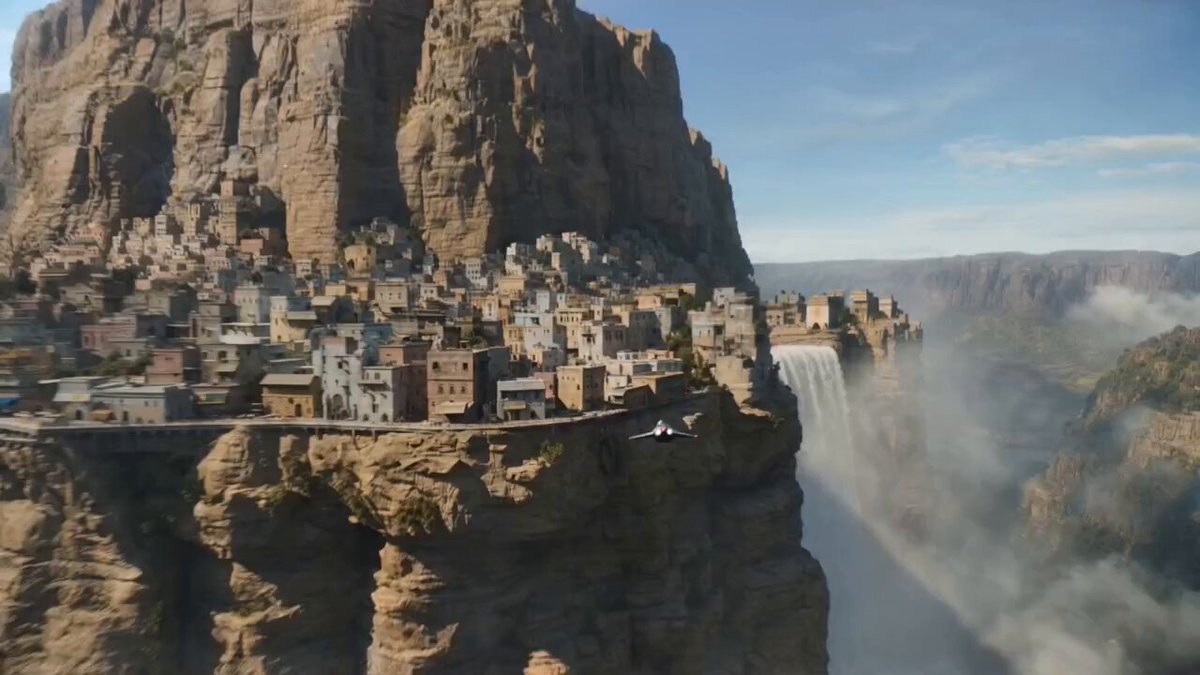
Speeder chase across a cliff city (single continuous shot) From a monumental cliffside city carved into stone, the camera dives toward a tiny streak of light ripping along a narrow ledge-road. Lock-on: a speeder hugging the wall at insane speed. The camera slingshots ahead, whips back, then drops tight to the rear thrusters: heat haze, grit snapping off the ledge, warning lights flashing. A collapsing balcony rains debris; the rider snaps a last-inch swerve under a falling arch, then threads through hanging laundry lines and open windows in one fluid line. The camera darts through the same openings, staying glued to the motion. One final bend and sudden calm: the camera blasts outward into a reveal of the city opening onto a boundless waterfall-fed valley, mist turning into rainbow.
Speeder chase across a cliff city (single continuous shot) From a monumental cliffside city carved into stone, the camera dives toward a tiny streak of light ripping along a narrow ledge-road. Lock-on: a speeder hugging the wall at insane speed. The camera slingshots ahead, whips back, then drops tight to the rear thrusters: heat haze, grit snapping off the ledge, warning lights flashing. A collapsing balcony rains debris; the rider snaps a last-inch swerve under a falling arch, then threads through hanging laundry lines and open windows in one fluid line. The camera darts through the same openings, staying glued to the motion. One final bend and sudden calm: the camera blasts outward into a reveal of the city opening onto a boundless waterfall-fed valley, mist turning into rainbow.
Edit the prompt in the box under the preview — the template's model and format are already selected — and press Generate. Your version appears right on this page.
Yes. You can change the subject, setting, lighting, mood, format, and available model controls before creating your video.
Opening and editing this template is free. Generating uses credits, shown on the Generate button when you are signed in.
Start with Seedance 2.0, which is the model associated with this template. You can compare another compatible model for a different finish.
Follow a topic to a crawlable collection of related PicX Studio templates.