
Ultra-Realistic Super Saiyan Transformation
An intense 10-second cinematic action sequence featuring a physical transformation, high-speed combat, and massive environmental impact.
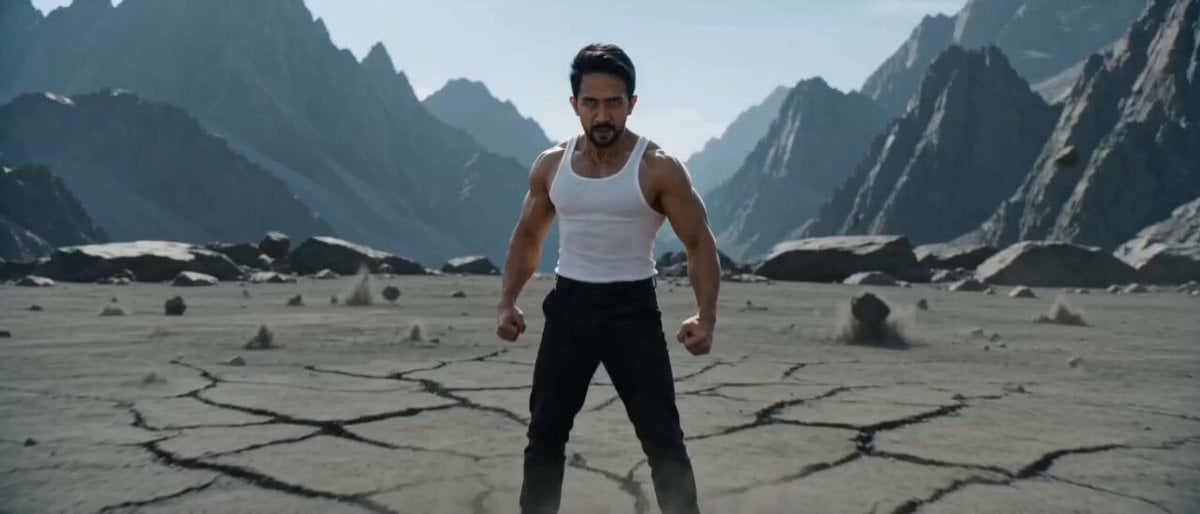
- Prompt included
- Model and format preset
- Premium template
The prompt behind this video
Copy the exact prompt behind Ultra-Realistic Super Saiyan Transformation, or open it in the studio and make it yours.
Ultra-realistic cinematic action, grounded physics, IMAX film look, 4K–8K HDR, high contrast, deep shadows, natural skin texture, subtle film grain, anamorphic lens 35mm (f/2.8). No over-glow, no excessive aura. Energy as air pressure distortion + thin golden electricity (sharp, intermittent). Camera: dynamic handheld, rapid tracking, whip pan, impact shake, natural motion blur. SCENE (CONTINUOUS 10 SECONDS): A slim-built man wearing a white tank top and black pants stands on cracked ground. 0–2s: Fast handheld push-in. Body tenses, veins visible, heavy breathing. Small golden electric sparks appear on hands and shoulders. Dust begins to vibrate. 2–4s (FAST TRANSFORMATION): Muscles grow into an athletic build gradually (no instant cut). Hair rises and turns golden. Ground cracks expand radially, small rocks lift and scatter. Subtle air distortion. A short mini shockwave pushes dust outward. Camera: quick orbit + light shake. 4–6s (TARGET LOCK): Reveal a humanoid tentacled monster in front. Tentacles move aggressively with heavy weight. Character condenses power, leans slightly forward, then explodes into a high-speed sprint (realistic dash blur). Camera: extreme whip pan, almost losing subject. 6–8s (IMPACT STRIKE): Character appears instantly in front of the monster. One powerful punch to torso/head. Effects: heavy impact (flesh + mass), brief golden electricity burst at contact, air pressure hit, dust explosion from feet. Camera: impact zoom + violent shake + slight slow motion on contact frame. 8–10s (LAUNCH → MOUNTAIN CRASH): Monster is launched far, leaving a dust trail. Cut to wide shot: monster crashes into a mountainside, rocks collapse, large debris falls (realistic rockfall, no energy explosion). Cut back: character stands still, athletic body, golden hair. Subtle residual electricity flickers. Dust settles. Silence after impact.
How to use Ultra-Realistic Super Saiyan Transformation in 3 steps
- 1
Open
The prompt is already in the box next to the preview, with the template's model and format selected.
- 2…a portrait of your subject in softgolden-hour light, 85mm…
Personalize
Edit the subject and creative details for your destination.
- 3Generate
Generate
Press Generate — your video is created in PicX Studio, so you can compare it with the original and refine one variable at a time.
More like this
Templates with the same subject, style or setup. Open one to see its prompt.
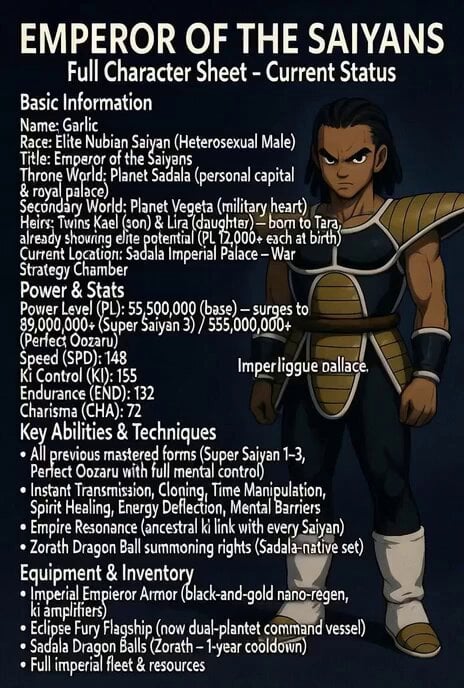
Super Saiyan 3 transformation

Magical Room Transformation - Seedance 2.5

Dark Tokusatsu Transformation - Seedance 2.5

RX-7 to Mech Transformation Cyberpunk
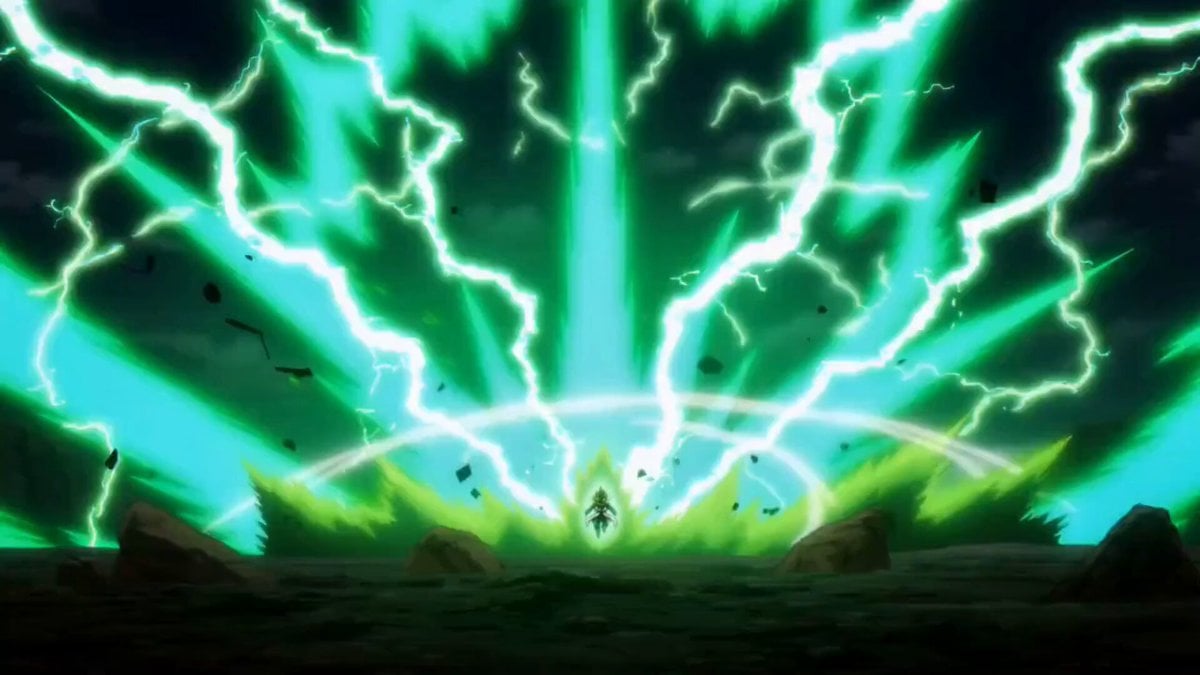
Vegeta Super Saiyan 100 vs Base Goku Prompt
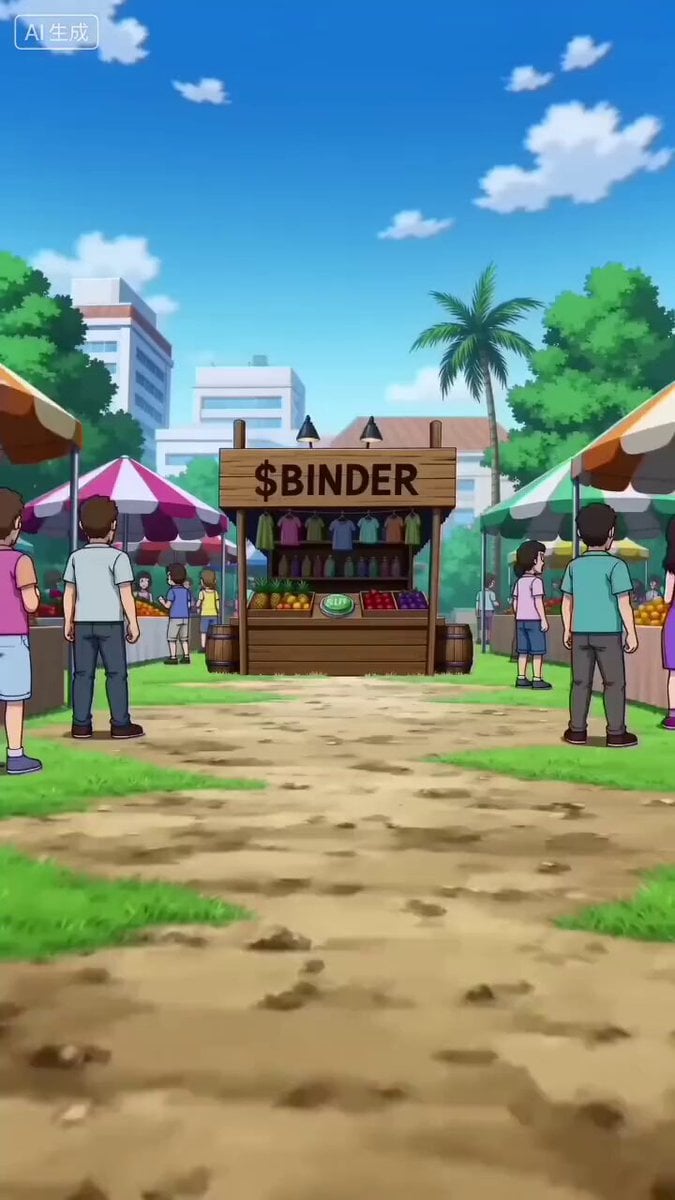
Goku Punching a Buy Button and Going Super Saiyan
Civilization Timelapse — Centuries in One Shot
Mecha Transformation vs Kaiju — 4-Scene Epic
Super 8 Film Beach Woman Wave
Super Bowl FPV Helmet Cam Realism
Paris Superhero Action Script
Super-Speed Kitchen Action Comedy Prompt
Make it yours
Ultra-Realistic Super Saiyan Transformation works as-is. These are the safest ways to change it without losing the look.
Change one field
Copy a single group, rewrite it, and generate again so you can see what that field is doing.
Keep the frame, change the subject
Hold the composition and light of Ultra-Realistic Super Saiyan Transformation, then swap wardrobe, props or the person for a new take.
| If the result… | Why | Fix |
|---|---|---|
| The result drifts from the preview | Too many fields changed at once. | Reuse Ultra-Realistic Super Saiyan Transformation as-is first, then change one group — subject, light, or setting. |
| The model over-stylizes the scene | The prose prompt leaves finish and camera underspecified. | Add one camera or lighting sentence and stay on Seedance 2.0. |
More Seedance 2.0 templates
Other prompts made for Seedance 2.0.

Comical Martial Arts Punch Scene

Maglev Train Action Sequence

Martial Arts Fight Sequence

Wuxia Protection and Trust Script

Vintage Korean Arcade MiniDV Vlog

Mercedes 190 SL Luxury Ad

Rainy Night Supernatural Reverse Comedy Video Script

Amazon Civilization Discovery

Futuristic South Asian City Transformation

Cozy Luxury Cafe Commercial
More video prompts
Fresh picks from across the catalog.
Space to Beach Seamless One-Shot

Cartoon Donut Heist Bakery Chase
Xianxia Cold Comedy Short Film
Cinematic Trailer Style Video Generation
Cinematic Night Ride Neon Streets
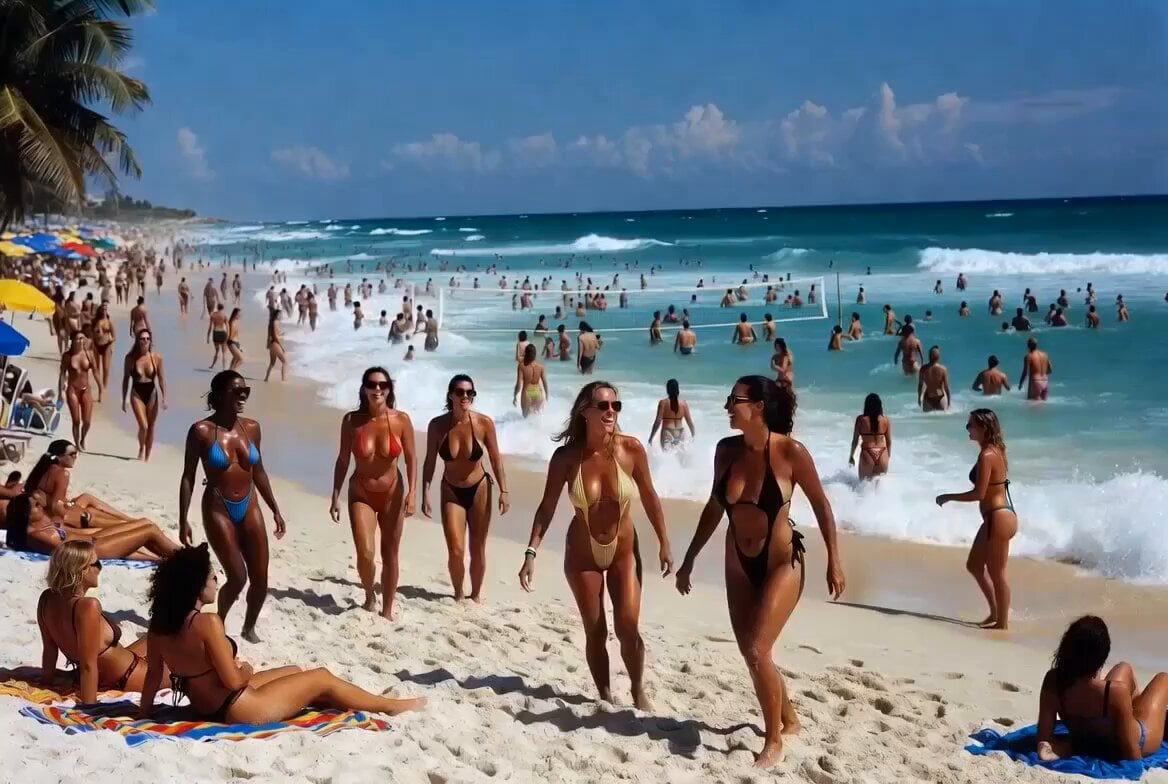
Beach Vacation Scene Generation
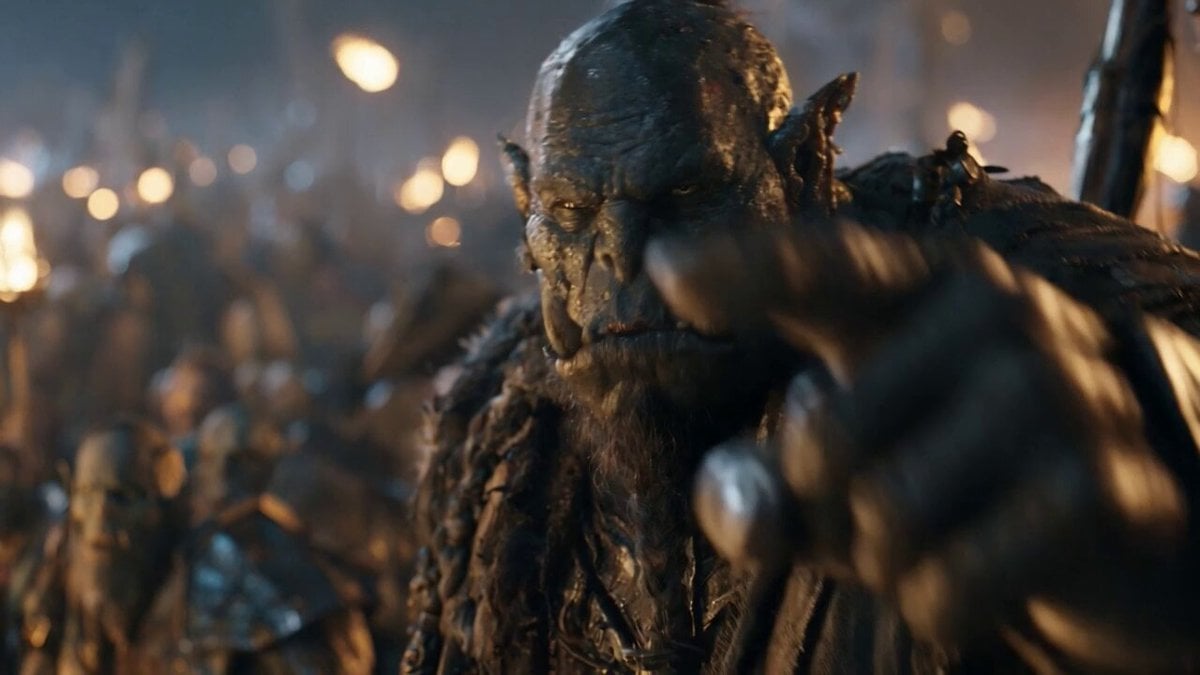
Orc Warlord Performance Transfer - Seedance 2.5
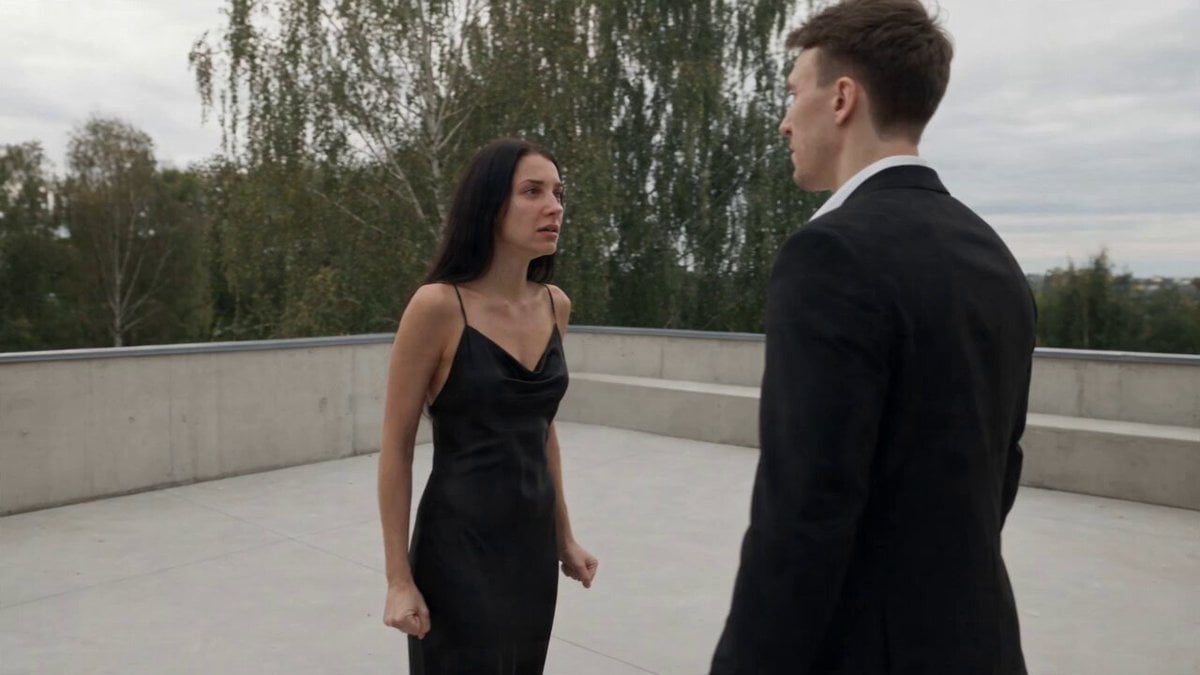
Cinematic Narrative Conflict Scene

Cats on Money Stacks
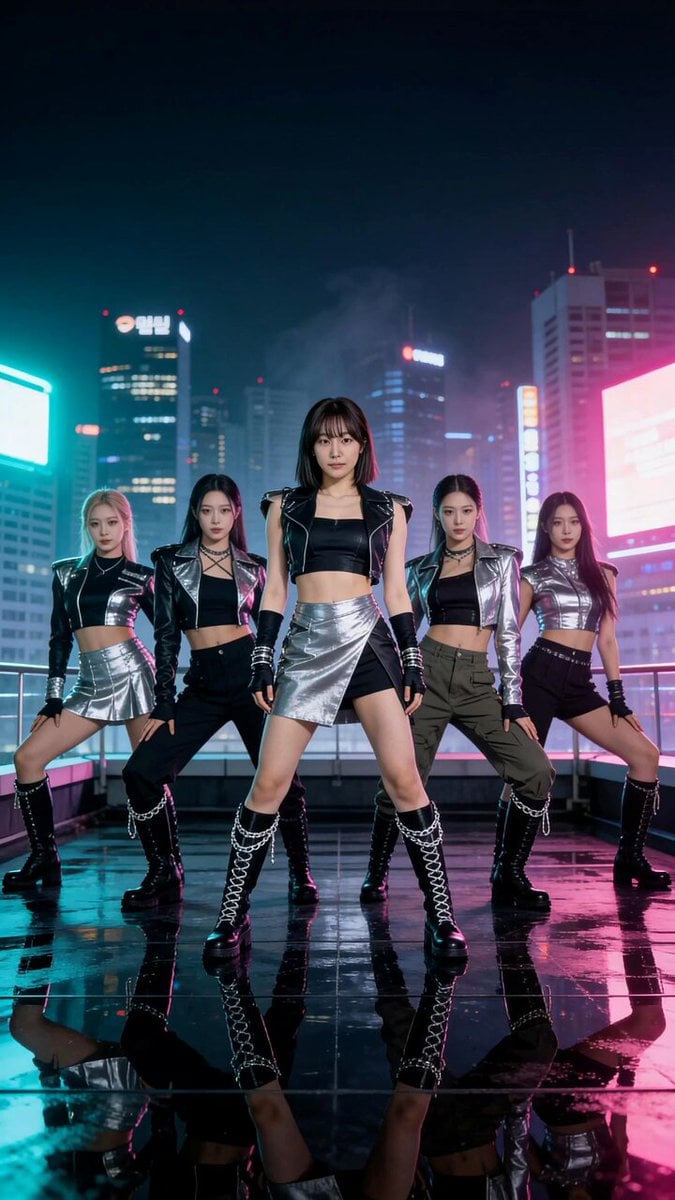
K-Pop Rooftop Dance Music Video
Browse template categories
Ultra-Realistic Super Saiyan Transformation questions
How do I use the Ultra-Realistic Super Saiyan Transformation template?
Add your photo if the template asks for one, edit the prompt if you like — the template's model and format are already selected — and press Generate. Your version opens in PicX Studio.
Can I customize the Ultra-Realistic Super Saiyan Transformation template?
Yes. You can change the subject, setting, lighting, mood, format, and available model controls before creating your video.
Is the Ultra-Realistic Super Saiyan Transformation template free?
Opening and editing this template is free. Generating uses credits, shown on the Generate button when you are signed in.
Which AI model should I use?
Start with Seedance 2.0, which is the model associated with this template. You can compare another compatible model for a different finish.
Looking for something else? Browse all templates.

Your photo, any look
Thousands of ready templates for every top image and video model, from one credit balance.