
Cinematic Trailer Style Video Generation
A detailed, multi-shot prompt for Seedance 2.0 used to create a cinematic trailer-style video.
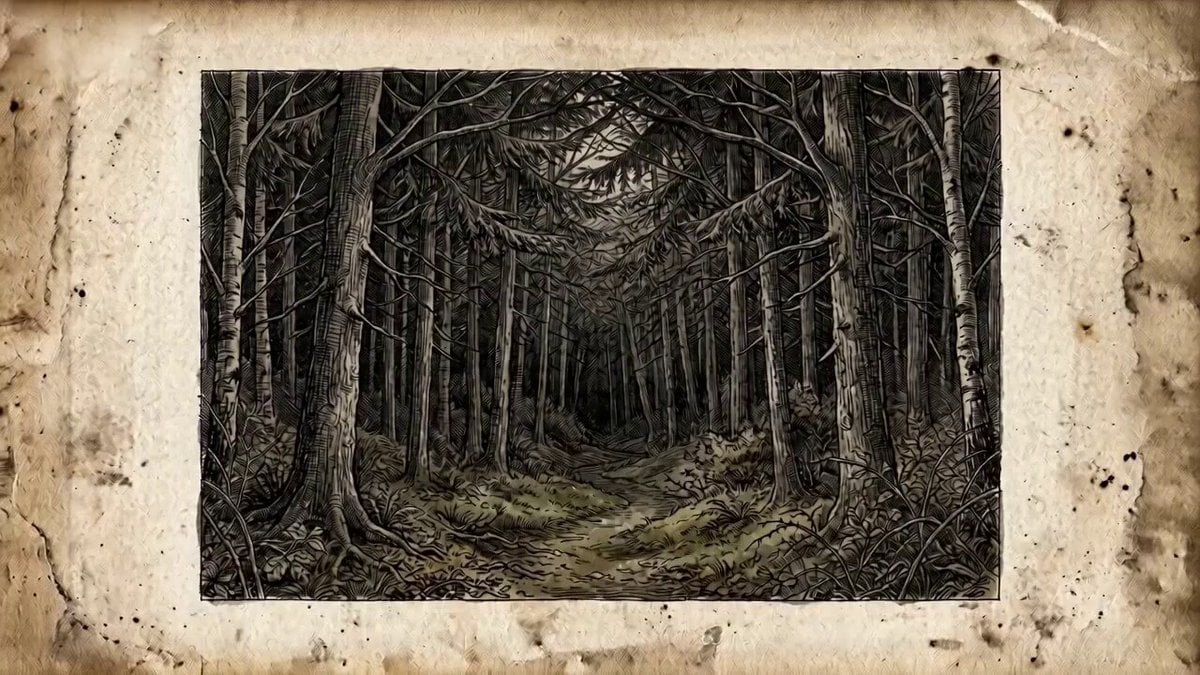
- Prompt included
- Model and format preset
- Free template
The prompt behind this video
Copy the exact prompt behind Cinematic Trailer Style Video Generation, or open it in the studio and make it yours.
[0s–3s]: ( image1 )A continuous slow push-in that never stops — zooming toward the center of a 19th-century Grimm-style storybook illustration of a deep dark spruce forest, As the camera moves closer, the illustration begins to malfunction, The trees sway in a wind that should not be possible inside a drawing. [3s–5.5s]: ( image2 ) The zoom continues without interruption. The illustrated begins to soften and dissolve from the center outward, as if a mist is seeping through the paper and replacing the drawing from within. As the camera keeps pushing forward, this zone of realism expands outward in a controlled, organic spread. The warm cream-sepia illustration gradually drains away into cold desaturated blue-green. The drawn surface at the edges briefly wavers and thins like damp paper giving way to moisture, then quietly dissolves into the same realistic forest texture. No abrupt morphing, no multiple competing distortions — just a single eerie replacement, as if the illustration is being overtaken by a real forest through a veil of mist. By 5.5 seconds, the camera is moving fully inside the real forest, and the drawing has completely vanished. [5.5s–11s]: ( image3 ) The forward motion gently eases into a continuous upward drift without a cut, as if the camera is being lifted through the real forest in one smooth arc. It rises between the trunks and passes through the lower branches, gradually clearing the canopy — not soaring too high, but just enough to reveal the breadth of the dark Nordic forest under flat grey light. The motion remains calm and deliberate, with a subtle floating quality, allowing the forest to breathe onscreen. The camera then begins a slow, natural transition from vertical ascent into a shallow backward glide, as if searching for the road beyond the trees. [11s–15s]: ( image4 ) The same movement continues seamlessly. The camera glides forward and gently descends out of the forest edge toward the road, settling into a low eye-level perspective near the tarmac. In one unbroken motion, it arrives at an extreme wide shot with the horizon stable and the road stretching dead straight into a grey-white vanishing point. The same boxy vintage sedan is already in frame, driving steadily away, growing smaller in the mist. Fallen pine needles drift faintly across the wet surface. The mist thickens gradually ahead. Global style: 35mm tungsten film, anamorphic, fine grain, cinematic. Desaturated blue-green midtones, crushed blacks, flat overcast diffusion. Smooth continuous camera motion, sharp details, stable horizon, natural proportions. First two shots transition from antique illustration warmth to cold cinematic realism. No text, no typography, no digital effects.
How to use Cinematic Trailer Style Video Generation in 3 steps
- 1
Open
The prompt is already in the box next to the preview, with the template's model and format selected.
- 2…a portrait of your subject in softgolden-hour light, 85mm…
Personalize
Edit the subject and creative details for your destination.
- 3Generate
Generate
Press Generate — your video is created in PicX Studio, so you can compare it with the original and refine one variable at a time.
More like this
Templates with the same subject, style or setup. Open one to see its prompt.

Ancient Costume Time-Travel Drama Trailer Generation
The Ark — Seedance 2.0 Epic Trailer

Real Animal Spear Dance Video Generation

Cinematic Wolf Guardian Survival Trailer

Psychological Thriller Cinematic Trailer
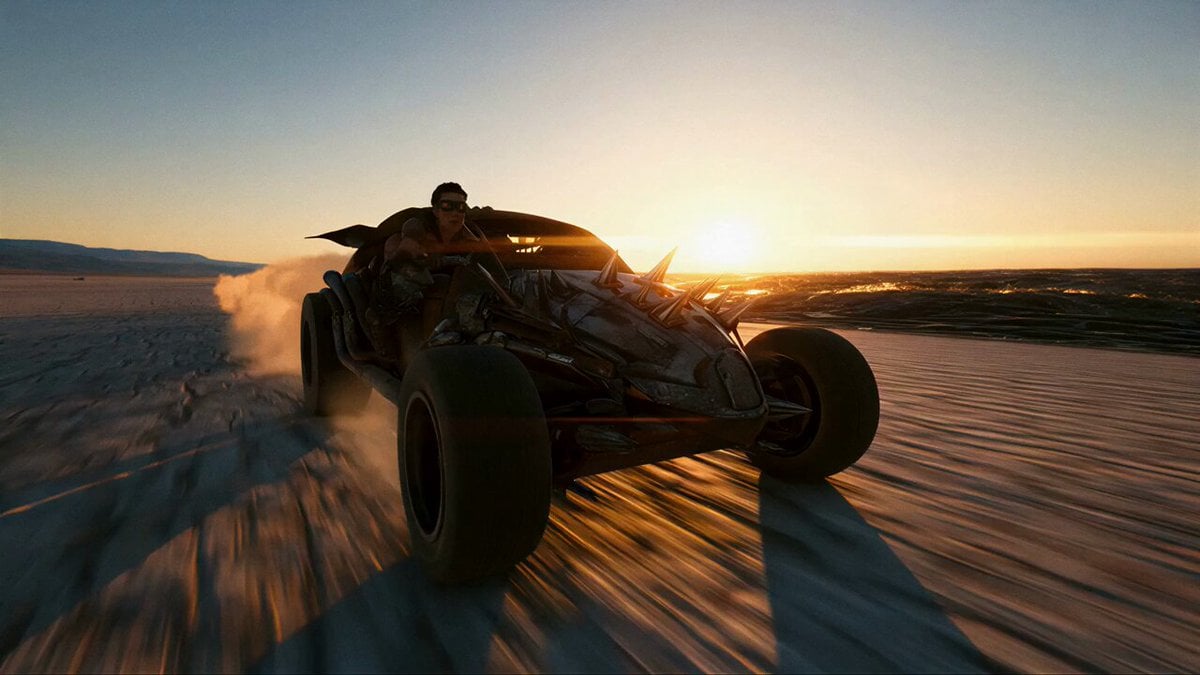
Post-Apocalyptic Cinematic Action Trailer
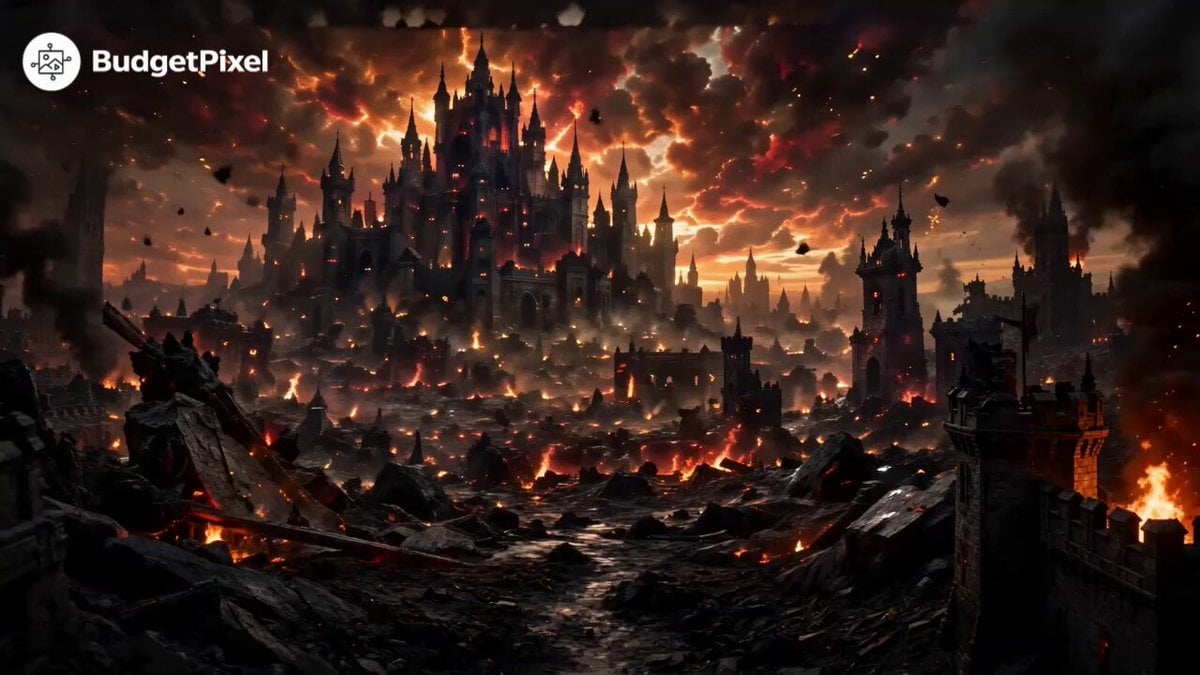
Hollywood Blockbuster Fantasy Trailer
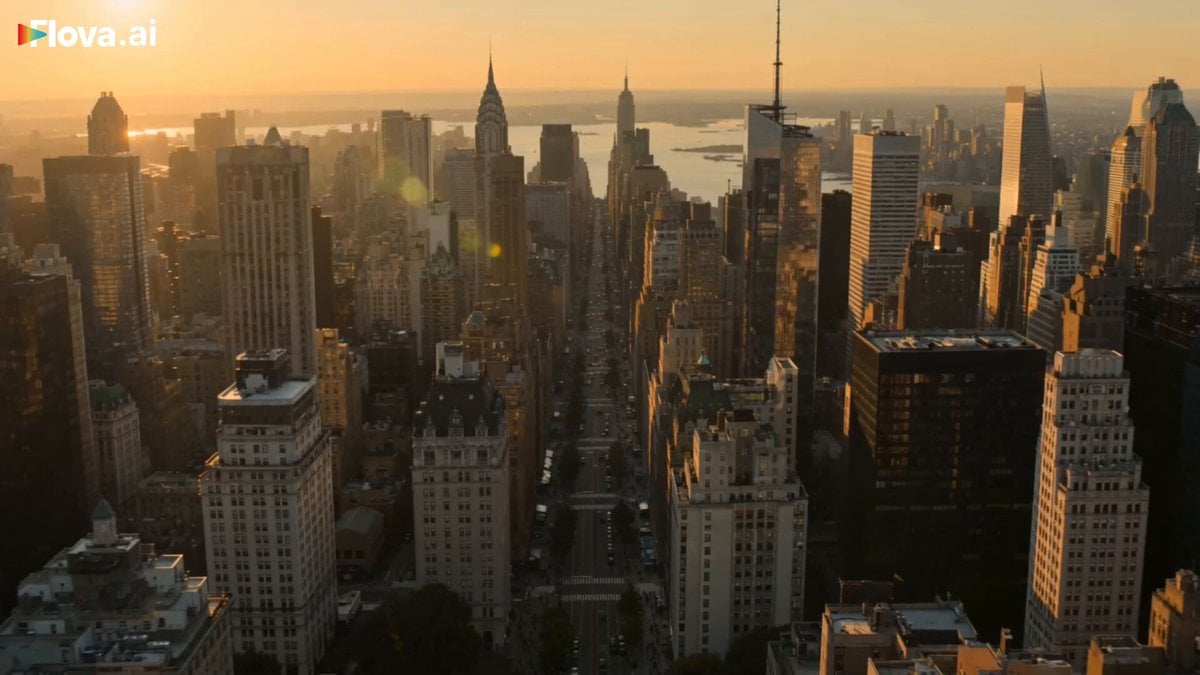
The Surprise Visit Romance Trailer
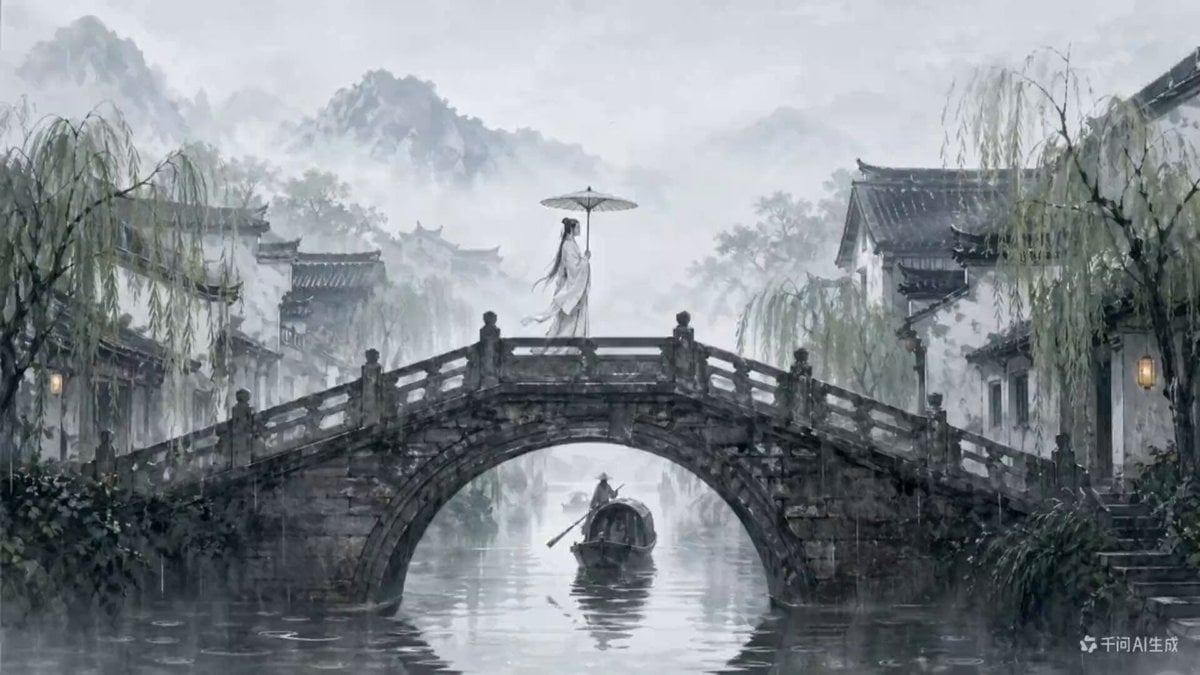
Traditional Chinese Ink Wash Video Generation

Storyboard to Scene Generation

Scarred Warrior Cinematic Trailer
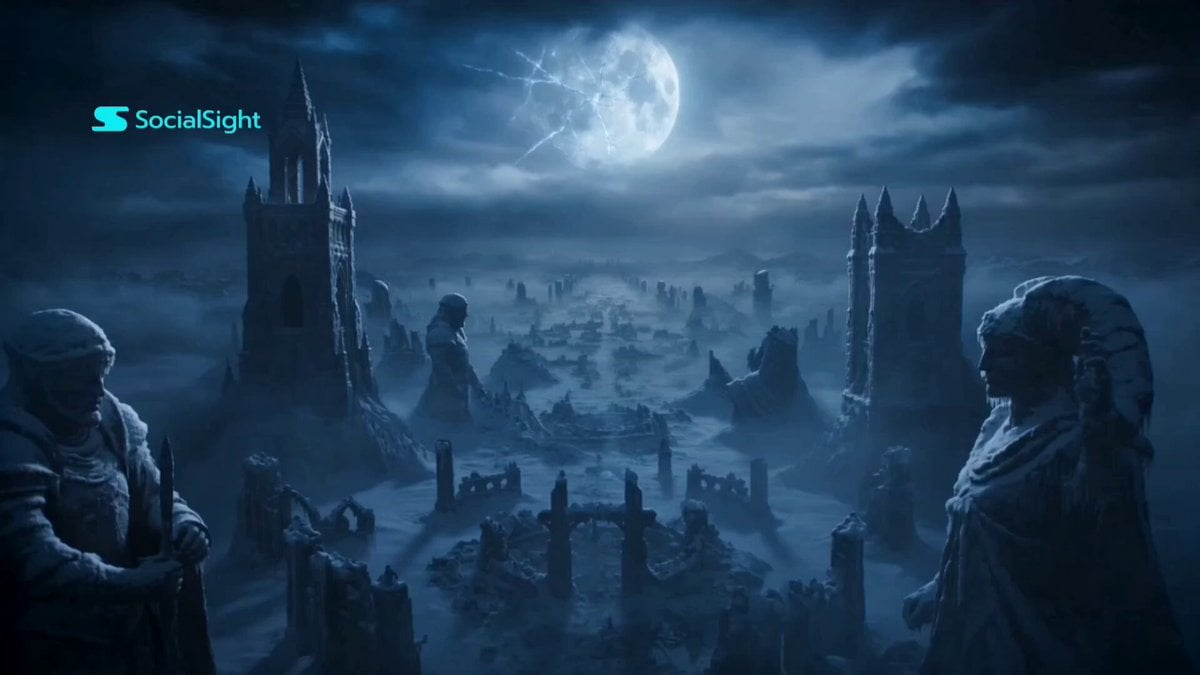
Dark Fantasy Trailer Frost Veil
Make it yours
Cinematic Trailer Style Video Generation works as-is. These are the safest ways to change it without losing the look.
Change one field
Copy a single group, rewrite it, and generate again so you can see what that field is doing.
Keep the frame, change the subject
Hold the composition and light of Cinematic Trailer Style Video Generation, then swap wardrobe, props or the person for a new take.
| If the result… | Why | Fix |
|---|---|---|
| The result drifts from the preview | Too many fields changed at once. | Reuse Cinematic Trailer Style Video Generation as-is first, then change one group — subject, light, or setting. |
| The model over-stylizes the scene | The prose prompt leaves finish and camera underspecified. | Add one camera or lighting sentence and stay on Seedance 2.0. |
More Seedance 2.0 templates
Other prompts made for Seedance 2.0.

Comical Martial Arts Punch Scene

Maglev Train Action Sequence

Martial Arts Fight Sequence

Wuxia Protection and Trust Script

Vintage Korean Arcade MiniDV Vlog

Mercedes 190 SL Luxury Ad

Rainy Night Supernatural Reverse Comedy Video Script

Amazon Civilization Discovery

Futuristic South Asian City Transformation

Cozy Luxury Cafe Commercial
More video prompts
Fresh picks from across the catalog.

Cyberpunk Samurai Ronin Animation

Cosmic Horror Shattered Mirror Universe
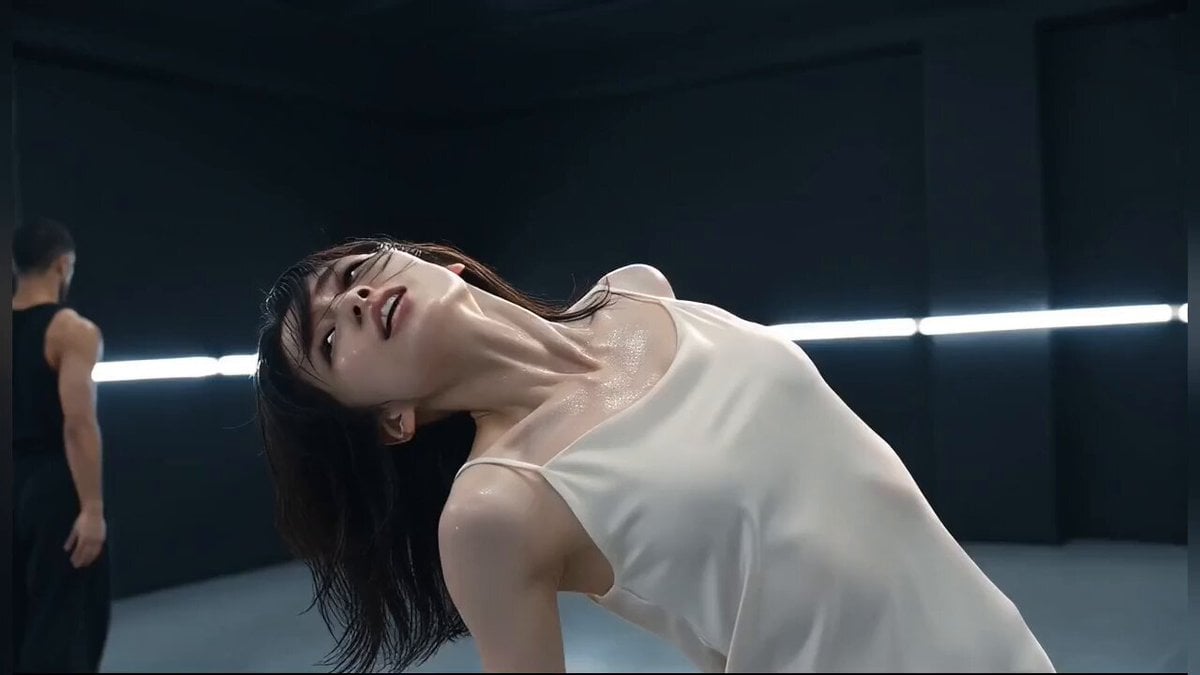
Modern Dance Studio Music Video
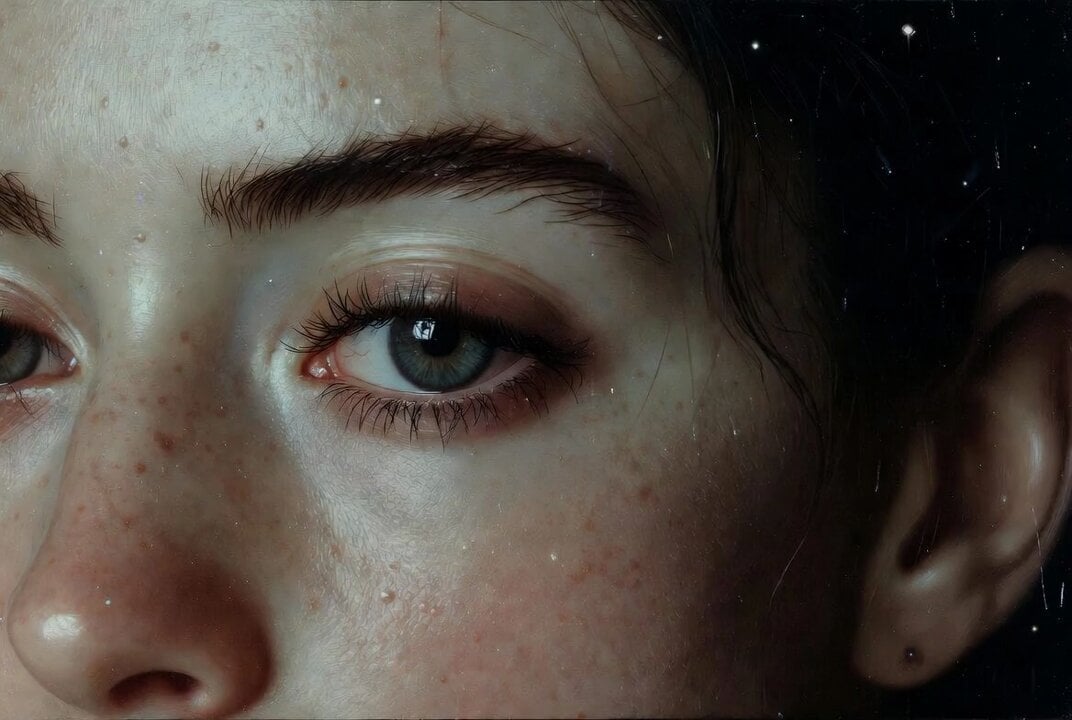
Surrealist allegorical oil painting of a woman in Renaissance dress
Japanese Influencer Kitchen Vlog
Seedance 2.0 Video Prompt: High-Speed Skateboard Chase
Sci-Fi Disaster Movie Scene - Seedance 2.5

Pink Lipstick 3D Product Commercial
EC135 Helicopter Alpine Rescue Flight
Luxury Desert Villa Sunrise Vlog
Browse template categories
Cinematic Trailer Style Video Generation questions
How do I use the Cinematic Trailer Style Video Generation template?
Add your photo if the template asks for one, edit the prompt if you like — the template's model and format are already selected — and press Generate. Your version opens in PicX Studio.
Can I customize the Cinematic Trailer Style Video Generation template?
Yes. You can change the subject, setting, lighting, mood, format, and available model controls before creating your video.
Is the Cinematic Trailer Style Video Generation template free?
Opening and editing this template is free. Generating uses credits, shown on the Generate button when you are signed in.
Which AI model should I use?
Start with Seedance 2.0, which is the model associated with this template. You can compare another compatible model for a different finish.
Looking for something else? Browse all templates.

Your photo, any look
Thousands of ready templates for every top image and video model, from one credit balance.