
Chaotic Office Deadline Thriller
A fast-paced video prompt capturing the anxiety and chaos of a high-pressure office deadline with cinematic realism.
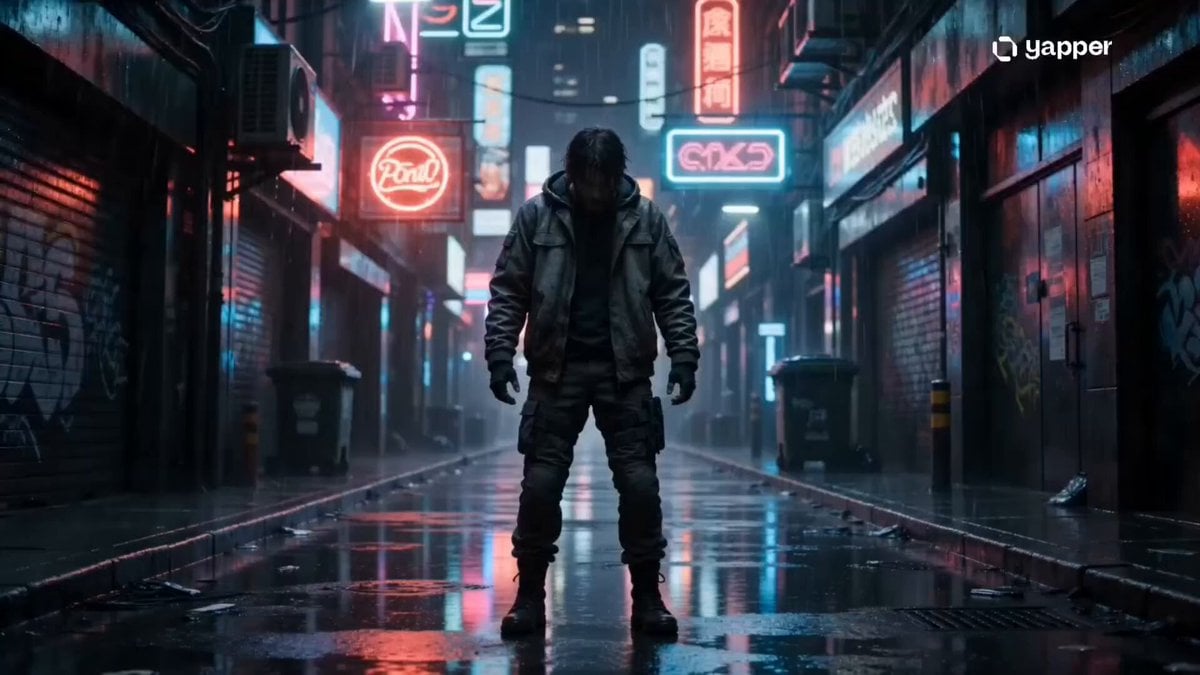
- Prompt included
- Model and format preset
- Free template
The prompt behind this video
Copy the exact prompt behind Chaotic Office Deadline Thriller, or open it in the studio and make it yours.
Style: Fast-paced cinematic realism, chaotic office thriller tone, handheld camera energy, sharp jump cuts, shallow depth of field, saturated screen glow highlights, intense ambient sound design, anxiety-driven pacing. 0–3s — Calm Before the Storm Medium shot of a young office worker alone in a dim office at night. Laptop glow lights the face. Coffee cup half full. Soft, slow typing. Heavy silence in the room, almost unnatural. 3–6s — Realization Hits Extreme close-up of screen: red flashing deadline timer “00:59:59 REMAINING.” Hard zoom into widening eyes. Abrupt cut to hand grabbing coffee and taking a rushed sip. 6–9s — Panic Mode Activated Rapid jump cuts: Fingers hammering keyboard aggressively Coffee slightly spilling across desk Fast mouse clicking bursts Notification pop-ups flooding the screen Audio builds: heartbeat rising, typing accelerating uncontrollably 9–12s — Chaos Peak Handheld shaky camera movement. Sweat forming on forehead. Layered glitch-like edits: tabs switching rapidly, text deleting and reappearing, frantic corrections. Coffee cup now empty, pen thrown aside in frustration. 12–15s — Final Push Extreme close-up on cursor hovering over “SUBMIT” button. A tense pause. Click. Instant silence drop. Cut to the worker leaning back exhausted in chair. Deep breath. Screen glow slowly fades as tension dissolves into stillness.
How to use Chaotic Office Deadline Thriller in 3 steps
- 1
Open
The prompt is already in the box next to the preview, with the template's model and format selected.
- 2…a portrait of your subject in softgolden-hour light, 85mm…
Personalize
Edit the subject and creative details for your destination.
- 3Generate
Generate
Press Generate — your video is created in PicX Studio, so you can compare it with the original and refine one variable at a time.
More like this
Templates with the same subject, style or setup. Open one to see its prompt.
Rainforest Thriller — Searching the Unseen
Luxury Hotel Thriller Sequence
Chaotic City Skateboarding Action
Psychological Thriller Performance Study
80s Singapore Office Yuppie Montage
Fashion Outfit Transformation Office Vlog
Cinematic GRWM Office Routine
Post-Apocalyptic Survival Thriller Prompt
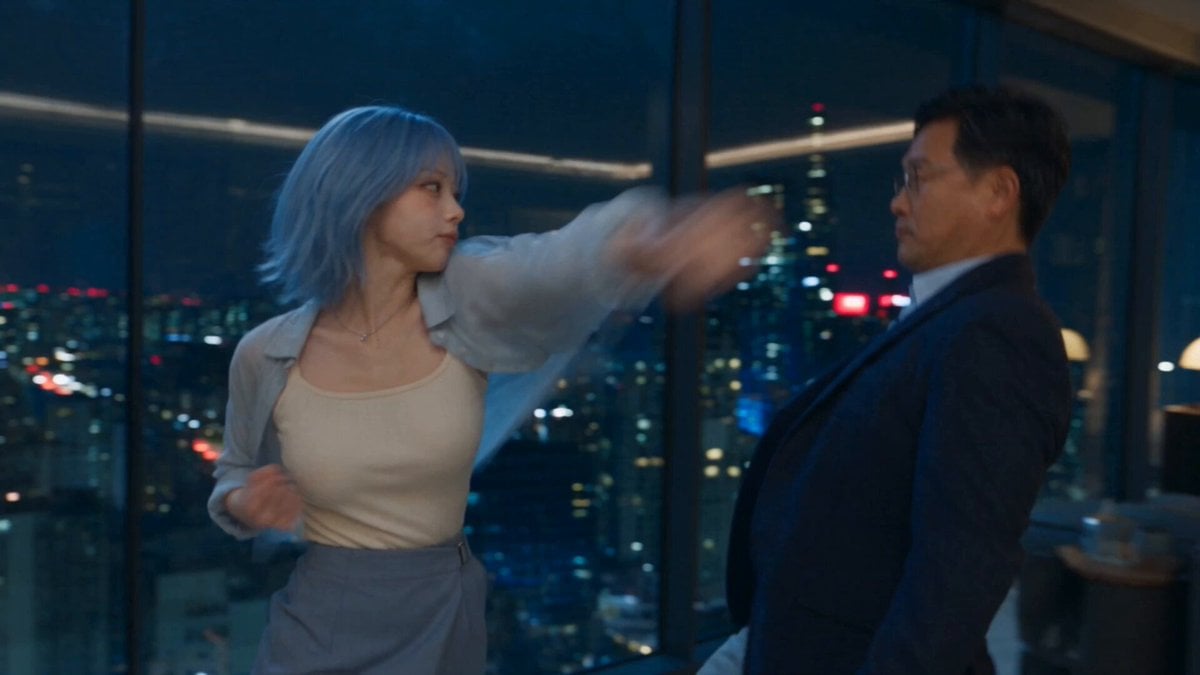
Romantic Action Comedy Office Scene

Chaotic Morning Animated Short
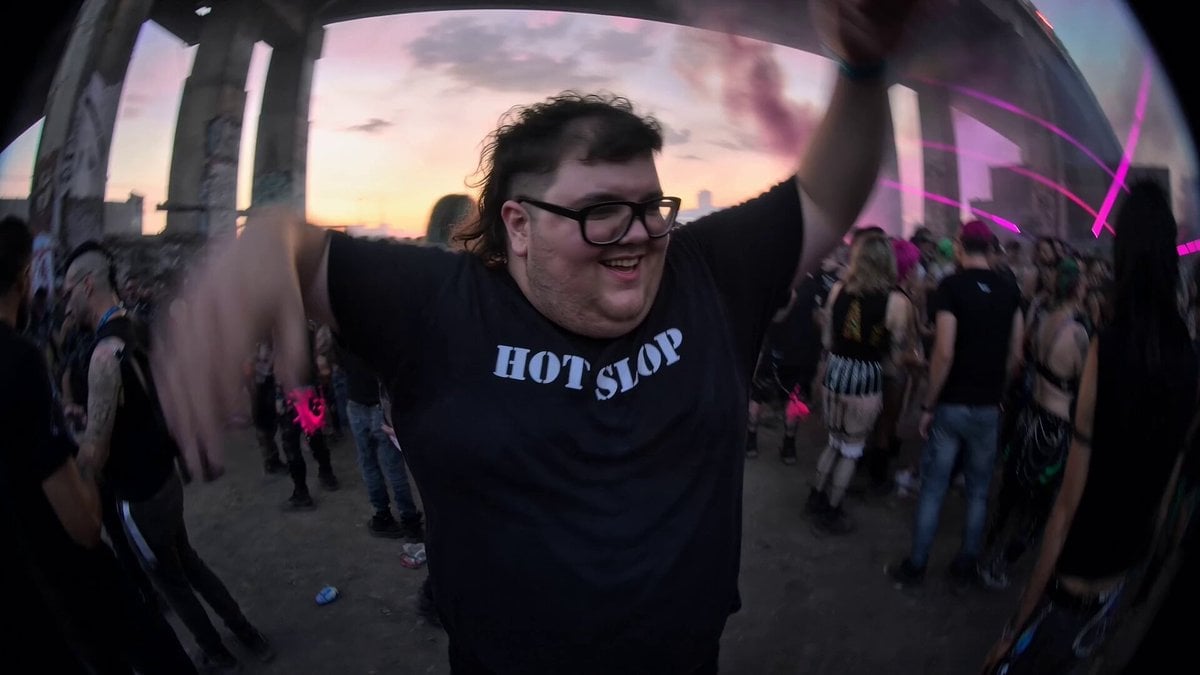
Chaotic Rave Snorricam
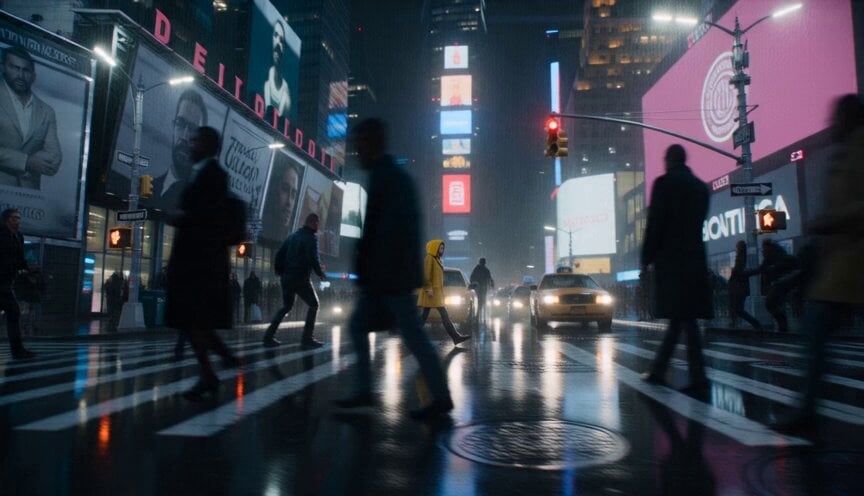
Anamorphic Surreal Thriller Time-Freeze
Make it yours
Chaotic Office Deadline Thriller works as-is. These are the safest ways to change it without losing the look.
Change one field
Copy a single group, rewrite it, and generate again so you can see what that field is doing.
Keep the frame, change the subject
Hold the composition and light of Chaotic Office Deadline Thriller, then swap wardrobe, props or the person for a new take.
| If the result… | Why | Fix |
|---|---|---|
| The result drifts from the preview | Too many fields changed at once. | Reuse Chaotic Office Deadline Thriller as-is first, then change one group — subject, light, or setting. |
| The model over-stylizes the scene | The prose prompt leaves finish and camera underspecified. | Add one camera or lighting sentence and stay on Seedance 2.0. |
More Seedance 2.0 templates
Other prompts made for Seedance 2.0.

Comical Martial Arts Punch Scene

Maglev Train Action Sequence

Martial Arts Fight Sequence

Wuxia Protection and Trust Script

Vintage Korean Arcade MiniDV Vlog

Mercedes 190 SL Luxury Ad

Rainy Night Supernatural Reverse Comedy Video Script

Amazon Civilization Discovery

Futuristic South Asian City Transformation

Cozy Luxury Cafe Commercial
More video prompts
Fresh picks from across the catalog.
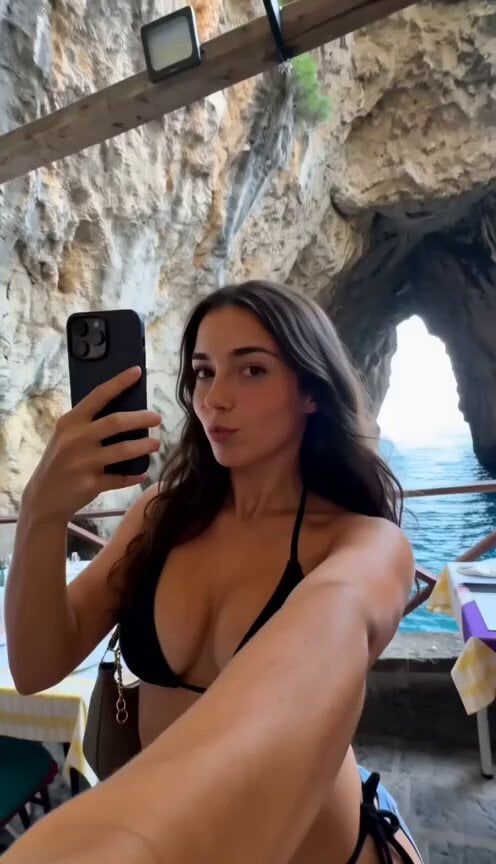
Authentic Italy Travel Vlog Collage
Anime Cooking Vongole Bianco Scene
Legendary Knight Fortress Battle
Heartwarming Woodland Comedy Video Prompt
Surreal Sports Broadcast Reaction
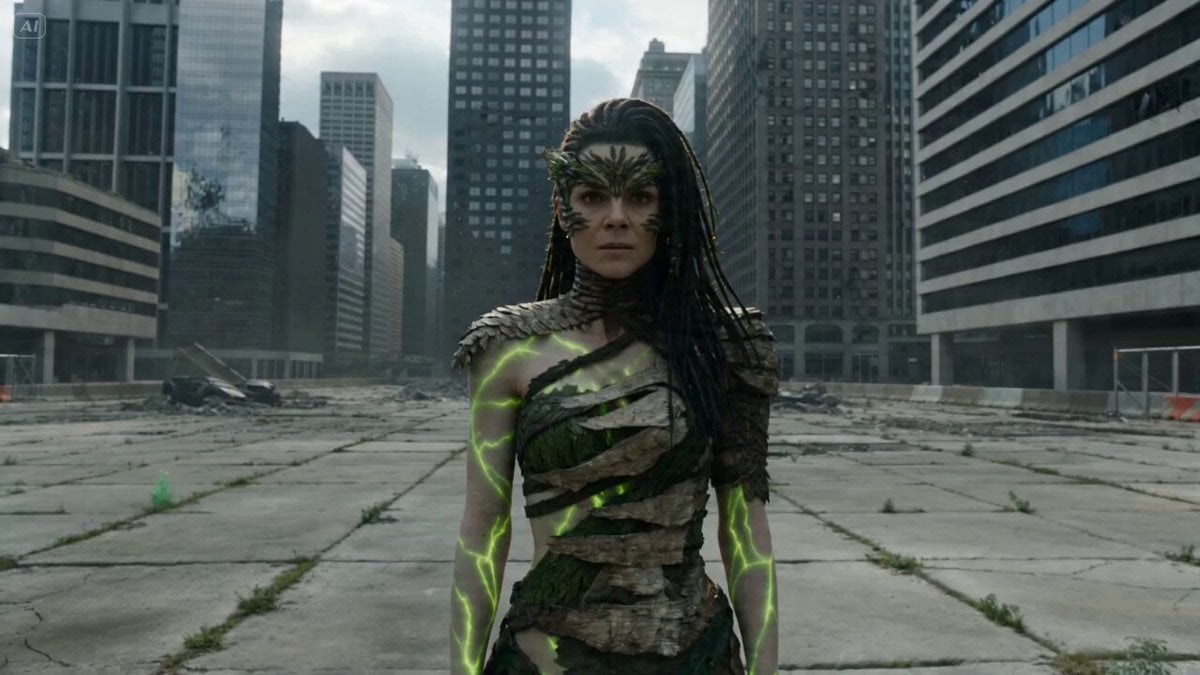
Nature Reclaiming Megacity Prompt
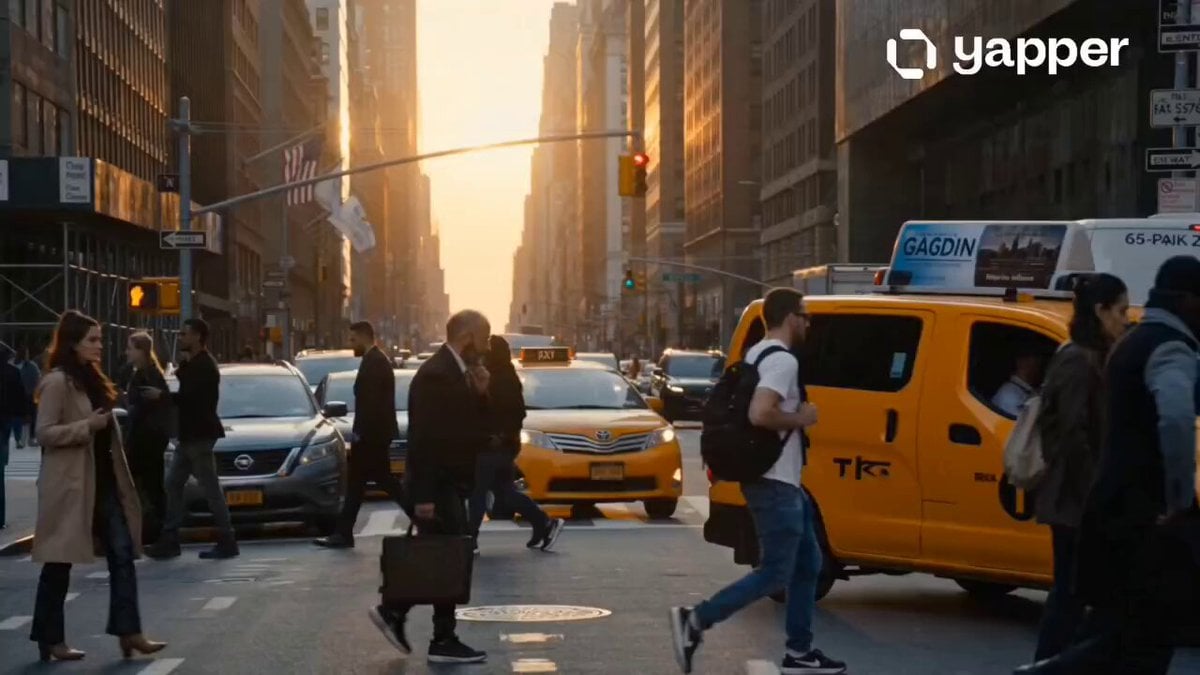
Hyper-Realistic NYC Action Sequence
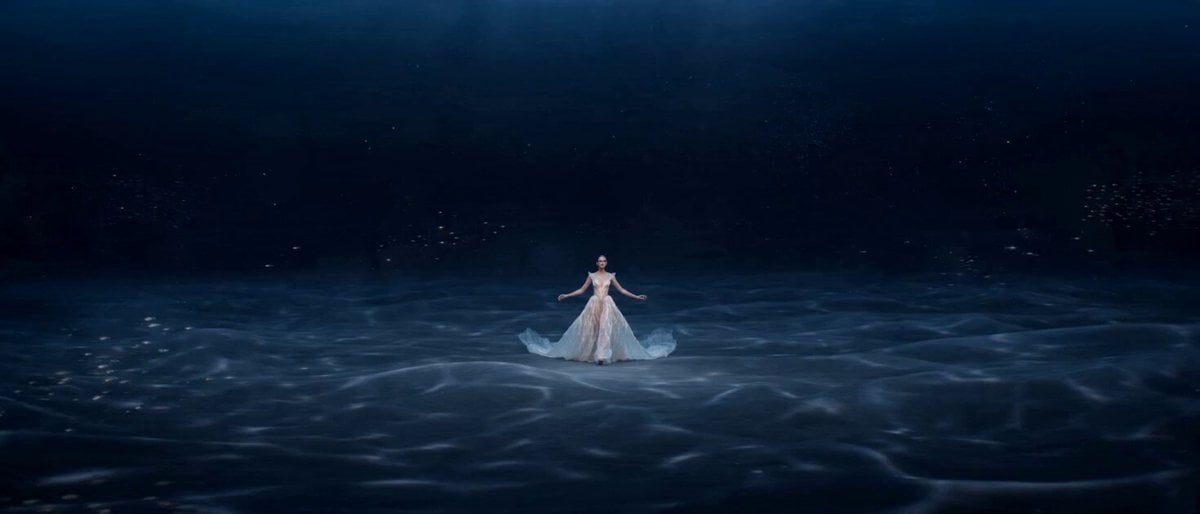
Original Ocean Fantasy Fashion Short Film Prompt for Seedance 2.0
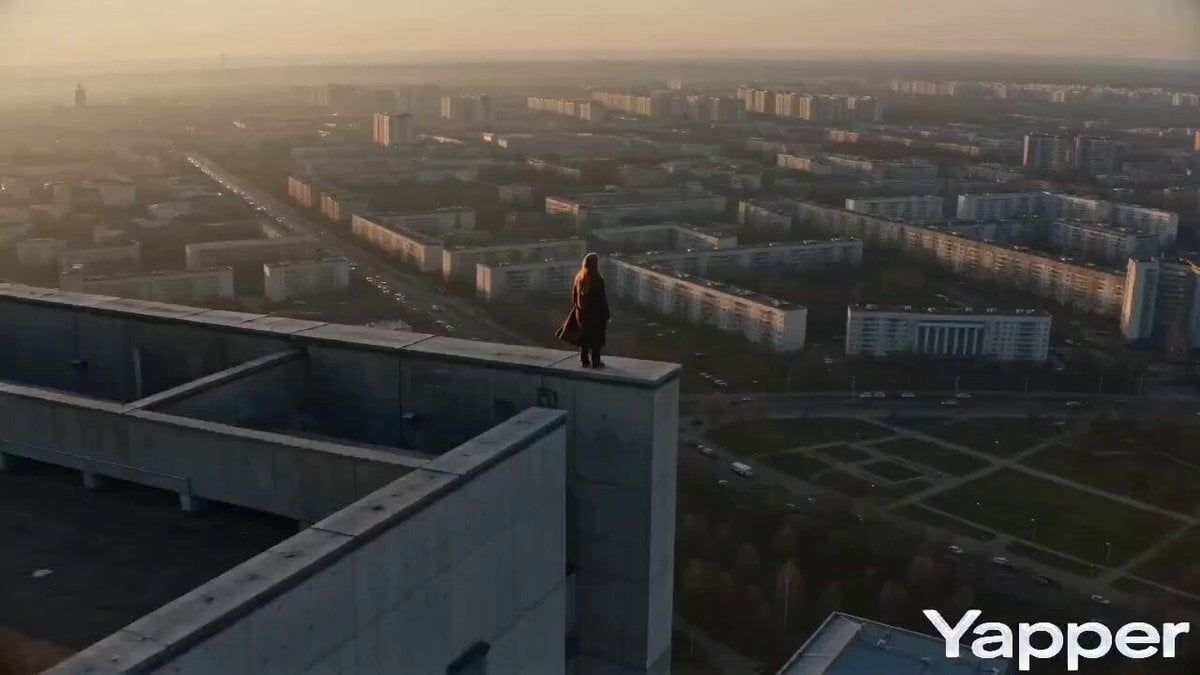
Cinematic Descent on a Brutalist Rooftop
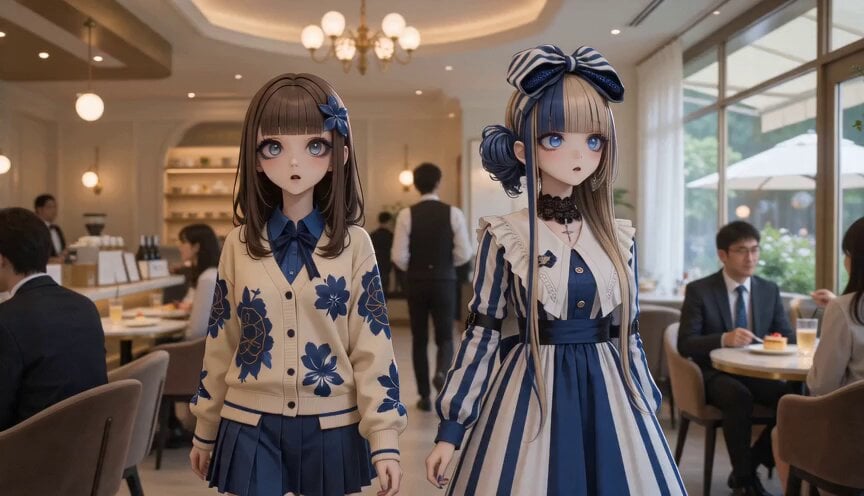
Anime Characters in Photorealistic Cafe
Browse template categories
Chaotic Office Deadline Thriller questions
How do I use the Chaotic Office Deadline Thriller template?
Add your photo if the template asks for one, edit the prompt if you like — the template's model and format are already selected — and press Generate. Your version opens in PicX Studio.
Can I customize the Chaotic Office Deadline Thriller template?
Yes. You can change the subject, setting, lighting, mood, format, and available model controls before creating your video.
Is the Chaotic Office Deadline Thriller template free?
Opening and editing this template is free. Generating uses credits, shown on the Generate button when you are signed in.
Which AI model should I use?
Start with Seedance 2.0, which is the model associated with this template. You can compare another compatible model for a different finish.
Looking for something else? Browse all templates.

Your photo, any look
Thousands of ready templates for every top image and video model, from one credit balance.