How do I use the Mountain Waterfall Sky Expansion template?
Edit the prompt in the box under the preview — the template's model and format are already selected — and press Generate. Your version appears right on this page.
A video generation prompt for Grok Imagine that modifies a reference image to expand the sky and add dramatic atmosphere while preserving the foreground subject.
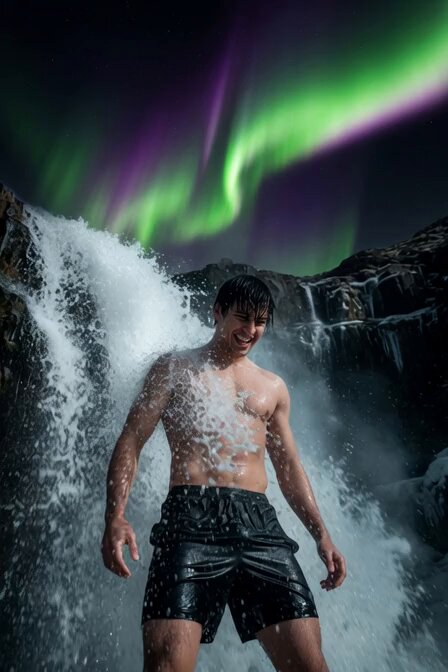
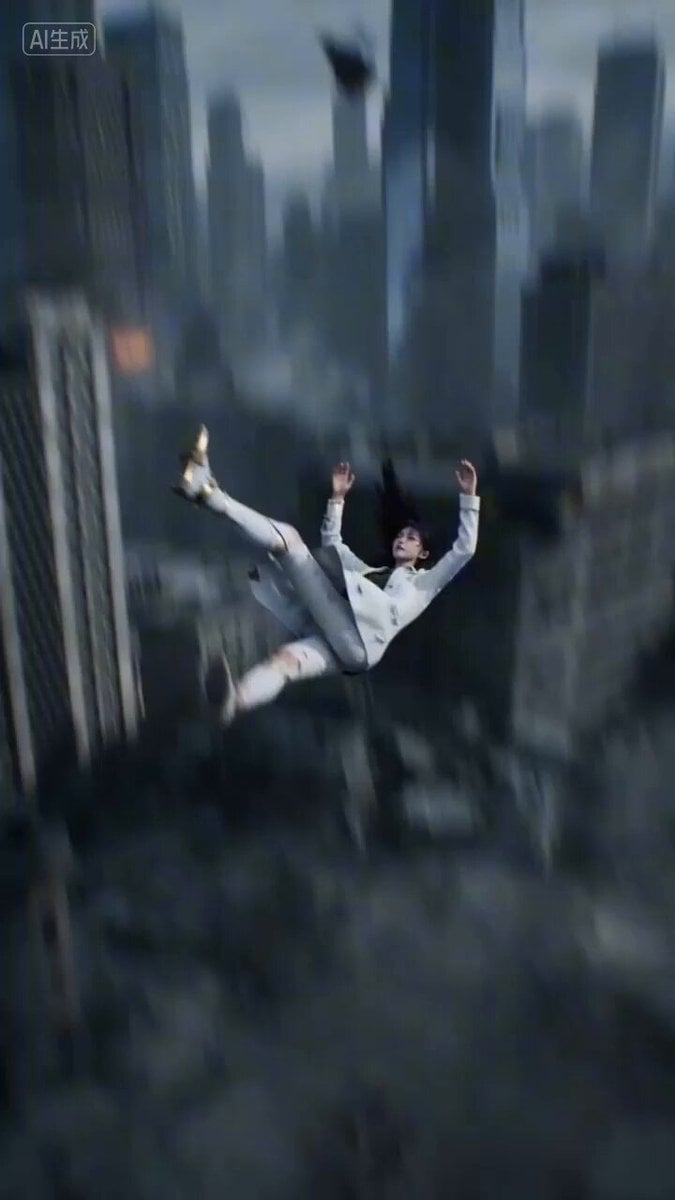
Modify the background composition of the reference image to show significantly more sky: expand the upper portion of the frame with a more dramatic, expansive sky above the mountains and cascading waterfall, while keeping the woman
Modify the background composition of the reference image to show significantly more sky: expand the upper portion of the frame with a more dramatic, expansive sky above the mountains and cascading waterfall, while keeping the woman
Edit the prompt in the box under the preview — the template's model and format are already selected — and press Generate. Your version appears right on this page.
Yes. You can change the subject, setting, lighting, mood, format, and available model controls before creating your video.
Opening and editing this template is free. Generating uses credits, shown on the Generate button when you are signed in.
Start with Grok Imagine, which is the model associated with this template. You can compare another compatible model for a different finish.
Follow a topic to a crawlable collection of related PicX Studio templates.