
Wong Kar-wai Style Melancholy Phone Booth Scene
A detailed, three-shot prompt for a 10-second video mimicking the style of 90s Hong Kong Art Cinema (Wong Kar-wai).
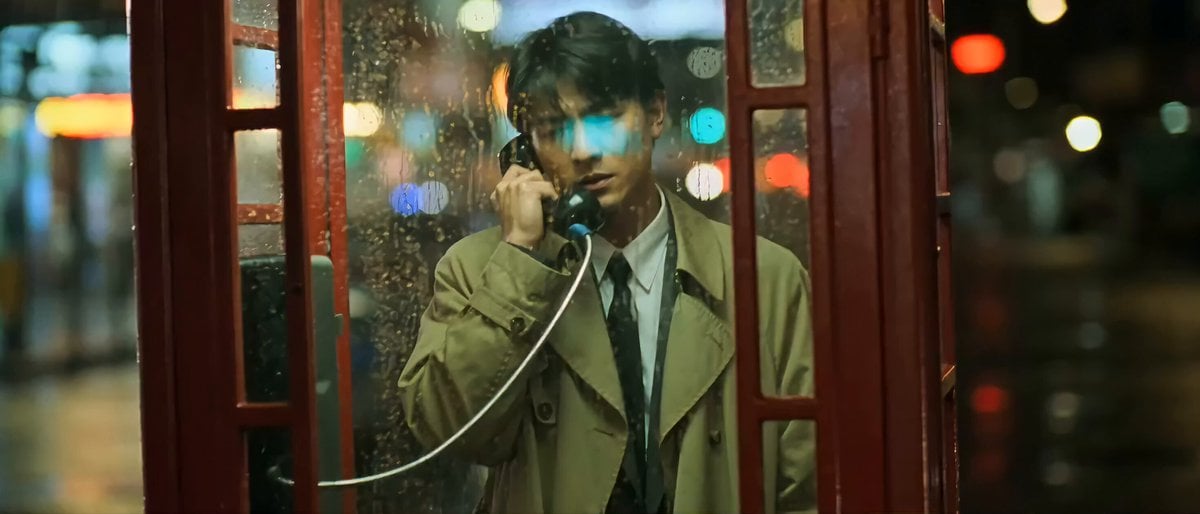
- Prompt included
- Model and format preset
- Premium template
The prompt behind this video
Copy the exact prompt behind Wong Kar-wai Style Melancholy Phone Booth Scene, or open it in the studio and make it yours.
【电影风格】:90年代香港文艺片风格(90s Hong Kong Art Cinema),复古胶片感,高感光度噪点(High ISO Grain),暧昧的黄绿色调(Yellow-Green Tint),抽帧效果(Step-printing),忧郁氛围。 【核心台词(用于控制情绪)】:“如果记忆是一个罐头,我希望它永远不会过期。” 【视频时长】:10秒 【分镜脚本】: [00:00-00:04] 镜头1:隔着玻璃的窥视(Through the Glass)。 画面:一个满是雨水的红色公用电话亭。 人物:一位穿着卡其色风衣的男士(或女士),手里紧握着听筒,并没有说话,只是在听。 情绪表演:通过玻璃的折射,看到他/她的眼神空洞而深情。雨水在玻璃上流淌,把他的脸扭曲得像一幅油画。 字幕/旁白感:画面仿佛凝固,只有雨声。 [00:04-00:07] 镜头2:极度特写与微表情(Extreme Close-up & Micro-expression)。 画面:聚焦于人物的嘴唇和半张脸。 动作:他/她轻轻对着话筒低语。嘴唇微微颤动,似乎想说什么又咽了回去。 光影:路边的霓虹灯光斑(Bokeh)在他的脸上流转,忽明忽暗。 台词情绪映射:表现出一种“想触碰又收回手”的极致克制和孤独。 [00:07-00:10] 镜头3:标志性的慢快门拖影(Signature Smeary Slow Motion)。 画面:人物挂断电话,转身走入雨夜的人群中。 视觉特效:使用抽帧效果(Stop-motion feel),人物的背影变得模糊且有拖影(Motion Blur),仿佛灵魂留在了原地,只有身体在走。 环境:背景是流动的城市车灯,形成拉长的光轨。 【技术参数】:模拟手持摄影(Handheld Camera),浅景深,色彩偏移,情感浓郁。
How to use Wong Kar-wai Style Melancholy Phone Booth Scene in 3 steps
- 1
Open
The prompt is already in the box next to the preview, with the template's model and format selected.
- 2…a portrait of your subject in softgolden-hour light, 85mm…
Personalize
Edit the subject and creative details for your destination.
- 3Generate
Generate
Press Generate — your video is created in PicX Studio, so you can compare it with the original and refine one variable at a time.
More like this
Templates with the same subject, style or setup. Open one to see its prompt.
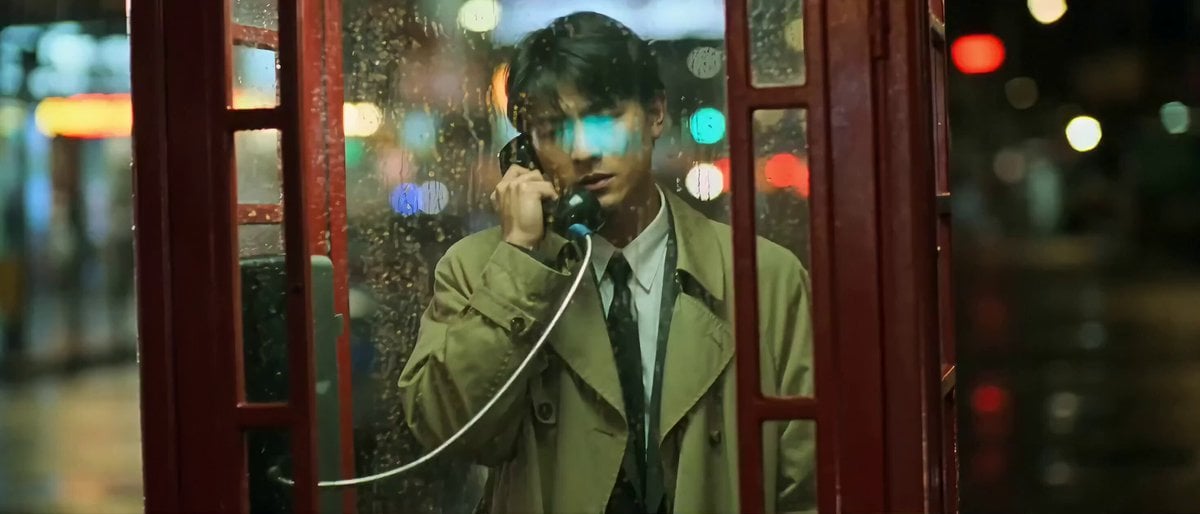
Wong Kar-wai style rainy phone booth scene
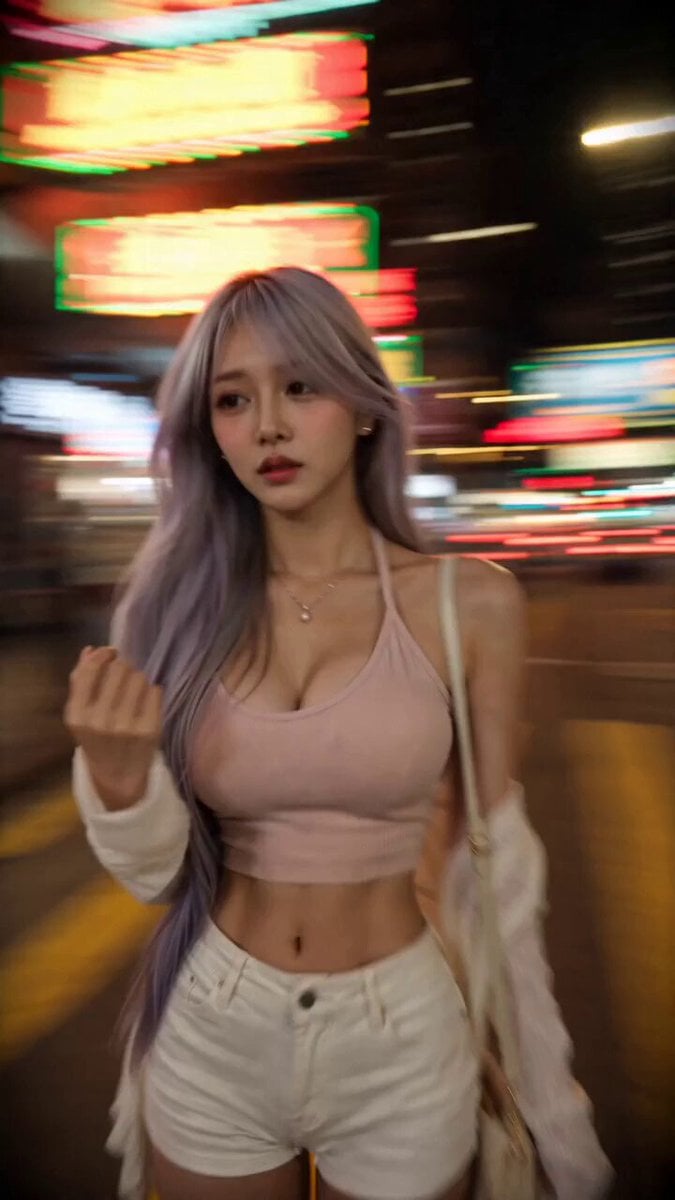
Wong Kar-wai Style Motion Blur Cinematic Video
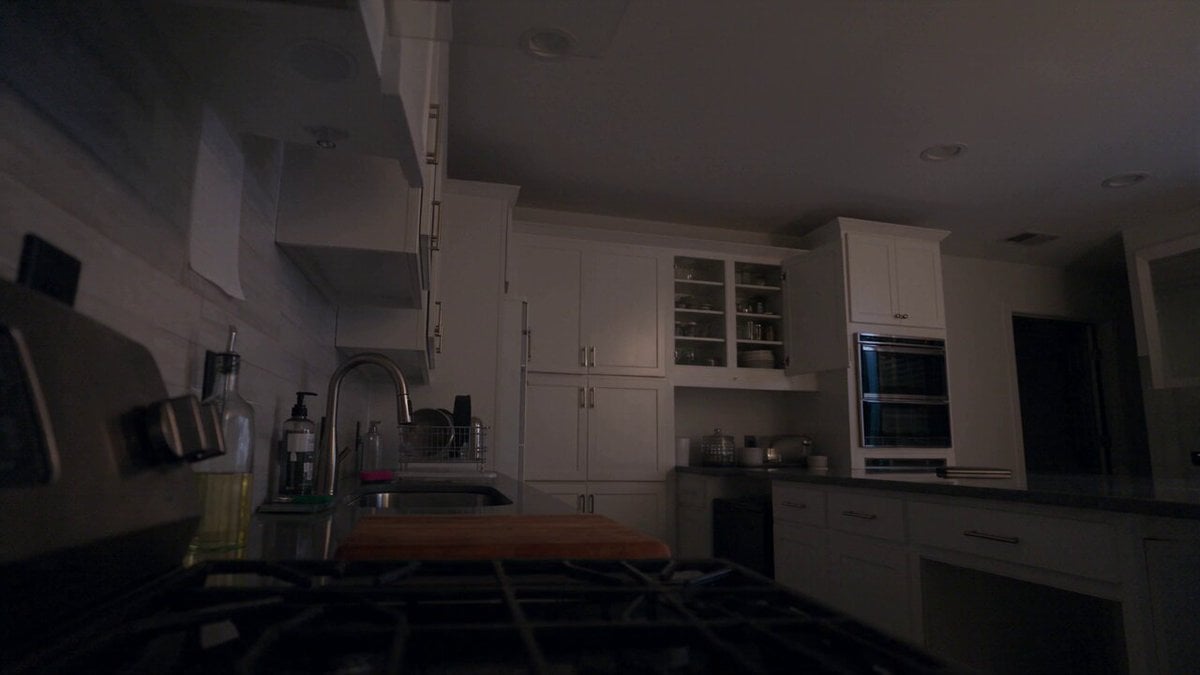
Late Night Kitchen Phone Recording - Seedance 2.5
Bullet Time Selfie — Modular Parameter Template (Seedance)

Purikura Booth Comedy Scene

Peach Blossom Garden Melancholy Video Prompt
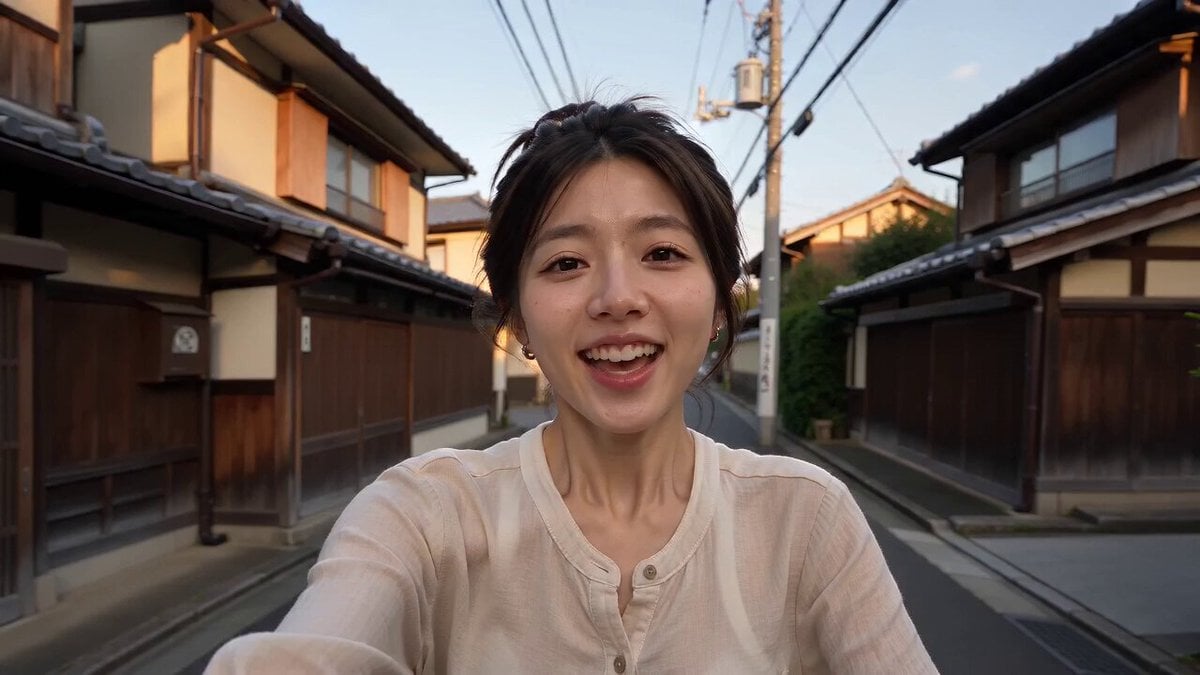
Kyoto Smartphone Vlog Simulation
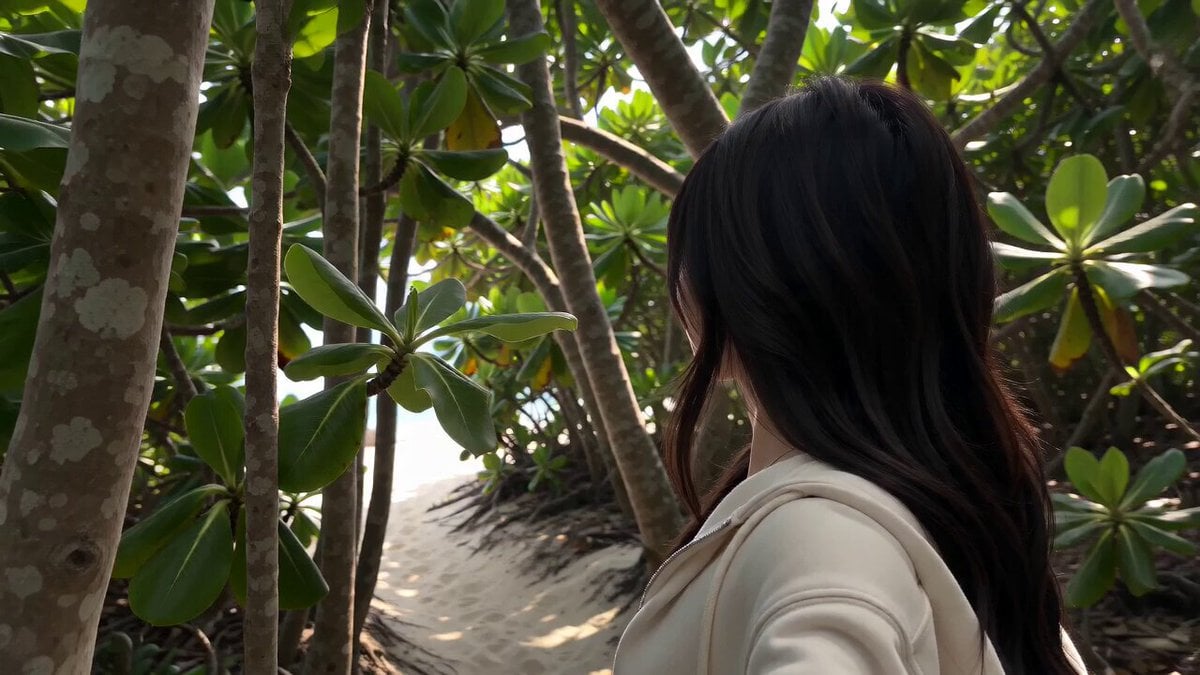
Ultra-Real Mobile Phone Vlog
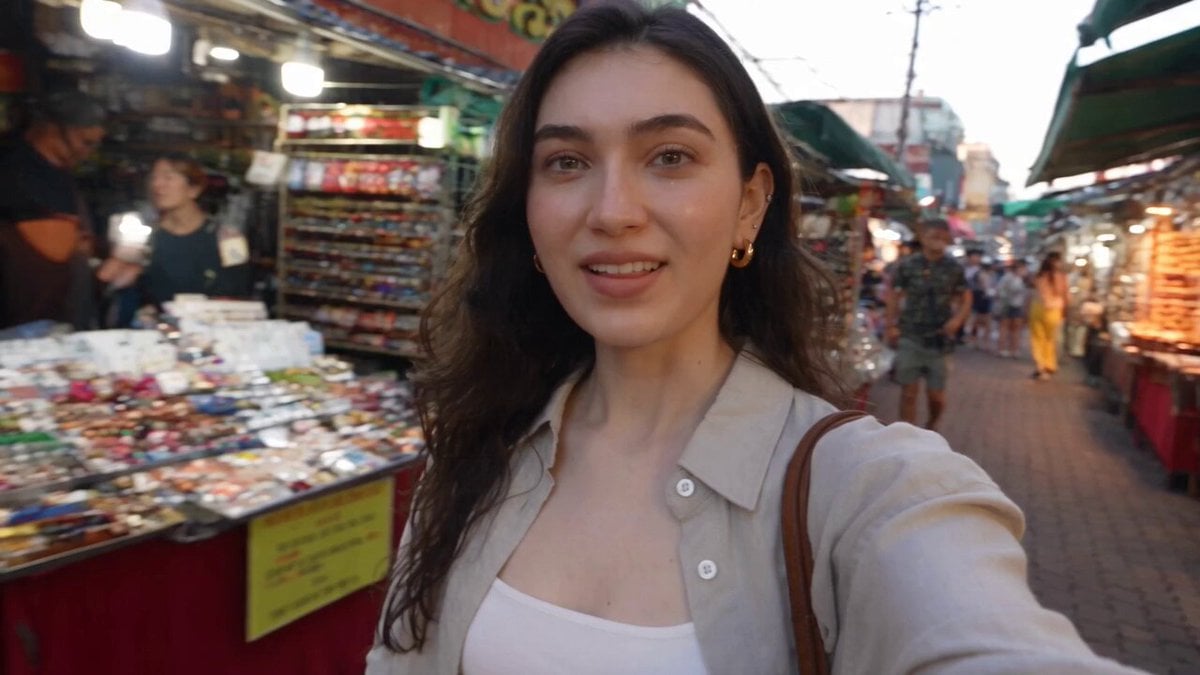
Smartphone Selfie Vlog Market Tour
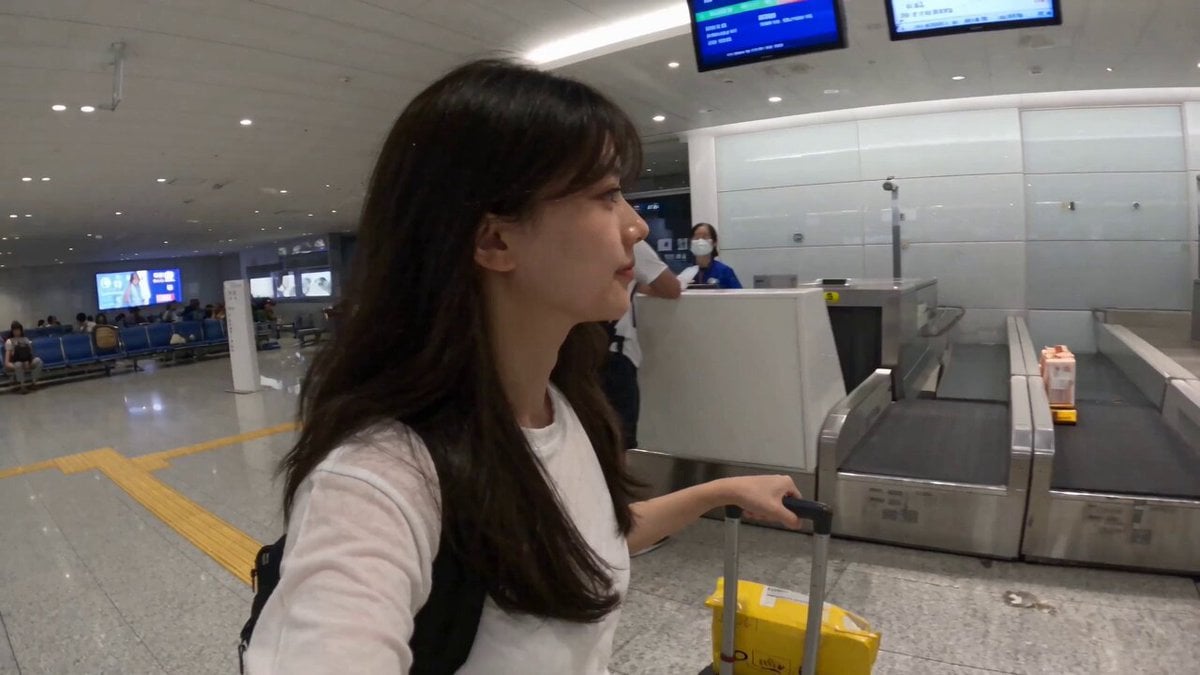
Smartphone Travel Vlog Tokyo Trip Identity Preserved
Funny Interview Phone Smash
Smartphone Style Slapstick Comedy Fall
Make it yours
Wong Kar-wai Style Melancholy Phone Booth Scene works as-is. These are the safest ways to change it without losing the look.
Change one field
Copy a single group, rewrite it, and generate again so you can see what that field is doing.
Keep the frame, change the subject
Hold the composition and light of Wong Kar-wai Style Melancholy Phone Booth Scene, then swap wardrobe, props or the person for a new take.
| If the result… | Why | Fix |
|---|---|---|
| The result drifts from the preview | Too many fields changed at once. | Reuse Wong Kar-wai Style Melancholy Phone Booth Scene as-is first, then change one group — subject, light, or setting. |
| The model over-stylizes the scene | The prose prompt leaves finish and camera underspecified. | Add one camera or lighting sentence and stay on Seedance 2.0. |
More Seedance 2.0 templates
Other prompts made for Seedance 2.0.

Comical Martial Arts Punch Scene

Maglev Train Action Sequence

Martial Arts Fight Sequence

Wuxia Protection and Trust Script

Vintage Korean Arcade MiniDV Vlog

Mercedes 190 SL Luxury Ad

Rainy Night Supernatural Reverse Comedy Video Script

Amazon Civilization Discovery

Futuristic South Asian City Transformation

Cozy Luxury Cafe Commercial
More video prompts
Fresh picks from across the catalog.
Epic Fantasy Giant Encounter
Cinematic Racing Cat Commercial
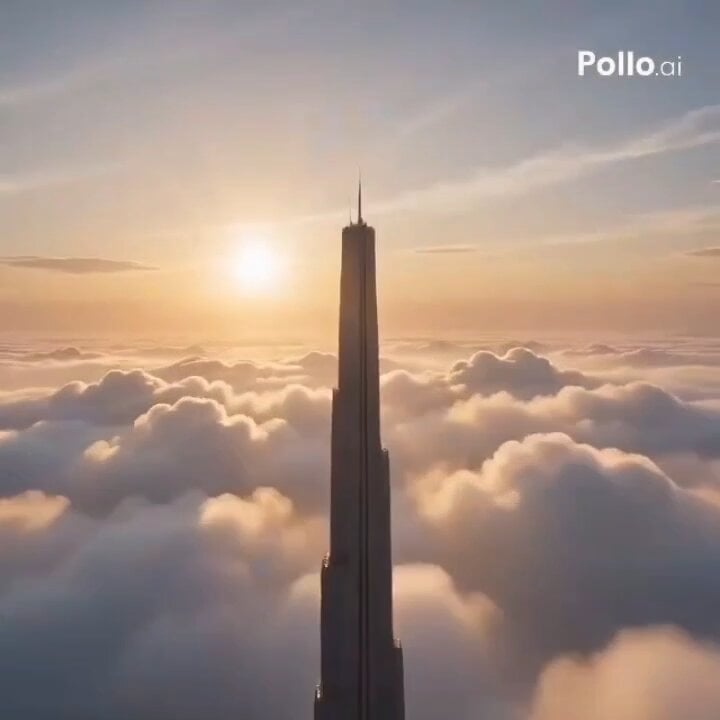
Burj Khalifa Rooftop Sky Cafe Cinematic Video
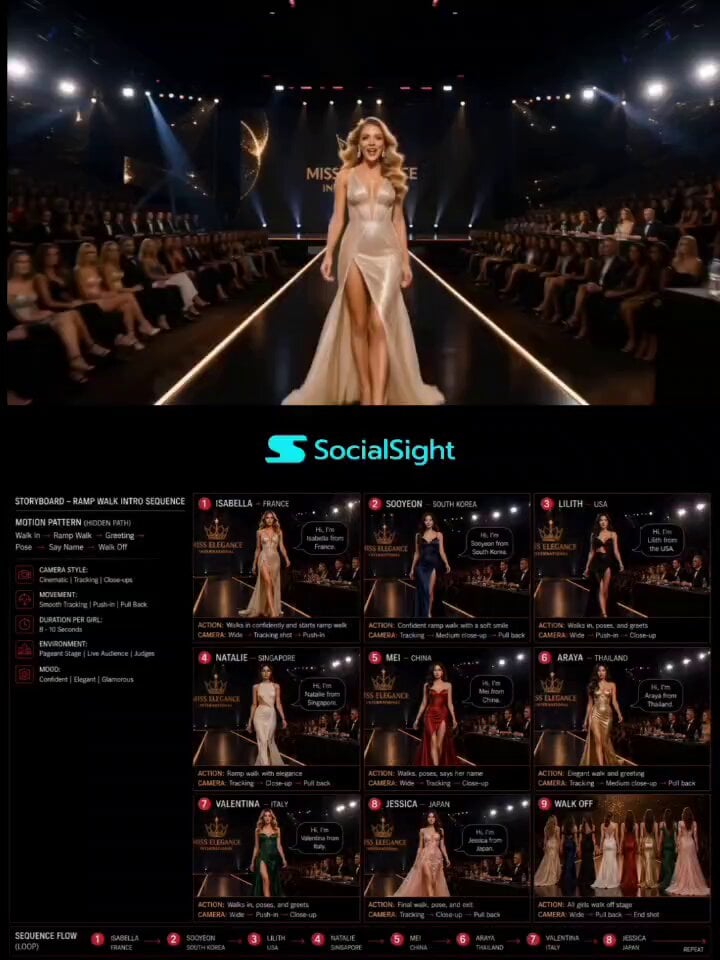
Cinematic Fashion Pageant Storyboard
Ultra-Refined Motion Design Sequence
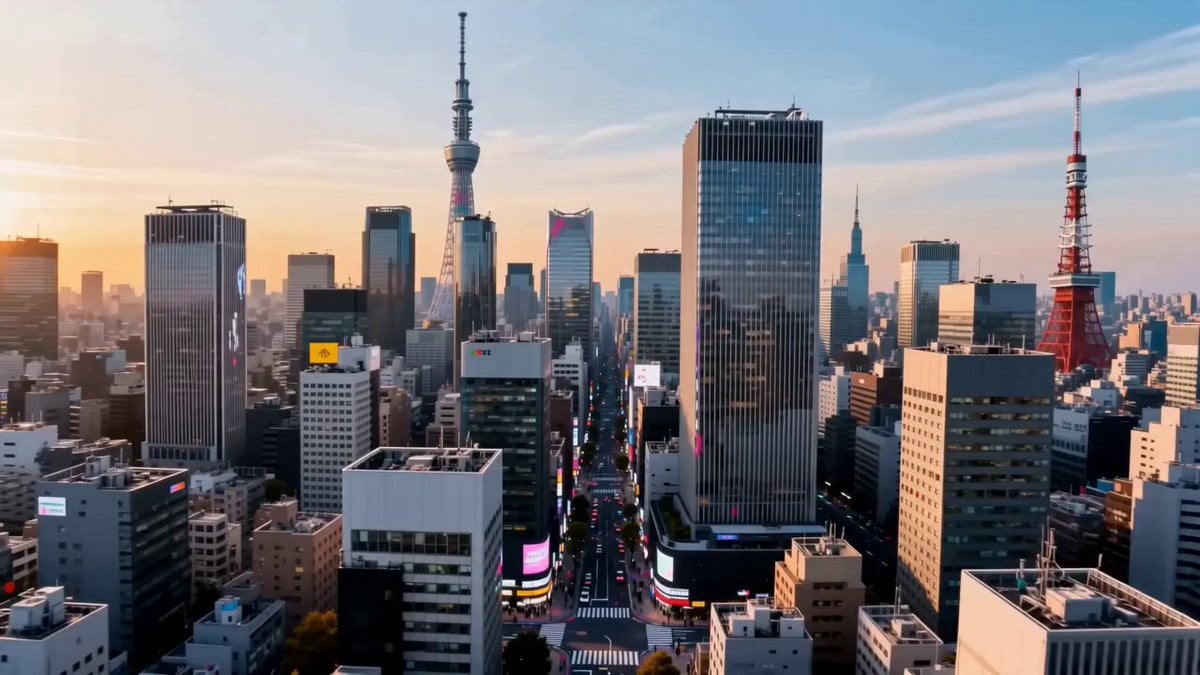
Tokyo Urban Ink Splash Montage
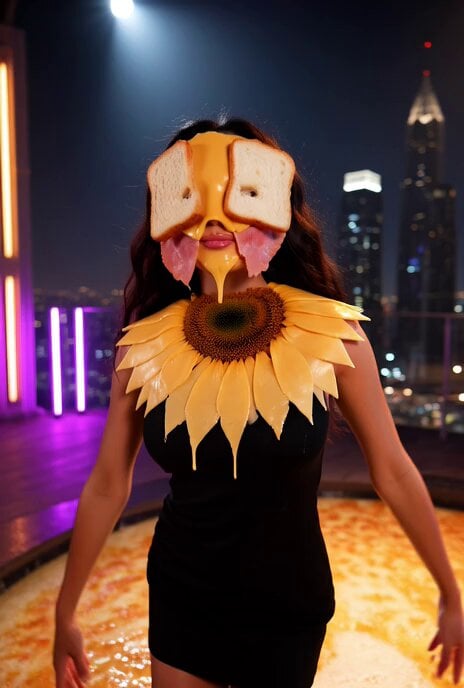
Abstract fashion model made of lunch meat video prompt (truncated)

Seedance 2.0 Prompt Structure for Cinematic Video Generation
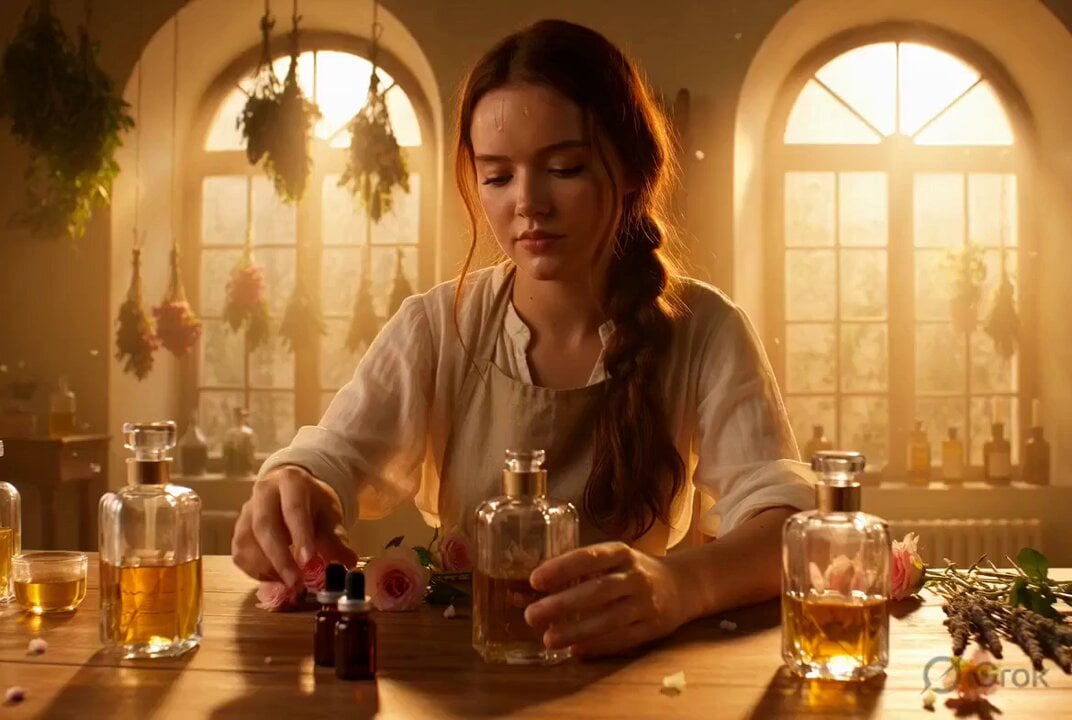
Golden Hour Woodturner Cinematic Portrait
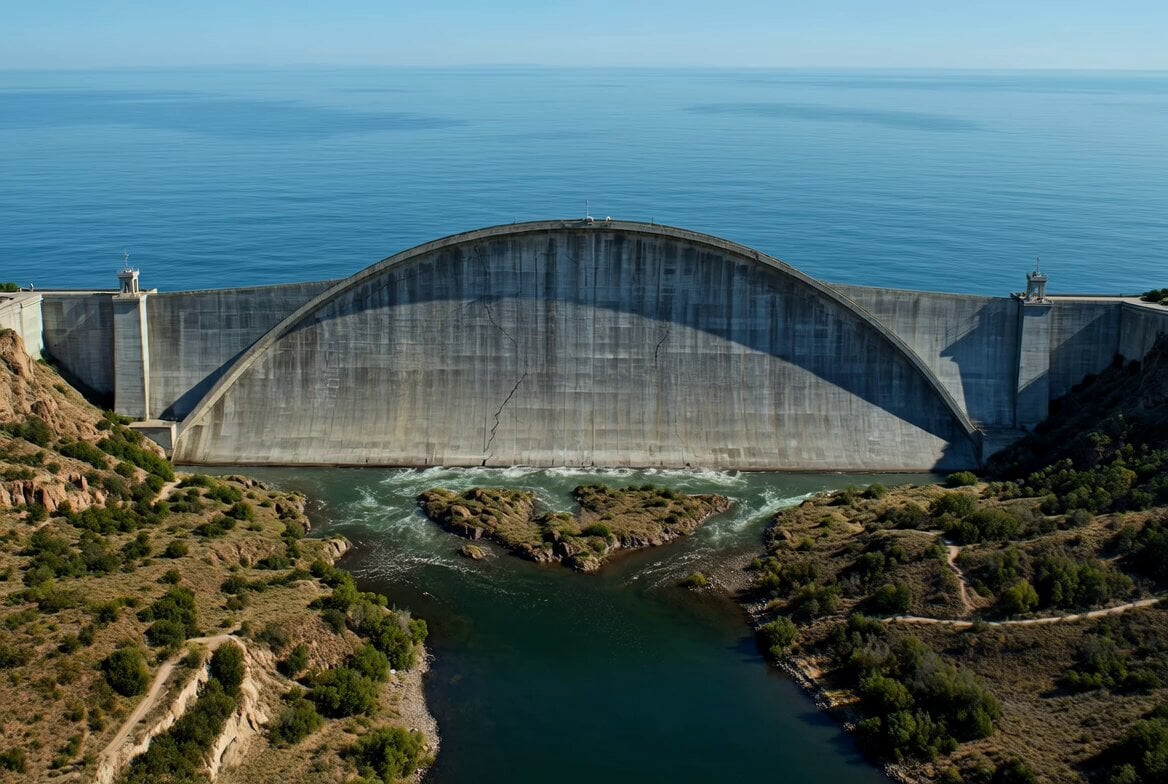
Concrete Dam Collapse Sequence
Browse template categories
Wong Kar-wai Style Melancholy Phone Booth Scene questions
How do I use the Wong Kar-wai Style Melancholy Phone Booth Scene template?
Add your photo if the template asks for one, edit the prompt if you like — the template's model and format are already selected — and press Generate. Your version opens in PicX Studio.
Can I customize the Wong Kar-wai Style Melancholy Phone Booth Scene template?
Yes. You can change the subject, setting, lighting, mood, format, and available model controls before creating your video.
Is the Wong Kar-wai Style Melancholy Phone Booth Scene template free?
Opening and editing this template is free. Generating uses credits, shown on the Generate button when you are signed in.
Which AI model should I use?
Start with Seedance 2.0, which is the model associated with this template. You can compare another compatible model for a different finish.
Looking for something else? Browse all templates.

Your photo, any look
Thousands of ready templates for every top image and video model, from one credit balance.