How do I use the Burj Khalifa Rooftop Sky Cafe Cinematic Video template?
Edit the prompt in the box under the preview — the template's model and format are already selected — and press Generate. Your version appears right on this page.
A detailed multi-scene cinematic video prompt for Seedance 2.0 featuring a transformation from a realistic Dubai sunrise to a magical floating sky cafe.
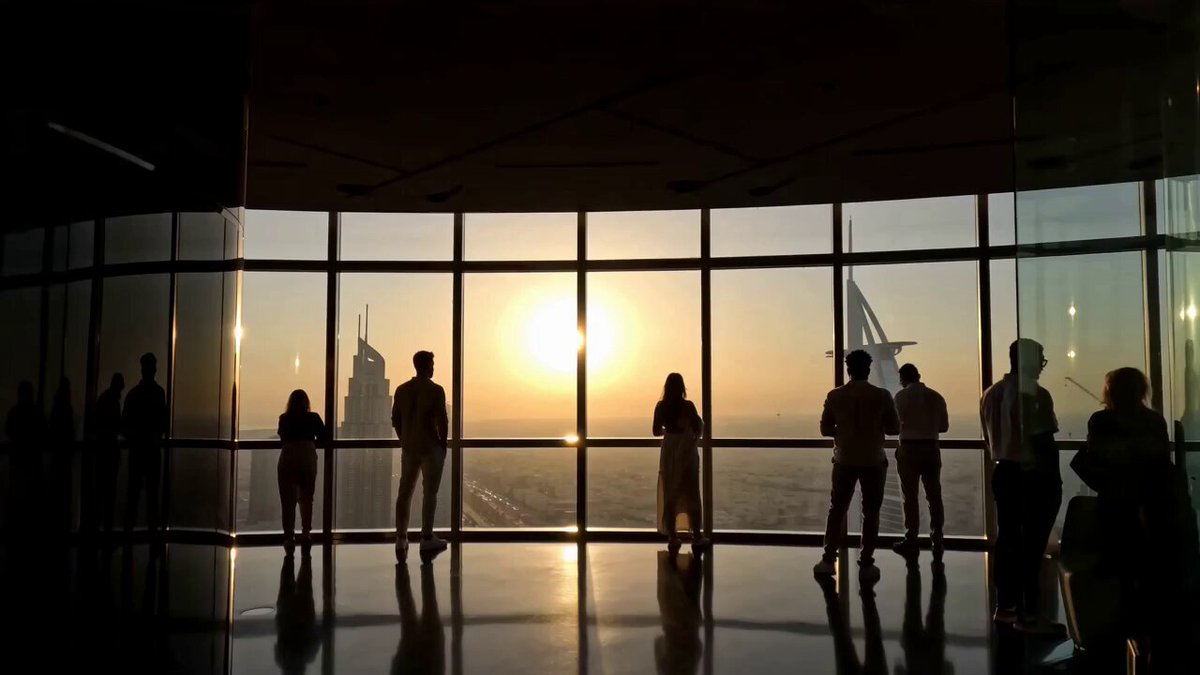
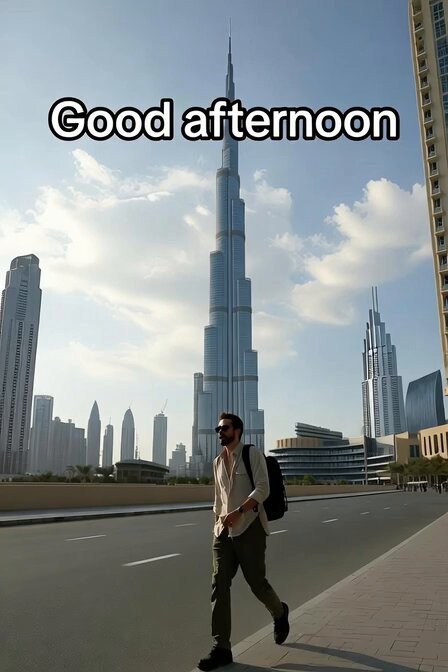
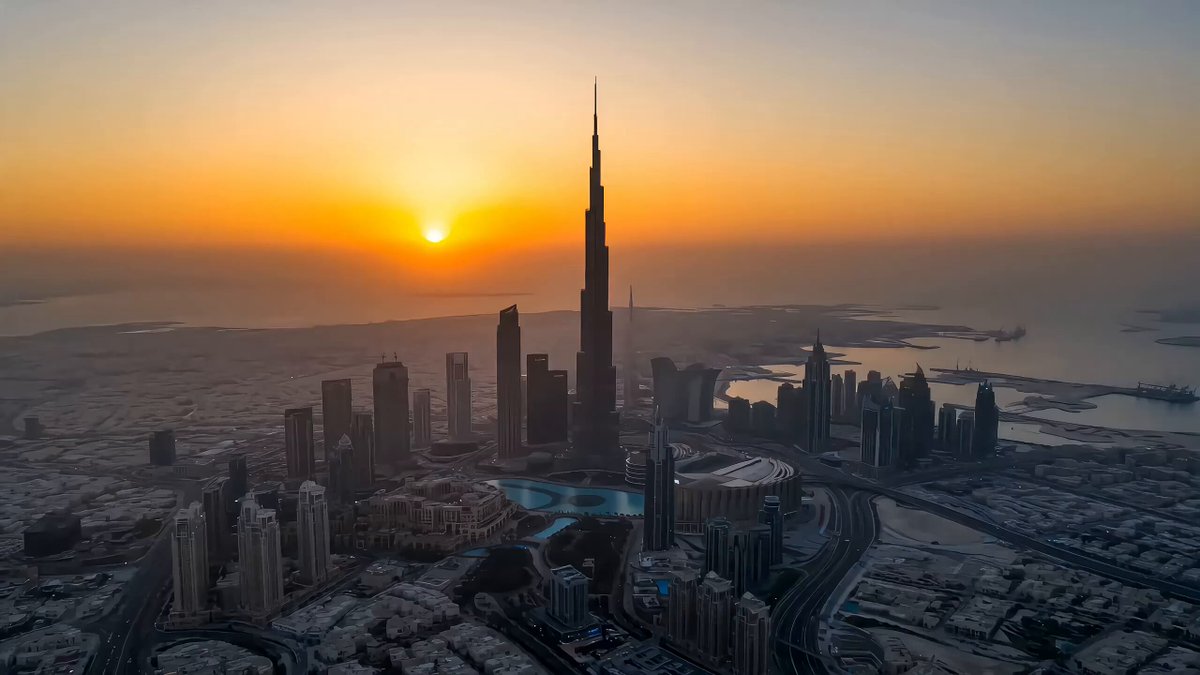
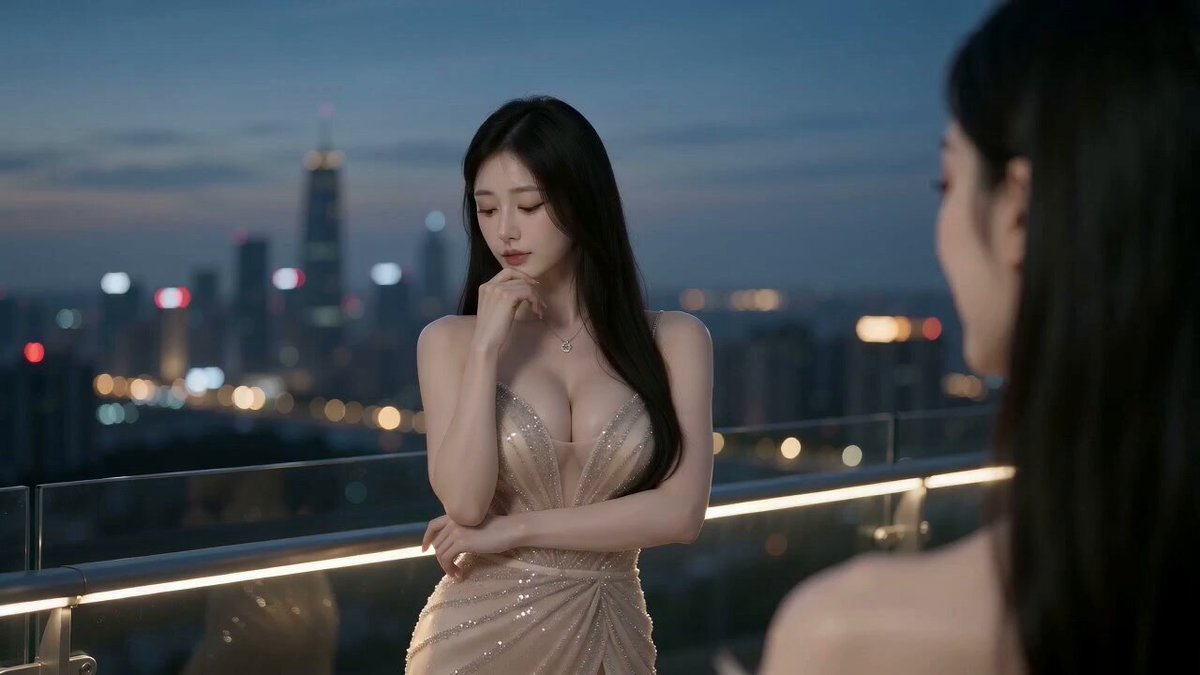
Scene 1 (0–3s) An epic aerial drone shot reveals the Burj Khalifa rising above a sea of clouds at golden sunrise. The camera rapidly flies toward the rooftop. Scene 2 (3–7s) A beautiful young South Asian woman sits at a stylish rooftop café on the top of the Burj Khalifa, smiling as she lifts a coffee cup. Warm sunlight, gentle wind, and soft clouds create a magical atmosphere. Scene 3 (7–11s) As she takes a sip, the rooftop transforms into a luxurious floating sky café with glowing lights, elegant flowers, and cinematic particles. The camera smoothly circles around her while birds fly across the sky. Scene 4 (11–15s) The camera pulls back into a breathtaking wide drone shot, revealing the Burj Khalifa above the clouds with the Dubai skyline below. End with a premium cinematic finish, leaving the viewer in awe. Style: Ultra-realistic, IMAX cinematic, Netflix-quality, photorealistic, HDR, volumetric lighting, 8K, smooth camera motion, realistic face consistency, natural expressions, realistic hands, premium color grading, no glitches, no distortion, no extra limbs, viral social media aesthetic.
Scene 1 (0–3s) An epic aerial drone shot reveals the Burj Khalifa rising above a sea of clouds at golden sunrise. The camera rapidly flies toward the rooftop. Scene 2 (3–7s) A beautiful young South Asian woman sits at a stylish rooftop café on the top of the Burj Khalifa, smiling as she lifts a coffee cup. Warm sunlight, gentle wind, and soft clouds create a magical atmosphere. Scene 3 (7–11s) As she takes a sip, the rooftop transforms into a luxurious floating sky café with glowing lights, elegant flowers, and cinematic particles. The camera smoothly circles around her while birds fly across the sky. Scene 4 (11–15s) The camera pulls back into a breathtaking wide drone shot, revealing the Burj Khalifa above the clouds with the Dubai skyline below. End with a premium cinematic finish, leaving the viewer in awe. Style: Ultra-realistic, IMAX cinematic, Netflix-quality, photorealistic, HDR, volumetric lighting, 8K, smooth camera motion, realistic face consistency, natural expressions, realistic hands, premium color grading, no glitches, no distortion, no extra limbs, viral social media aesthetic.
Edit the prompt in the box under the preview — the template's model and format are already selected — and press Generate. Your version appears right on this page.
Yes. You can change the subject, setting, lighting, mood, format, and available model controls before creating your video.
Opening and editing this template is free. Generating uses credits, shown on the Generate button when you are signed in.
Start with Seedance 2.0, which is the model associated with this template. You can compare another compatible model for a different finish.
Follow a topic to a crawlable collection of related PicX Studio templates.