
First-person POV Horror Short Film
A detailed multi-shot script for creating a realistic first-person horror short film, featuring a suspenseful encounter in a dingy apartment with atmospheric sound and lighting cues.
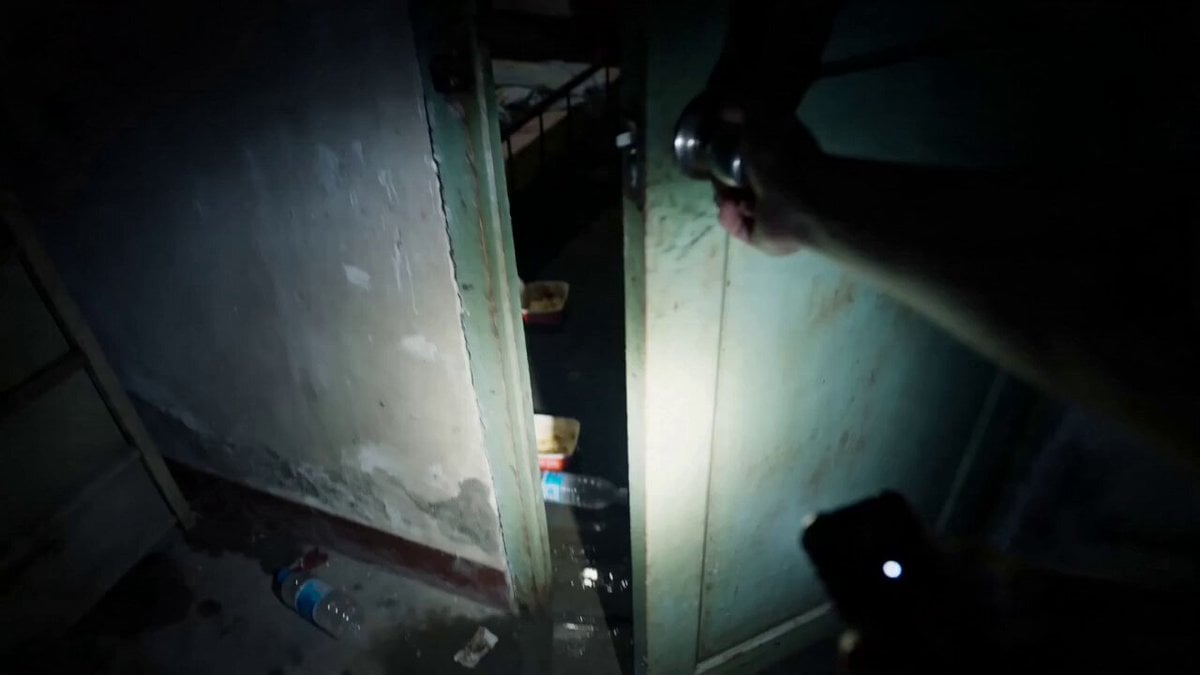
- Prompt included
- Model and format preset
- Premium template
The prompt behind this video
Copy the exact prompt behind First-person POV Horror Short Film, or open it in the studio and make it yours.
第一人称手机手电筒视角,夜晚推开一扇老旧公寓房门,镜头进入一间脏乱、潮湿、昏暗的卧室。房间里有一张凌乱的床,地上散落衣物、破纸箱、空水瓶和发霉的外卖盒。角落里蹲着一位明显成年的女性 hf_20260602_030359_fe9adf4d-7a5d-4c92-9517-3e9d2f2e0da1 穿着 图片_20260608230651_1029_183(1) ,看起来像被困很久。整体是写实恐怖短片质感,手持镜头轻微颤抖,呼吸声清晰,无音乐。 Shot 1 (0-3s) - THE HOOK: 第一人称慢慢推开门,门轴发出刺耳声。手电光扫过脏乱地面、凌乱床铺 and 墙上的水渍,最后停在房间角落。角落里的成年女性抬起头,眼神从害怕变成惊喜。 Shot 2 (3-6s): 她看到有人进来后非常开心,立刻站起来,朝镜头方向小跑过来。她脸上带着获救般的笑容,双手微微抬起,像是在求助和感谢。第一人称后退半步,镜头轻微晃动,画面里能听见紧张的呼吸声。 Shot 3 (6-9s): 第一人称以为救援成功,镜头稍微放低,像是准备扶她离开。女性越来越靠近,笑容仍然明亮,但房间灯光突然闪烁,床底下传来低沉的拖拽声。她停在距离镜头很近的位置,轻声说:“你终于来了。” Shot 4 (9-12s) - REVERSAL: 她的声音突然变得冰冷沙哑,表情僵住,笑容变得不自然。她缓缓歪头,眼睛在手电光里反射出异常的暗光,然后用完全不同的低哑声音说:“我等的不是救援……是替身。” Shot 5 (12-15s) - PAYOFF: 手电筒开始疯狂闪烁。她的脸在每次闪光中变得更像女恶鬼:苍白、扭曲、头发无风飘动,但不出现血腥画面。最后一次闪光时,她瞬间贴到镜头前,张开黑暗的眼睛,画面猛地失焦并切黑,只留下房门砰然关闭的声音。 Style: 第一人称手持手机录像,真实恐怖短视频质感,低光、手电筒硬光、数字噪点、轻微运动模糊、潮湿房间氛围、压抑呼吸声、门轴声、远处城市低频噪声、灯光闪烁、电流杂音。无音乐,无字幕,无水印,无额外角色,无血腥暴力,女性为明确成年角色。
How to use First-person POV Horror Short Film in 3 steps
- 1
Open
The prompt is already in the box next to the preview, with the template's model and format selected.
- 2…a portrait of your subject in softgolden-hour light, 85mm…
Personalize
Edit the subject and creative details for your destination.
- 3Generate
Generate
Press Generate — your video is created in PicX Studio, so you can compare it with the original and refine one variable at a time.
More like this
Templates with the same subject, style or setup. Open one to see its prompt.
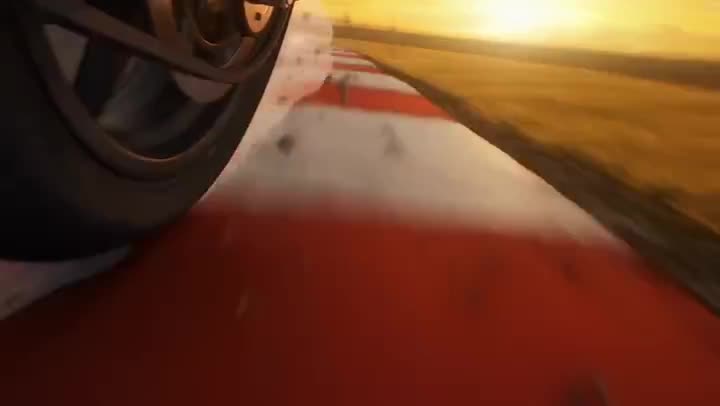
Youth Racing Short Film
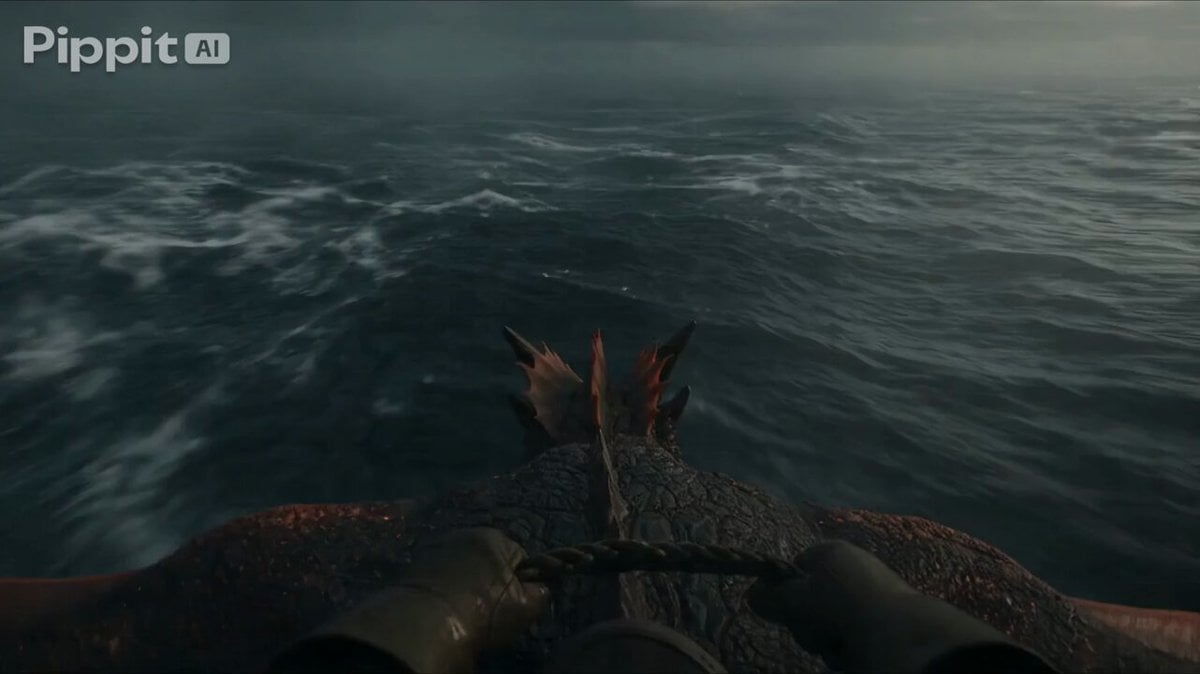
First Person Dragon Rider POV
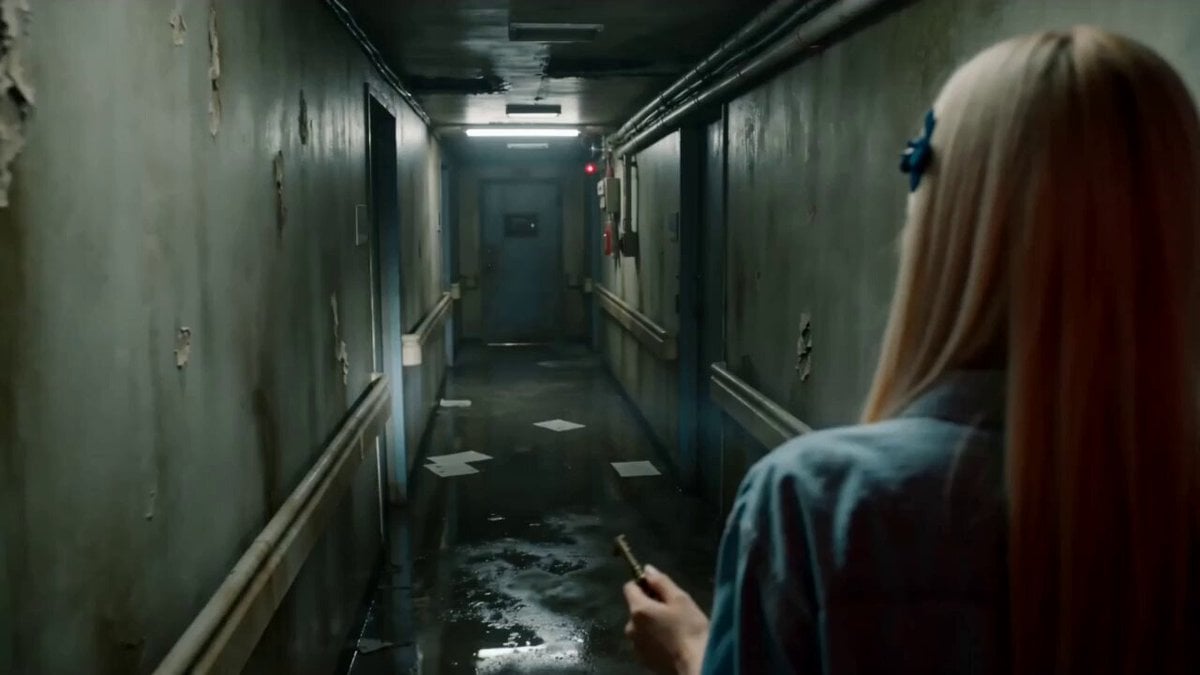
Abandoned Hospital Horror POV Film
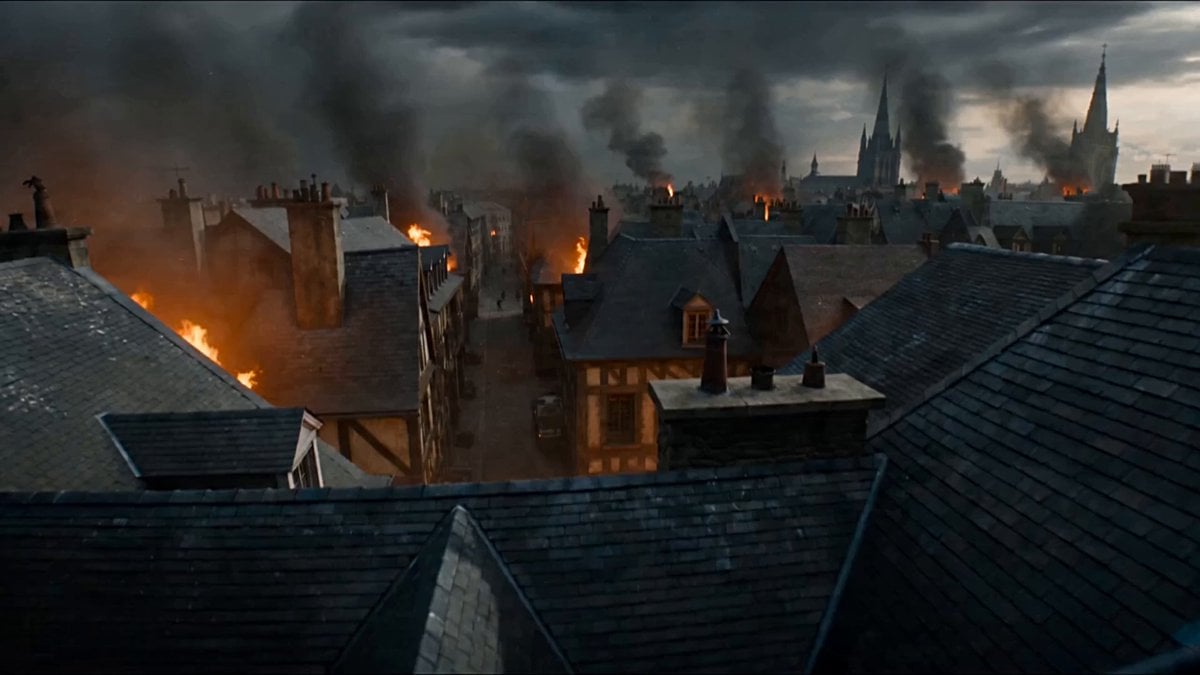
First-Person POV Fantasy Demon Battle
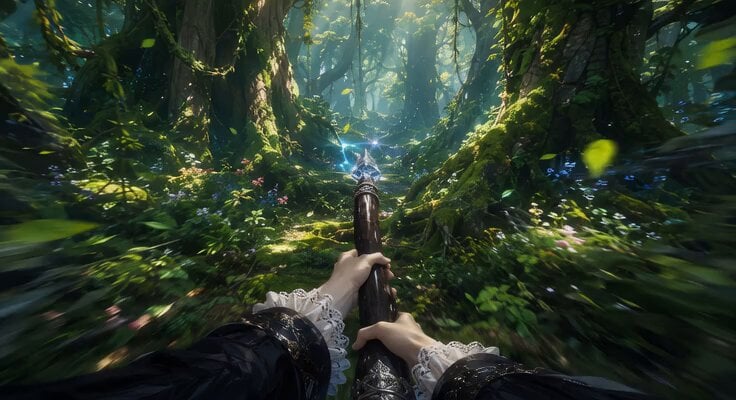
First-Person Flying Broom POV
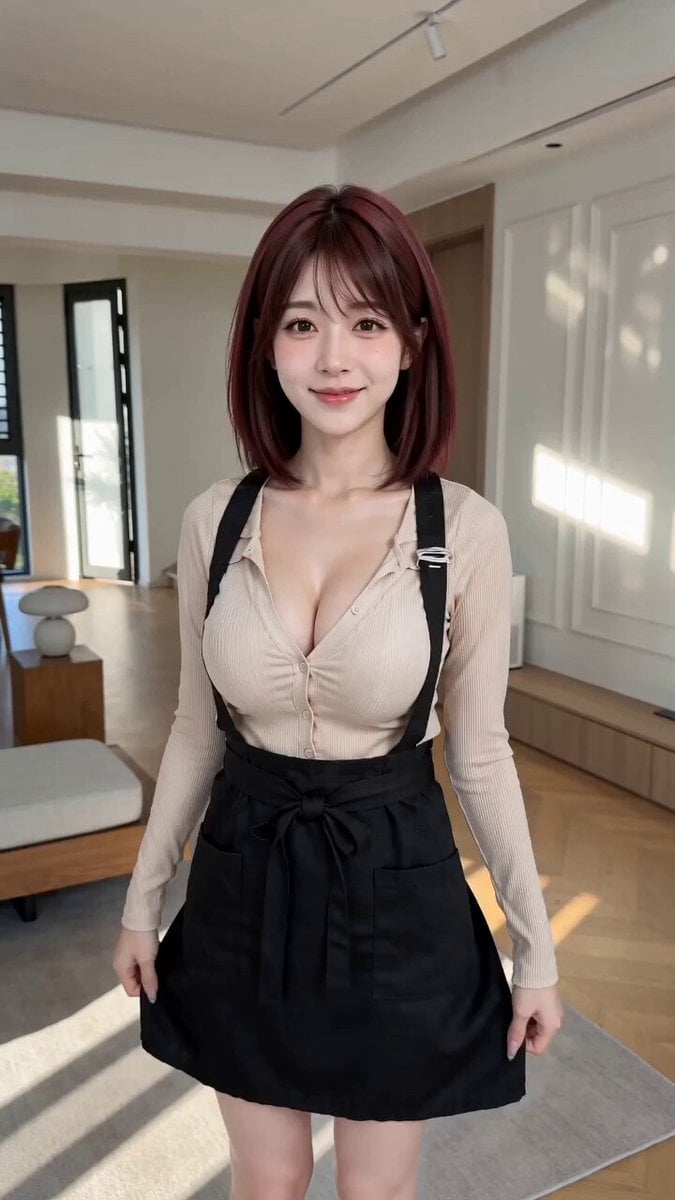
POV First-Person Remote Outfit Swap
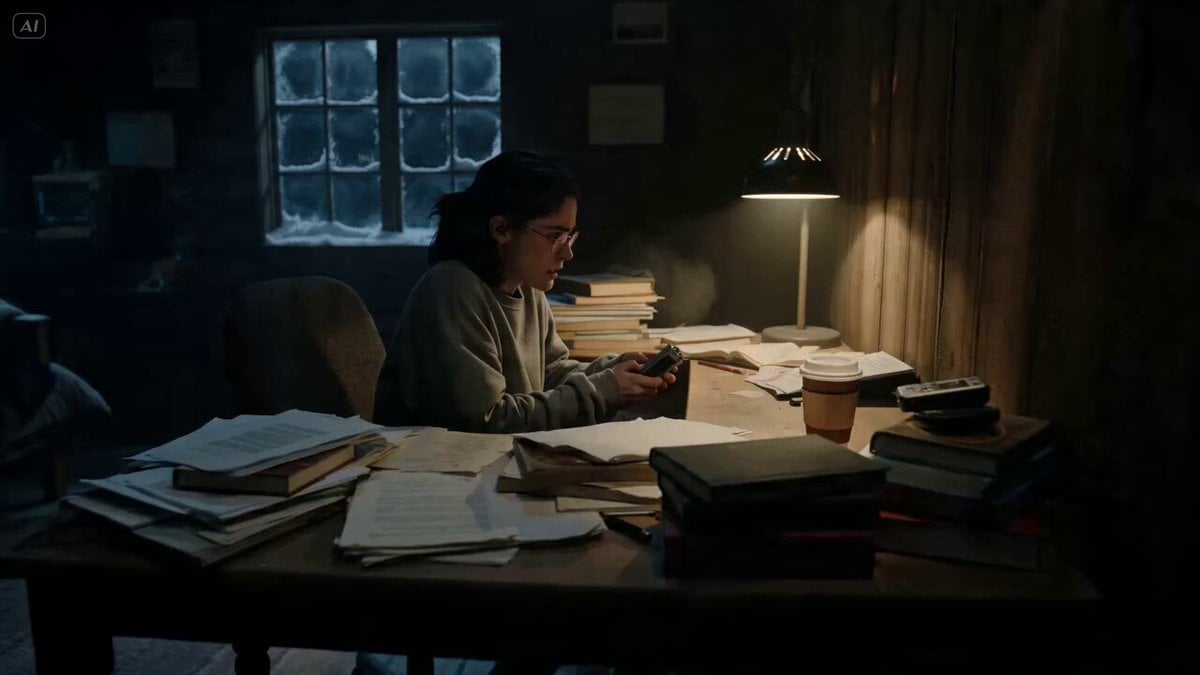
Ghost Lore Horror Short Film
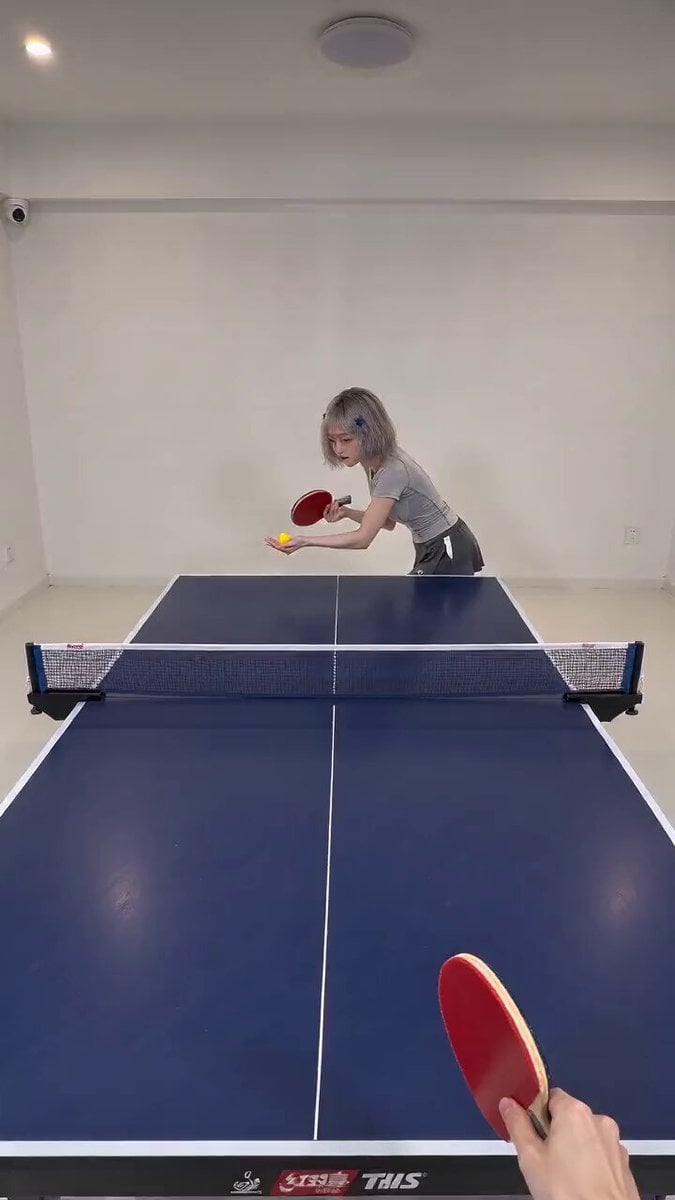
First-Person POV Ping Pong Match with Digital Human
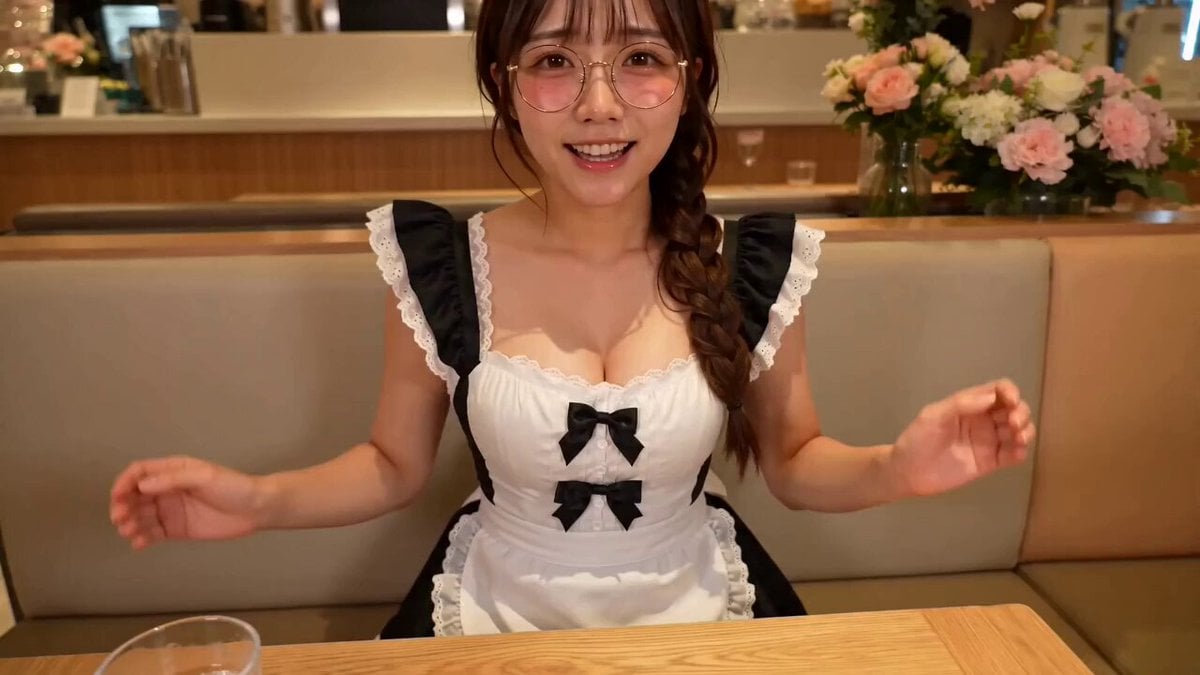
First Person POV Maid Cafe Interaction
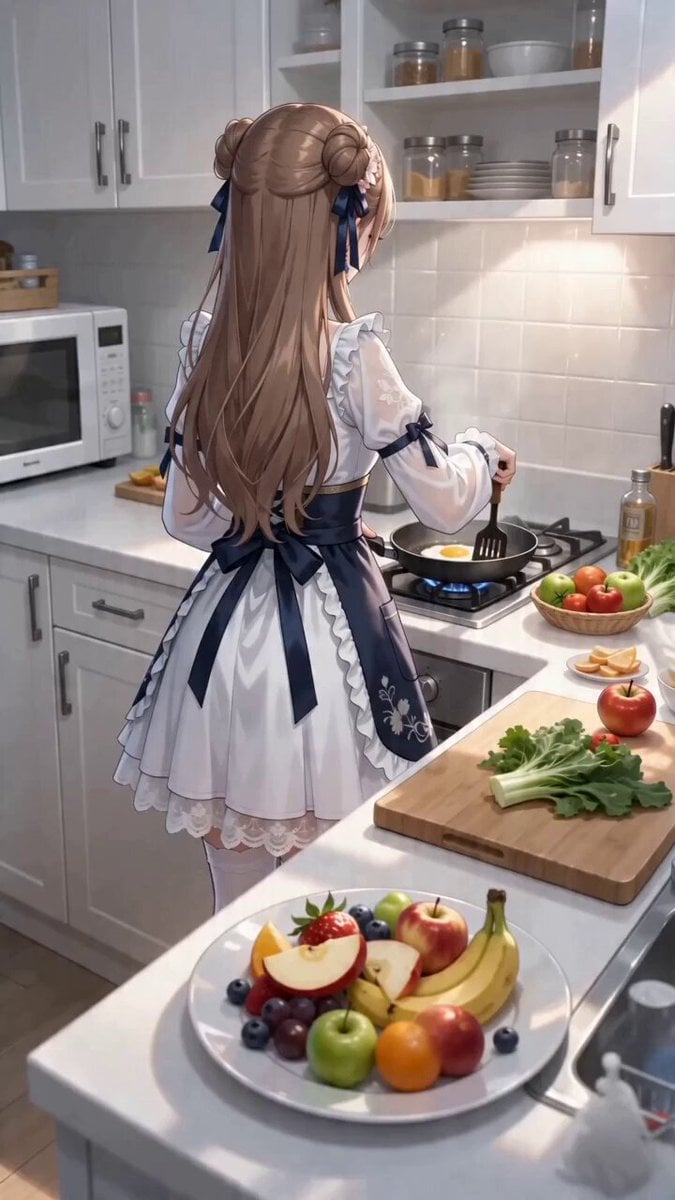
First-Person POV Kitchen Scene with Dialogue
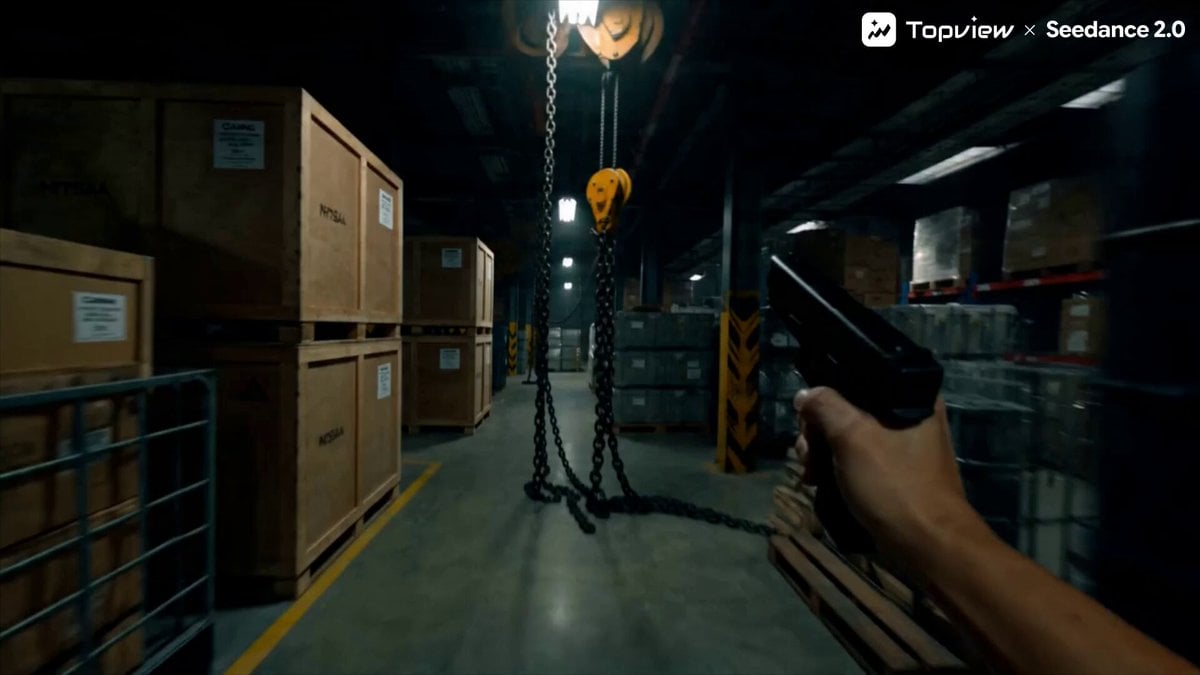
First-Person Shooter POV Scene
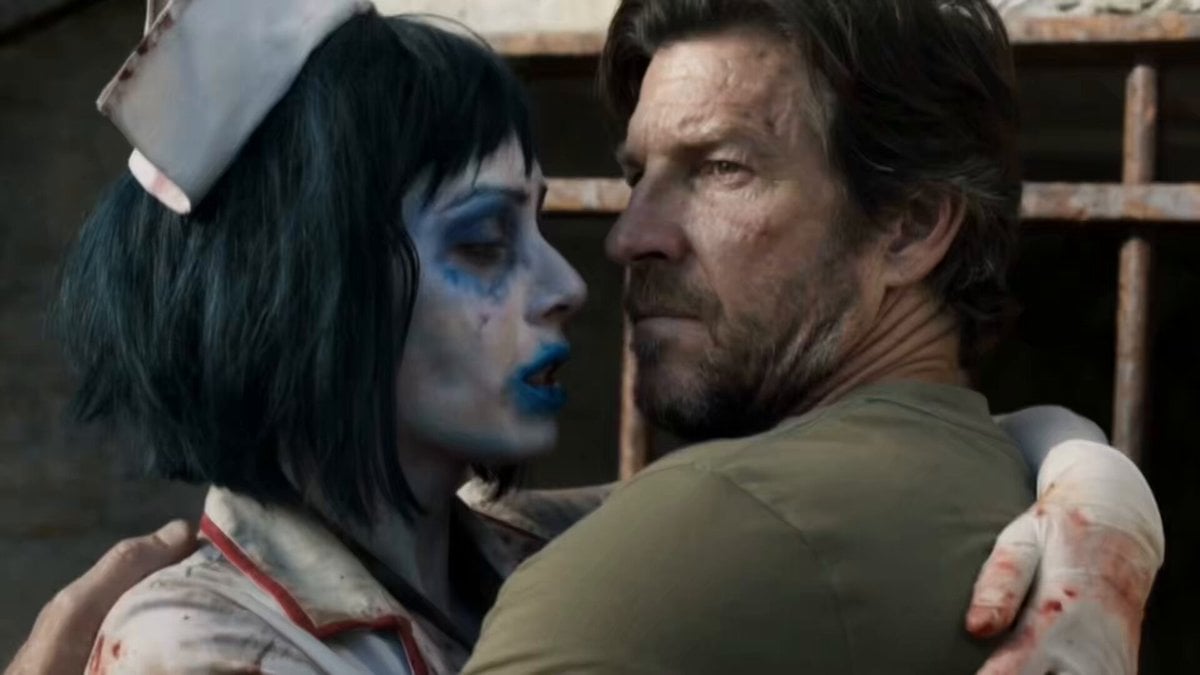
Horror Short Film Concept
Make it yours
First-person POV Horror Short Film works as-is. These are the safest ways to change it without losing the look.
Change one field
Copy a single group, rewrite it, and generate again so you can see what that field is doing.
Keep the frame, change the subject
Hold the composition and light of First-person POV Horror Short Film, then swap wardrobe, props or the person for a new take.
| If the result… | Why | Fix |
|---|---|---|
| The result drifts from the preview | Too many fields changed at once. | Reuse First-person POV Horror Short Film as-is first, then change one group — subject, light, or setting. |
| The model over-stylizes the scene | The prose prompt leaves finish and camera underspecified. | Add one camera or lighting sentence and stay on Seedance 2.0. |
More Seedance 2.0 templates
Other prompts made for Seedance 2.0.

Comical Martial Arts Punch Scene

Maglev Train Action Sequence

Martial Arts Fight Sequence

Wuxia Protection and Trust Script

Vintage Korean Arcade MiniDV Vlog

Mercedes 190 SL Luxury Ad

Rainy Night Supernatural Reverse Comedy Video Script

Amazon Civilization Discovery

Futuristic South Asian City Transformation

Cozy Luxury Cafe Commercial
More video prompts
Fresh picks from across the catalog.
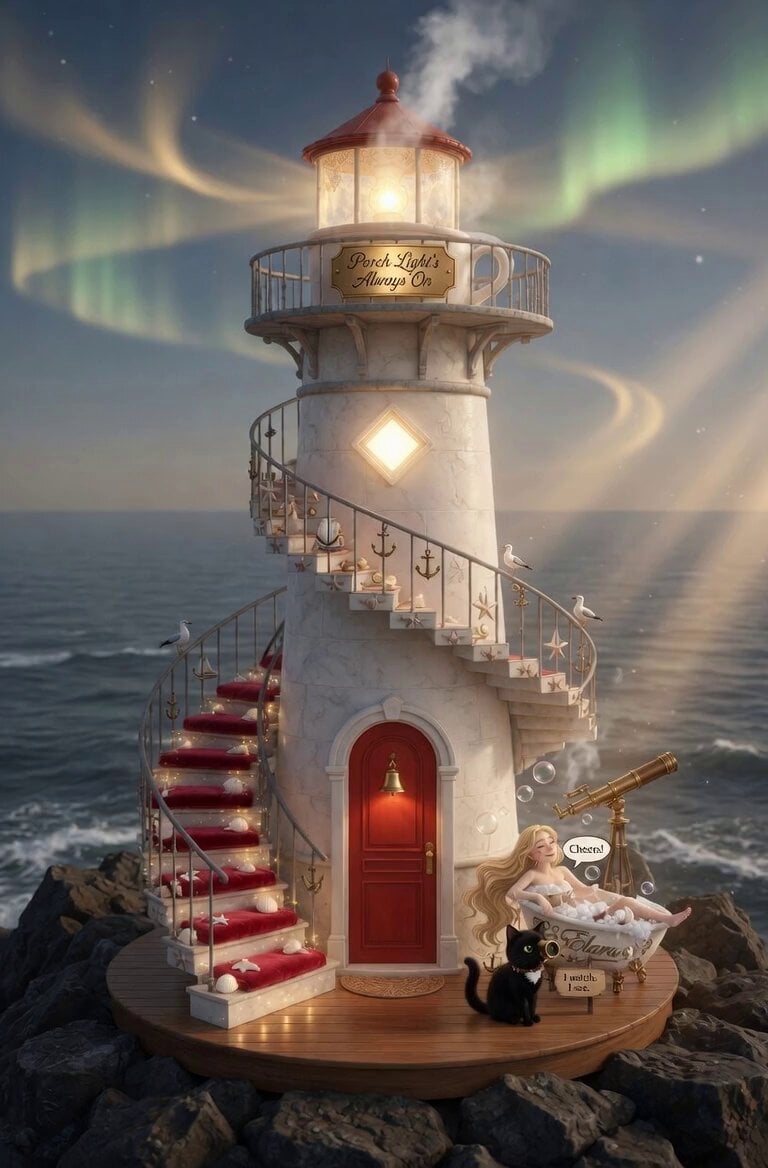
Woman Drinking Bordeaux with Bubbles
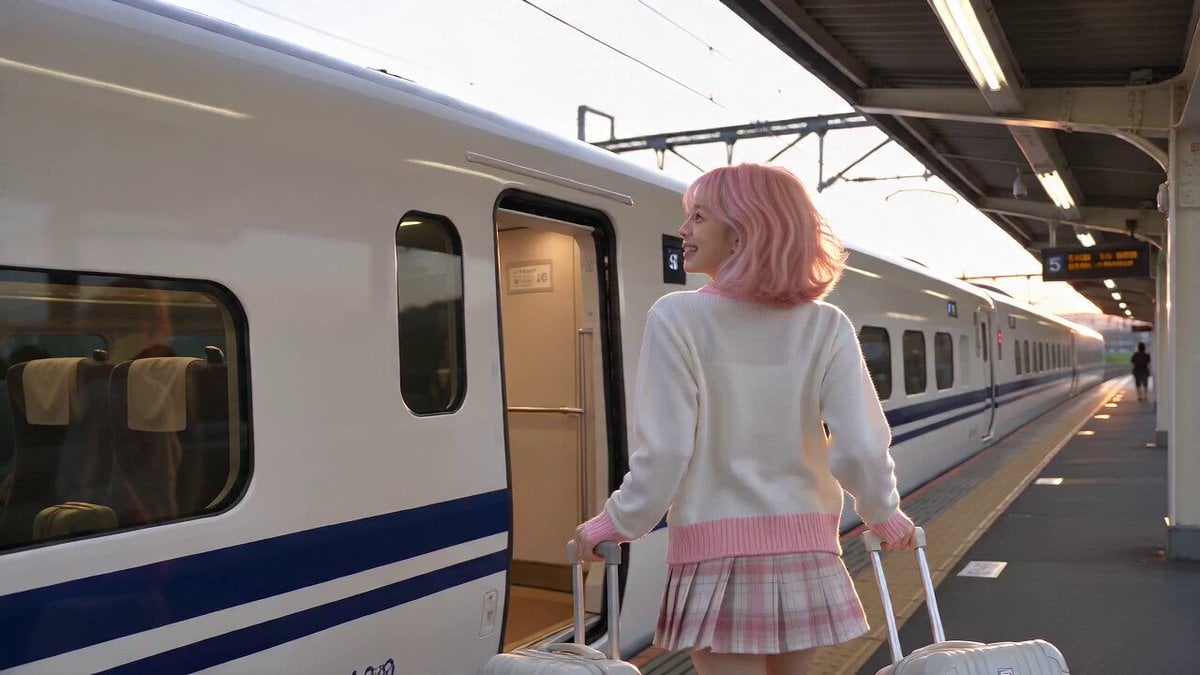
Train Window Travel Diary Vlog
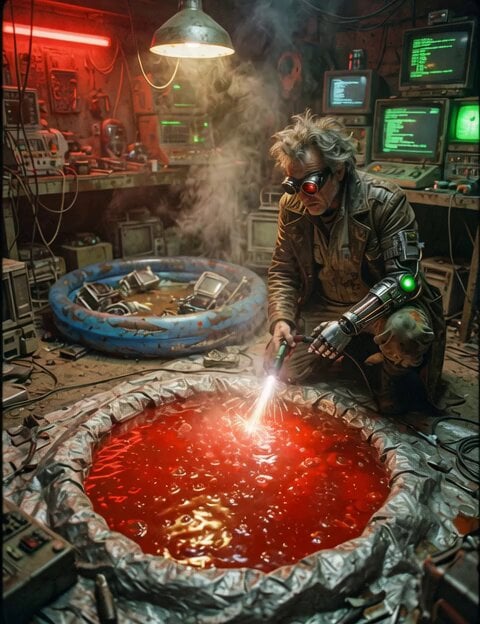
Jello Wrestling Character Duplication
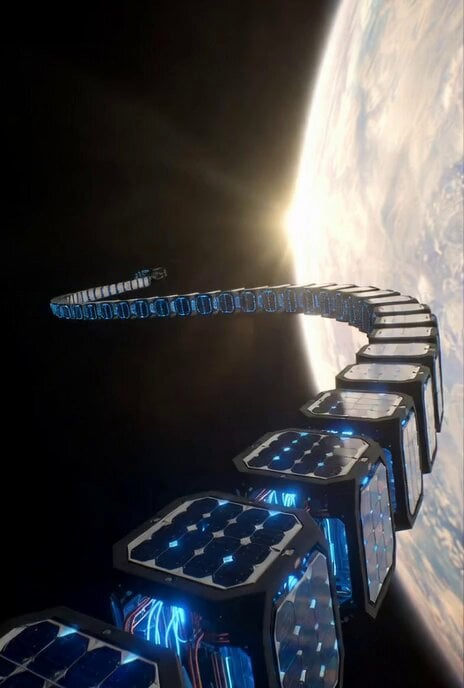
Sci-Fi Documentary Video Prompt for Orbital Solar Energy System
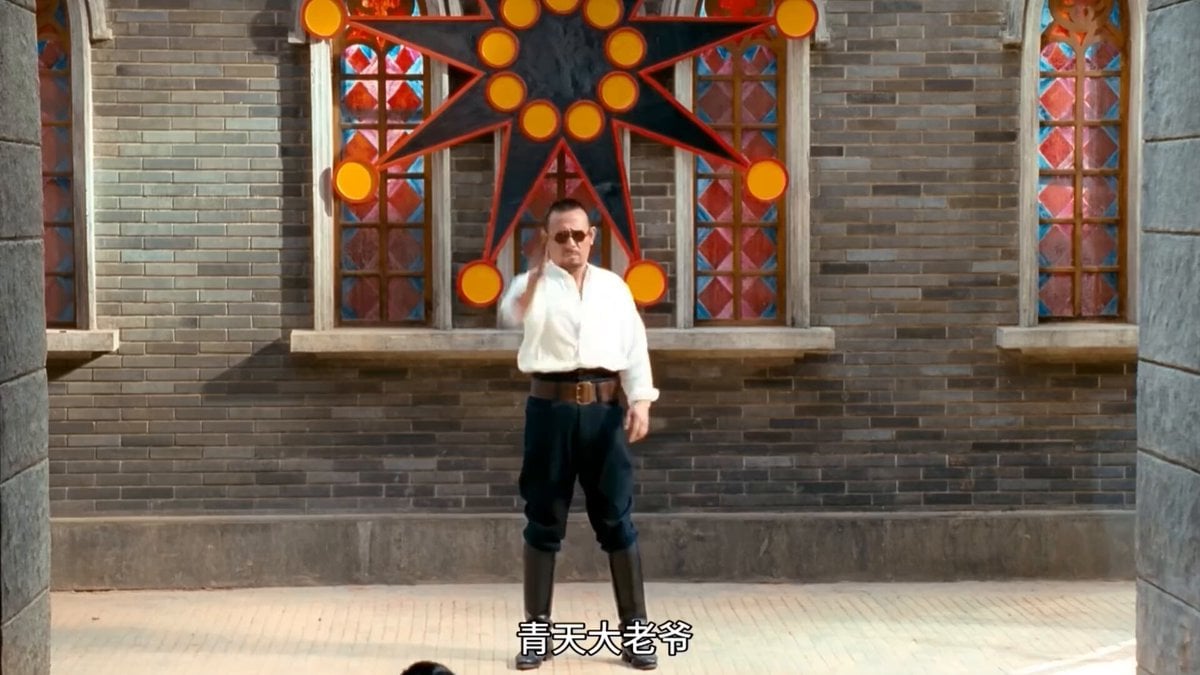
Text-to-Video Prompt: Ancient Costume Execution Ground Revenge Scene
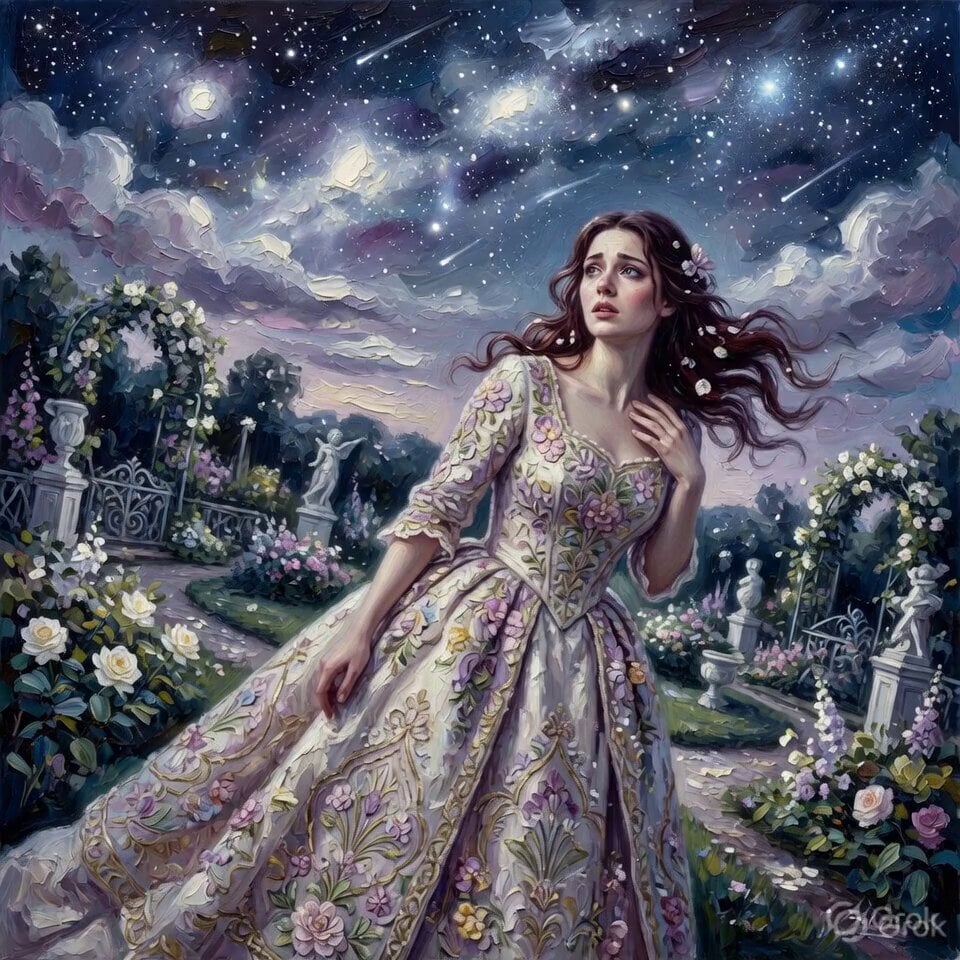
Moonlit Oil Painting Garden Portrait

Comedic Cat VTuber Parody Prompt

Tokyo Café Barista Latte Art Close-up
Anime Style Underwater to Beach Transition
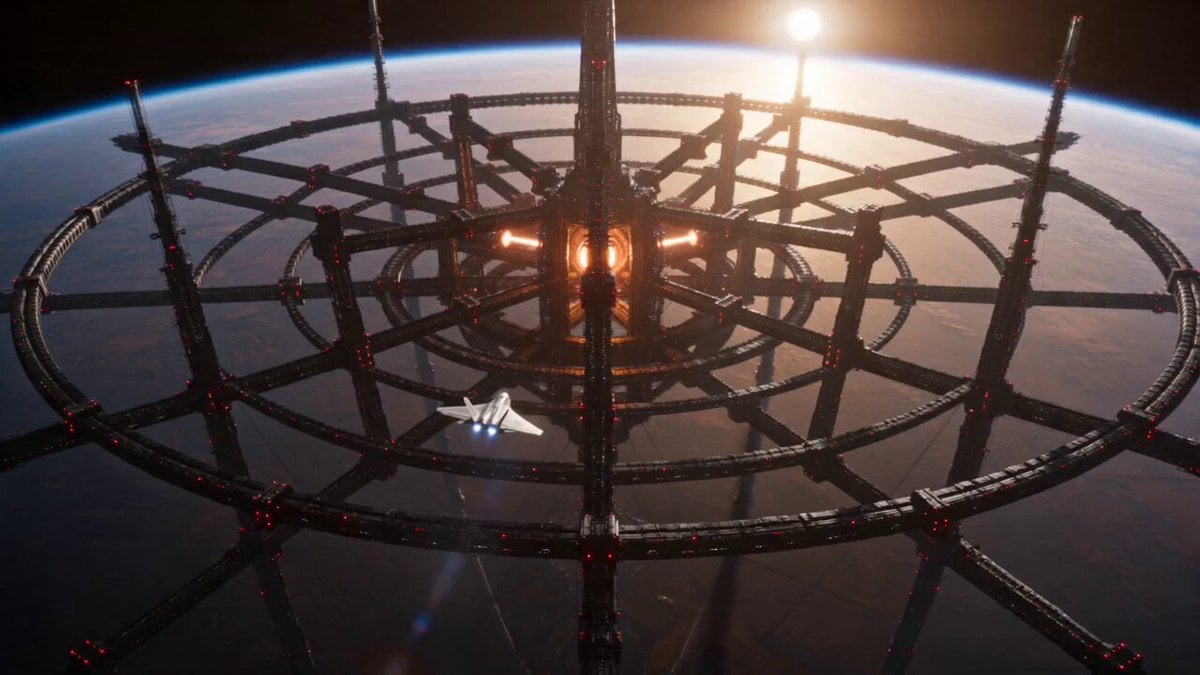
Sci-Fi Stellar Energy Extraction
Browse template categories
First-person POV Horror Short Film questions
How do I use the First-person POV Horror Short Film template?
Add your photo if the template asks for one, edit the prompt if you like — the template's model and format are already selected — and press Generate. Your version opens in PicX Studio.
Can I customize the First-person POV Horror Short Film template?
Yes. You can change the subject, setting, lighting, mood, format, and available model controls before creating your video.
Is the First-person POV Horror Short Film template free?
Opening and editing this template is free. Generating uses credits, shown on the Generate button when you are signed in.
Which AI model should I use?
Start with Seedance 2.0, which is the model associated with this template. You can compare another compatible model for a different finish.
Looking for something else? Browse all templates.

Your photo, any look
Thousands of ready templates for every top image and video model, from one credit balance.