
POV First-Person Remote Outfit Swap
A detailed cinematic script for a POV perspective video featuring seamless outfit changes triggered by a remote control, designed for high-quality character and fashion consistency.
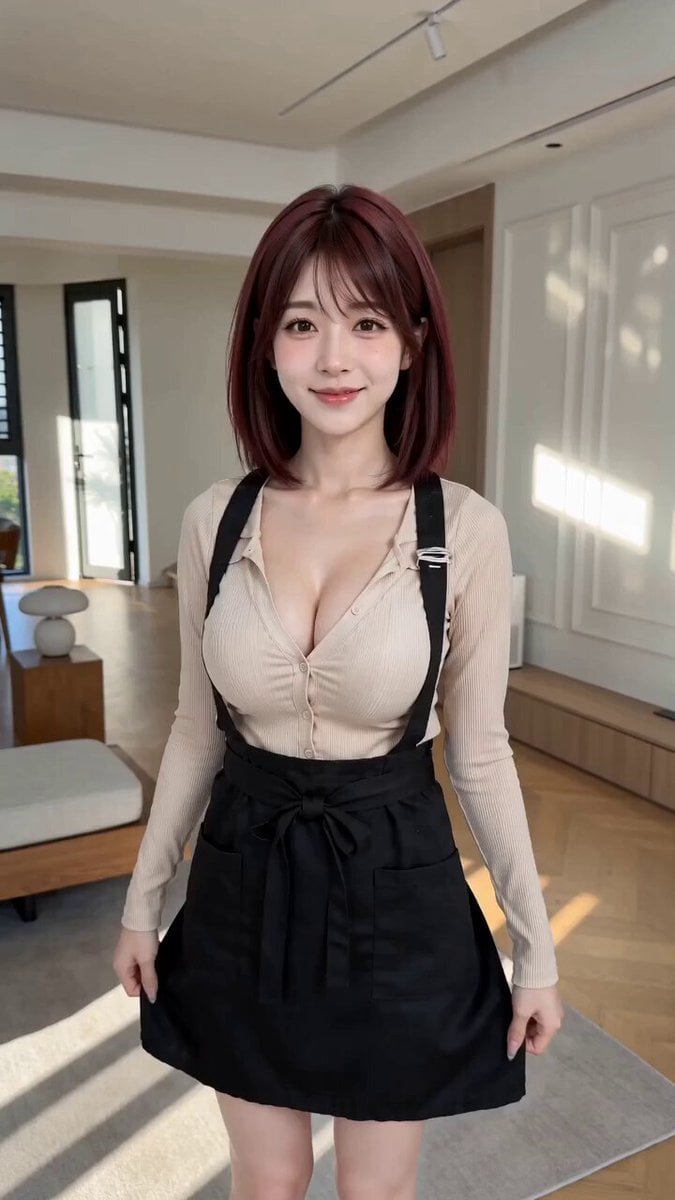
- Prompt included
- Model and format preset
- Premium template
The prompt behind this video
Copy the exact prompt behind POV First-Person Remote Outfit Swap, or open it in the studio and make it yours.
【风格】POV男友第一人称视角短剧,真实手机手持质感带轻微晃动,室内自然光通透,遥控瞬间换装特效,节奏轻快甜宠,竖屏9:16 【时长】15秒 【场景】明亮的客厅/卧室,落地窗自然光,背景简洁温馨 【角色】女主(@图片1,开场穿角色原本服装);男主为POV视角,全程不露脸,仅画面下方出现一只持白色遥控器的男性手 【道具】白色简约遥控器,只有一个圆形按钮,按下时发出清脆"滴"声并亮一下小红灯 [00:00-00:03] 镜头1:开场展示 画面:POV视角,女主站在画面中央,开心地原地转了半圈展示穿搭,双手轻提衣摆,眼睛亮亮地看向镜头 台词:女主:"老公,看我今天穿得怎么样?" 音效:室内安静底噪,衣料轻响 [00:03-00:06] 镜头2:掏出遥控器 画面:画面下方男主的手举起遥控器入镜,对准女主,拇指按下按钮,红灯一闪 台词:男主(画外音,慵懒):"还行,不过——换一套看看。" 音效:清脆"滴"一声 [00:06-00:08] 镜头3:第一次瞬变(Instant Swap 1) 画面:"滴"声落下的同一帧,女主服装瞬间变成@图片2的套装,站位姿势发型完全不变;女主低头看自己的衣服,瞪大眼睛张嘴惊讶,抬头难以置信地看镜头 台词:女主(惊讶):"诶?!" 音效:换装瞬间一声轻巧的"叮",衣料展开的微响 [00:08-00:11] 镜头4:第二次瞬变(Instant Swap 2) 画面:男主的手再次按下按钮,红灯一闪,同一帧女主换成@图片3的套装;这次她反应过来了,脸颊微红,手指绞在身前,害羞地小幅度扭了一下身子,眼神躲闪又忍不住看镜头 音效:"滴"+"叮",轻快音乐渐起 [00:11-00:15] 镜头5:第三次瞬变+收尾(Instant Swap 3 & Ending) 画面:男主画外音说完,拇指再按,女主瞬变为@图片4的套装;她这次直接笑出来,上前一步凑近镜头,狡黠地眯眼 台词:男主(画外音,满意):"不错不错。"(按键)女主(笑着凑近,嗔怪):"你好坏啊——我好喜欢!" 音效:"滴"+"叮",音乐在女主台词落点收在甜甜的重拍 【导演备注】1. 换装铁律:每次换装发生在"滴"声的同一帧,单帧瞬变——女主的站位、姿势、发型、表情跨越换装帧完全连续,只有服装改变,可加一道从上到下快速扫过身体的柔和微光,禁止叠化、禁止黑闪、禁止人物跳位;2. POV铁律:镜头即男主眼睛,全程轻微手持呼吸晃动,男主只出现手和画外音,禁止露脸;3. 女主三次反应必须层层递进:惊讶→害羞→大方喜欢,每次都有小动作(低头看衣服/绞手指/凑近镜头),禁止呆立;4. 服装引用锁定:开场=角色原本服装,第一次换装=@图片2,第二次=@图片3,第三次=@图片4,顺序不可乱;5. 台词口型清晰自然,与音效节拍对齐。
How to use POV First-Person Remote Outfit Swap in 3 steps
- 1
Open
The prompt is already in the box next to the preview, with the template's model and format selected.
- 2…a portrait of your subject in softgolden-hour light, 85mm…
Personalize
Edit the subject and creative details for your destination.
- 3Generate
Generate
Press Generate — your video is created in PicX Studio, so you can compare it with the original and refine one variable at a time.
More like this
Templates with the same subject, style or setup. Open one to see its prompt.
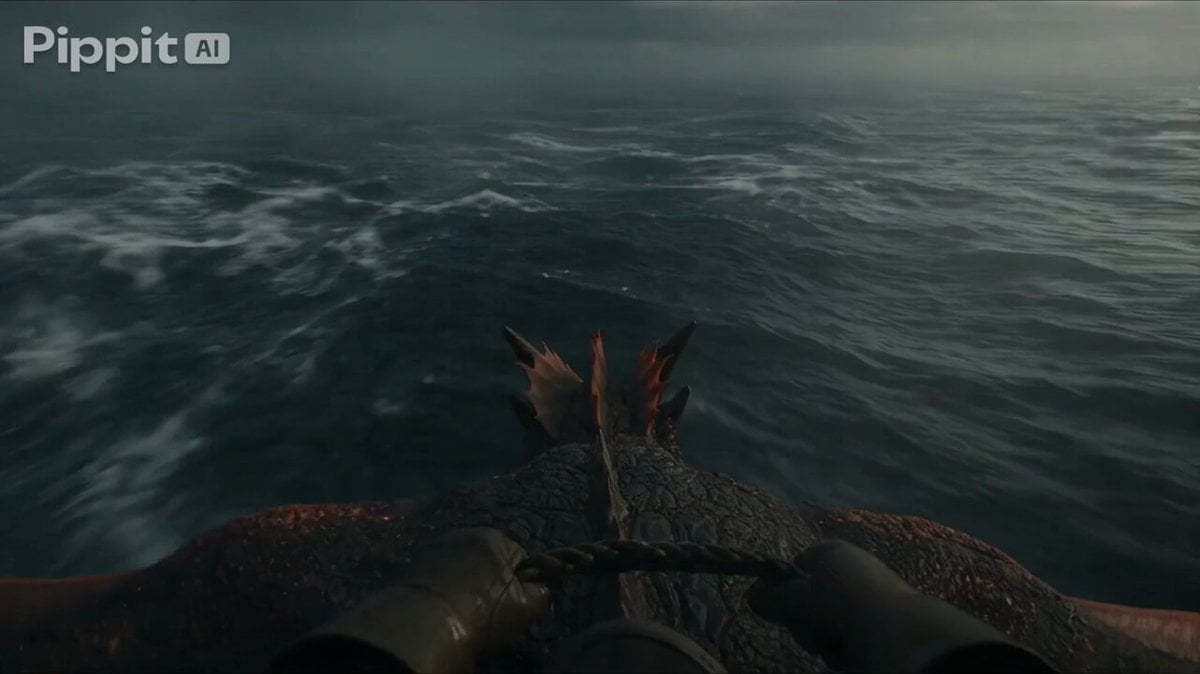
First Person Dragon Rider POV
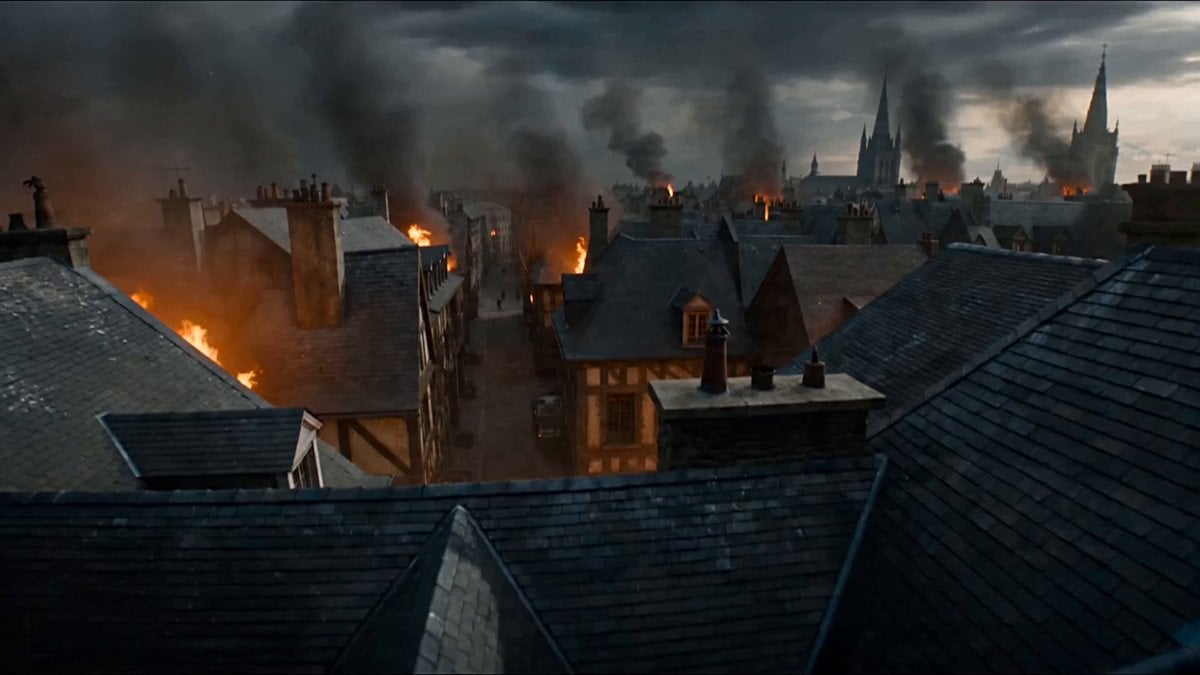
First-Person POV Fantasy Demon Battle
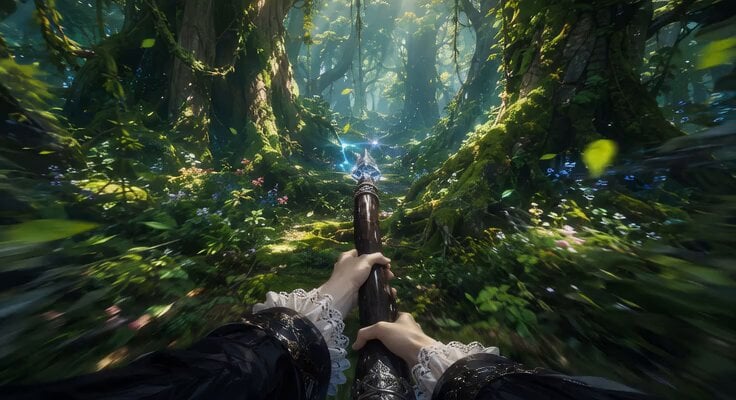
First-Person Flying Broom POV
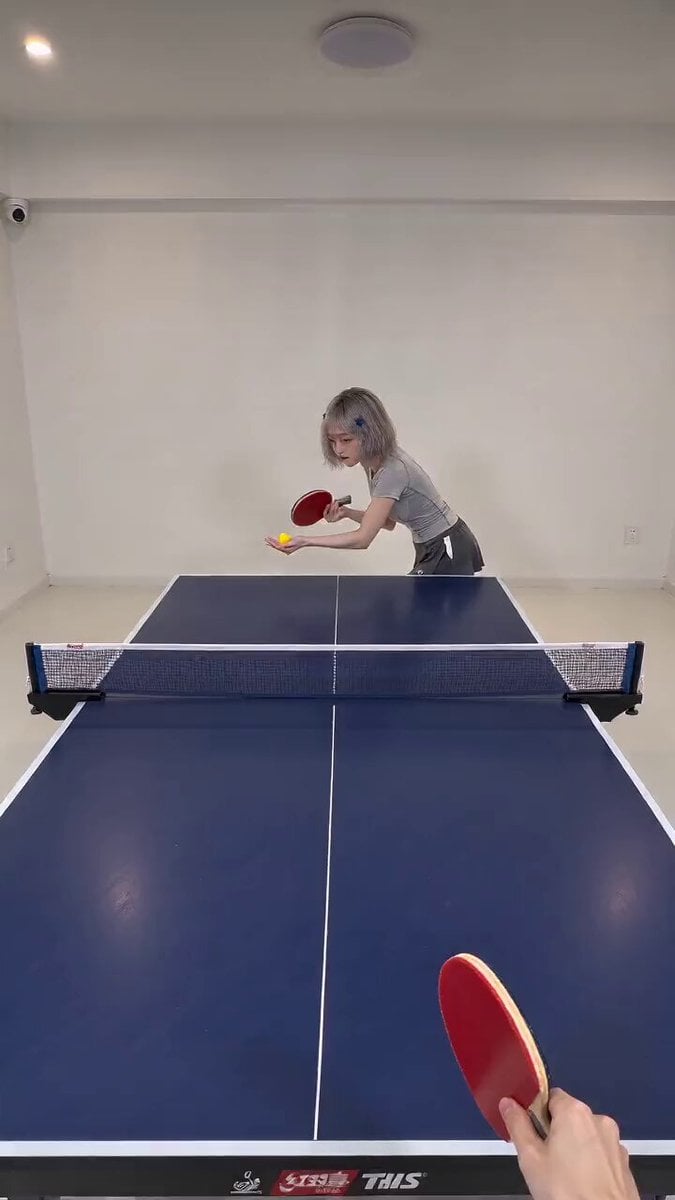
First-Person POV Ping Pong Match with Digital Human
First-Person POV Broomstick Chase
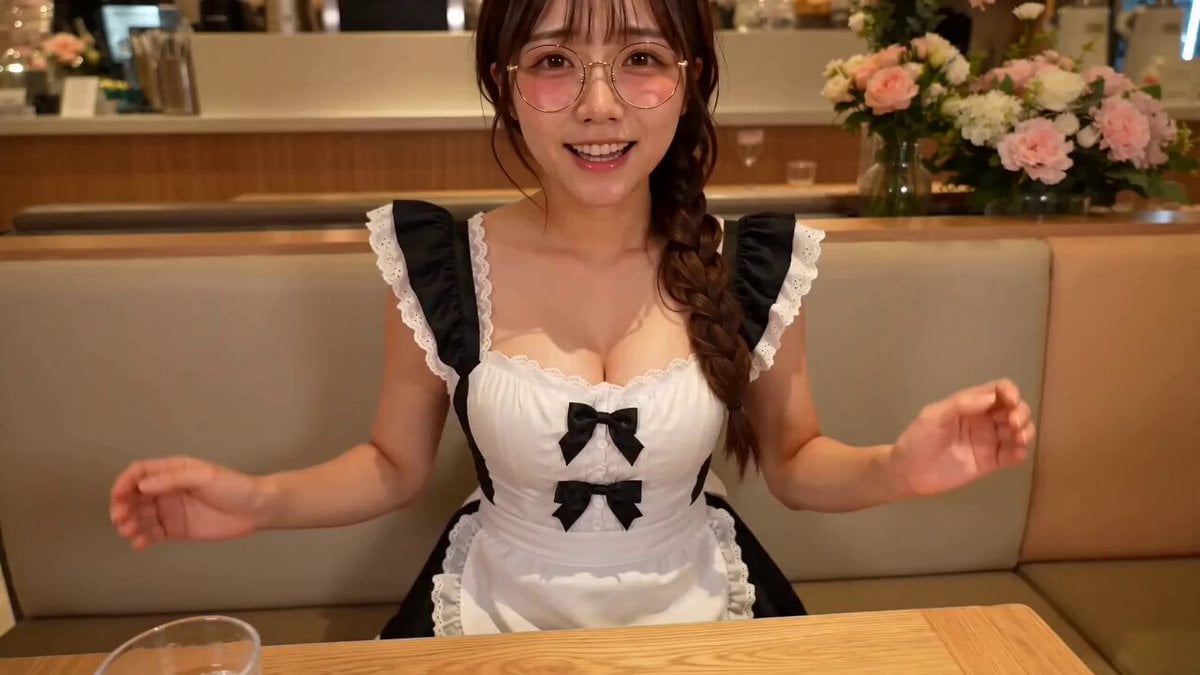
First Person POV Maid Cafe Interaction
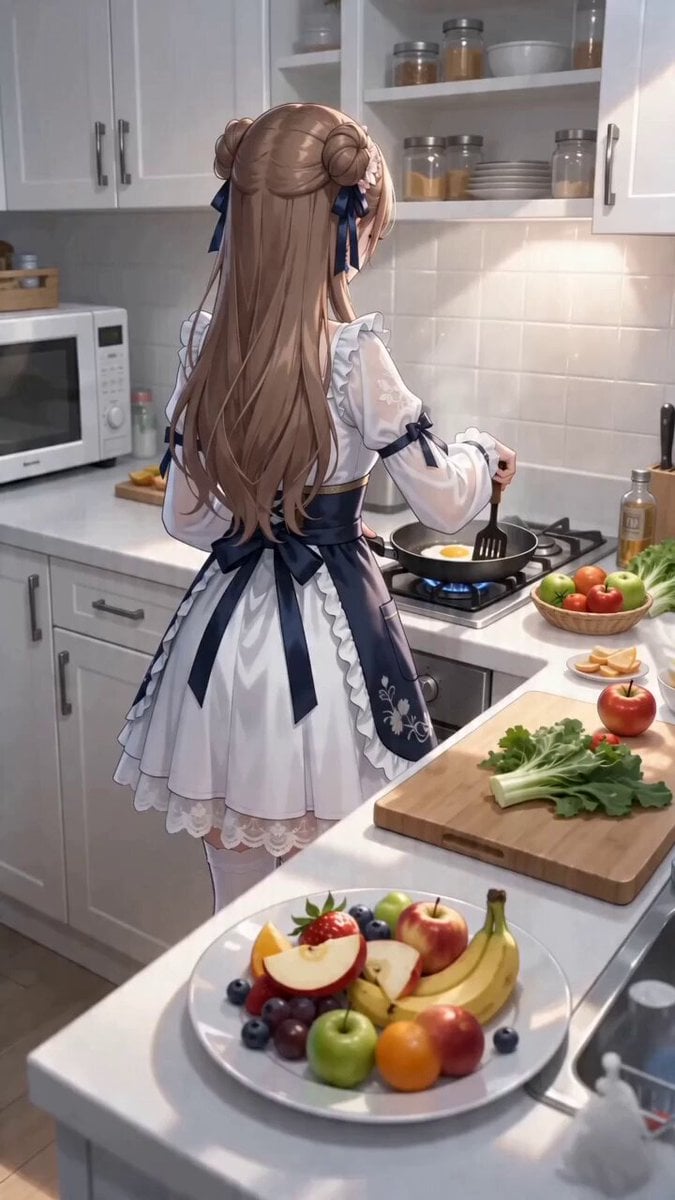
First-Person POV Kitchen Scene with Dialogue
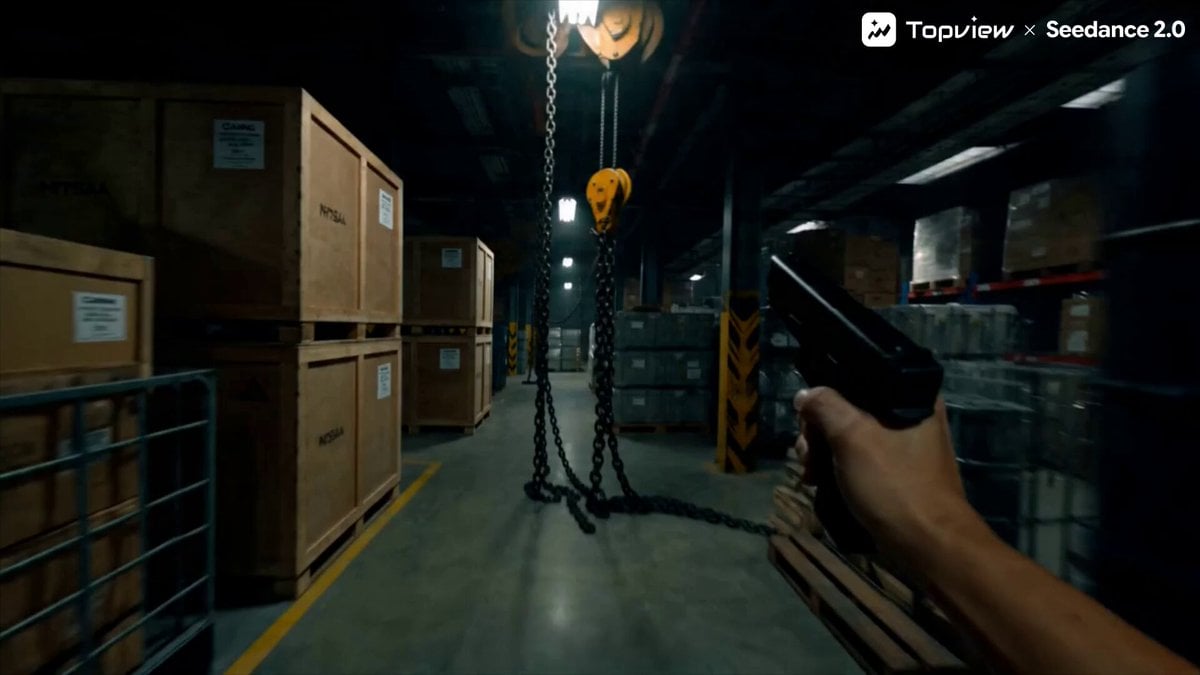
First-Person Shooter POV Scene
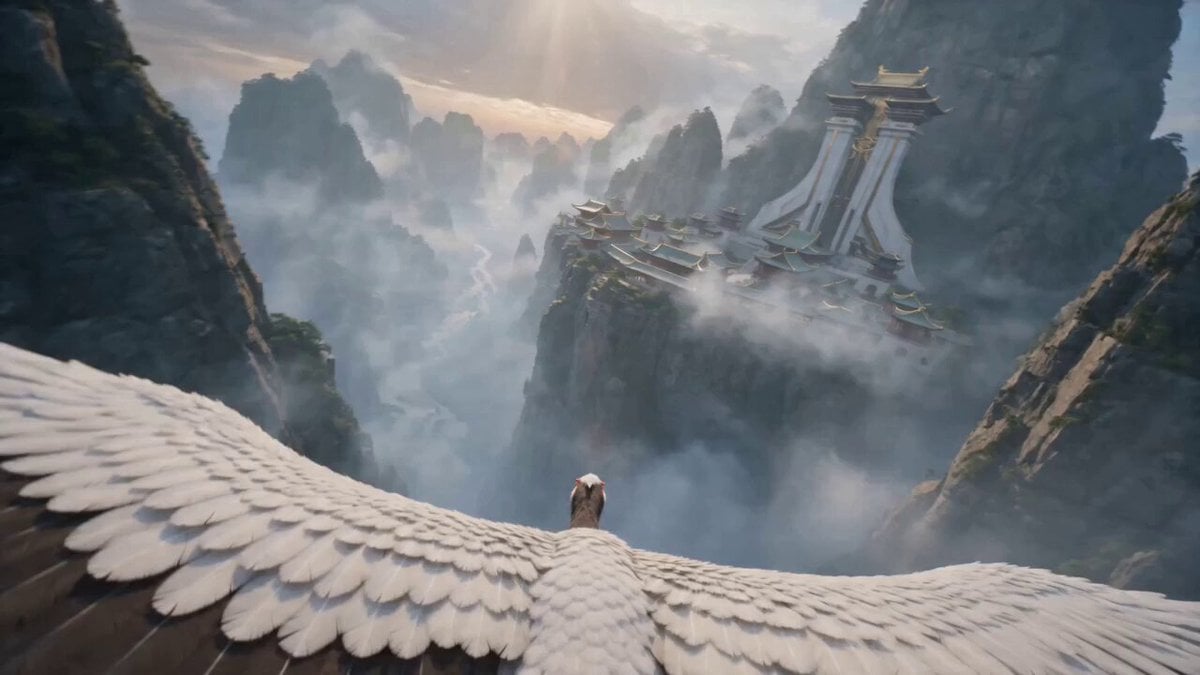
First-Person POV White Crane Flight
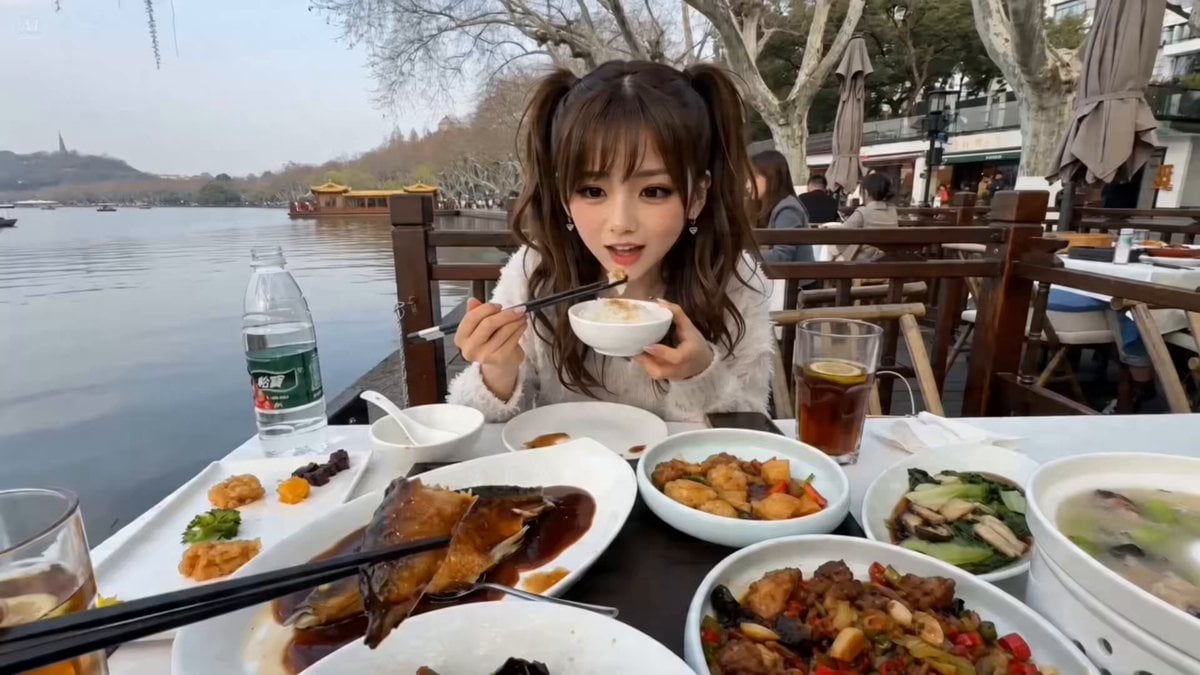
First-Person POV Hangzhou Dining Prank
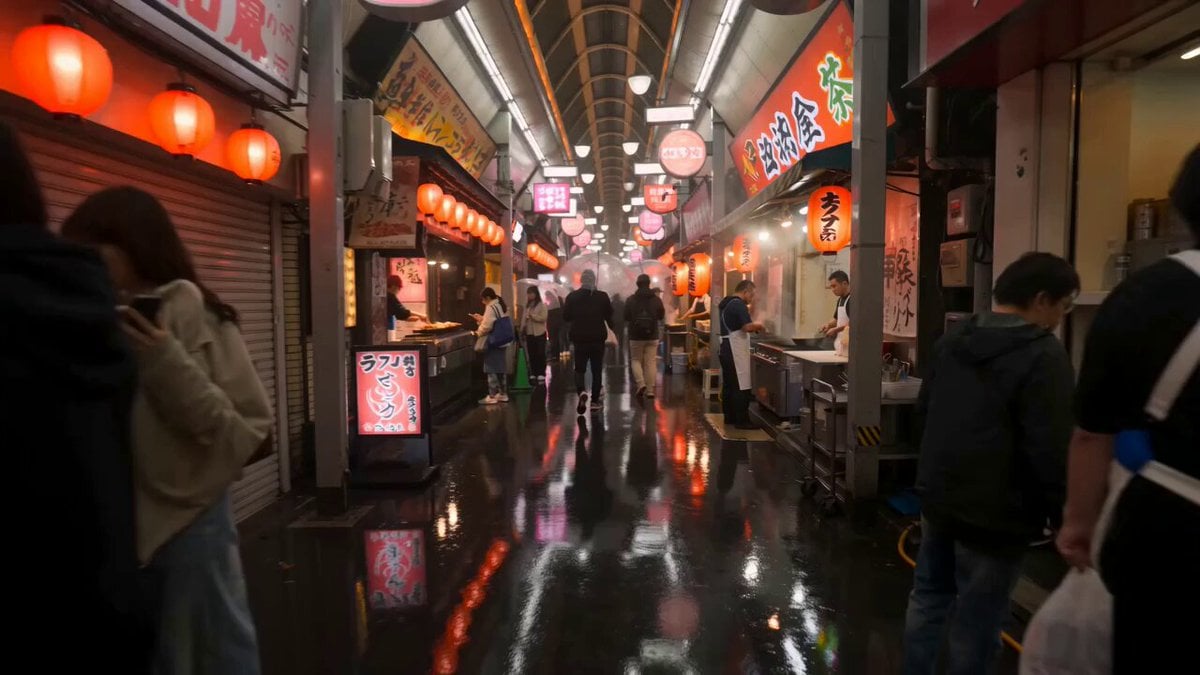
First-Person Night Market Walkthrough
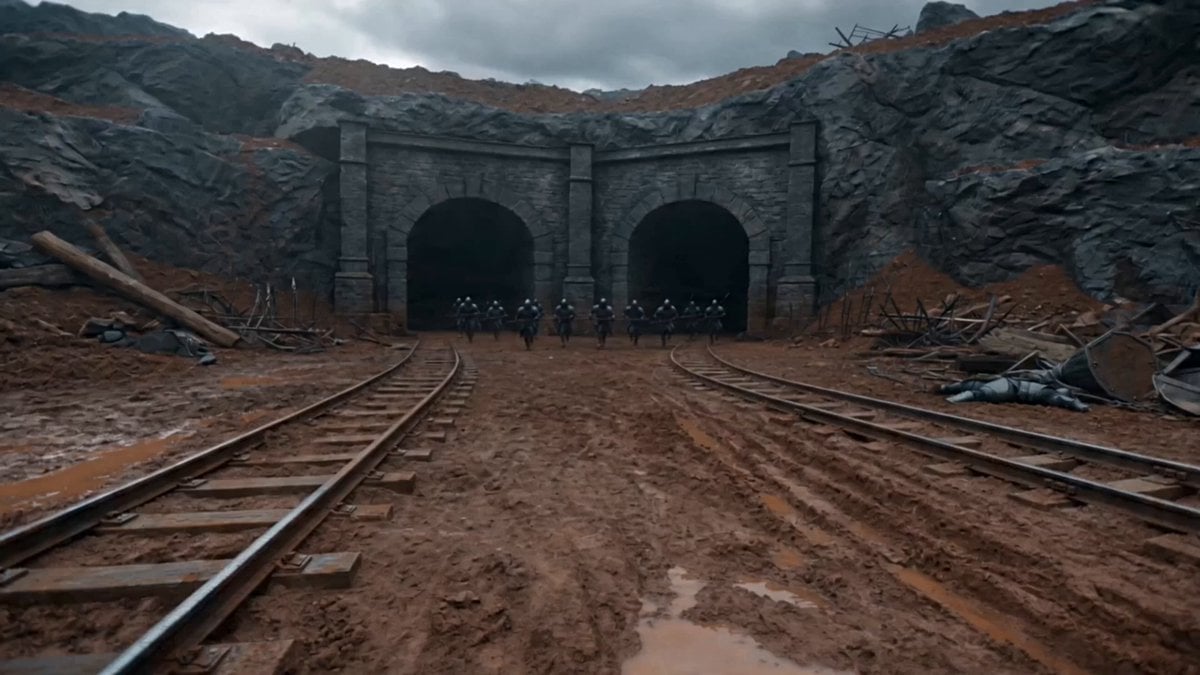
First-Person Magic Combat Strike
Make it yours
POV First-Person Remote Outfit Swap works as-is. These are the safest ways to change it without losing the look.
Change one field
Copy a single group, rewrite it, and generate again so you can see what that field is doing.
Keep the frame, change the subject
Hold the composition and light of POV First-Person Remote Outfit Swap, then swap wardrobe, props or the person for a new take.
| If the result… | Why | Fix |
|---|---|---|
| The result drifts from the preview | Too many fields changed at once. | Reuse POV First-Person Remote Outfit Swap as-is first, then change one group — subject, light, or setting. |
| The model over-stylizes the scene | The prose prompt leaves finish and camera underspecified. | Add one camera or lighting sentence and stay on Seedance 2.0. |
More Seedance 2.0 templates
Other prompts made for Seedance 2.0.

Comical Martial Arts Punch Scene

Maglev Train Action Sequence

Martial Arts Fight Sequence

Wuxia Protection and Trust Script

Vintage Korean Arcade MiniDV Vlog

Mercedes 190 SL Luxury Ad

Rainy Night Supernatural Reverse Comedy Video Script

Amazon Civilization Discovery

Futuristic South Asian City Transformation

Cozy Luxury Cafe Commercial
More video prompts
Fresh picks from across the catalog.
Iridescent Angelic Presence
Bookstore Slice-of-Life Encounter
Steampunk Theater Shootout POV
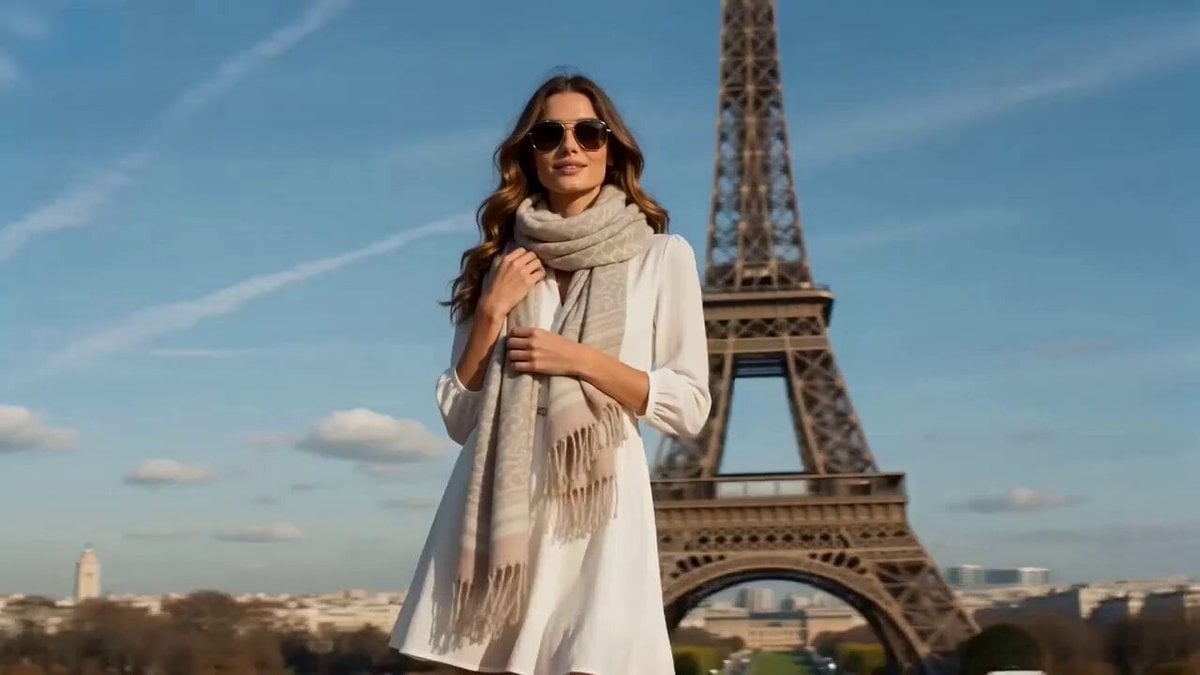
Cinematic video with continuous rotation match cut
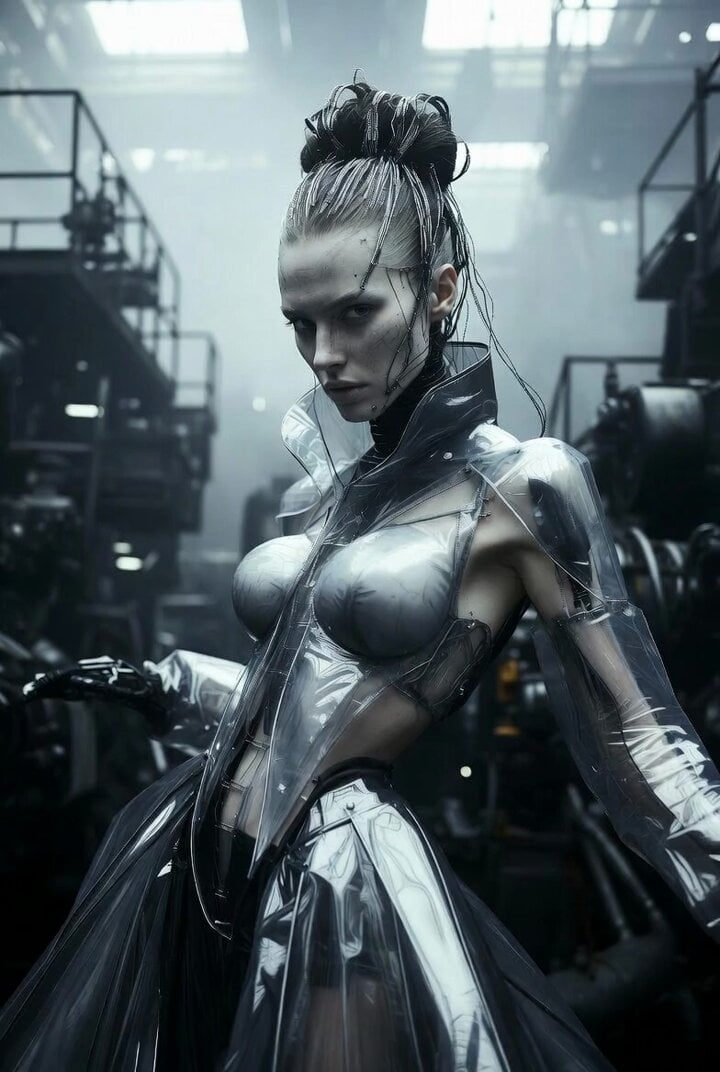
Futuristic cyberpunk female model in avant-garde fashion
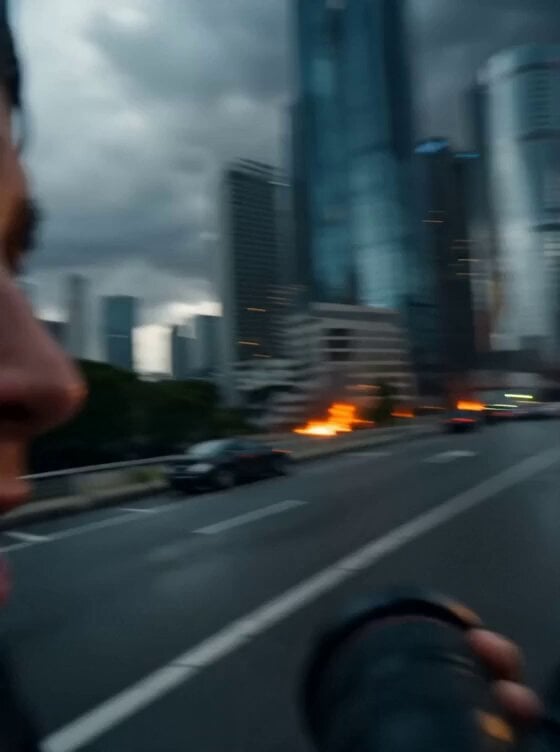
Found-Footage City Anomaly
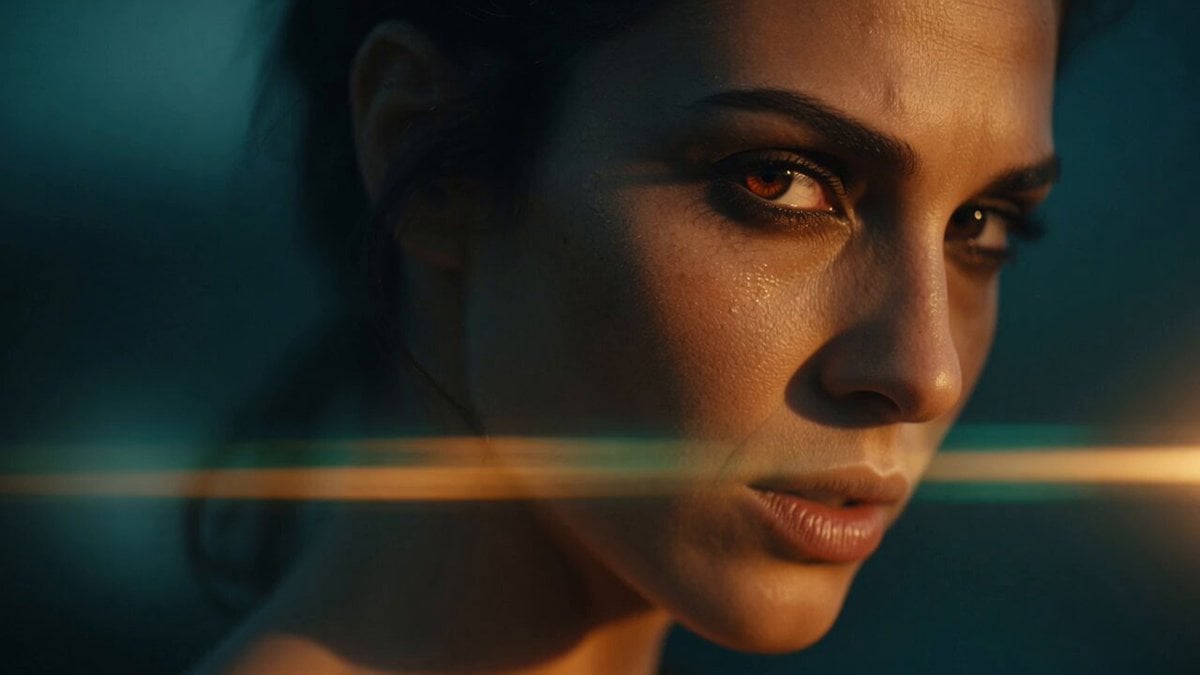
Neruda Poetry Cinematic Dolly Zoom
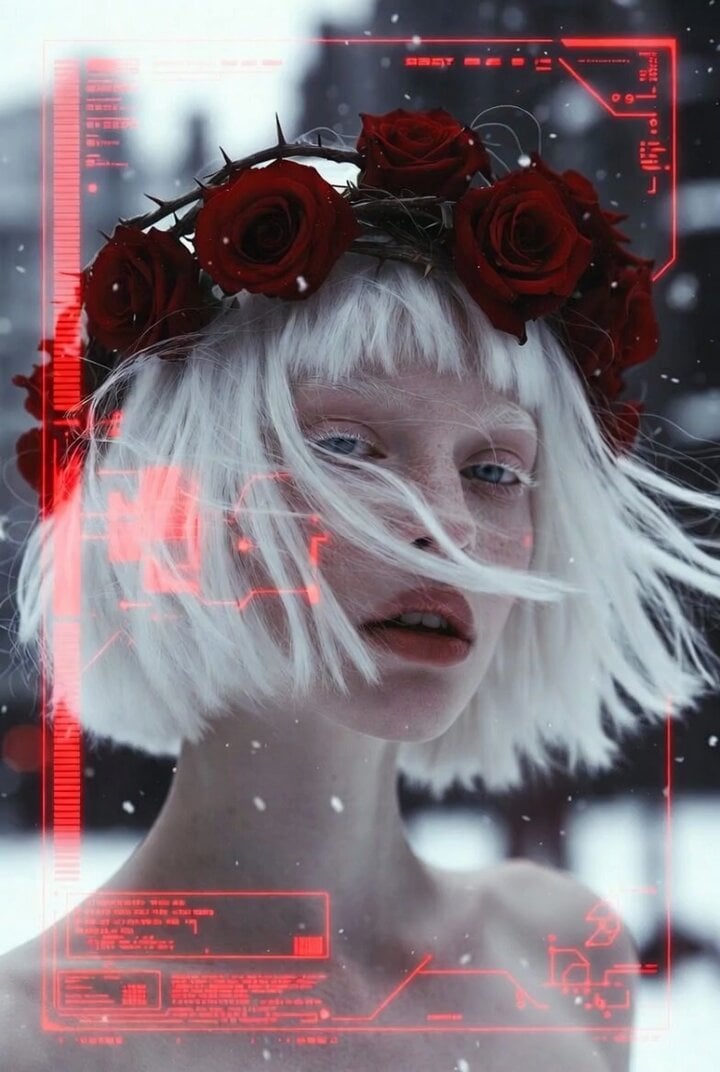
Albino Woman in Winter Storm Close-up
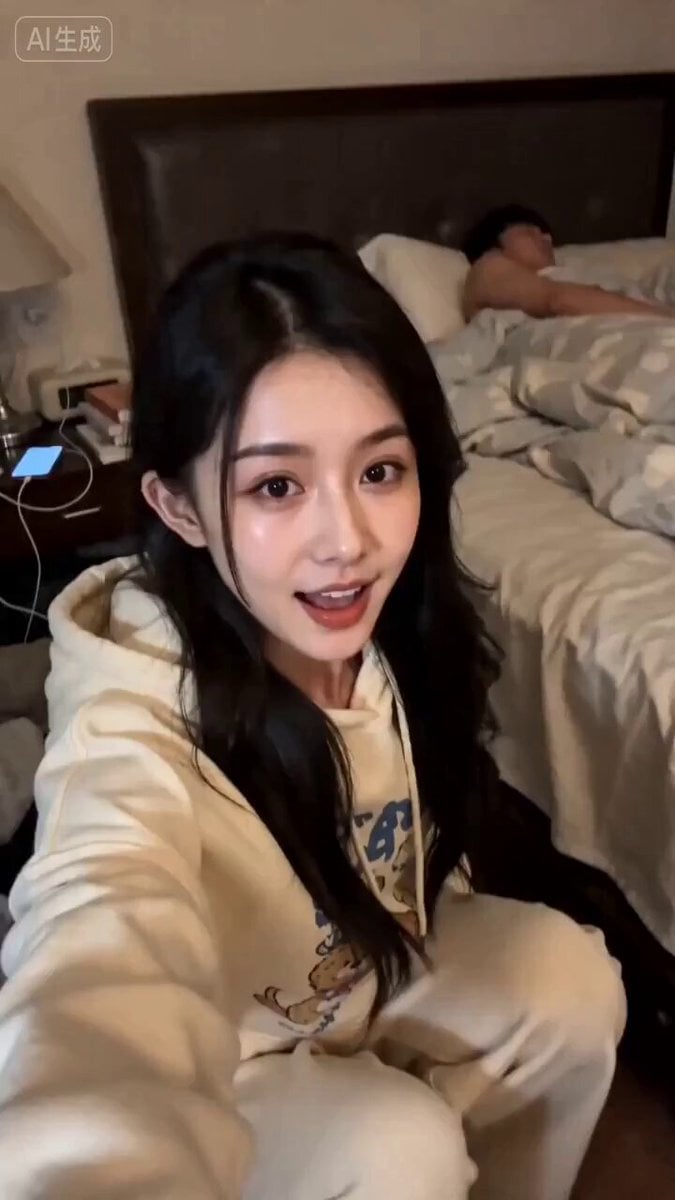
Seedance 2.0 Virtual Idol Gossip Video Prompt
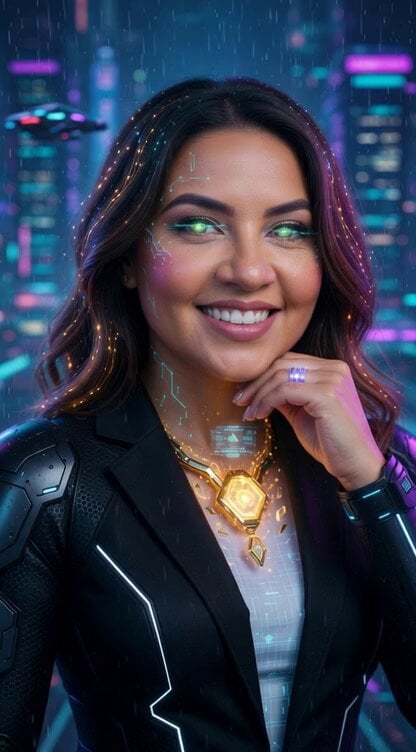
Matrix Phase 1 Complete Prompt
Browse template categories
POV First-Person Remote Outfit Swap questions
How do I use the POV First-Person Remote Outfit Swap template?
Add your photo if the template asks for one, edit the prompt if you like — the template's model and format are already selected — and press Generate. Your version opens in PicX Studio.
Can I customize the POV First-Person Remote Outfit Swap template?
Yes. You can change the subject, setting, lighting, mood, format, and available model controls before creating your video.
Is the POV First-Person Remote Outfit Swap template free?
Opening and editing this template is free. Generating uses credits, shown on the Generate button when you are signed in.
Which AI model should I use?
Start with Seedance 2.0, which is the model associated with this template. You can compare another compatible model for a different finish.
Looking for something else? Browse all templates.

Your photo, any look
Thousands of ready templates for every top image and video model, from one credit balance.