
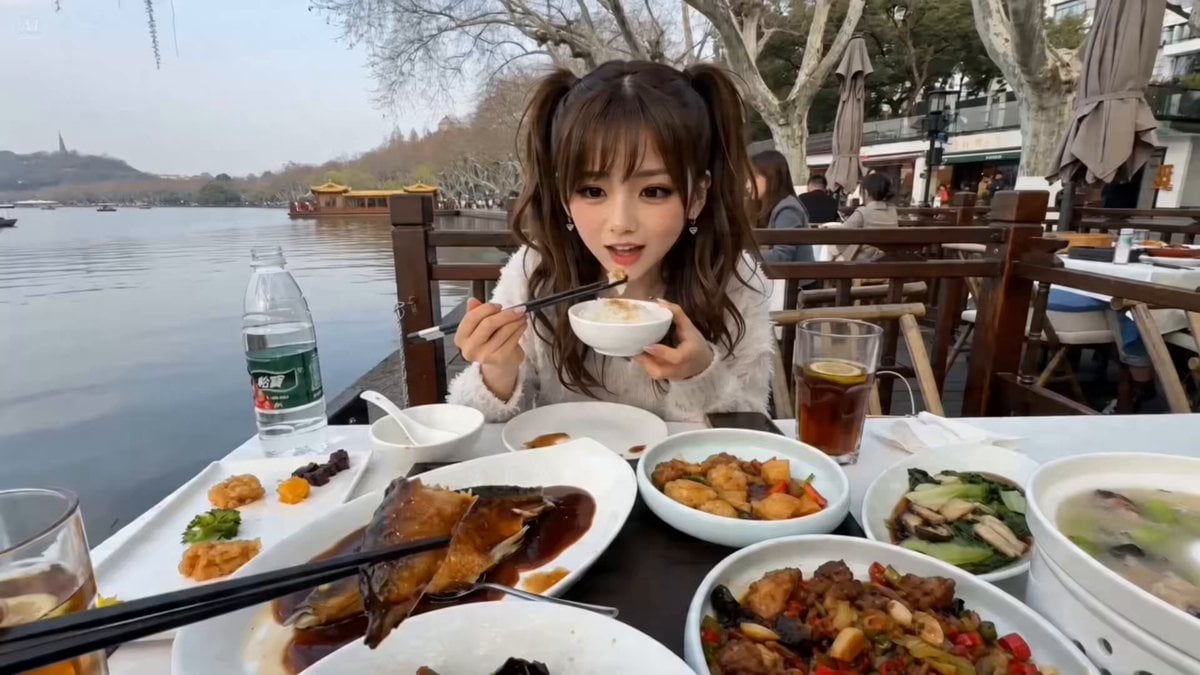
First-Person POV Hangzhou Dining Prank
A detailed first-person perspective video prompt for Seedance 2.0 involving a character interaction and a humorous reaction to food at West Lake, Hangzhou.
- Prompt included
- Model and format preset
- Free template
The prompt behind this video
Copy the exact prompt behind First-Person POV Hangzhou Dining Prank, or open it in the studio and make it yours.
realistic live-action, single continuous shot, full first-person POV, no cuts, no angle changes, no scene transitions, no montage, no flash cuts, no music, no subtitles. Only two characters: my unseen first-person POV and @ Image1 sitting across from me. Natural ambient sound only: light restaurant noise, tableware, distant water, faint voices, chewing, spitting, rinsing, my laughter. Setting: Outdoor dining table beside West Lake, Hangzhou, near the water, calm daylight or soft late afternoon light. Real smartphone-video realism, grounded textures, realistic food, realistic body and hand motion, accurate chopstick use, accurate mouth movement, accurate eye focus. The lake stays visible to one side of frame. Character: @ Image1 is the only visible person. She can switch seamlessly between slightly fierce-cute and soft adorable. Lip sync, voice, expressions, and body language stay fully synchronized. Emotional arc: cheerful and relaxed while eating, then shocked disgust, then angry embarrassment. Table: Exactly 7 dishes on the table. One dish is the West Lake vinegar fish shown in @ Image2. @ Image1 is happily eating rice and the other dishes, but not the fish at first. The table feels full but readable. The fish dish remains clearly visible before I offer it to her. Camera: Entire video is from my seated first-person view across the table. My hand and chopsticks may enter frame naturally. Slight handheld micro-shake from breathing and laughter only, never chaotic. No third-person shots, no reverse shots, no overhead shots, no cutaways. Continuous believable framing centered on @ Image1 with part of the lake visible. Action: @ Image1 sits opposite me, happily eating from her bowl, enjoying rice and other dishes except the West Lake vinegar fish. She looks bright, playful, relaxed, cute. From first-person POV, I pick up one bite of the fish with chopsticks and slowly extend it toward her. She notices it immediately, trusts me, leans forward, opens her mouth happily, and makes a cute “aam” sound as she bites the fish. I gently pull the chopsticks and my hand back out of frame. She chews happily for about one second, expecting it to taste good. Then the taste hits. Her expression changes instantly into exaggerated but believable disgust. Her face shifts into a comedic purple-disgust reaction while staying within realistic live-action style. She quickly turns toward the lake and spits it out with repeated “ptui, ptui, ptui” sounds. The motion is fast, fluid, and continuous from chewing to rejection. The moment she starts spitting, I begin laughing in first-person POV and keep laughing through the whole reaction. My laughter sounds genuine, amused, and uncontrollable, coming from behind the camera. The camera shakes slightly from laughing. After spitting, @ Image1 sticks out her tongue in disgust, immediately grabs the water on the table
How to use First-Person POV Hangzhou Dining Prank in 3 steps
- 1
Open
The prompt is already in the box next to the preview, with the template's model and format selected.
- 2…a portrait of your subject in softgolden-hour light, 85mm…
Personalize
Edit the subject and creative details for your destination.
- 3Generate
Generate
Press Generate — your video is created in PicX Studio, so you can compare it with the original and refine one variable at a time.
More like this
Templates with the same subject, style or setup. Open one to see its prompt.
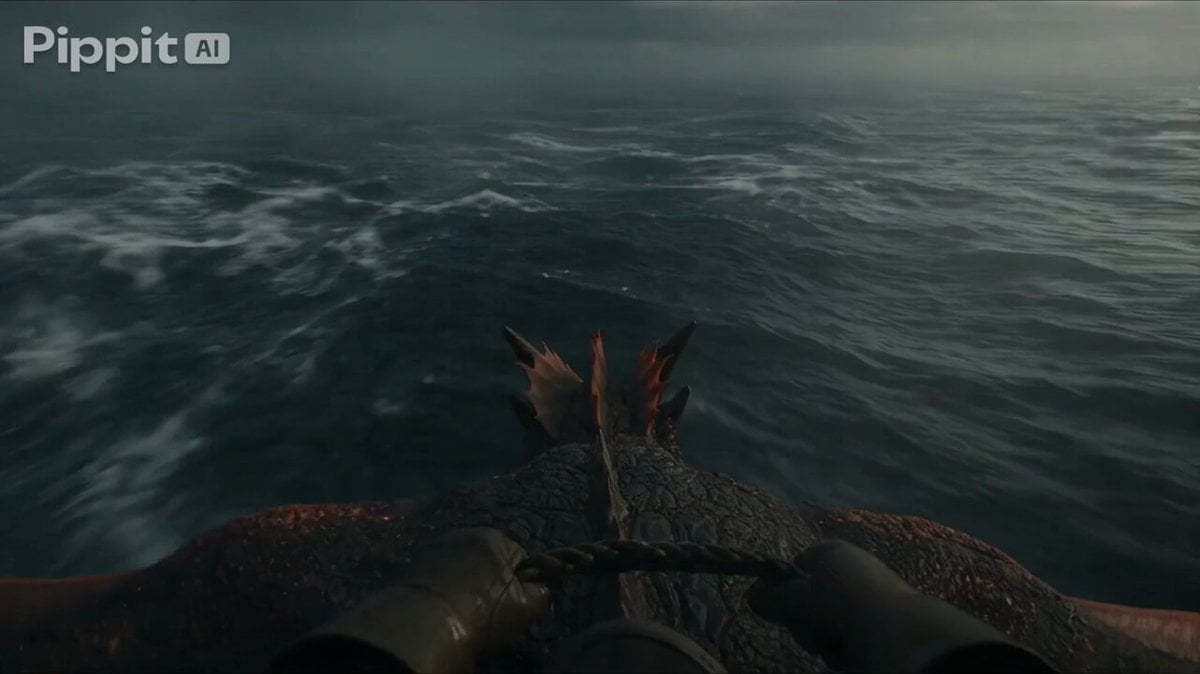
First Person Dragon Rider POV
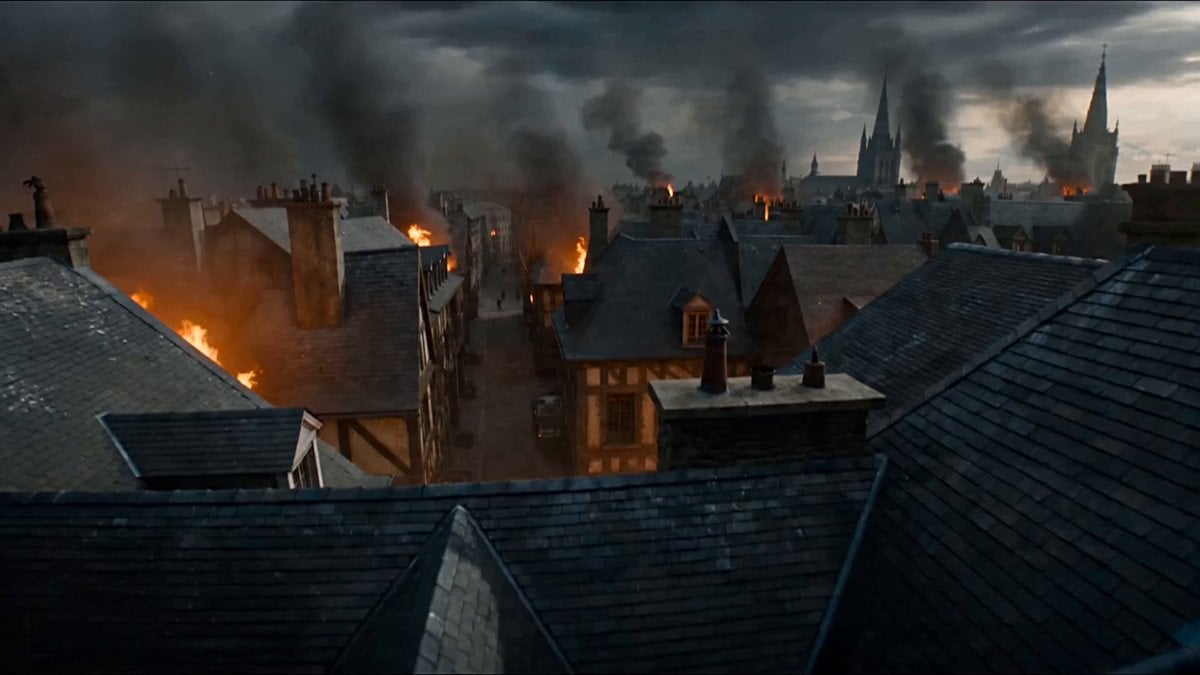
First-Person POV Fantasy Demon Battle
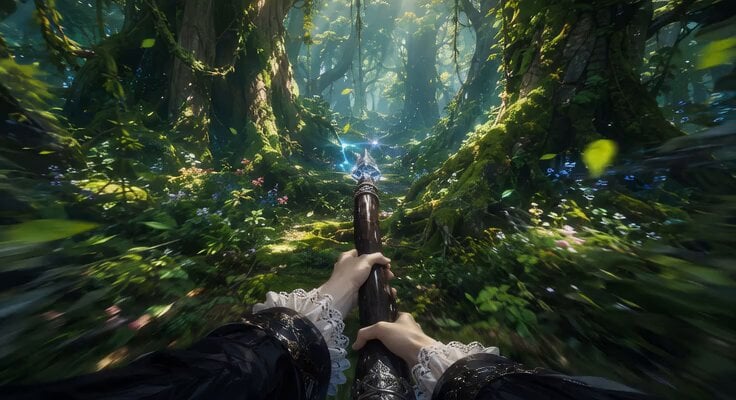
First-Person Flying Broom POV
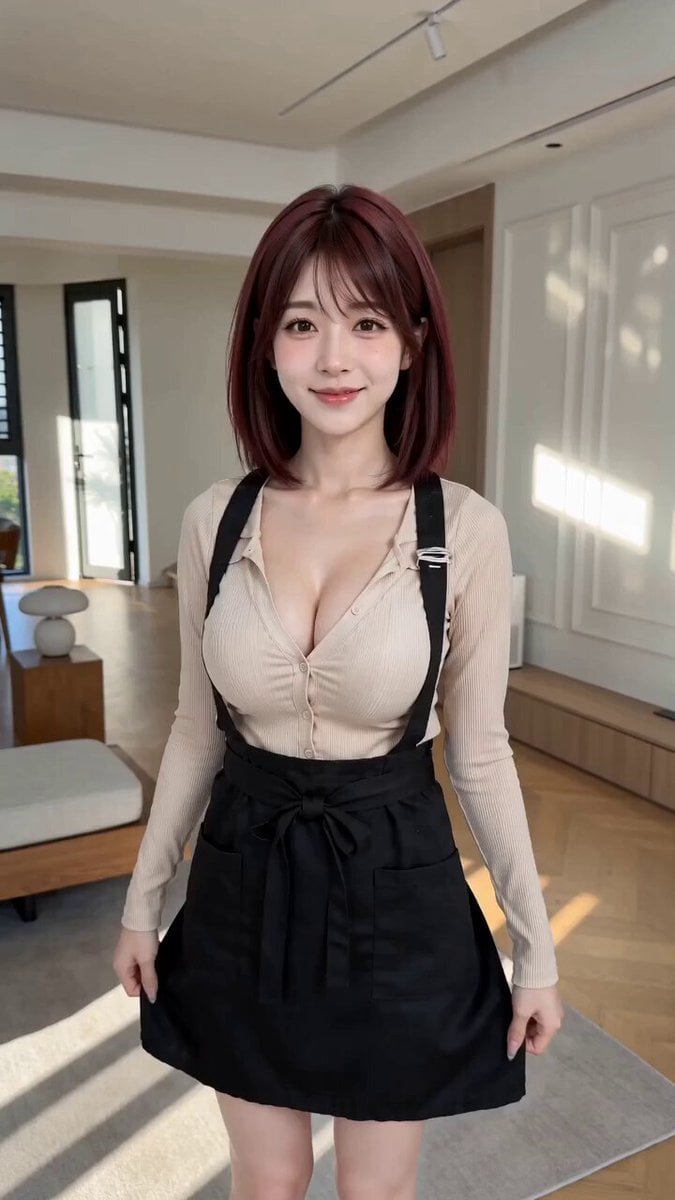
POV First-Person Remote Outfit Swap
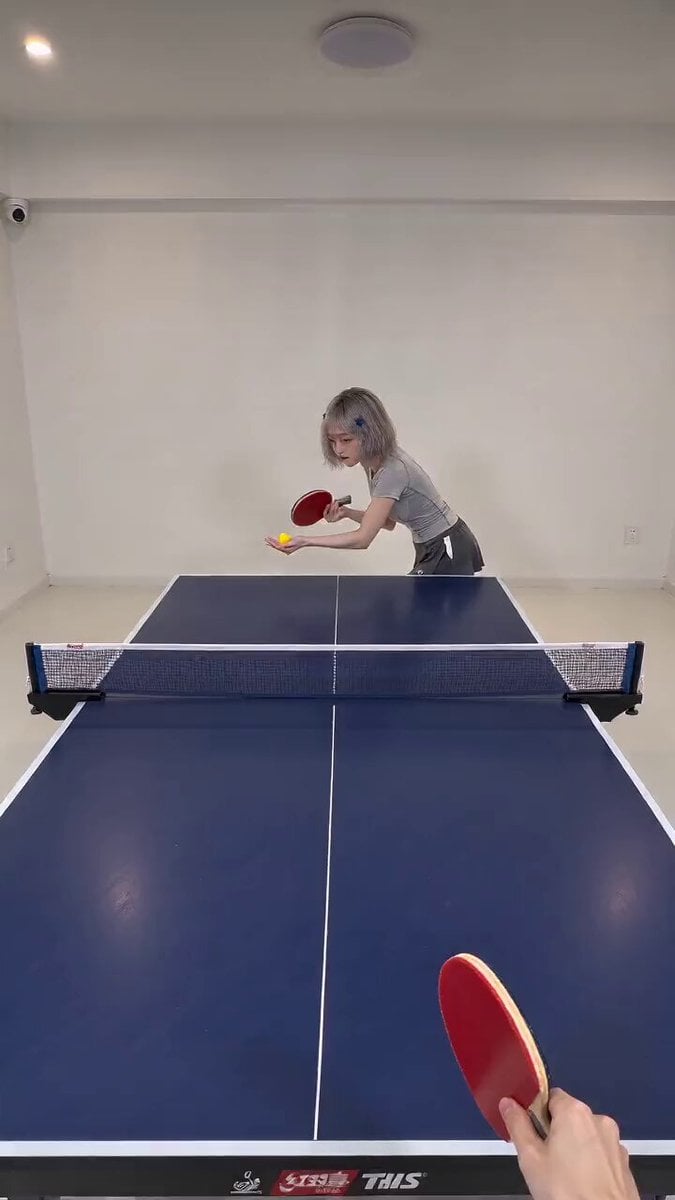
First-Person POV Ping Pong Match with Digital Human
First-Person POV Broomstick Chase
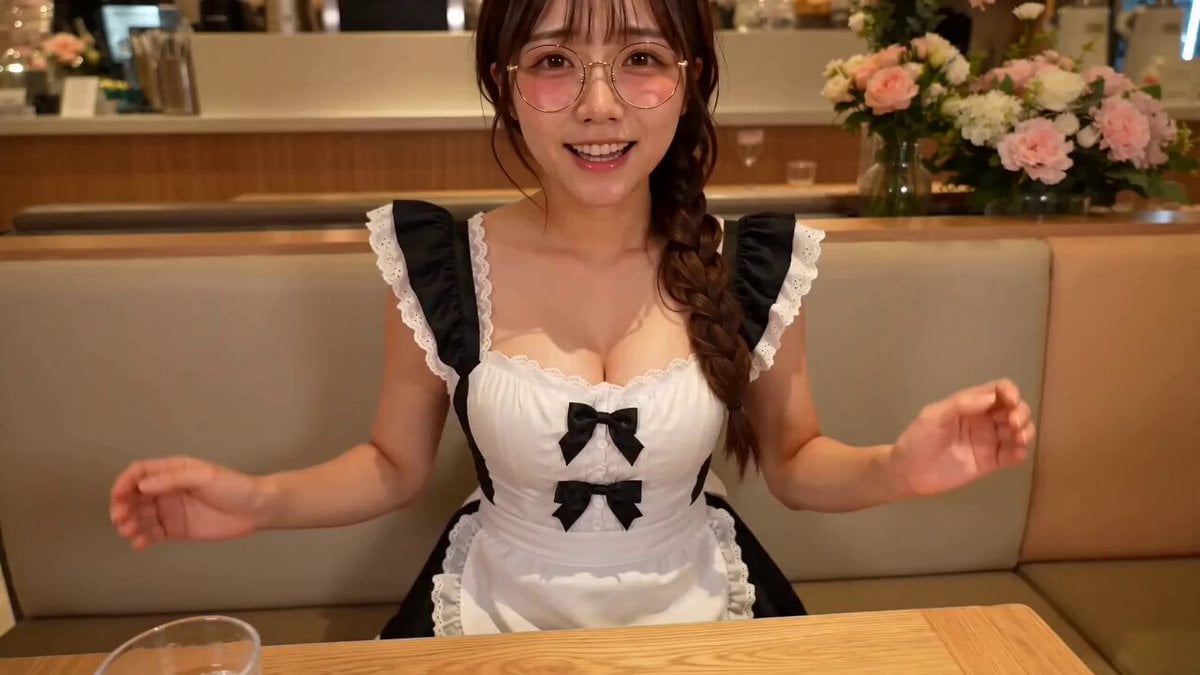
First Person POV Maid Cafe Interaction
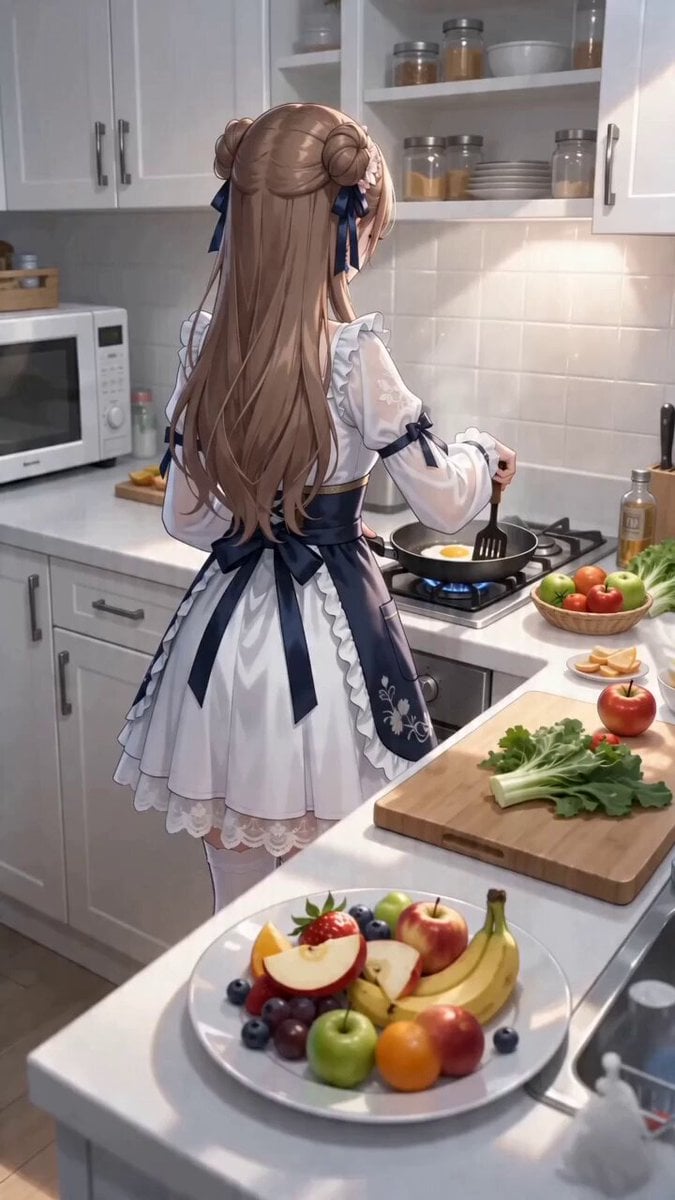
First-Person POV Kitchen Scene with Dialogue
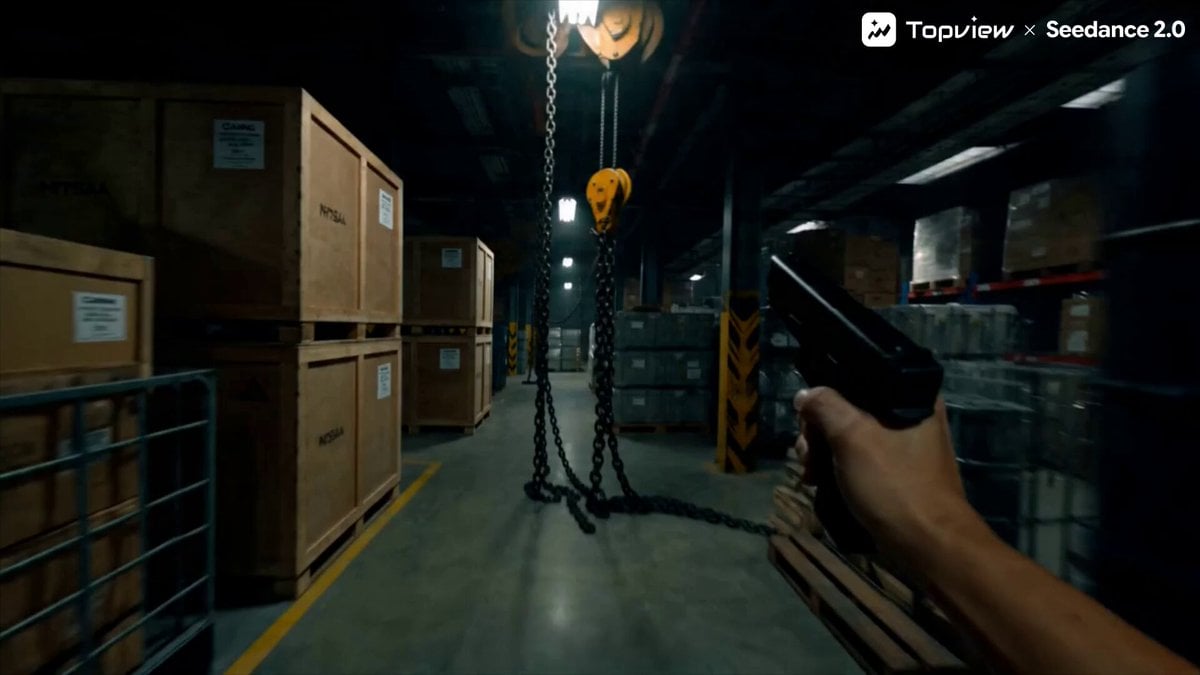
First-Person Shooter POV Scene
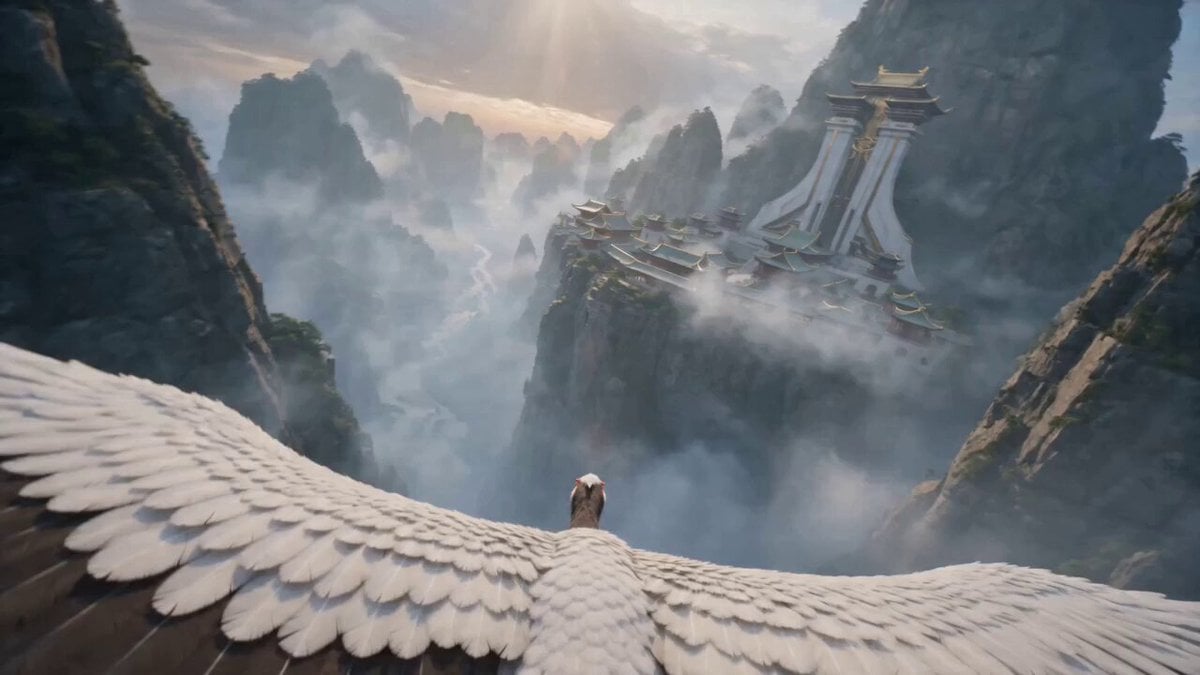
First-Person POV White Crane Flight
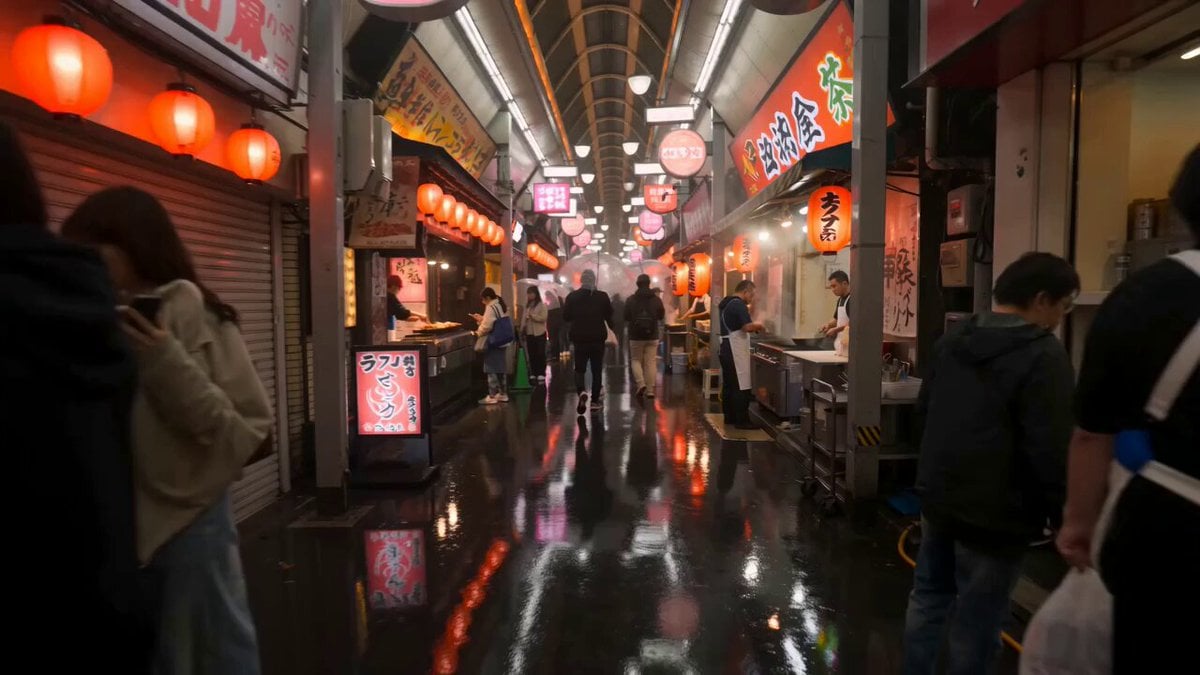
First-Person Night Market Walkthrough
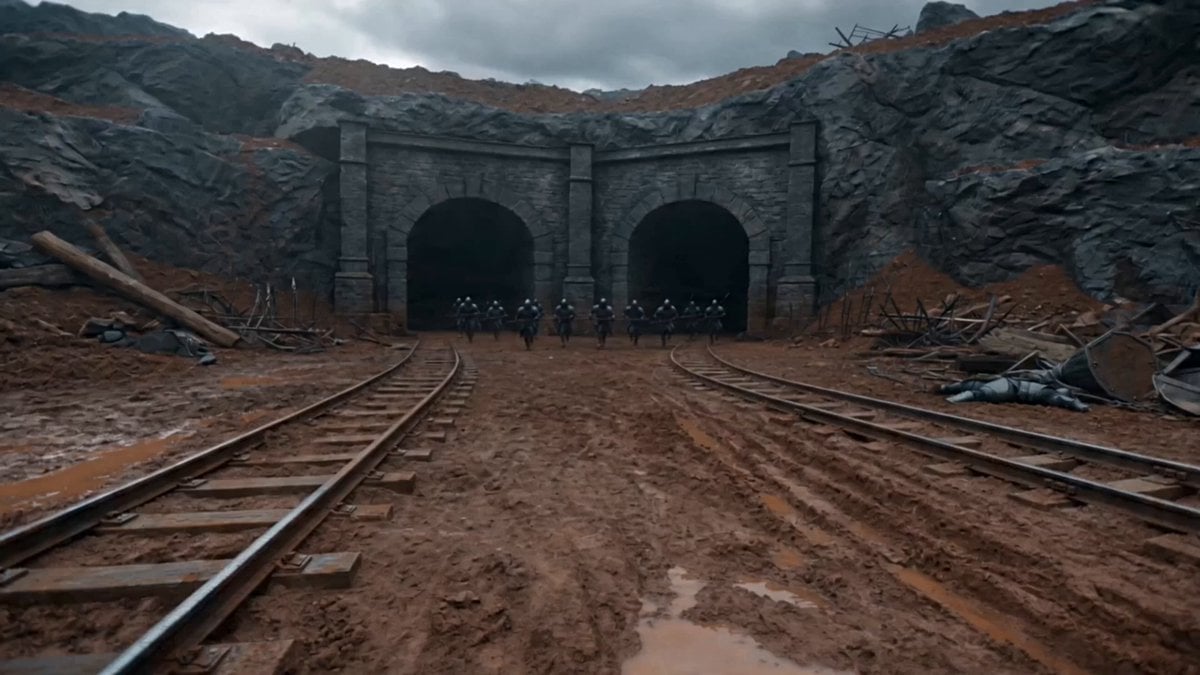
First-Person Magic Combat Strike
Make it yours
First-Person POV Hangzhou Dining Prank works as-is. These are the safest ways to change it without losing the look.
Change one field
Copy a single group, rewrite it, and generate again so you can see what that field is doing.
Keep the frame, change the subject
Hold the composition and light of First-Person POV Hangzhou Dining Prank, then swap wardrobe, props or the person for a new take.
| If the result… | Why | Fix |
|---|---|---|
| The result drifts from the preview | Too many fields changed at once. | Reuse First-Person POV Hangzhou Dining Prank as-is first, then change one group — subject, light, or setting. |
| The model over-stylizes the scene | The prose prompt leaves finish and camera underspecified. | Add one camera or lighting sentence and stay on Seedance 2.0. |
More Seedance 2.0 templates
Other prompts made for Seedance 2.0.

Comical Martial Arts Punch Scene

Maglev Train Action Sequence

Martial Arts Fight Sequence

Wuxia Protection and Trust Script

Vintage Korean Arcade MiniDV Vlog

Mercedes 190 SL Luxury Ad

Rainy Night Supernatural Reverse Comedy Video Script

Amazon Civilization Discovery

Futuristic South Asian City Transformation

Cozy Luxury Cafe Commercial
More video prompts
Fresh picks from across the catalog.
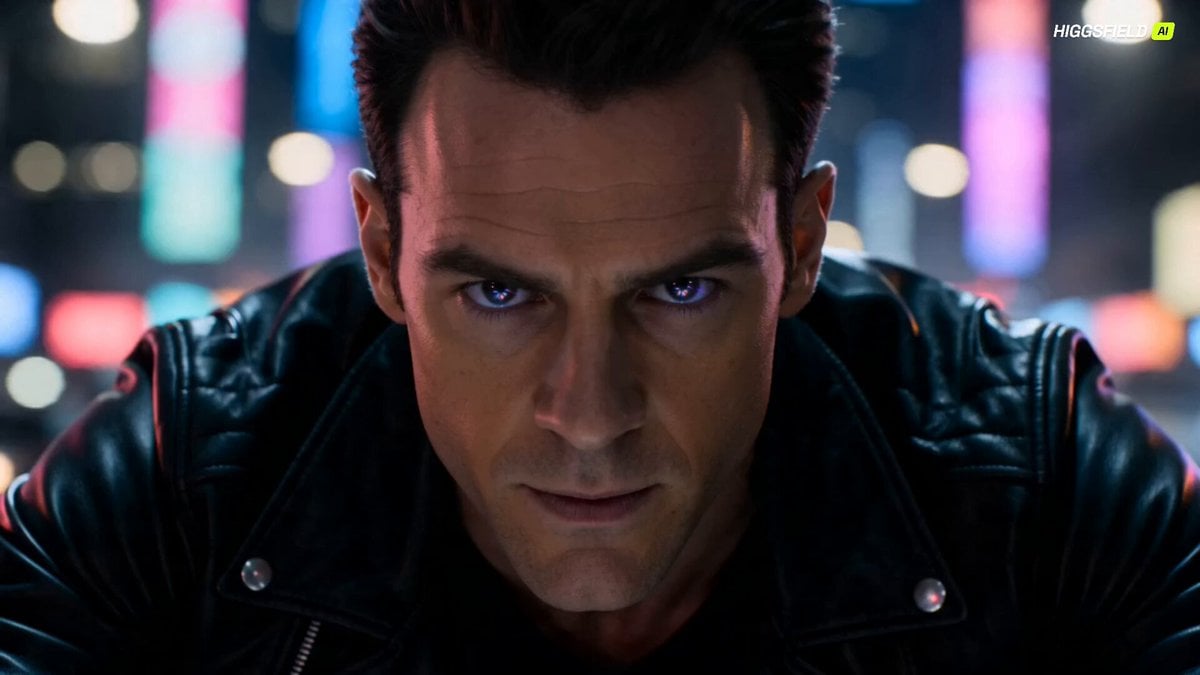
Futuristic Dragon Motorcycle Transformation
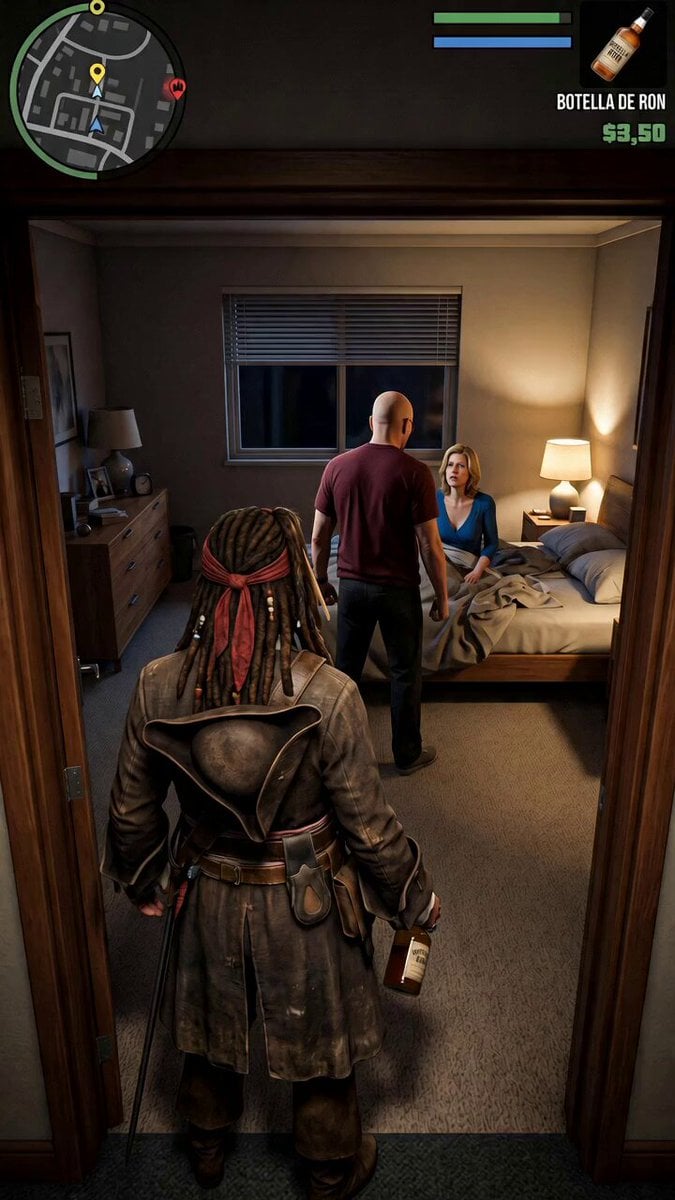
GTA V Style Narrative Animations
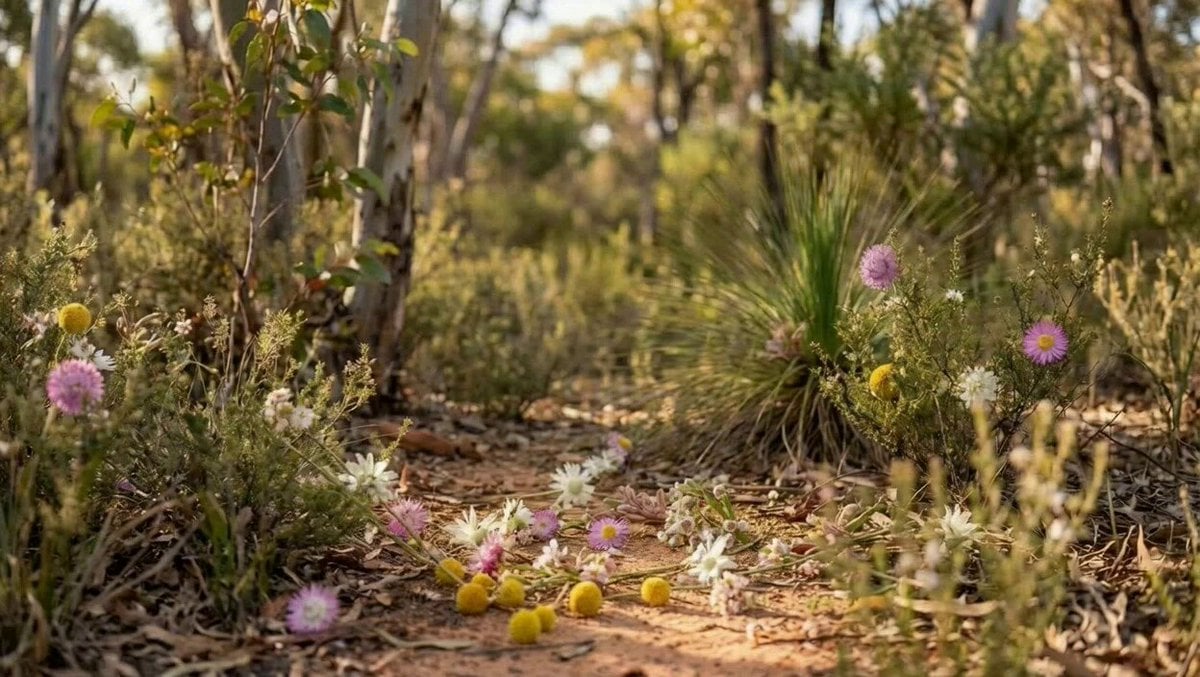
Flowers Creating a Final Shape Prompt (Seedance Pro 1.0)
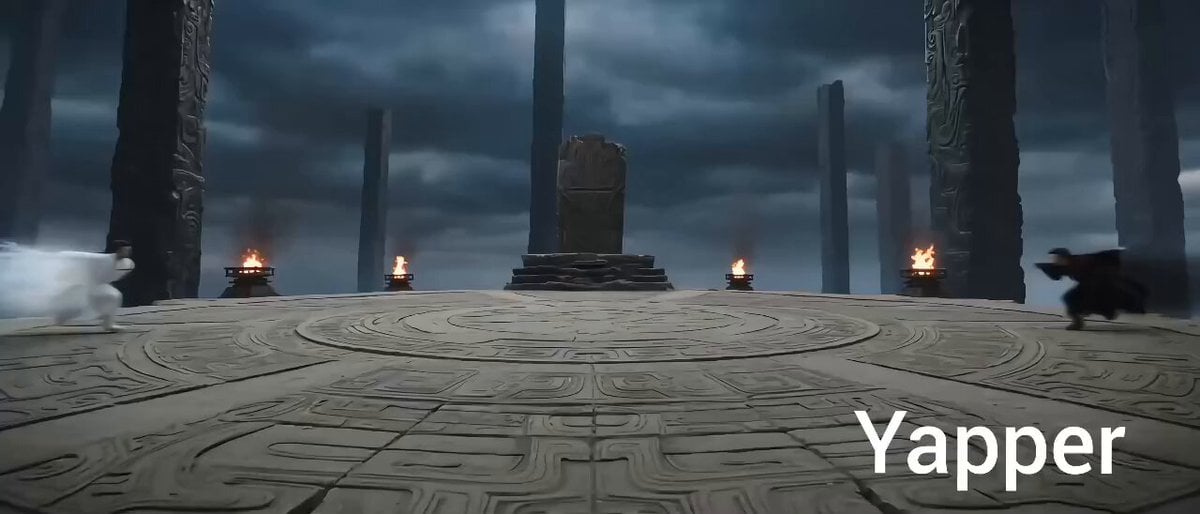
Eastern Wuxia Ultimate Showdown
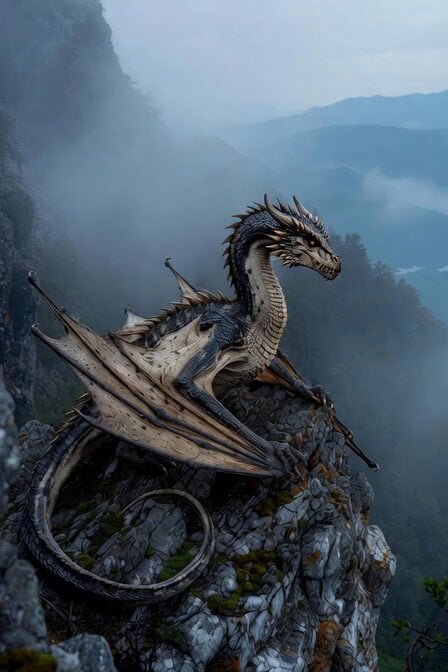
Ancient dragon on rocky outcrop
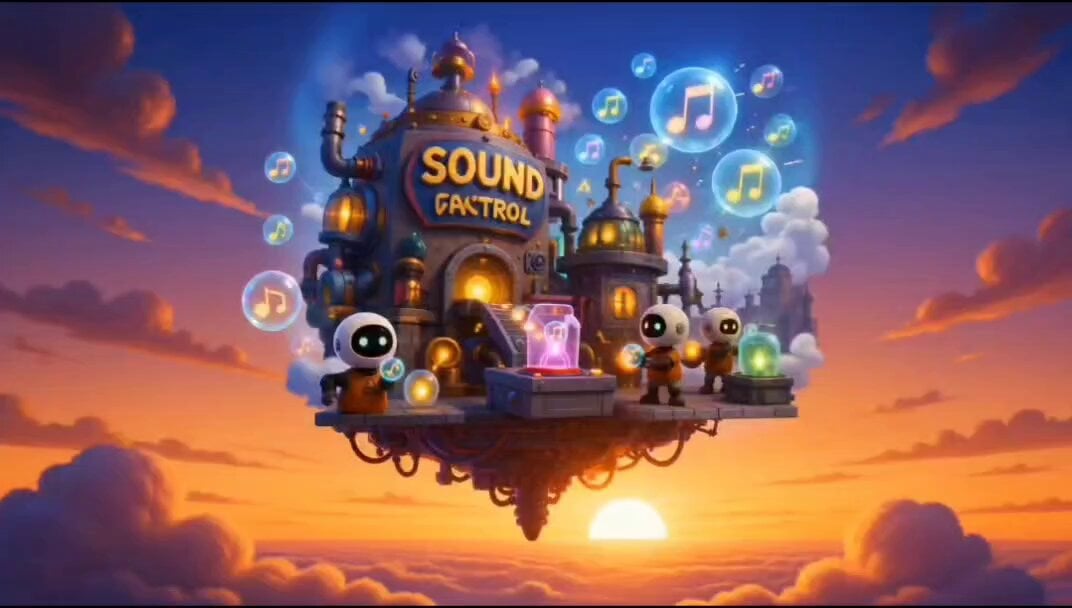
The Missing Sound Button Animation
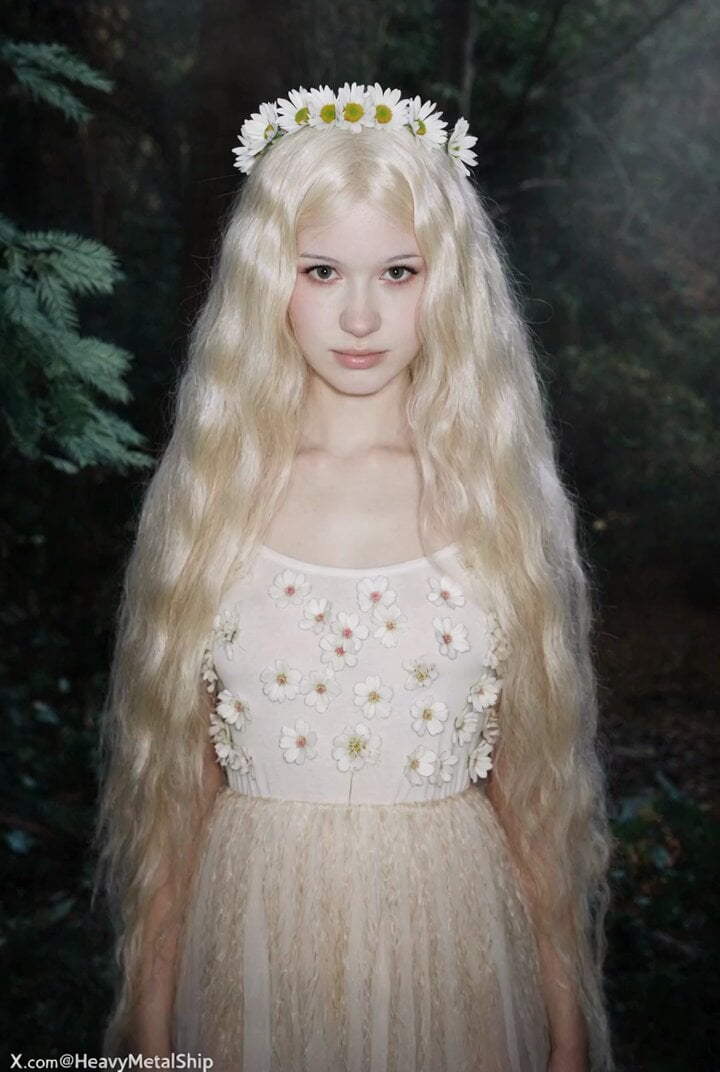
Outfit Crafted from Nature
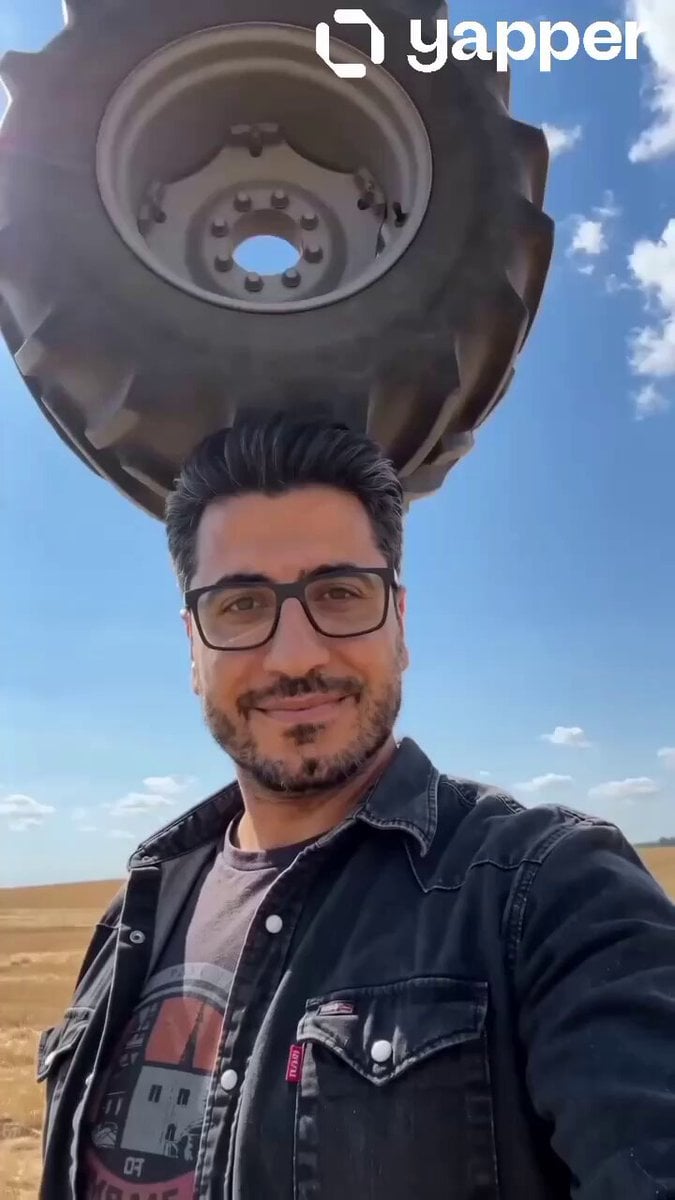
Cinematic Tractor Tire Prank Video
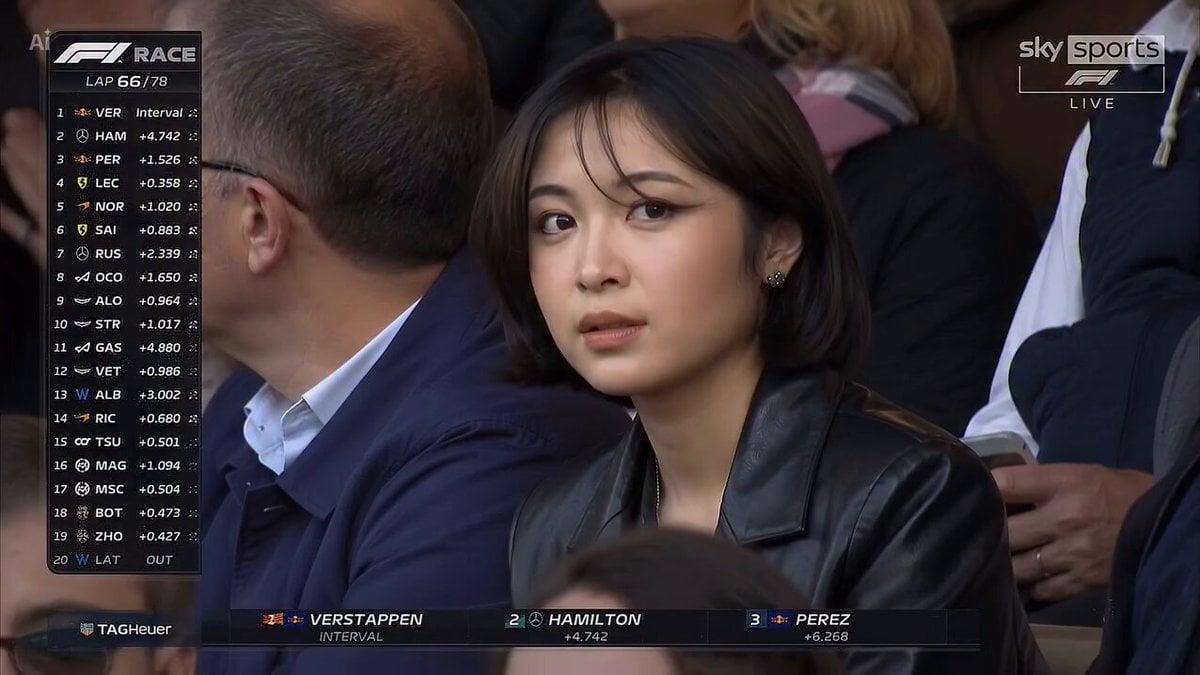
Cinematic Stadium Portrait
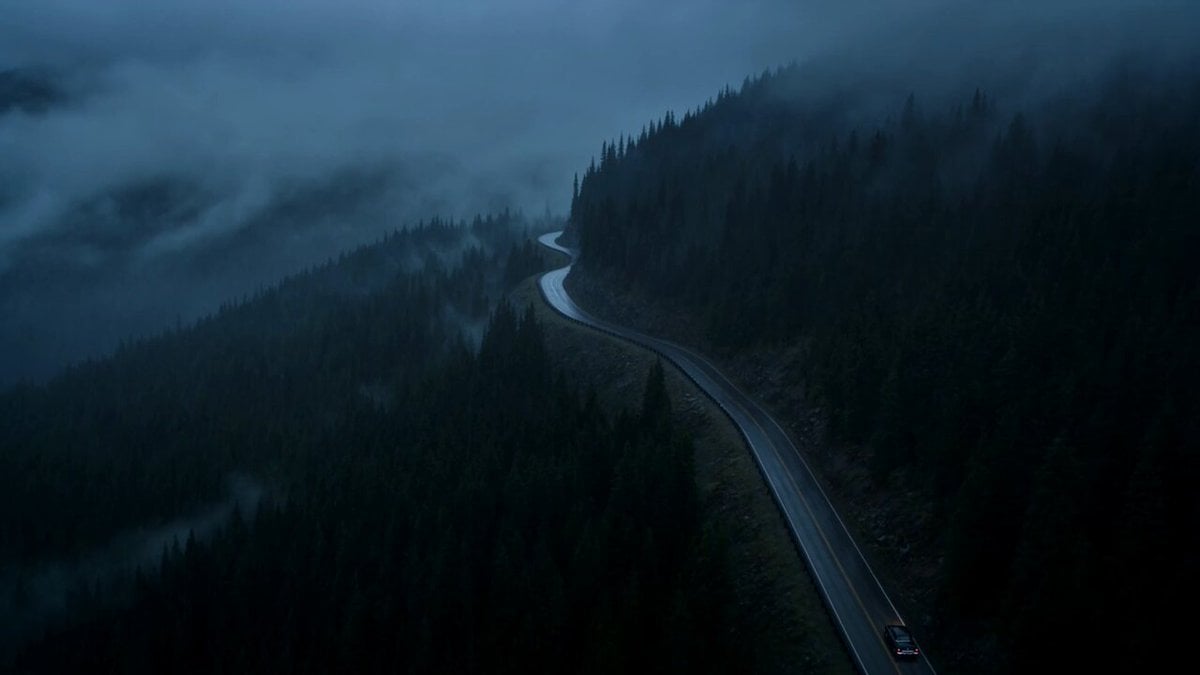
Vintage Neo-Noir Road Film
Browse template categories
First-Person POV Hangzhou Dining Prank questions
How do I use the First-Person POV Hangzhou Dining Prank template?
Add your photo if the template asks for one, edit the prompt if you like — the template's model and format are already selected — and press Generate. Your version opens in PicX Studio.
Can I customize the First-Person POV Hangzhou Dining Prank template?
Yes. You can change the subject, setting, lighting, mood, format, and available model controls before creating your video.
Is the First-Person POV Hangzhou Dining Prank template free?
Opening and editing this template is free. Generating uses credits, shown on the Generate button when you are signed in.
Which AI model should I use?
Start with Seedance 2.0, which is the model associated with this template. You can compare another compatible model for a different finish.
Looking for something else? Browse all templates.

Your photo, any look
Thousands of ready templates for every top image and video model, from one credit balance.