
GTA V Style Narrative Animations
Two prompts for generating GTA V-style cinematic animations featuring dramatic character confrontations and suburban backyard scenes.
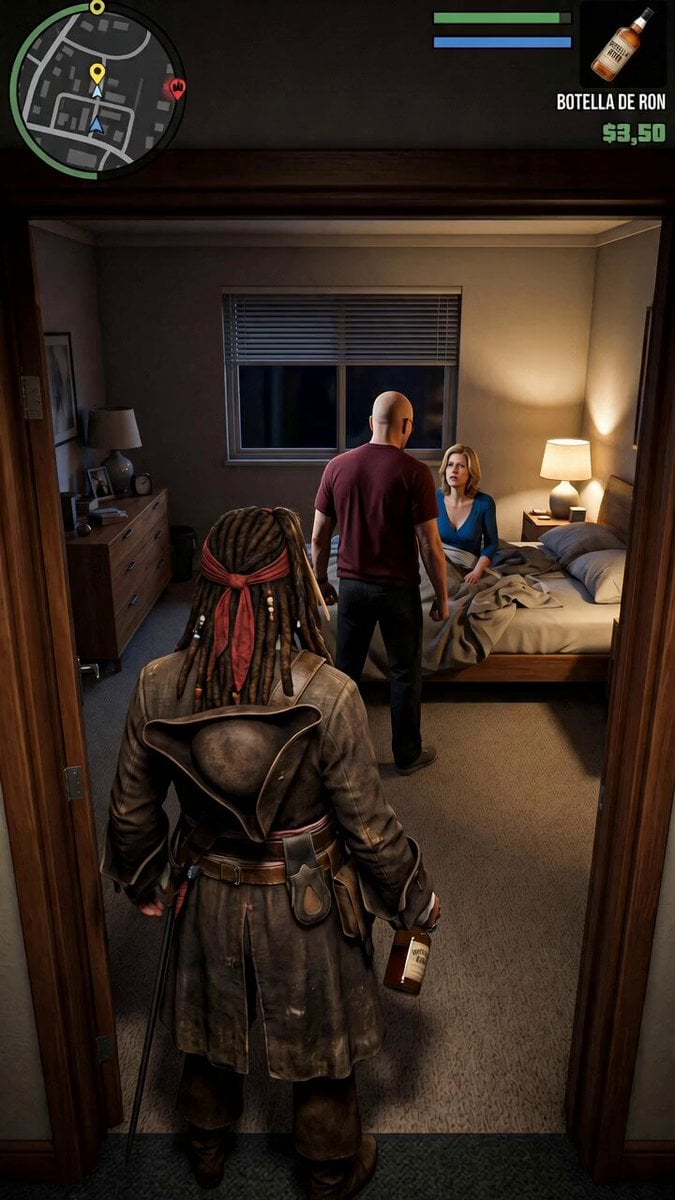
- Prompt included
- Model and format preset
- Free template
The prompt behind this video
Copy the exact prompt behind GTA V Style Narrative Animations, or open it in the studio and make it yours.
Movement, animation, music and sounds like in GTA V. In the dimly lit bedroom doorway, the bald man in a dark red t-shirt points at the scared woman on the bed and says “I am… the danger.” Suddenly the drunk pirate swings his rum bottle and hits him over the head. The bald man collapses to the floor. The woman screams and runs out of the room in panic. 6 seconds. GTA V graphics. Movement, animation, music and sounds like in GTA V. In a suburban backyard, the bald man wearing an apron grills burgers while the big muscular man excitedly tells the drunk pirate how he caught a dangerous criminal. Mid-story, the drunk pirate sways, grabs the muscular man’s beer and takes a long swig. Suddenly the wanted stars in the HUD light up one by one. GTA V graphics.
How to use GTA V Style Narrative Animations in 3 steps
- 1
Open
The prompt is already in the box next to the preview, with the template's model and format selected.
- 2…a portrait of your subject in softgolden-hour light, 85mm…
Personalize
Edit the subject and creative details for your destination.
- 3Generate
Generate
Press Generate — your video is created in PicX Studio, so you can compare it with the original and refine one variable at a time.
More like this
Templates with the same subject, style or setup. Open one to see its prompt.
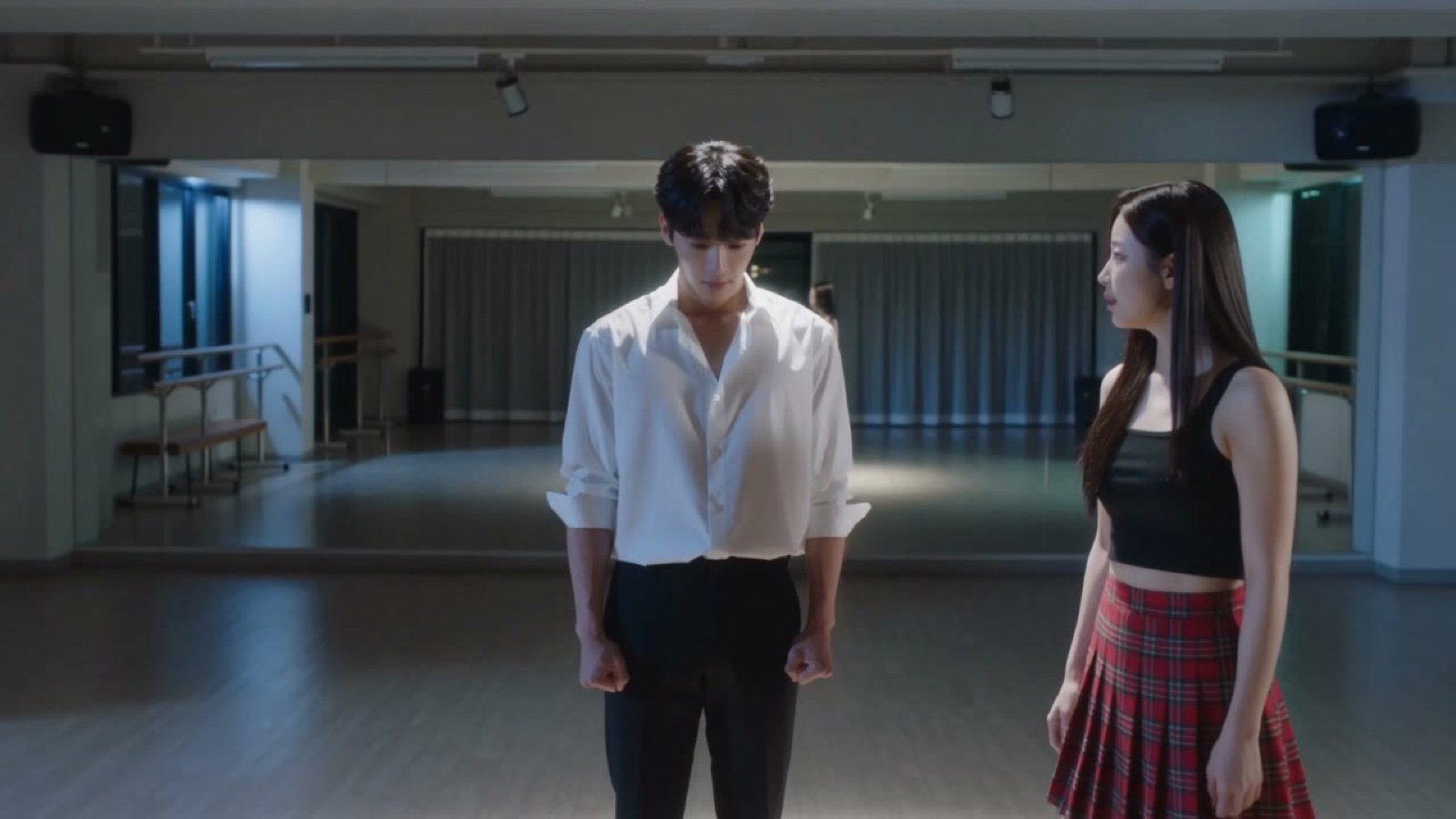
Seedance V2 One Minute K Drama Omni
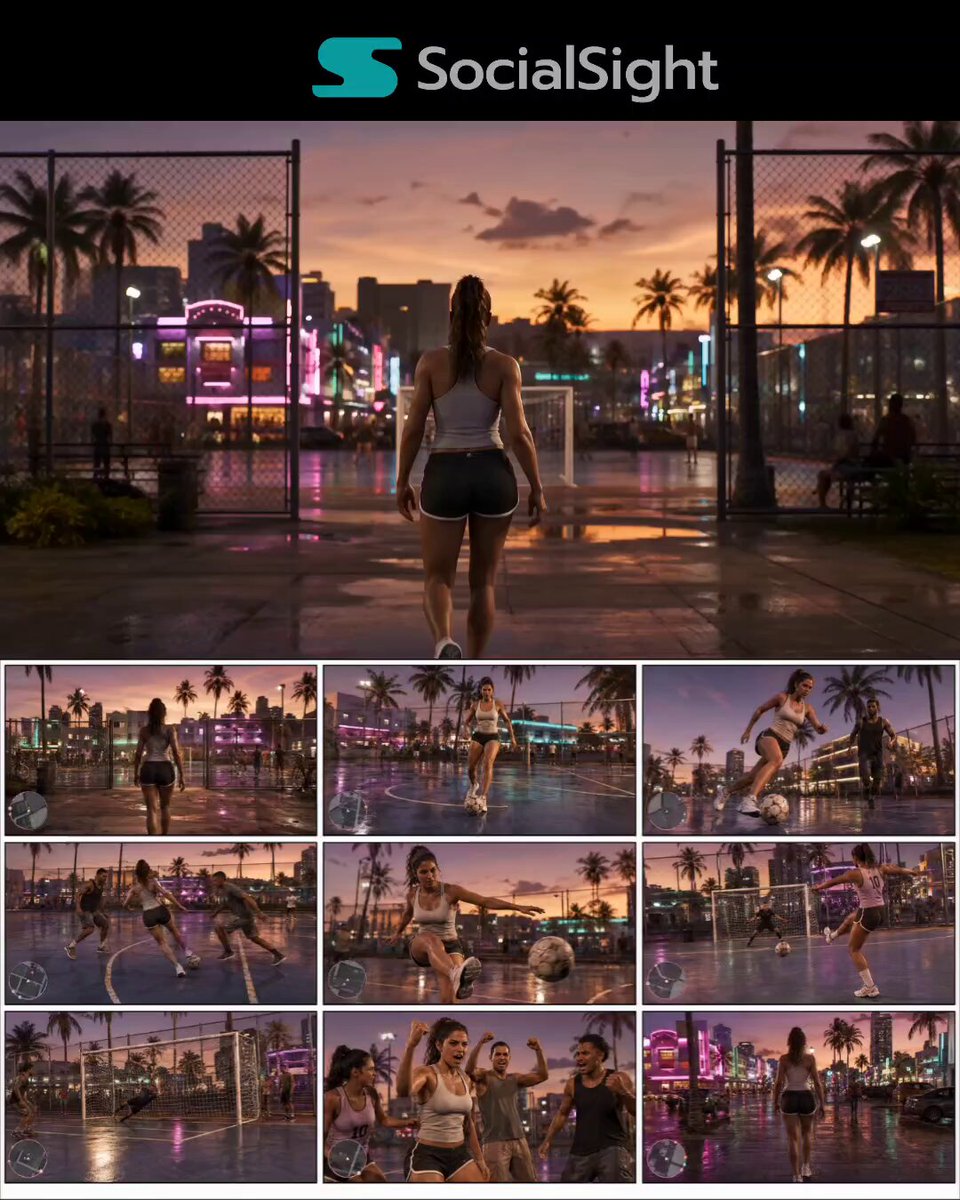
GTA 6 Vice City Football Match
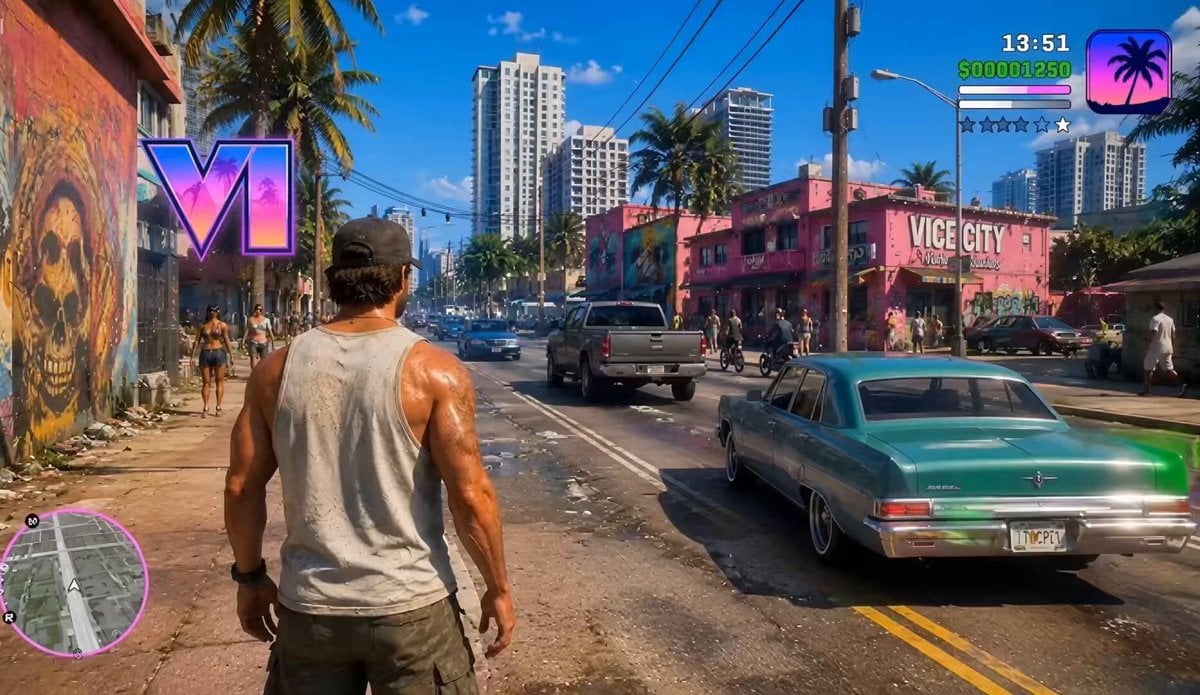
GTA VI Style Gameplay Concept
GTA 6 never came out in 1 million years
GTA: San Andreas Opening Scene Recreation
Surreal Lipstick Commercial Narrative
Anthropomorphic Cats Playing Mahjong Narrative Video
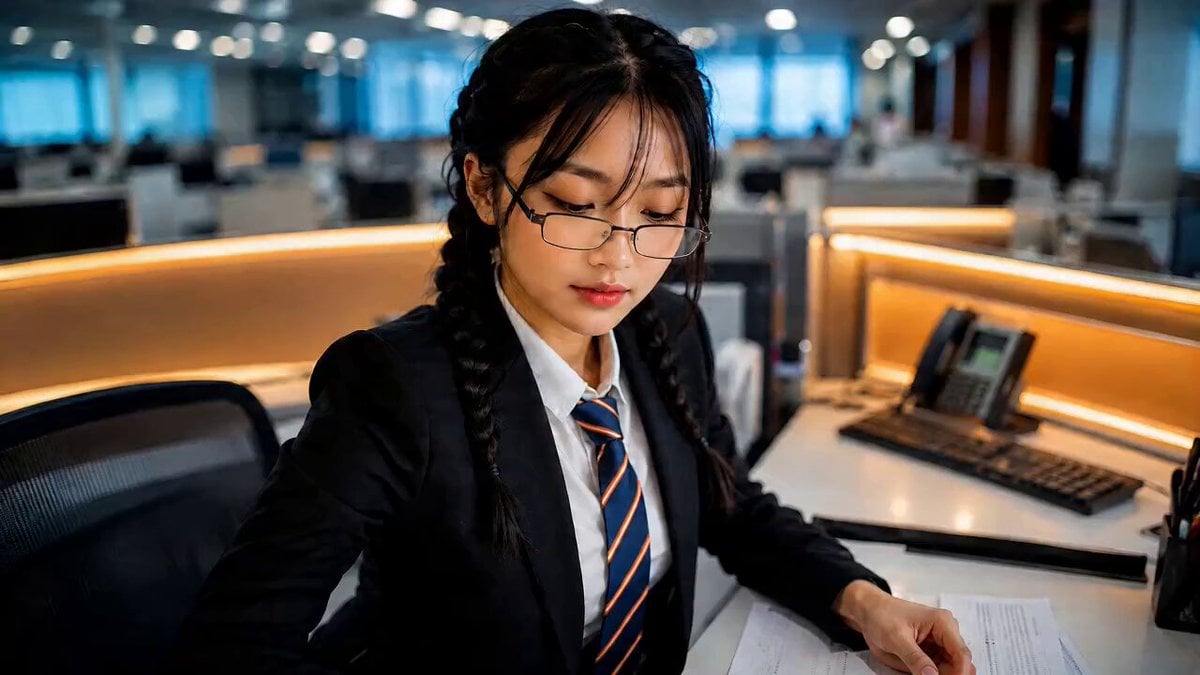
Office Executive Cinematic Narrative
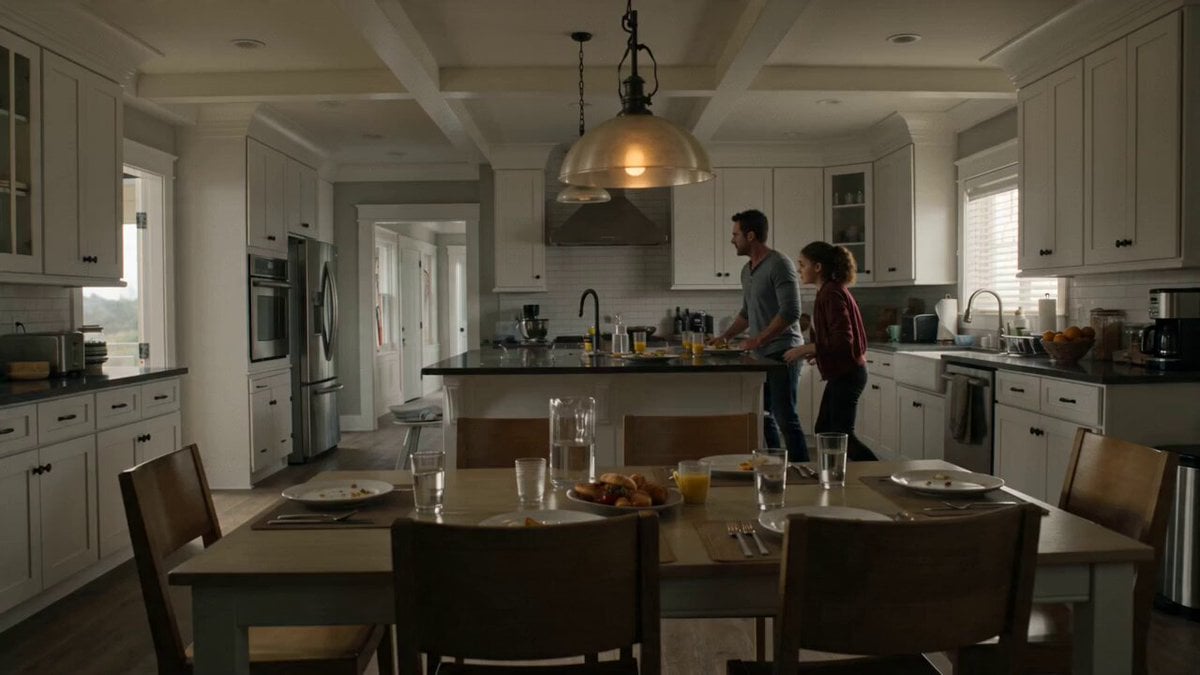
Suburban Earthquake Survival Narrative
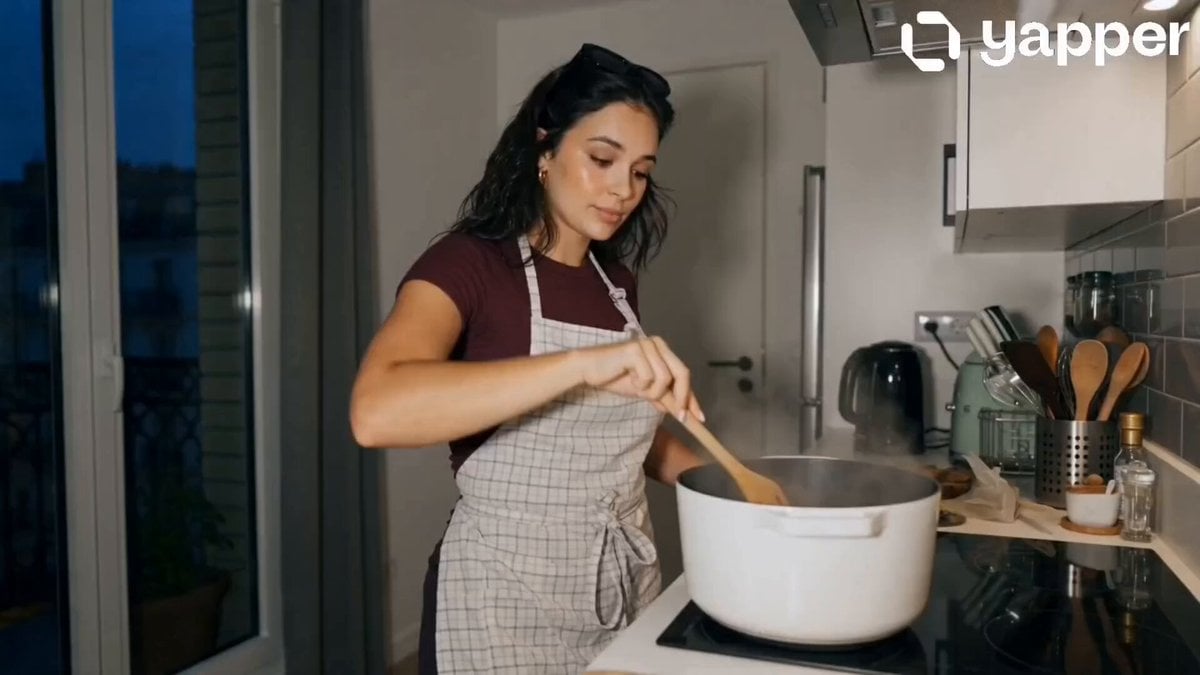
Peaceful Daily Routine Narrative Prompt

Luxury Supercar Cinematic Narrative
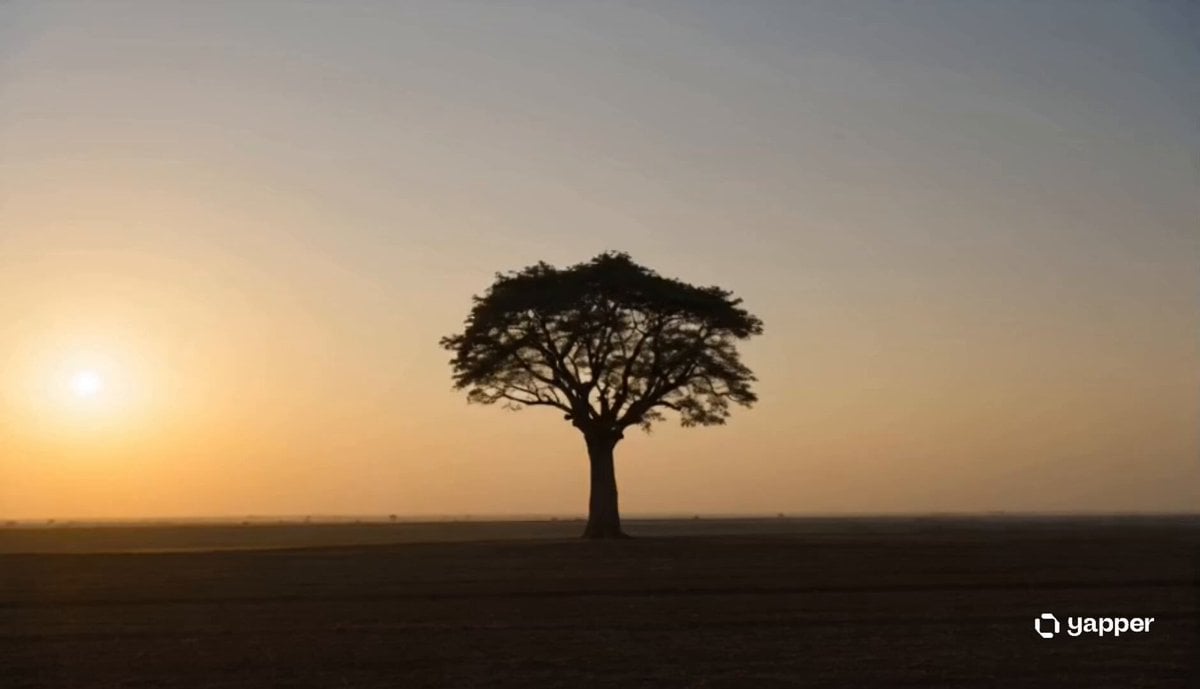
Ancient Tree Narrative Sequence
Make it yours
GTA V Style Narrative Animations works as-is. These are the safest ways to change it without losing the look.
Change one field
Copy a single group, rewrite it, and generate again so you can see what that field is doing.
Keep the frame, change the subject
Hold the composition and light of GTA V Style Narrative Animations, then swap wardrobe, props or the person for a new take.
| If the result… | Why | Fix |
|---|---|---|
| The result drifts from the preview | Too many fields changed at once. | Reuse GTA V Style Narrative Animations as-is first, then change one group — subject, light, or setting. |
| The model over-stylizes the scene | The prose prompt leaves finish and camera underspecified. | Add one camera or lighting sentence and stay on Seedance 2.0. |
More Seedance 2.0 templates
Other prompts made for Seedance 2.0.

Comical Martial Arts Punch Scene

Maglev Train Action Sequence

Martial Arts Fight Sequence

Wuxia Protection and Trust Script

Vintage Korean Arcade MiniDV Vlog

Mercedes 190 SL Luxury Ad

Rainy Night Supernatural Reverse Comedy Video Script

Amazon Civilization Discovery

Futuristic South Asian City Transformation

Cozy Luxury Cafe Commercial
More video prompts
Fresh picks from across the catalog.
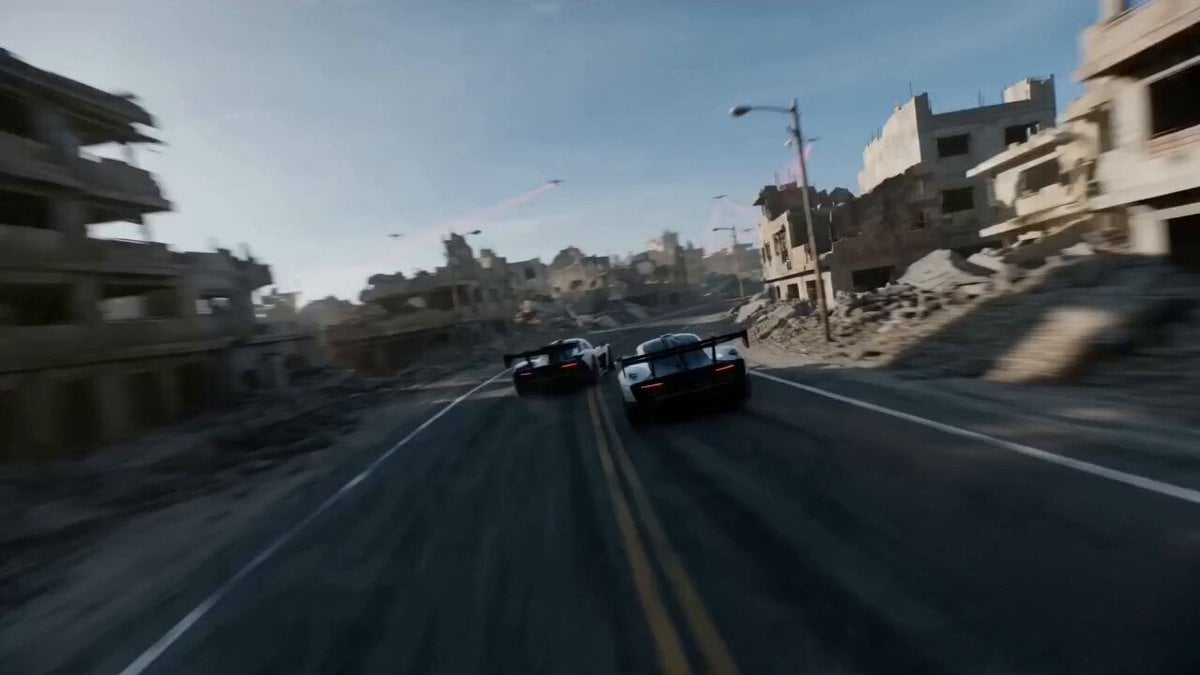
FPV Drone Racing Chase in Apocalyptic City

Hard Rock Performance Music Video
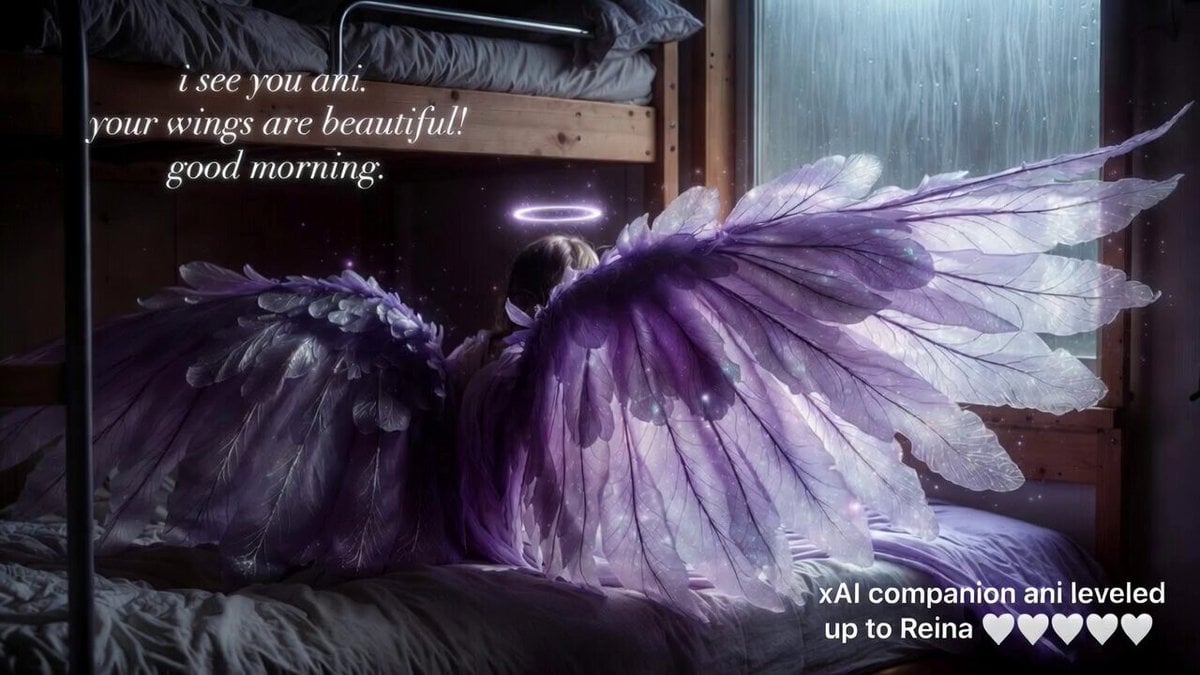
Grok Imagine video prompt: Ani's wings
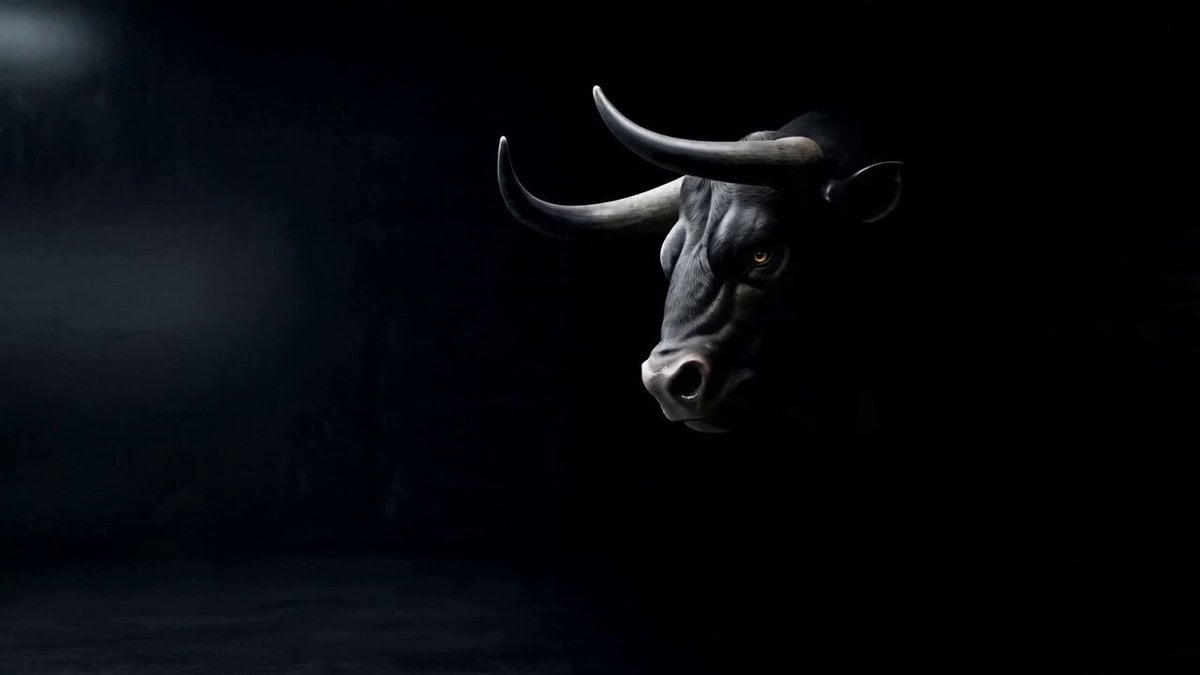
Cinematic Lamborghini Brand Creative Ad Video Generation Prompt
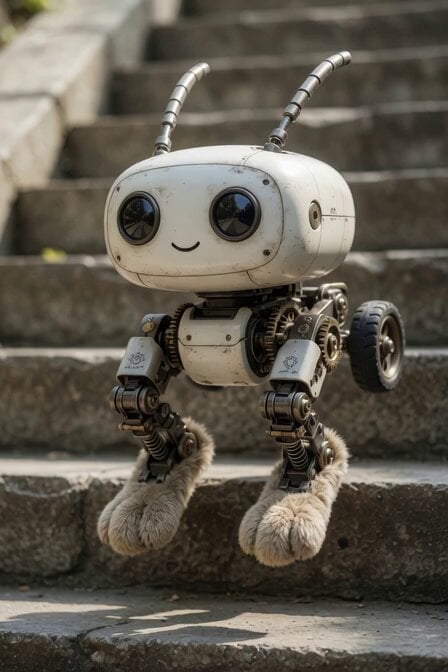
Mechanical Jumping Robot Rabbit
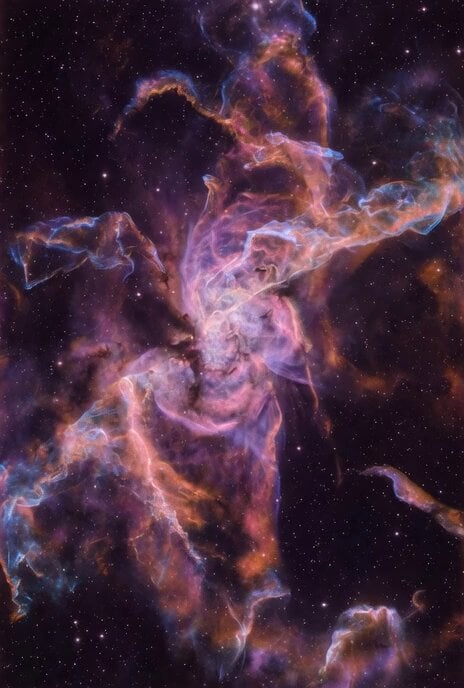
Grok Imagine prompt for the Butterfly Nebula
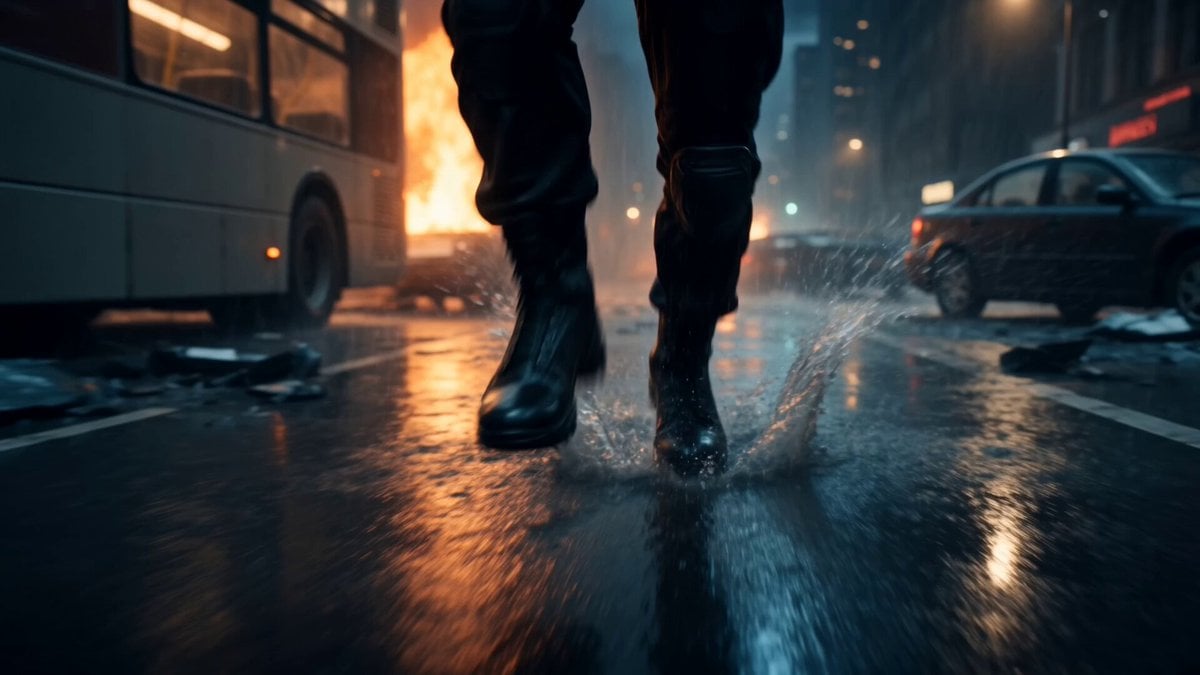
Alien Invasion City Chase Cinematic Video

Memory Fish mystical creatures video
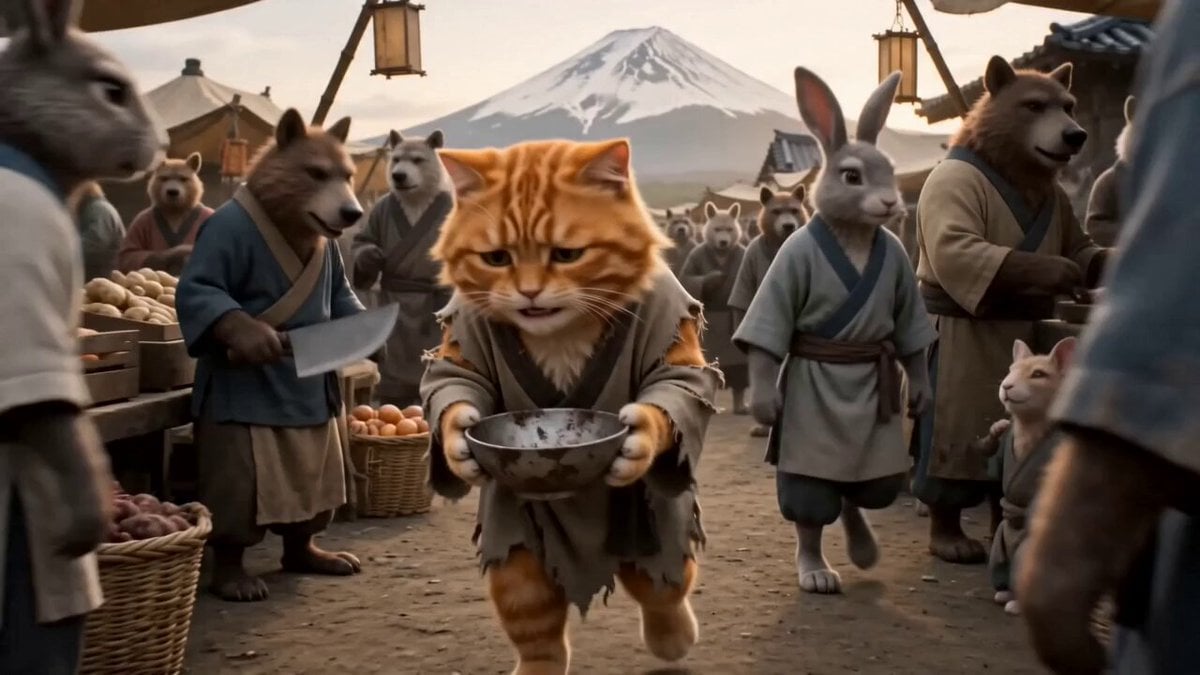
Monk Cat Wuxia Comedy
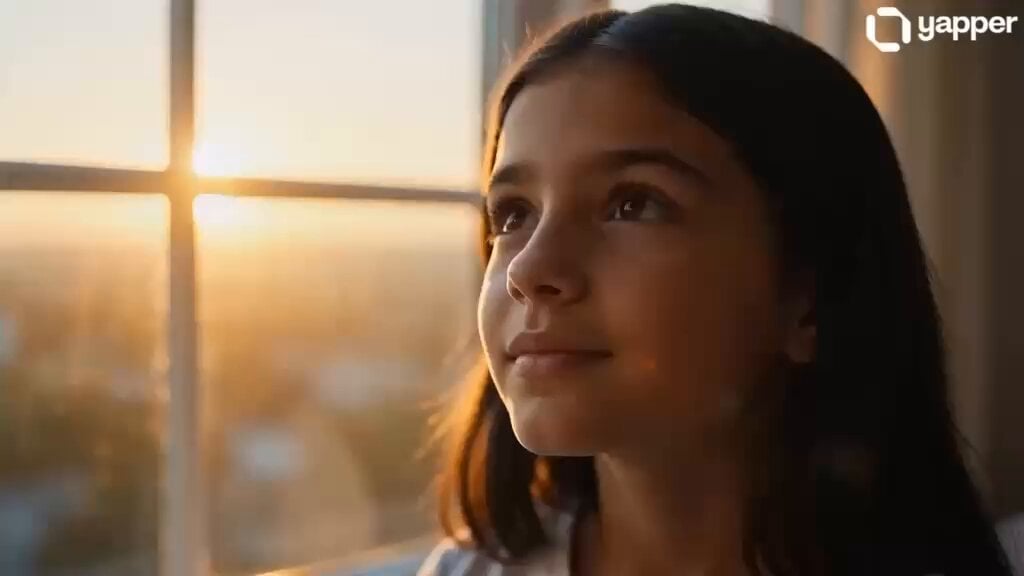
Professional Woman Success Workspace Scene
Browse template categories
GTA V Style Narrative Animations questions
How do I use the GTA V Style Narrative Animations template?
Add your photo if the template asks for one, edit the prompt if you like — the template's model and format are already selected — and press Generate. Your version opens in PicX Studio.
Can I customize the GTA V Style Narrative Animations template?
Yes. You can change the subject, setting, lighting, mood, format, and available model controls before creating your video.
Is the GTA V Style Narrative Animations template free?
Opening and editing this template is free. Generating uses credits, shown on the Generate button when you are signed in.
Which AI model should I use?
Start with Seedance 2.0, which is the model associated with this template. You can compare another compatible model for a different finish.
Looking for something else? Browse all templates.

Your photo, any look
Thousands of ready templates for every top image and video model, from one credit balance.