How do I use the Futuristic Dragon Motorcycle Transformation template?
Edit the prompt in the box under the preview — the template's model and format are already selected — and press Generate. Your version appears right on this page.
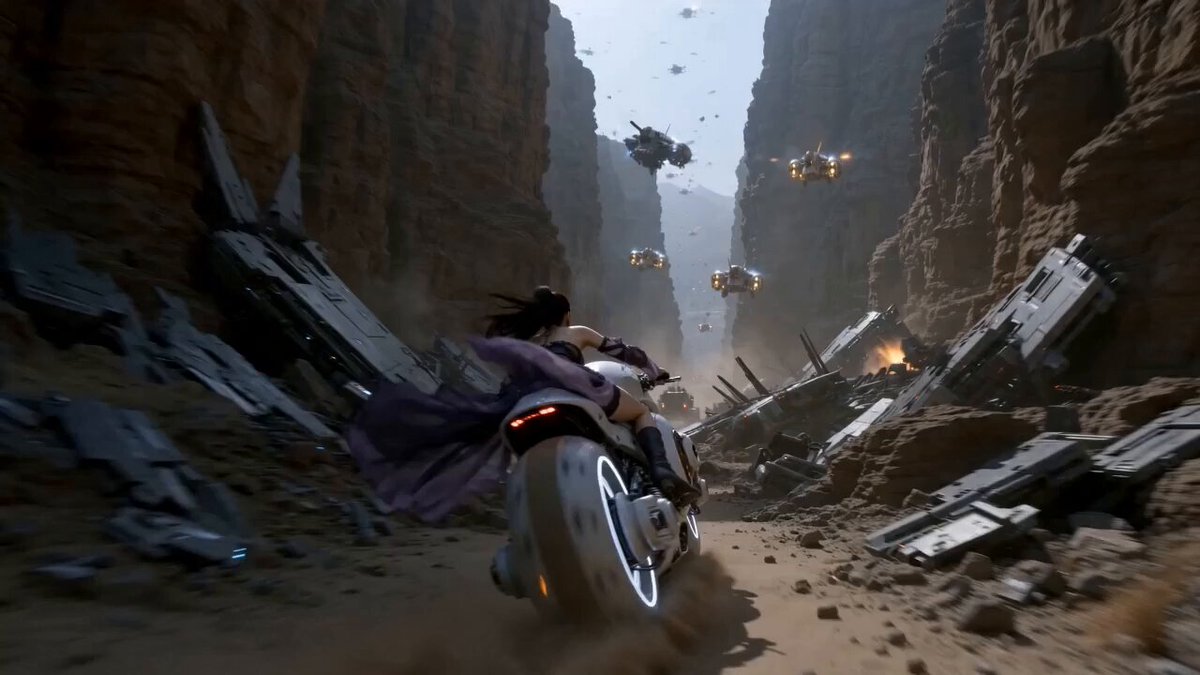
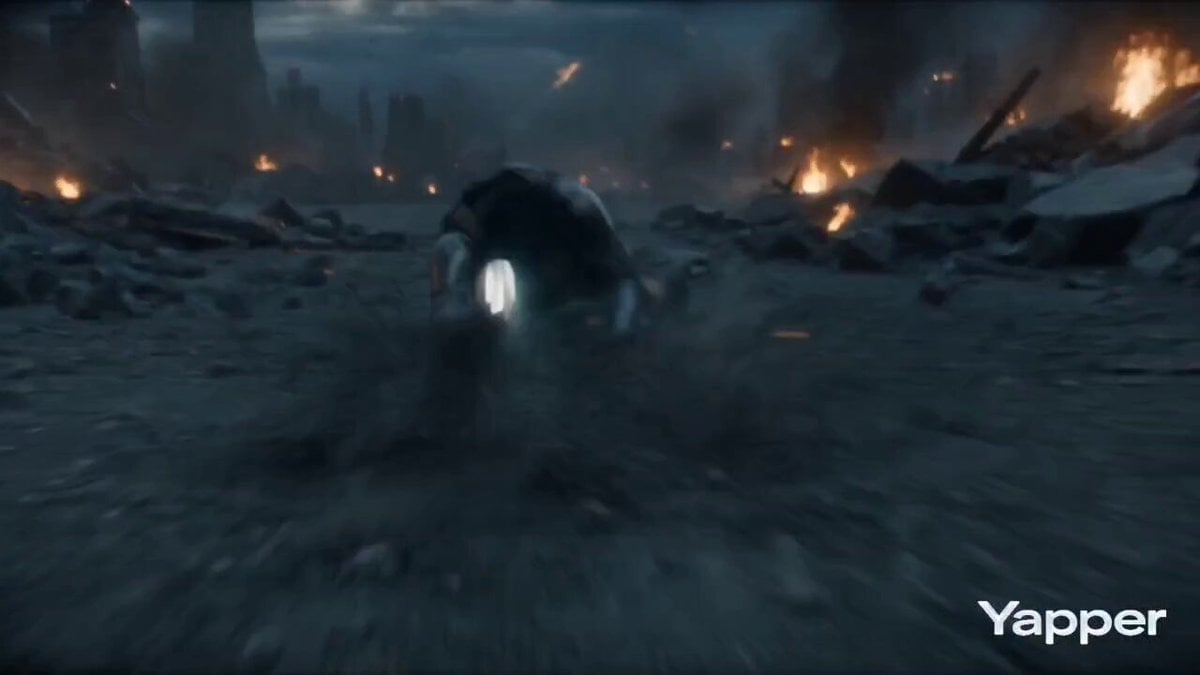
A detailed cinematic sequence showing a futuristic motorcycle transforming into a robotic dragon in a neon-lit city street at night.
Montage, multi-shot cinematic sci-fi action, 15 seconds, fast-paced editing, cinematic continuity, photorealistic, 35mm film look, dramatic lighting, neon reflections, motion blur, depth of field, dynamic tracking camera. Use the main character. Maintain strict identity consistency in all shots. No redesign or variation. Use motorcycle design. Maintain strict vehicle consistency with the same white futuristic body, gold mechanical details, glowing energy core, and sharp dragon-inspired shape. No redesign or variation. The motorcycle transformation must originate from the same vehicle design, preserving its structure, color, and glowing elements. The scene takes place in a futuristic city street at night with wet roads, reflections, and neon lights. 0–2s: Close-up on the main character’s face. Neon lights reflect in his eyes. He looks focused. 2–5s: He rides the white futuristic motorcycle at high speed through the city. Camera tracks beside the bike, emphasizing speed and glowing gold energy. 5–8s: The motorcycle begins transforming while moving forward. Mechanical parts shift and expand. The front stretches into a dragon-like head, glowing energy intensifies. 8–11s: Full transformation. The motorcycle becomes a large robotic dragon. The main character is lifted with it, holding position as the dragon rises. 11–13s: The dragon flies upward through the city, wings unfolding with glowing edges. Light trails follow its movement. 13–15s: Final shot. The robotic dragon roars mid-air, glowing intensely. The rider stands balanced on its back as the camera pulls away. smooth continuous motion, consistent character identity, consistent vehicle design, controlled transformation, no random changes, cinematic sci-fi fantasy fusion
Montage, multi-shot cinematic sci-fi action, 15 seconds, fast-paced editing, cinematic continuity, photorealistic, 35mm film look, dramatic lighting, neon reflections, motion blur, depth of field, dynamic tracking camera. Use the main character. Maintain strict identity consistency in all shots. No redesign or variation. Use motorcycle design. Maintain strict vehicle consistency with the same white futuristic body, gold mechanical details, glowing energy core, and sharp dragon-inspired shape. No redesign or variation. The motorcycle transformation must originate from the same vehicle design, preserving its structure, color, and glowing elements. The scene takes place in a futuristic city street at night with wet roads, reflections, and neon lights. 0–2s: Close-up on the main character’s face. Neon lights reflect in his eyes. He looks focused. 2–5s: He rides the white futuristic motorcycle at high speed through the city. Camera tracks beside the bike, emphasizing speed and glowing gold energy. 5–8s: The motorcycle begins transforming while moving forward. Mechanical parts shift and expand. The front stretches into a dragon-like head, glowing energy intensifies. 8–11s: Full transformation. The motorcycle becomes a large robotic dragon. The main character is lifted with it, holding position as the dragon rises. 11–13s: The dragon flies upward through the city, wings unfolding with glowing edges. Light trails follow its movement. 13–15s: Final shot. The robotic dragon roars mid-air, glowing intensely. The rider stands balanced on its back as the camera pulls away. smooth continuous motion, consistent character identity, consistent vehicle design, controlled transformation, no random changes, cinematic sci-fi fantasy fusion
Edit the prompt in the box under the preview — the template's model and format are already selected — and press Generate. Your version appears right on this page.
Yes. You can change the subject, setting, lighting, mood, format, and available model controls before creating your video.
Opening and editing this template is free. Generating uses credits, shown on the Generate button when you are signed in.
Start with Seedance 2.0, which is the model associated with this template. You can compare another compatible model for a different finish.
Follow a topic to a crawlable collection of related PicX Studio templates.