
Mushroom Port Town Anime Escape
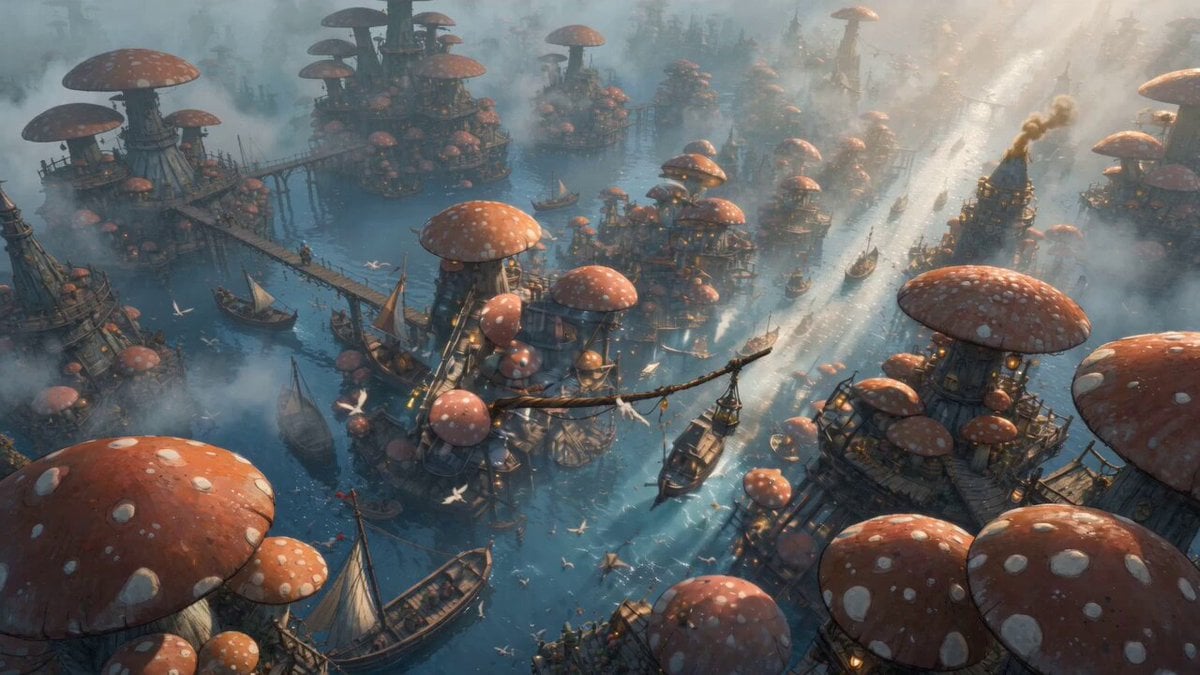
A cinematic anime sequence showing a girl in a blue hood stealing a glowing mushroom and escaping through a high-speed chase across the bridges and walkways of a floating mushroom market town.
- Prompt included
- Model and format preset
- Free template
The prompt behind this video
Copy the exact prompt behind Mushroom Port Town Anime Escape, or open it in the studio and make it yours.
@画像1=主人公キャラクター。 @画像2=絵コンテの参照。 添付された絵コンテ画像 をもとに、15秒の横型16:9アニメハラハラドキドキ逃走シーン動画を作成してください。 テーマ:盗人少女 絵コンテ のパネル順に沿って、テンポの速い颯爽シーンとして動画化してください。 流れ: 水上に広がるきのこ港町市場を俯瞰で見せるところから始まり、青いフードの盗人少女が桟橋や市場の端に身を潜め、紫に発光する希少なきのこを盗みます。 盗みの瞬間は手元の寄り、少女の目の輝き、希少きのこの発光感を印象的に描写してください。 盗みが発覚すると、少女は木の桟橋、水辺の通路、船着き場、ロープ橋、水上足場を使って一気に逃走します。 追手が迫る中、少女は細い橋を駆け、足を滑らせそうになりながらも立て直し、運河を飛び越え、船の上やロープの近くをかすめながら、スピード感のある逃走を見せてください。 カモメが飛び、水しぶきや湿った木材の質感が画面に入るようにしてください。 最後は長い橋の上を光の方へ駆け抜け、港町を抜け出すように終わってください。 スタイル: 高品質なアニメ映画風、シネマティックなライティング、ハラハラドキドキの神作画、高精細、鮮やかな色彩、水辺の透明感、湿った木の質感、港町の開放感、きのこ屋台や水上建築が並ぶ冒険感のある世界観。 少女は小さく俊敏で、悪戯っぽくも真剣、スリルを楽しみながらも本気で逃げている印象にしてください。 編集: リズム感のある高速カット、寄りカット、超接写、ローアングル、俯瞰ショット、素早いパン、気持ちのいいマッチカットを使用してください。 市場全景の俯瞰、盗む手元の寄り、少女の顔アップ、追手から逃げる追従ショット、水面近くのローアングル、桟橋を蹴る足元超接写、運河を飛び越えるワイド、ロープ移動や高所視点などを織り交ぜてください。 エネルギッシュでスタイリッシュな映像にしつつ、水上港町ならではの水辺の危うさと橋の連続性を活かした逃走にしてください。 重要: 静止画のスライドショーにはしないでください。 走りや盗みなど自然にアニメーションさせてください。 動画全体を通して、同じ水上きのこ港町の雰囲気と高品質アニメスタイルを維持してください。 文字、字幕、ロゴ、透かしは入れないでください。 颯爽シーンとしてハラハラドキドキを演じてください。 主人公の顔、青いフード、衣装、背負った籠、紫色の発光きのこを全編で一貫して維持してください。
How to use Mushroom Port Town Anime Escape in 3 steps
- 1
Open
The prompt is already in the box next to the preview, with the template's model and format selected.
- 2…a portrait of your subject in softgolden-hour light, 85mm…
Personalize
Edit the subject and creative details for your destination.
- 3Generate
Generate
Press Generate — your video is created in PicX Studio, so you can compare it with the original and refine one variable at a time.
More like this
Templates with the same subject, style or setup. Open one to see its prompt.
French Town Anime Narrative

MiniMax H3 Character Introduction

Japanese Pure Love Short Film

Anime Girl Wall Running Escape Sequence

Studio Ghibli Dumpling Kitchen Cooking Scene
Festive Mushroom City Anime Chase
Anime Town Street Navigation
Mecha Transformation vs Kaiju — 4-Scene Epic
Sci-fi action sequence escape prompt
Cinematic Urban Foot Chase Escape
Dreamstate Nightmare Escape
Cinematic Subway Flood Escape
Make it yours
Mushroom Port Town Anime Escape works as-is. These are the safest ways to change it without losing the look.
Change one field
Copy a single group, rewrite it, and generate again so you can see what that field is doing.
Keep the frame, change the subject
Hold the composition and light of Mushroom Port Town Anime Escape, then swap wardrobe, props or the person for a new take.
| If the result… | Why | Fix |
|---|---|---|
| The result drifts from the preview | Too many fields changed at once. | Reuse Mushroom Port Town Anime Escape as-is first, then change one group — subject, light, or setting. |
| The model over-stylizes the scene | The prose prompt leaves finish and camera underspecified. | Add one camera or lighting sentence and stay on Seedance 2.0. |
More Seedance 2.0 templates
Other prompts made for Seedance 2.0.

Comical Martial Arts Punch Scene

Maglev Train Action Sequence

Martial Arts Fight Sequence

Wuxia Protection and Trust Script

Vintage Korean Arcade MiniDV Vlog

Ancient Roman Celestial Flight

Mercedes 190 SL Luxury Ad

Rainy Night Supernatural Reverse Comedy Video Script

Amazon Civilization Discovery

Futuristic South Asian City Transformation
More video prompts
Fresh picks from across the catalog.
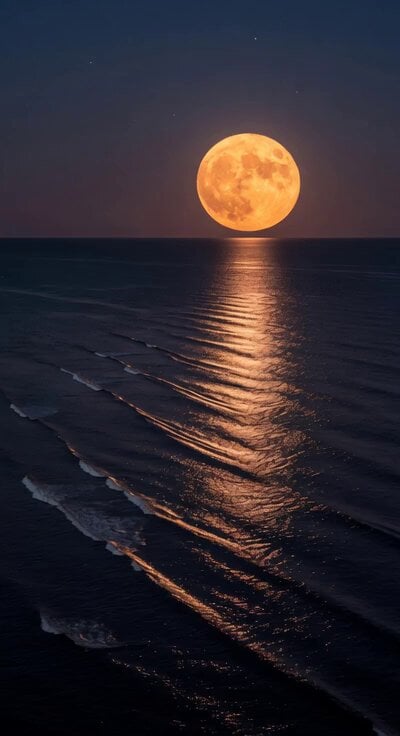
Super Moon Ocean Ripples
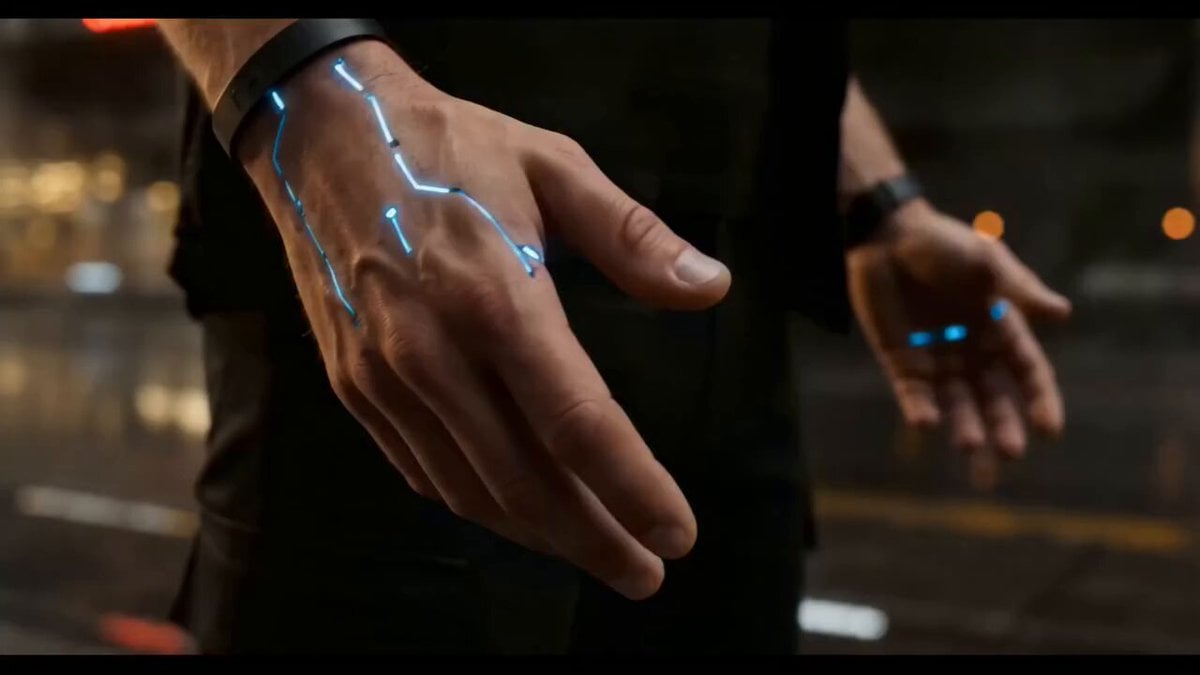
Cyberpunk Exosuit Transformation Sequence
Cyberpunk Monitor Screen Breach POV
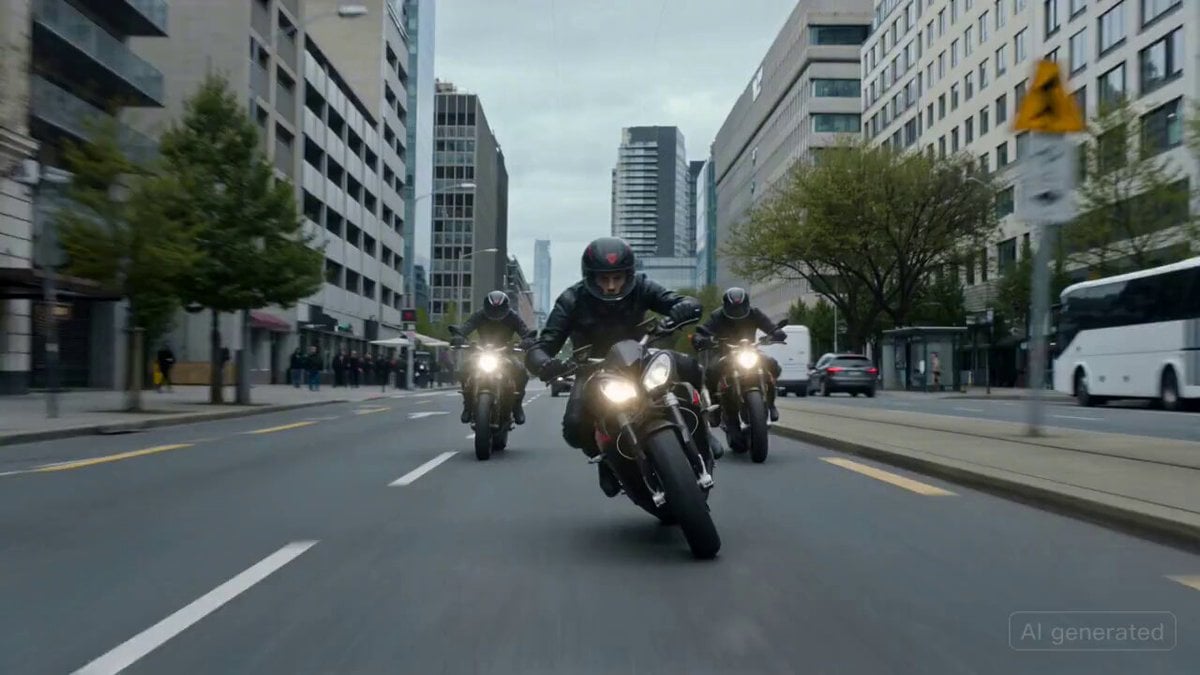
Cinematic High-Speed Motorcycle Chase Scene
Surreal Contemporary Dancer Mercury Sequence
Catholic Mouse Priest in Brooklyn
Supernatural Sigh Shockwave Anime Scene
3D Pixar Style Miniature Girl Animation
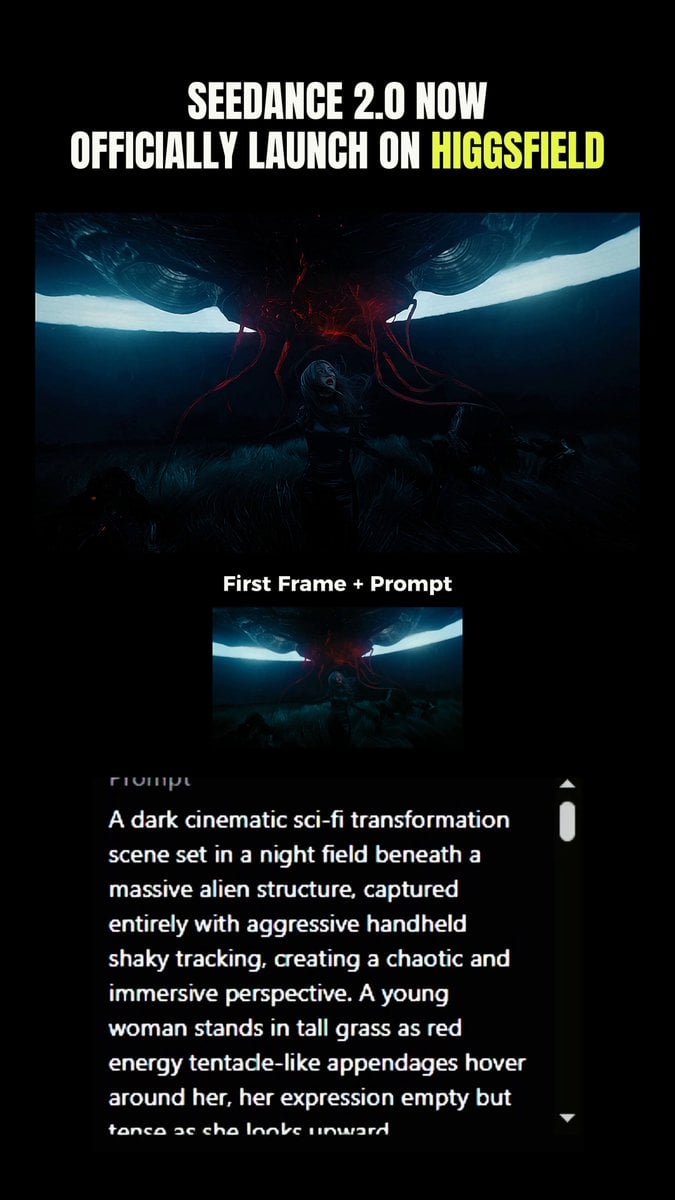
Transformation Sequence: Tentacles and Alien Hiss
Headshot Image Transformation
Browse template categories
Mushroom Port Town Anime Escape questions
How do I use the Mushroom Port Town Anime Escape template?
Add your photo if the template asks for one, edit the prompt if you like — the template's model and format are already selected — and press Generate. Your version opens in PicX Studio.
Can I customize the Mushroom Port Town Anime Escape template?
Yes. You can change the subject, setting, lighting, mood, format, and available model controls before creating your video.
Is the Mushroom Port Town Anime Escape template free?
Opening and editing this template is free. Generating uses credits, shown on the Generate button when you are signed in.
Which AI model should I use?
Start with Seedance 2.0, which is the model associated with this template. You can compare another compatible model for a different finish.
Looking for something else? Browse all templates.

Your photo, any look
Thousands of ready templates for every top image and video model, from one credit balance.