
Stealth Mecha Cow Infiltration
A creative multi-shot action prompt for Seedance 2.0 featuring a woman hiding inside a mechanical cow in a rural landscape.
- Prompt included
- Model and format preset
- Free template
The prompt behind this video
Copy the exact prompt behind Stealth Mecha Cow Infiltration, or open it in the studio and make it yours.
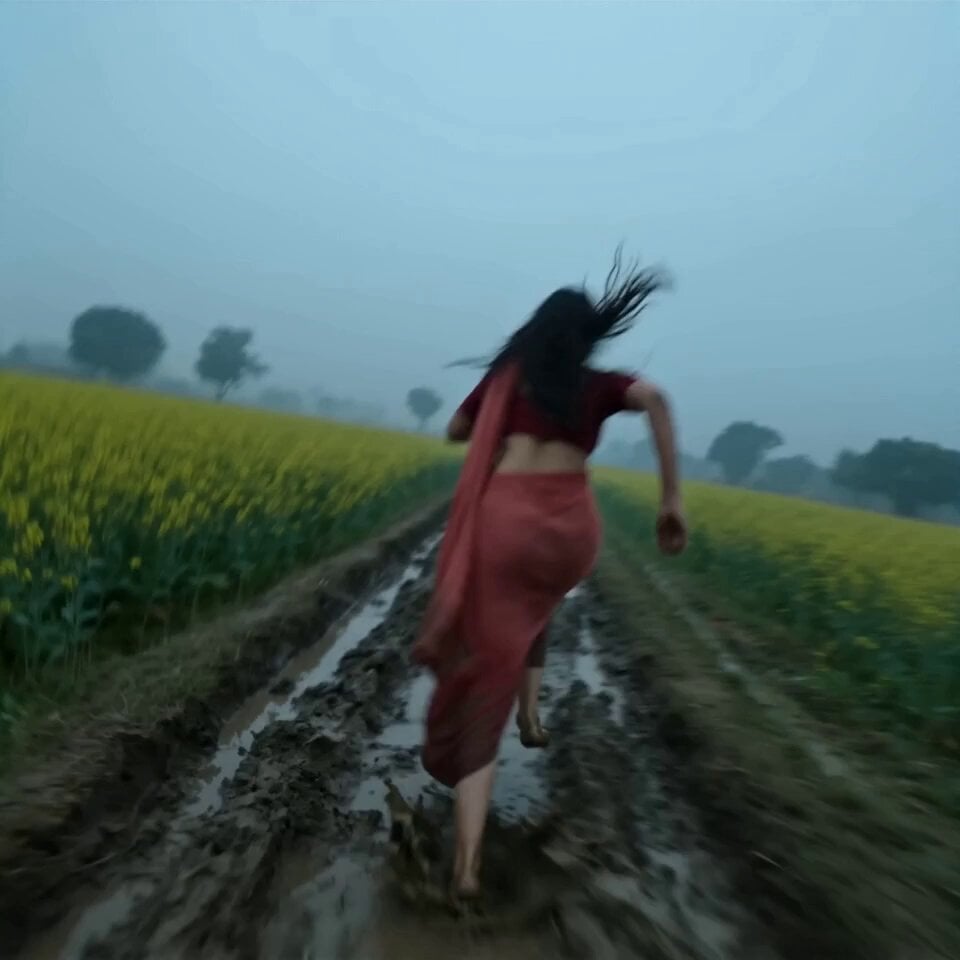
A hyper-real fast paced action sequence set in the Punjab countryside during daytime but overcast. Mustard fields, muddy path, scattered trees, a group of cows grazing calmly. Slight dust in the air. Sound: distant gunshots, heavy breathing, drone buzz approaching. ⸻ Shot 1 (0–2s): Dutch angle An Indian woman in a red sari with shorts underneath runs fast through muddy farmland, barefoot slipping slightly. Gunshots echo behind her. She looks back, terrified, breathing hard. ⸻ Shot 2 (2-5s): She skids in wet sludge, nearly falling, stopping beside a group of calm Jersey cows. She quickly raises her wrist and taps a device. A faint mechanical sound begins. ⸻ Shot 3 (5-10s): One cow beside her splits open seamlessly—its head tilts, back panels slide apart, revealing a hollow, metallic interior disguised beneath organic texture. She doesn’t hesitate—runs through the mud and gets into the cow. The cow closes instantly, returning to a normal grazing posture. ⸻ Shot 4 (10–13s): Seconds later—armed soldiers rush in with rifles. A small surveillance drone hovers overhead, scanning. One soldier speaks into radio (Hindi): “Sir, yahan koi nahi hai… sirf cows hain.” (“Sir, no one’s here… only cows.”) They scan briefly, confused. ⸻ Shot 5 (13–15s): Quick interior cut—dim, woman sitting inside the cow. She watches everything on a screen inside , breathing quietly. Outside, soldiers begin to leave. Back to exterior—calm cows grazing again.
How to use Stealth Mecha Cow Infiltration in 3 steps
- 1
Open
The prompt is already in the box next to the preview, with the template's model and format selected.
- 2…a portrait of your subject in softgolden-hour light, 85mm…
Personalize
Edit the subject and creative details for your destination.
- 3Generate
Generate
Press Generate — your video is created in PicX Studio, so you can compare it with the original and refine one variable at a time.
More like this
Templates with the same subject, style or setup. Open one to see its prompt.
Synthetic human stealth infiltration routine
Mecha Transformation vs Kaiju — 4-Scene Epic
Supernatural Assassin Fortress Infiltration
Stealth Fighter Jet Missile Evasion
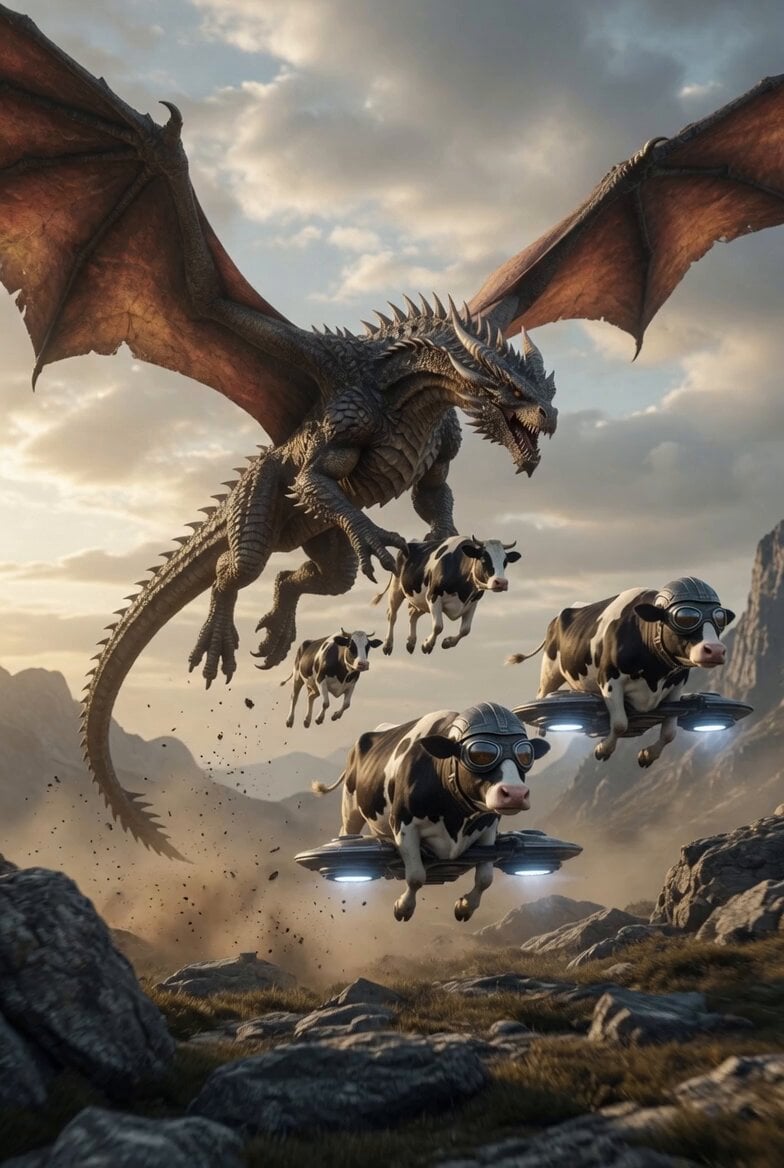
Dragon Chased by Cows on Drones
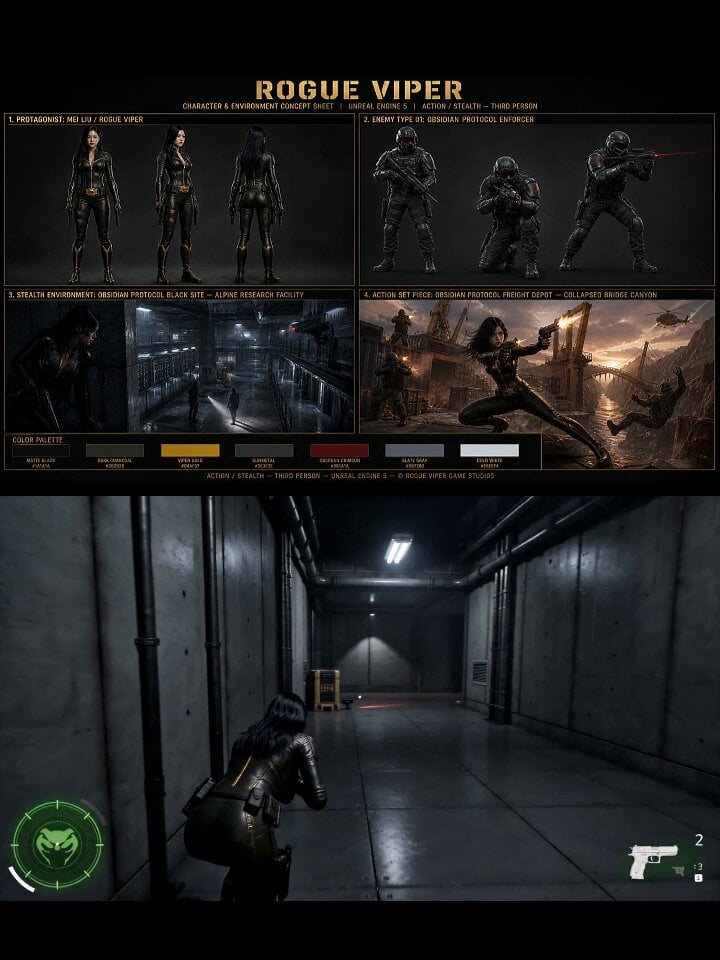
AAA Stealth Action Gameplay Sequence

Female Operative Facility Infiltration Action
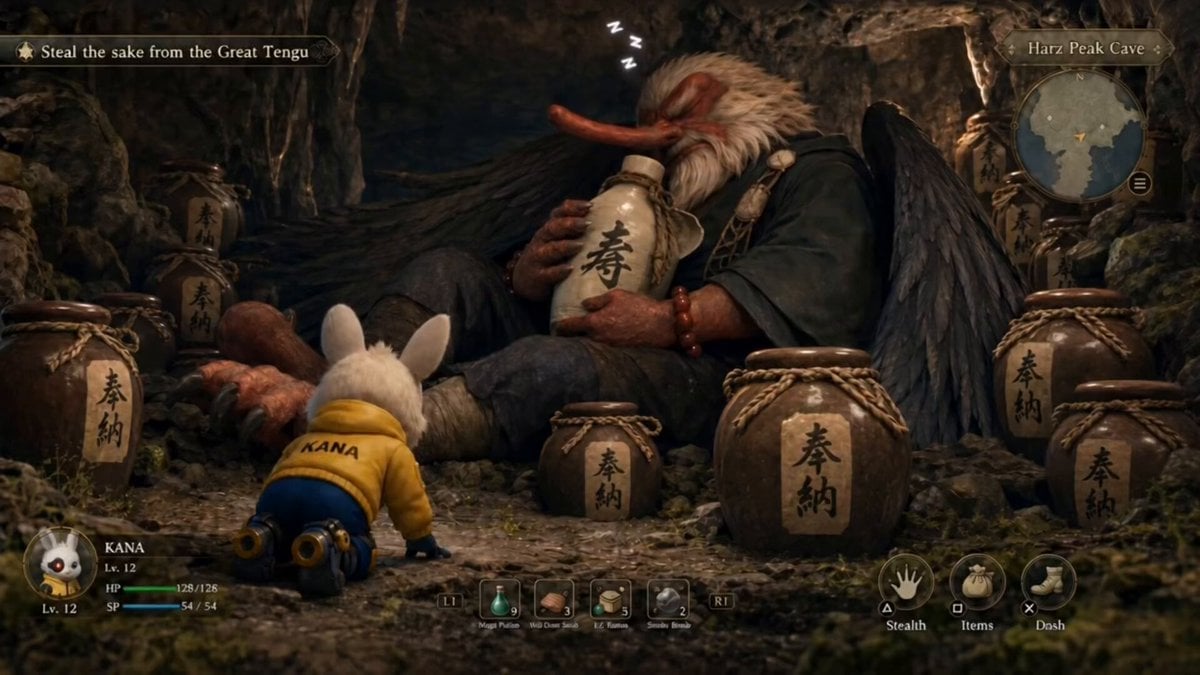
Stealth mini-game heist video prompt
Cinematic Sci-Fi Mecha Short
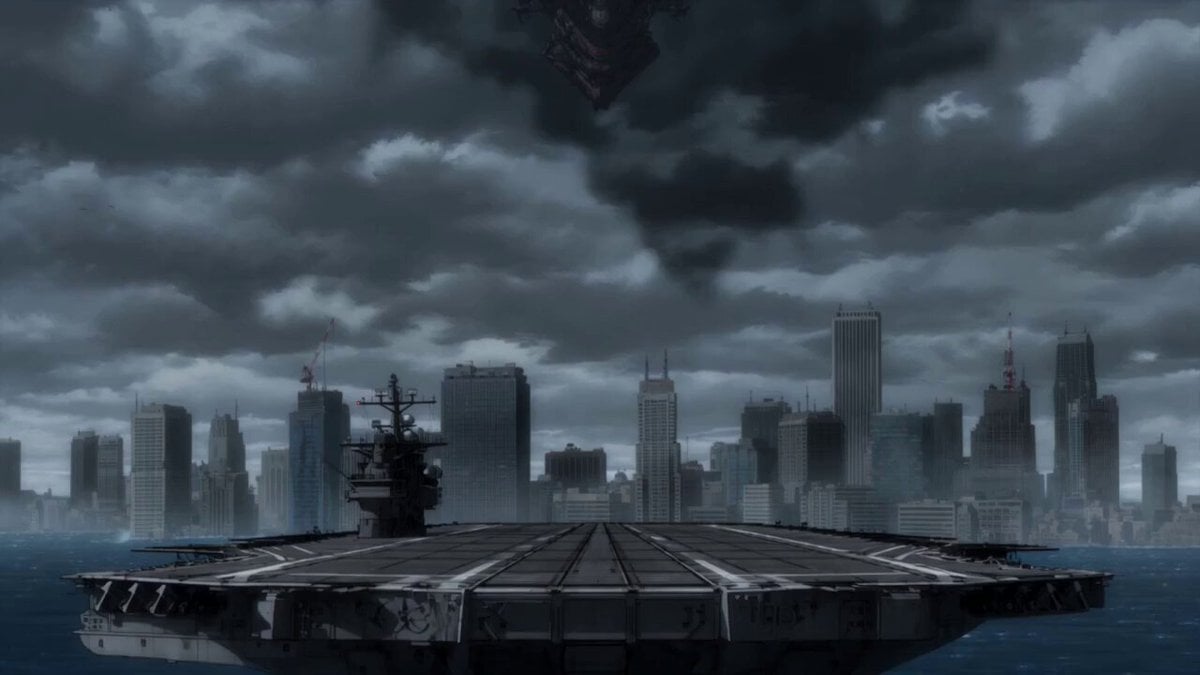
Epic Mecha Battle Cinematic Video
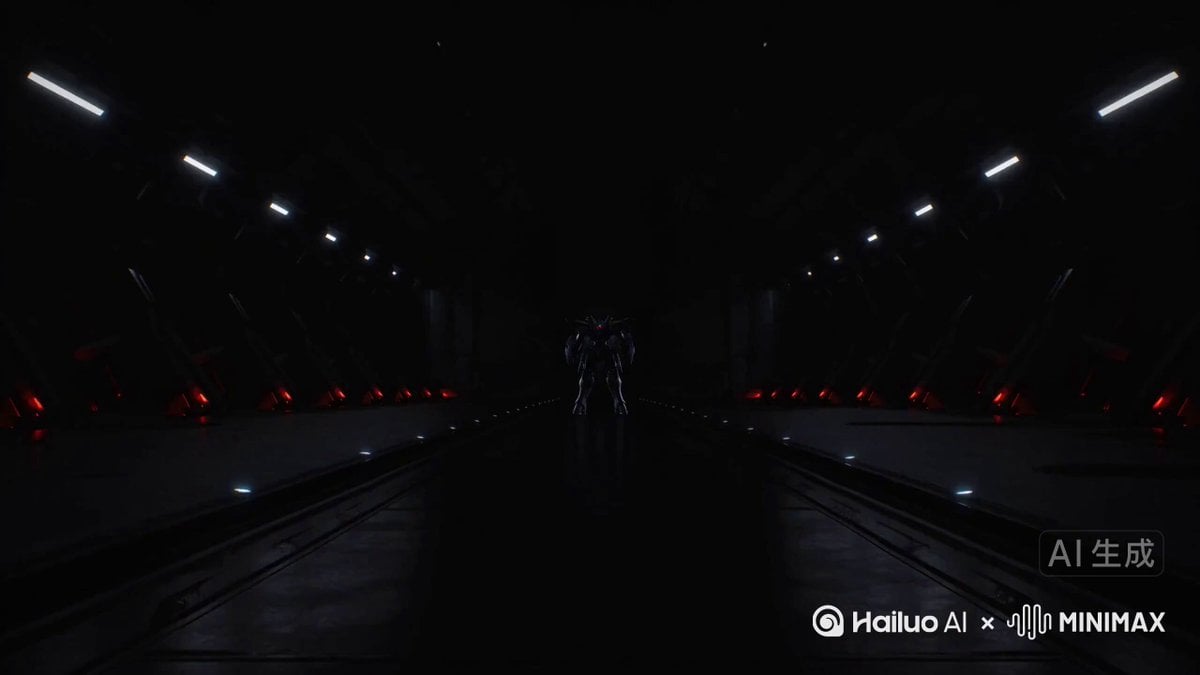
Mecha Front Commercial Ad
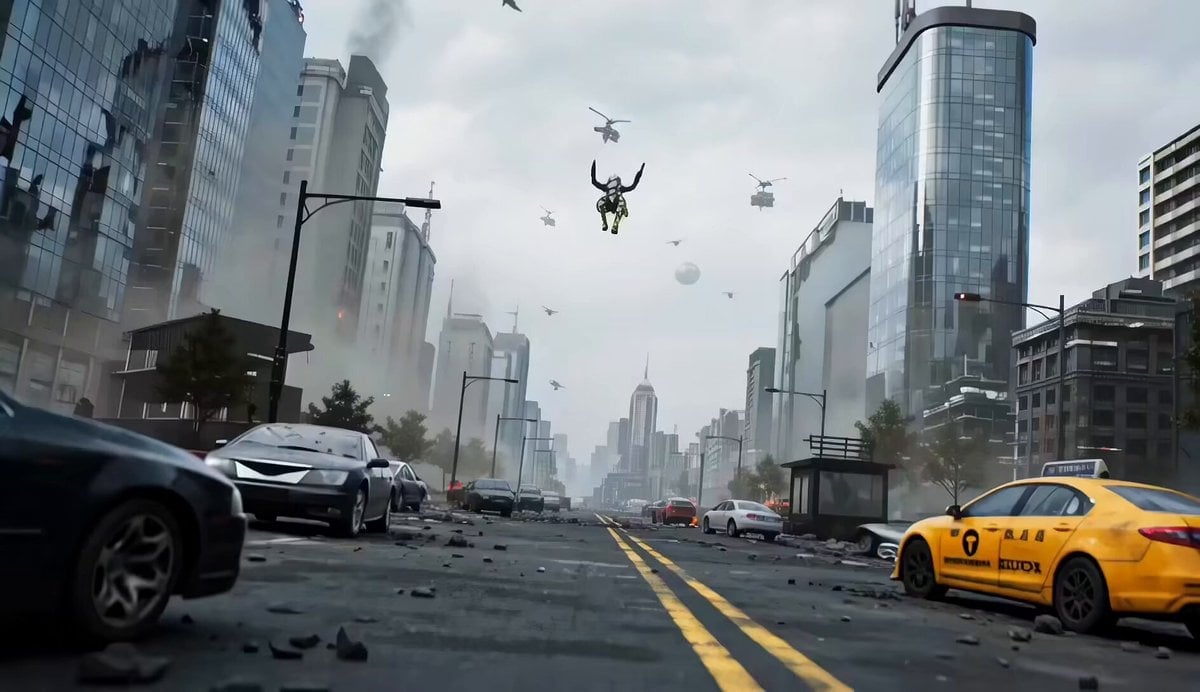
Mecha vs Titan Dragon Cinematic Combat
Make it yours
Stealth Mecha Cow Infiltration works as-is. These are the safest ways to change it without losing the look.
Change one field
Copy a single group, rewrite it, and generate again so you can see what that field is doing.
Keep the frame, change the subject
Hold the composition and light of Stealth Mecha Cow Infiltration, then swap wardrobe, props or the person for a new take.
| If the result… | Why | Fix |
|---|---|---|
| The result drifts from the preview | Too many fields changed at once. | Reuse Stealth Mecha Cow Infiltration as-is first, then change one group — subject, light, or setting. |
| The model over-stylizes the scene | The prose prompt leaves finish and camera underspecified. | Add one camera or lighting sentence and stay on Seedance 2.0. |
More Seedance 2.0 templates
Other prompts made for Seedance 2.0.

Comical Martial Arts Punch Scene

Maglev Train Action Sequence

Martial Arts Fight Sequence

Wuxia Protection and Trust Script

Vintage Korean Arcade MiniDV Vlog

Mercedes 190 SL Luxury Ad

Rainy Night Supernatural Reverse Comedy Video Script

Amazon Civilization Discovery

Futuristic South Asian City Transformation

Cozy Luxury Cafe Commercial
More video prompts
Fresh picks from across the catalog.
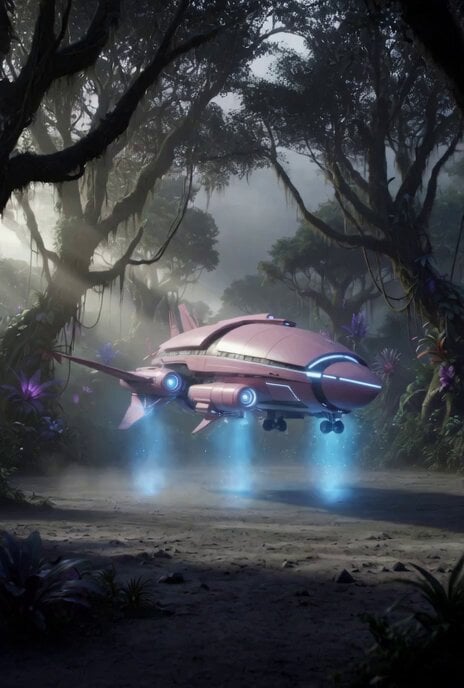
Spaceship Movie and Crew Celebration
Anime Style Transformation with Retro 80s Aesthetic
80s OVA Skate Run Storyboard
Field harvesting vegetables
Urban Newspaper Courier Lifestyle Sequence

second video prompt of a majestic lunar deer

Bit Pixel Art Air Ship
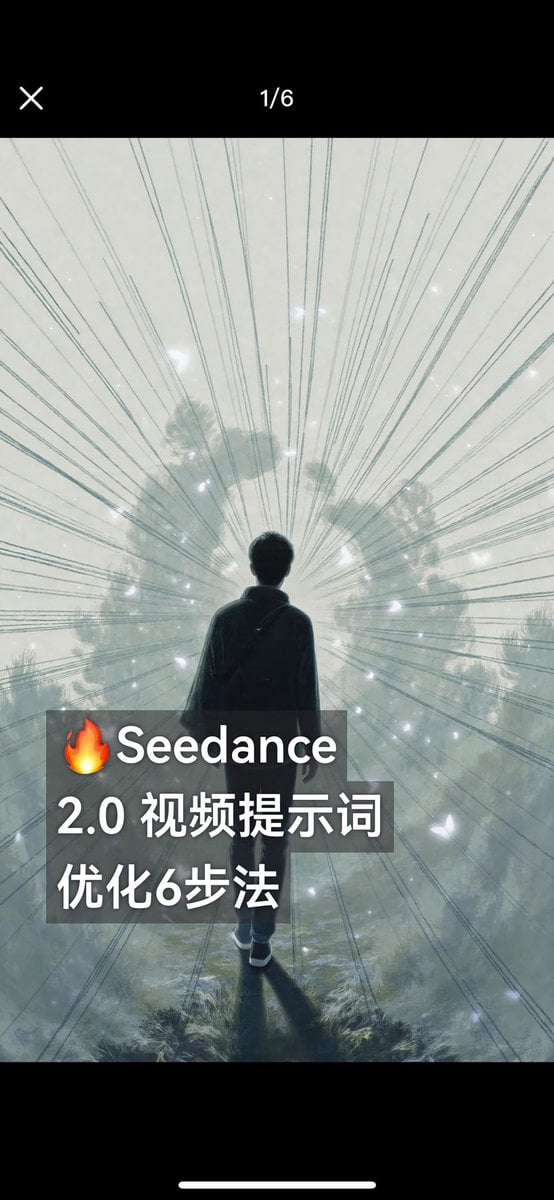
Comprehensive Seedance 2.0 Prompt Tutorial and Example
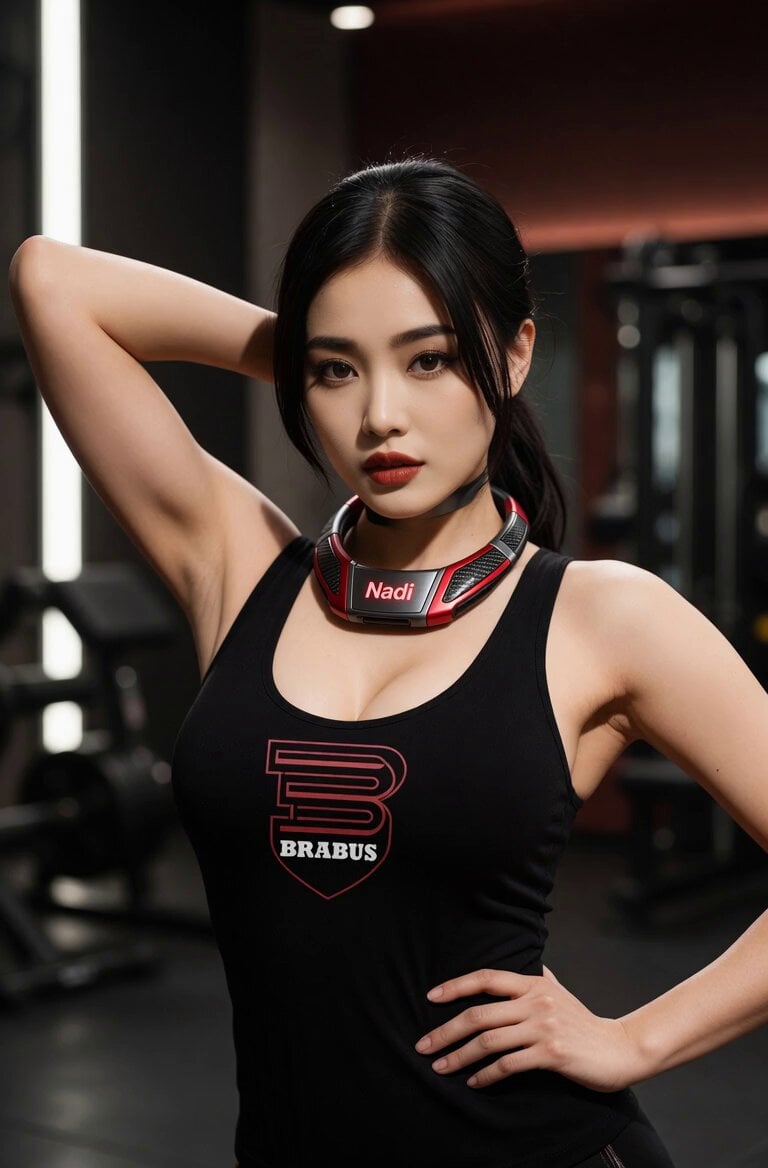
Confident Gym Wearable Tech Portrait
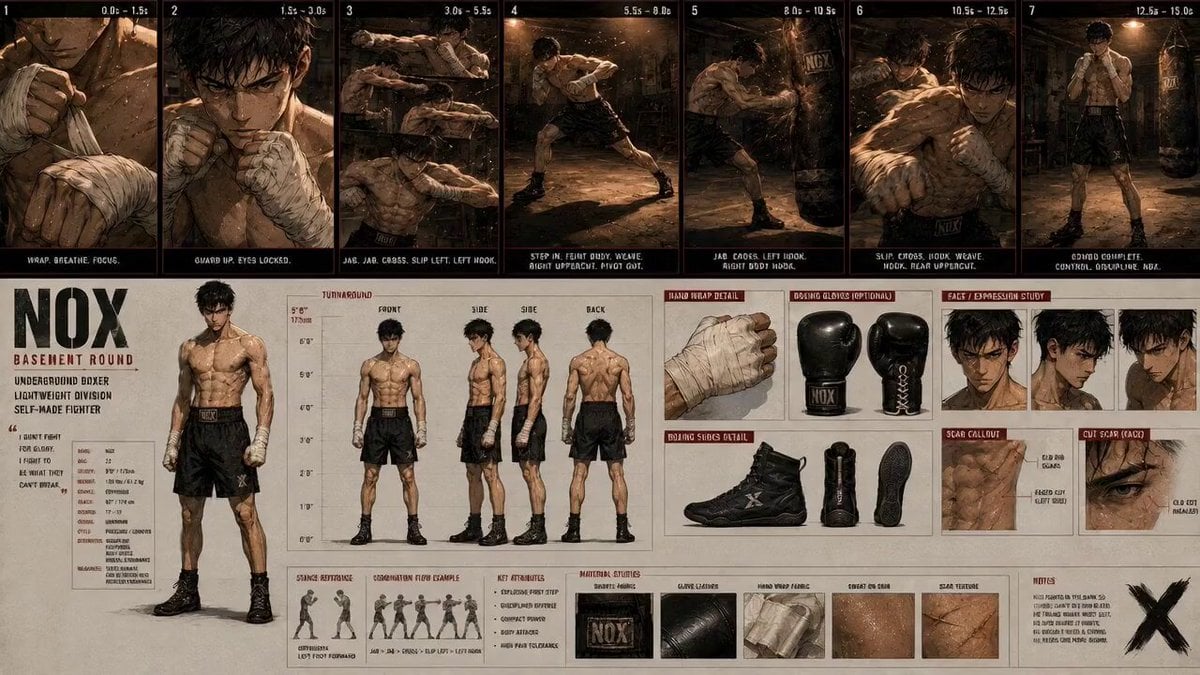
Boxing Gym Character Reference
Browse template categories
Stealth Mecha Cow Infiltration questions
How do I use the Stealth Mecha Cow Infiltration template?
Add your photo if the template asks for one, edit the prompt if you like — the template's model and format are already selected — and press Generate. Your version opens in PicX Studio.
Can I customize the Stealth Mecha Cow Infiltration template?
Yes. You can change the subject, setting, lighting, mood, format, and available model controls before creating your video.
Is the Stealth Mecha Cow Infiltration template free?
Opening and editing this template is free. Generating uses credits, shown on the Generate button when you are signed in.
Which AI model should I use?
Start with Seedance 2.0, which is the model associated with this template. You can compare another compatible model for a different finish.
Looking for something else? Browse all templates.

Your photo, any look
Thousands of ready templates for every top image and video model, from one credit balance.