How do I use the Turbulent Sea Galleon Cinematic Prompt template?
Edit the prompt in the box under the preview — the template's model and format are already selected — and press Generate. Your version appears right on this page.
A detailed cinematic prompt for Seedance 2.0 describing a dynamic camera sequence starting high above a turbulent emerald sea, swooping down to a galleon, passing seamlessly through a stained-glass window into a still…
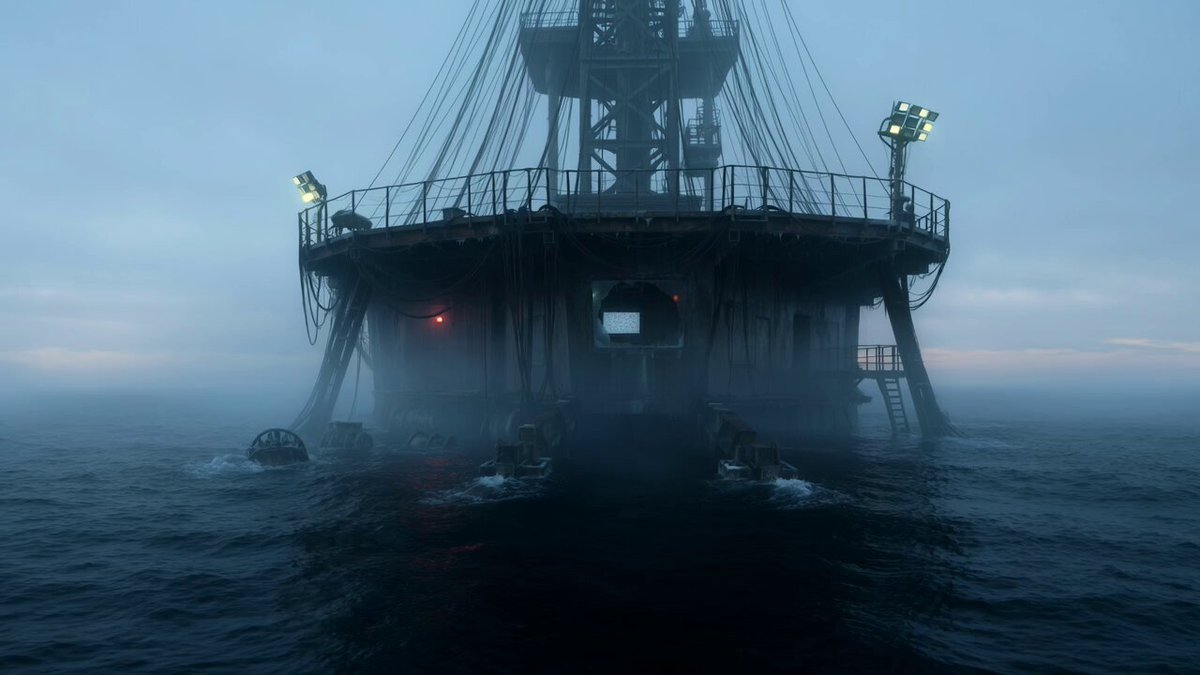
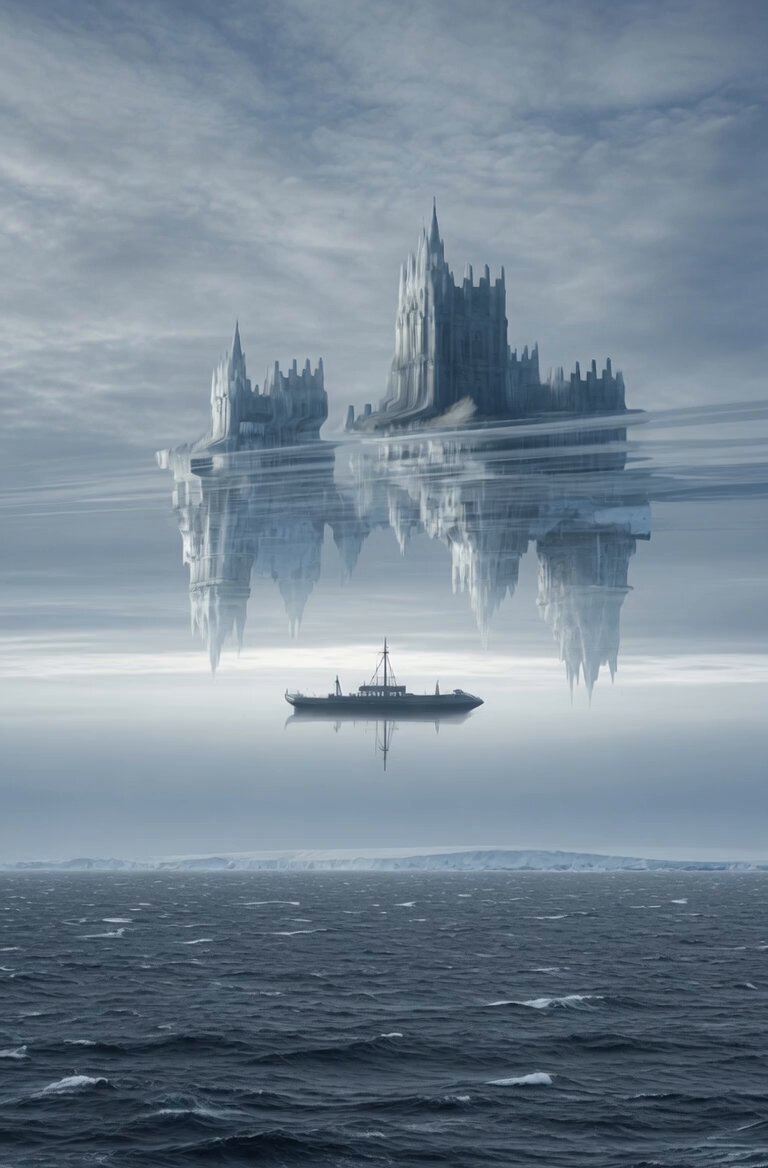
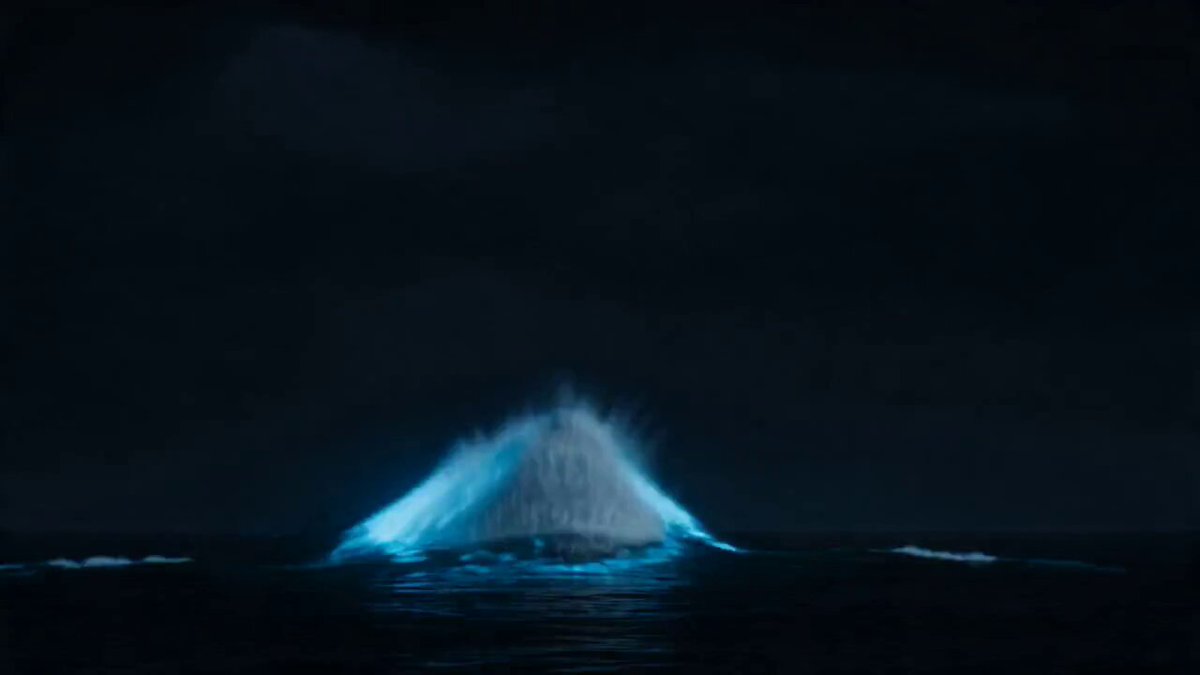
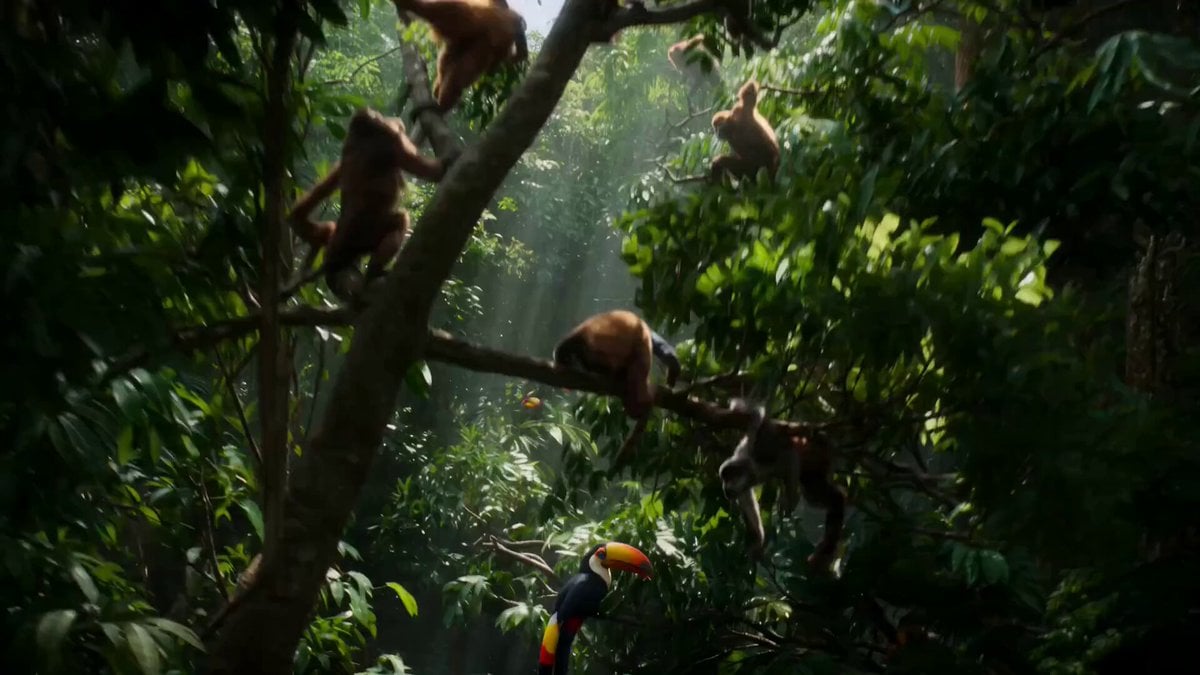
A turbulent emerald sea crashing under the pale light of a crescent moon. A majestic 18th-century galleon rides the roaring waves, sails billowing. The camera swoops down from the storm clouds like a falcon, rushing over the choppy water. The ornate stern of the ship grows huge, featuring intricate stained-glass windows framing the captain's quarters. Matching the ship's violent rocking, the camera passes seamlessly through a glass pane into a surprisingly still, candle-lit cabin. A colorful macaw sleeps quietly on a hanging brass perch, undisturbed by the storm. The camera glides past the bird and exits seamlessly through a side porthole. It sweeps high into the night sky, the massive ship reduced to a toy on the water. The sound of crashing waves fades to silence.
A turbulent emerald sea crashing under the pale light of a crescent moon. A majestic 18th-century galleon rides the roaring waves, sails billowing. The camera swoops down from the storm clouds like a falcon, rushing over the choppy water. The ornate stern of the ship grows huge, featuring intricate stained-glass windows framing the captain's quarters. Matching the ship's violent rocking, the camera passes seamlessly through a glass pane into a surprisingly still, candle-lit cabin. A colorful macaw sleeps quietly on a hanging brass perch, undisturbed by the storm. The camera glides past the bird and exits seamlessly through a side porthole. It sweeps high into the night sky, the massive ship reduced to a toy on the water. The sound of crashing waves fades to silence.
Edit the prompt in the box under the preview — the template's model and format are already selected — and press Generate. Your version appears right on this page.
Yes. You can change the subject, setting, lighting, mood, format, and available model controls before creating your video.
Opening and editing this template is free. Generating uses credits, shown on the Generate button when you are signed in.
Start with Seedance 2.0, which is the model associated with this template. You can compare another compatible model for a different finish.
Follow a topic to a crawlable collection of related PicX Studio templates.