
Gourmet Luxury Dining Commercial
An ultra-realistic cinematic food commercial highlighting the sensory details of gourmet cooking, featuring sizzling steaks, pasta, and elegant plating.
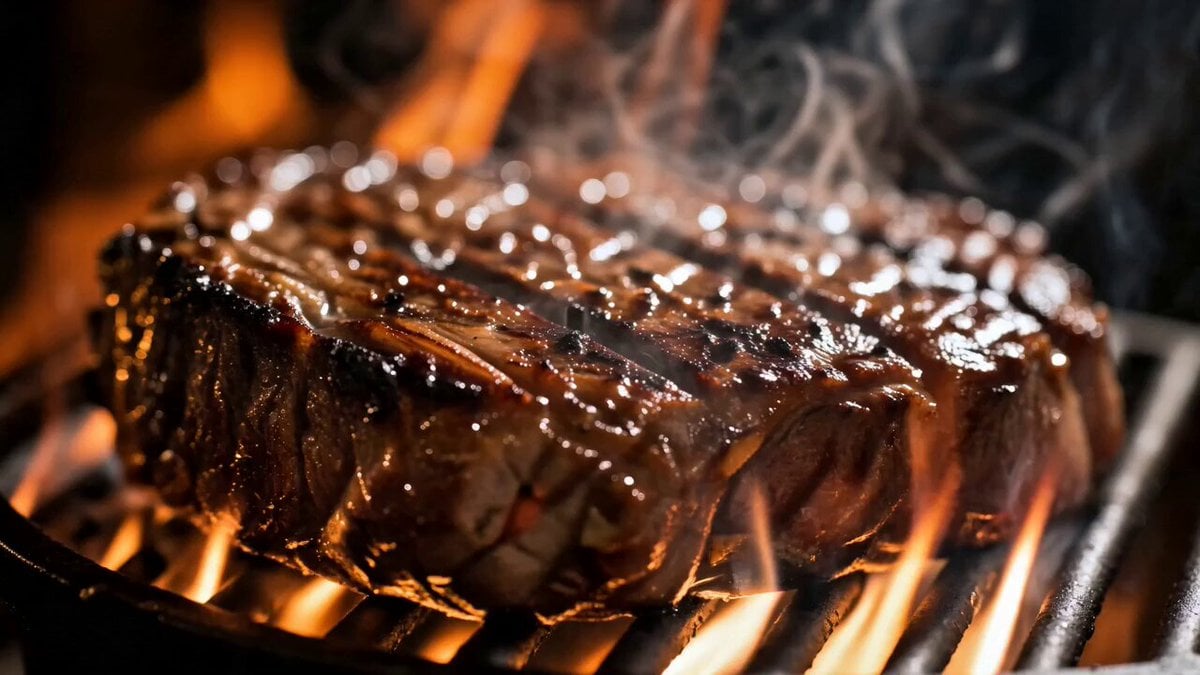
- Prompt included
- Model and format preset
- Premium template
The prompt behind this video
Copy the exact prompt behind Gourmet Luxury Dining Commercial, or open it in the studio and make it yours.
Create a 15-second ultra-realistic cinematic food commercial that captures the sensory journey of preparing and enjoying a gourmet meal. The tone is luxurious, warm, and indulgent, with high-end restaurant aesthetics, dramatic macro cinematography, and natural seamless transitions. Every shot should feel rich in texture and movement, emphasizing fire, steam, glossy sauces, and elegant plating. Audio Design Use a sophisticated soundtrack that begins with a deep cinematic bass note and soft sizzling sounds. As the video progresses, layer in subtle orchestral strings, crisp kitchen Foley (fire crackles, pasta falling, wine swirl, chocolate drizzle), and end with a warm, satisfying musical resolve. The sizzling should remain audible throughout the cooking shots, blending naturally with the music. Video Prompt Shot 1 — Steak Over Flame Open with an extreme macro close-up of a thick steak searing over open fire. Bright orange flames dance around the meat, smoke curls upward, and rendered fat glistens on the charred crust. Camera: Slow push-in. Audio: Intense sizzling, fire crackle, cinematic bass hit. Transition: Flame flare naturally fills the frame and becomes the warm lighting of the next shot. Shot 2 — Gourmet Table Spread Top-down cinematic sweep over a beautifully arranged table featuring grilled salmon with asparagus and rice, creamy pasta, Greek salad, and steak with dipping sauce. Camera: Smooth lateral pan. Audio: Music expands with soft strings and ambient restaurant sounds. Transition: Camera passes over a wine glass; the circular rim becomes the next shot. Shot 3 — Elegant Diner Close-up of a glamorous blonde woman (late 20s, glowing skin, soft waves, glossy lips) holding a crystal wine glass and smiling subtly. Camera: Gentle dolly in. Audio: Delicate glass clink, soft music. Transition: She lowers her gaze toward the plate, cutting naturally to her hand. Shot 4 — Lemon Squeeze Macro shot of her manicured hand with glossy red nails squeezing a charred lemon wedge over salmon. Slow-motion droplets sparkle as they fall. Camera: Tilt down following the juice. Audio: Bright citrus squeeze sound. Transition: The falling droplets match the motion of pasta entering sauce. Shot 5 — Pasta Cascade Wide ribbons of fresh pasta tumble from a colander into creamy sauce in slow motion. Camera: Overhead close-up. Audio: Silky pasta movement and bubbling sauce. Transition: Steam fills the frame and reveals the next shot. Shot 6 — Salmon on Grill Close-up of salmon sizzling on a hot grill as a small flame ignites on its surface. Camera: Subtle zoom in. Audio: Sharp sizzle and brief flame burst. Transition: Flame flash cuts into red tomato sauce. Shot 7 — Rigatoni Toss Rigatoni is stirred with tongs in rich glossy tomato sauce. Camera: Circular overhead
How to use Gourmet Luxury Dining Commercial in 3 steps
- 1
Open
The prompt is already in the box next to the preview, with the template's model and format selected.
- 2…a portrait of your subject in softgolden-hour light, 85mm…
Personalize
Edit the subject and creative details for your destination.
- 3Generate
Generate
Press Generate — your video is created in PicX Studio, so you can compare it with the original and refine one variable at a time.
More like this
Templates with the same subject, style or setup. Open one to see its prompt.

Sneaker Product Commercial

Cinematic Portrait Study 3

Cinematic Portrait Study
Skincare Product Commercial
Luxury Handbag Commercial — Hollywood VFX Ad
Fruit Cookie Commercial

Silk Road Pomegranate Folk Animation

Mechanical Flower Bloom Brand Film

Crystal Ball Match-Cut Brand Film

Skincare Product Commercial 3

Product UGC Commercial
Gourmet Cheeseburger Food Commercial
Make it yours
Gourmet Luxury Dining Commercial works as-is. These are the safest ways to change it without losing the look.
Change one field
Copy a single group, rewrite it, and generate again so you can see what that field is doing.
Keep the frame, change the subject
Hold the composition and light of Gourmet Luxury Dining Commercial, then swap wardrobe, props or the person for a new take.
| If the result… | Why | Fix |
|---|---|---|
| The result drifts from the preview | Too many fields changed at once. | Reuse Gourmet Luxury Dining Commercial as-is first, then change one group — subject, light, or setting. |
| The model over-stylizes the scene | The prose prompt leaves finish and camera underspecified. | Add one camera or lighting sentence and stay on Seedance 2.0. |
More Seedance 2.0 templates
Other prompts made for Seedance 2.0.

Comical Martial Arts Punch Scene

Maglev Train Action Sequence

Martial Arts Fight Sequence

Wuxia Protection and Trust Script

Vintage Korean Arcade MiniDV Vlog

Mercedes 190 SL Luxury Ad

Rainy Night Supernatural Reverse Comedy Video Script

Amazon Civilization Discovery

Futuristic South Asian City Transformation

Cozy Luxury Cafe Commercial
More video prompts
Fresh picks from across the catalog.

Spaceship Movie and Crew Celebration
Skybridge Rescue — Supertall Tower Collapse (Seedance)
Cinematic Morning Food Commercial

Snowy Canyon Horse Riding

Grok Imagine Multi-Shot Fantasy Adventure Video Prompt (30 Seconds)
Beauty Industry Video: Floating in Pool
Seedance Seedance 20 Urban Romance Wall Pin Kiss
Cinematic Gothic Vampire Reveal
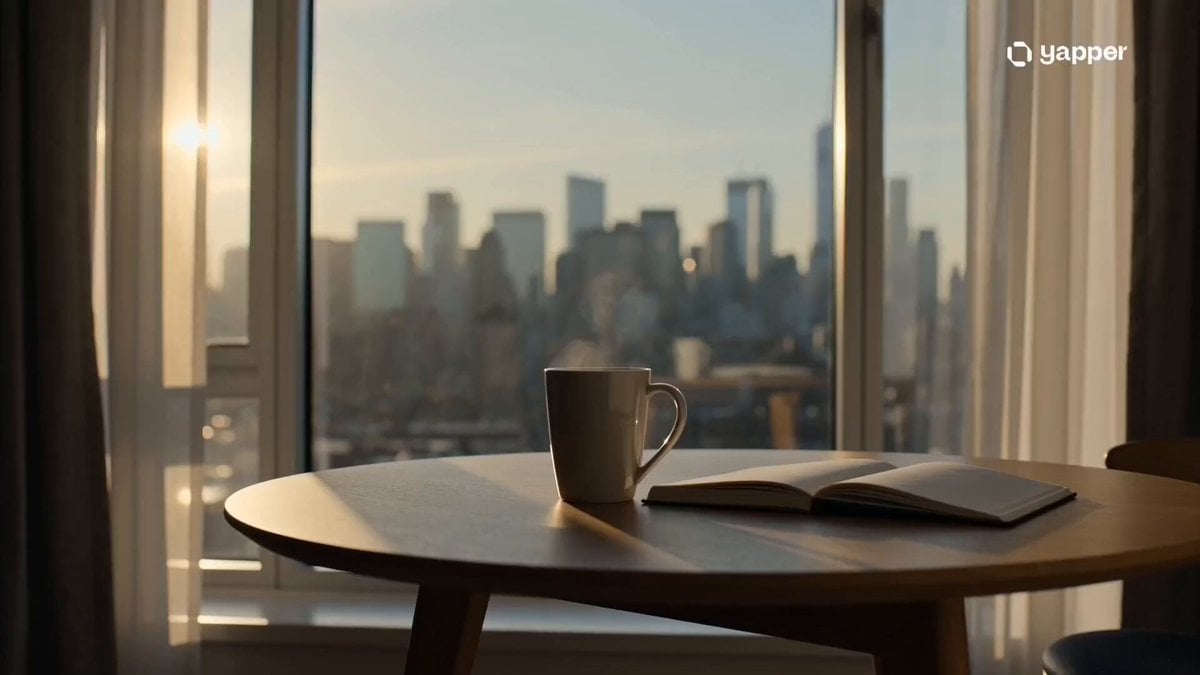
Cinematic Minimalist Urban Morning
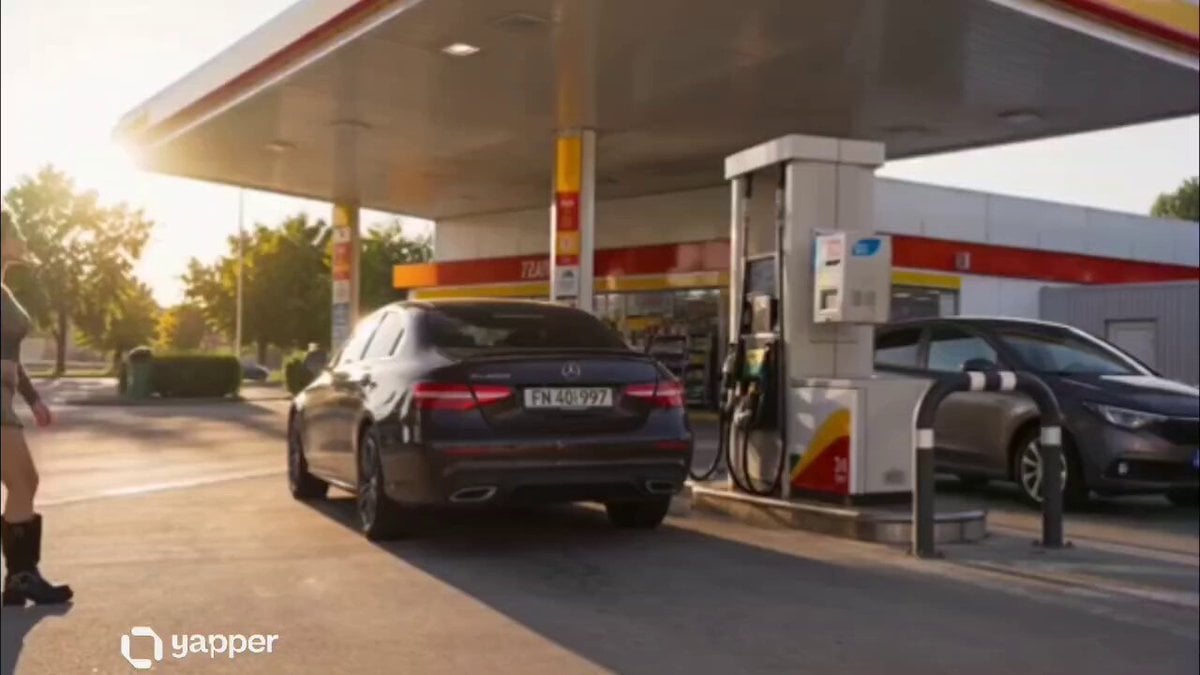
Petrol Pump Worker Storyboard
Browse template categories
Gourmet Luxury Dining Commercial questions
How do I use the Gourmet Luxury Dining Commercial template?
Add your photo if the template asks for one, edit the prompt if you like — the template's model and format are already selected — and press Generate. Your version opens in PicX Studio.
Can I customize the Gourmet Luxury Dining Commercial template?
Yes. You can change the subject, setting, lighting, mood, format, and available model controls before creating your video.
Is the Gourmet Luxury Dining Commercial template free?
Opening and editing this template is free. Generating uses credits, shown on the Generate button when you are signed in.
Which AI model should I use?
Start with Seedance 2.0, which is the model associated with this template. You can compare another compatible model for a different finish.
Looking for something else? Browse all templates.

Your photo, any look
Thousands of ready templates for every top image and video model, from one credit balance.