
Grok Imagine Multi-Shot Fantasy Adventure Video Prompt (30 Seconds)
A detailed multi-shot prompt for Grok Imagine, designed to generate a 30-second fantasy adventure video (in 10-second segments).
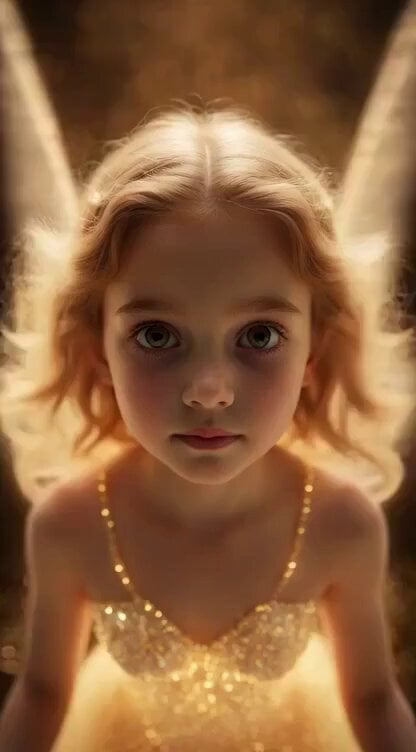
- Prompt included
- Model and format preset
- Free template
The prompt behind this video
Copy the exact prompt behind Grok Imagine Multi-Shot Fantasy Adventure Video Prompt (30 Seconds), or open it in the studio and make it yours.
peaceful wholesome fantasy scene, no violence, no harm, no physical lifting or carrying, gentle magical atmosphere only, heartwarming friendship and guided journey, cinematic fantasy, 24fps smooth animation, ultra detailed, vibrant harmonious colors, positive uplifting magical adventure, light-based guidance and particle envelopment only, no direct contact. 0〜2秒:手のひらの上からスタート 巨人の巨大な掌の上で20代の若い冒険者の女性が静かに立ち、松明を優しく掲げて周囲を温かく照らす。守護精霊のような巨人の温かな青白い光が女性を優しく包み込み、金色の妖精粒子と混ざり合い、夢のような光のオーラを形成。女性の穏やかな笑顔が輝き、妖精が頭上を優雅に旋回して喜びを表現。 2〜5秒:洞窟内を進む 守護精霊の掌から広がる優しい青白い光が女性を粒子で優しく包み、洞窟のクリスタル床をゆっくり進む道を照らす。女性は松明を高く掲げたまま、光の流れに沿って穏やかに前へ。妖精の金色粒子が道を花びらのように散らし、壁のエメラルド輝きと混ざって幻想的な光の回廊を作る。守護精霊の巨大なシルエットが後ろから優しく見守り、光を注ぎ続ける。 5〜8秒:出口への接近 光の粒子が徐々に外の柔らかな日光と溶け合い、洞窟の入り口が現れる。女性の松明の炎が外の風に優しく揺れ、光のオーラがさらに広がる。妖精が興奮して女性の周りを高速で旋回し、金色の軌跡を描く。守護精霊の青白い光が女性の背中を優しく照らし、出口まで穏やかに導く。 8〜10秒:外の世界到達とクライマックス 女性が洞窟の外へ優しく出ると、広大な森や青空が広がり、朝焼けのような柔らかな光が差し込む。守護精霊の光の粒子が女性を優しく囲み、最後に感謝の粒子を残してゆっくり薄れる。女性は振り返り、守護精霊に幸せそうな笑顔で感謝の視線を送り、手を優しく振る。妖精が女性の肩に止まり、金色の粒子が優しく舞う。カメラが優しく引き、女性が松明を掲げて新しい世界へ歩き出すシルエットでフェードアウト。遠くから穏やかなハミングと光の余韻が残る。 super detailed, soft gentle camera movement (smooth pan, slow zoom, and gradual pull back only), abundant soft magical particle effects, warm gentle glows blending orange torchlight, gold fairy particles, emerald crystals, and blue-white guardian light, harmonious color palette, heartwarming fantasy scene with wonder, gentle guidance, and uplifting farewell. 10 second video, 24fps smooth.
How to use Grok Imagine Multi-Shot Fantasy Adventure Video Prompt (30 Seconds) in 3 steps
- 1
Open
The prompt is already in the box next to the preview, with the template's model and format selected.
- 2…a portrait of your subject in softgolden-hour light, 85mm…
Personalize
Edit the subject and creative details for your destination.
- 3Generate
Generate
Press Generate — your video is created in PicX Studio, so you can compare it with the original and refine one variable at a time.
More like this
Templates with the same subject, style or setup. Open one to see its prompt.
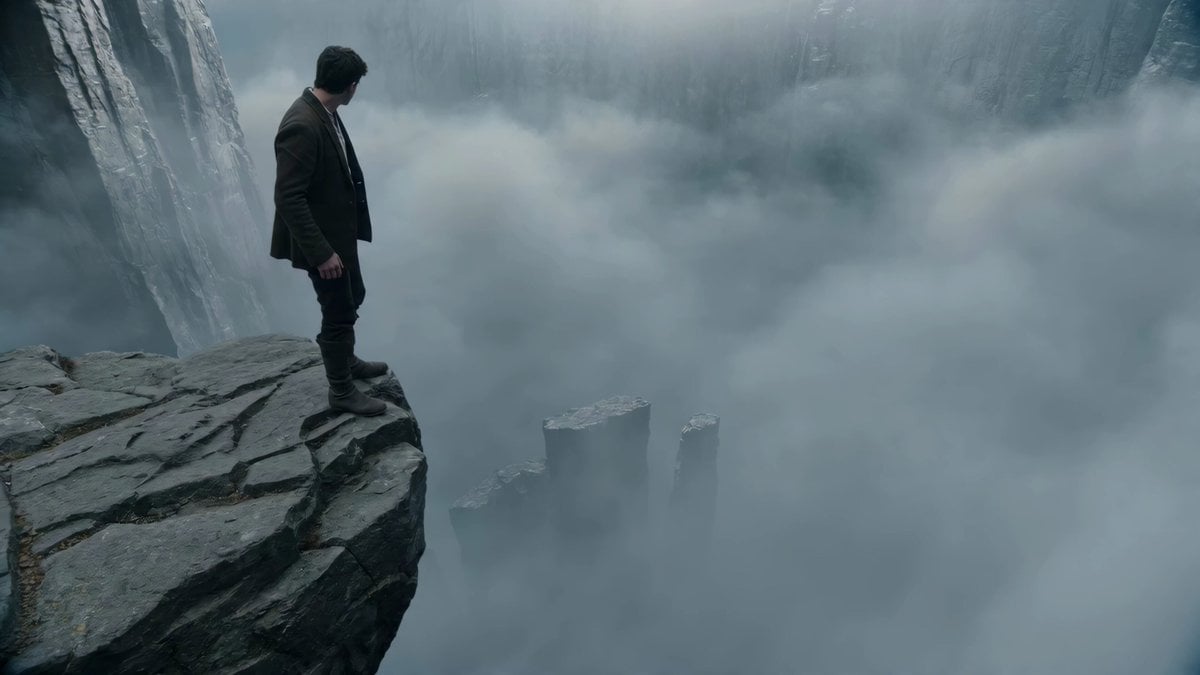
Adventurer Path Creator - Seedance 2
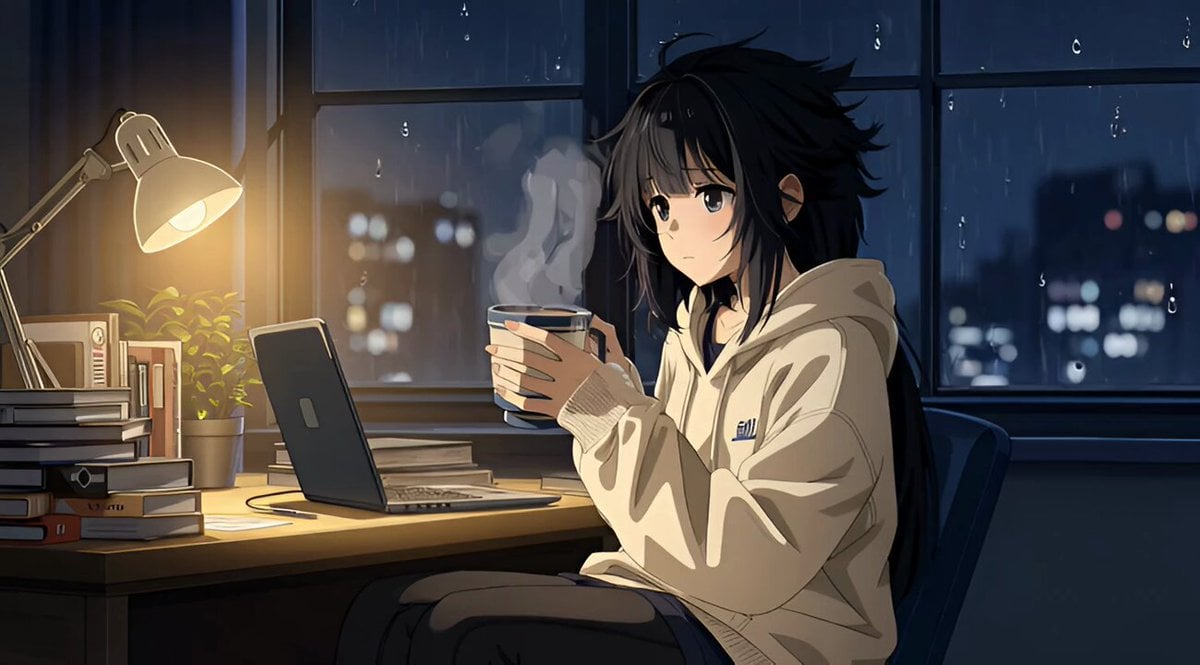
Grok Imagine R2V Multi-Image Reference Tutorial
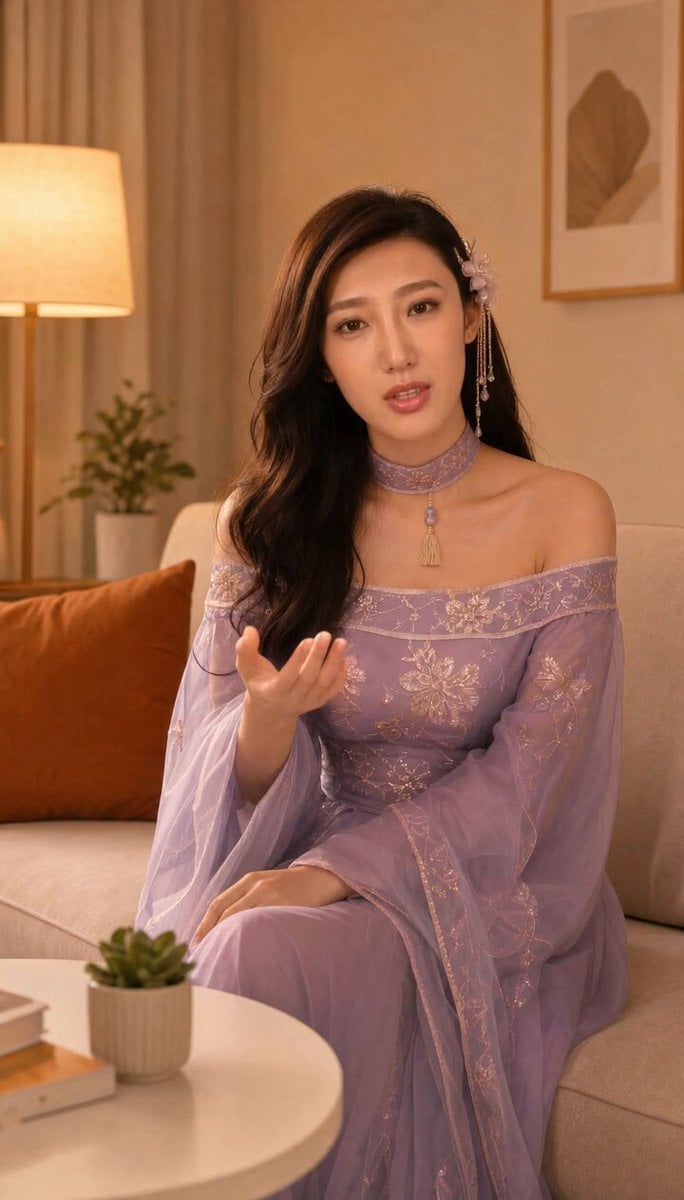
Grok-imagine 1.5 Digital Human Video Script
Grok Imagine Mechanical and Ethereal Creature Prompts
Grok Imagine Video of a Graceful Warrior
Grok Imagine prompt with negative constraints and scenario
Grok Imagine prompt for cinematic VFX scene (Scene 2 - Landing)

Grok Imagine video prompt part 1: Morning routine
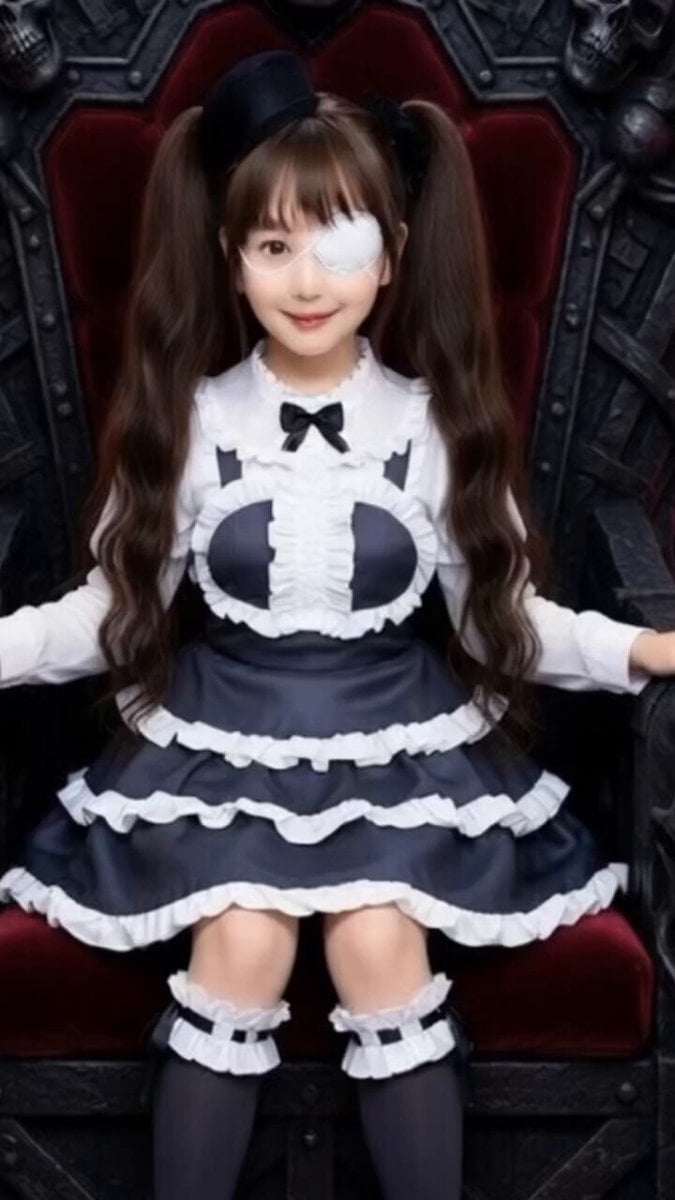
Grok Imagine Prompt: Yurine Kingdom Apocalypse Day
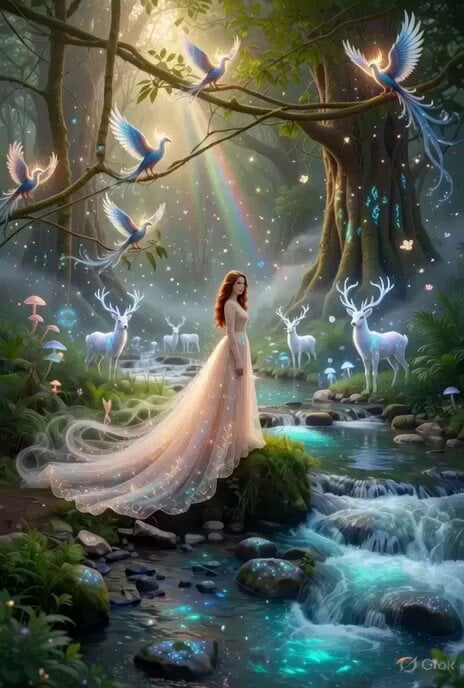
Enchanting Forest Grok Imagine Video Prompt
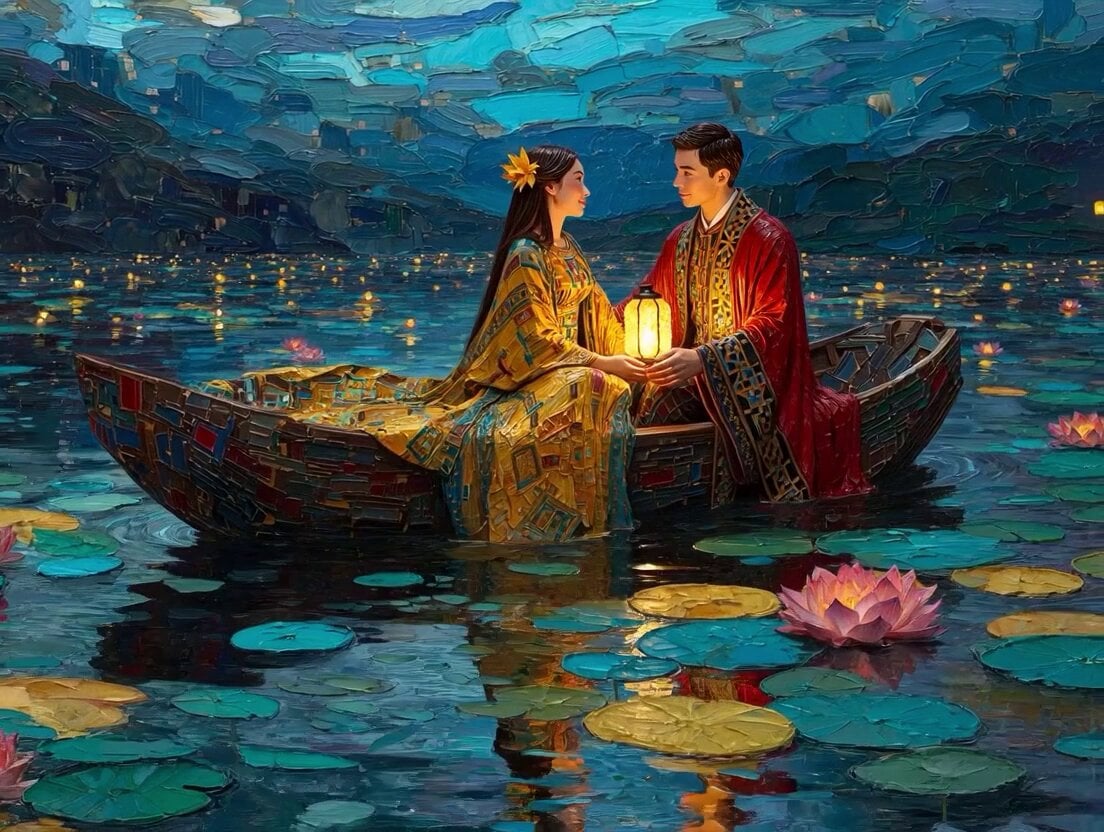
Klimt-Inspired Impasto Painting of Lovers (Midjourney/Grok Imagine)
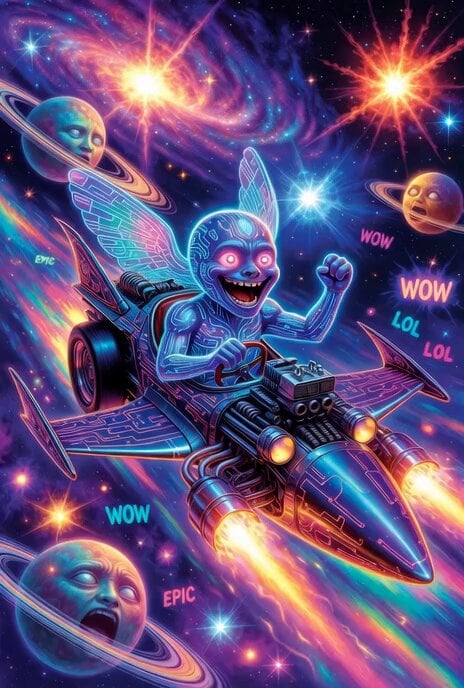
Grok Imagine prompt: Grok driving a cosmic hot rod spaceship
Make it yours
Grok Imagine Multi-Shot Fantasy Adventure Video Prompt (30 Seconds) works as-is. These are the safest ways to change it without losing the look.
Change one field
Copy a single group, rewrite it, and generate again so you can see what that field is doing.
Keep the frame, change the subject
Hold the composition and light of Grok Imagine Multi-Shot Fantasy Adventure Video Prompt (30 Seconds), then swap wardrobe, props or the person for a new take.
| If the result… | Why | Fix |
|---|---|---|
| The result drifts from the preview | Too many fields changed at once. | Reuse Grok Imagine Multi-Shot Fantasy Adventure Video Prompt (30 Seconds) as-is first, then change one group — subject, light, or setting. |
| The model over-stylizes the scene | The prose prompt leaves finish and camera underspecified. | Add one camera or lighting sentence and stay on Grok Imagine. |
More Grok Imagine templates
Other prompts made for Grok Imagine.

Kaleidoscopic Cosmic Dolphin Video

Horror Daffy Duck Video Transition

America 250th Anniversary Celebration

Glowing Water Forest Night Prompt

Soft Pink Roses Dreamer Prompt

Ninja Wizard Levitation Jump

Coffee Cup Interaction Motion

Voice Controlled Water Animation

Pterodactyl Transformation Journey

Candle Mandala Mirror Video
More video prompts
Fresh picks from across the catalog.
Elevencreative Time Freeze
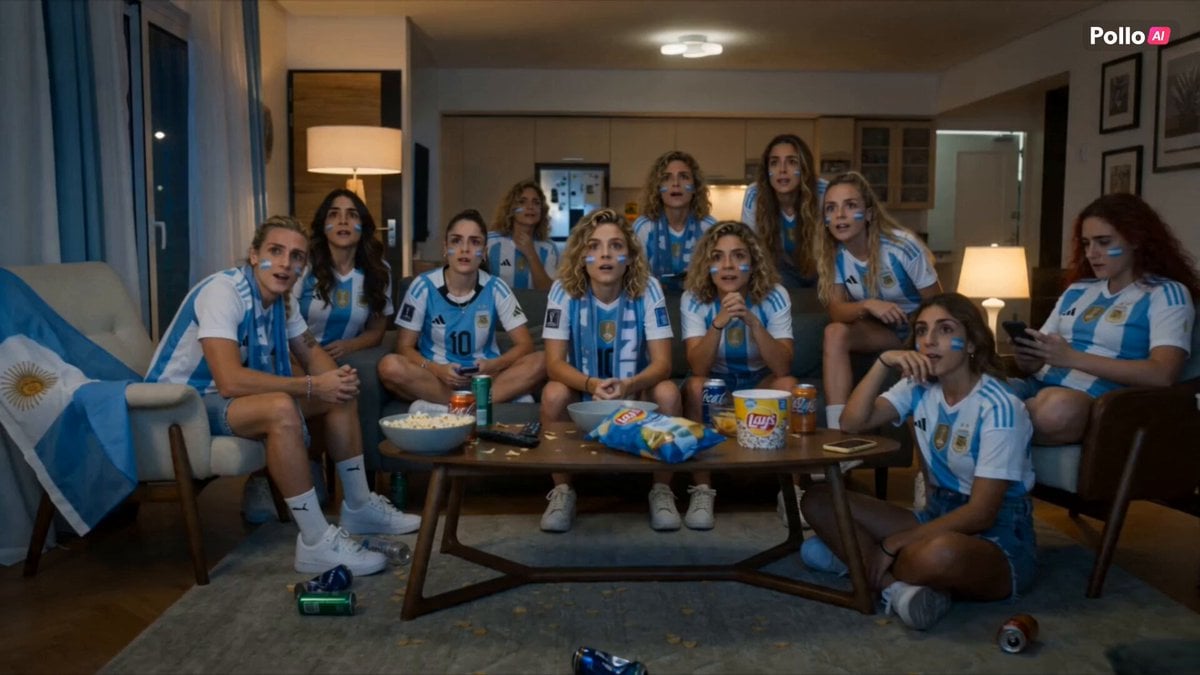
Lays World Cup 2026 Commercial
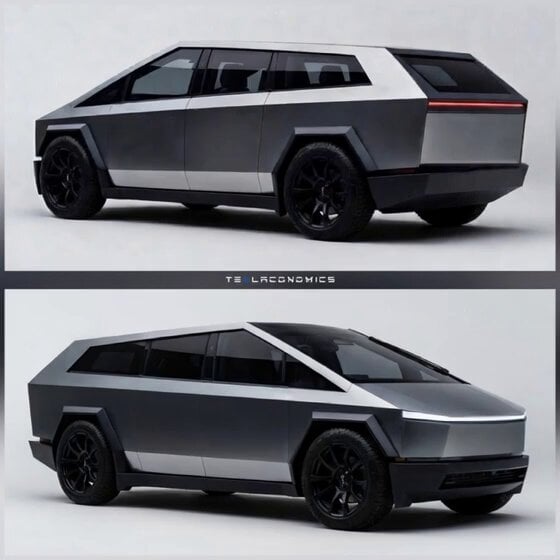
Tesla mom wagon concept video prompt
Urban Monster Battle Action
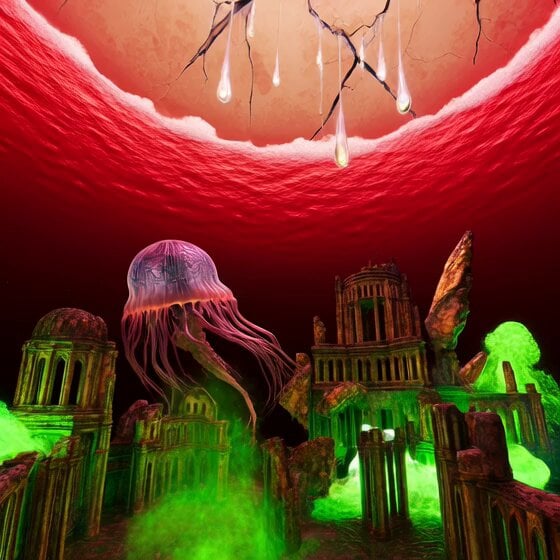
Inverted Dream-Realm Nightmare Video
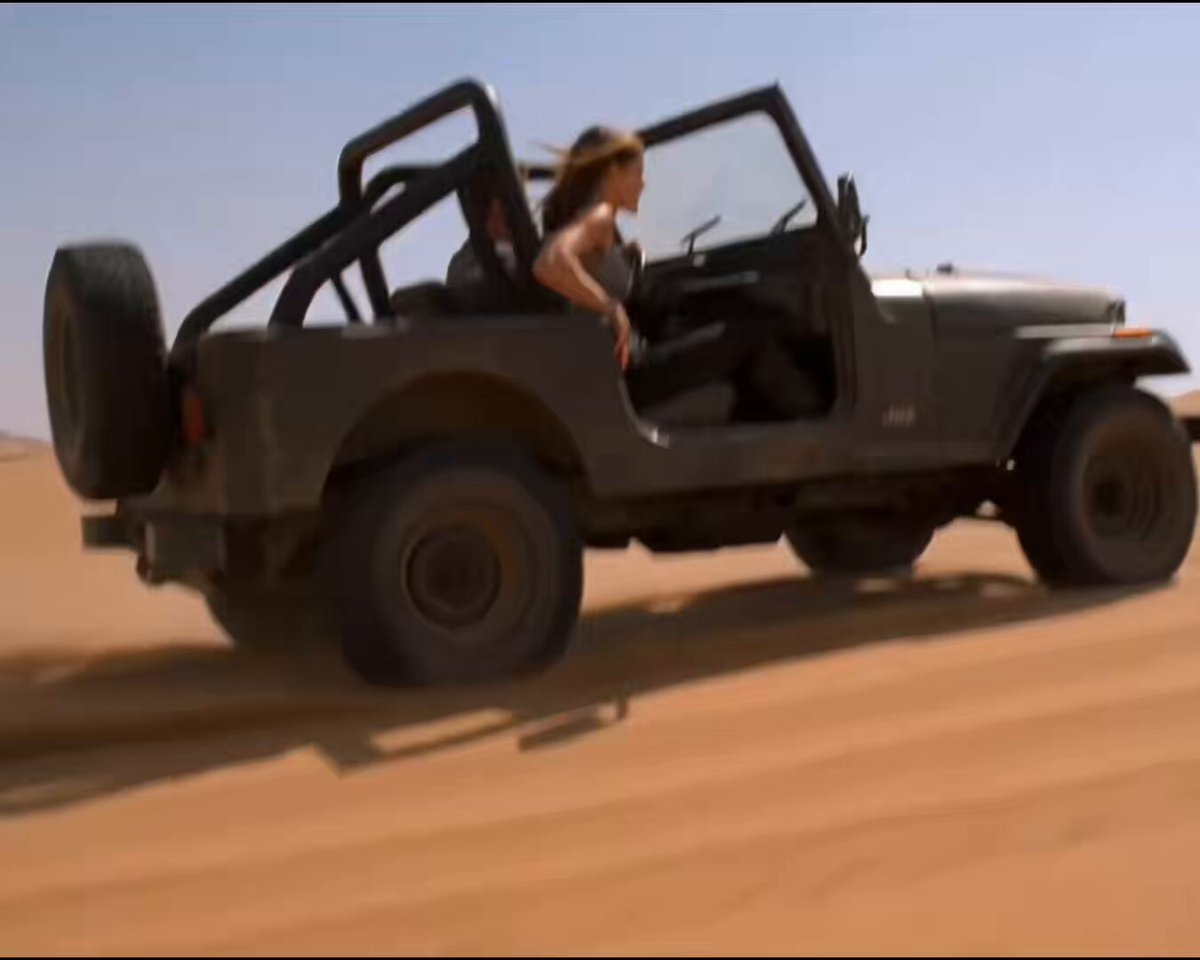
Desert Leviathan Jeep Chase
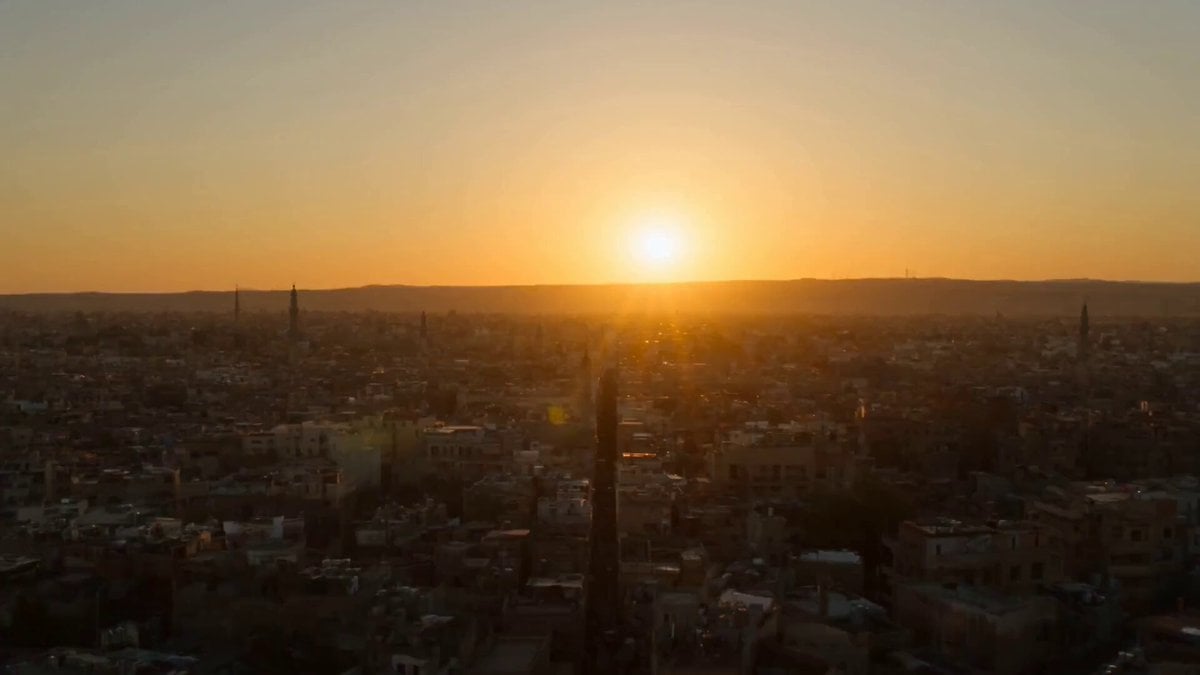
1960s Khan El-Khalili Market Whip Pan
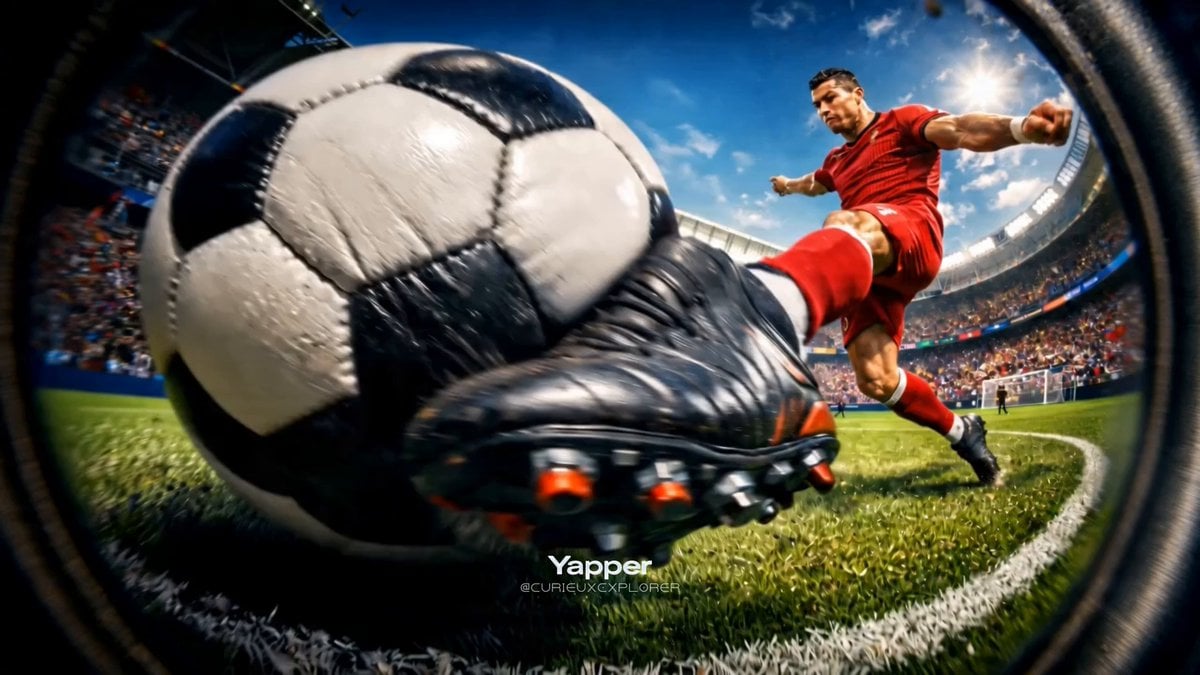
Hyper-Realistic Football Strike Sequence
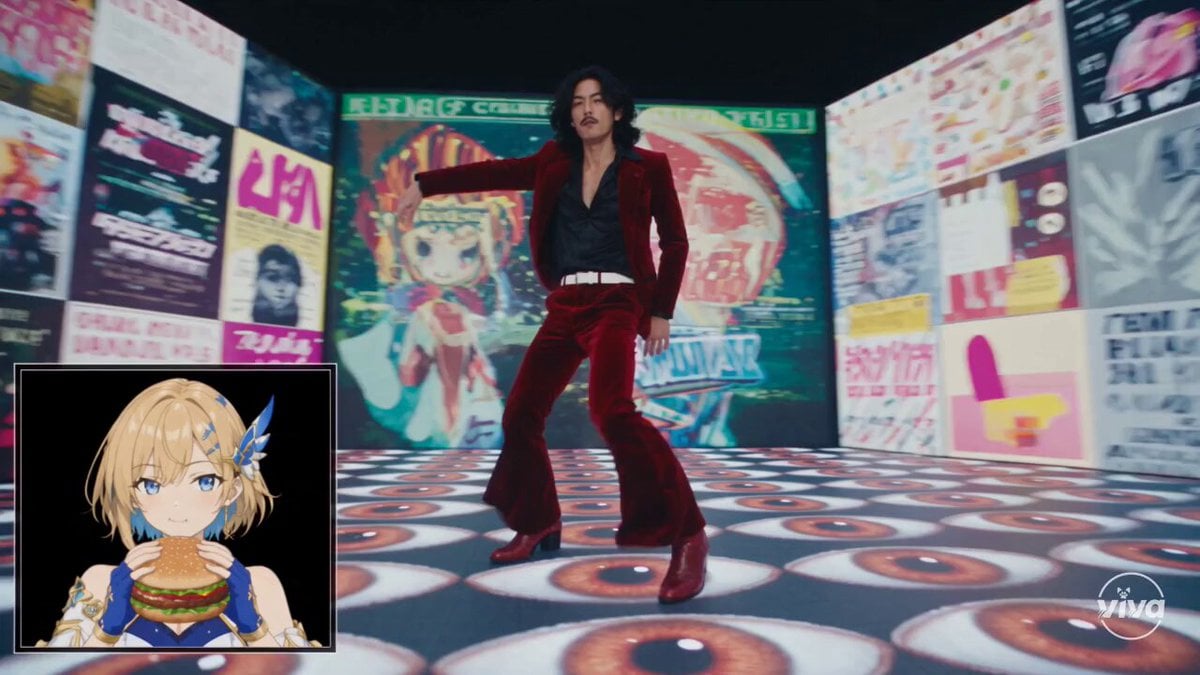
High-Intensity Experimental Music Video
Martial Arts Gym Battle
Browse template categories
Grok Imagine Multi-Shot Fantasy Adventure Video Prompt (30 Seconds) questions
How do I use the Grok Imagine Multi-Shot Fantasy Adventure Video Prompt (30 Seconds) template?
Add your photo if the template asks for one, edit the prompt if you like — the template's model and format are already selected — and press Generate. Your version opens in PicX Studio.
Can I customize the Grok Imagine Multi-Shot Fantasy Adventure Video Prompt (30 Seconds) template?
Yes. You can change the subject, setting, lighting, mood, format, and available model controls before creating your video.
Is the Grok Imagine Multi-Shot Fantasy Adventure Video Prompt (30 Seconds) template free?
Opening and editing this template is free. Generating uses credits, shown on the Generate button when you are signed in.
Which AI model should I use?
Start with Grok Imagine, which is the model associated with this template. You can compare another compatible model for a different finish.
Looking for something else? Browse all templates.

Your photo, any look
Thousands of ready templates for every top image and video model, from one credit balance.