
Desert Leviathan Jeep Chase
A dramatic desert action sequence featuring a Jeep being chased by a massive sand leviathan, ending in an explosive escape.
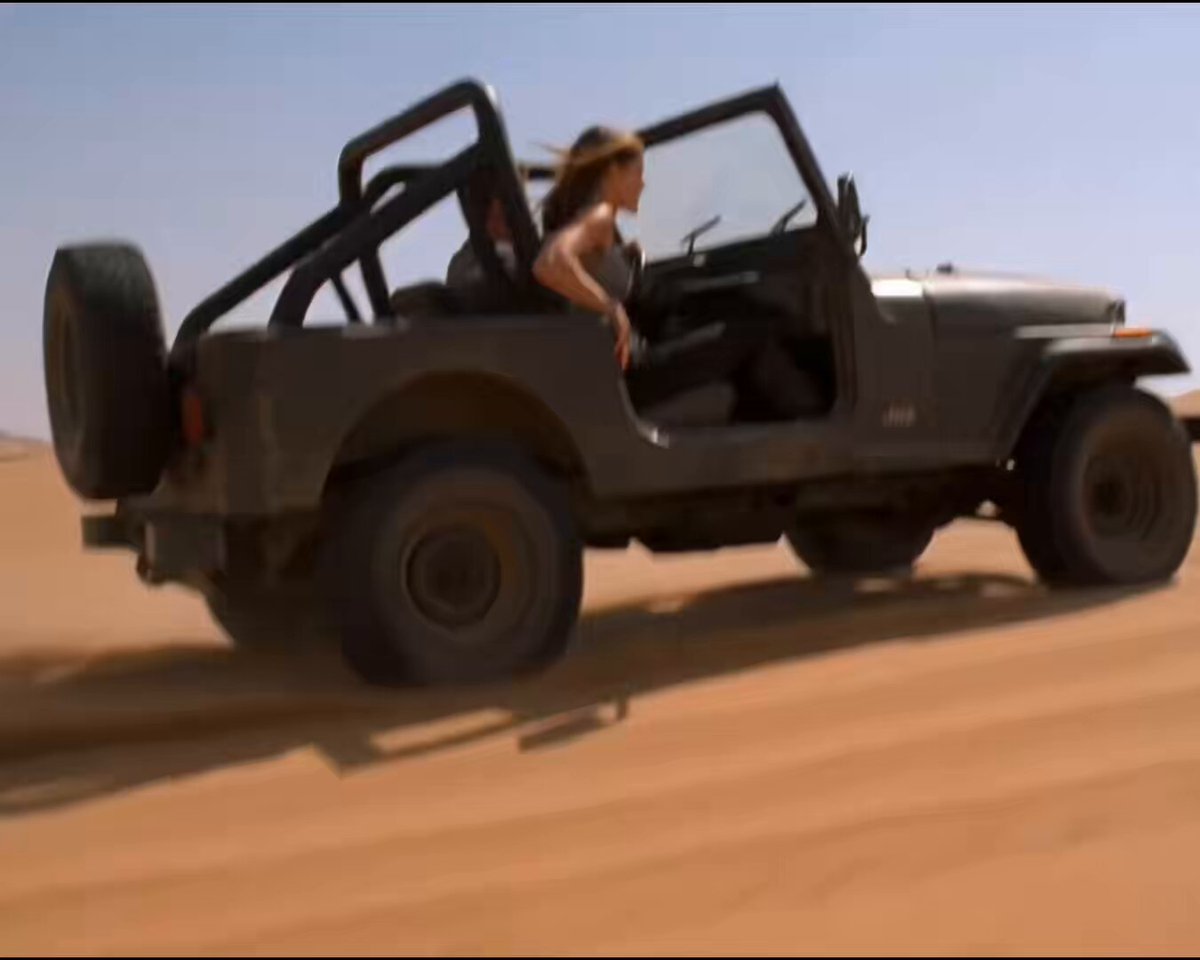
- Prompt included
- Model and format preset
- Free template
The prompt behind this video
Copy the exact prompt behind Desert Leviathan Jeep Chase, or open it in the studio and make it yours.
High action, chaotic desert sequence, shot on 35mm with harsh sunlight, heat shimmer, and heavy dust trails. Vast open dunes, scattered rock outcrops. Sound: roaring engine, wind, deep underground rumble, sand blasts. ⸻ Shot 1 (0–3s): A Jeep tears across open desert at high speed, kicking up dust. Inside—two friends: a woman (mid-20s, athletic, focused) and a male driver (late 20s, tense, gripping the wheel). Suddenly—the sand ahead erupts violently—a massive sand leviathan bursts upward, jaws wide, blocking their path. ⸻ Shot 2 (3–6s): The driver yanks the wheel—hard swerve. The Jeep skids sideways, narrowly missing the creature’s snapping jaws. Sand explodes around them. The creature dives back under—a fast-moving ripple chases them beneath the sand. ⸻ Shot 3 (6–9s): The Jeep bounces violently over uneven dunes. The creature erupts again from the side—almost clipping the rear. The driver swerves again, barely controlling the vehicle. Inside, the woman braces—then suddenly loses balance and half-falls sideways in the seat, grabbing onto the frame. ⸻ Shot 4 (9–12s): Still moving at speed, she reaches into her bag and pulls out a compact explosive device—metallic, cylindrical. The ground beside them bulges—the creature rises again, lunging toward the Jeep. Timing it perfectly—she leans out and catapults the device straight into its open mouth. ⸻ Shot 5 (12–15s): The Jeep speeds forward. Behind them— a split-second pause— Then a massive internal explosion rips through the creature. It bursts apart in a spray of dark goo and sand, splattering across the air. The Jeep drives straight through the falling debris—windshield hit with gunk. They keep driving—alive.
How to use Desert Leviathan Jeep Chase in 3 steps
- 1
Open
The prompt is already in the box next to the preview, with the template's model and format selected.
- 2…a portrait of your subject in softgolden-hour light, 85mm…
Personalize
Edit the subject and creative details for your destination.
- 3Generate
Generate
Press Generate — your video is created in PicX Studio, so you can compare it with the original and refine one variable at a time.
More like this
Templates with the same subject, style or setup. Open one to see its prompt.

Walking Factory with Rebel on Hoverbike - Wasteland

Desert Courier and Sandstorm Leviathan Chase
Desert Horned Lizard Grapefruit Ad

Floating Desert Museum Cinematic Film
Sunset Desert Horse Chase

Cartoon Donut Heist Bakery Chase
Post-Apocalyptic Desert Warrior Highway Chase
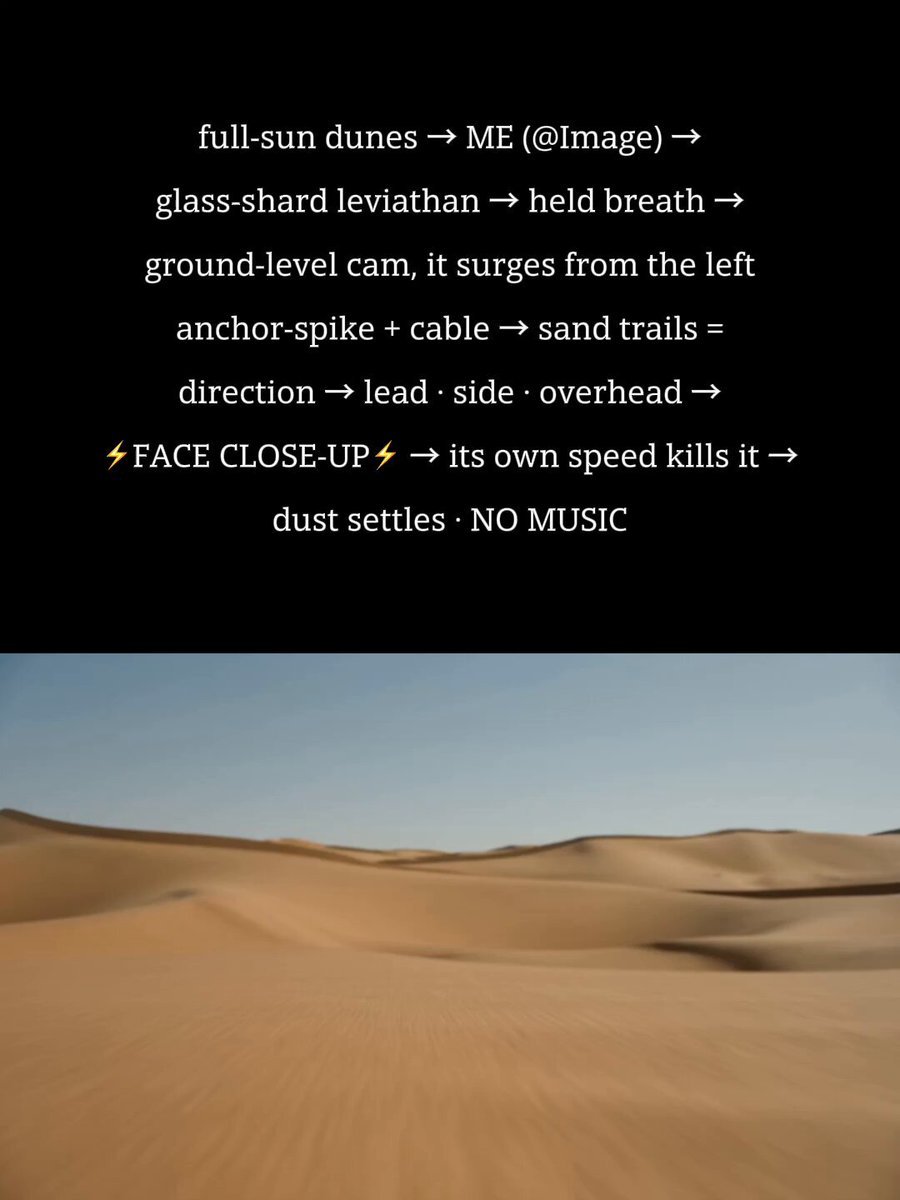
Desert Leviathan Encounter
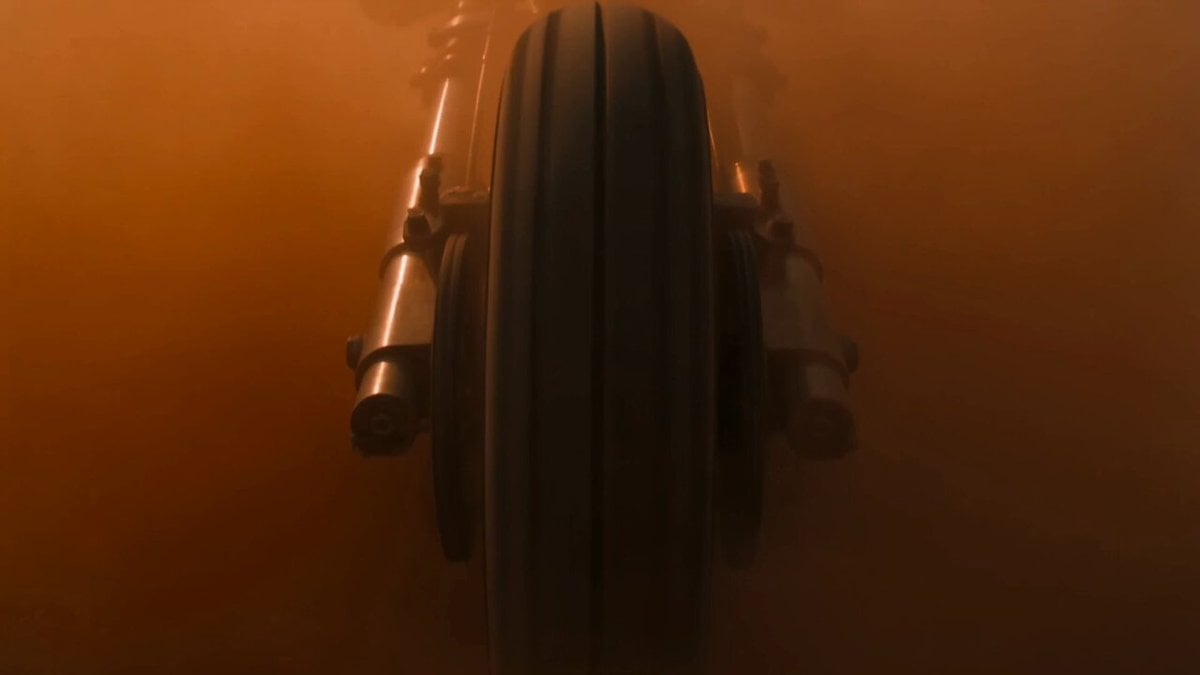
Post-Apocalyptic Desert Motorcycle Chase
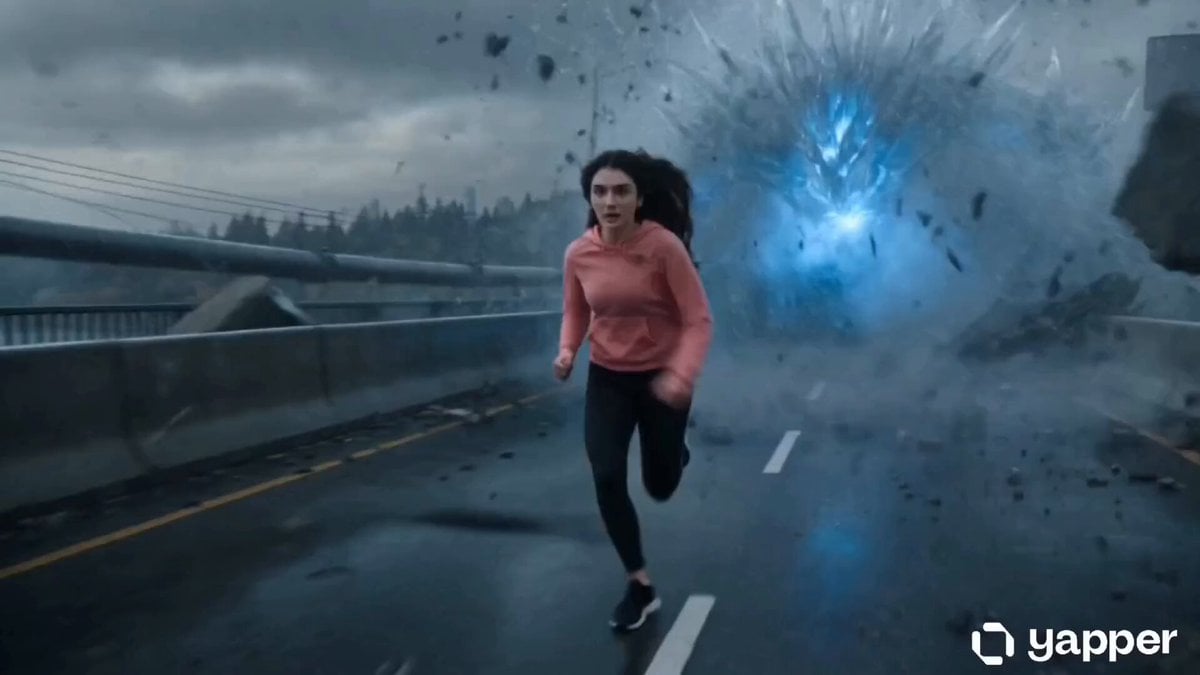
Action Thriller Leviathan Chase
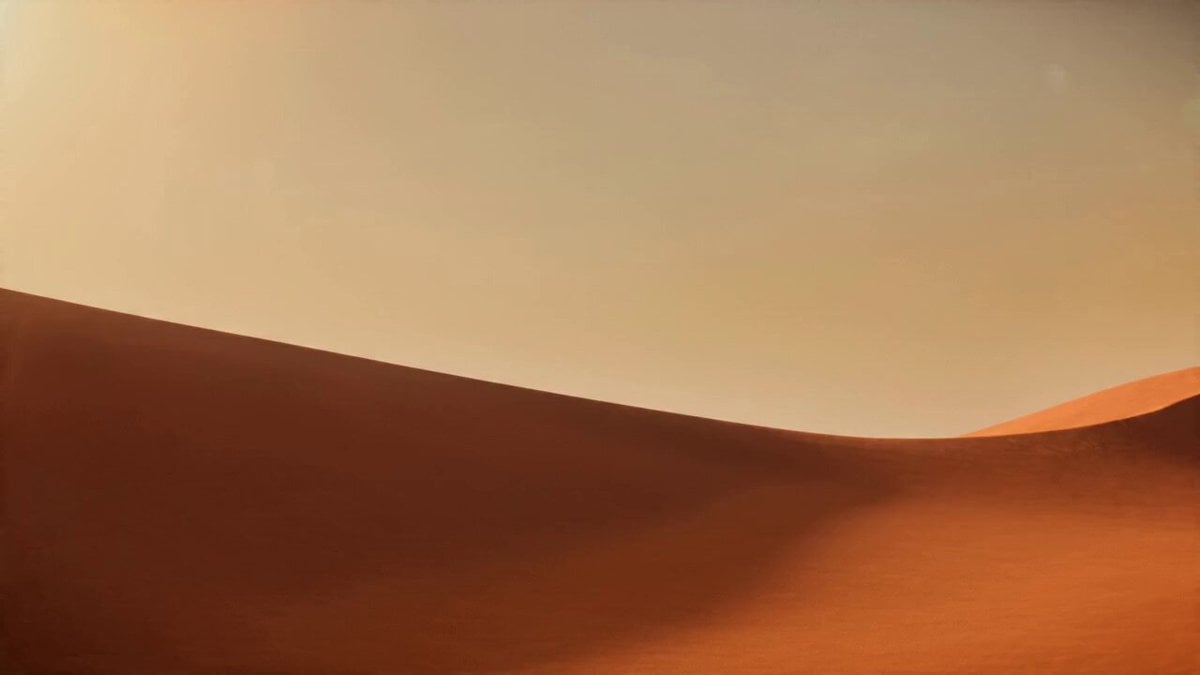
Desert Leviathan and Shamanic Belly Dancer
Amazon FPV Drone Chase — Seedance 2.0
Make it yours
Desert Leviathan Jeep Chase works as-is. These are the safest ways to change it without losing the look.
Change one field
Copy a single group, rewrite it, and generate again so you can see what that field is doing.
Keep the frame, change the subject
Hold the composition and light of Desert Leviathan Jeep Chase, then swap wardrobe, props or the person for a new take.
| If the result… | Why | Fix |
|---|---|---|
| The result drifts from the preview | Too many fields changed at once. | Reuse Desert Leviathan Jeep Chase as-is first, then change one group — subject, light, or setting. |
| The model over-stylizes the scene | The prose prompt leaves finish and camera underspecified. | Add one camera or lighting sentence and stay on Seedance 2.0. |
More Seedance 2.0 templates
Other prompts made for Seedance 2.0.

Comical Martial Arts Punch Scene

Maglev Train Action Sequence

Martial Arts Fight Sequence

Wuxia Protection and Trust Script

Vintage Korean Arcade MiniDV Vlog

Mercedes 190 SL Luxury Ad

Rainy Night Supernatural Reverse Comedy Video Script

Amazon Civilization Discovery

Futuristic South Asian City Transformation

Cozy Luxury Cafe Commercial
More video prompts
Fresh picks from across the catalog.
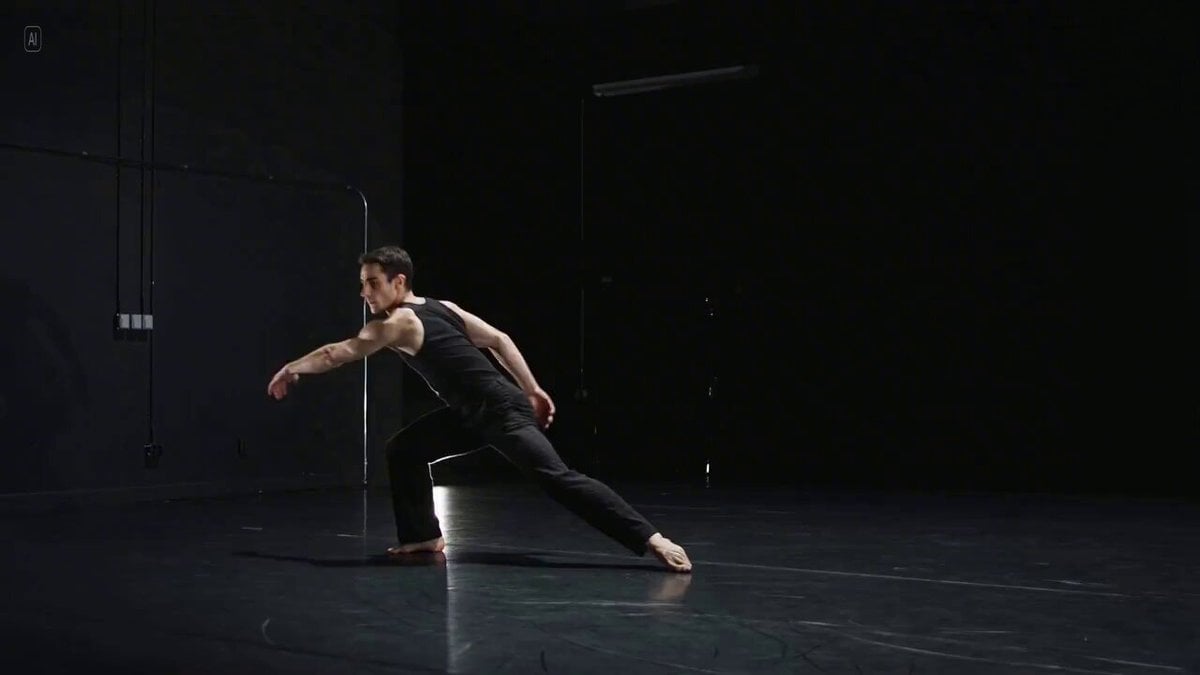
Long Exposure Video of Contemporary Dancer
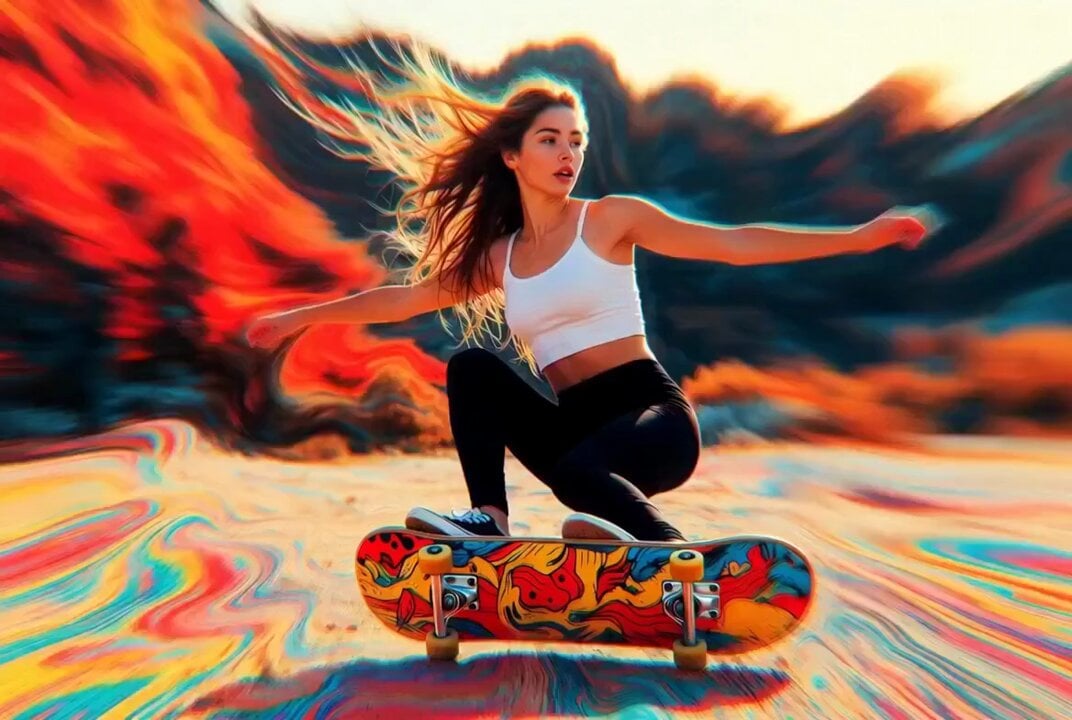
Detailed multi-part video prompt
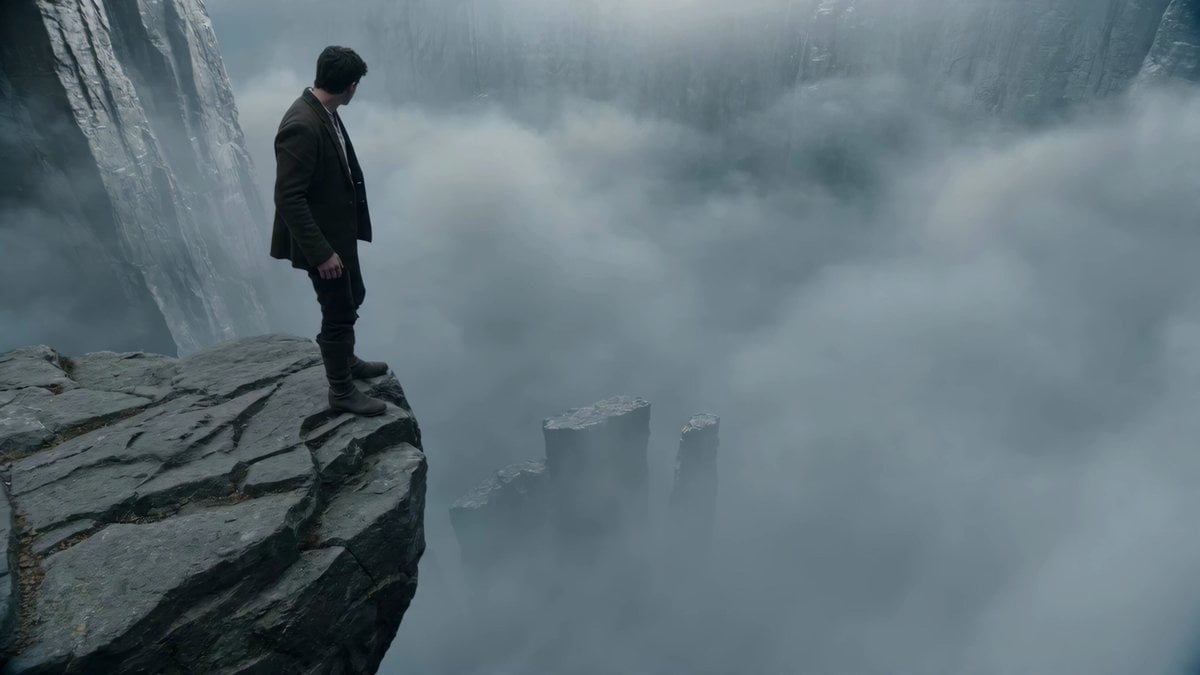
Adventurer Path Creator - Seedance 2
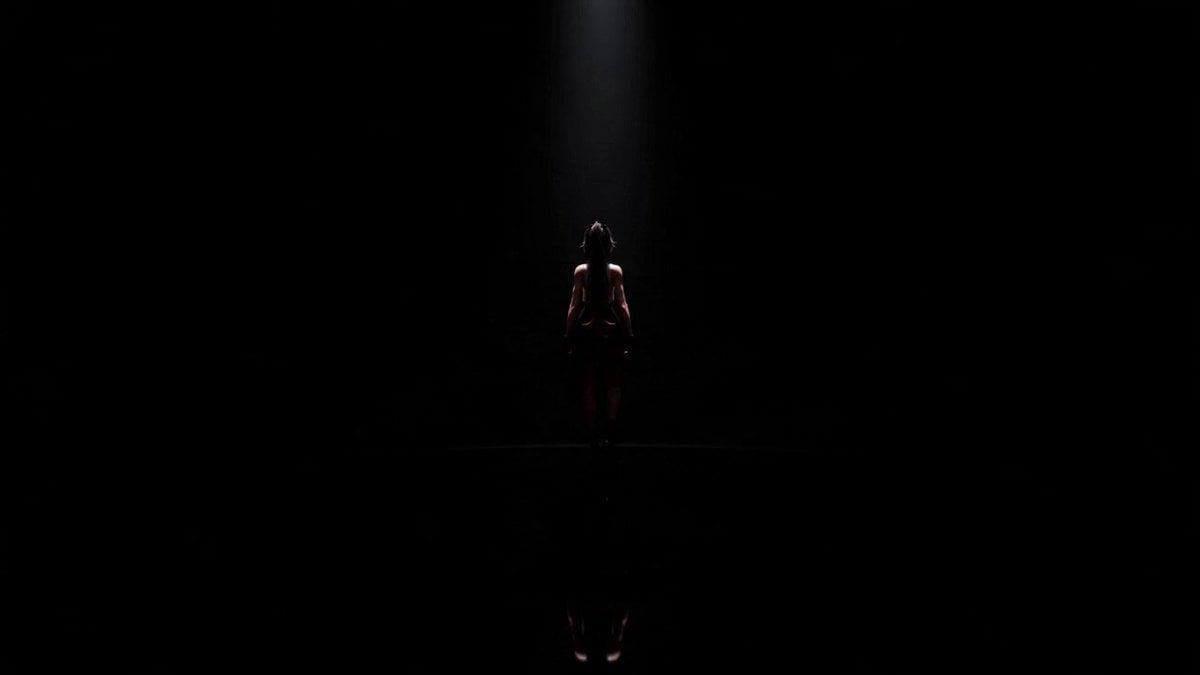
Cinematic Anime Idol Dance Routine
High-Speed Urban Chase and Transformation
Baby Plush Anime Opening
Youth Racing Short Film
Anime Expression Intensity Control

Korean Market Fashion Shopping Sequence
Prompt Engineering for Vehicles
Browse template categories
Desert Leviathan Jeep Chase questions
How do I use the Desert Leviathan Jeep Chase template?
Add your photo if the template asks for one, edit the prompt if you like — the template's model and format are already selected — and press Generate. Your version opens in PicX Studio.
Can I customize the Desert Leviathan Jeep Chase template?
Yes. You can change the subject, setting, lighting, mood, format, and available model controls before creating your video.
Is the Desert Leviathan Jeep Chase template free?
Opening and editing this template is free. Generating uses credits, shown on the Generate button when you are signed in.
Which AI model should I use?
Start with Seedance 2.0, which is the model associated with this template. You can compare another compatible model for a different finish.
Looking for something else? Browse all templates.

Your photo, any look
Thousands of ready templates for every top image and video model, from one credit balance.