
Urban Monster Battle Action
A hyper-cinematic action sequence of a man fighting a giant grotesque monster in a modern city during a golden sunset.
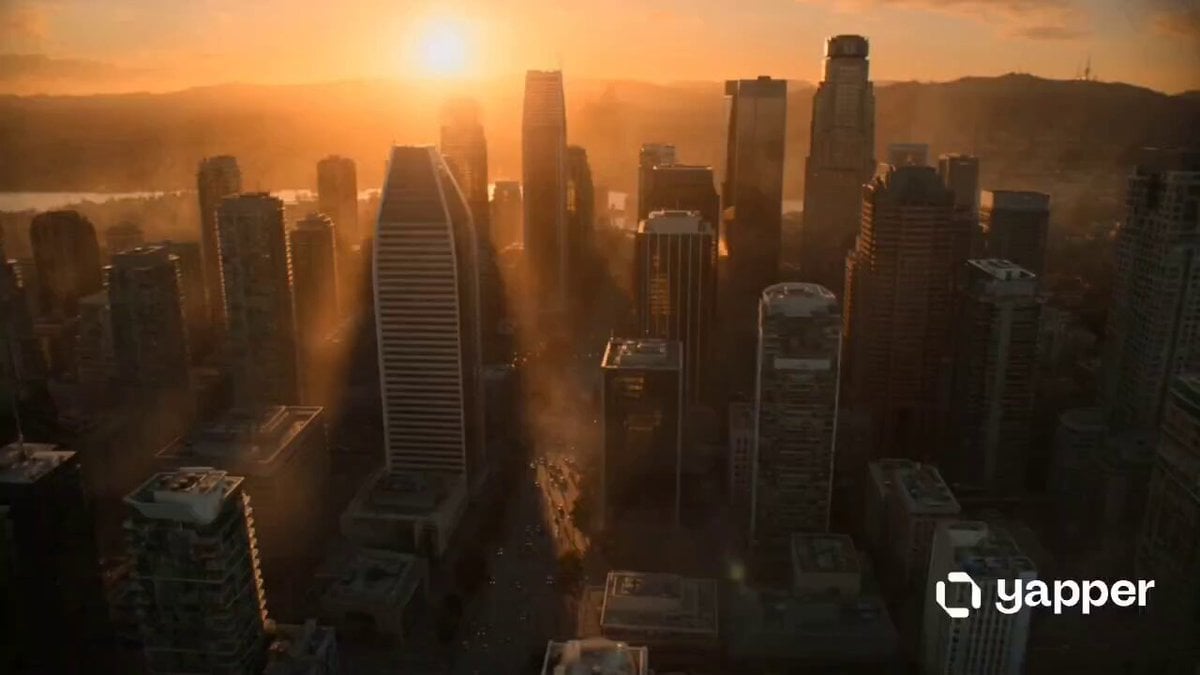
- Prompt included
- Model and format preset
- Free template
The prompt behind this video
Copy the exact prompt behind Urban Monster Battle Action, or open it in the studio and make it yours.
A hyper-cinematic action sequence of a lone man battling a massive, terrifying monster in the middle of a modern city. The man is rugged, athletic, and determined, wearing slightly damaged tactical clothing, his face intense and focused. The monster is विशाल, grotesque, and powerful, towering over buildings with glowing eyes, cracked skin, and heavy, destructive movements. The scene begins with wide aerial shots of the city in chaos with cars overturned, debris flying, people running in panic. The camera dynamically tracks the man as he charges toward the creature. Explosions erupt around them, glass shatters, and dust fills the air. Close-up shots capture punches, dodges, and heavy impacts as the man skillfully fights the monster using a mix of agility and raw strength. Slow-motion moments emphasize key hits and destruction. The monster smashes through buildings while the man narrowly escapes and counters. Lighting is dramatic and cinematic, golden sunset mixed with fire and smoke, creating high contrast and depth. Use volumetric lighting, motion blur, and realistic physics. Camera movements include handheld shakes, fast tracking shots, and epic wide angles. The climax shows the man delivering a powerful final blow, defeating the monster as the city falls silent. The final shot is a heroic silhouette of the man standing amidst destruction, breathing heavily, with emergency lights flickering in the background. Style tags: ultra-realistic, cinematic lighting, Hollywood action, dynamic camera, high detail, dramatic atmosphere, epic scale, smooth motion, consistent character design Aspect Ratio: 16:9 FPS: 24 or 30 for cinematic feel
How to use Urban Monster Battle Action in 3 steps
- 1
Open
The prompt is already in the box next to the preview, with the template's model and format selected.
- 2…a portrait of your subject in softgolden-hour light, 85mm…
Personalize
Edit the subject and creative details for your destination.
- 3Generate
Generate
Press Generate — your video is created in PicX Studio, so you can compare it with the original and refine one variable at a time.
More like this
Templates with the same subject, style or setup. Open one to see its prompt.
Swordsman vs Shadow Monster — Bamboo Forest Battle
Mecha Transformation vs Kaiju — 4-Scene Epic
Thornmaw Monarch — Crimson Glass Desert Beast
Colossal Sea Creature — Stormy Shore Charge (Seedance)
Stone Colossus Desert Riders — Golden Fire Reveal
Tiger vs Gorilla — Jungle Canyon Clash
Dim Sum Chase — Shrimp Dumpling Monster
Paint Battle Urban Action

Theatrical Anime Action Market Battle
Anime Monster Classroom Battle
School Monster Transformation Battle
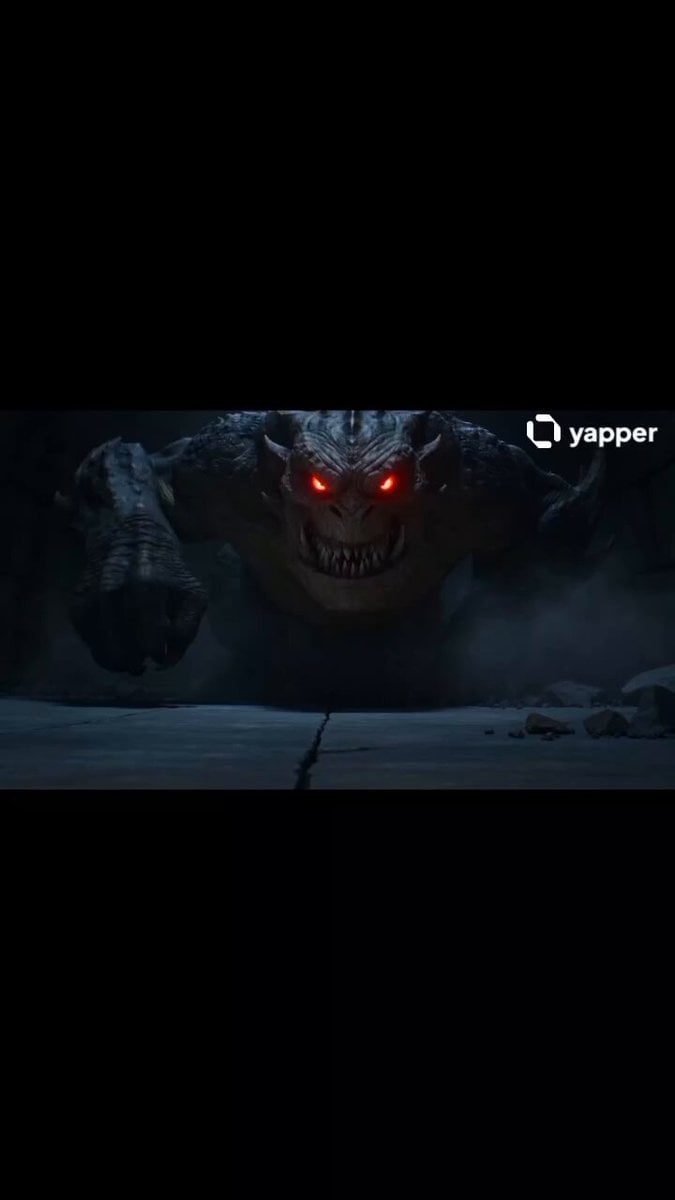
Boy vs Monster Action Scene
Make it yours
Urban Monster Battle Action works as-is. These are the safest ways to change it without losing the look.
Change one field
Copy a single group, rewrite it, and generate again so you can see what that field is doing.
Keep the frame, change the subject
Hold the composition and light of Urban Monster Battle Action, then swap wardrobe, props or the person for a new take.
| If the result… | Why | Fix |
|---|---|---|
| The result drifts from the preview | Too many fields changed at once. | Reuse Urban Monster Battle Action as-is first, then change one group — subject, light, or setting. |
| The model over-stylizes the scene | The prose prompt leaves finish and camera underspecified. | Add one camera or lighting sentence and stay on Seedance 2.0. |
More Seedance 2.0 templates
Other prompts made for Seedance 2.0.

Comical Martial Arts Punch Scene

Maglev Train Action Sequence

Martial Arts Fight Sequence

Wuxia Protection and Trust Script

Vintage Korean Arcade MiniDV Vlog

Mercedes 190 SL Luxury Ad

Rainy Night Supernatural Reverse Comedy Video Script

Amazon Civilization Discovery

Futuristic South Asian City Transformation

Cozy Luxury Cafe Commercial
More video prompts
Fresh picks from across the catalog.
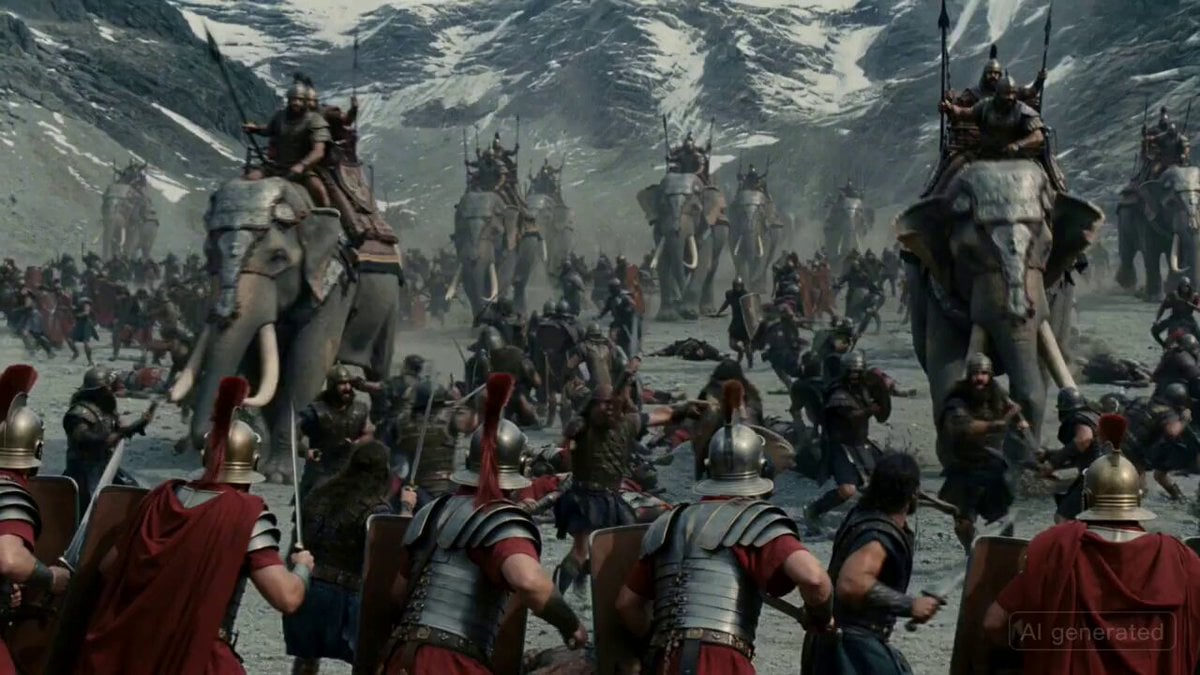
Insane Explosion Scene (Seedance V2)
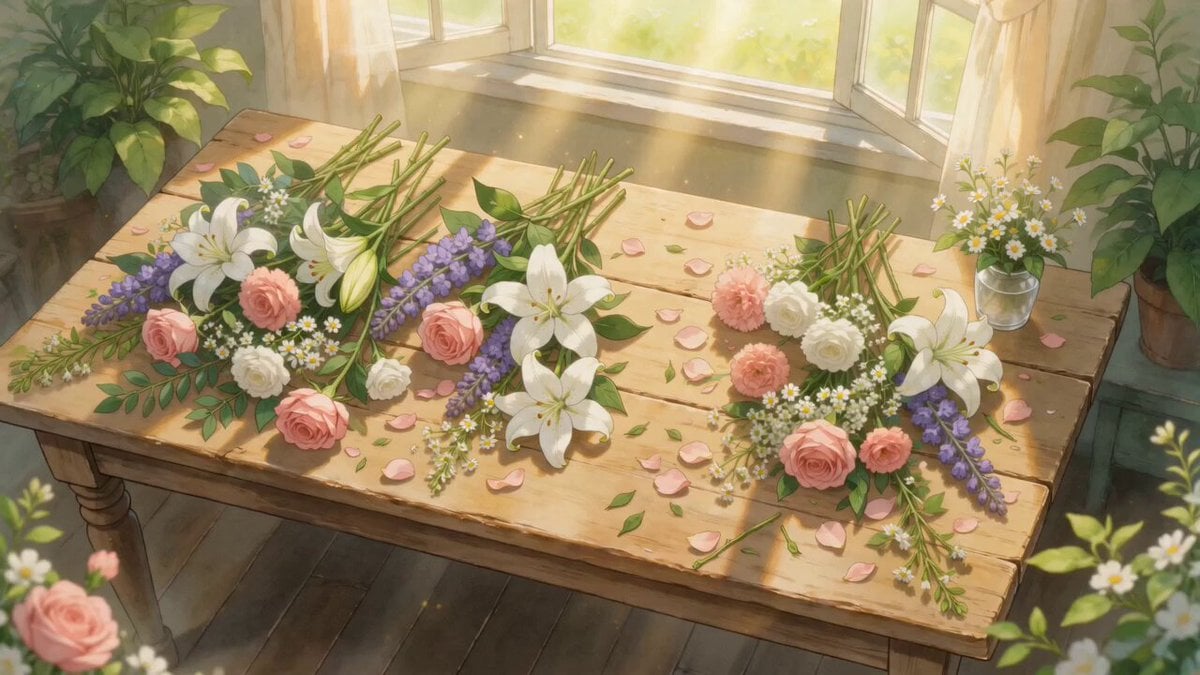
Ghibli-Style Flower Arranging Scene
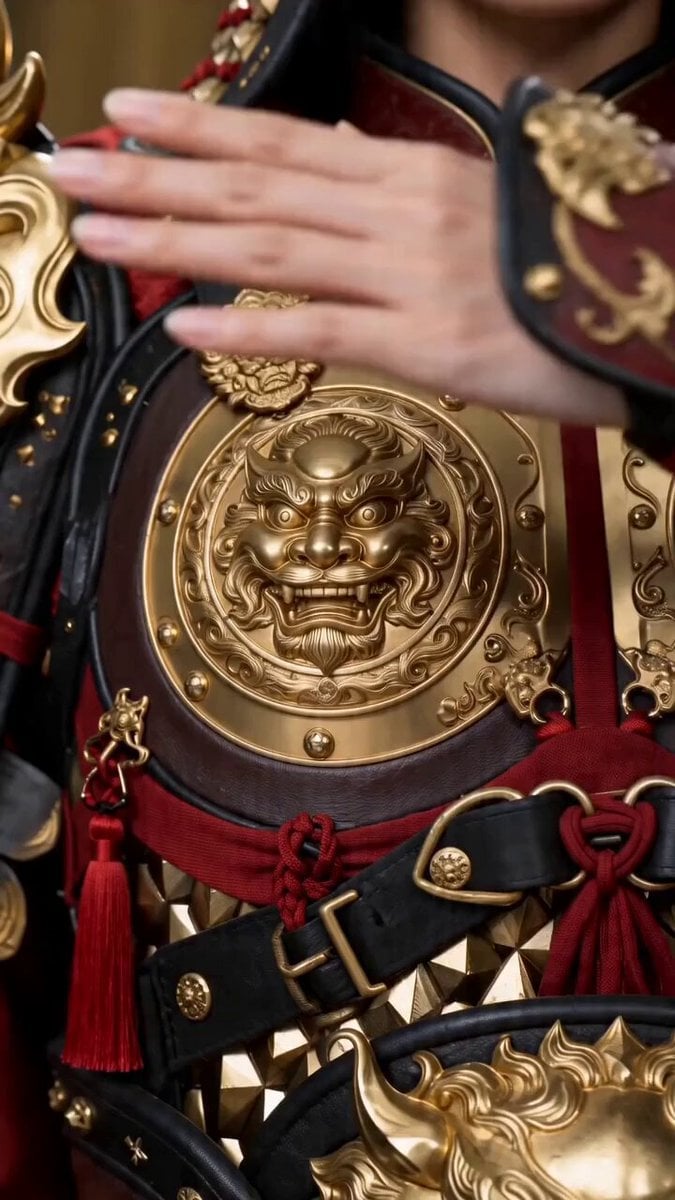
Seedance 2.0 Transformation Prompt: 10 World Female Armors
Lipstick Brand Storyboard Ad
Shanghai Night Tour Selfie Vlog
Magical Transformation Sequence
Dragon of Anger and Sorrow
Reflection Illusion Video Correction
Giant Hand Dressing Up Girl Video
Sorceress Sigil Battle
Browse template categories
Urban Monster Battle Action questions
How do I use the Urban Monster Battle Action template?
Add your photo if the template asks for one, edit the prompt if you like — the template's model and format are already selected — and press Generate. Your version opens in PicX Studio.
Can I customize the Urban Monster Battle Action template?
Yes. You can change the subject, setting, lighting, mood, format, and available model controls before creating your video.
Is the Urban Monster Battle Action template free?
Opening and editing this template is free. Generating uses credits, shown on the Generate button when you are signed in.
Which AI model should I use?
Start with Seedance 2.0, which is the model associated with this template. You can compare another compatible model for a different finish.
Looking for something else? Browse all templates.

Your photo, any look
Thousands of ready templates for every top image and video model, from one credit balance.