
Cyberpunk Warrior Narrative
A comprehensive prompt for a cyberpunk warrior sequence featuring specific character details, setting, and story progression.
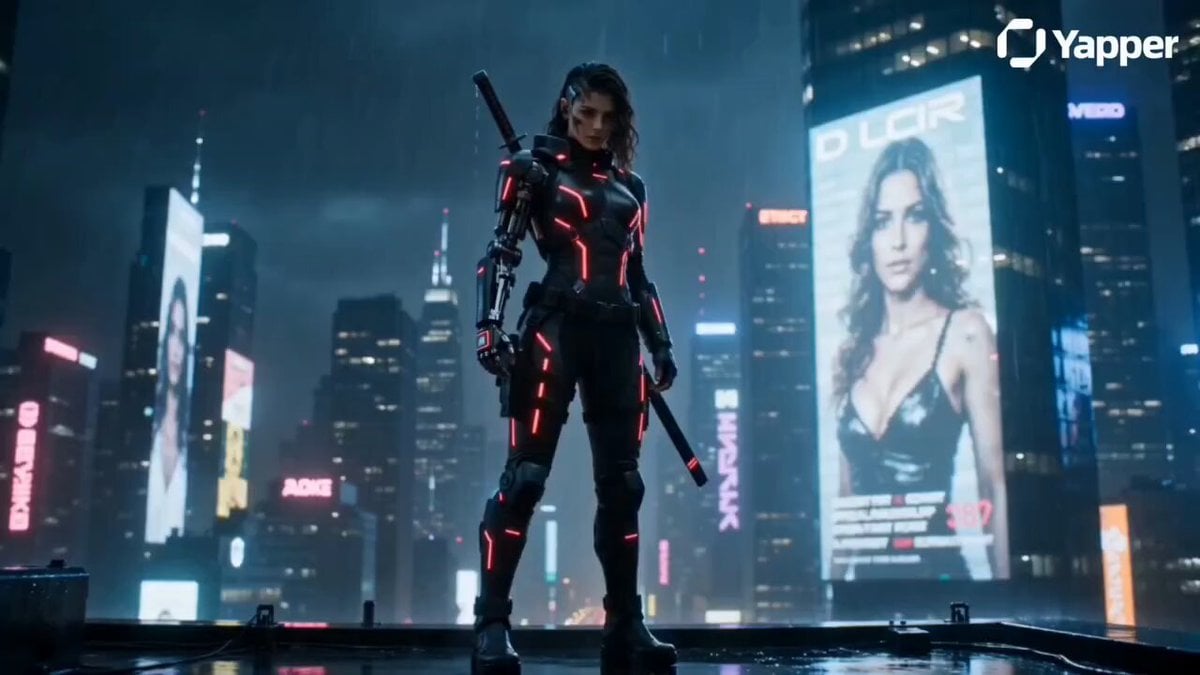
- Prompt included
- Model and format preset
- Free template
The prompt behind this video
Copy the exact prompt behind Cyberpunk Warrior Narrative, or open it in the studio and make it yours.
[Creator]Ultra-realistic cyberpunk warrior with a tall athletic build, glowing neon blue cybernetic eyes, and a half-human half-machine face. Preserve the exact face from the reference image. He wears black tactical armor with glowing red neon circuits, a futuristic katana on his back, and a metallic robotic arm with visible battle scars.\n\n[Place]Set in a dark rainy cyberpunk mega city at night. Wet neon streets reflect blue and red lights, giant hologram billboards glow through the rain, smoke rises from vents, and flying cars move across the sky. Blade Runner-inspired dystopian atmosphere with cinematic lighting, dramatic shadows, electric neon glow, and heavy rain.\n\n[Story]The camera slowly tracks toward the lone cyber warrior standing on a skyscraper rooftop. Thunder flashes reveal his robotic arm and glowing katana. Suddenly holograms begin glitching as enemy drones emerge from the dark sky. His cybernetic eyes light up while he grips the katana and steps forward as rain splashes around him.\n\n[Camera]Smooth cinematic camera movement, slow motion during key action moments, intense futuristic mood, movie-poster aesthetic, ultra-detailed textures, realistic smoke and sparks, 24fps, 4K cinematic quality.
How to use Cyberpunk Warrior Narrative in 3 steps
- 1Upload ImagePNG, JPG or paste
Add your photo
Upload the photo the template builds on. The prompt, model and format are already set.
- 2…a portrait of your subject in softgolden-hour light, 85mm…
Personalize
Edit the subject and creative details for your destination.
- 3Generate
Generate
Press Generate — your video is created in PicX Studio, so you can compare it with the original and refine one variable at a time.
More like this
Templates with the same subject, style or setup. Open one to see its prompt.

Cyberpunk Holographic Dance Performance - Seedance 2.5

RX-7 to Mech Transformation Cyberpunk
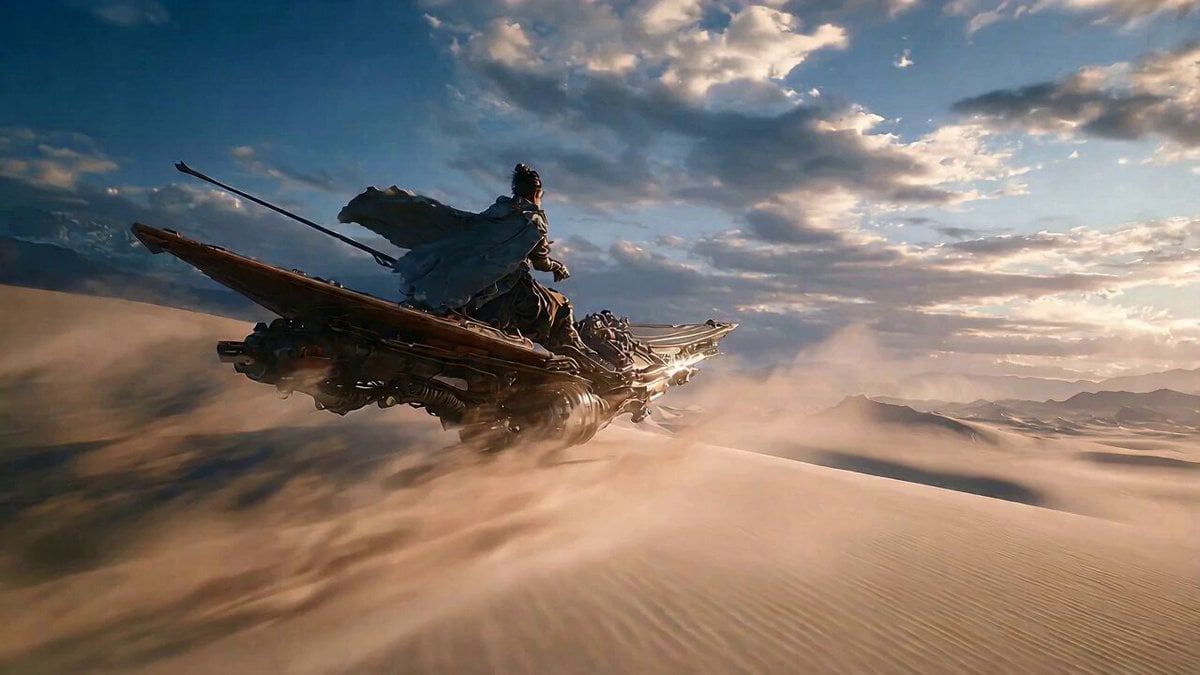
Cyberpunk Wuxia Warrior on a Fishing Boat in the Desert
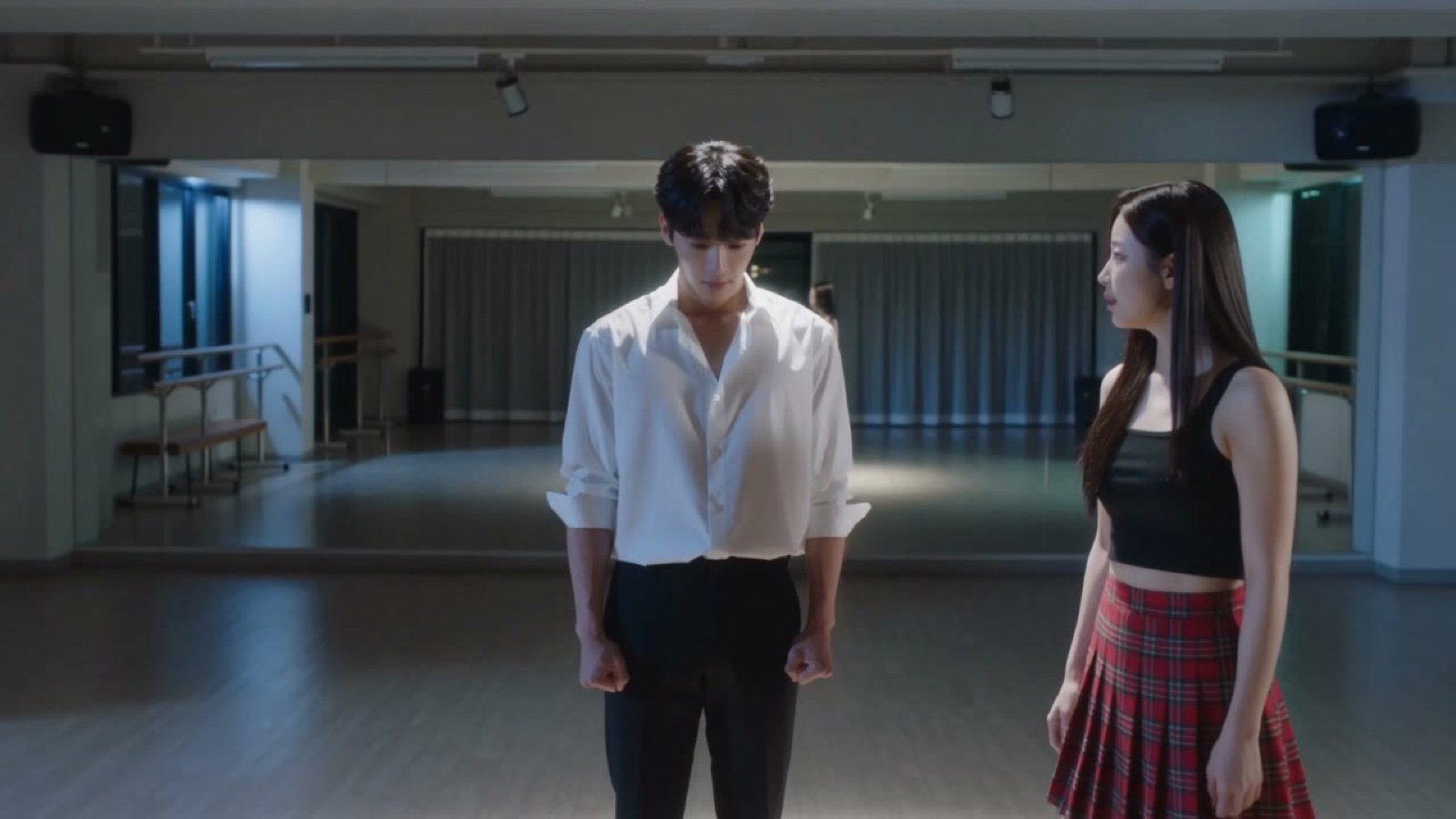
Seedance V2 One Minute K Drama Omni
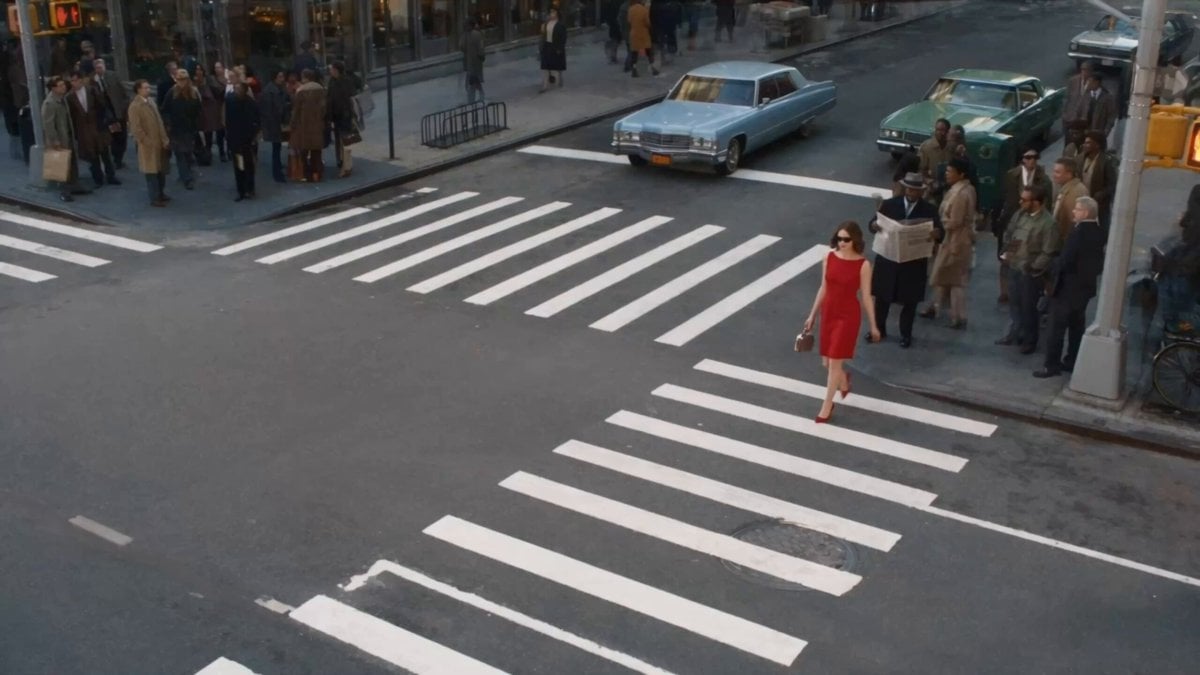
Surreal Lipstick Commercial Narrative
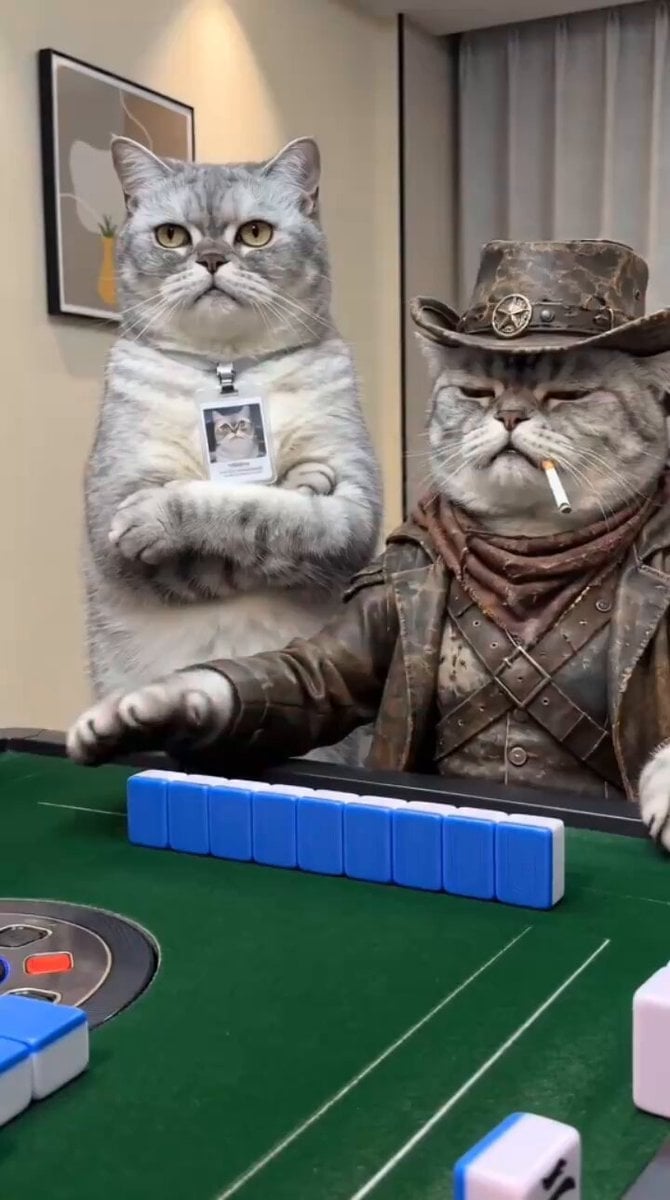
Anthropomorphic Cats Playing Mahjong Narrative Video

Cyberpunk RPG Anime Action
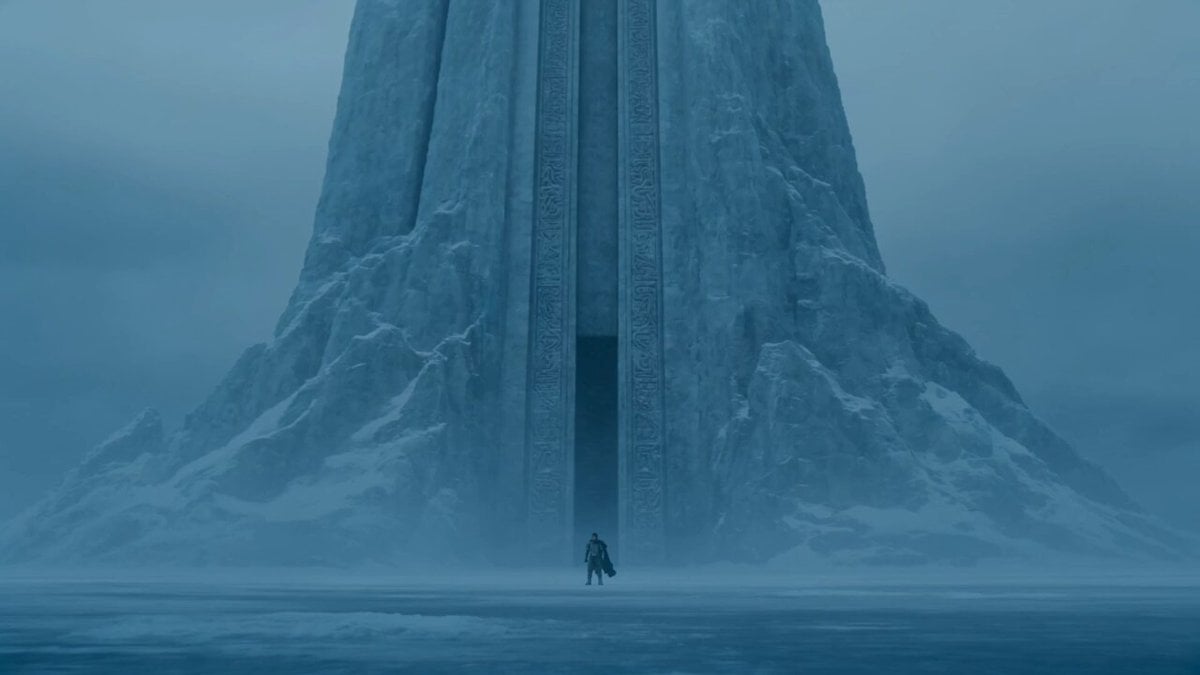
Lone Warrior at Frozen Mountain Gate
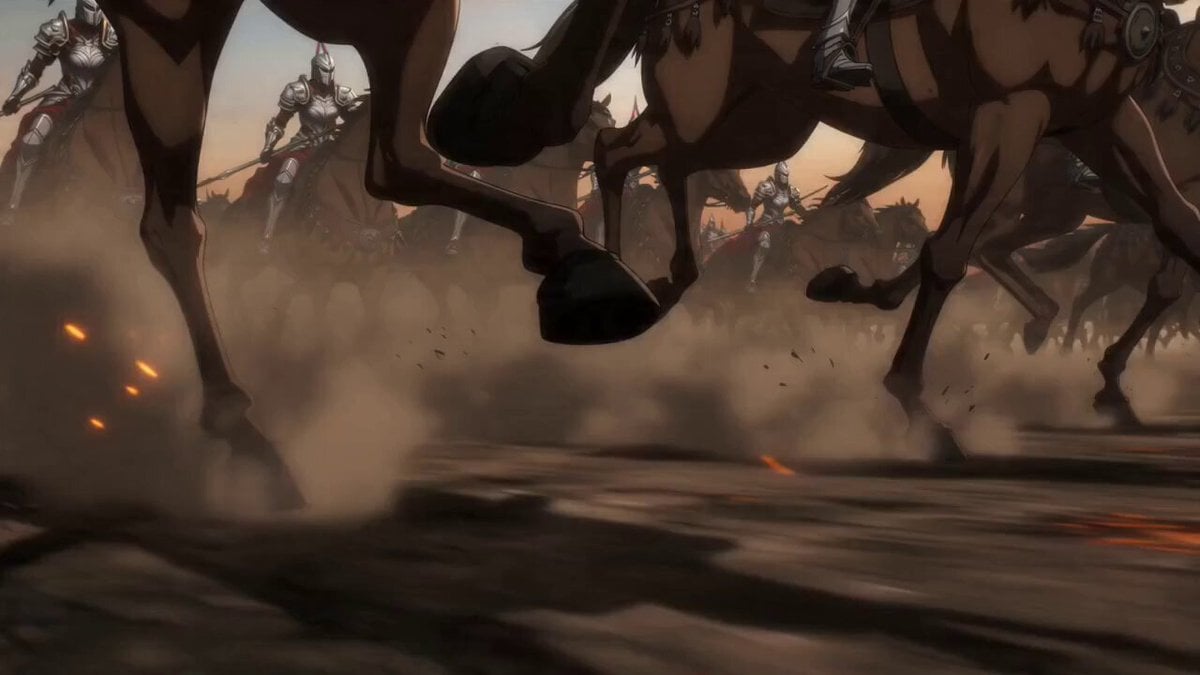
Epic Anime Warrior Queen Cavalry Charge
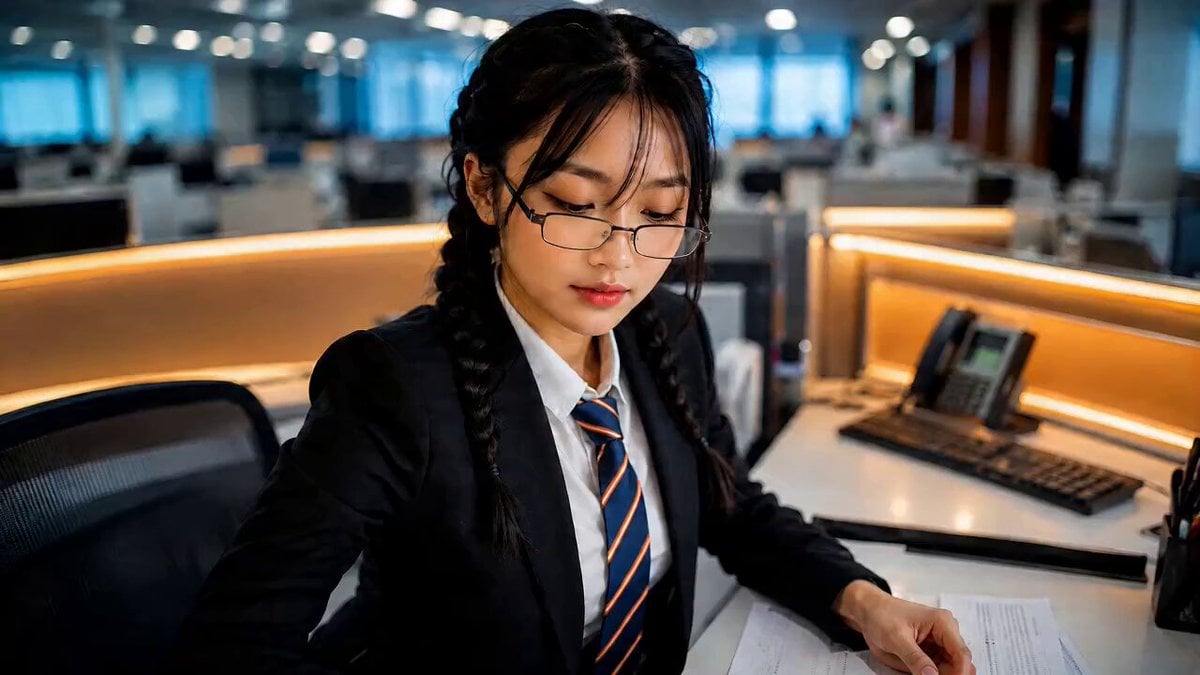
Office Executive Cinematic Narrative
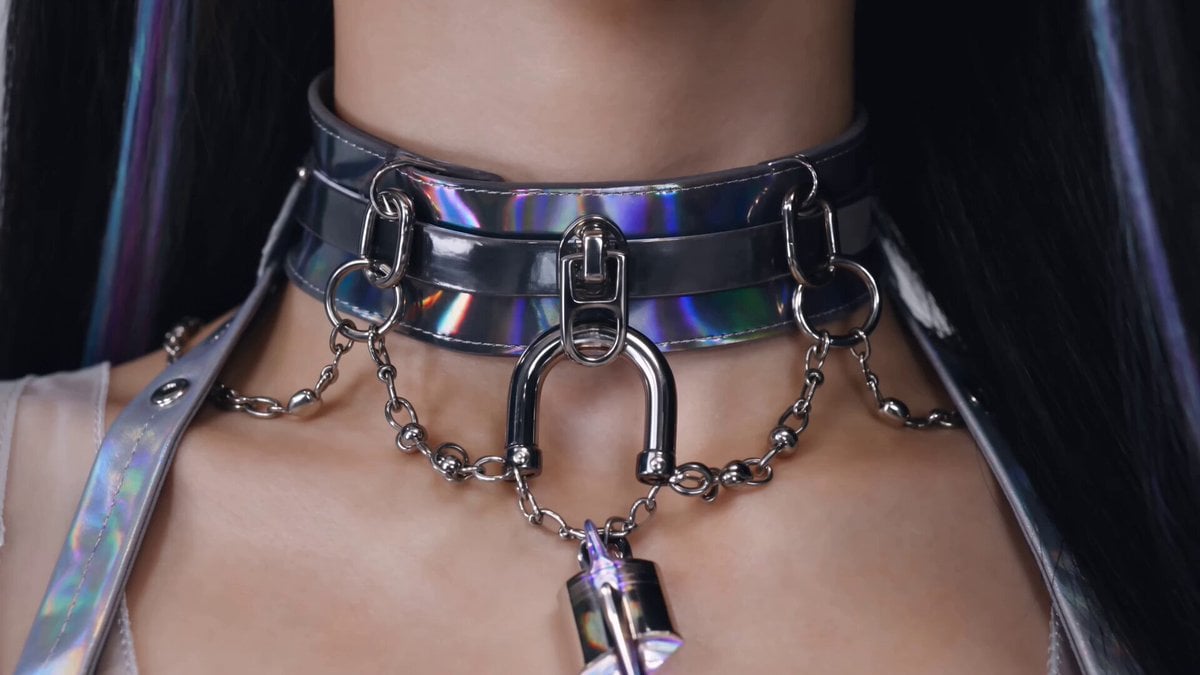
Cyberpunk K-Pop Demon Hunter Teaser

Warrior and Lion Courage Scene
Make it yours
Cyberpunk Warrior Narrative works as-is. These are the safest ways to change it without losing the look.
Change one field
Copy a single group, rewrite it, and generate again so you can see what that field is doing.
Keep the frame, change the subject
Hold the composition and light of Cyberpunk Warrior Narrative, then swap wardrobe, props or the person for a new take.
| If the result… | Why | Fix |
|---|---|---|
| The result drifts from the preview | Too many fields changed at once. | Reuse Cyberpunk Warrior Narrative as-is first, then change one group — subject, light, or setting. |
| The model over-stylizes the scene | The prose prompt leaves finish and camera underspecified. | Add one camera or lighting sentence and stay on Seedance 2.0. |
More Seedance 2.0 templates
Other prompts made for Seedance 2.0.

Comical Martial Arts Punch Scene

Maglev Train Action Sequence

Martial Arts Fight Sequence

Wuxia Protection and Trust Script

Vintage Korean Arcade MiniDV Vlog

Mercedes 190 SL Luxury Ad

Rainy Night Supernatural Reverse Comedy Video Script

Amazon Civilization Discovery

Futuristic South Asian City Transformation

Cozy Luxury Cafe Commercial
More video prompts
Fresh picks from across the catalog.
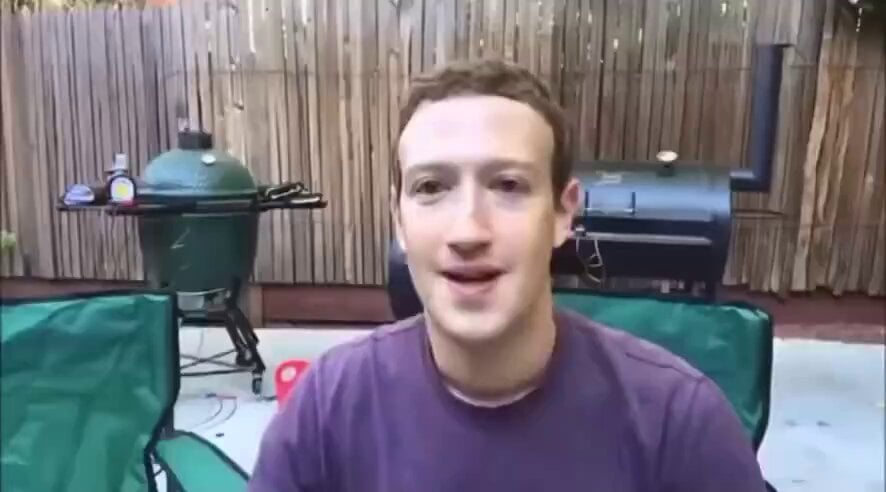
Tech Billionaire CEO Smoking Meats
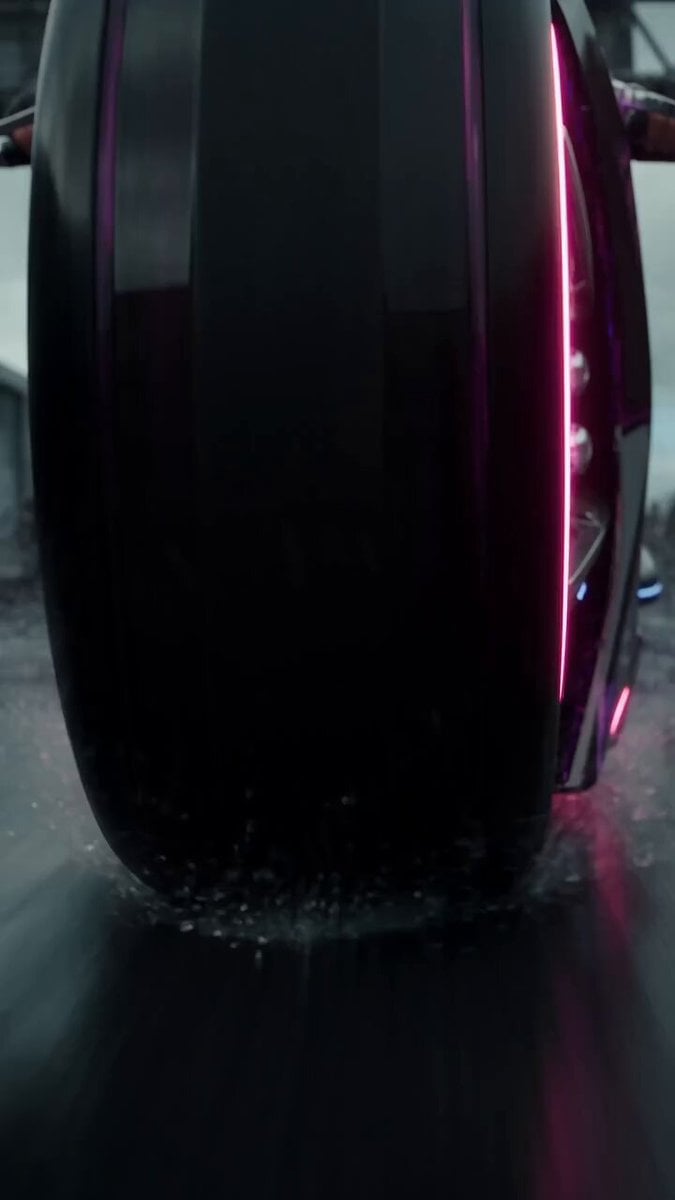
Futuristic Motorcycle Zombie Chase
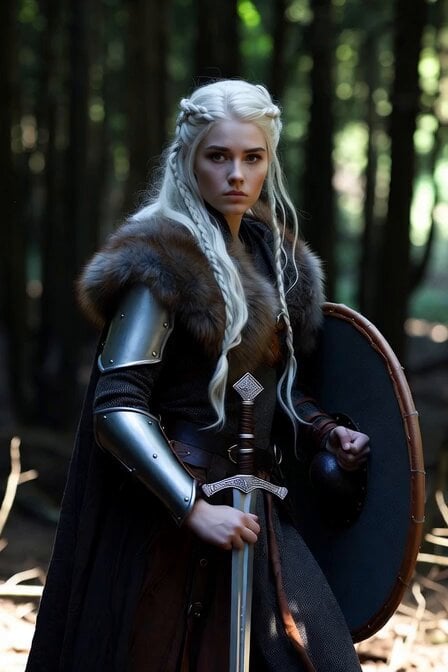
Viking Shield Maiden Forest Entrance
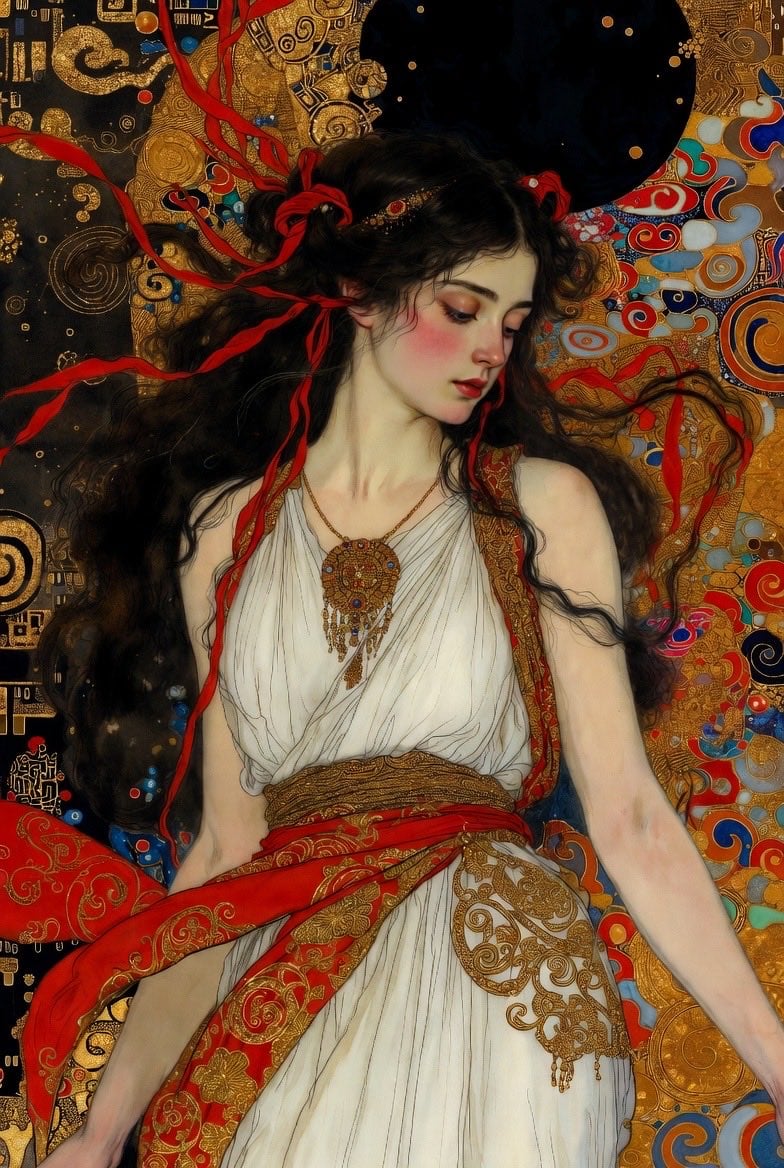
Klimt-Style Art Nouveau Video Prompt
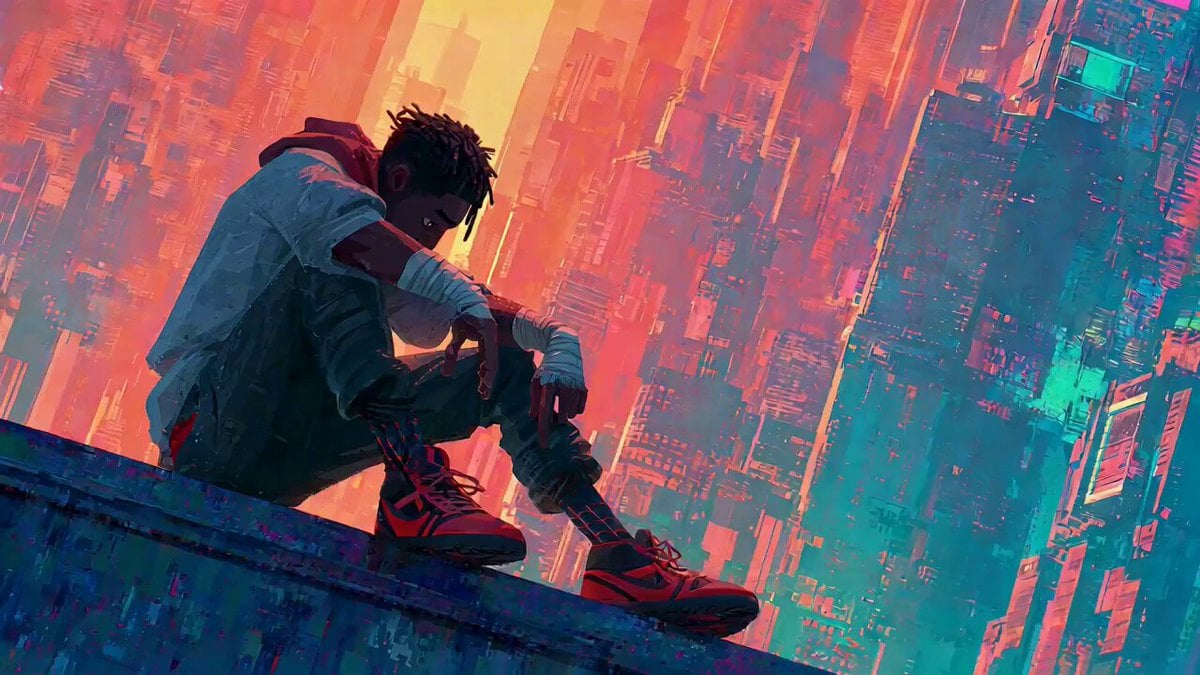
Video Generation Prompt with Image References

High-Speed Magic Battle Animation
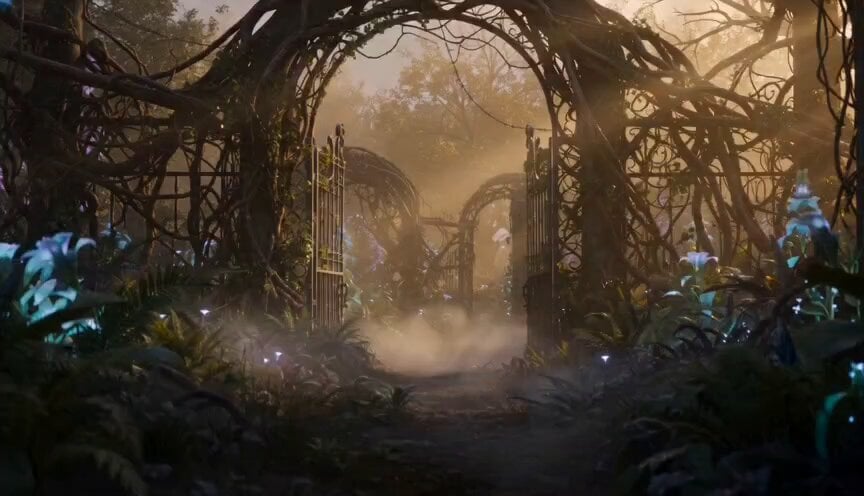
Exploration Robot in Bio-luminescent Garden Prompt
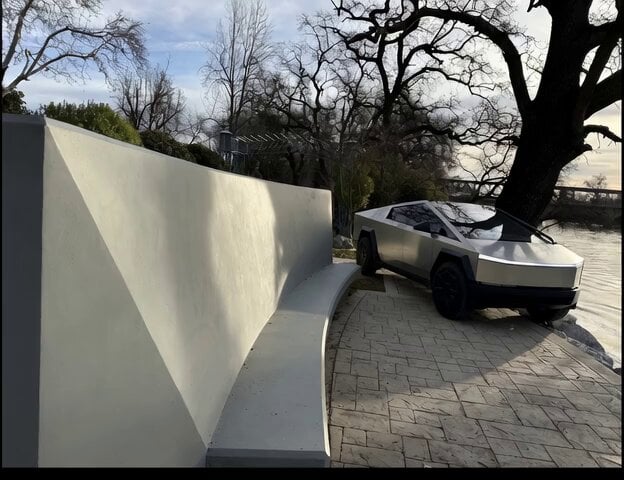
Cybertruck Driving Near Bench
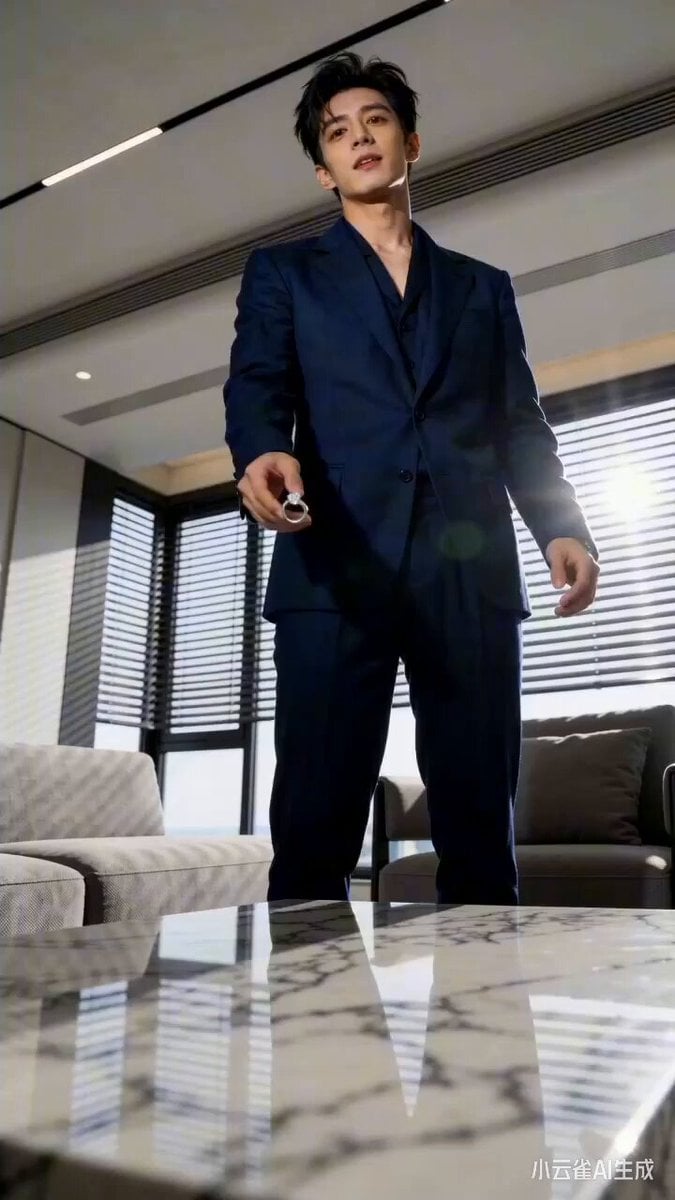
Seedance 2.0 Urban Short Drama Script Prompt
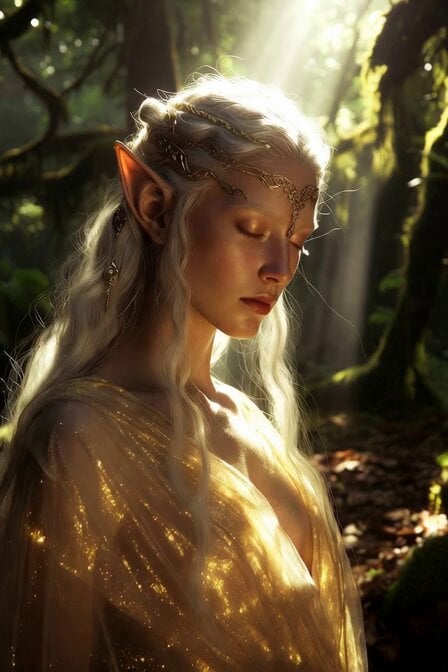
Serene High Elf Female
Browse template categories
Cyberpunk Warrior Narrative questions
How do I use the Cyberpunk Warrior Narrative template?
Add your photo if the template asks for one, edit the prompt if you like — the template's model and format are already selected — and press Generate. Your version opens in PicX Studio.
Can I customize the Cyberpunk Warrior Narrative template?
Yes. You can change the subject, setting, lighting, mood, format, and available model controls before creating your video.
Is the Cyberpunk Warrior Narrative template free?
Opening and editing this template is free. Generating uses credits, shown on the Generate button when you are signed in.
Which AI model should I use?
Start with Seedance 2.0, which is the model associated with this template. You can compare another compatible model for a different finish.
Looking for something else? Browse all templates.

Your photo, any look
Thousands of ready templates for every top image and video model, from one credit balance.