
Cyberpunk Starfighter Cockpit POV Assault
A high-octane first-person perspective video prompt of a starfighter racing through a neon-lit cyberpunk megacity, executing high-speed maneuvers and combat with cinematic motion blur.
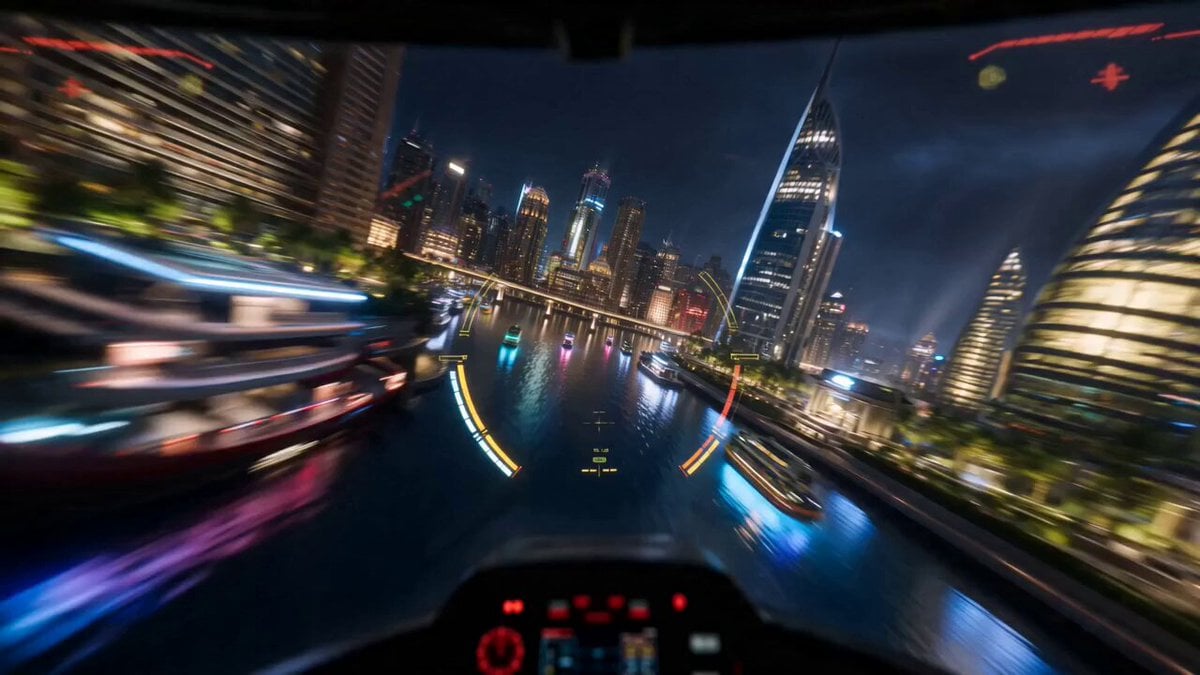
- Prompt included
- Model and format preset
- Premium template
The prompt behind this video
Copy the exact prompt behind Cyberpunk Starfighter Cockpit POV Assault, or open it in the studio and make it yours.
IMPORTANT: Ignore the hand-drawn red curved lines and red arrow annotation overlaid on the reference image — they are NOT part of the scene. Do not render, animate, or include them in any way. They only indicate the intended flight path of the fighter. Treat the underlying cyberpunk city as the actual scene. Animate this cyberpunk megacity as an adrenaline-pumping, high-velocity first-person cockpit POV starfighter strafing assault, single continuous shot. The camera IS the fighter jet — immersive forward-facing pilot point of view, screaming through the city at extreme hypersonic speed without ever slowing down, firing on the move. The fighter rockets in low and fast over the glowing waterfront canals at the bottom-right, mere meters above the water, neon reflections smearing into streaks below. It snaps into violent banking turns left and right, threading at full throttle between towering skyscrapers and blasting under elevated highways with inches of clearance — buildings ripping past the edges of frame in a blur of light streaks, heavy motion blur, and radial speed lines. Afterburner surges with bursts of acceleration. Even while weaving, the pilot is already firing — twin laser cannons hammering continuous bolts forward, tearing into buildings and enemy turrets that flash past, sparks and debris exploding along the route without breaking speed. The central black villain tower rushes up to fill the view. Instead of slowing, the fighter carves a blistering high-speed strafing arc around the colossal spire, banking hard while unloading a relentless barrage — streams of laser fire and salvos of missiles raking across the tower's glowing red-and-gold emblem in a fast diagonal pass. Explosions chain across the tower as the fighter screams past it at full velocity, fireballs and sparks blasting across the canopy, the vertical red beam destabilizing, violent screen shake rattling the frame. Tracer fire and enemy fighters whip past the cockpit in flashes as the jet blazes onward. Shot on anamorphic lenses, shallow depth of field, glossy vibrant polished blockbuster look, rich saturated neon colors, luminous highlights and clean reflections, sleek futuristic sheen, deep blacks with glowing accents, hyperkinetic energy, aggressive motion blur and light trails, whip-fast camera, smooth cinematic 24fps motion with sudden speed bursts, slight chromatic aberration and elegant lens flares. Immersive POV, extreme velocity, dramatic camera shake, volumetric haze, ultra-detailed high-budget sci-fi film look, 16:9. Audio: screaming jet engine at full throttle, roaring wind rush, sonic-boom whooshes, HUD targeting beeps, rapid continuous laser cannon fire, missile launches, chained deep explosions, rumbling bass.
How to use Cyberpunk Starfighter Cockpit POV Assault in 3 steps
- 1Upload ImagePNG, JPG or paste
Add your photo
Upload the photo the template builds on. The prompt, model and format are already set.
- 2…a portrait of your subject in softgolden-hour light, 85mm…
Personalize
Edit the subject and creative details for your destination.
- 3Generate
Generate
Press Generate — your video is created in PicX Studio, so you can compare it with the original and refine one variable at a time.
More like this
Templates with the same subject, style or setup. Open one to see its prompt.
Futuristic Starship Cockpit POV

Cyberpunk Holographic Dance Performance - Seedance 2.5

RX-7 to Mech Transformation Cyberpunk

DV Camcorder POV Gym Montage — Seedance 2.5
DV Camcorder POV Gym Montage — Seedance 2.5
Starfighter POV Navigating Asteroid Field
Ice Queen — Frozen Battlefield Time Control (Seedance)

Cyberpunk RPG Anime Action
First-Person Spaceship Cockpit Flight
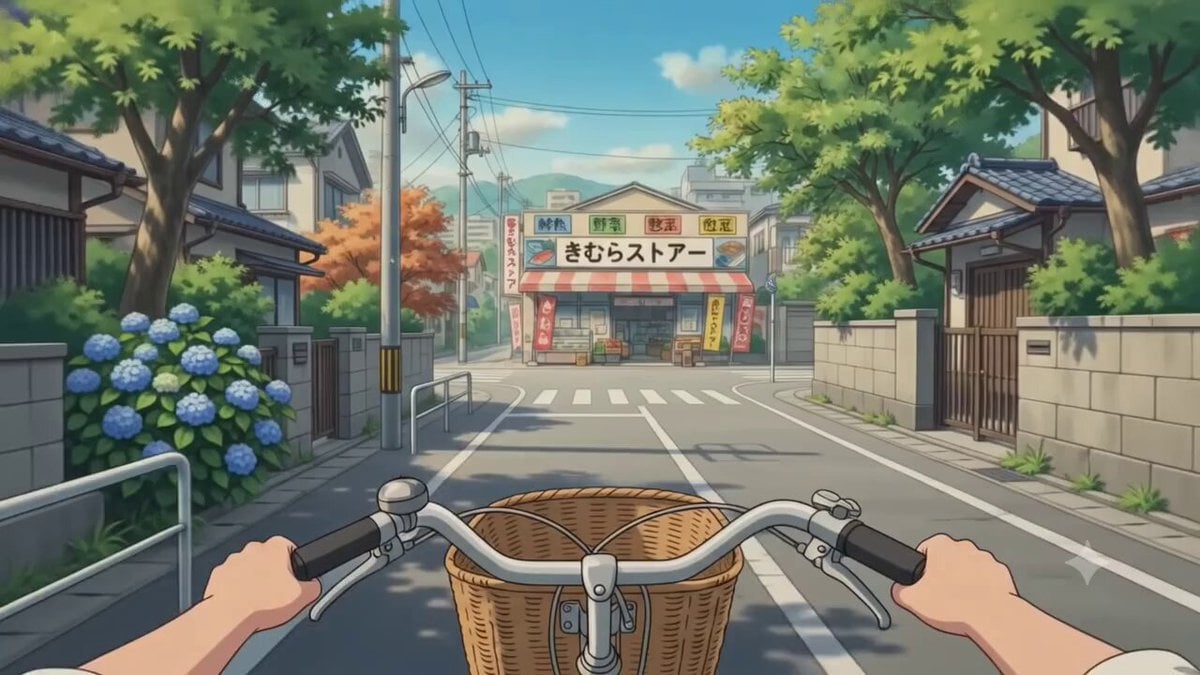
POV Japanese Residential Neighborhood Bike Trip
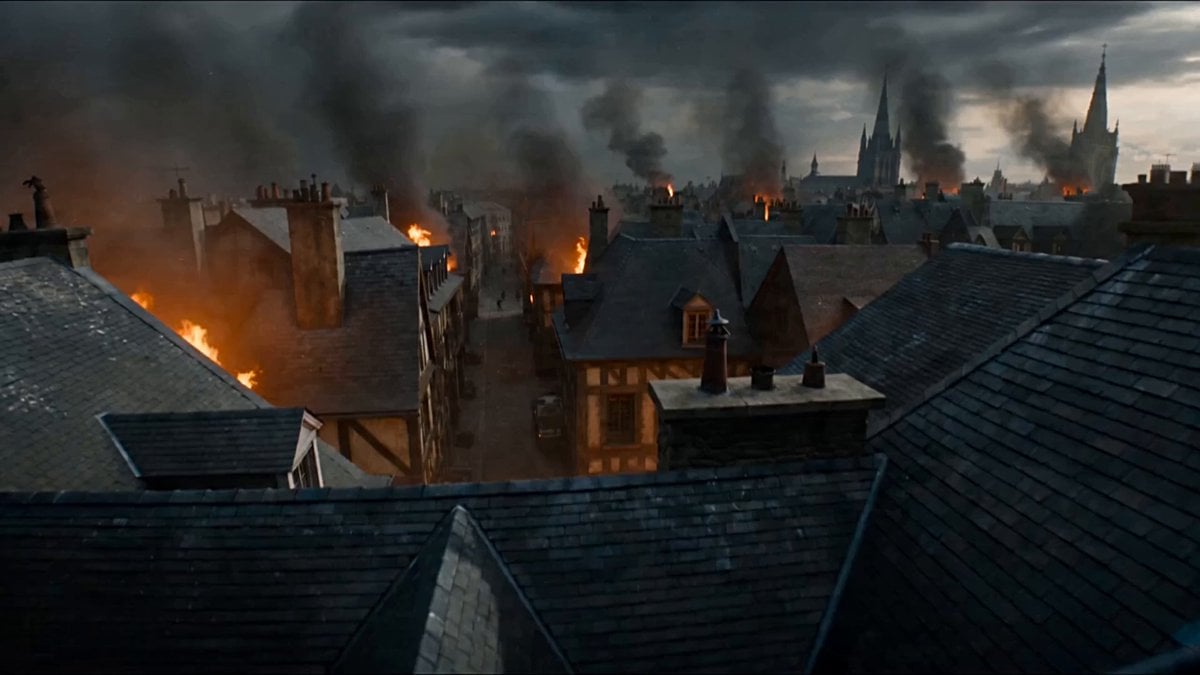
First-Person POV Fantasy Demon Battle
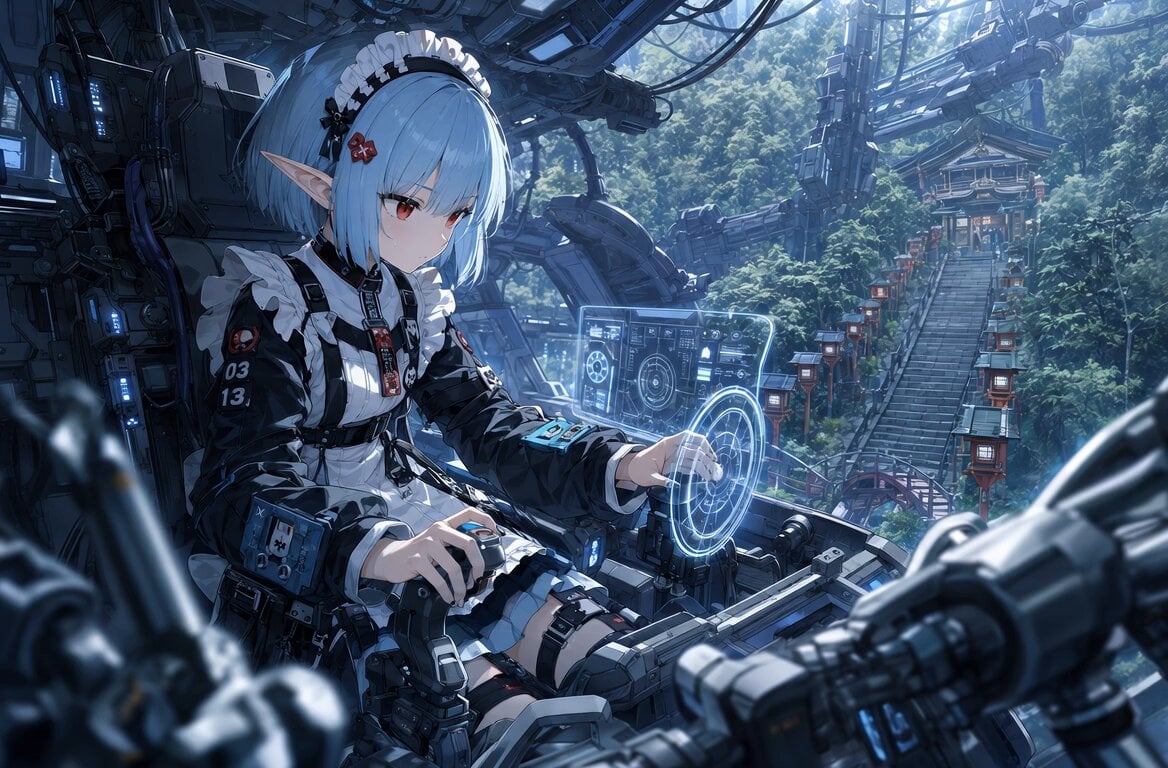
Sci-Fi Cockpit Cinematic One-Shot
Make it yours
Cyberpunk Starfighter Cockpit POV Assault works as-is. These are the safest ways to change it without losing the look.
Change one field
Copy a single group, rewrite it, and generate again so you can see what that field is doing.
Keep the frame, change the subject
Hold the composition and light of Cyberpunk Starfighter Cockpit POV Assault, then swap wardrobe, props or the person for a new take.
| If the result… | Why | Fix |
|---|---|---|
| The result drifts from the preview | Too many fields changed at once. | Reuse Cyberpunk Starfighter Cockpit POV Assault as-is first, then change one group — subject, light, or setting. |
| The model over-stylizes the scene | The prose prompt leaves finish and camera underspecified. | Add one camera or lighting sentence and stay on Seedance 2.0. |
More Seedance 2.0 templates
Other prompts made for Seedance 2.0.

Comical Martial Arts Punch Scene

Maglev Train Action Sequence

Martial Arts Fight Sequence

Wuxia Protection and Trust Script

Vintage Korean Arcade MiniDV Vlog

Mercedes 190 SL Luxury Ad

Rainy Night Supernatural Reverse Comedy Video Script

Amazon Civilization Discovery

Futuristic South Asian City Transformation

Cozy Luxury Cafe Commercial
More video prompts
Fresh picks from across the catalog.
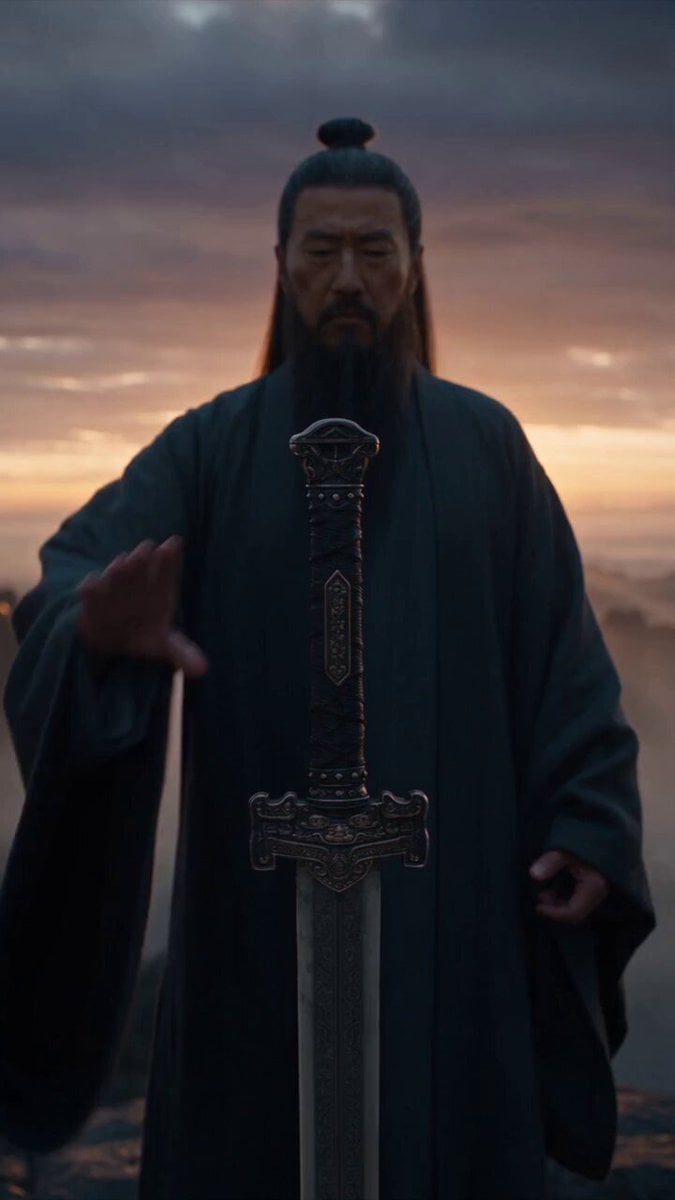
Immortal Swordmaster Spectral Dragon Strike

Animated Jungle Expedition Multi-Shot
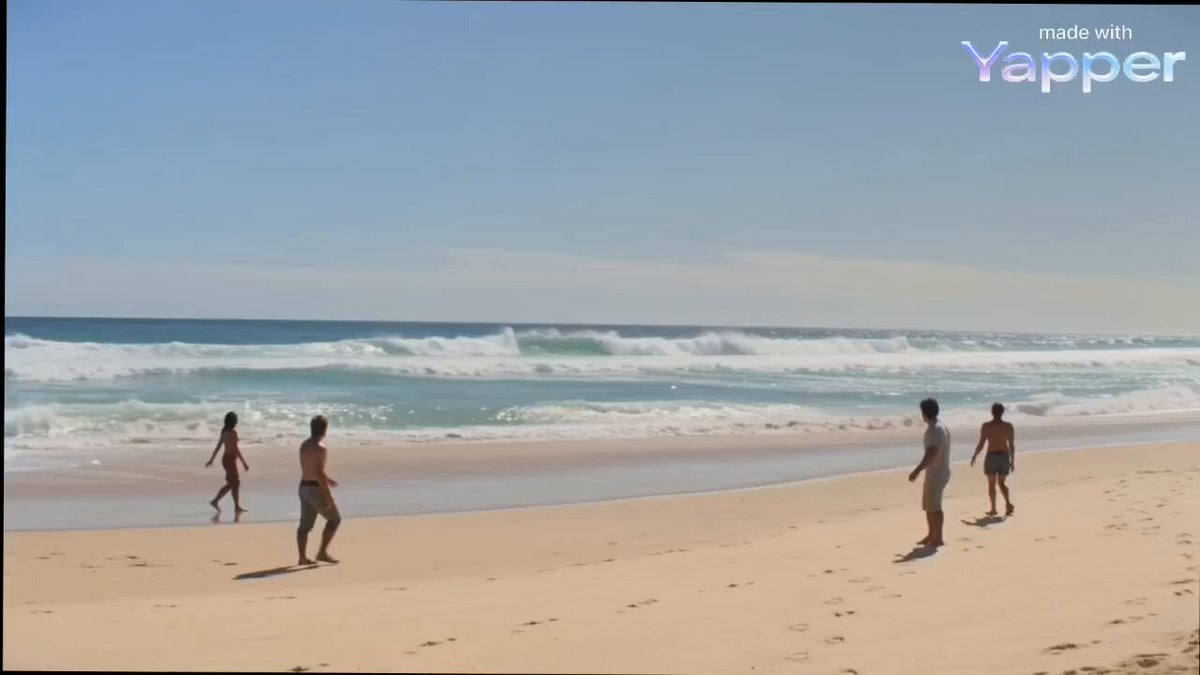
Cinematic Beach Scene with Sandworm and Warrior

Grok Imagine prompt: Woman Chasing Away Small People
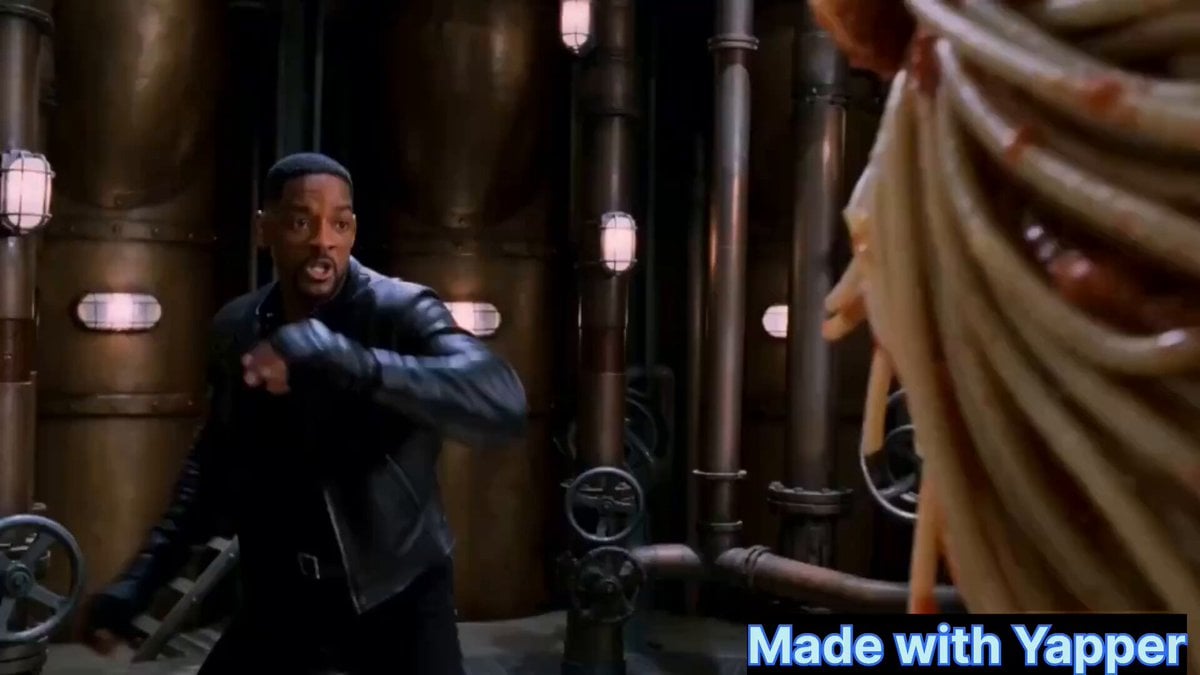
Will Smith fighting a spaghetti monster
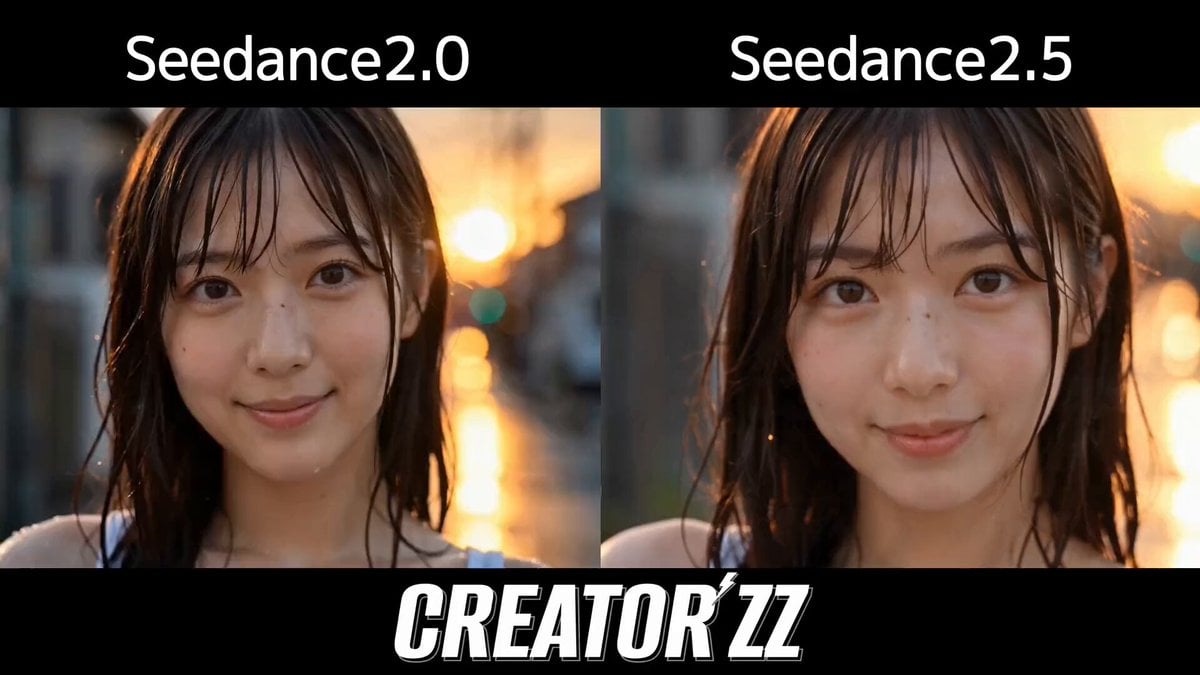
Multi-Cut Cinematic Summer Vlog Composition
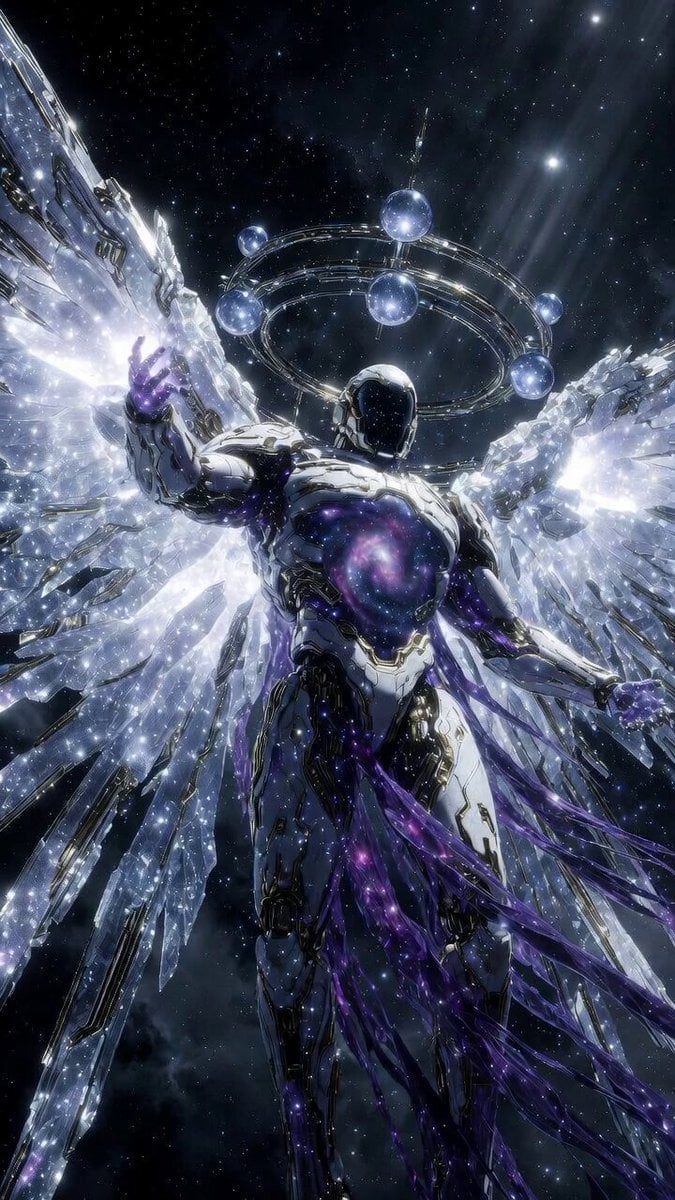
Hyperrealistic Cosmic-Mechanical Celestial Being
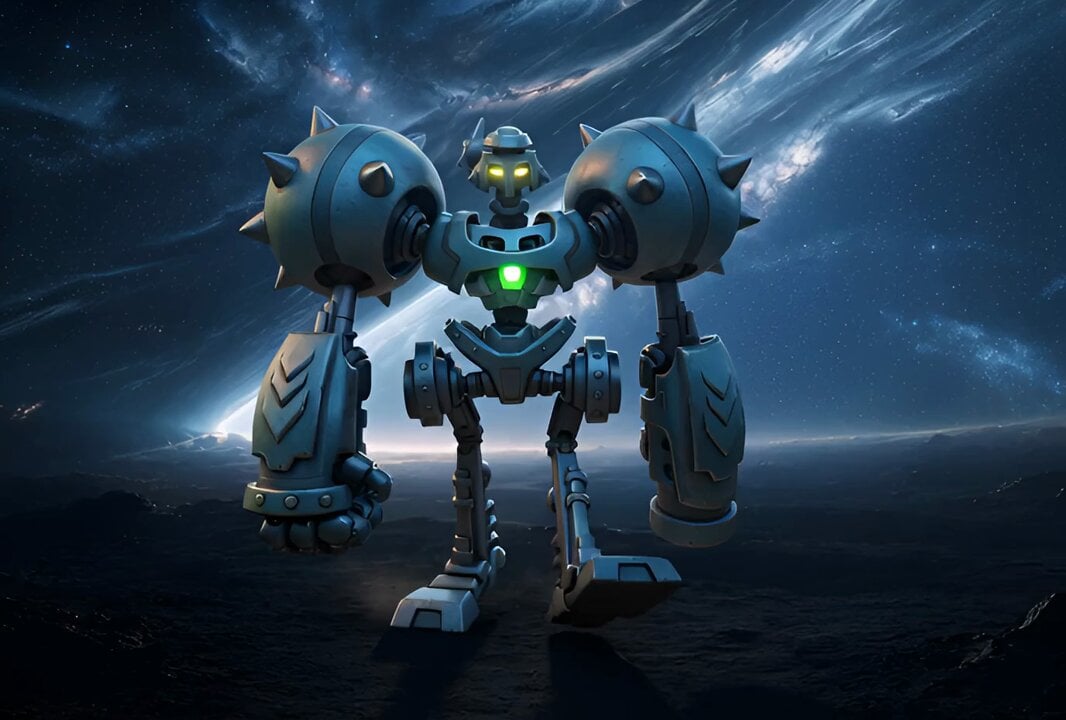
Character Walking Through Environment Prompt
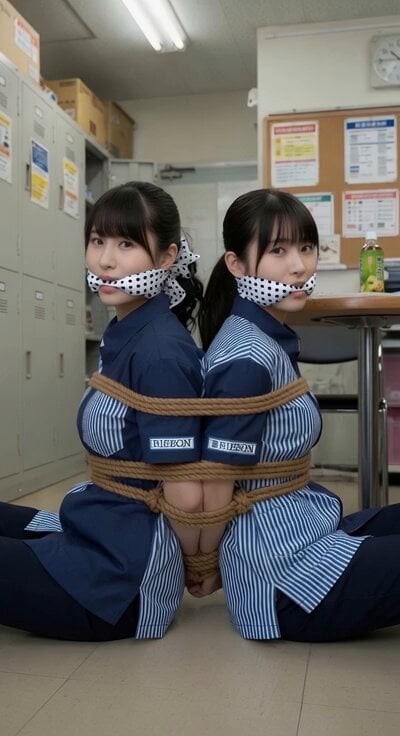
Anxious Checkout Clerk Interaction
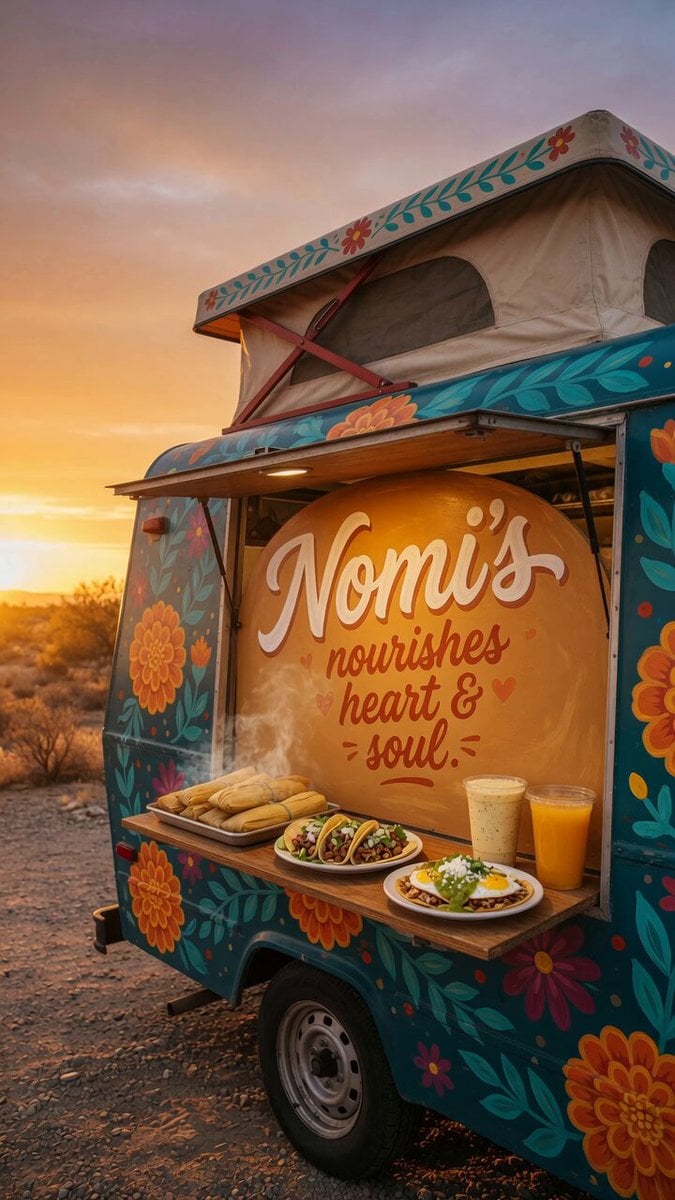
Custom Food Truck Animation
Browse template categories
Cyberpunk Starfighter Cockpit POV Assault questions
How do I use the Cyberpunk Starfighter Cockpit POV Assault template?
Add your photo if the template asks for one, edit the prompt if you like — the template's model and format are already selected — and press Generate. Your version opens in PicX Studio.
Can I customize the Cyberpunk Starfighter Cockpit POV Assault template?
Yes. You can change the subject, setting, lighting, mood, format, and available model controls before creating your video.
Is the Cyberpunk Starfighter Cockpit POV Assault template free?
Opening and editing this template is free. Generating uses credits, shown on the Generate button when you are signed in.
Which AI model should I use?
Start with Seedance 2.0, which is the model associated with this template. You can compare another compatible model for a different finish.
Looking for something else? Browse all templates.

Your photo, any look
Thousands of ready templates for every top image and video model, from one credit balance.