
Cybernetic Berserker Battlefield Charge
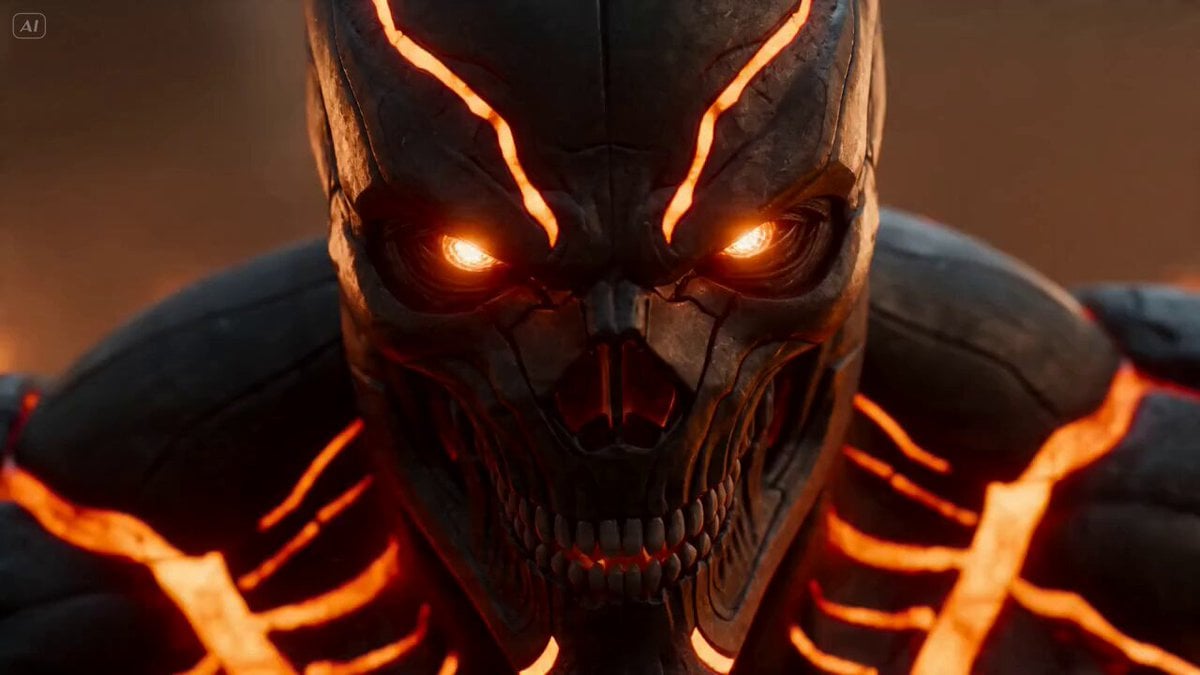
A brutal, action-packed video prompt featuring a cybernetic warrior with glowing energy and flaming blades charging through an army in a warzone.
- Prompt included
- Model and format preset
- Free template
The prompt behind this video
Copy the exact prompt behind Cybernetic Berserker Battlefield Charge, or open it in the studio and make it yours.
A cybernetic berserker with glowing orange energy veins, exposed mechanical jaw, dual flaming chain blades spinning violently in his hands Charges into a massive army of armored soldiers at impossible speed, carving through enemies while explosions erupt around him and entire vehicles split apart from the force of his attacks Industrial warzone with burning tanks, sparks raining from broken machinery, smoke and fire filling the horizon Begins with aggressive handheld close-up on his glowing eyes, sudden speed ramp into full sprint, whip pans linking brutal kills, crash zoom during giant explosions, orbit shot while sparks and blood spray across the frame, heavy motion blur amplifying speed and impact, ending with the berserker roaring on top of a burning tank mountain while the battlefield behind collapses into flames and detonations, camera slowly circling around his silhouette as ash falls from the sky
How to use Cybernetic Berserker Battlefield Charge in 3 steps
- 1
Open
The prompt is already in the box next to the preview, with the template's model and format selected.
- 2…a portrait of your subject in softgolden-hour light, 85mm…
Personalize
Edit the subject and creative details for your destination.
- 3Generate
Generate
Press Generate — your video is created in PicX Studio, so you can compare it with the original and refine one variable at a time.
More like this
Templates with the same subject, style or setup. Open one to see its prompt.

Necromancer Battlefield Orbit
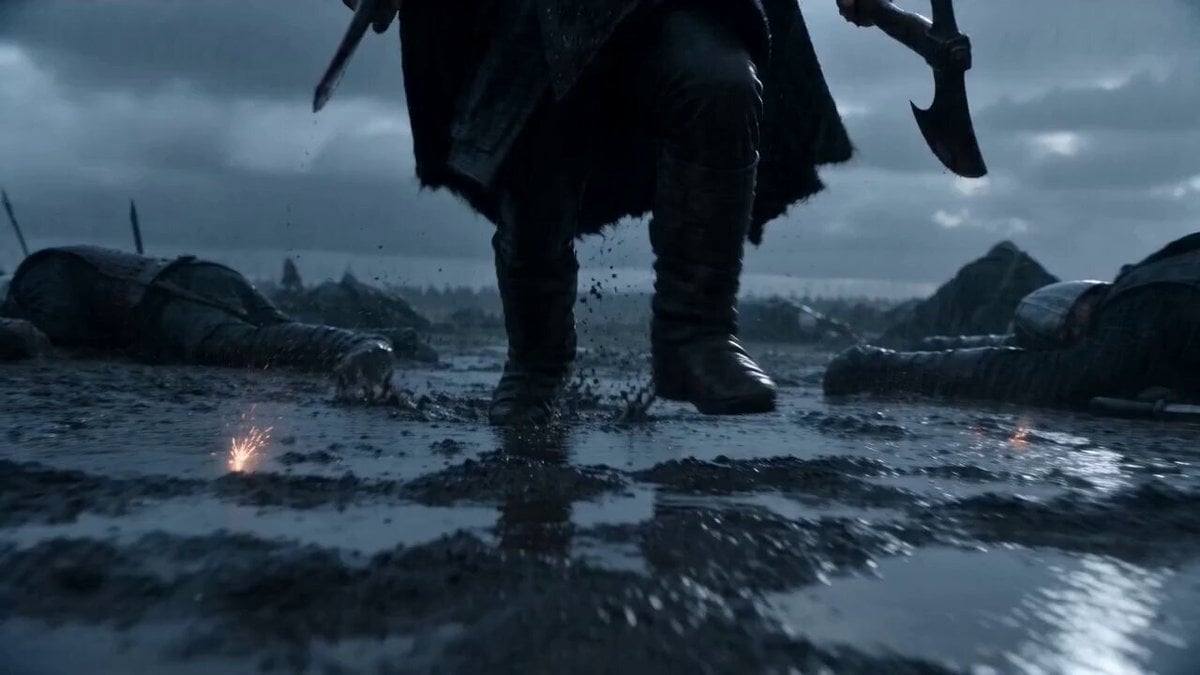
Badass Berserker Viking Charge
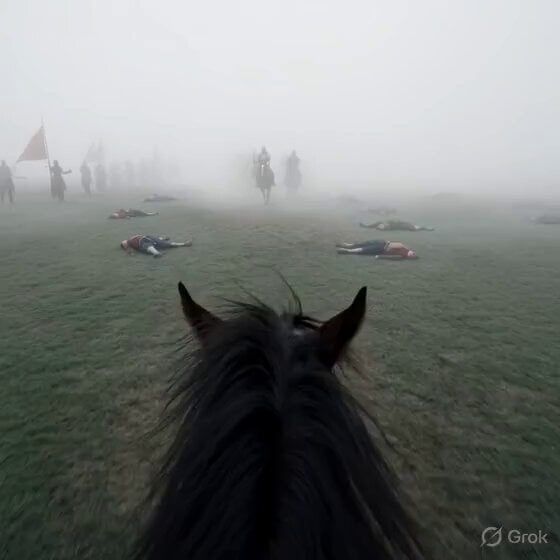
First-Person Horseback Charge on Medieval Battlefield
Ice Queen — Frozen Battlefield Time Control (Seedance)
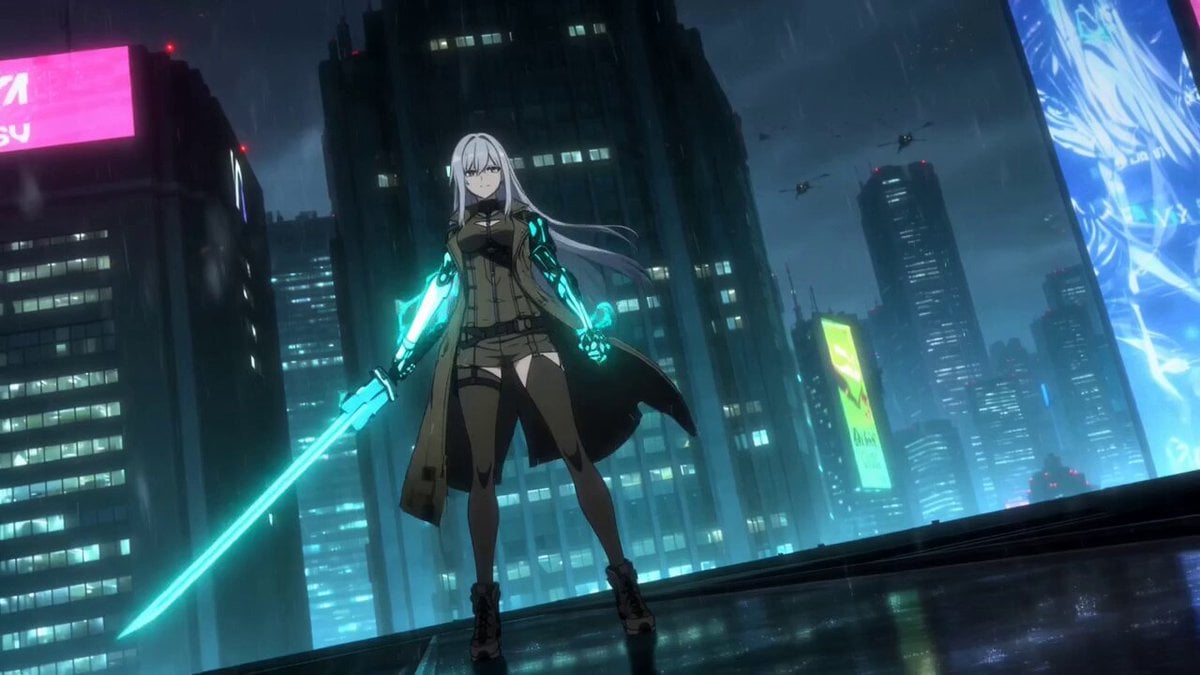
Cybernetic Samurai Anime Action
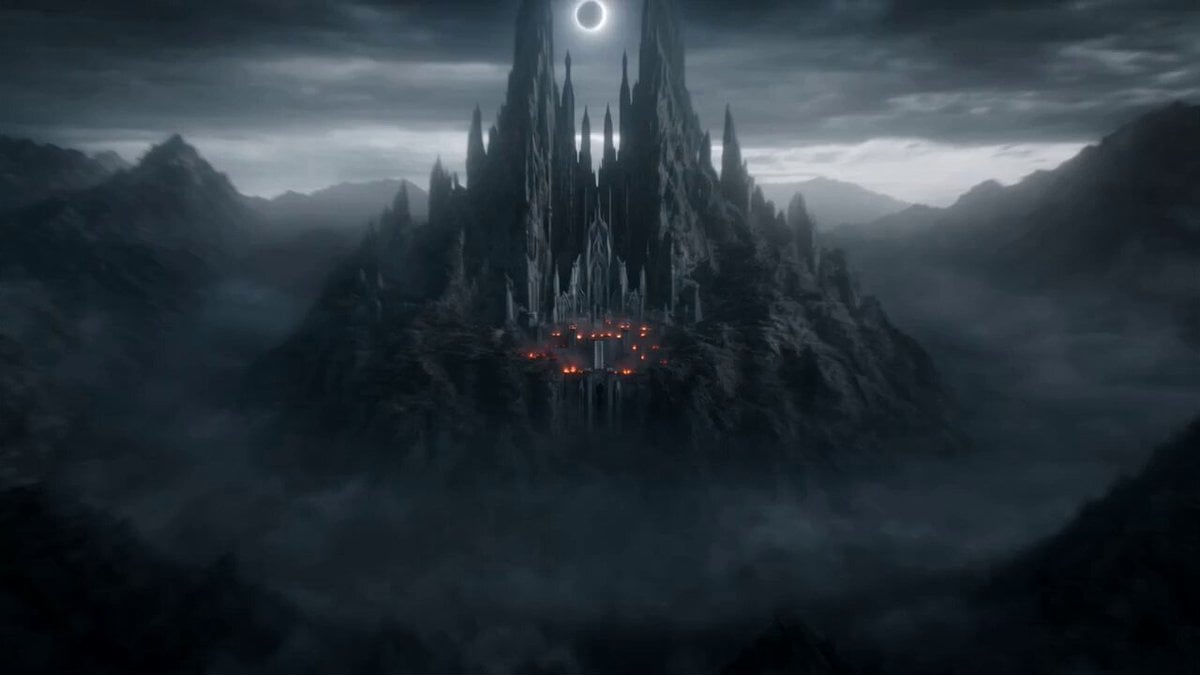
Apocalyptic Fantasy Queen Charge

Crusader Battlefield War Sequence
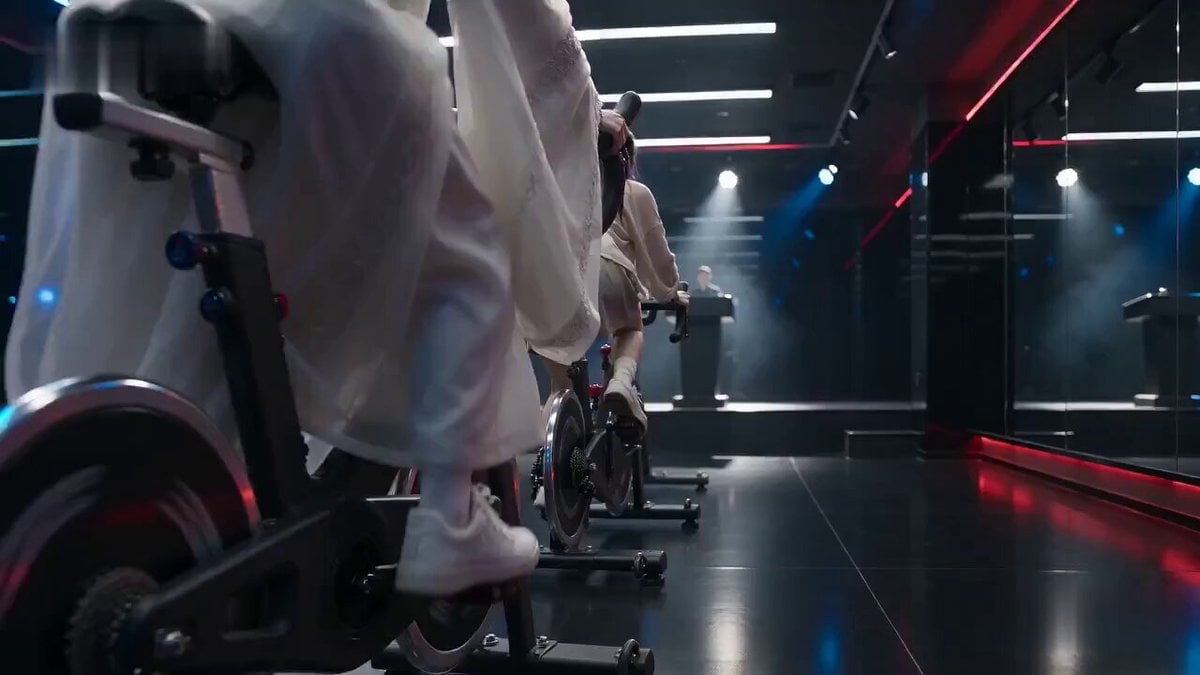
Cinematic Exercise Bike Cavalry Charge Misdirection
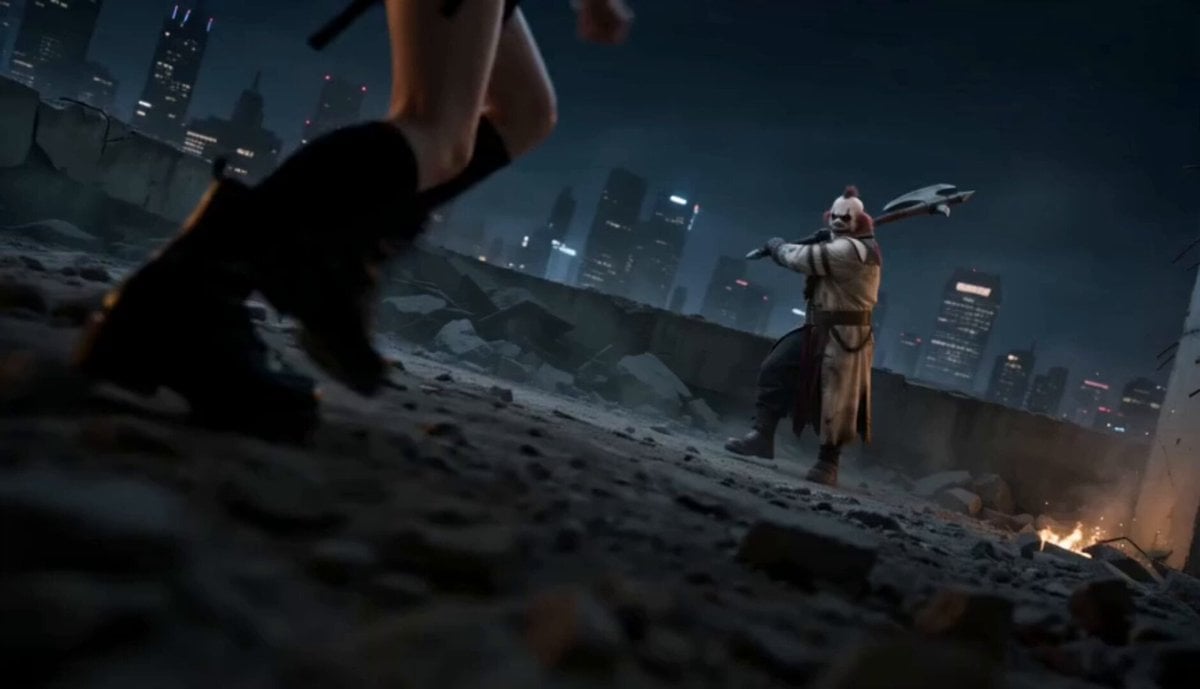
Urban Battlefield Action Scene
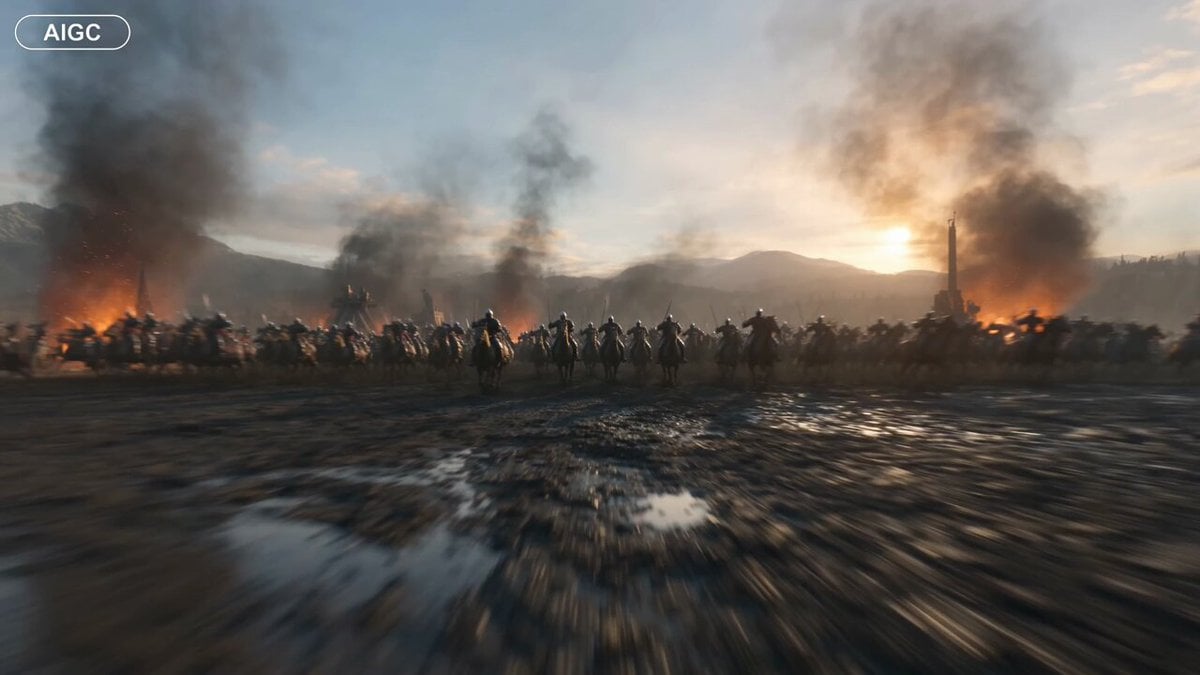
Medieval Battlefield FPV Drone Flight
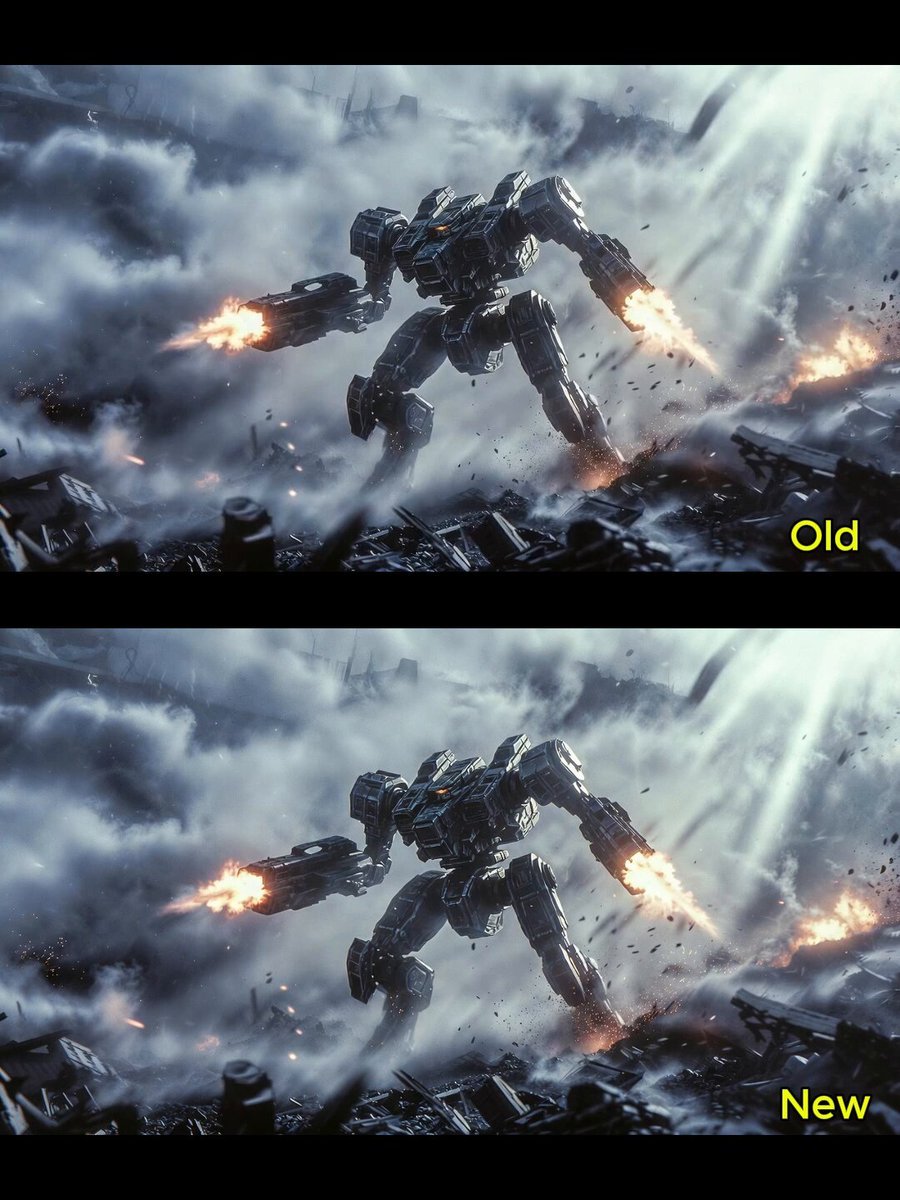
Giant Robot Battlefield Video
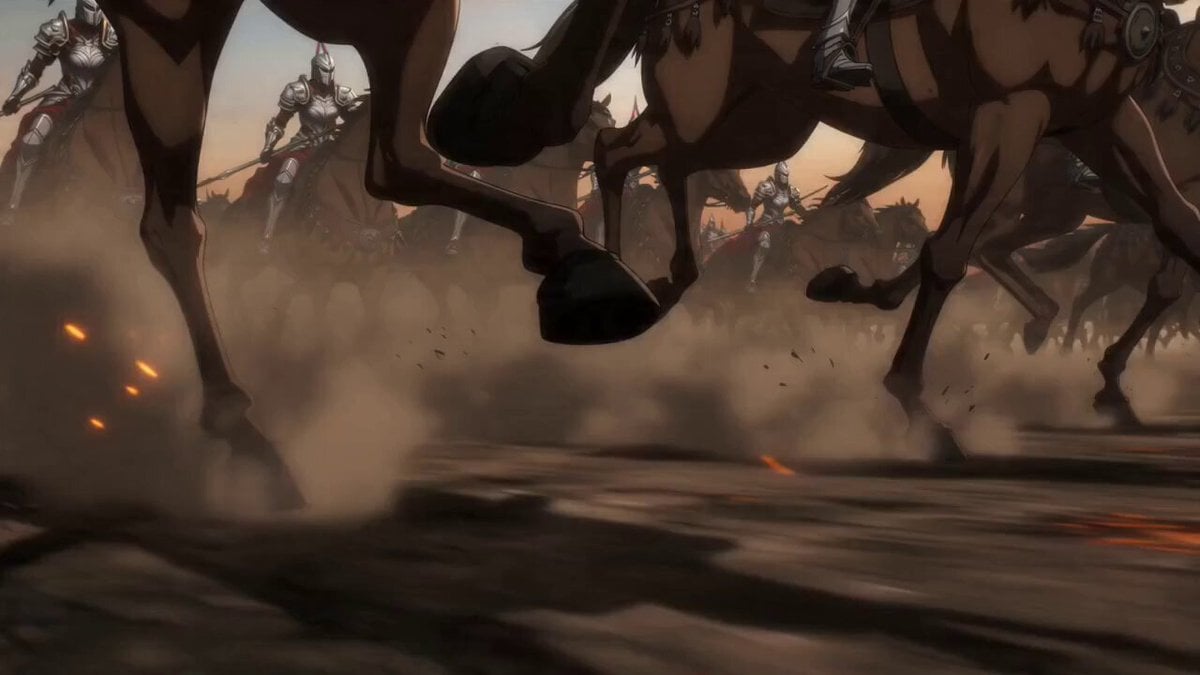
Epic Anime Warrior Queen Cavalry Charge
Make it yours
Cybernetic Berserker Battlefield Charge works as-is. These are the safest ways to change it without losing the look.
Change one field
Copy a single group, rewrite it, and generate again so you can see what that field is doing.
Keep the frame, change the subject
Hold the composition and light of Cybernetic Berserker Battlefield Charge, then swap wardrobe, props or the person for a new take.
| If the result… | Why | Fix |
|---|---|---|
| The result drifts from the preview | Too many fields changed at once. | Reuse Cybernetic Berserker Battlefield Charge as-is first, then change one group — subject, light, or setting. |
| The model over-stylizes the scene | The prose prompt leaves finish and camera underspecified. | Add one camera or lighting sentence and stay on Seedance 2.0. |
More Seedance 2.0 templates
Other prompts made for Seedance 2.0.

Comical Martial Arts Punch Scene

Maglev Train Action Sequence

Martial Arts Fight Sequence

Wuxia Protection and Trust Script

Vintage Korean Arcade MiniDV Vlog

Mercedes 190 SL Luxury Ad

Rainy Night Supernatural Reverse Comedy Video Script

Amazon Civilization Discovery

Futuristic South Asian City Transformation

Cozy Luxury Cafe Commercial
More video prompts
Fresh picks from across the catalog.
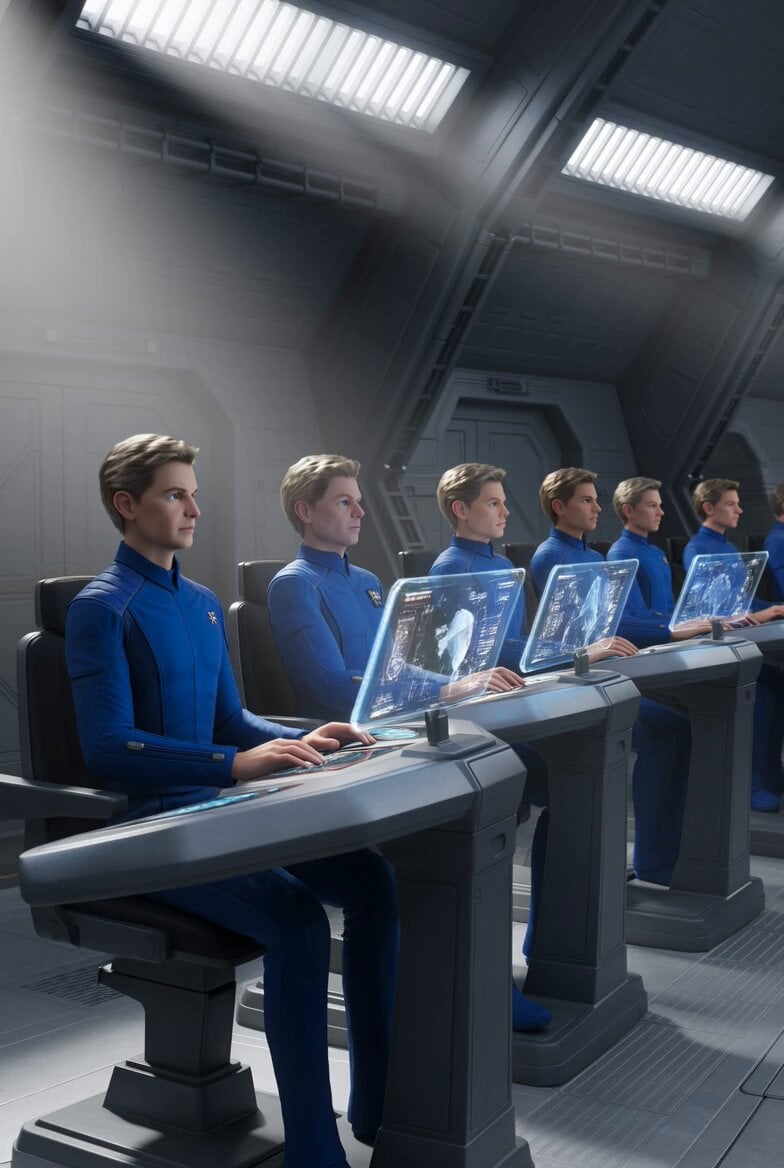
Galactic Federation Pleiadians Starship Animation
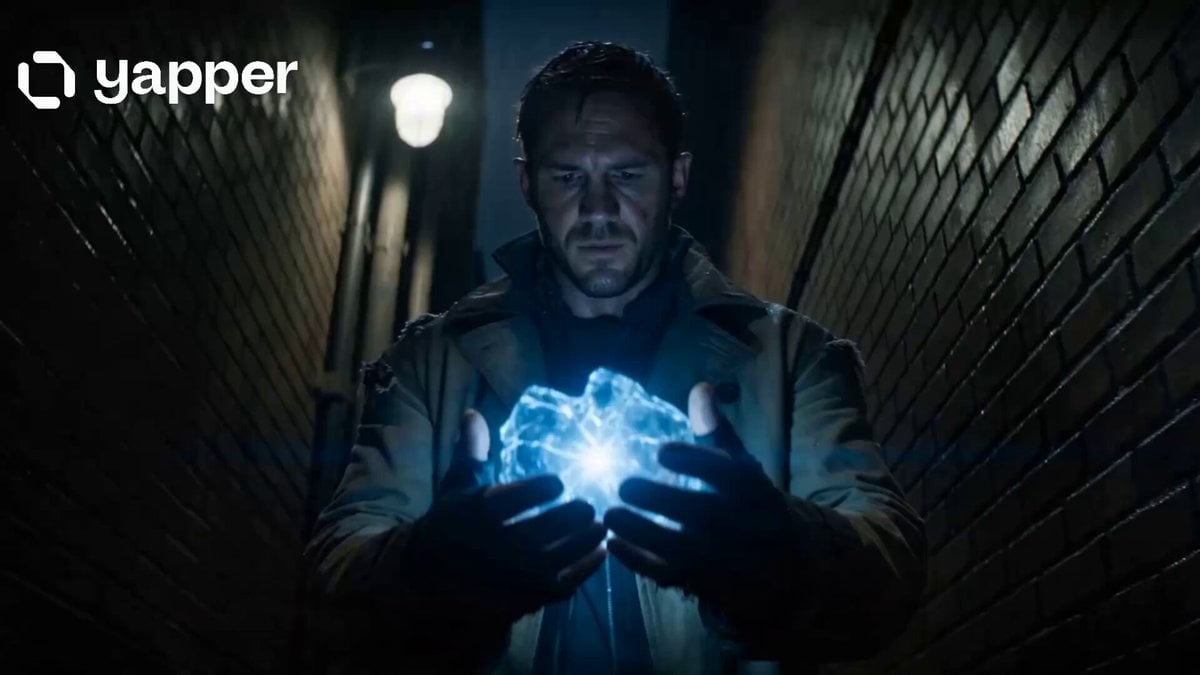
Time Traveler 2050 Reveal
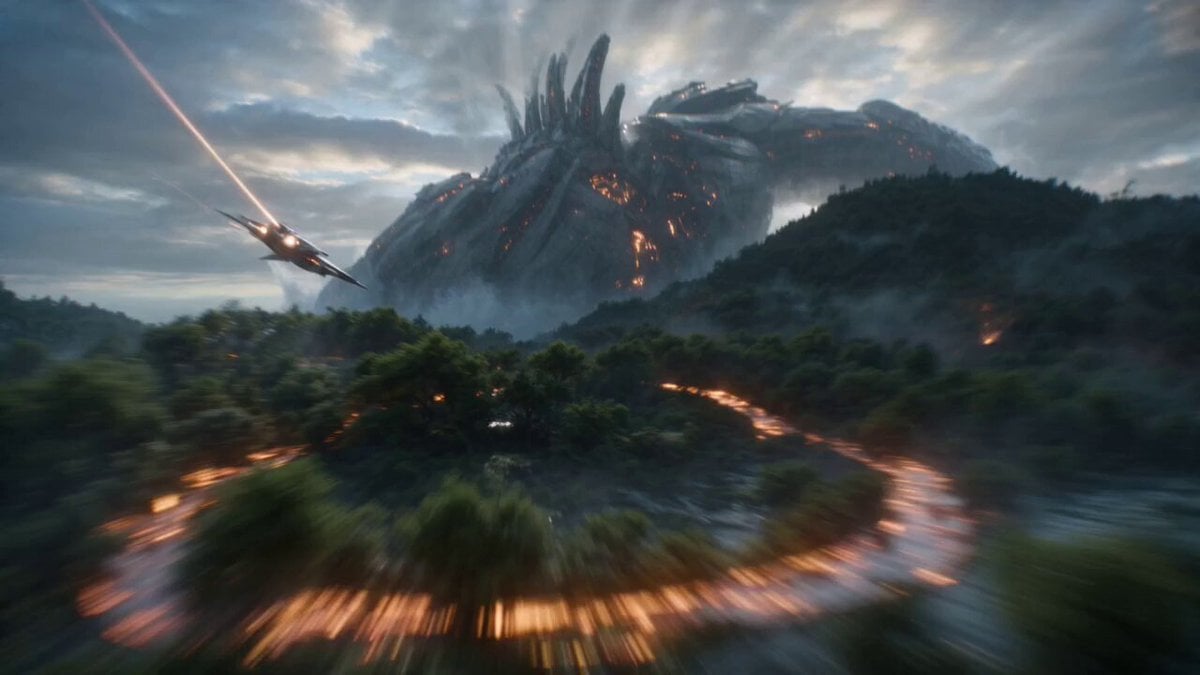
Biomechanical Titan Chase
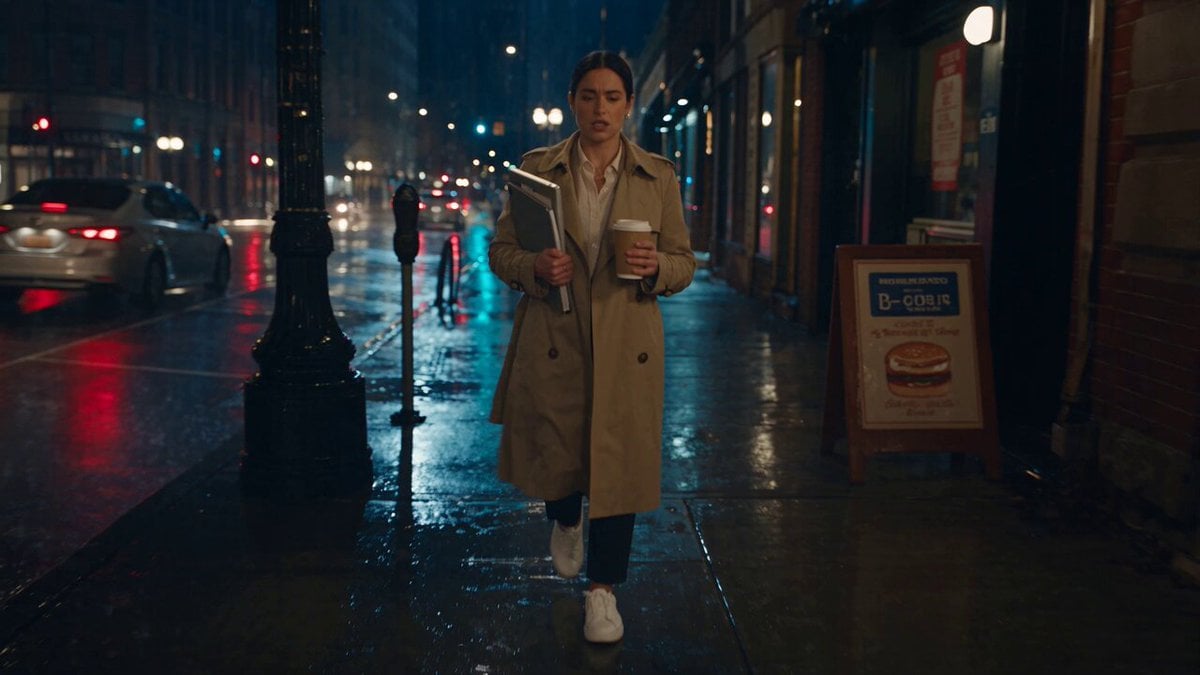
Viking in Modern America Comedy - Seedance 2.5
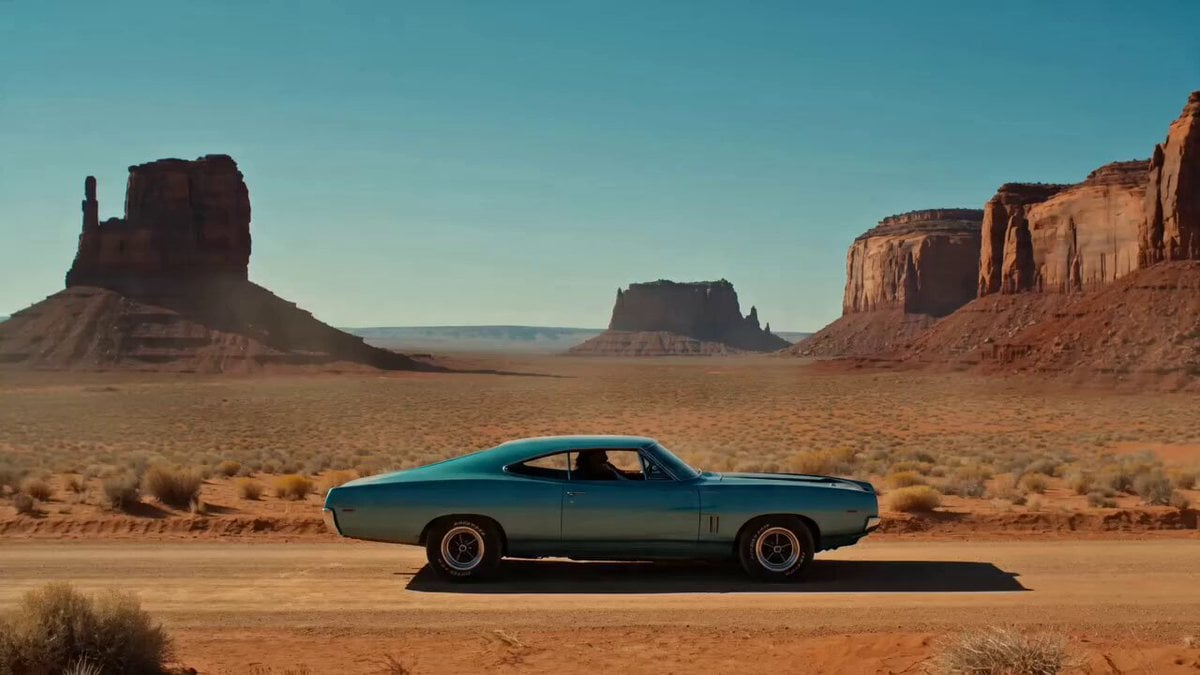
Desert Reverie Cinematic Sequence
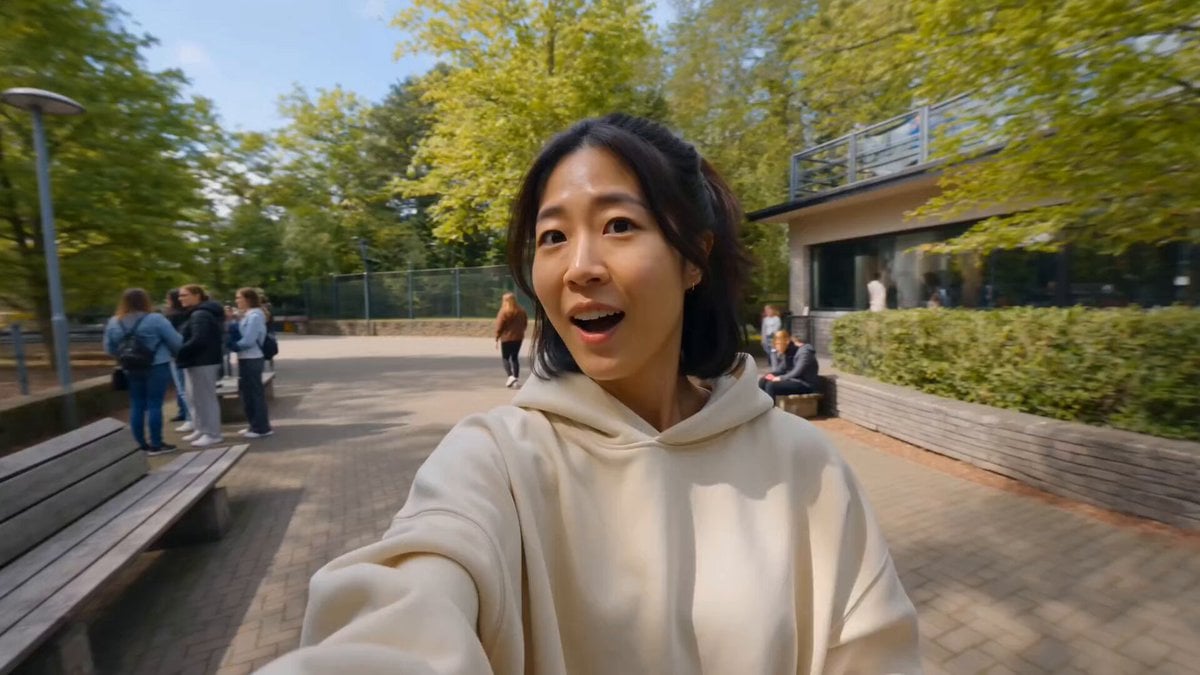
Tiger Zoo Selfie Vlog
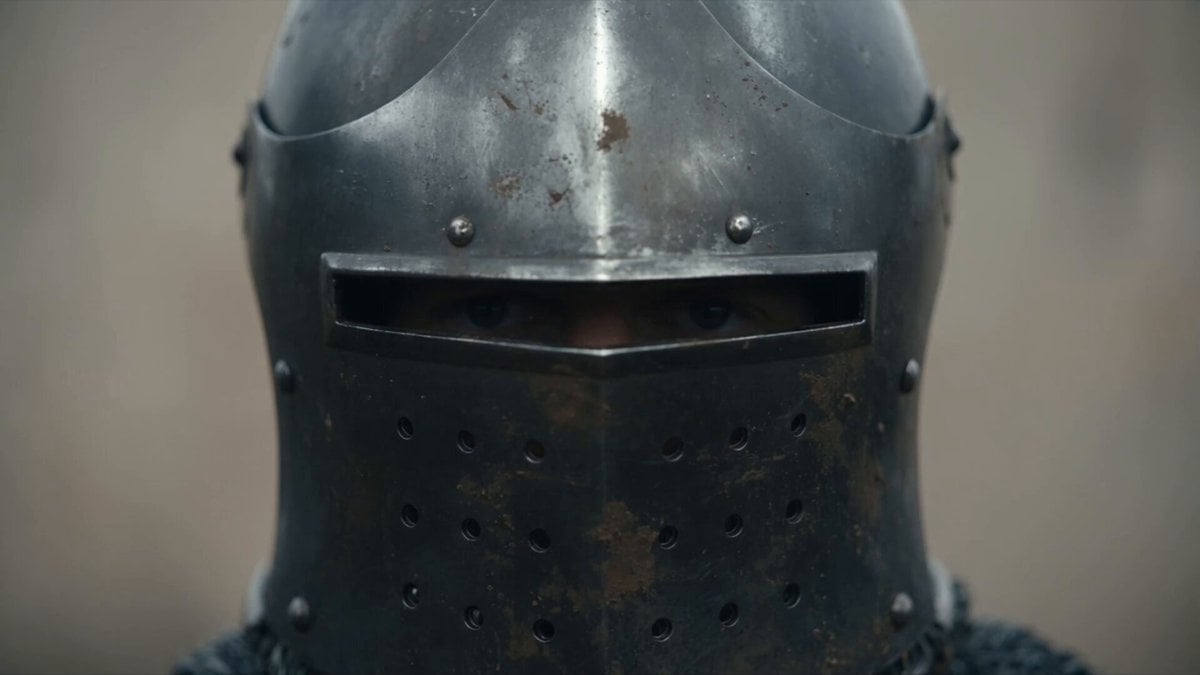
Cinematic Medieval Warrior Battle Sequence
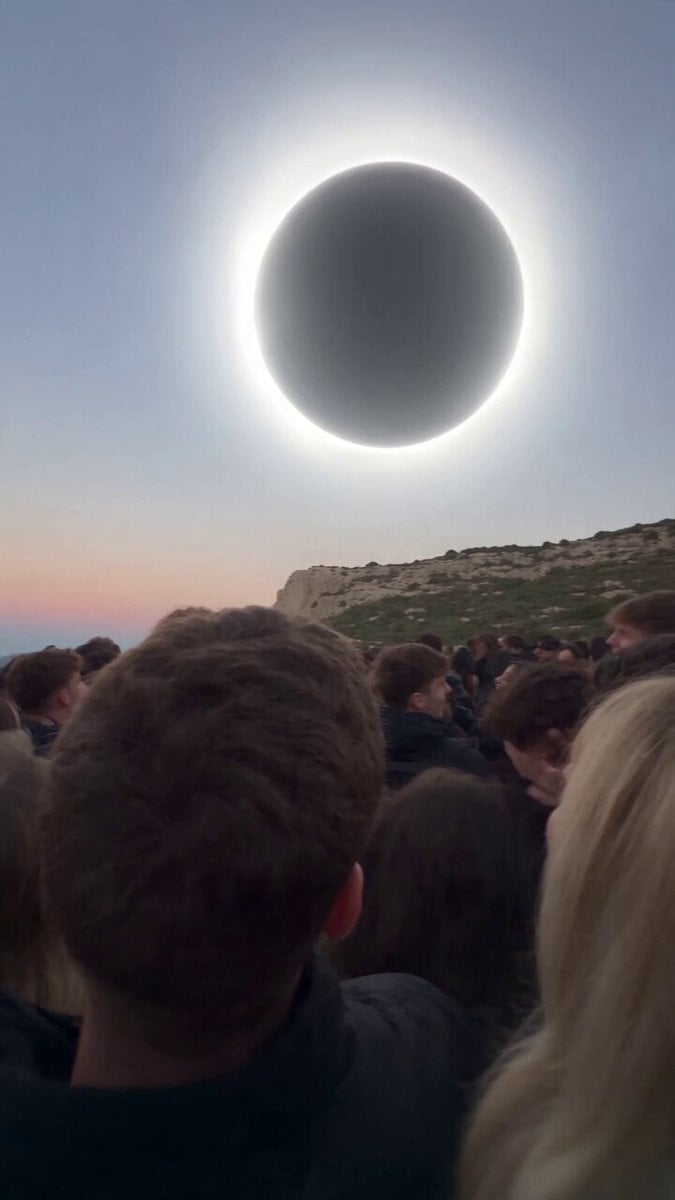
Red Moon Eclipse Chaos Video

Woman Juggling on Moving Car
Mayorking Time Freeze Higgsfield
Browse template categories
Cybernetic Berserker Battlefield Charge questions
How do I use the Cybernetic Berserker Battlefield Charge template?
Add your photo if the template asks for one, edit the prompt if you like — the template's model and format are already selected — and press Generate. Your version opens in PicX Studio.
Can I customize the Cybernetic Berserker Battlefield Charge template?
Yes. You can change the subject, setting, lighting, mood, format, and available model controls before creating your video.
Is the Cybernetic Berserker Battlefield Charge template free?
Opening and editing this template is free. Generating uses credits, shown on the Generate button when you are signed in.
Which AI model should I use?
Start with Seedance 2.0, which is the model associated with this template. You can compare another compatible model for a different finish.
Looking for something else? Browse all templates.

Your photo, any look
Thousands of ready templates for every top image and video model, from one credit balance.