
Cinematic Portrait of a Japanese Woman
A highly detailed, multi-stage prompt for Grok Imagine to generate a cinematic vertical video (9:16) of a beautiful Japanese woman in a modern Tokyo setting, focusing on subtle movements and dramatic lighting.
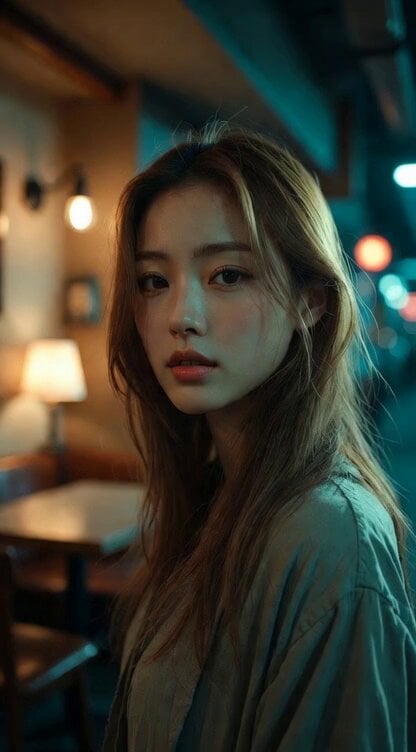
- Prompt included
- Model and format preset
- Premium template
The prompt behind this video
Copy the exact prompt behind Cinematic Portrait of a Japanese Woman, or open it in the studio and make it yours.
photorealistic cinematic video, vertical 9:16 composition, full body shot, beautiful Japanese woman in her mid-20s, cool sharp facial features, calm confident presence, intelligent and composed expression, long light brown hair, natural Japanese facial features, natural makeup wearing simple plain long sleeve top and relaxed worn casual pants, full outfit clearly visible, modest everyday clothing, no accessories, minimalist style standing inside a modern Tokyo cafe or stylish apartment interior at night warm indirect lighting from table lamps and wall lights creating a cinematic atmosphere cinematic teal and orange color grading, dramatic lighting, soft shadows, shallow depth of field, ultra realistic skin texture scene progression like a cinematic moment: 0–3 seconds she stands still with a cool composed expression, looking slightly away from the camera, subtle breathing motion, calm and confident presence 3–6 seconds she slowly shifts her weight and gently brushes her hair back with one hand, natural confident movement 6–8 seconds she slowly turns her gaze toward the camera for a brief moment, maintaining a cool serious expression 8–10 seconds she calmly looks away again and slightly adjusts her posture, composed and stylish like the end of a movie scene cinematic composition, slow natural movement, subtle slow camera push in, anamorphic cinematic lighting, film grain, soft lens bloom, extremely detailed
How to use Cinematic Portrait of a Japanese Woman in 3 steps
- 1
Open
The prompt is already in the box next to the preview, with the template's model and format selected.
- 2…a portrait of your subject in softgolden-hour light, 85mm…
Personalize
Edit the subject and creative details for your destination.
- 3Generate
Generate
Press Generate — your video is created in PicX Studio, so you can compare it with the original and refine one variable at a time.
More like this
Templates with the same subject, style or setup. Open one to see its prompt.

Cinematic Portrait Study 3

Cinematic Portrait Study
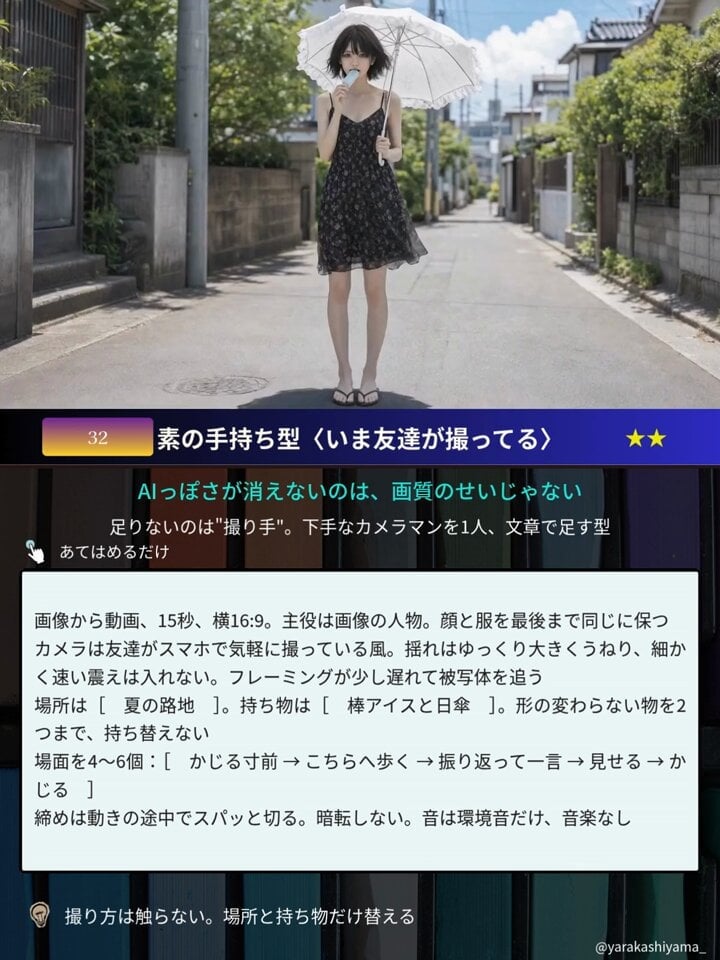
Aesthetic Japanese Woman Video Portrait

Reflective Elderly Man Documentary Portrait

Woman floating down, opening eyes and looking deeply into the viewer's eyes

Watercolor Painting of Gypsy Woman and White Horse
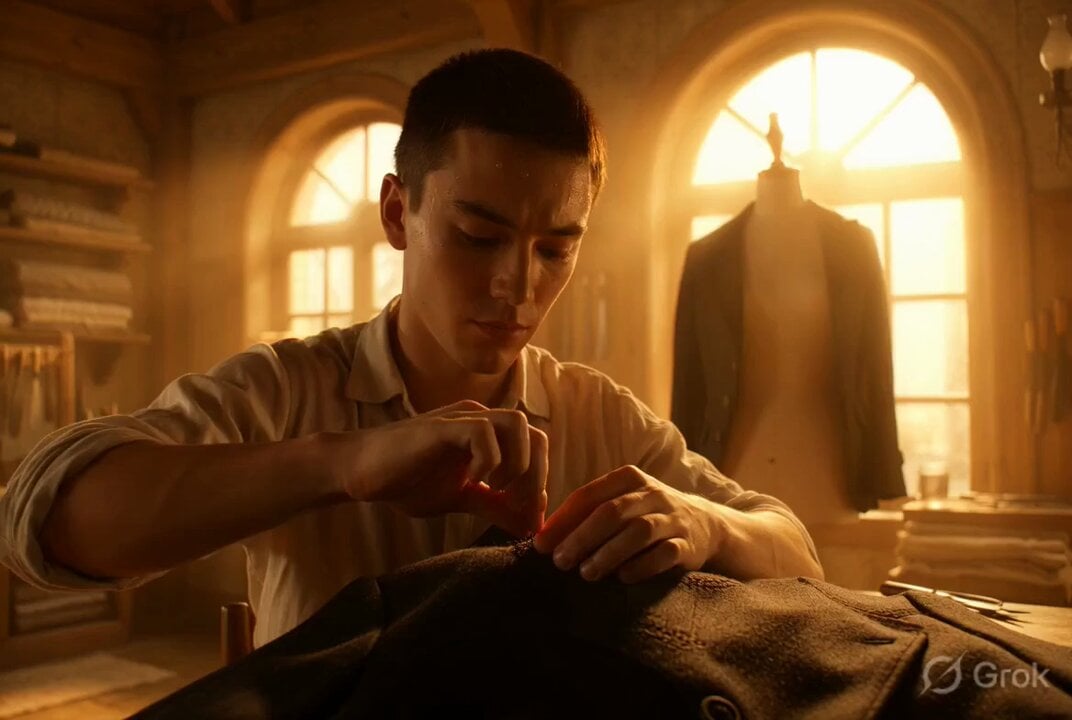
Photorealistic cinematic portrait of a young tailor

Photorealistic cinematic portrait of a gentle candle maker
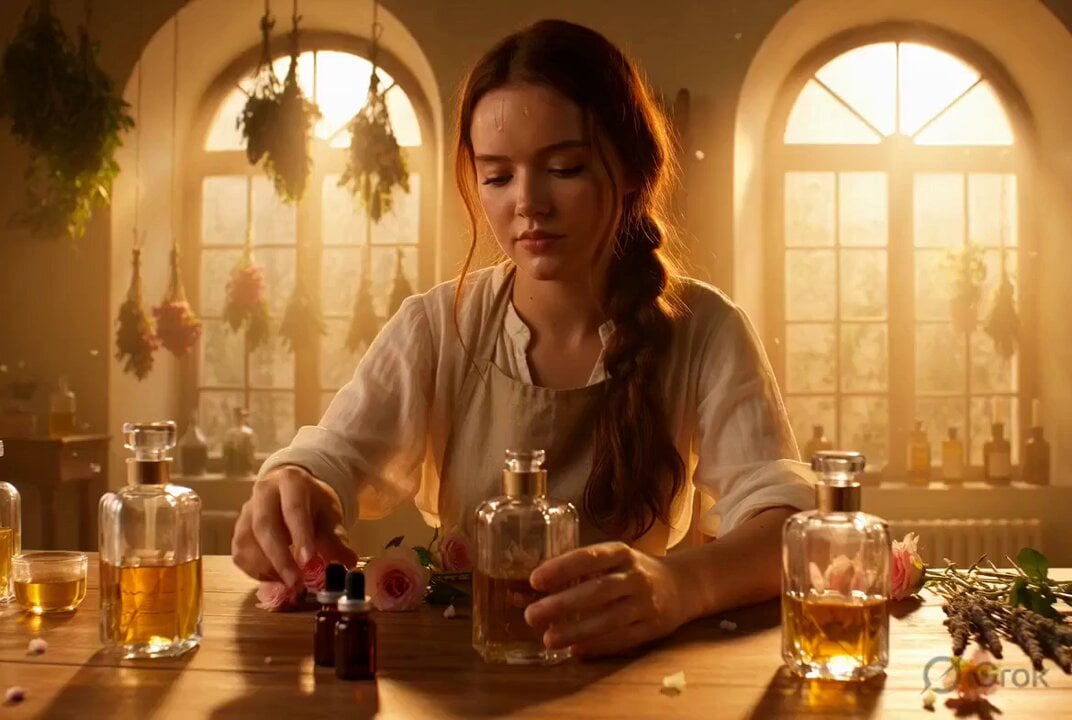
Golden Hour Woodturner Cinematic Portrait

Spanish woman in retro dress, cartoon style
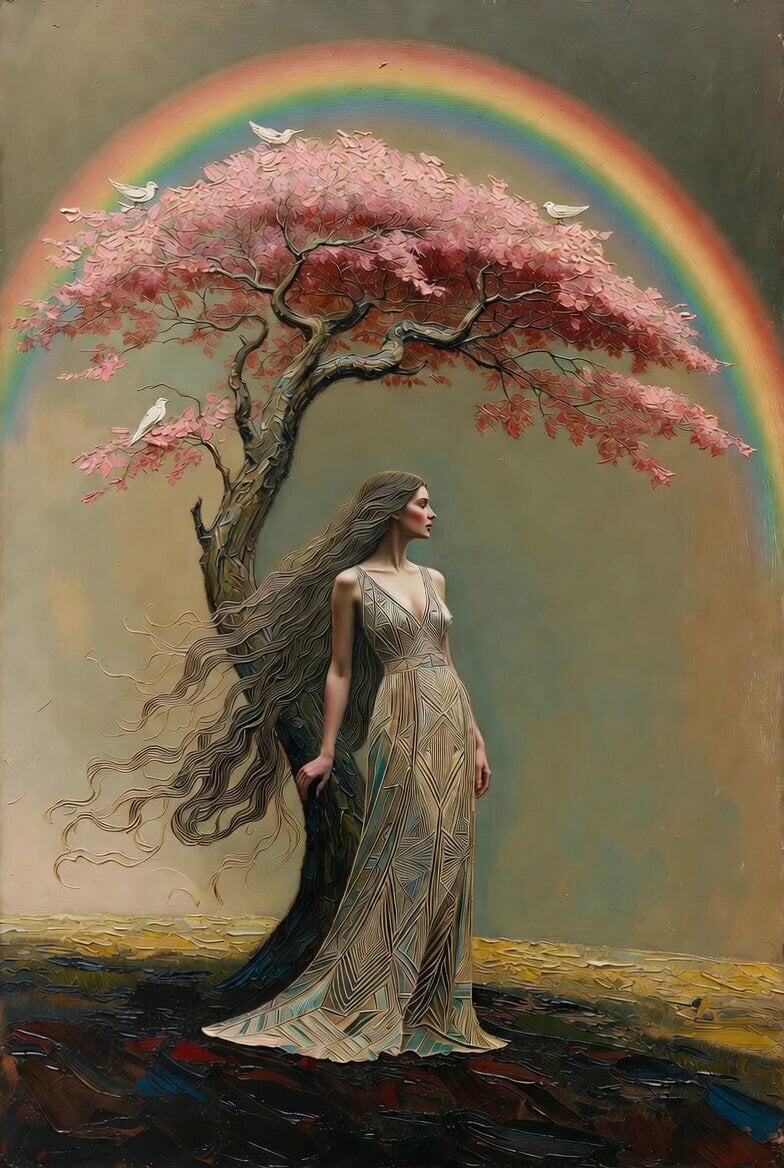
Ultra cinematic oil painting of woman and tree
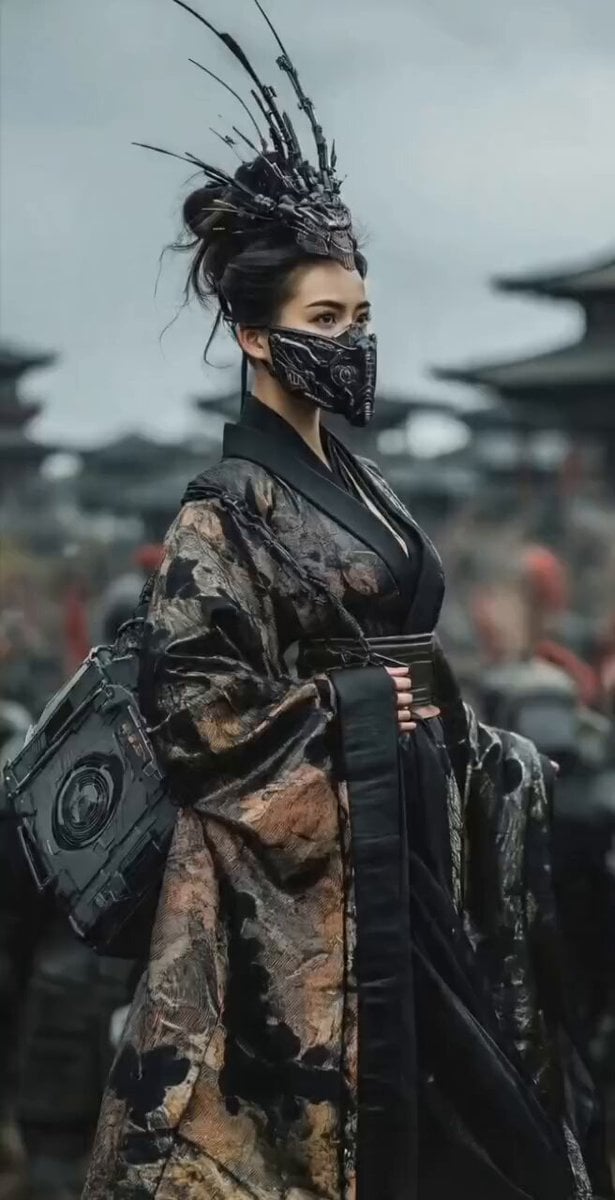
Mysterious Japanese Warrior
Make it yours
Cinematic Portrait of a Japanese Woman works as-is. These are the safest ways to change it without losing the look.
Change one field
Copy a single group, rewrite it, and generate again so you can see what that field is doing.
Keep the frame, change the subject
Hold the composition and light of Cinematic Portrait of a Japanese Woman, then swap wardrobe, props or the person for a new take.
| If the result… | Why | Fix |
|---|---|---|
| The result drifts from the preview | Too many fields changed at once. | Reuse Cinematic Portrait of a Japanese Woman as-is first, then change one group — subject, light, or setting. |
| The model over-stylizes the scene | The prose prompt leaves finish and camera underspecified. | Add one camera or lighting sentence and stay on Grok Imagine. |
More Grok Imagine templates
Other prompts made for Grok Imagine.

Voice Controlled Water Animation

Pterodactyl Transformation Journey

Candle Mandala Mirror Video

Psychedelic Purple Disc World Video

Mecha Runway Tap Dance Video Prompt

Quantum Inventor in Sonoran Desert

Emotional Angry Couple Drama

Train Zooming in Star Field Video Prompt

Cyberpunk Guerrilla Girl Video Generation

Detailed multi-part video prompt
More video prompts
Fresh picks from across the catalog.
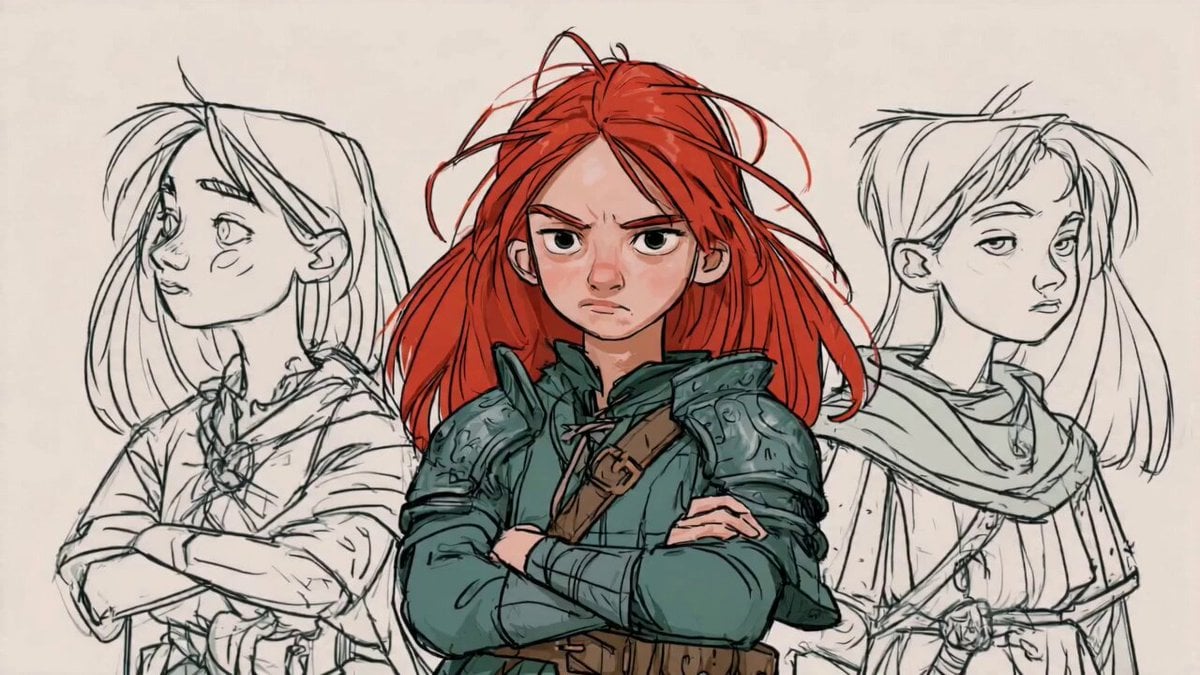
Sketch Characters Arguing Animation

Cartoon Fight Scene Animation Frame

Soldier Micro-Expressions Animation

Hidden Rainbow Cove Lagoon
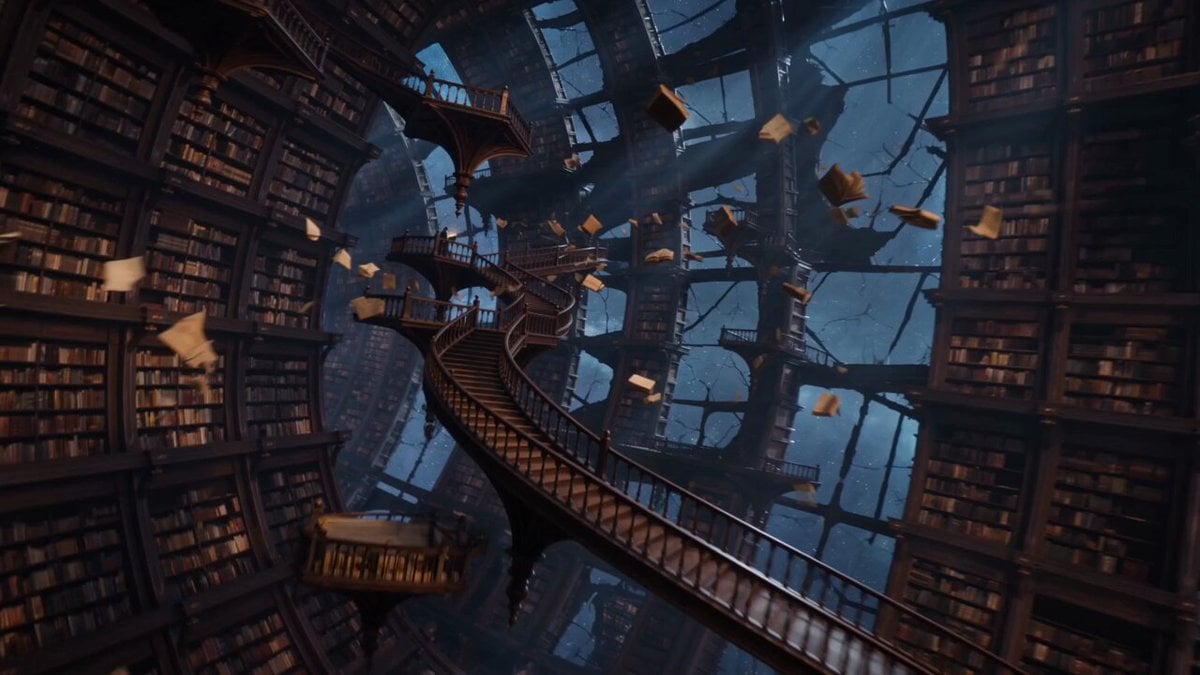
Infinite Library Black Hole Sci-Fi

Bulldog and Cat Comedy Cinematic
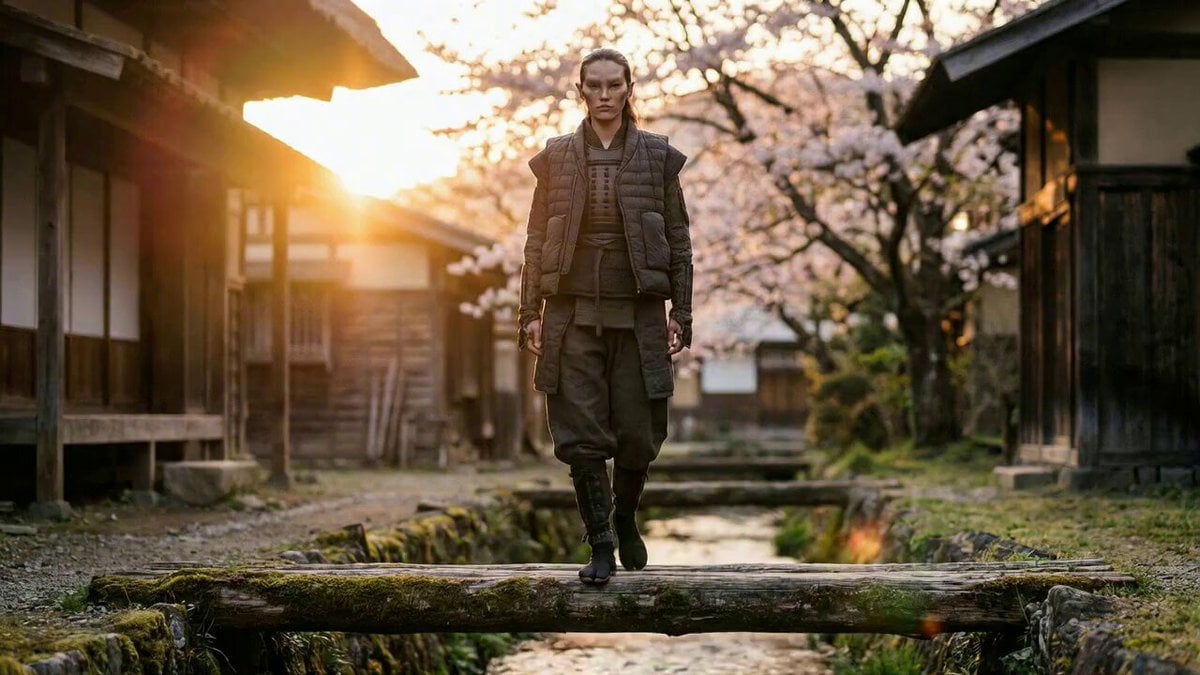
Magical Transformation Scene
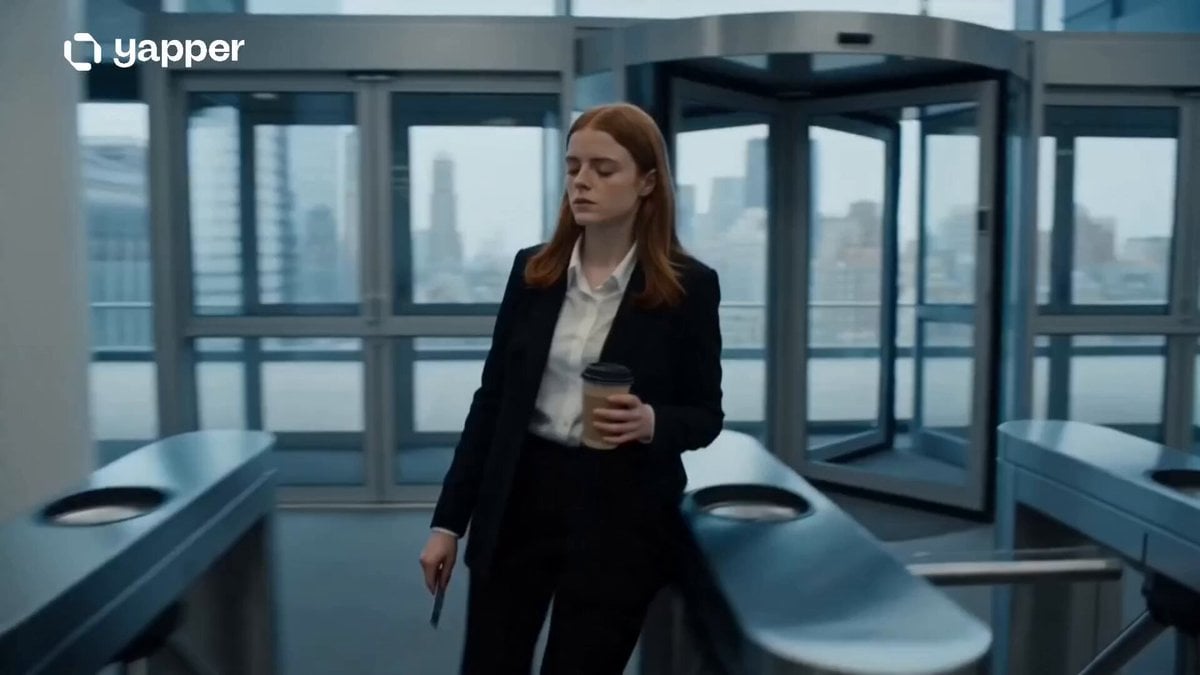
Corporate Office Glitch Simulation
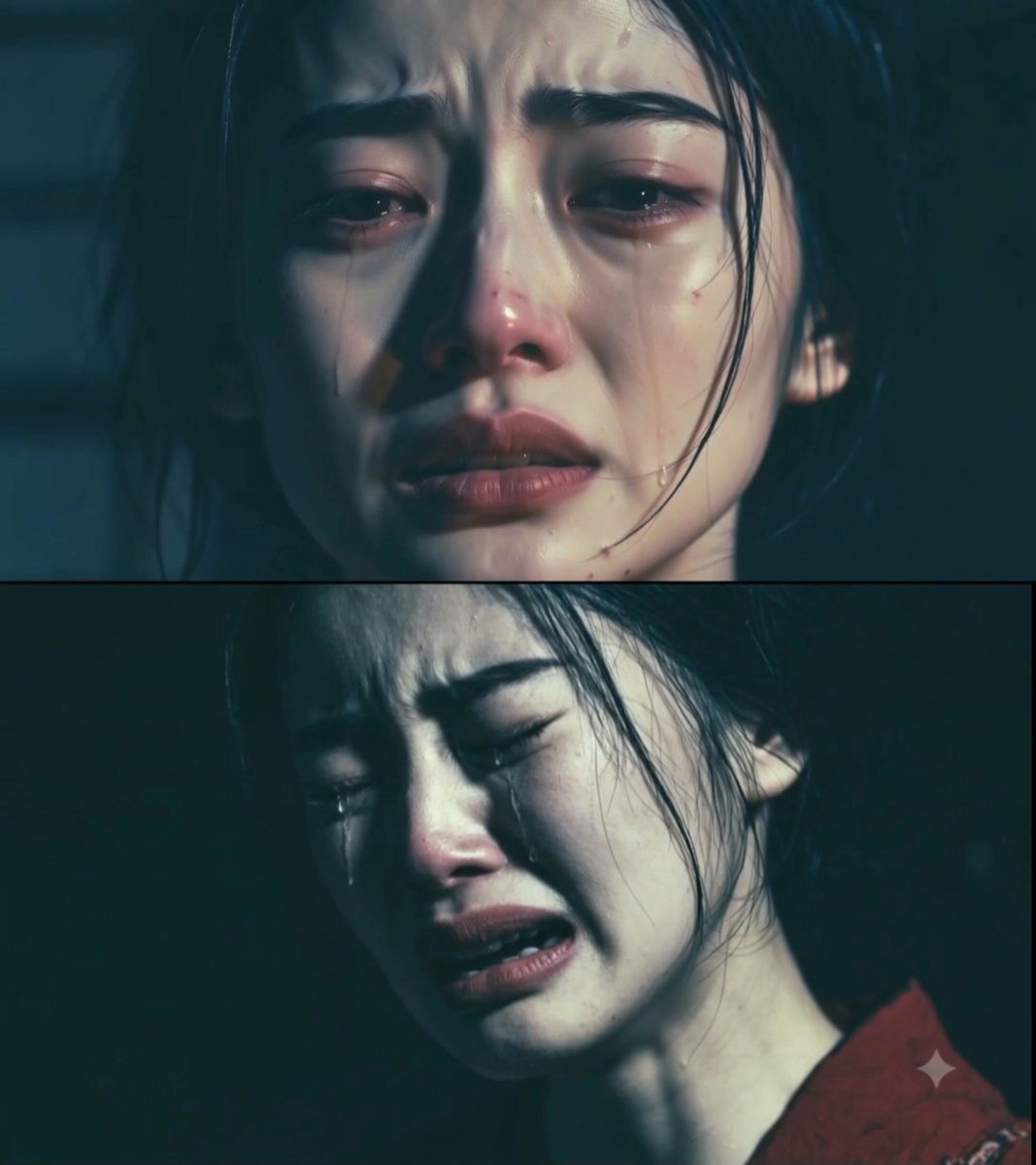
Tragic Drama Japanese Animation Prompt
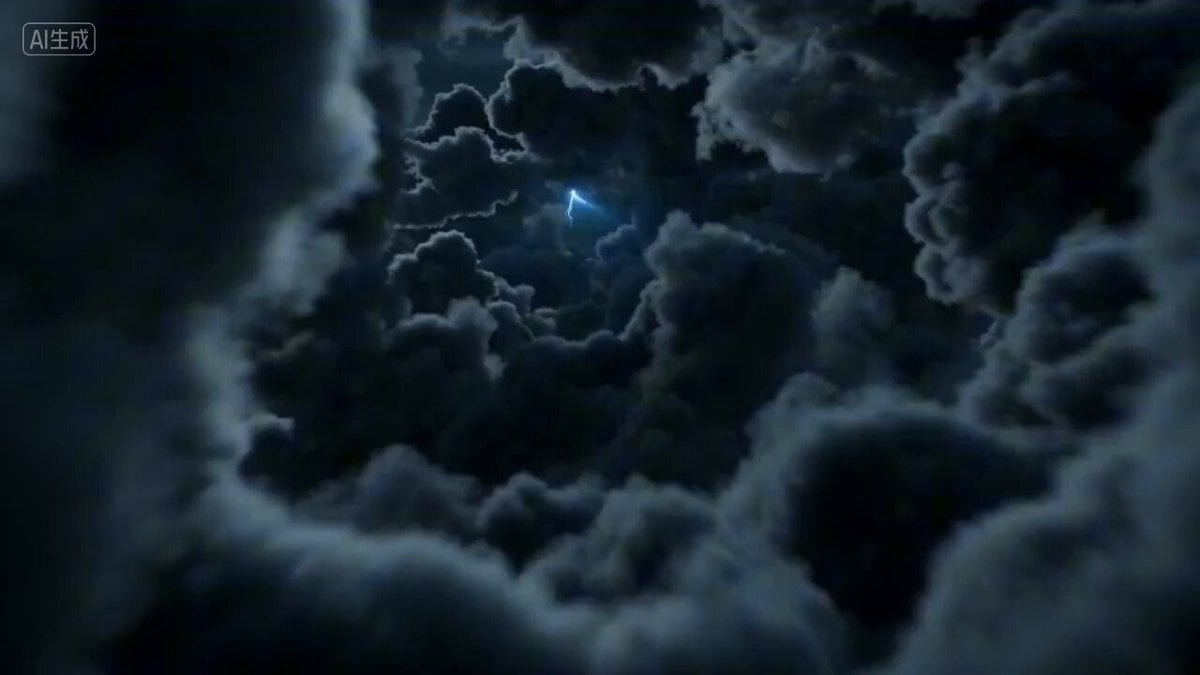
First-person POV of a lightning strike descent
Browse template categories
Cinematic Portrait of a Japanese Woman questions
How do I use the Cinematic Portrait of a Japanese Woman template?
Add your photo if the template asks for one, edit the prompt if you like — the template's model and format are already selected — and press Generate. Your version opens in PicX Studio.
Can I customize the Cinematic Portrait of a Japanese Woman template?
Yes. You can change the subject, setting, lighting, mood, format, and available model controls before creating your video.
Is the Cinematic Portrait of a Japanese Woman template free?
Opening and editing this template is free. Generating uses credits, shown on the Generate button when you are signed in.
Which AI model should I use?
Start with Grok Imagine, which is the model associated with this template. You can compare another compatible model for a different finish.
Looking for something else? Browse all templates.

Your photo, any look
Thousands of ready templates for every top image and video model, from one credit balance.