How do I use the Bulldog and Cat Comedy Cinematic template?
Edit the prompt in the box under the preview — the template's model and format are already selected — and press Generate. Your version appears right on this page.
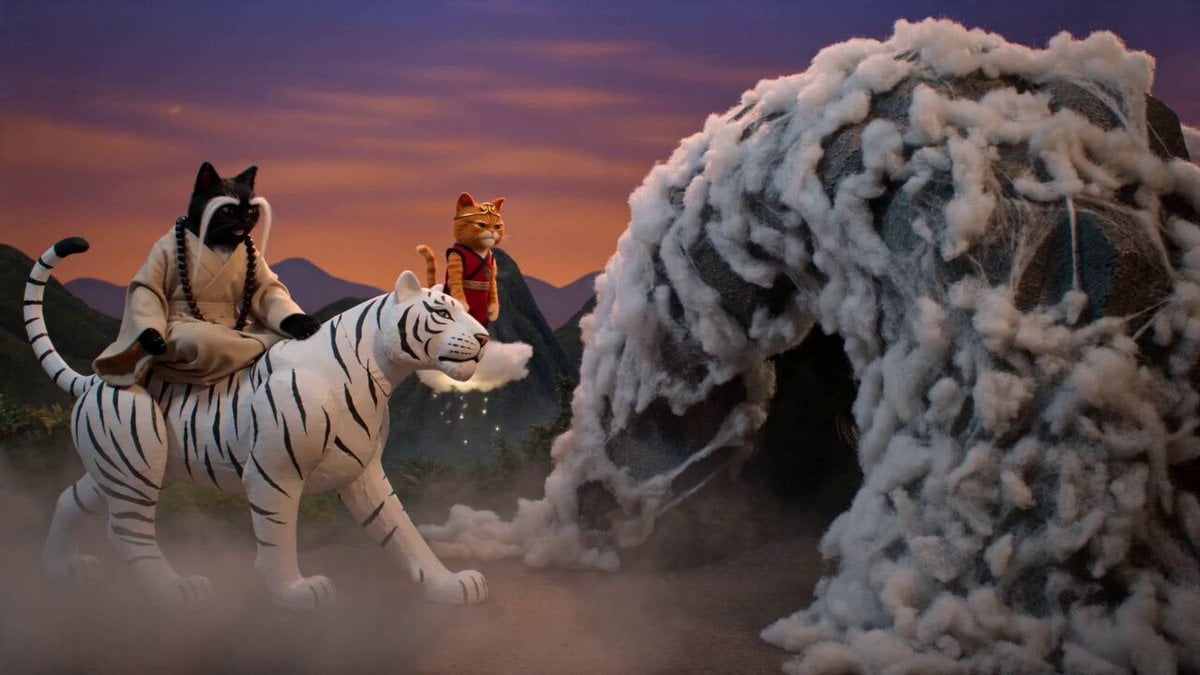
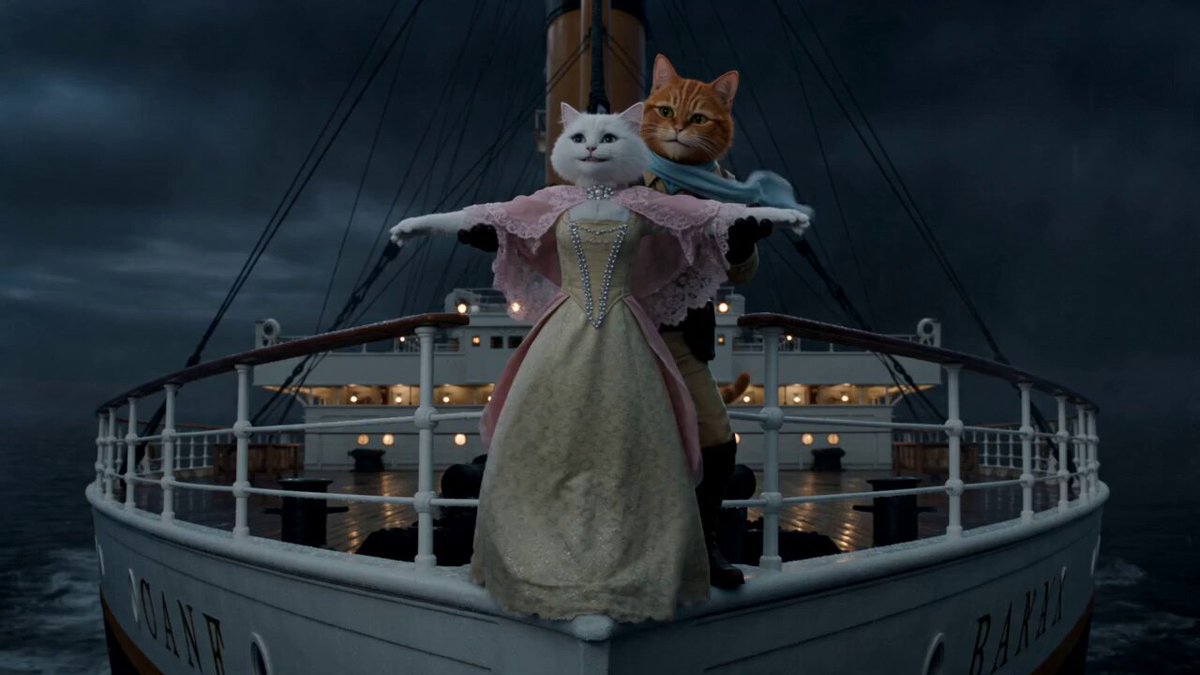
A humorous, photorealistic cinematic sequence featuring a muscular bulldog being mocked by a clever cat in a backyard, transitioning to a royal setting.
A photorealistic cinematic scene of a muscular grey bulldog chained to a tree in a lush green backyard on a sunny day A sleek grey cat hits the bulldog with a red metal tray shattering its teeth into white shards The cat sweeps the shards onto the tray and mocks the furious dog The bulldog lunges violently but a thick rope violently snaps him back to the ground A tiny brown mouse appears and points at the dog laughing The cat dances just out of reach The bulldog leaps forward and grabs the cat squeezing tightly but the cat magically slips out of a fuzzy grey sweater leaving the empty sweater in the dogs paws The cat is now wearing a tight red onesie The bulldog freezes completely still mid lunge like a statue holding the empty sweater The camera zooms into a black circular iris transition opening up into a lavish dimly lit royal dining room with velvet drapes The grey cat is now lounging on an opulent red throne ringing a small golden handbell with a smug expression The tiny brown mouse struggles to walk while balancing a gigantic silver serving platter loaded with massive colorful domed food dishes on its head Cinematic lighting volumetric dust particles 8k resolution highly detailed fur textures shot on 35mm lens lively orchestral comedy music playing throughout Seedance 20 15 seconds 16 9 aspect ratio
A photorealistic cinematic scene of a muscular grey bulldog chained to a tree in a lush green backyard on a sunny day A sleek grey cat hits the bulldog with a red metal tray shattering its teeth into white shards The cat sweeps the shards onto the tray and mocks the furious dog The bulldog lunges violently but a thick rope violently snaps him back to the ground A tiny brown mouse appears and points at the dog laughing The cat dances just out of reach The bulldog leaps forward and grabs the cat squeezing tightly but the cat magically slips out of a fuzzy grey sweater leaving the empty sweater in the dogs paws The cat is now wearing a tight red onesie The bulldog freezes completely still mid lunge like a statue holding the empty sweater The camera zooms into a black circular iris transition opening up into a lavish dimly lit royal dining room with velvet drapes The grey cat is now lounging on an opulent red throne ringing a small golden handbell with a smug expression The tiny brown mouse struggles to walk while balancing a gigantic silver serving platter loaded with massive colorful domed food dishes on its head Cinematic lighting volumetric dust particles 8k resolution highly detailed fur textures shot on 35mm lens lively orchestral comedy music playing throughout Seedance 20 15 seconds 16 9 aspect ratio
Edit the prompt in the box under the preview — the template's model and format are already selected — and press Generate. Your version appears right on this page.
Yes. You can change the subject, setting, lighting, mood, format, and available model controls before creating your video.
Opening and editing this template is free. Generating uses credits, shown on the Generate button when you are signed in.
Start with Seedance 2.0, which is the model associated with this template. You can compare another compatible model for a different finish.
Follow a topic to a crawlable collection of related PicX Studio templates.