
Corporate Office Glitch Simulation
A psychological sci-fi sequence where a sterile corporate office environment gradually breaks down into a surreal digital simulation.
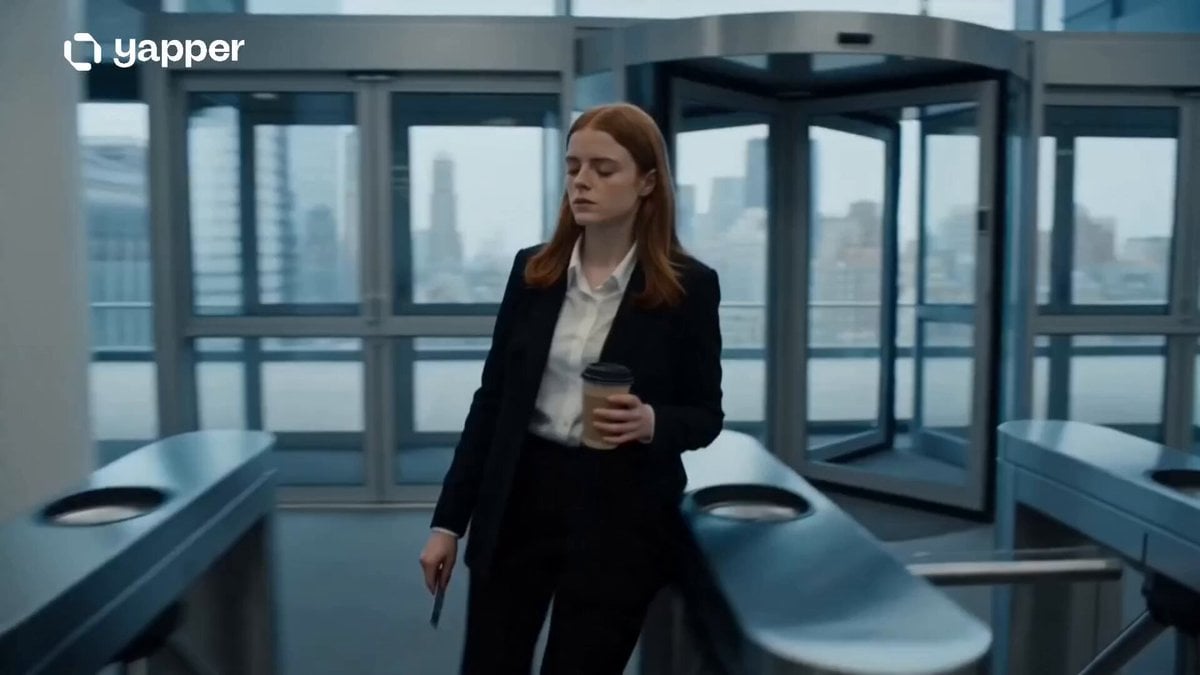
- Prompt included
- Model and format preset
- Free template
The prompt behind this video
Copy the exact prompt behind Corporate Office Glitch Simulation, or open it in the studio and make it yours.
A cinematic psychological sci-fi sequence where an ordinary office day slowly breaks reality. 0–3s: Morning office routine. A young woman scans into a modern corporate building, coffee in hand, elevator rising smoothly. Everything feels normal, sterile, and repetitive under cold fluorescent lighting. 3–6s: Subtle distortions begin — computer screens flicker with unreadable code-like symbols, hallway lights blink in an unnatural rhythm, and coworkers repeat the same movements in looping patterns without noticing. 6–9s: The office environment shifts. Glass walls briefly show an endless void outside instead of the city. Printers output black pages of shifting text. Time feels fragmented as clocks on the wall spin erratically. 9–12s: Full surreal escalation — elevators open into identical floors repeating infinitely, voices become distorted, and the woman realizes she is the only one aware as reality behaves like a broken simulation. 12–15s: Final cinematic shot. She stands alone in a vast empty office grid stretching endlessly in all directions. The lights shut off one by one into darkness, leaving only her monitor glowing with a single message: “END OF SIMULATION.” Style: ultra cinematic realism, dystopian sci-fi horror, glitch distortion VFX, corporate liminal space atmosphere, cold fluorescent lighting, recursive environment design, psychological tension, film-grade color grading, eerie minimal sound design feel.
How to use Corporate Office Glitch Simulation in 3 steps
- 1
Open
The prompt is already in the box next to the preview, with the template's model and format selected.
- 2…a portrait of your subject in softgolden-hour light, 85mm…
Personalize
Edit the subject and creative details for your destination.
- 3Generate
Generate
Press Generate — your video is created in PicX Studio, so you can compare it with the original and refine one variable at a time.
More like this
Templates with the same subject, style or setup. Open one to see its prompt.
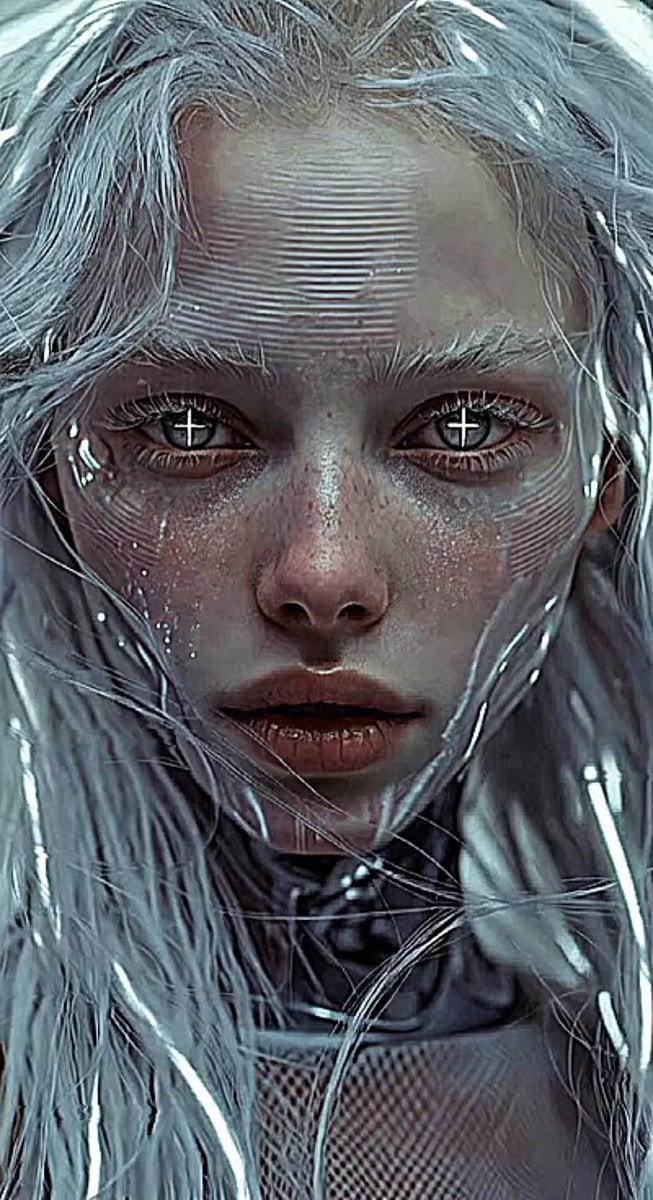
Glitches in the Simulation Prompt
Corporate Office Soap Opera Drama
Nano Banana Seedance Environment Render Walk
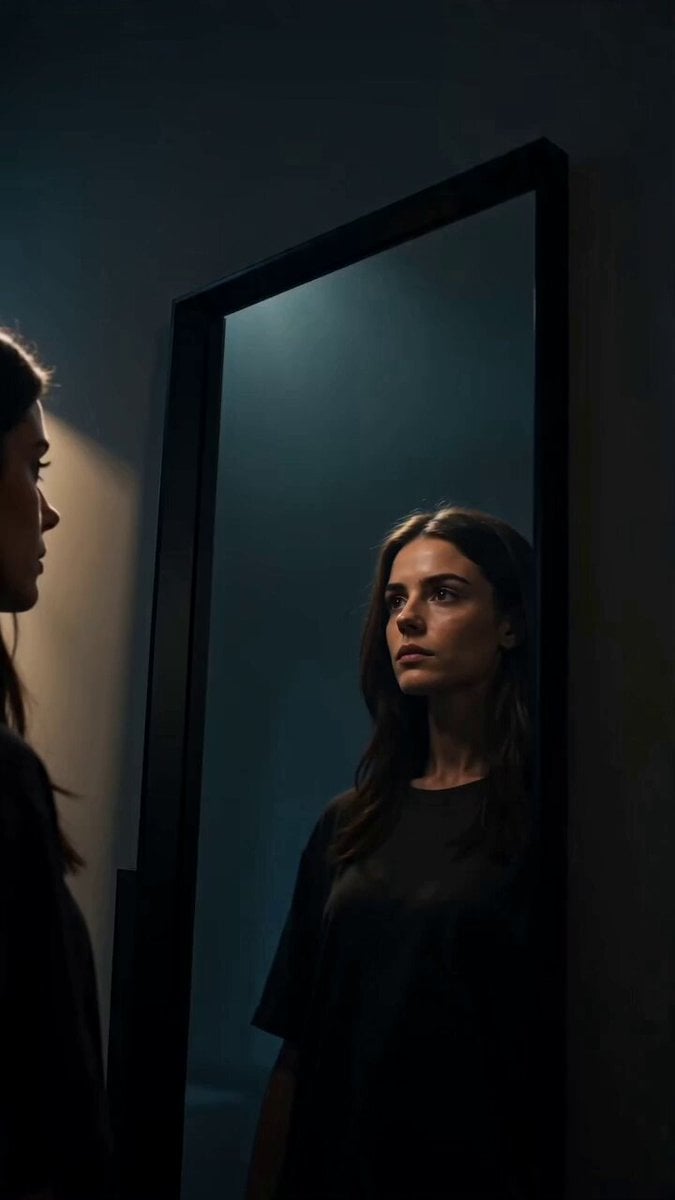
Glitch Mirror DNA Transformation
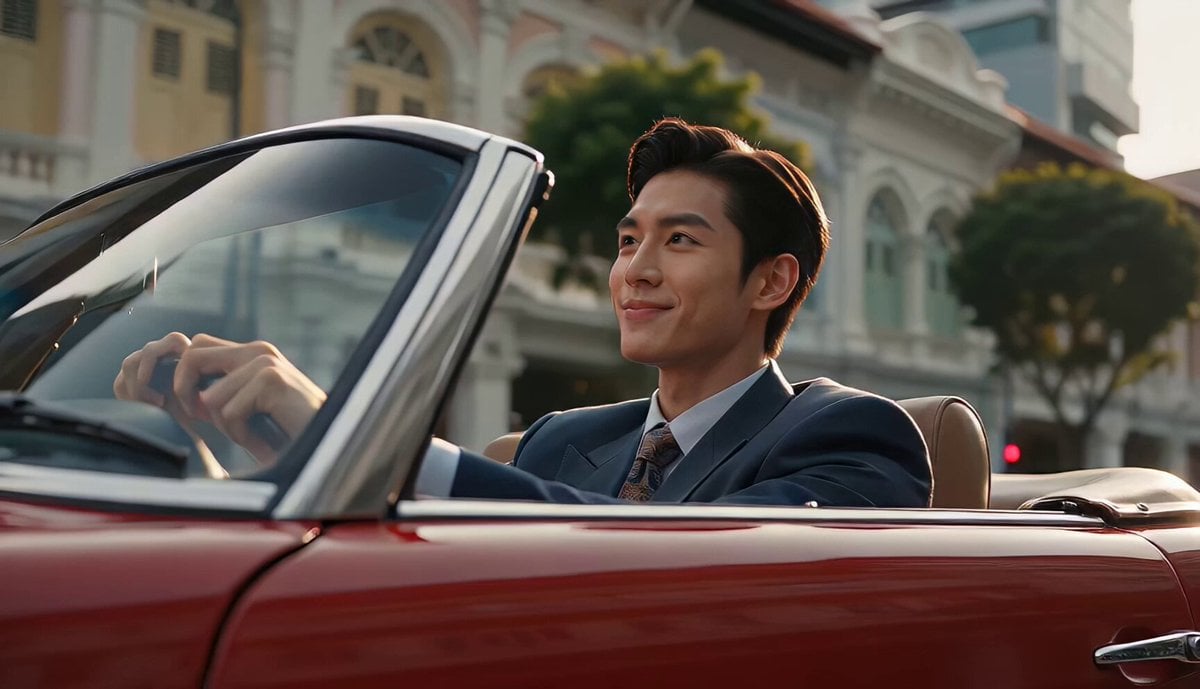
80s Singapore Office Yuppie Montage
Fashion Outfit Transformation Office Vlog
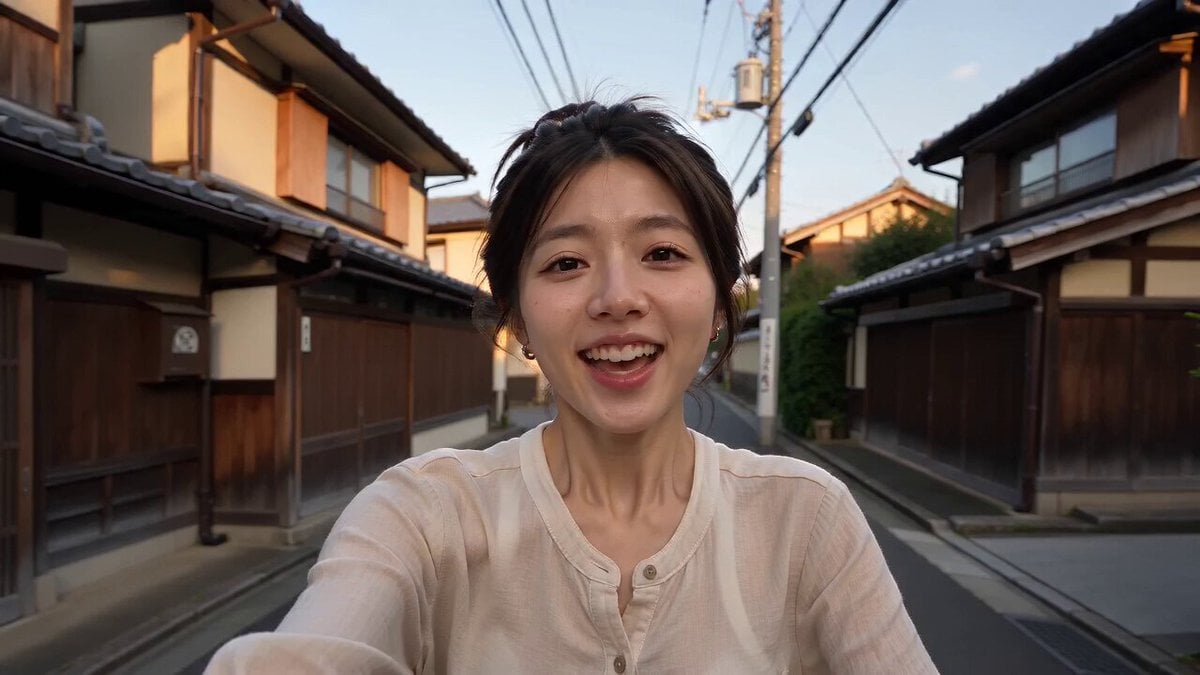
Kyoto Smartphone Vlog Simulation
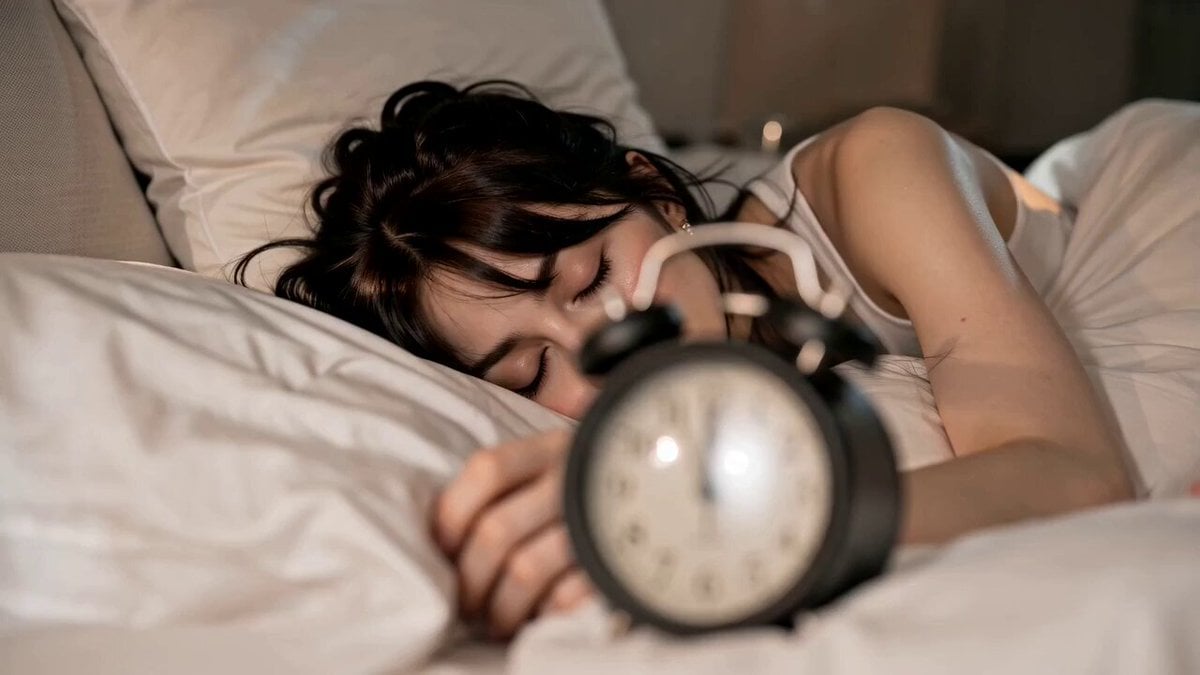
Cinematic GRWM Office Routine
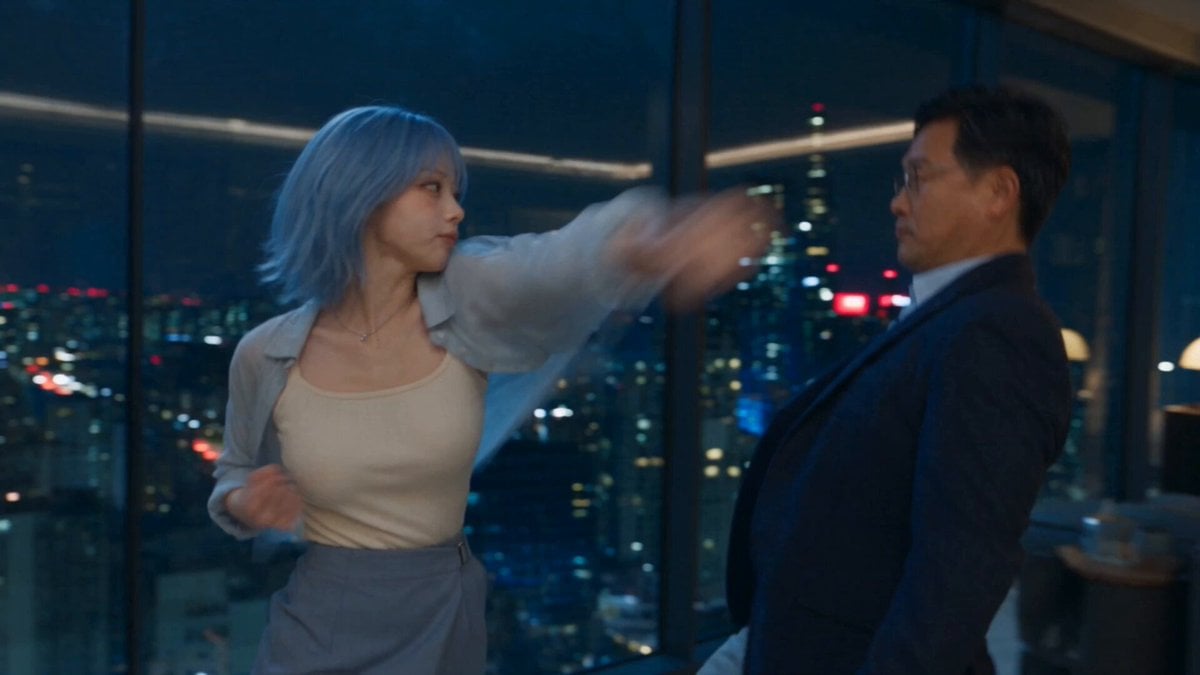
Romantic Action Comedy Office Scene
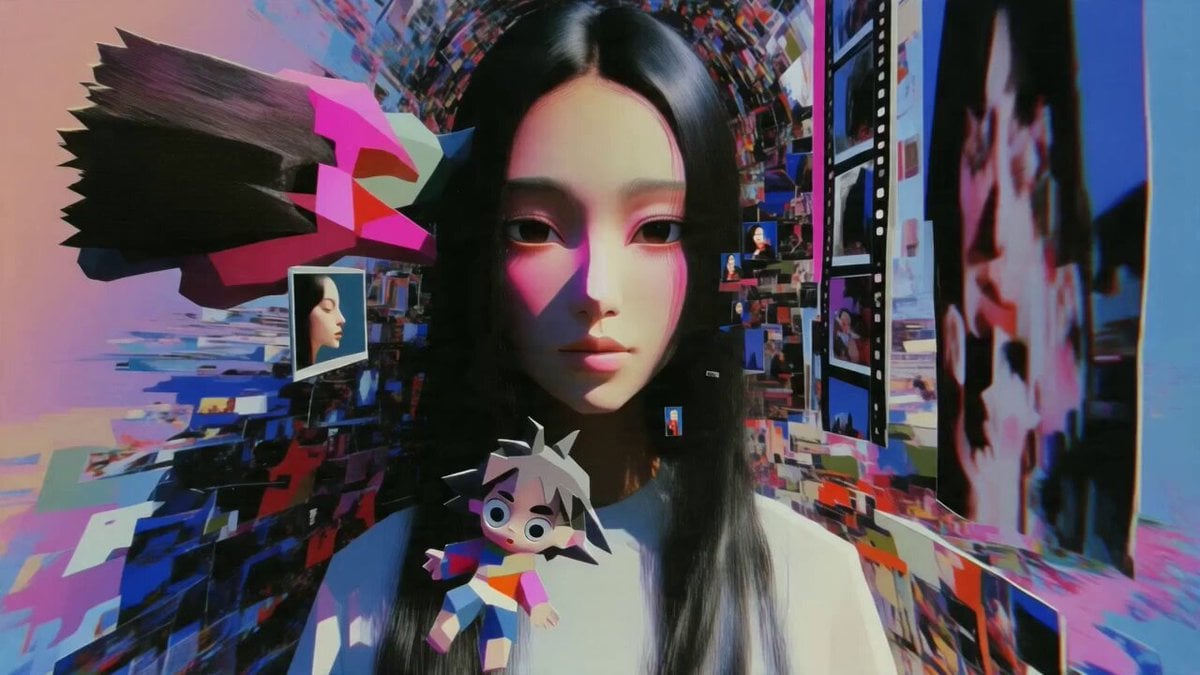
Multidimensional Glitch Morphing Animation
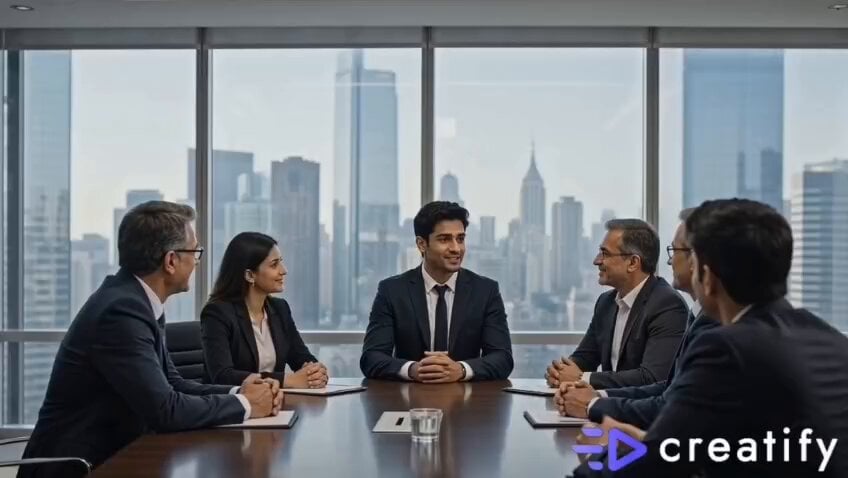
Confident Smile: Corporate Toothpaste Commercial
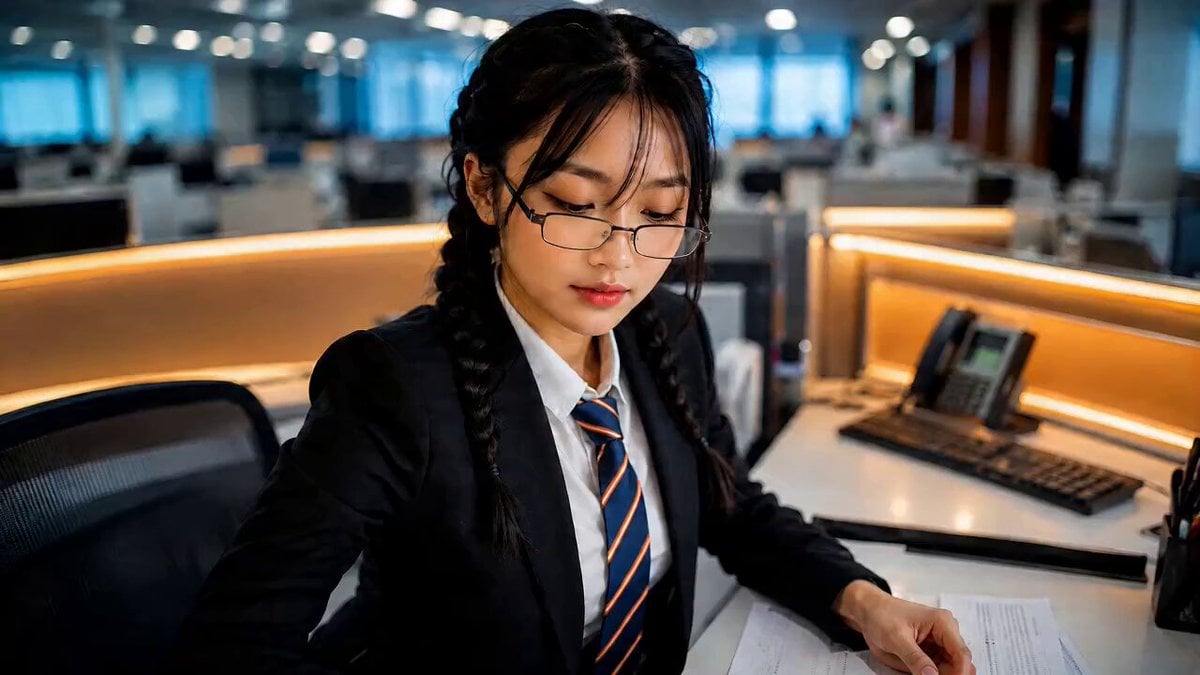
Office Executive Cinematic Narrative
Make it yours
Corporate Office Glitch Simulation works as-is. These are the safest ways to change it without losing the look.
Change one field
Copy a single group, rewrite it, and generate again so you can see what that field is doing.
Keep the frame, change the subject
Hold the composition and light of Corporate Office Glitch Simulation, then swap wardrobe, props or the person for a new take.
| If the result… | Why | Fix |
|---|---|---|
| The result drifts from the preview | Too many fields changed at once. | Reuse Corporate Office Glitch Simulation as-is first, then change one group — subject, light, or setting. |
| The model over-stylizes the scene | The prose prompt leaves finish and camera underspecified. | Add one camera or lighting sentence and stay on Seedance 2.0. |
More Seedance 2.0 templates
Other prompts made for Seedance 2.0.

Comical Martial Arts Punch Scene

Maglev Train Action Sequence

Martial Arts Fight Sequence

Wuxia Protection and Trust Script

Vintage Korean Arcade MiniDV Vlog

Mercedes 190 SL Luxury Ad

Rainy Night Supernatural Reverse Comedy Video Script

Amazon Civilization Discovery

Futuristic South Asian City Transformation

Cozy Luxury Cafe Commercial
More video prompts
Fresh picks from across the catalog.
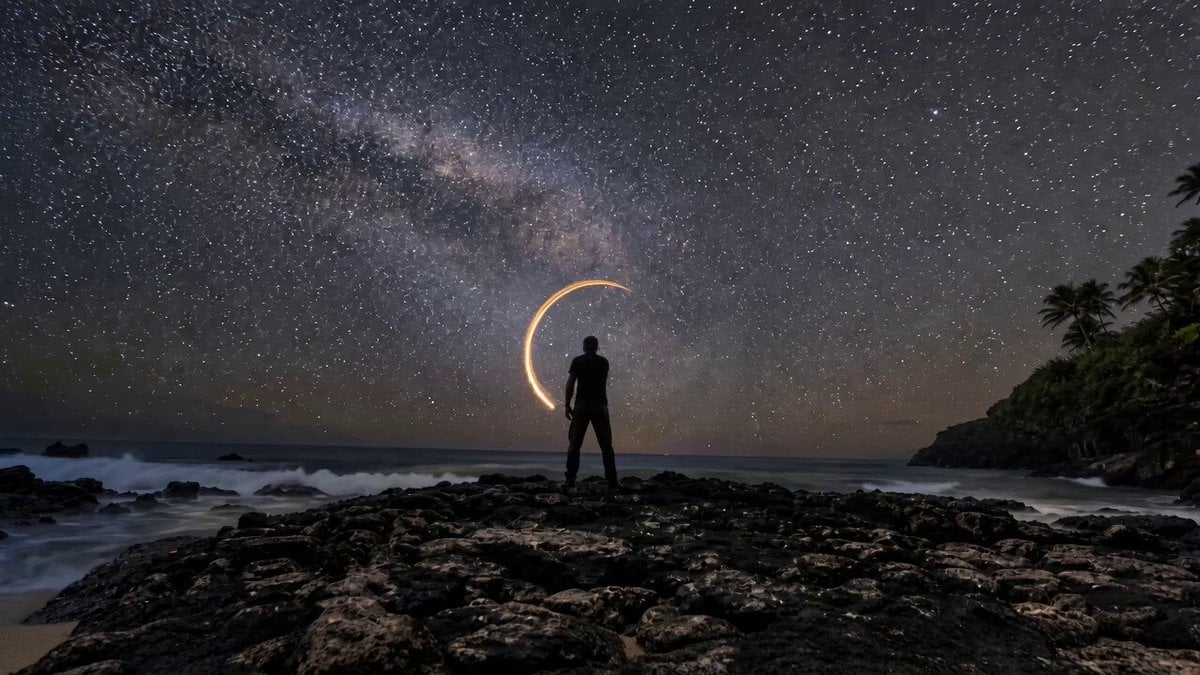
Amber Vortex Light Painting Video
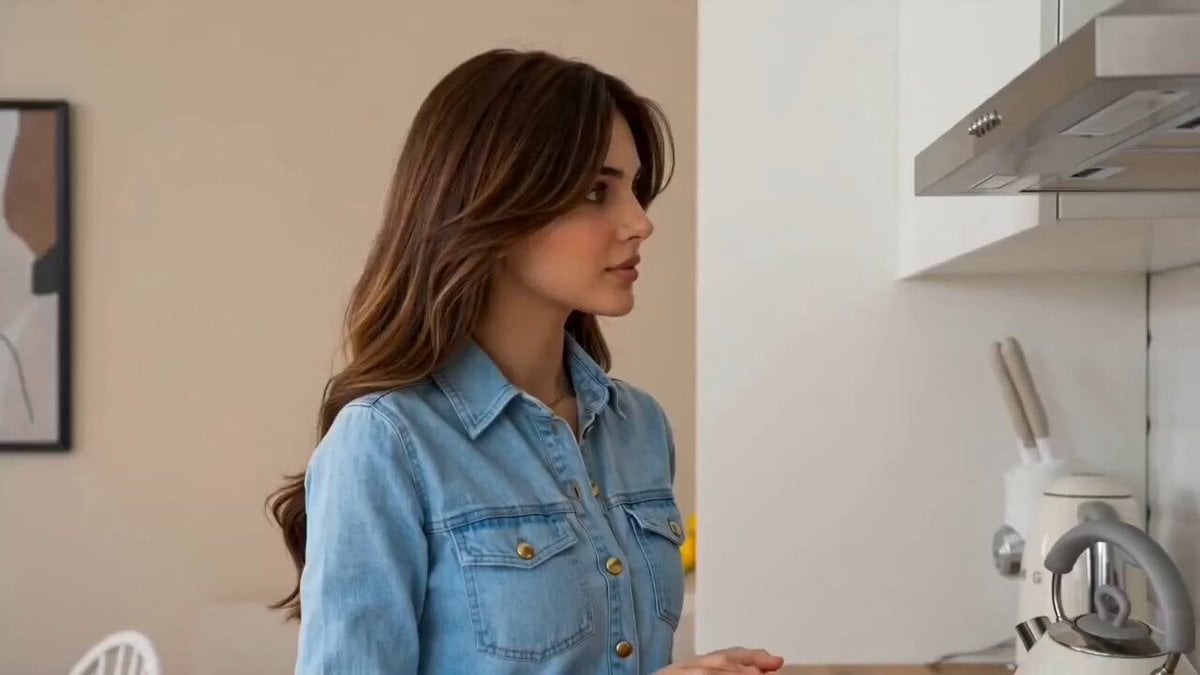
Cozy Morning Kitchen Breakfast Scene
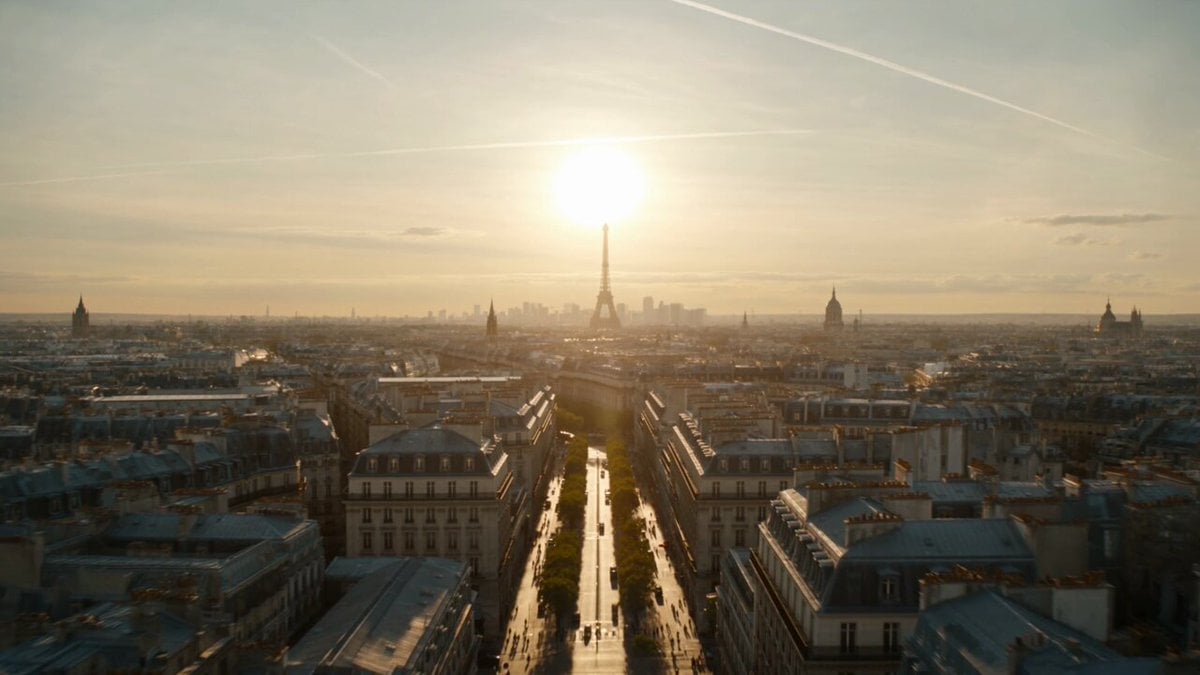
Apocalyptic Surreal Paris Eclipse Video

Man vs Anaconda Boat Fight
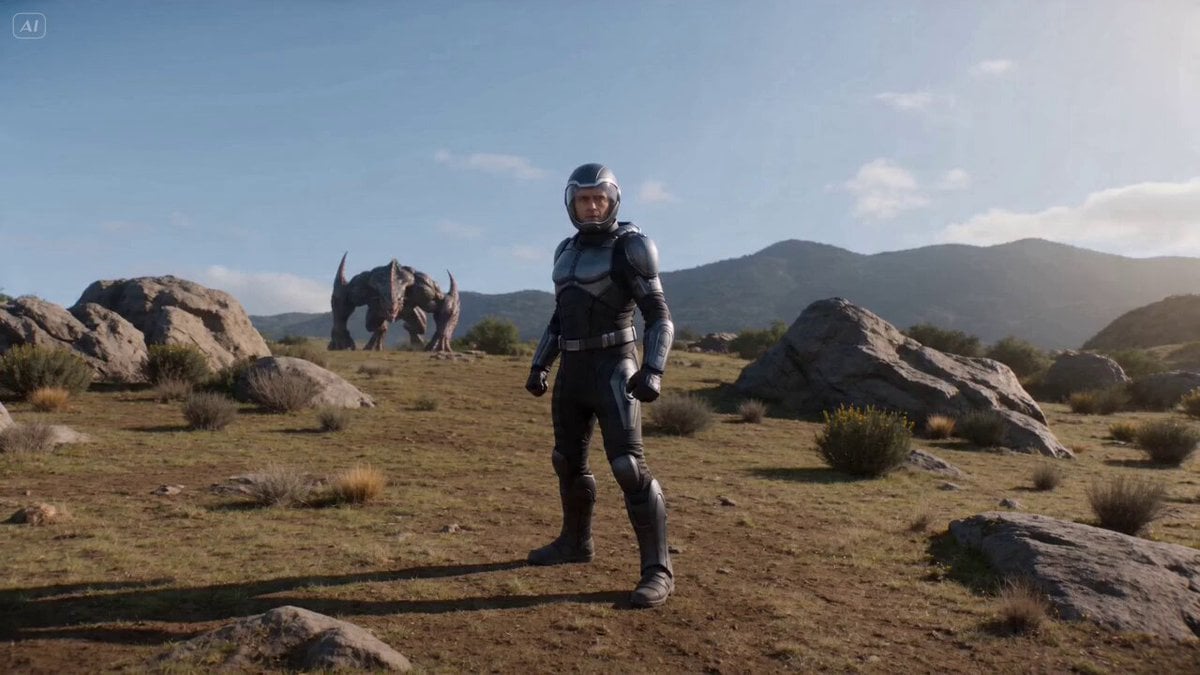
Cinematic Sci-Fi Fantasy Duel Prompt with Detailed Choreography
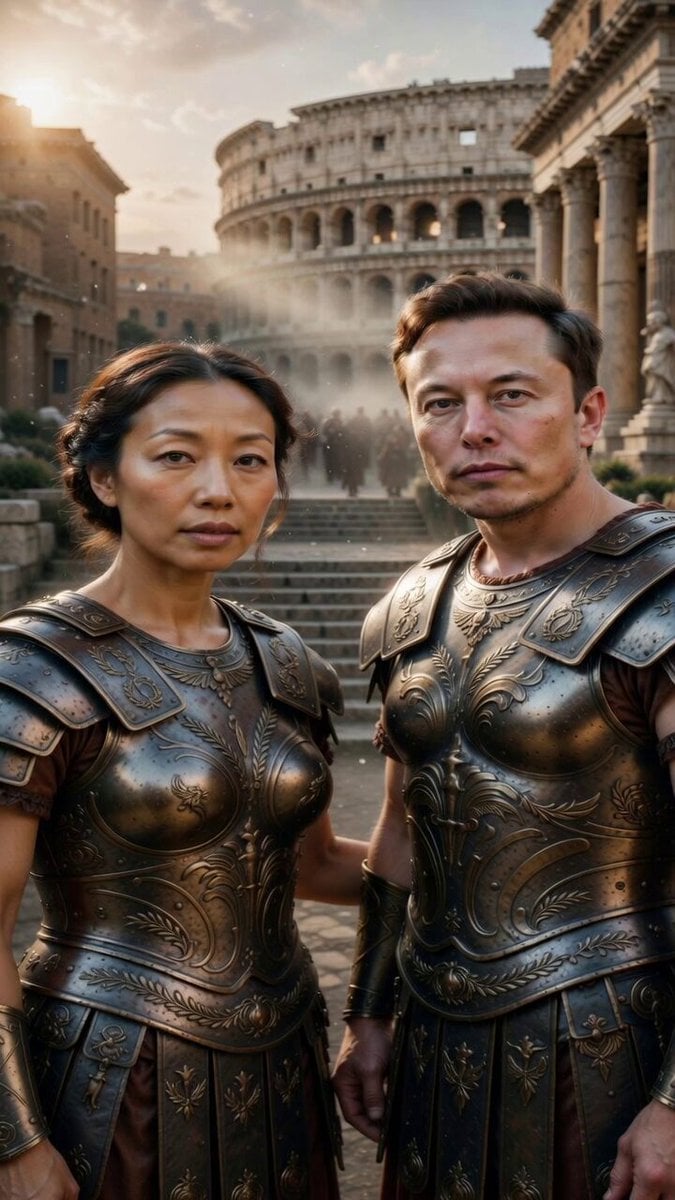
Image-to-Video Transformation: Ancient Roman Epic Scene Prompt
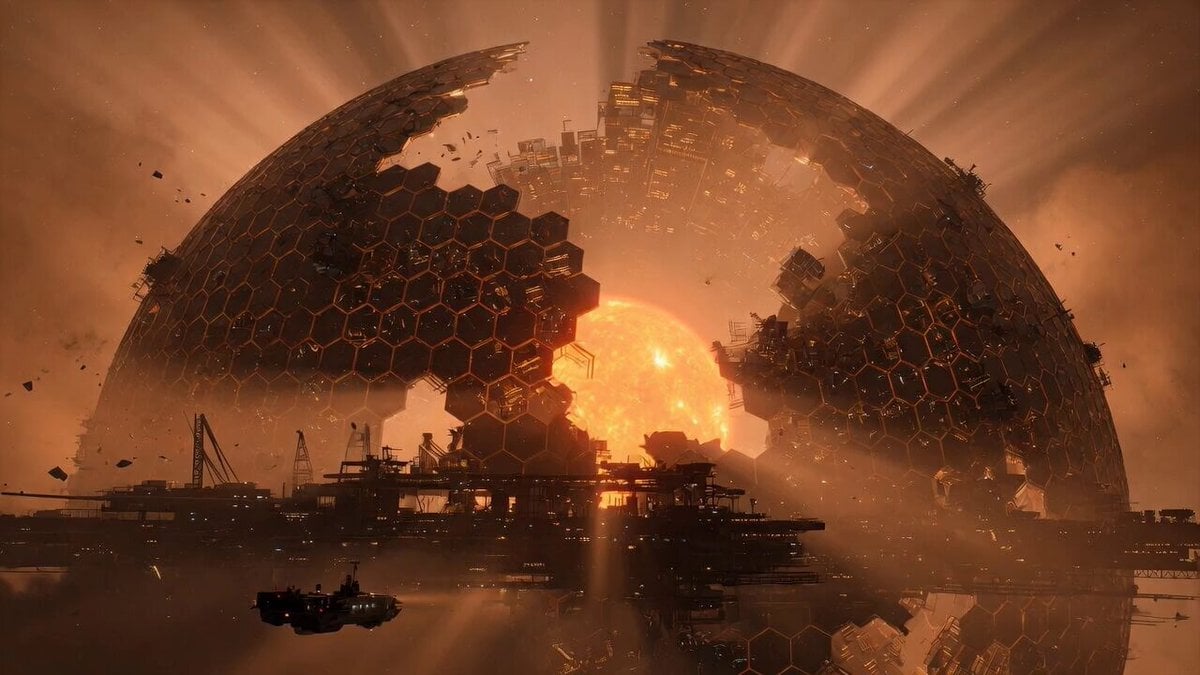
Grok Imagine Prompt: Mysterious Cosmic Dyson Sphere
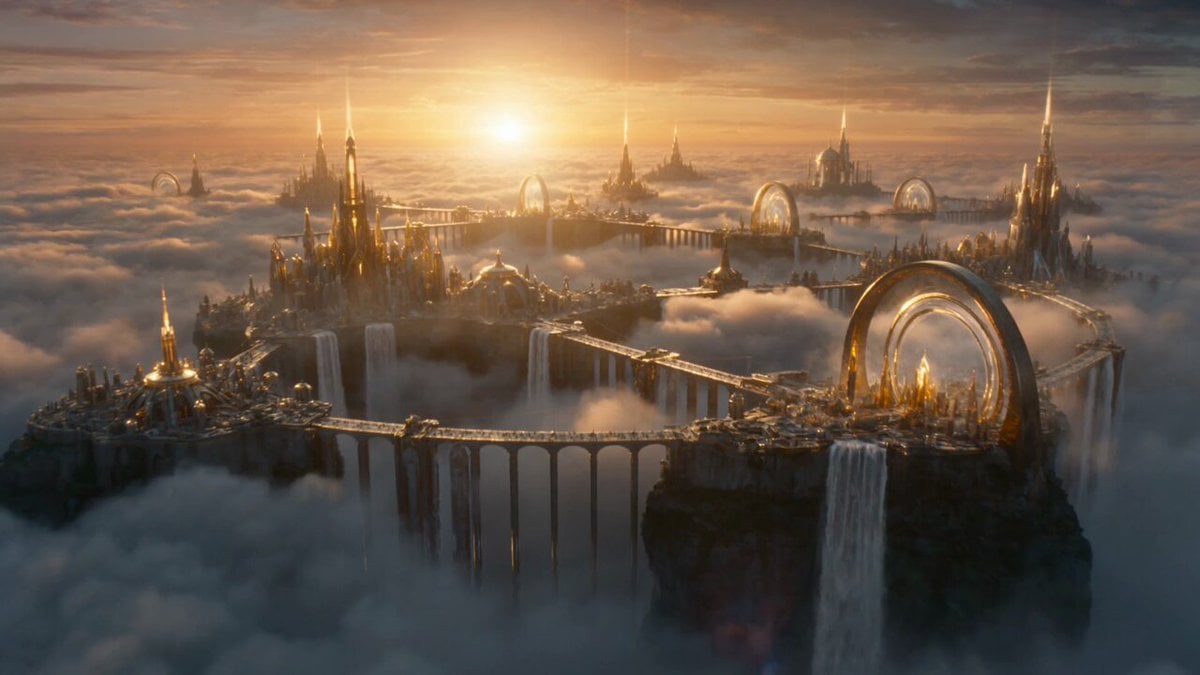
Celestial Phoenix Sky Empire
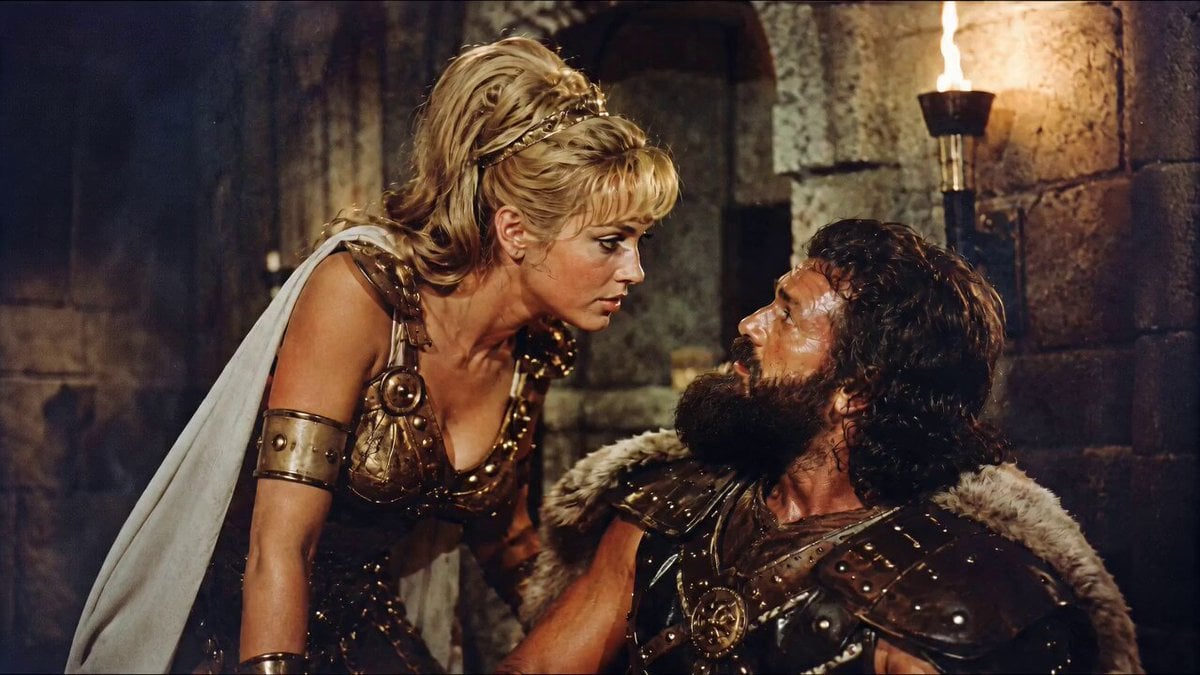
1960s Retro Cinematic Kiss Scene

Spaceships and energy god surrounding Earth
Browse template categories
Corporate Office Glitch Simulation questions
How do I use the Corporate Office Glitch Simulation template?
Add your photo if the template asks for one, edit the prompt if you like — the template's model and format are already selected — and press Generate. Your version opens in PicX Studio.
Can I customize the Corporate Office Glitch Simulation template?
Yes. You can change the subject, setting, lighting, mood, format, and available model controls before creating your video.
Is the Corporate Office Glitch Simulation template free?
Opening and editing this template is free. Generating uses credits, shown on the Generate button when you are signed in.
Which AI model should I use?
Start with Seedance 2.0, which is the model associated with this template. You can compare another compatible model for a different finish.
Looking for something else? Browse all templates.

Your photo, any look
Thousands of ready templates for every top image and video model, from one credit balance.