
Man vs Anaconda Boat Fight
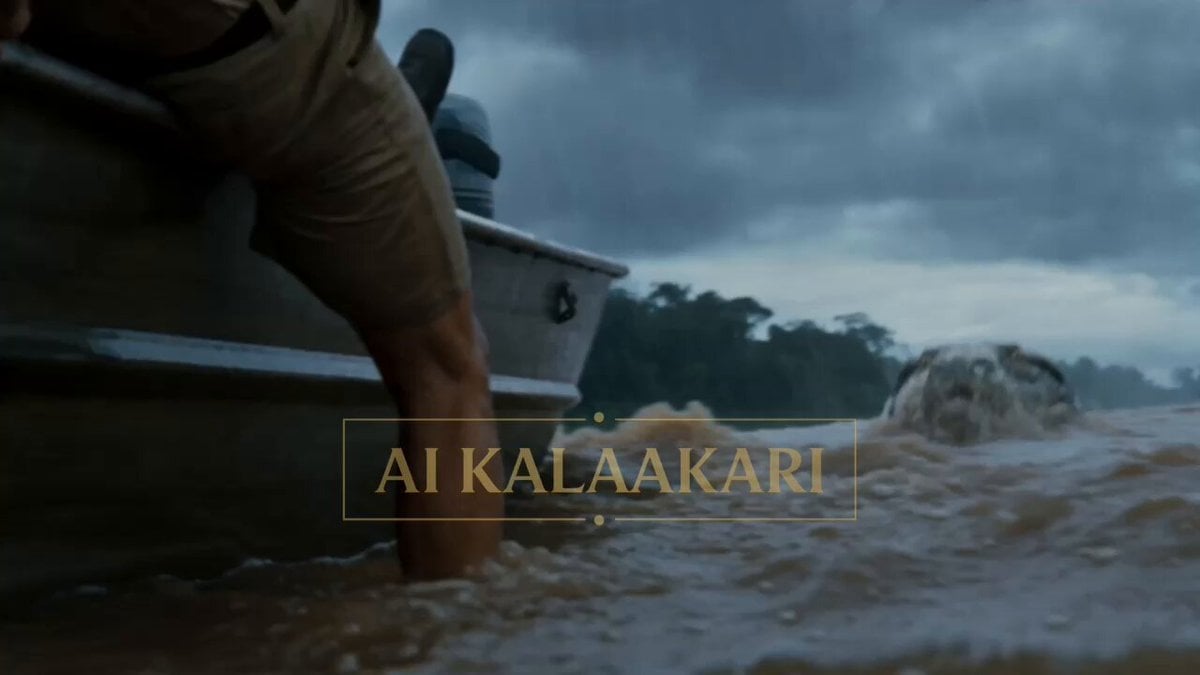
An epic action horror scene of a man fighting a giant anaconda with a machete on a boat during a storm.
- Prompt included
- Model and format preset
- Free template
The prompt behind this video
Copy the exact prompt behind Man vs Anaconda Boat Fight, or open it in the studio and make it yours.
Cinematic action horror scene on a stormy river with heavy rain and choppy muddy water. A massive hyper-realistic giant anaconda, over 40 feet long with dark green-black patterned scales and huge jaws, erupts from the water beside a small metal boat, mouth wide open with sharp teeth. A terrified man in a beige shirt screams in close-up with wide eyes and panicked expression. On the rocking boat, several people including a muscular man in a black t-shirt and people in yellow raincoats struggle in chaos. The hero grabs a large sharp machete from the wet wooden deck, raises it dramatically, and ferociously attacks the giant snake. Dynamic action shows him stabbing and slashing the enormous anaconda as it coils onto the boat. Intense close-ups capture his determined face and powerful strikes, the snake thrashing violently, and massive water splashes. Low-angle heroic shots show the man standing tall, knife raised, battling the monster in the pouring rain. Dramatic overcast lighting, dense jungle background, realistic water physics, high tension, photorealistic details, intense Hollywood survival action style, 11-second thrilling fight sequence.
How to use Man vs Anaconda Boat Fight in 3 steps
- 1
Open
The prompt is already in the box next to the preview, with the template's model and format selected.
- 2…a portrait of your subject in softgolden-hour light, 85mm…
Personalize
Edit the subject and creative details for your destination.
- 3Generate
Generate
Press Generate — your video is created in PicX Studio, so you can compare it with the original and refine one variable at a time.
More like this
Templates with the same subject, style or setup. Open one to see its prompt.
Swordsman vs Shadow Monster — Bamboo Forest Battle

Cinematic Istanbul Night Fight - Seedance 2.5

3D Animated Cat and Old Man - Seedance
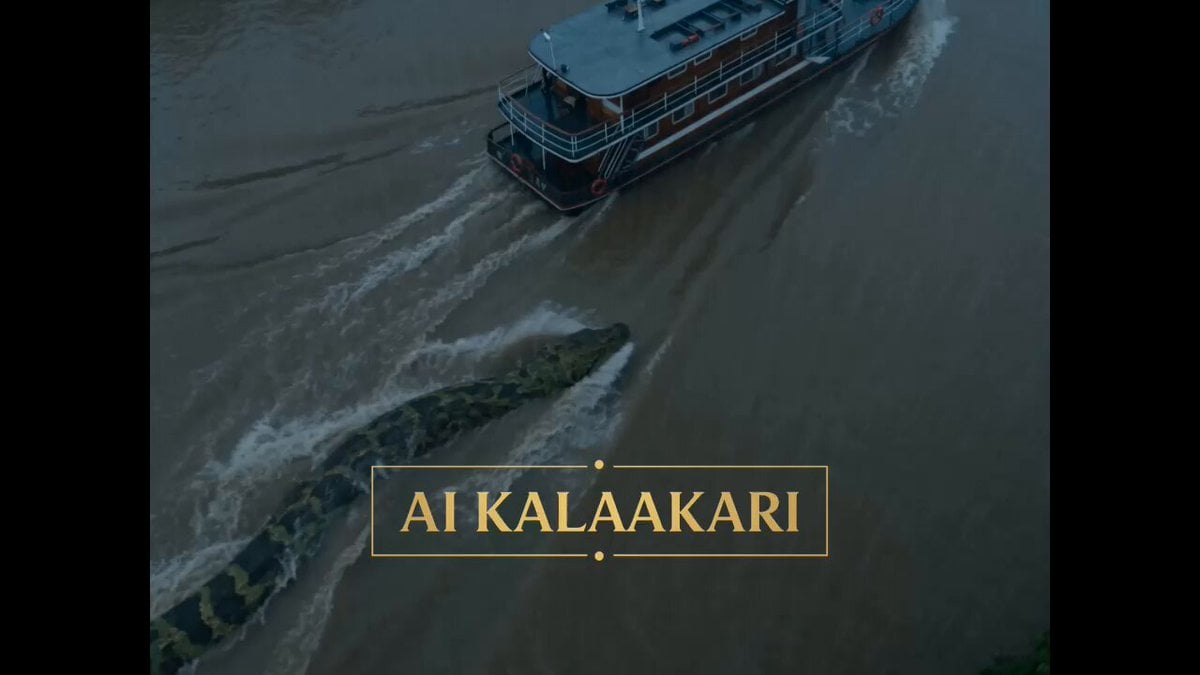
Giant Anaconda Houseboat Attack Horror
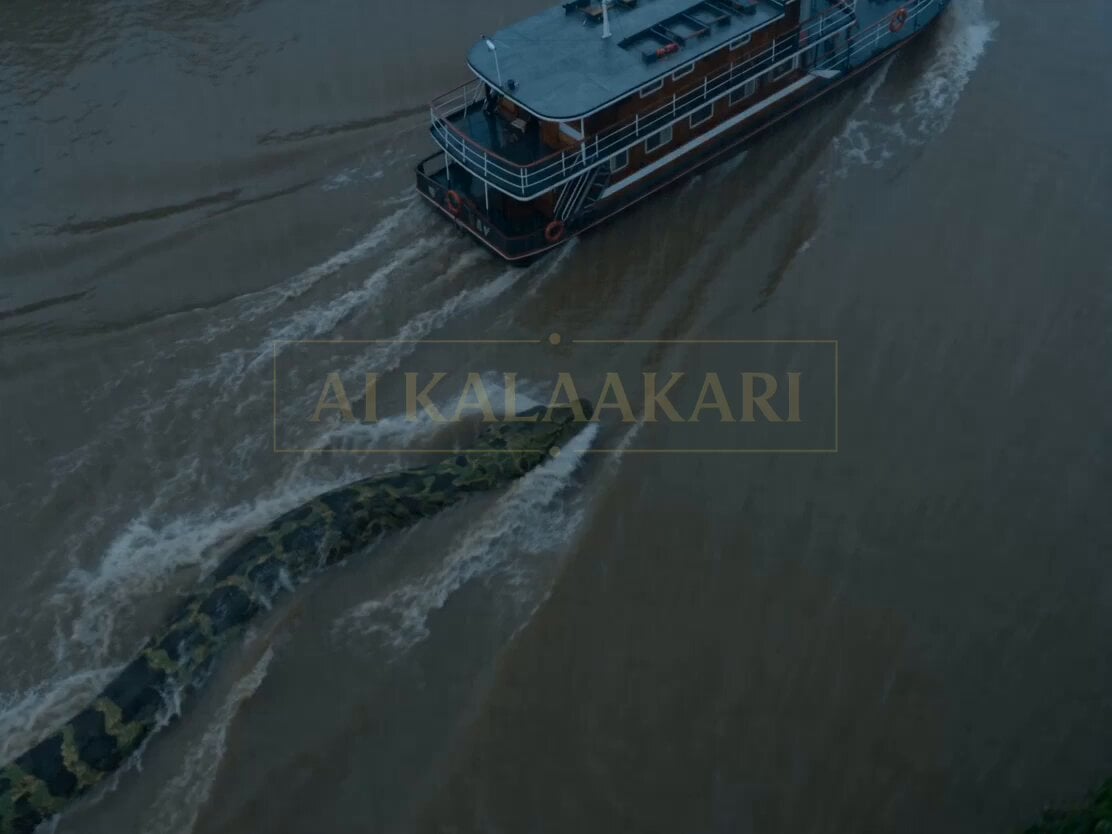
Giant Anaconda Houseboat Attack
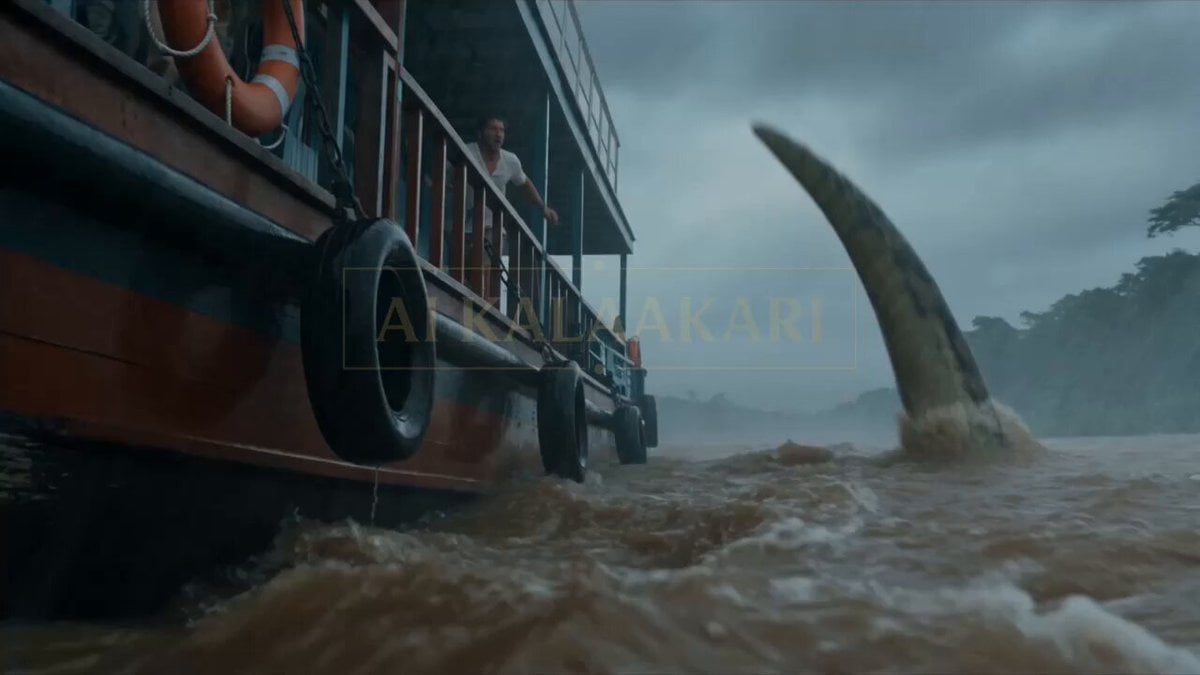
Anaconda Houseboat Attack

Man on a seaboat attacked by a sea monster
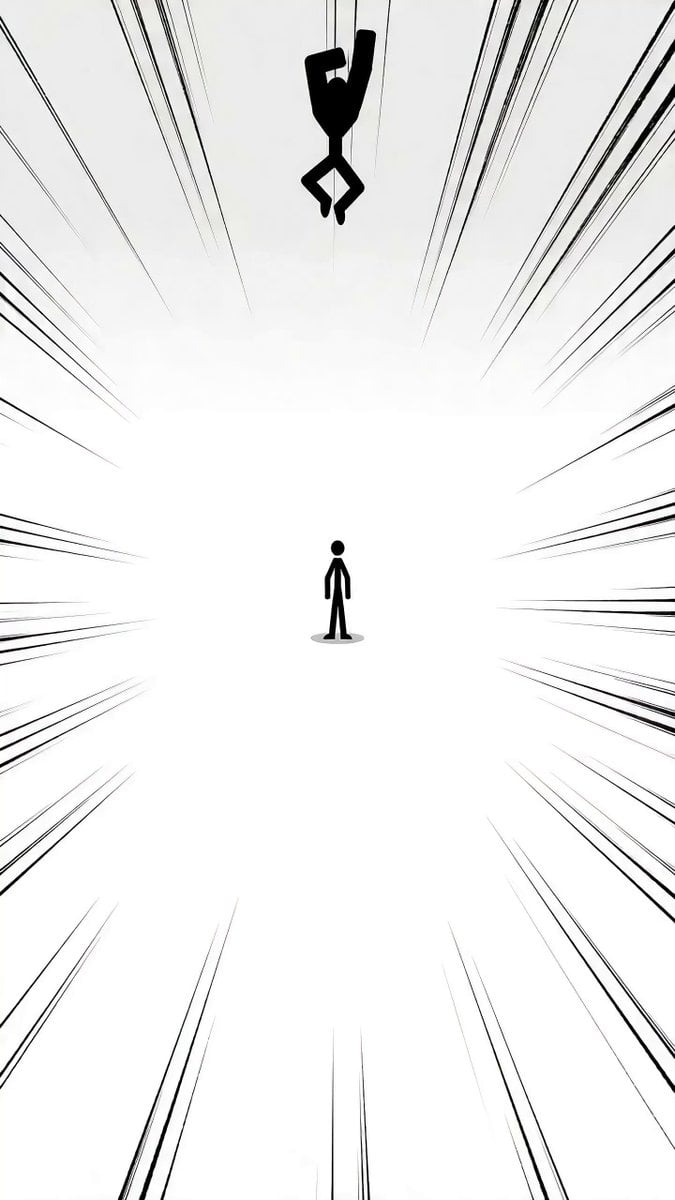
Detailed Stickman Fight prompt for Seedance 2.0

Martial Arts Fight Sequence

Ghostbusters Final Battle with Michelin Man
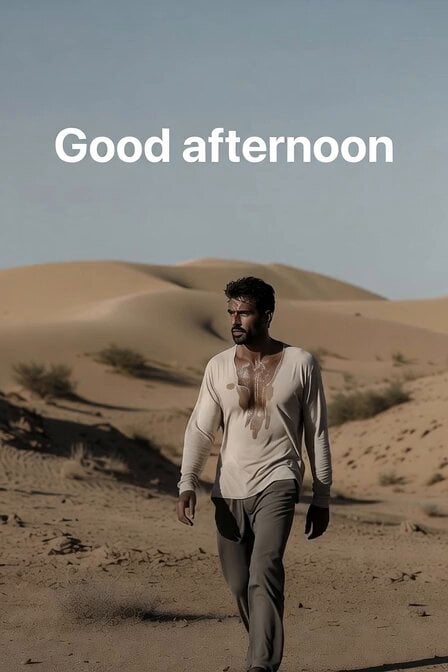
Sweating Man in Desert Greeting
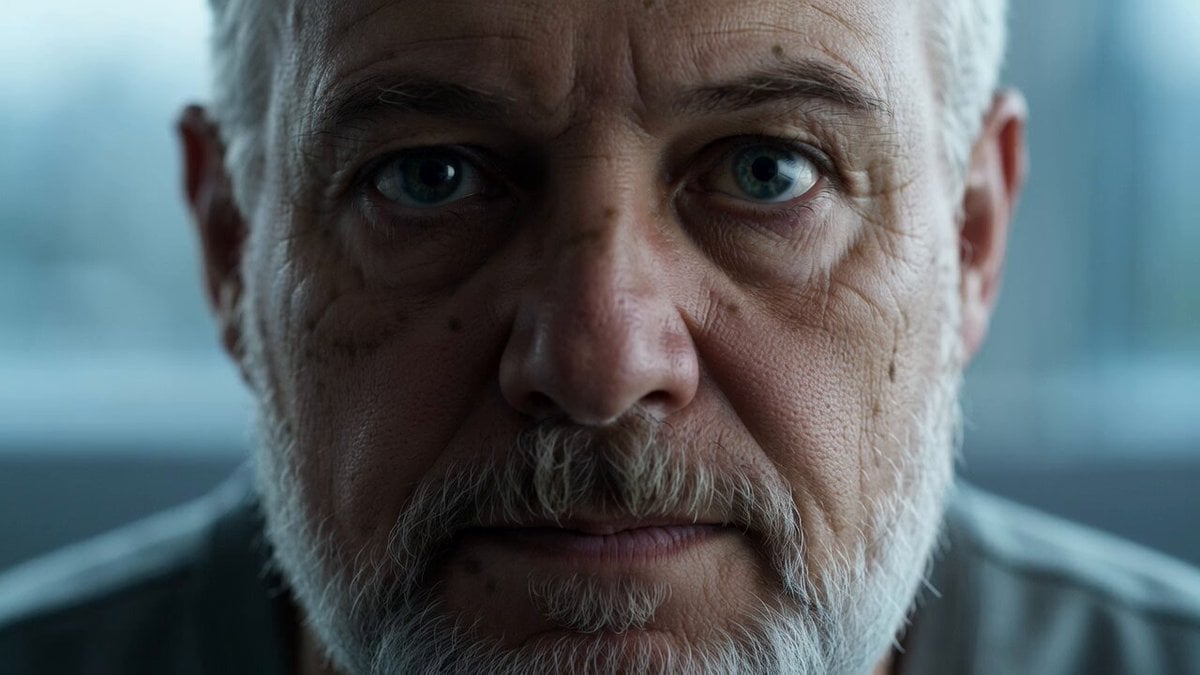
Reflective Elderly Man Documentary Portrait
Make it yours
Man vs Anaconda Boat Fight works as-is. These are the safest ways to change it without losing the look.
Change one field
Copy a single group, rewrite it, and generate again so you can see what that field is doing.
Keep the frame, change the subject
Hold the composition and light of Man vs Anaconda Boat Fight, then swap wardrobe, props or the person for a new take.
| If the result… | Why | Fix |
|---|---|---|
| The result drifts from the preview | Too many fields changed at once. | Reuse Man vs Anaconda Boat Fight as-is first, then change one group — subject, light, or setting. |
| The model over-stylizes the scene | The prose prompt leaves finish and camera underspecified. | Add one camera or lighting sentence and stay on Seedance 2.0. |
More Seedance 2.0 templates
Other prompts made for Seedance 2.0.

Comical Martial Arts Punch Scene

Maglev Train Action Sequence

Wuxia Protection and Trust Script

Vintage Korean Arcade MiniDV Vlog

Mercedes 190 SL Luxury Ad

Rainy Night Supernatural Reverse Comedy Video Script

Amazon Civilization Discovery

Futuristic South Asian City Transformation

Cozy Luxury Cafe Commercial

Cyber Ronin Nanotech Transformation Video
More video prompts
Fresh picks from across the catalog.
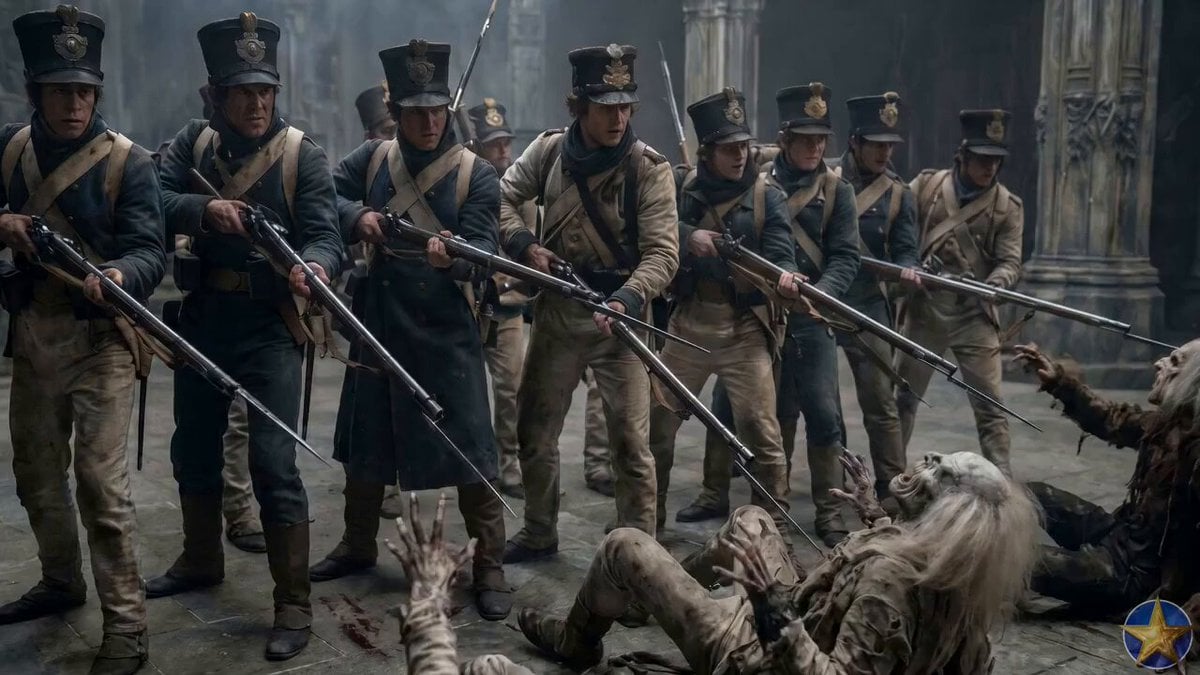
Soldier Micro-Expressions Animation

Woman Opening Eyes and Smiling Video Prompt
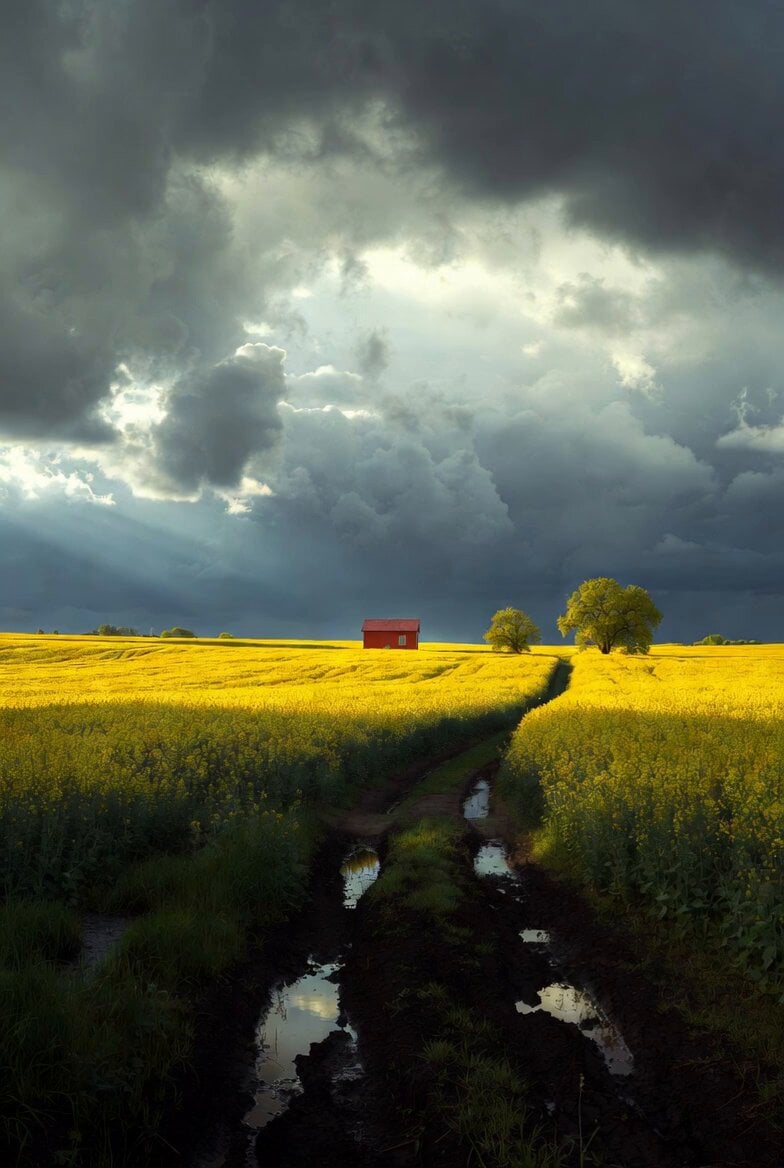
Mystical Dragons Playful Walk
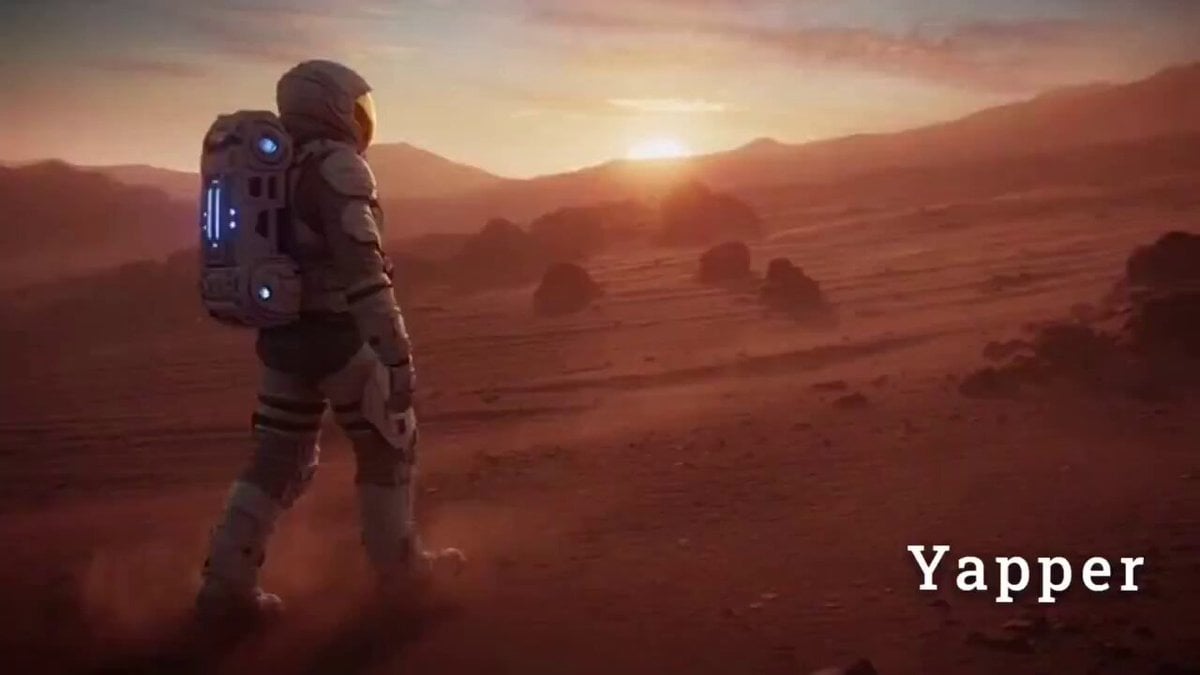
Cinematic Sci-Fi Video Prompt for Seedance 2.0
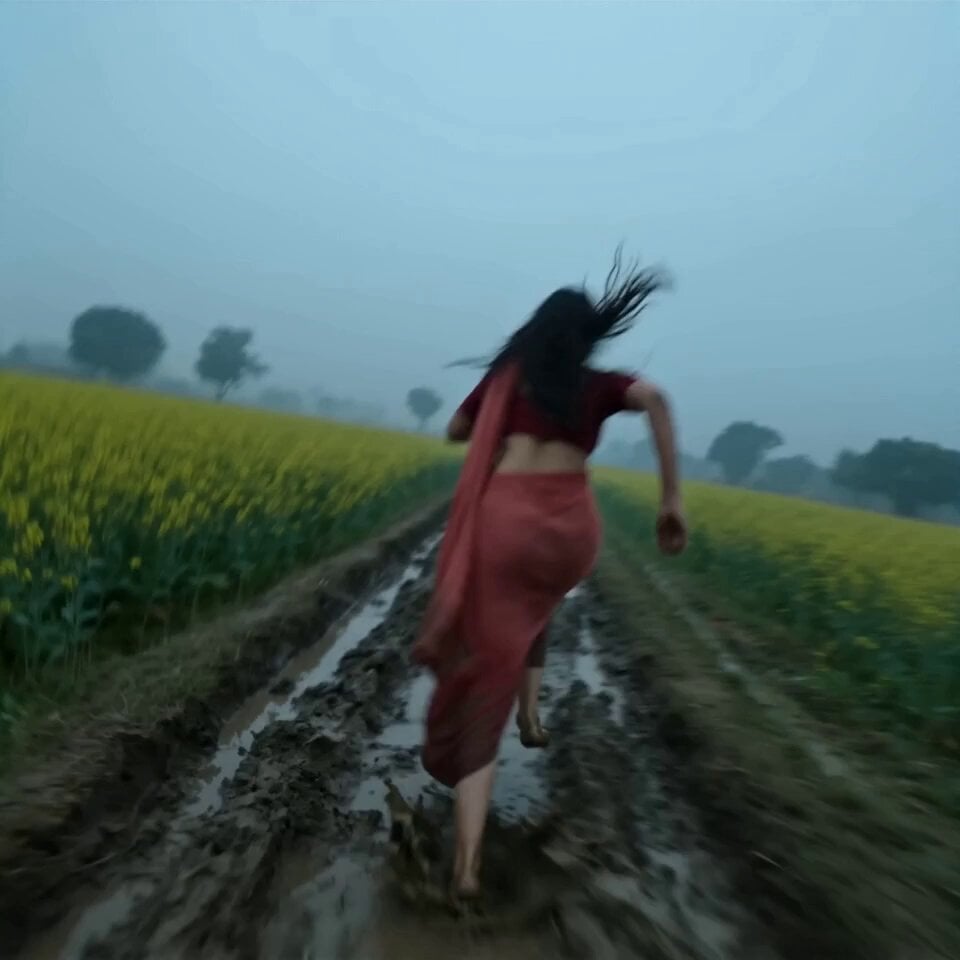
Stealth Mecha Cow Infiltration

Hyper-Realistic Vertical Full-Body Ice Cream Cone Ad
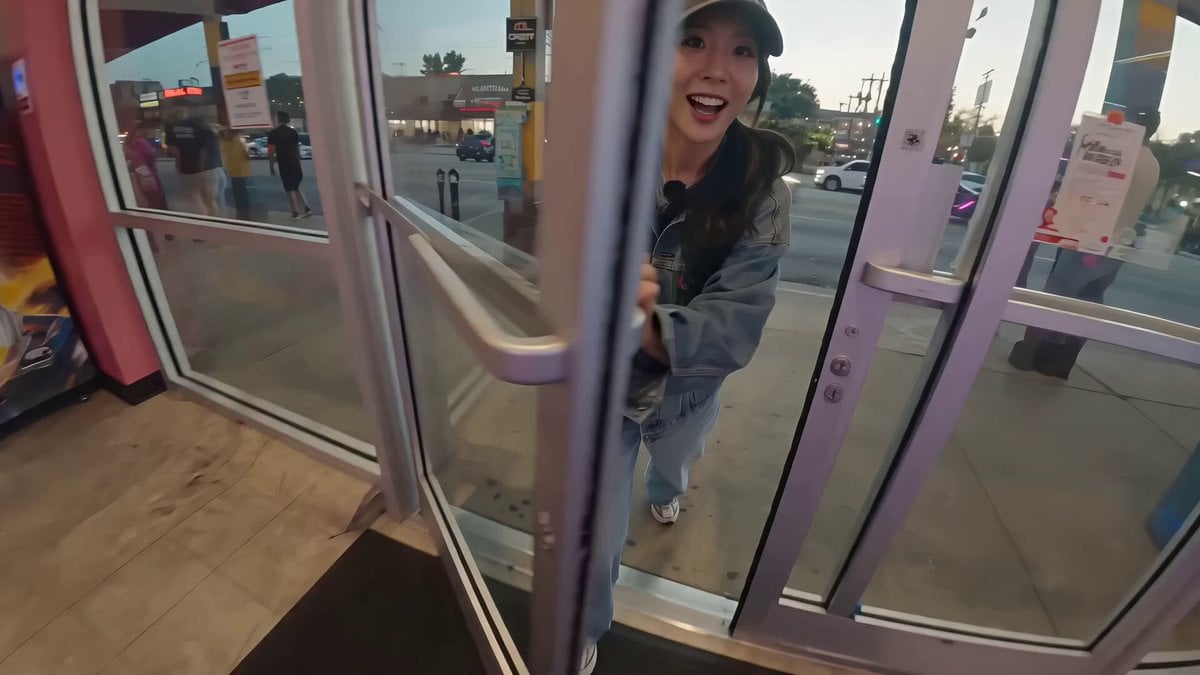
Korean Idol Arcade Mini Vlog
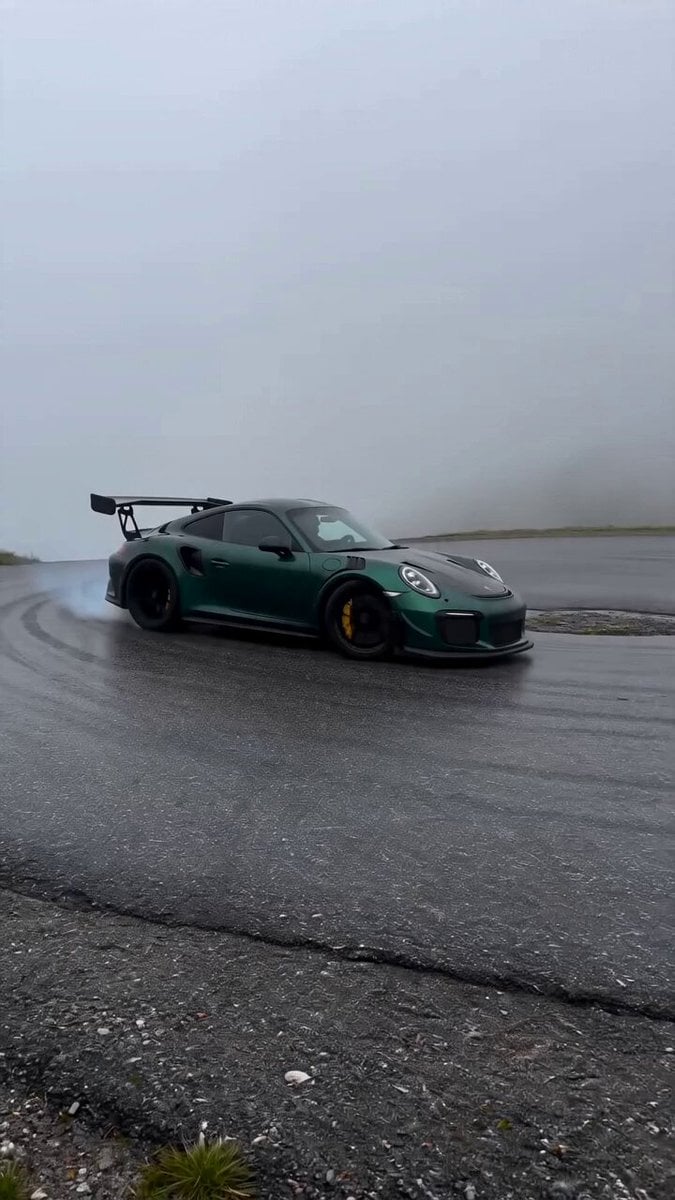
Porsche 911 Alpine Drift
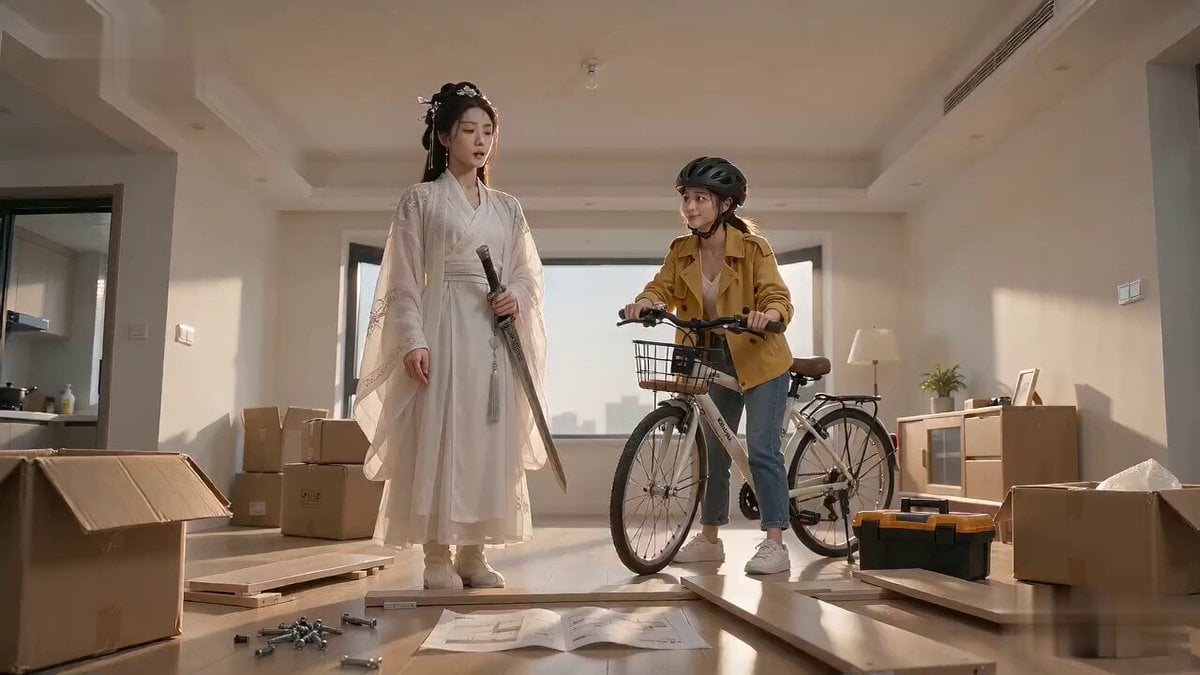
Xianxia Furniture Assembly Comedy
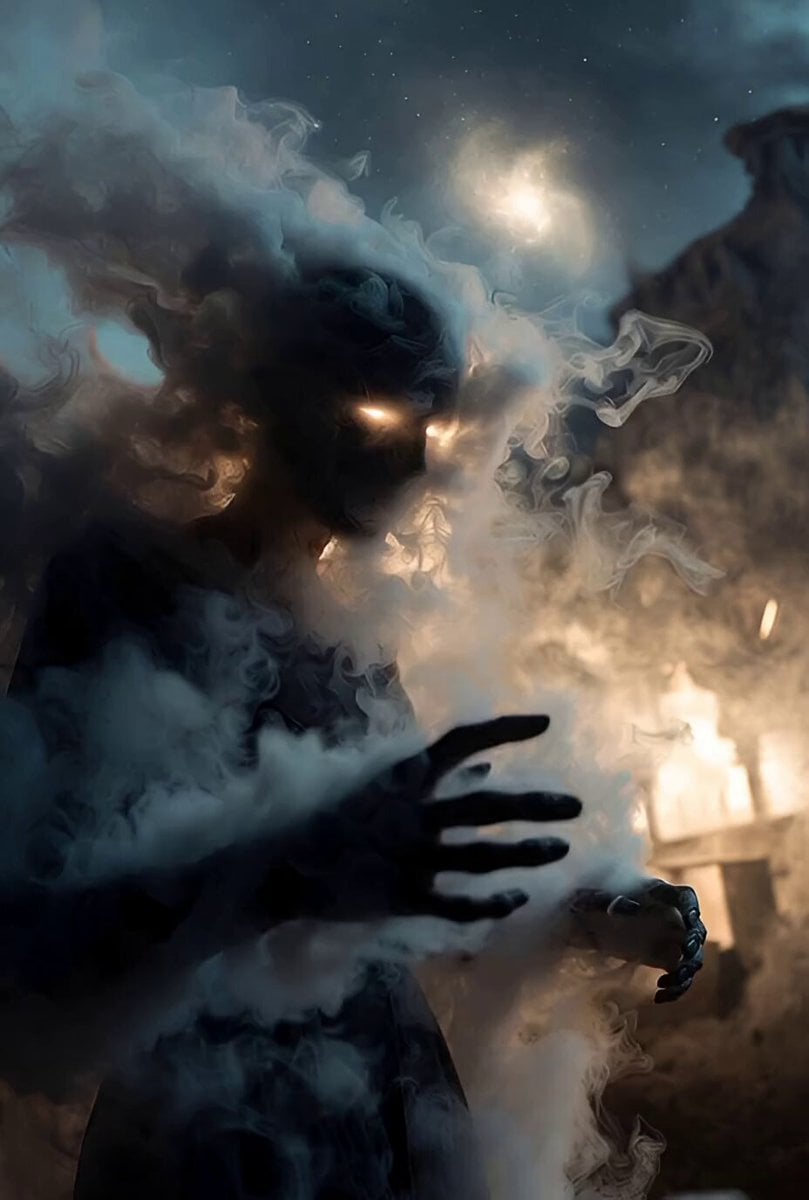
Celestial Veil and Forgotten Stars
Browse template categories
Man vs Anaconda Boat Fight questions
How do I use the Man vs Anaconda Boat Fight template?
Add your photo if the template asks for one, edit the prompt if you like — the template's model and format are already selected — and press Generate. Your version opens in PicX Studio.
Can I customize the Man vs Anaconda Boat Fight template?
Yes. You can change the subject, setting, lighting, mood, format, and available model controls before creating your video.
Is the Man vs Anaconda Boat Fight template free?
Opening and editing this template is free. Generating uses credits, shown on the Generate button when you are signed in.
Which AI model should I use?
Start with Seedance 2.0, which is the model associated with this template. You can compare another compatible model for a different finish.
Looking for something else? Browse all templates.

Your photo, any look
Thousands of ready templates for every top image and video model, from one credit balance.