
Porsche 911 Alpine Drift
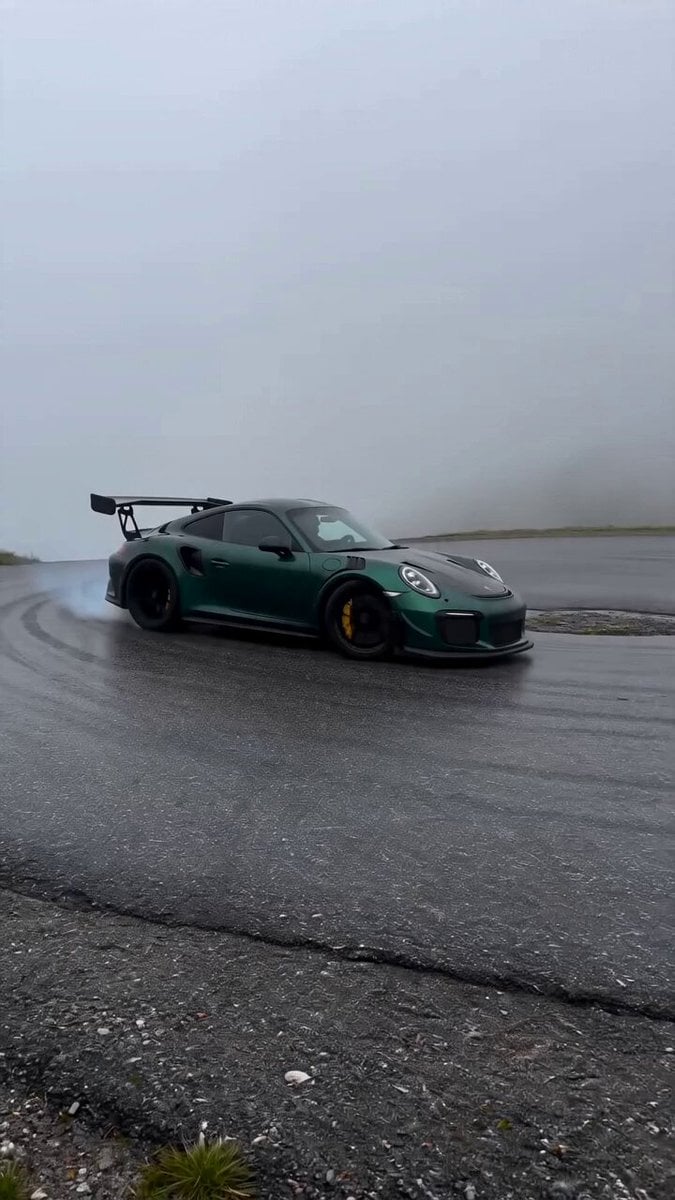
A hyper-realistic automotive cinematography prompt for a Porsche drifting through early morning fog on a mountainous road.
- Prompt included
- Model and format preset
- Premium template
The prompt behind this video
Copy the exact prompt behind Porsche 911 Alpine Drift, or open it in the studio and make it yours.
[Cinematography]: Handheld roadside perspective with natural, subtle camera shake, panning smoothly to track the subject in an 8-second continuous shot. Filmed in documentary-style automotive realism, 4K 60fps, using a medium-telephoto lens to compress the background. Ultra-photorealistic with zero CGI look. [Subject]: A dark green Porsche 911 GT3 RS, meticulously detailed with authentic, dynamic reflections across its metallic bodywork, aggressive aerodynamic wing, and wide stance. [Action]: The car drifts naturally around a tight curve, showcasing realistic physics including visible weight transfer, suspension compression, and imperfect, authentic steering corrections. The rear tires break traction, kicking up subtle, volumetric tire smoke. [Context]: A winding, mountainous alpine road. The ground features highly detailed, rough real asphalt texture with faint existing skid marks. The environment is enveloped in dense, rolling early morning fog beneath a flat, cloudy sky. [Style & Ambiance]: Moody, cinematic YouTube automotive realism. Cool, diffused early morning lighting casts soft shadows, contrasting the deep green paint with the moody gray environment. Raw, visceral, and highly immersive atmosphere.
How to use Porsche 911 Alpine Drift in 3 steps
- 1
Open
The prompt is already in the box next to the preview, with the template's model and format selected.
- 2…a portrait of your subject in softgolden-hour light, 85mm…
Personalize
Edit the subject and creative details for your destination.
- 3Generate
Generate
Press Generate — your video is created in PicX Studio, so you can compare it with the original and refine one variable at a time.
More like this
Templates with the same subject, style or setup. Open one to see its prompt.
Porsche 911 GT3 RS Night Racing — Neon City Streets
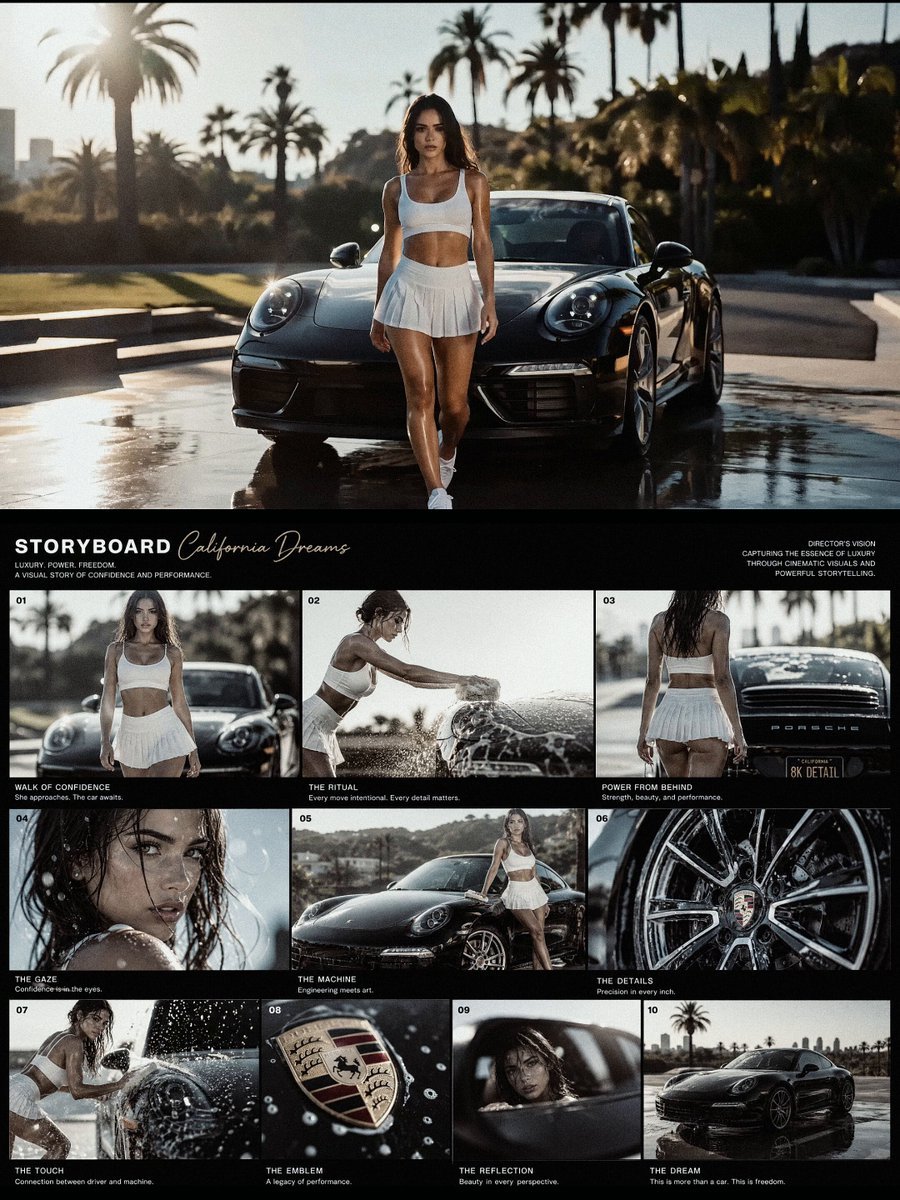
Luxury Porsche Commercial Storyboard
Alpine Mountain Hiking Scene
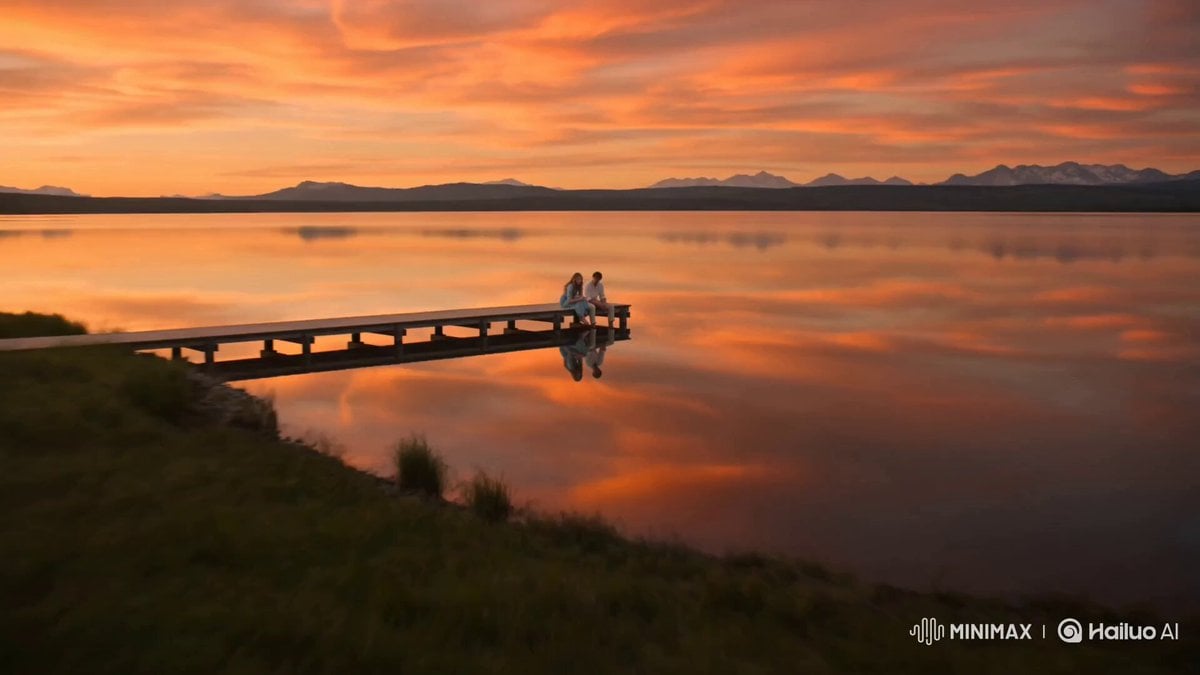
Alpine Lake Golden Hour Couple
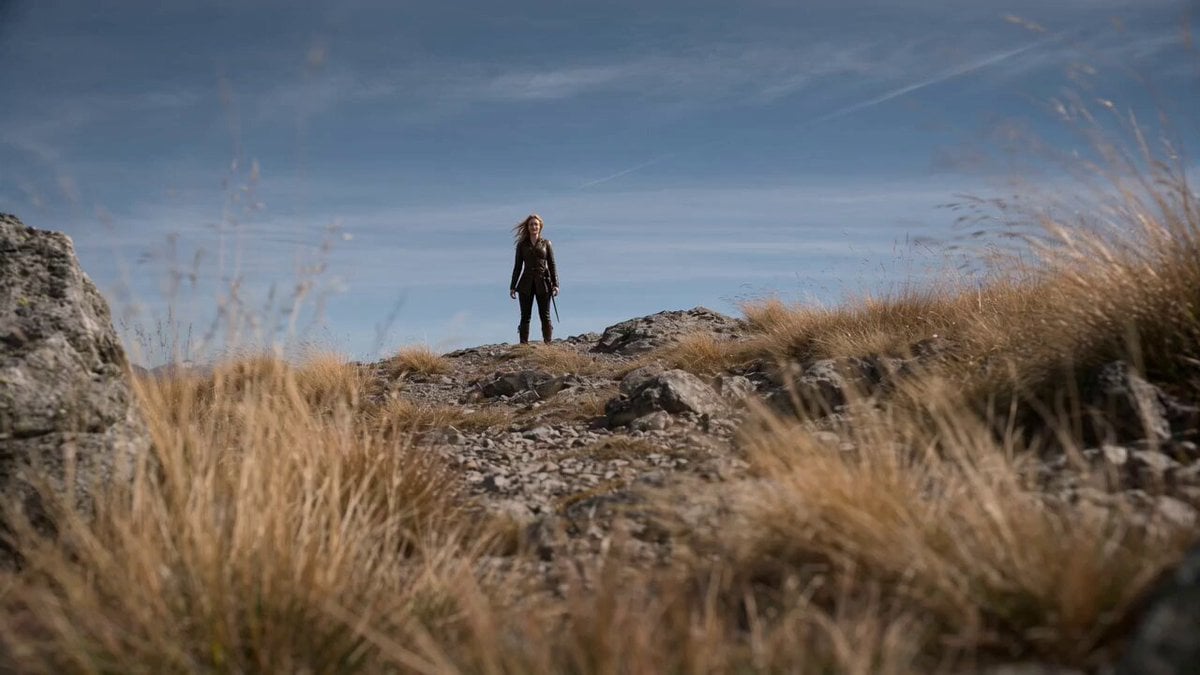
Cinematic Alpine Dragon Encounter
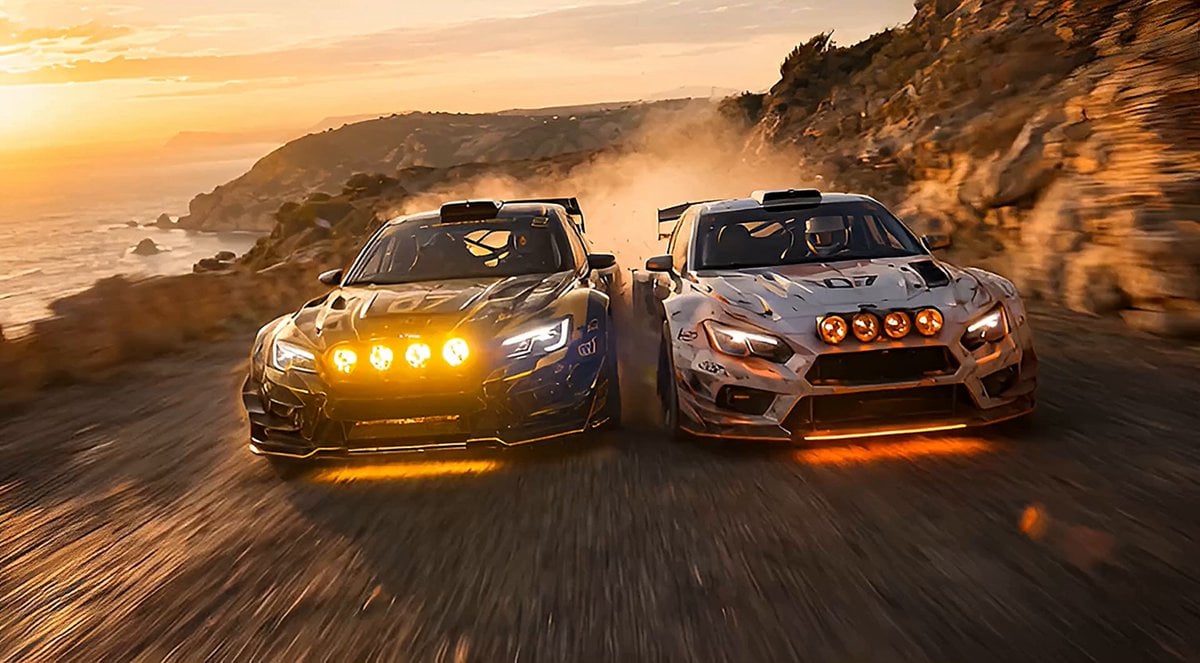
Rally Car Coastal Drift Rescue
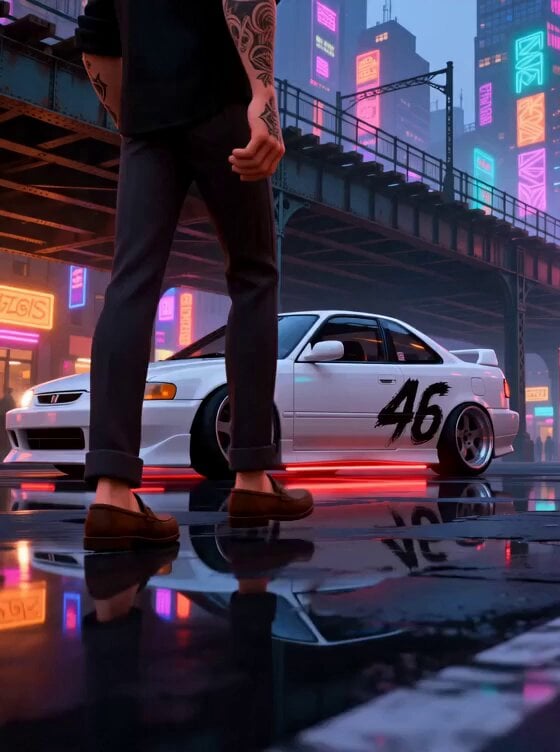
Stylized New York Drift Animation
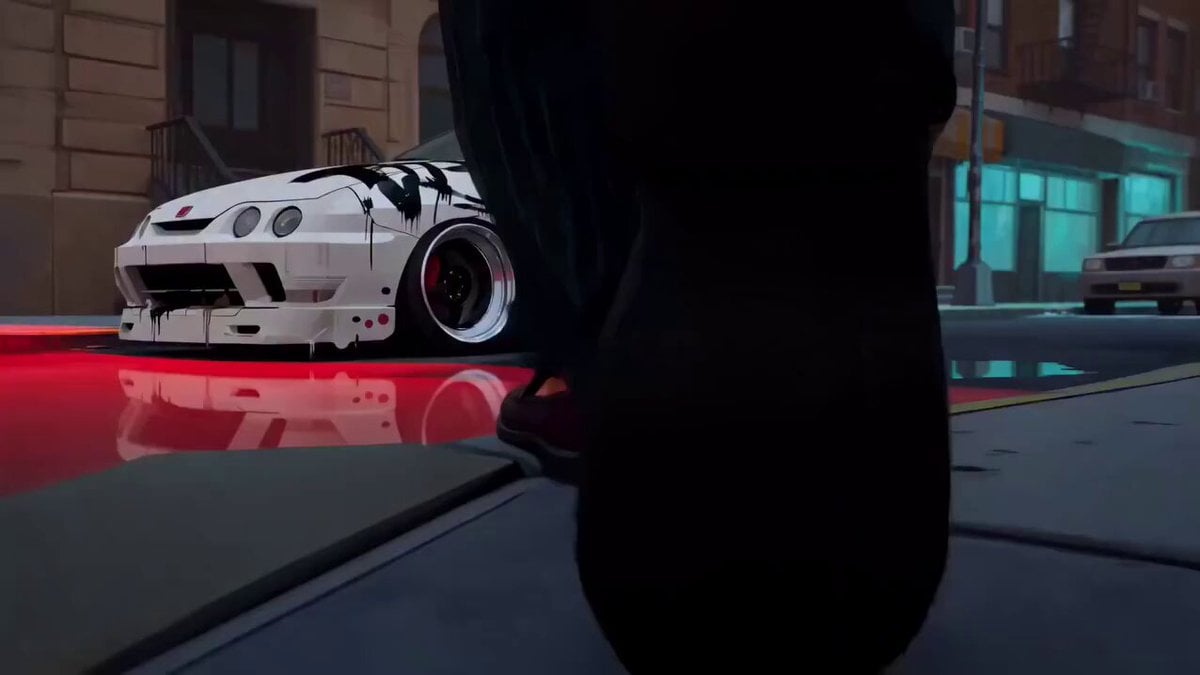
Spider-Verse Style Car Drift
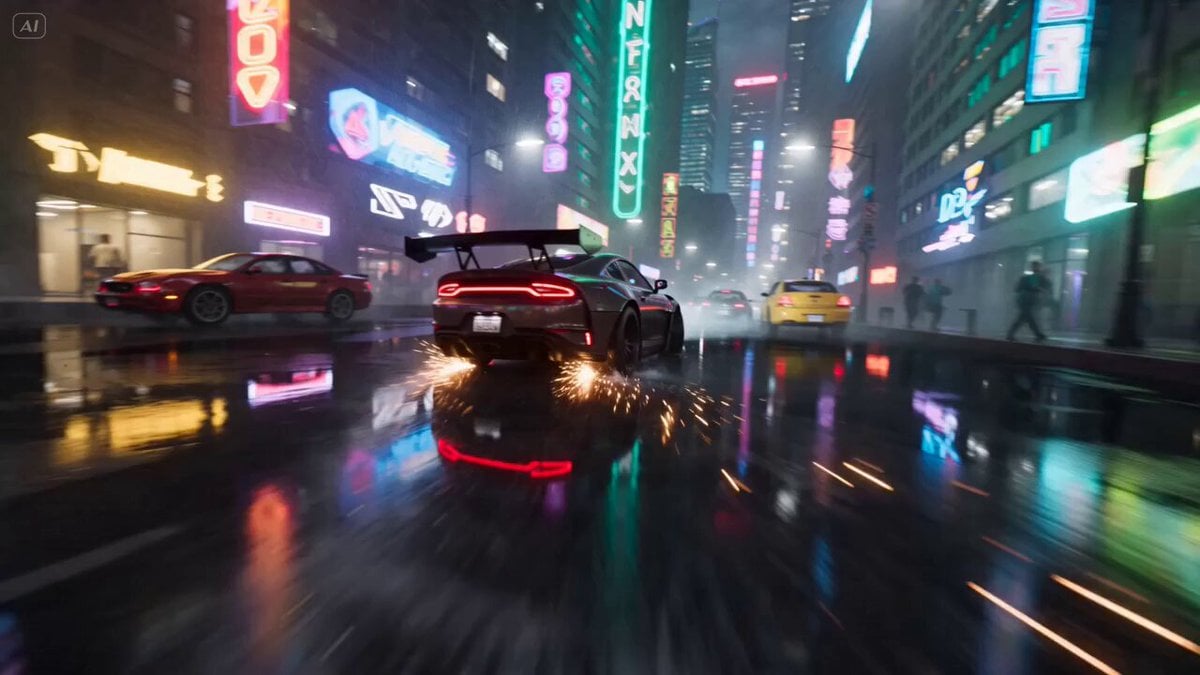
Cyberpunk Drift Time Freeze
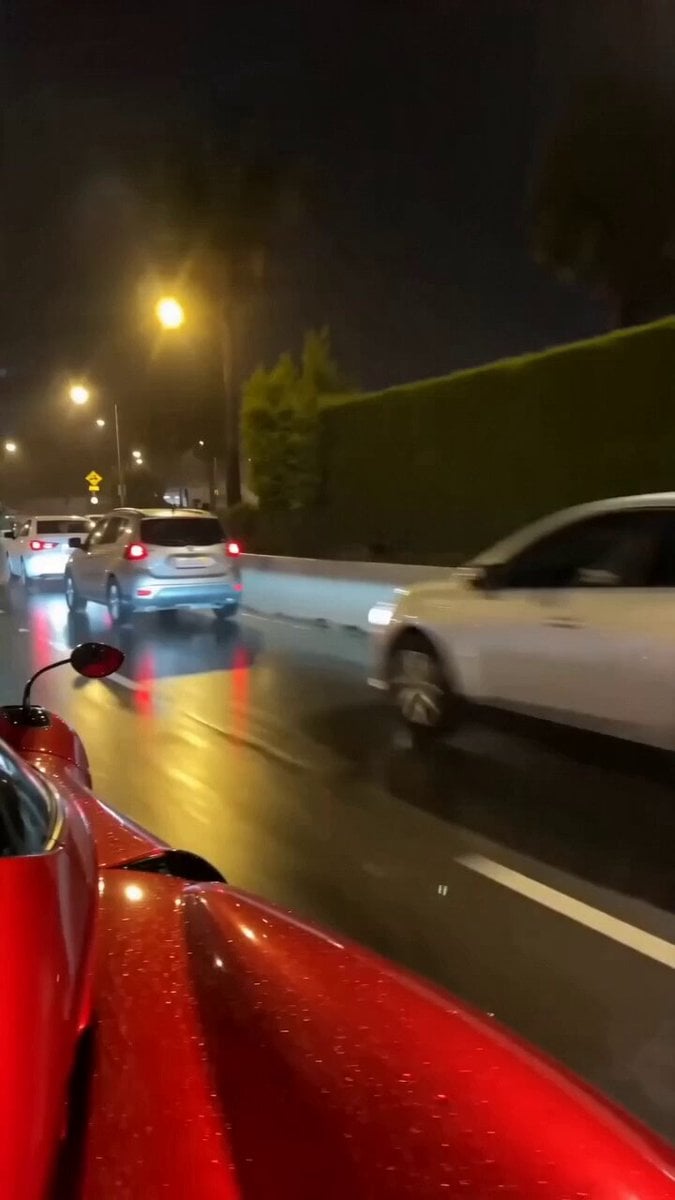
Hyper-Realistic Pagani Huayra Night Drift
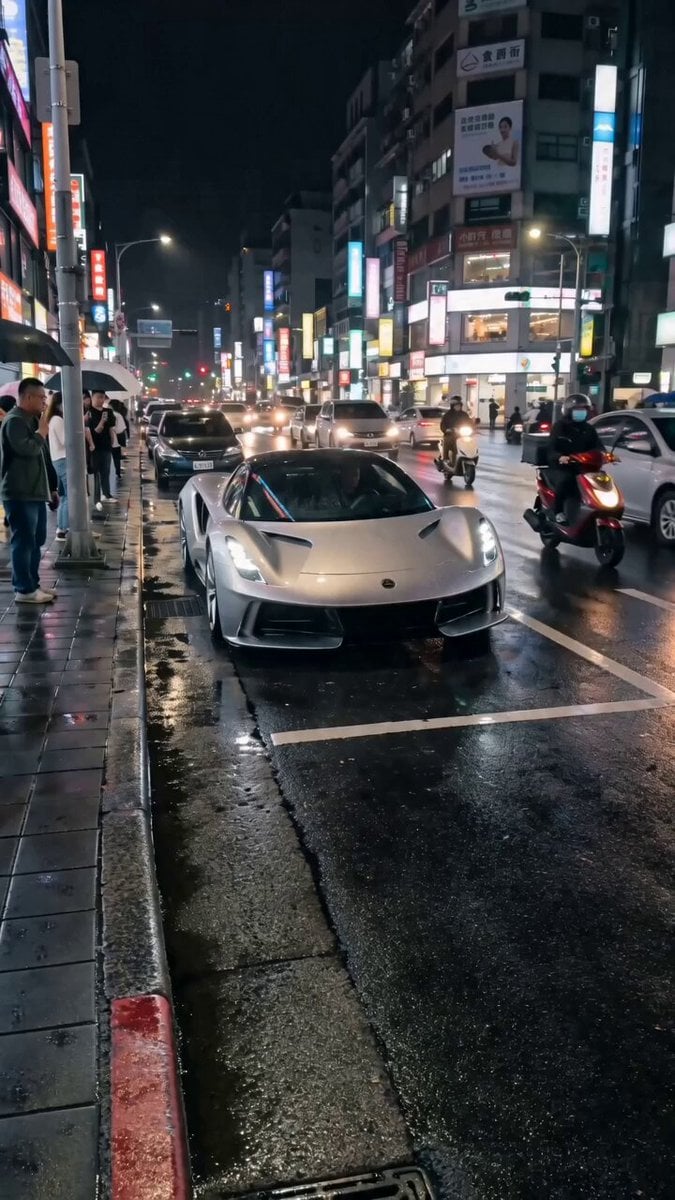
Silver Lotus Evija Urban Night Drift
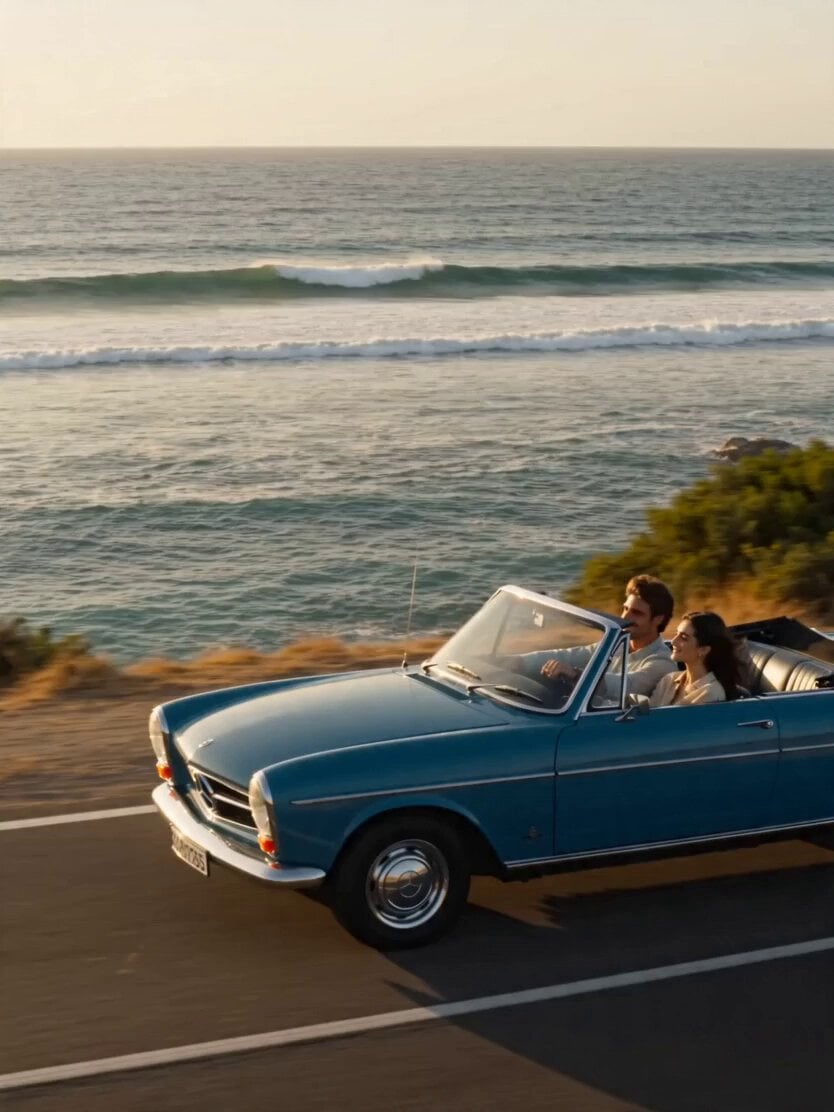
Golden Hour Coastal Highway Drift
Make it yours
Porsche 911 Alpine Drift works as-is. These are the safest ways to change it without losing the look.
Change one field
Copy a single group, rewrite it, and generate again so you can see what that field is doing.
Keep the frame, change the subject
Hold the composition and light of Porsche 911 Alpine Drift, then swap wardrobe, props or the person for a new take.
| If the result… | Why | Fix |
|---|---|---|
| The result drifts from the preview | Too many fields changed at once. | Reuse Porsche 911 Alpine Drift as-is first, then change one group — subject, light, or setting. |
| The model over-stylizes the scene | The prose prompt leaves finish and camera underspecified. | Add one camera or lighting sentence and stay on Seedance 2.0. |
More Seedance 2.0 templates
Other prompts made for Seedance 2.0.

Comical Martial Arts Punch Scene

Maglev Train Action Sequence

Martial Arts Fight Sequence

Wuxia Protection and Trust Script

Vintage Korean Arcade MiniDV Vlog

Mercedes 190 SL Luxury Ad

Rainy Night Supernatural Reverse Comedy Video Script

Amazon Civilization Discovery

Futuristic South Asian City Transformation

Cozy Luxury Cafe Commercial
More video prompts
Fresh picks from across the catalog.
Mountain Dinosaur Concept Video Prompt
Space Learning Center Show and Tell Video

Emotional Chinese Dance on Water
WWII Battlefield Cinematic Tracking Shot
Second Cinematic Vertical Action Prompt
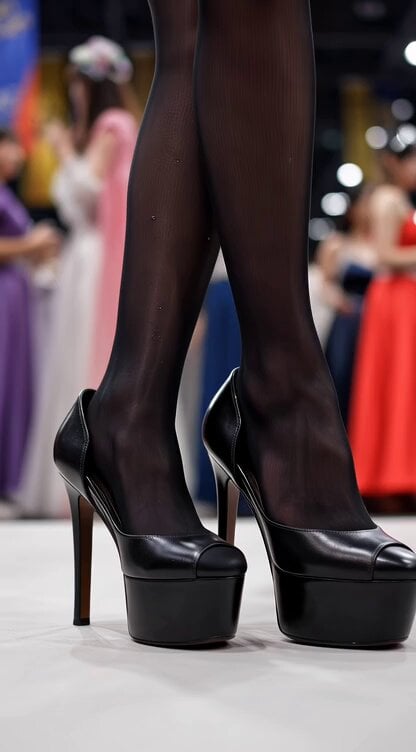
Video generation prompt for a cosplay model's foot and leg focus
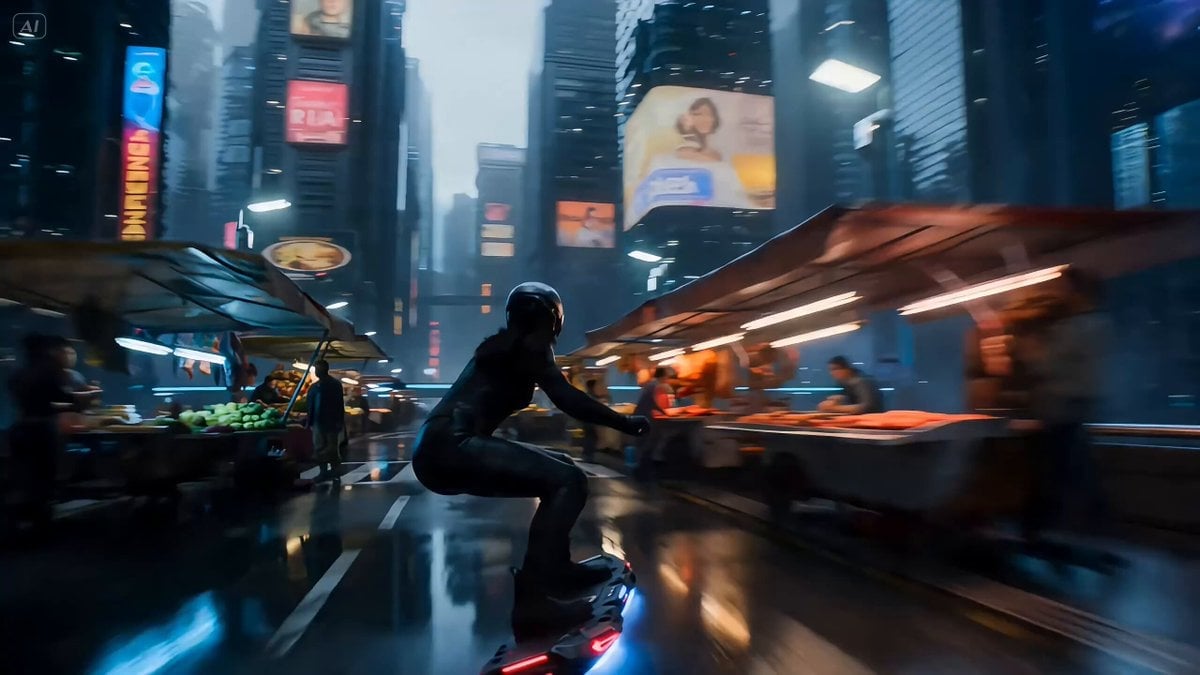
Rogue Data-Courier on a Hoverboard in a Cyberpunk Megacity
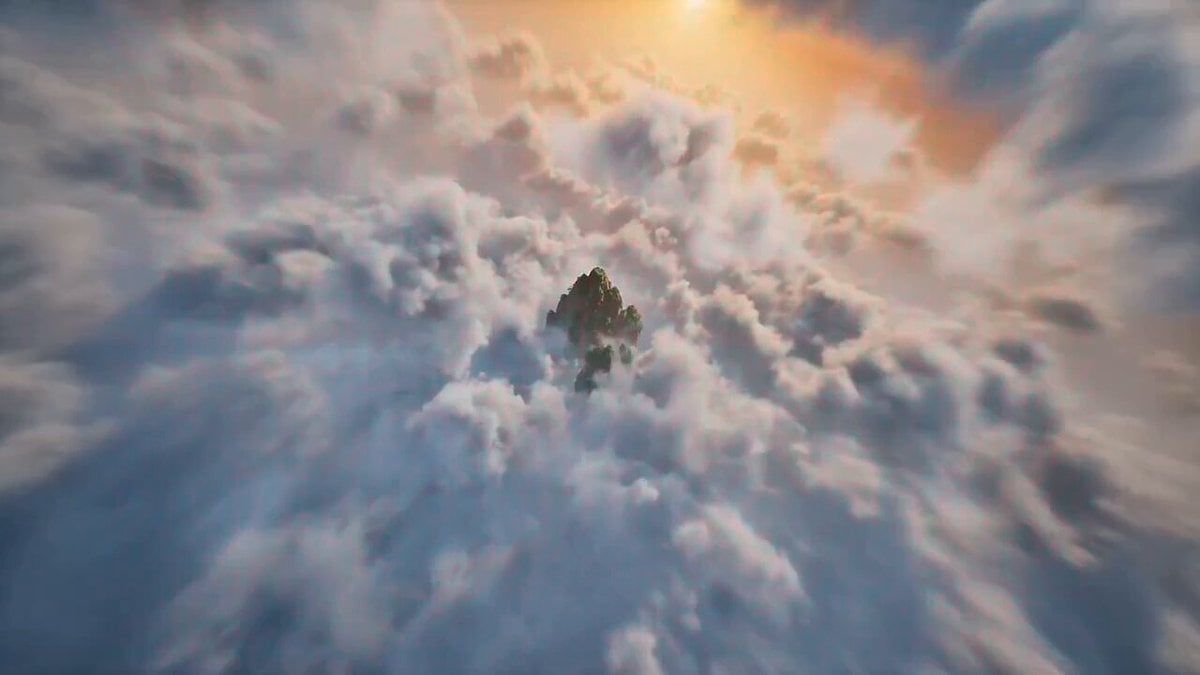
Seedance 2.0 Chinese Xianxia animation prompt (0-15 seconds)
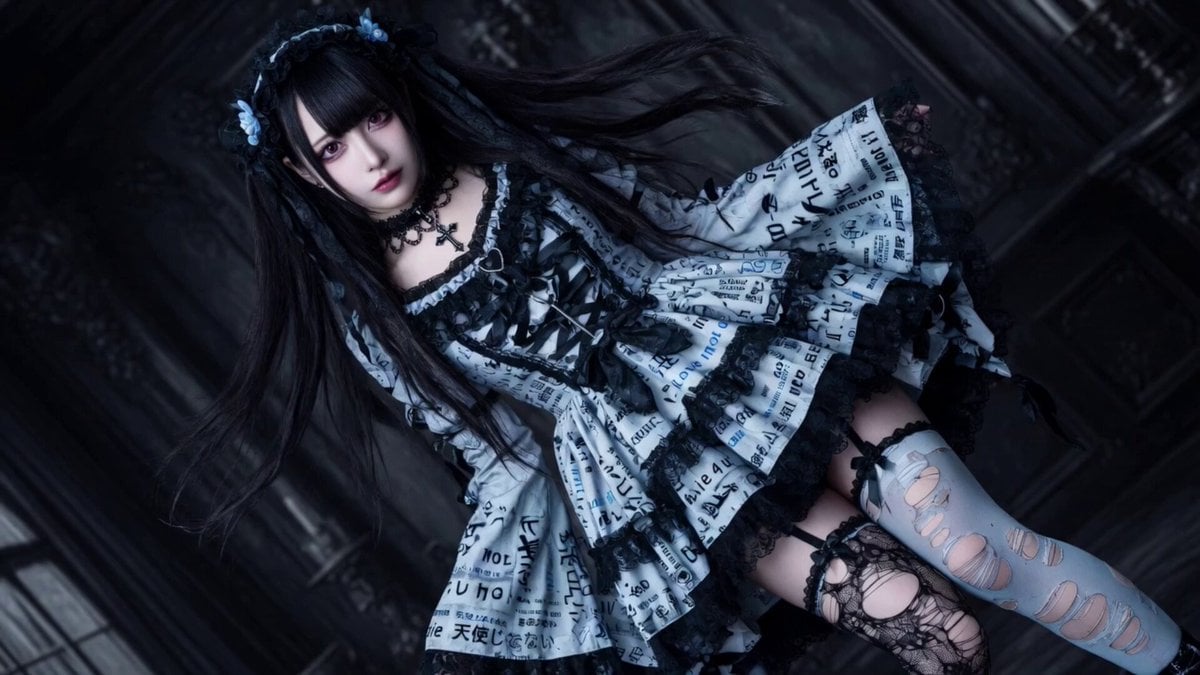
Light Blue Gothic Subculture Fashion
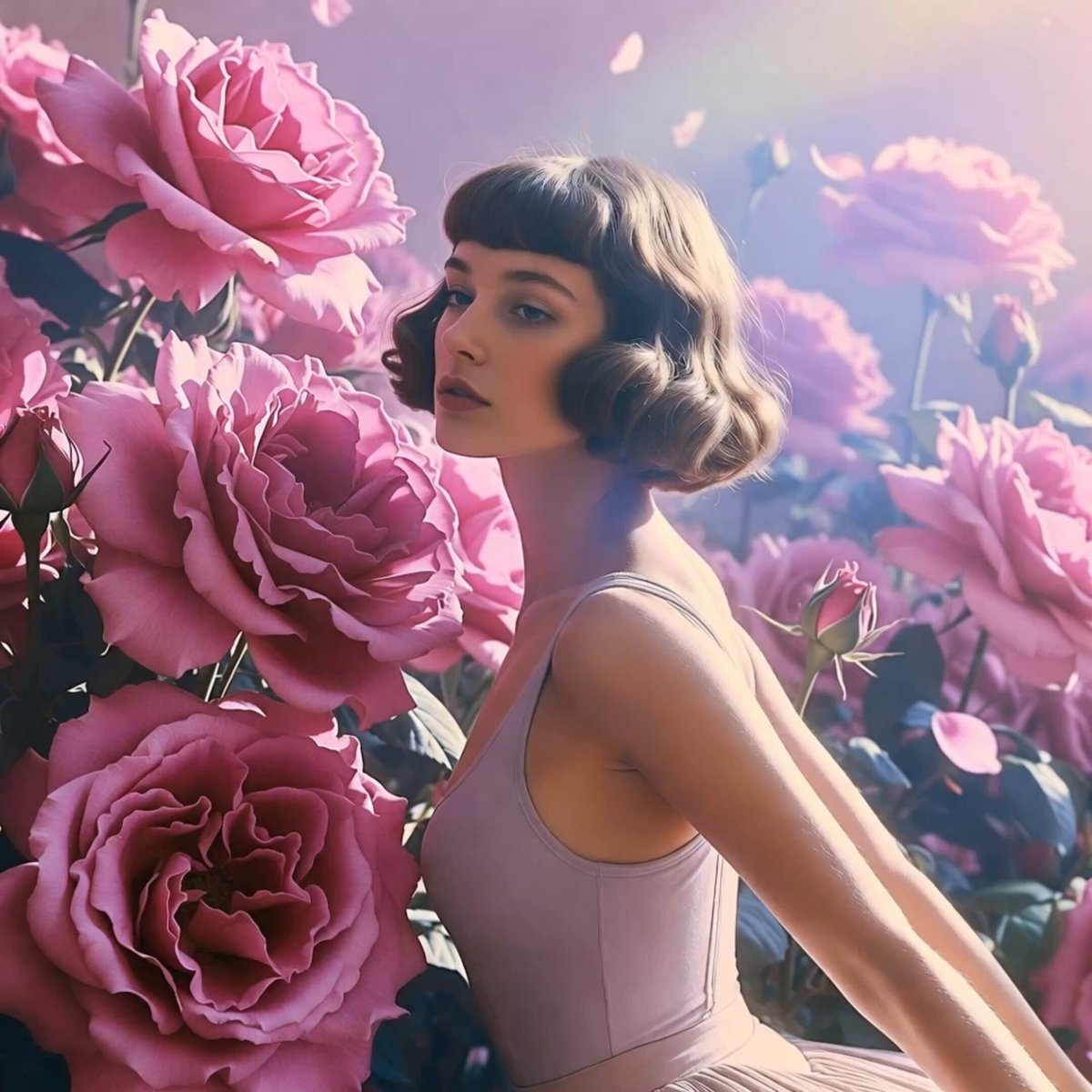
Soft Pink Roses Dreamer Prompt
Browse template categories
Porsche 911 Alpine Drift questions
How do I use the Porsche 911 Alpine Drift template?
Add your photo if the template asks for one, edit the prompt if you like — the template's model and format are already selected — and press Generate. Your version opens in PicX Studio.
Can I customize the Porsche 911 Alpine Drift template?
Yes. You can change the subject, setting, lighting, mood, format, and available model controls before creating your video.
Is the Porsche 911 Alpine Drift template free?
Opening and editing this template is free. Generating uses credits, shown on the Generate button when you are signed in.
Which AI model should I use?
Start with Seedance 2.0, which is the model associated with this template. You can compare another compatible model for a different finish.
Looking for something else? Browse all templates.

Your photo, any look
Thousands of ready templates for every top image and video model, from one credit balance.