
Image-to-Video Transformation: Ancient Roman Epic Scene Prompt
A prompt instructing Grok Imagine to transform an input image into a cinematic ancient Roman epic scene, preserving the subject's recognizable identity as a central character in a historical blockbuster film.
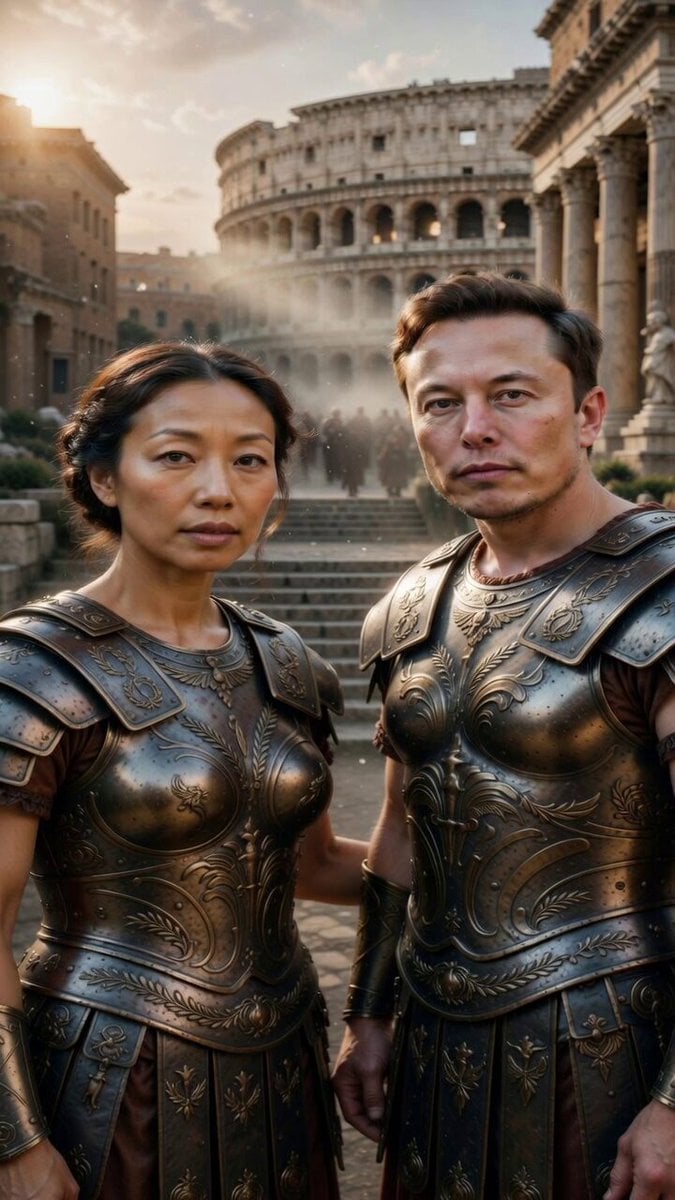
- Prompt included
- Model and format preset
- Premium template
The prompt behind this video
Copy the exact prompt behind Image-to-Video Transformation: Ancient Roman Epic Scene Prompt, or open it in the studio and make it yours.
Transform the person in the input image into a cinematic ancient Roman epic scene, as if they are a central character in a large-scale historical blockbuster film.Preserve the subject’s recognizable identity from the original image — including
How to use Image-to-Video Transformation: Ancient Roman Epic Scene Prompt in 3 steps
- 1Upload ImagePNG, JPG or paste
Add your photo
Upload the photo the template builds on. The prompt, model and format are already set.
- 2…a portrait of your subject in softgolden-hour light, 85mm…
Personalize
Edit the subject and creative details for your destination.
- 3Generate
Generate
Press Generate — your video is created in PicX Studio, so you can compare it with the original and refine one variable at a time.
More like this
Templates with the same subject, style or setup. Open one to see its prompt.
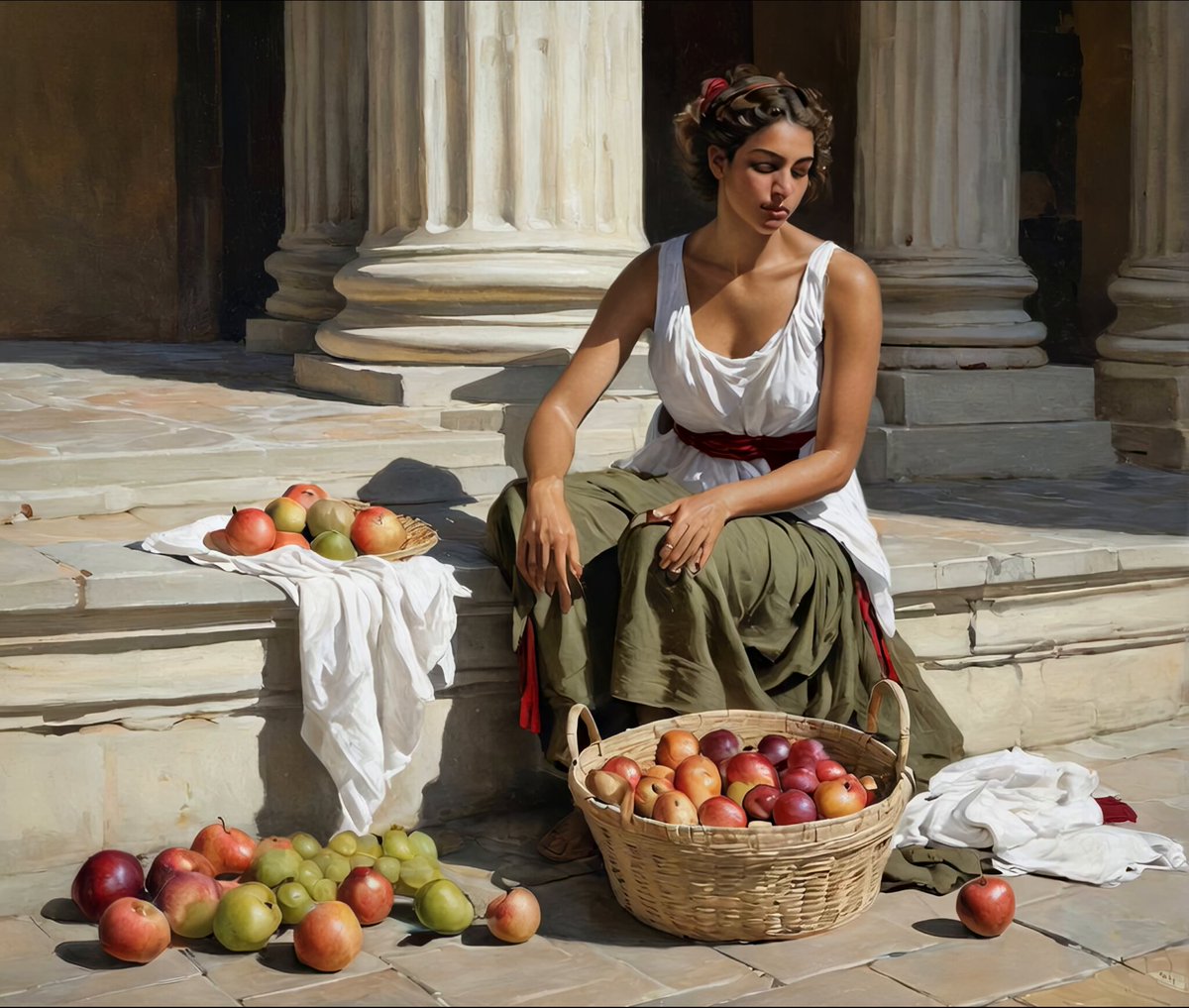
Ancient Roman Forum Morning Scene
Oceanic Civilization Epic Sci-Fi Film
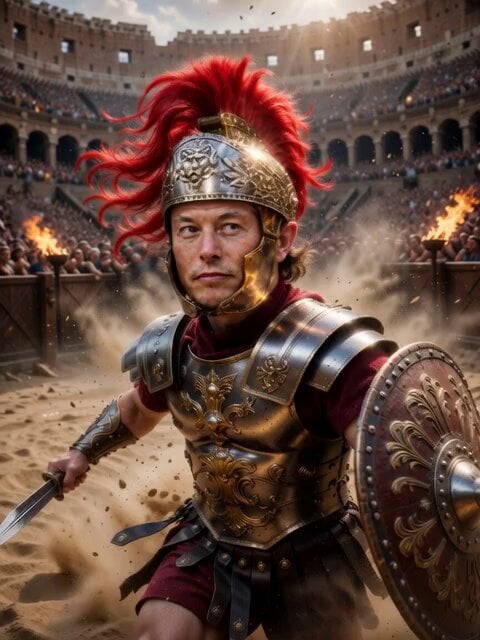
Roman Gladiator in Ancient Arena

Pterodactyl Transformation Journey

Cinematic Roman Soldier Mountain Escape

Four Seasons Flower Goddess Ancient Style Transformation Video Prompt
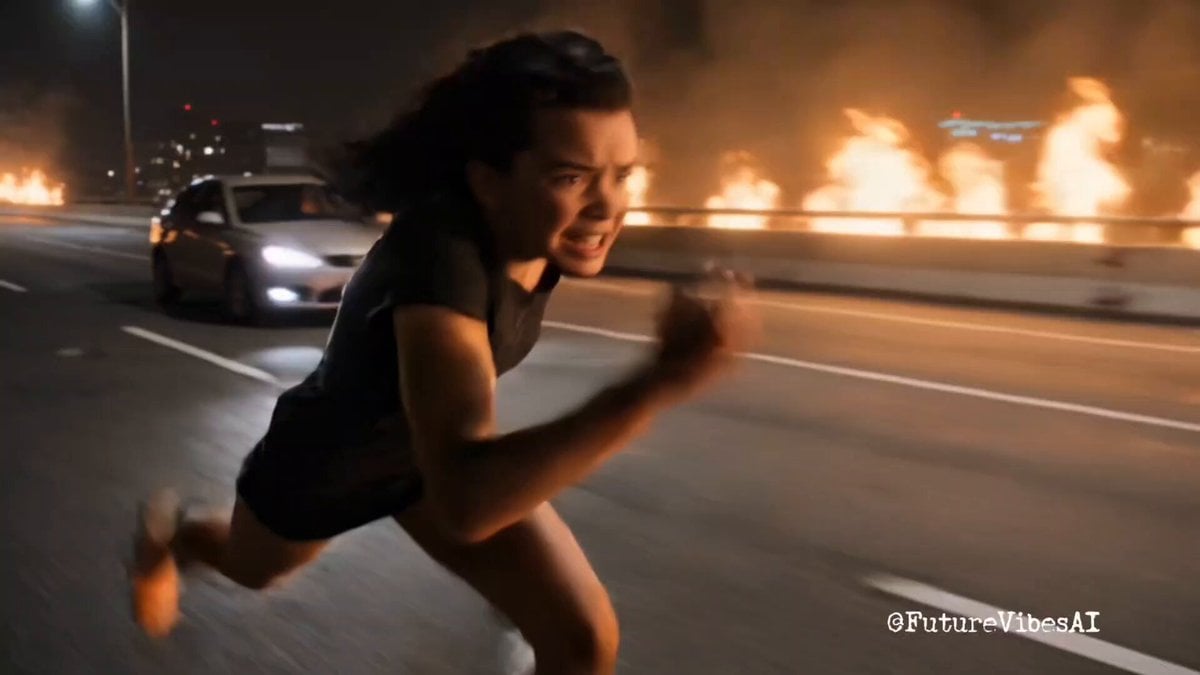
Epic Superhero Transformation and Dragon Fight Video Prompt
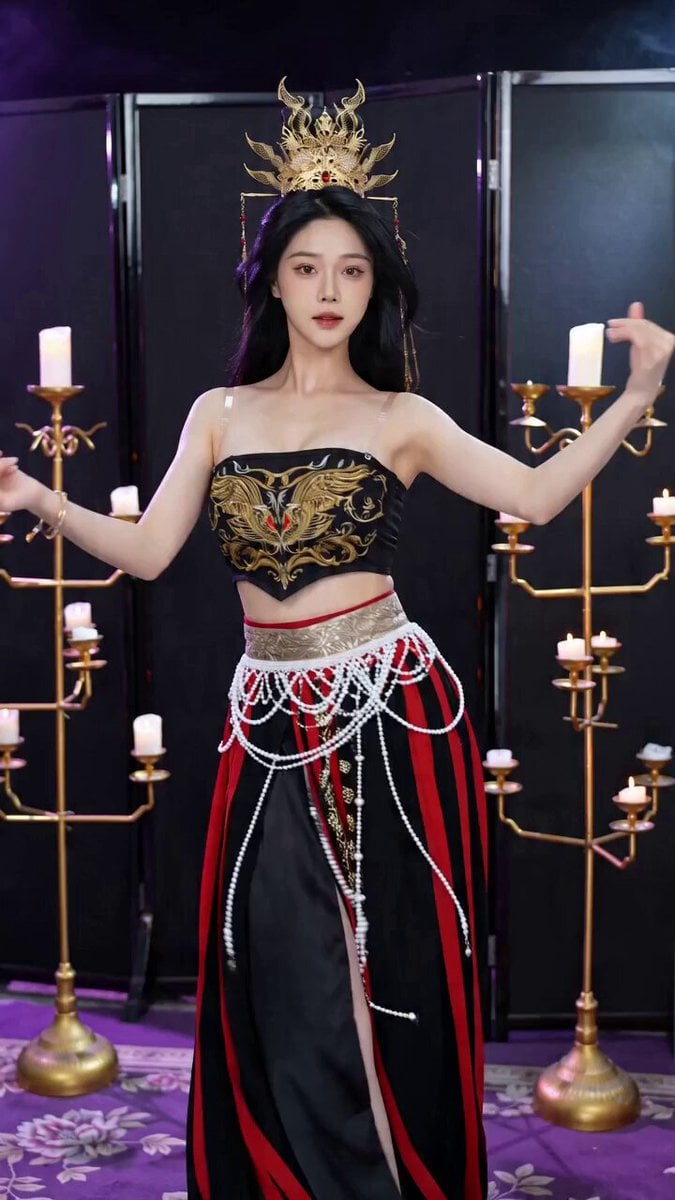
Seedance 2.0 Ancient Style Transformation Video Prompt
Epic Post-Apocalyptic Warrior Transformation Video Prompt
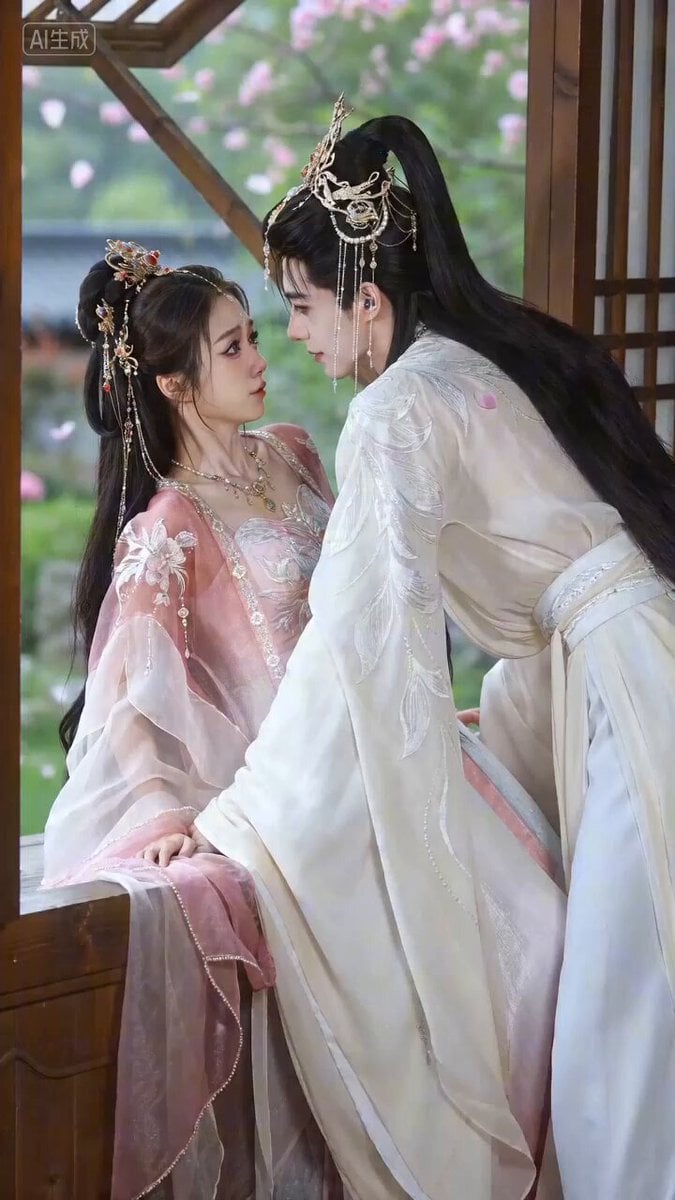
Seedance 2.0 Video Prompt: Spring Imprisonment (Ancient Romance)
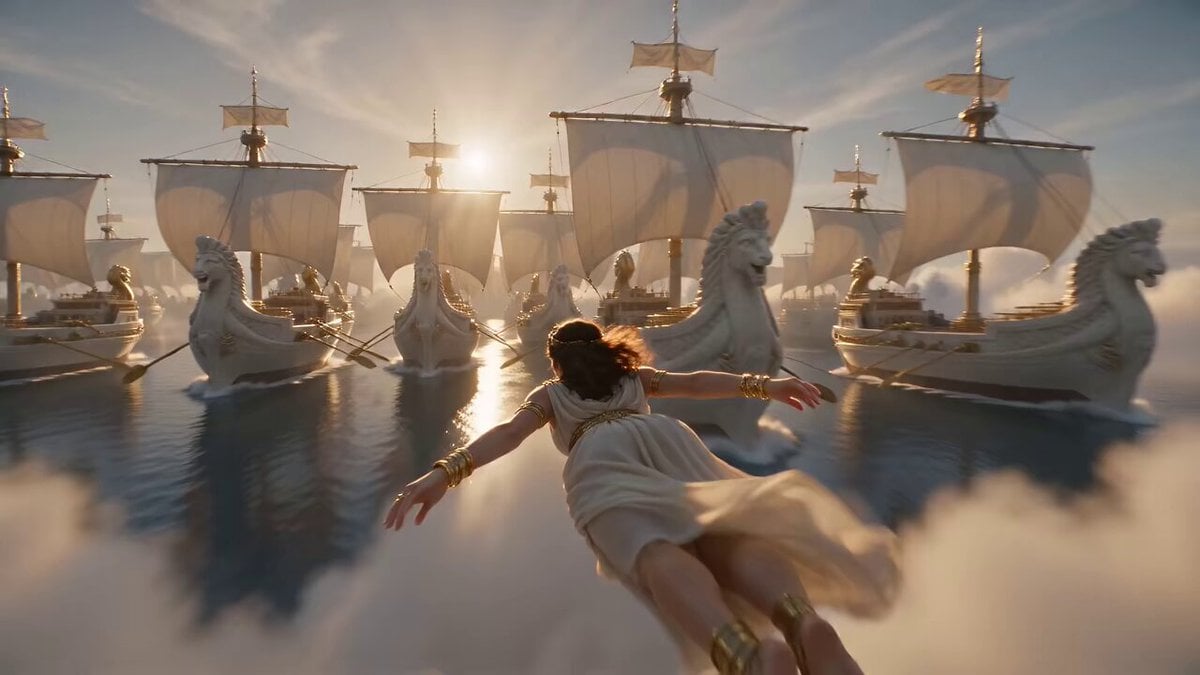
Ancient Roman Celestial Flight

Kaleidoscopic Cosmic Dolphin Video
Make it yours
Image-to-Video Transformation: Ancient Roman Epic Scene Prompt works as-is. These are the safest ways to change it without losing the look.
Change one field
Copy a single group, rewrite it, and generate again so you can see what that field is doing.
Keep the frame, change the subject
Hold the composition and light of Image-to-Video Transformation: Ancient Roman Epic Scene Prompt, then swap wardrobe, props or the person for a new take.
| If the result… | Why | Fix |
|---|---|---|
| The result drifts from the preview | Too many fields changed at once. | Reuse Image-to-Video Transformation: Ancient Roman Epic Scene Prompt as-is first, then change one group — subject, light, or setting. |
| The model over-stylizes the scene | The prose prompt leaves finish and camera underspecified. | Add one camera or lighting sentence and stay on Grok Imagine. |
More Grok Imagine templates
Other prompts made for Grok Imagine.

Mecha Runway Tap Dance Video Prompt

Emotional Angry Couple Drama

Train Zooming in Star Field Video Prompt

Cyberpunk Guerrilla Girl Video Generation

Detailed multi-part video prompt

Interior View Video Generation Prompt
GTA 6 never came out in 1 million years

Bitcoin liferaft video prompt

Woman floating down, opening eyes and looking deeply into the viewer's eyes
Utopian World of Harmony and Peace
More video prompts
Fresh picks from across the catalog.
Cinematic Cyberpunk Neo-Tokyo Street Market
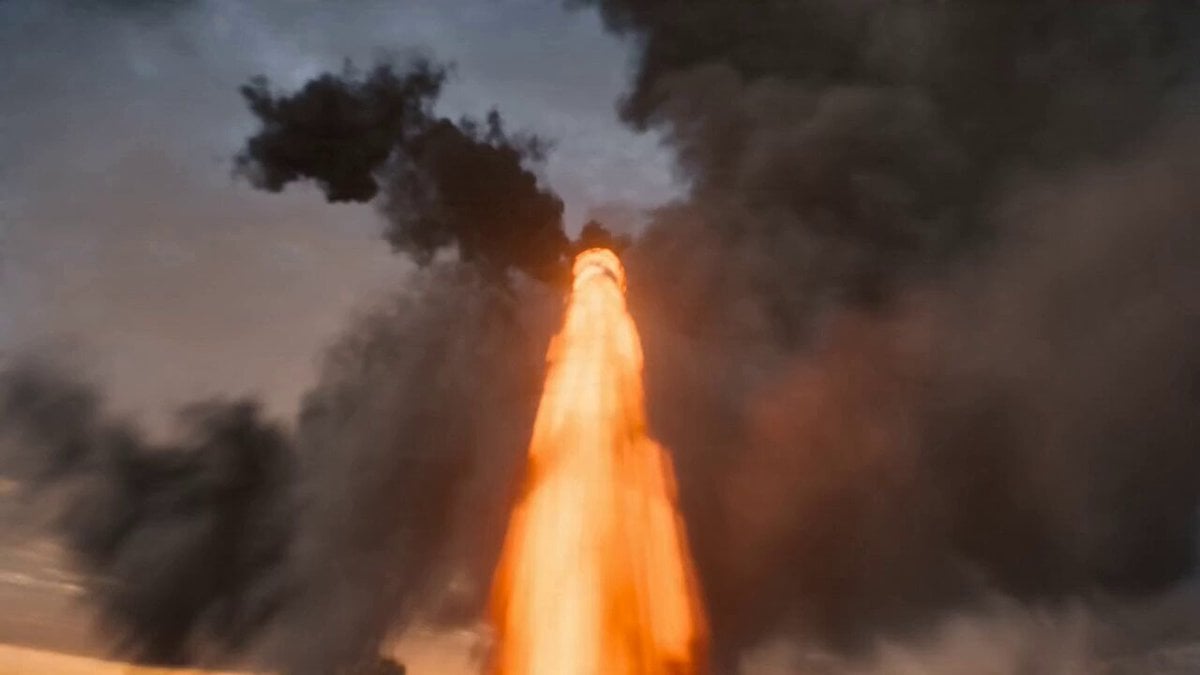
Impossible Cinematic Transition Prompt for Seedance 2.0
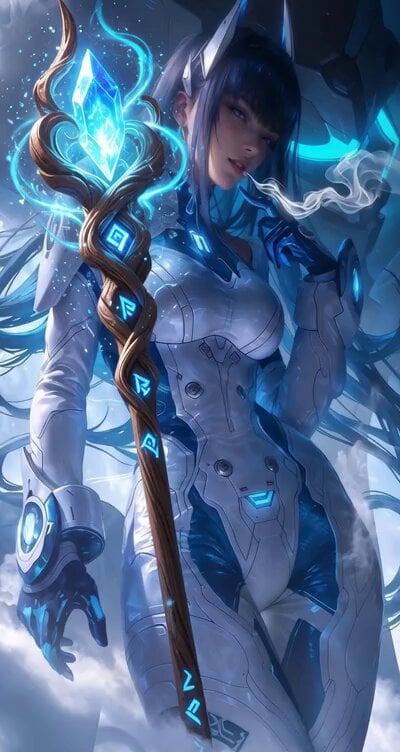
Cyberpunk Robot Transformation Video
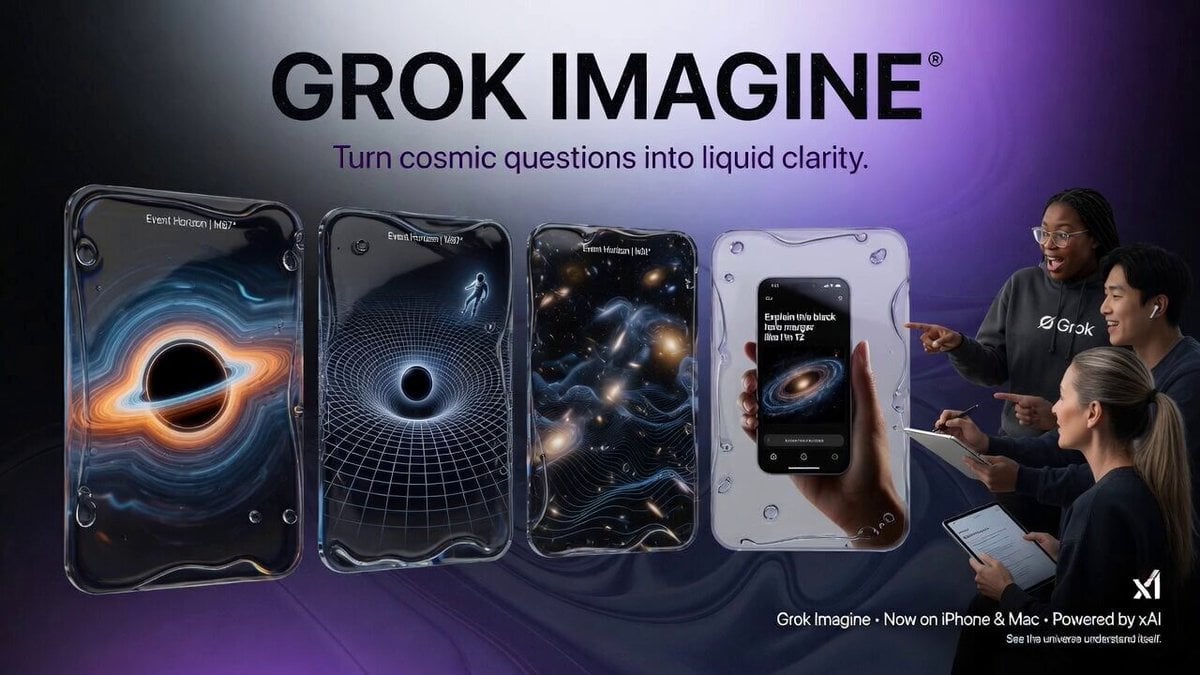
Abstract Tech Advertisement

Golden Hour Beach Dog POV
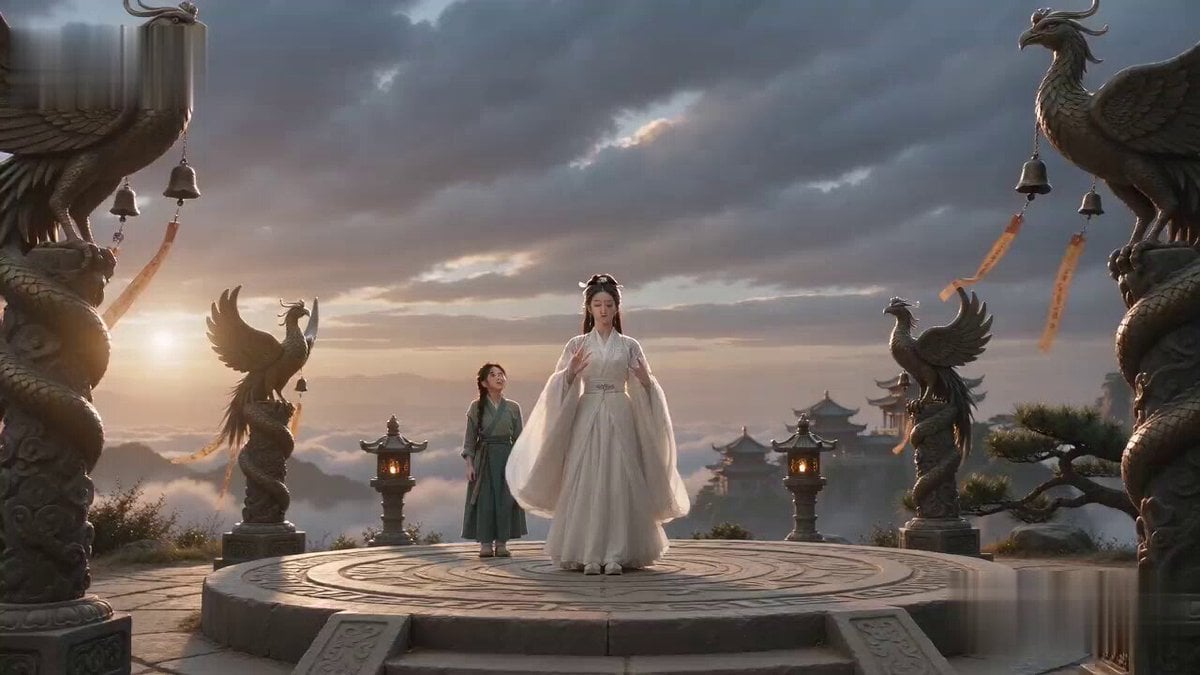
Tiny Phoenix Summoning Xianxia Comedy
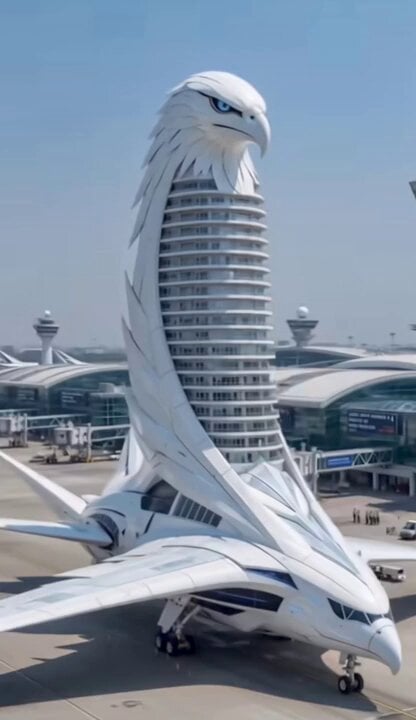
Eagle Hybrid Aircraft Takeoff
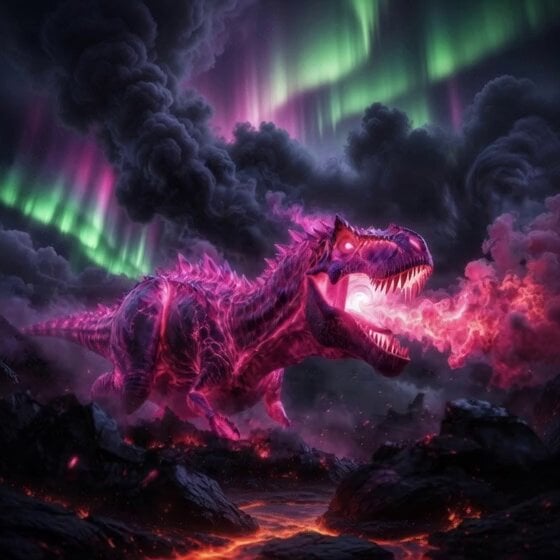
Colossal pink Tyrannosaurus Rex infused with ancient magic
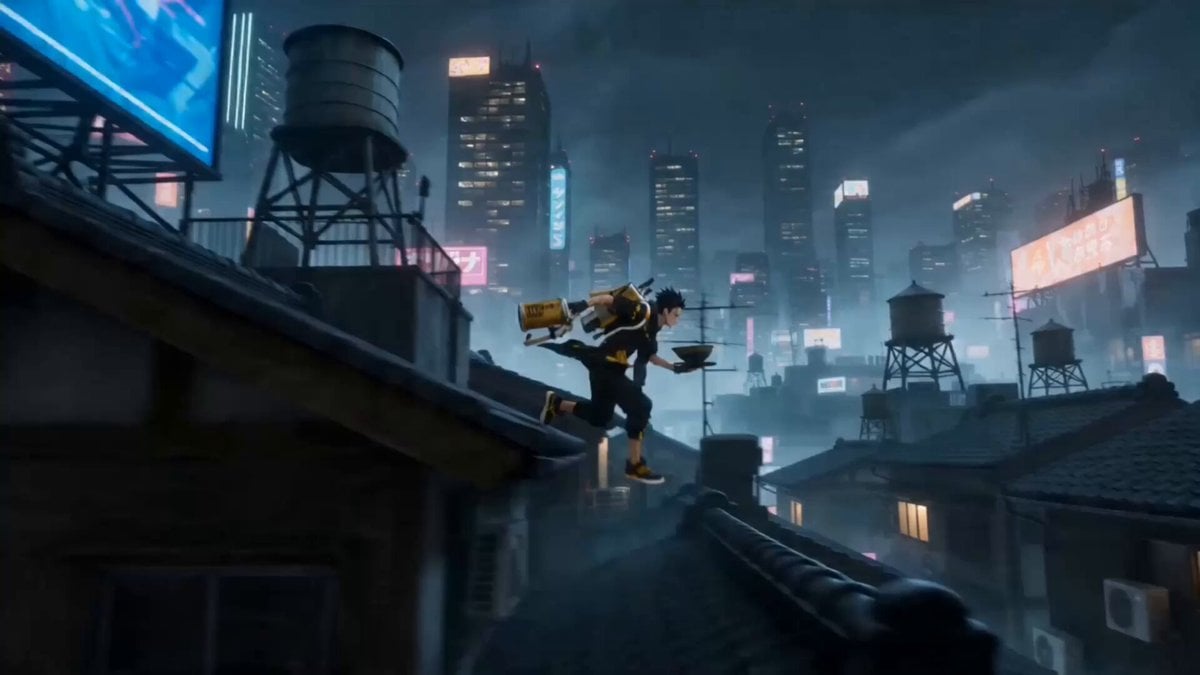
The Noodle Master Scene Description
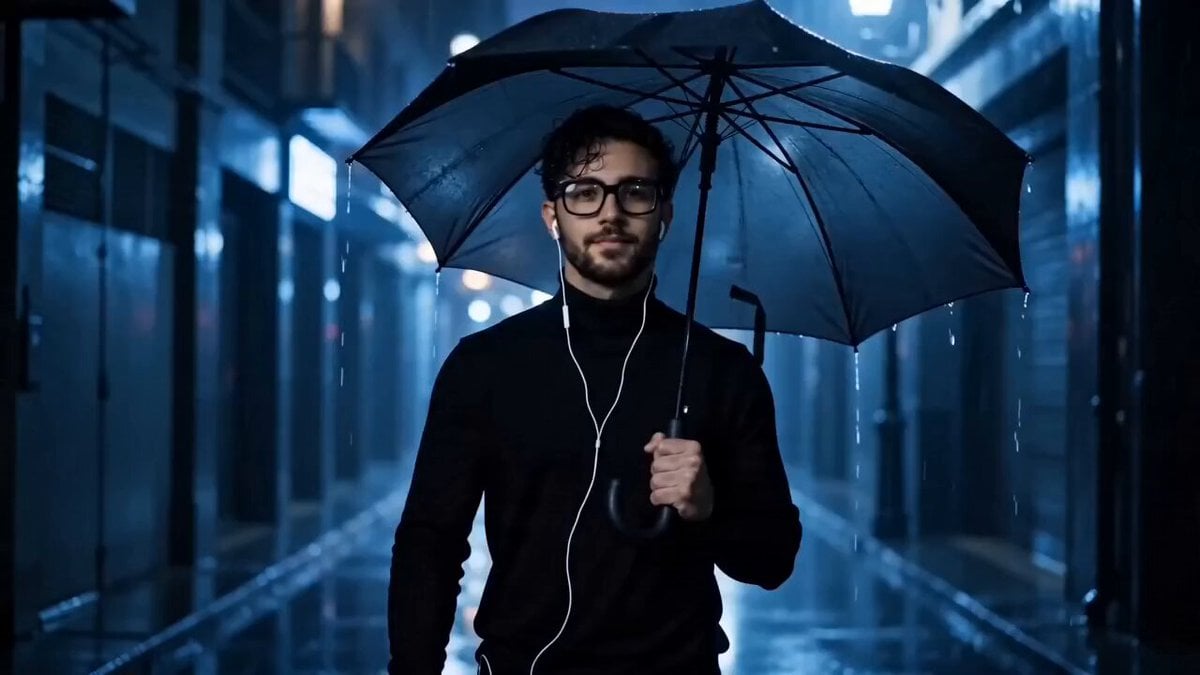
Cinematic Cyberpunk Rain Alley Encounter
Browse template categories
Image-to-Video Transformation: Ancient Roman Epic Scene Prompt questions
How do I use the Image-to-Video Transformation: Ancient Roman Epic Scene Prompt template?
Add your photo if the template asks for one, edit the prompt if you like — the template's model and format are already selected — and press Generate. Your version opens in PicX Studio.
Can I customize the Image-to-Video Transformation: Ancient Roman Epic Scene Prompt template?
Yes. You can change the subject, setting, lighting, mood, format, and available model controls before creating your video.
Is the Image-to-Video Transformation: Ancient Roman Epic Scene Prompt template free?
Opening and editing this template is free. Generating uses credits, shown on the Generate button when you are signed in.
Which AI model should I use?
Start with Grok Imagine, which is the model associated with this template. You can compare another compatible model for a different finish.
Looking for something else? Browse all templates.

Your photo, any look
Thousands of ready templates for every top image and video model, from one credit balance.