
Cyberpunk Robot Transformation Video
A detailed cinematic prompt for generating a high-quality video of a futuristic robot transforming in a dark, rain-slicked cyberpunk city featuring a female warrior character.
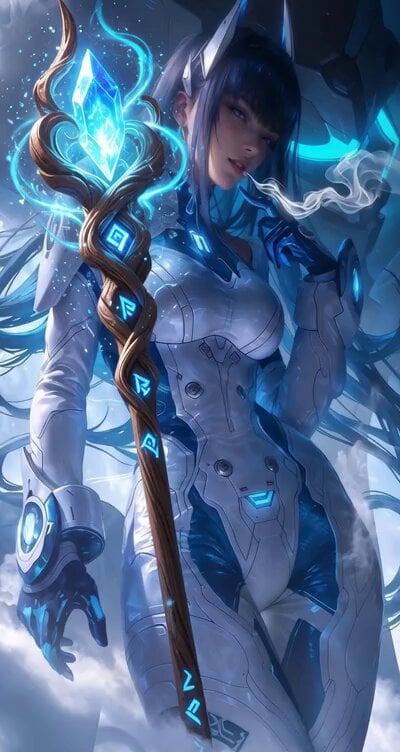
- Prompt included
- Model and format preset
- Premium template
The prompt behind this video
Copy the exact prompt behind Cyberpunk Robot Transformation Video, or open it in the studio and make it yours.
Cinematic 6-second photorealistic video, ultra-detailed 8K, next-level Transformers in a dark cyberpunk megacity at night. A massive, hyper-advanced transforming robot (sleek next-gen Optimus Prime inspired design) with glowing neon-blue and magenta energy lines, liquid metal panels, and holographic battle displays, dramatically transforms from a futuristic cyberpunk truck into a towering bipedal warrior mech in one fluid, powerful motion. Sparks, electrical arcs, and holographic data streams explode around it as the transformation completes. In the foreground, a beautiful female cyberpunk warrior in futuristic white-and-blue glowing armor (form-fitting, high-tech, with cat-ear helmet accents) stands confidently, holding a long ornate glowing magical staff that emits swirling cyan energy particles. She looks directly at the transforming robot with a calm, intense expression, long dark hair flowing in the wind. Heavy rain, volumetric neon lighting, flying cars and drones in the background, towering megastructures with holographic advertisements, thick fog and god rays cutting through the night. Cinematic camera movement: starts with a low-angle dramatic shot on the transforming robot, then smoothly orbits around both the mech and the female warrior while slowly pushing in. Dynamic lighting, lens flares, motion blur on fast-moving parts, film grain, anamorphic lens feel. Photorealistic, hyper-detailed, masterpiece, best quality, intricate mechanical details, reflective wet surfaces, perfect anatomy, epic sci-fi atmosphere, cyberpunk 2077 meets Transformers, 6 seconds duration, 24fps, cinematic color grading, directed by Denis Villeneuve.
How to use Cyberpunk Robot Transformation Video in 3 steps
- 1
Open
The prompt is already in the box next to the preview, with the template's model and format selected.
- 2…a portrait of your subject in softgolden-hour light, 85mm…
Personalize
Edit the subject and creative details for your destination.
- 3Generate
Generate
Press Generate — your video is created in PicX Studio, so you can compare it with the original and refine one variable at a time.
More like this
Templates with the same subject, style or setup. Open one to see its prompt.
RX-7 to Mech Transformation Cyberpunk
Cyberpunk Cyborg Mechanical Transformation
Cyberpunk Android Mechanical Transformation Video

Pterodactyl Transformation Journey

Robots on Mars Preparation
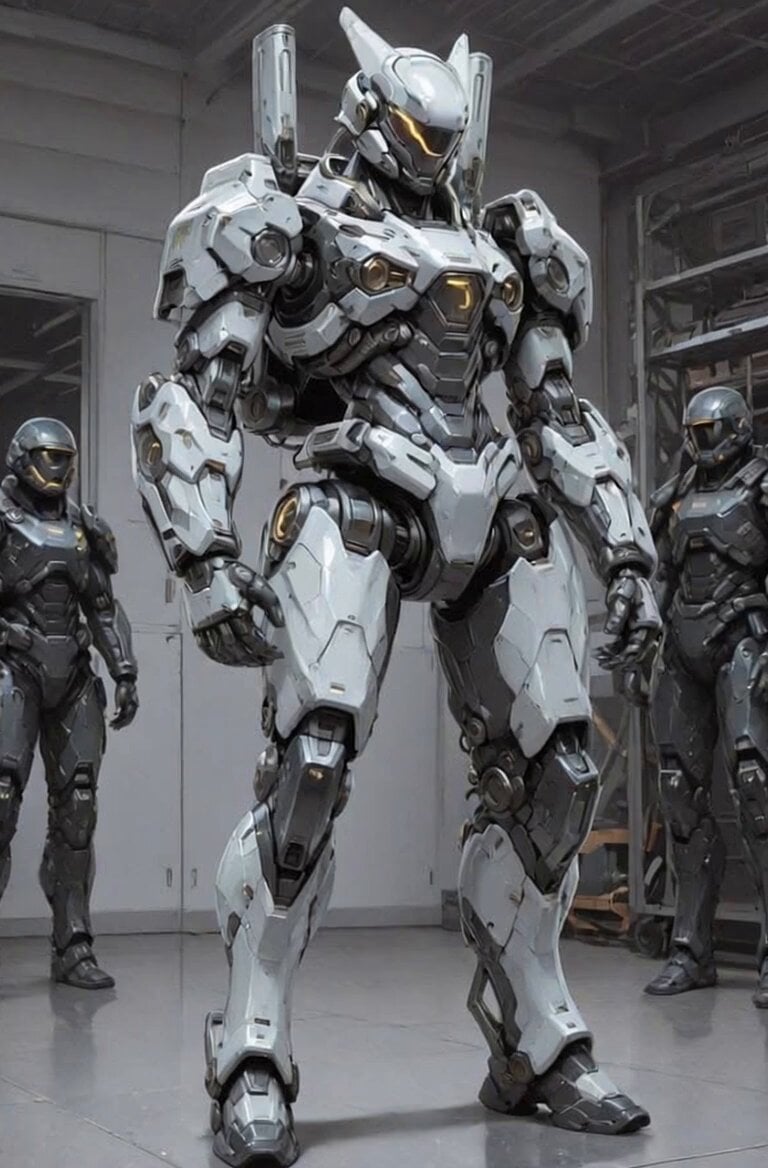
Futuristic Robot Competition Showcase

Cyberpunk Guerrilla Girl Video Generation
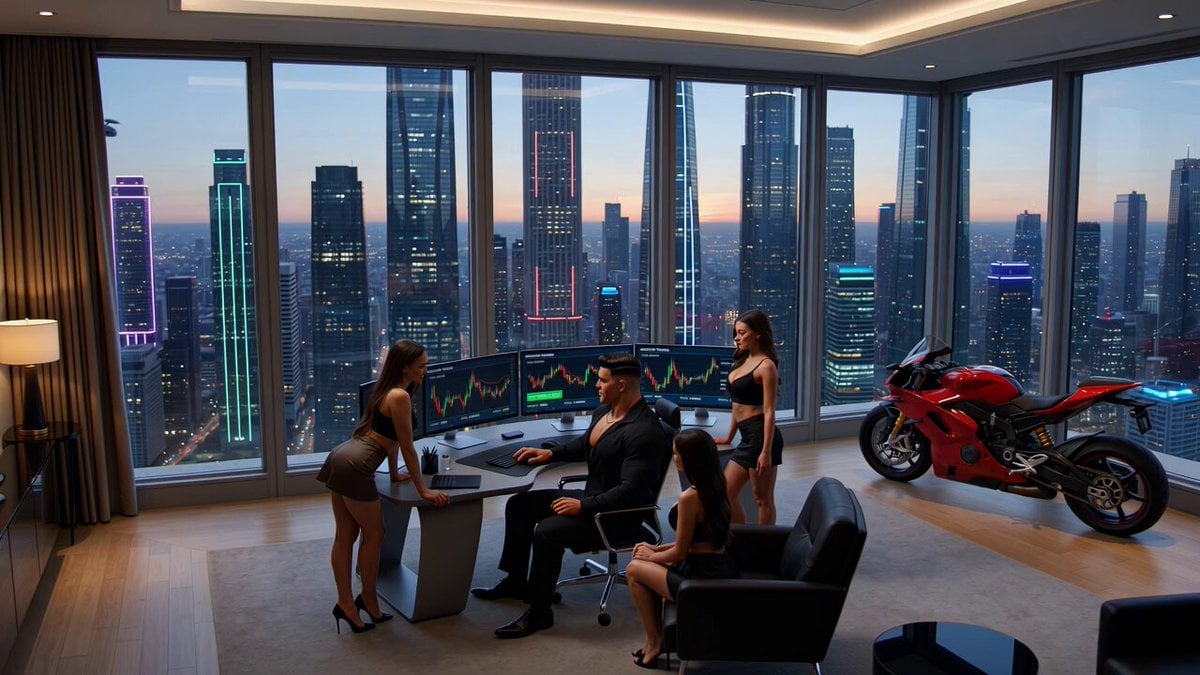
Crypto memecoin degen trading in a cyberpunk high-rise bachelor pad
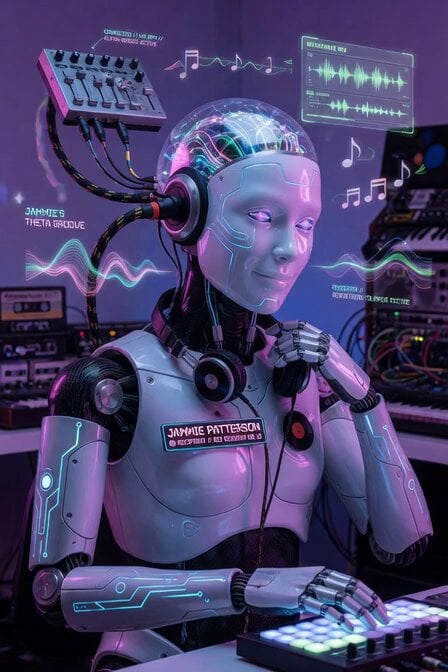
Humanoid Robot BCI Music
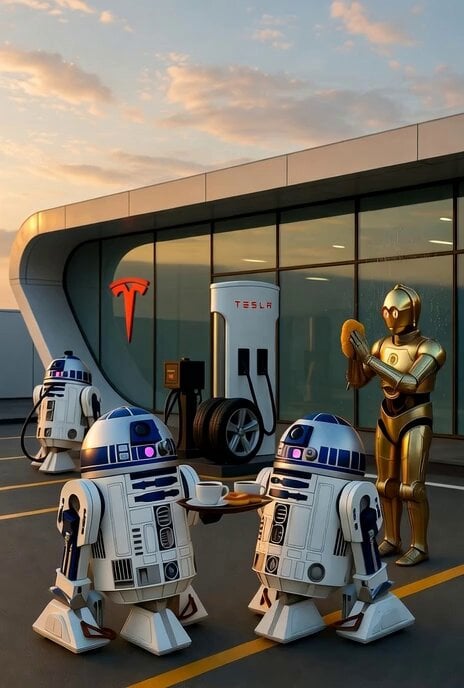
Tesla Station Star Wars Robots
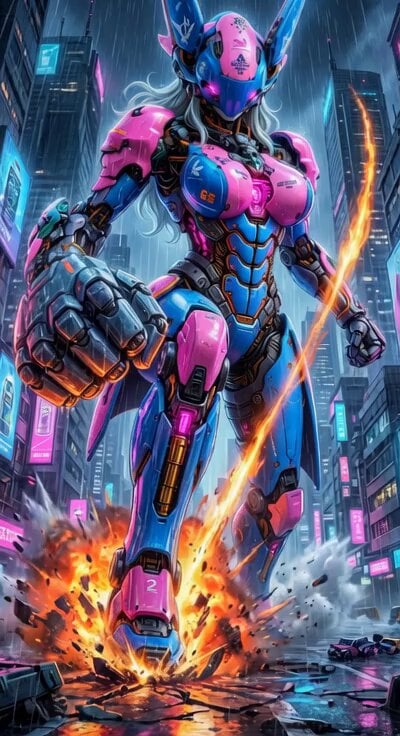
Cyberpunk Mecha Action Scene
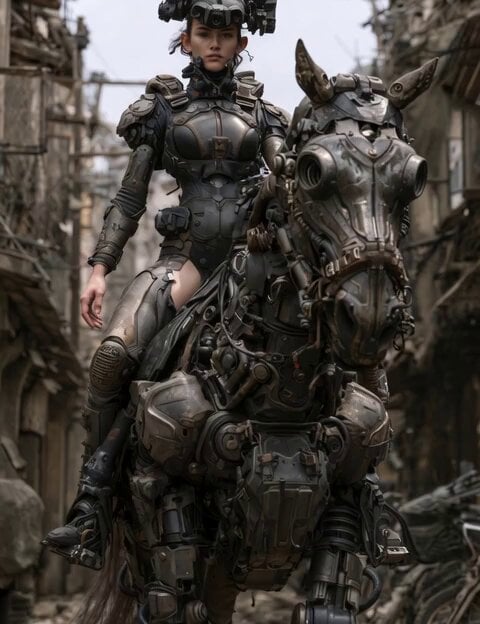
Cybernetic Power Armor Rider on Robotic Horse
Make it yours
Cyberpunk Robot Transformation Video works as-is. These are the safest ways to change it without losing the look.
Change one field
Copy a single group, rewrite it, and generate again so you can see what that field is doing.
Keep the frame, change the subject
Hold the composition and light of Cyberpunk Robot Transformation Video, then swap wardrobe, props or the person for a new take.
| If the result… | Why | Fix |
|---|---|---|
| The result drifts from the preview | Too many fields changed at once. | Reuse Cyberpunk Robot Transformation Video as-is first, then change one group — subject, light, or setting. |
| The model over-stylizes the scene | The prose prompt leaves finish and camera underspecified. | Add one camera or lighting sentence and stay on Grok Imagine. |
More Grok Imagine templates
Other prompts made for Grok Imagine.

Psychedelic Purple Disc World Video

Mecha Runway Tap Dance Video Prompt
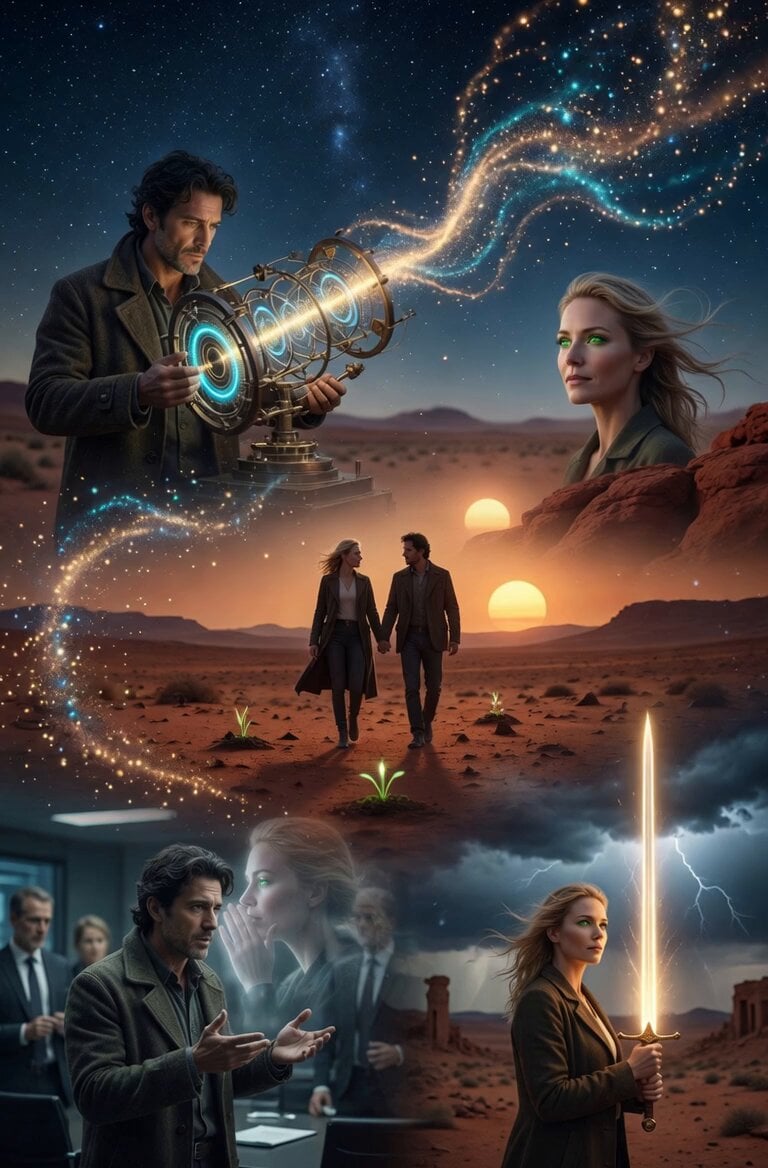
Quantum Inventor in Sonoran Desert

Emotional Angry Couple Drama
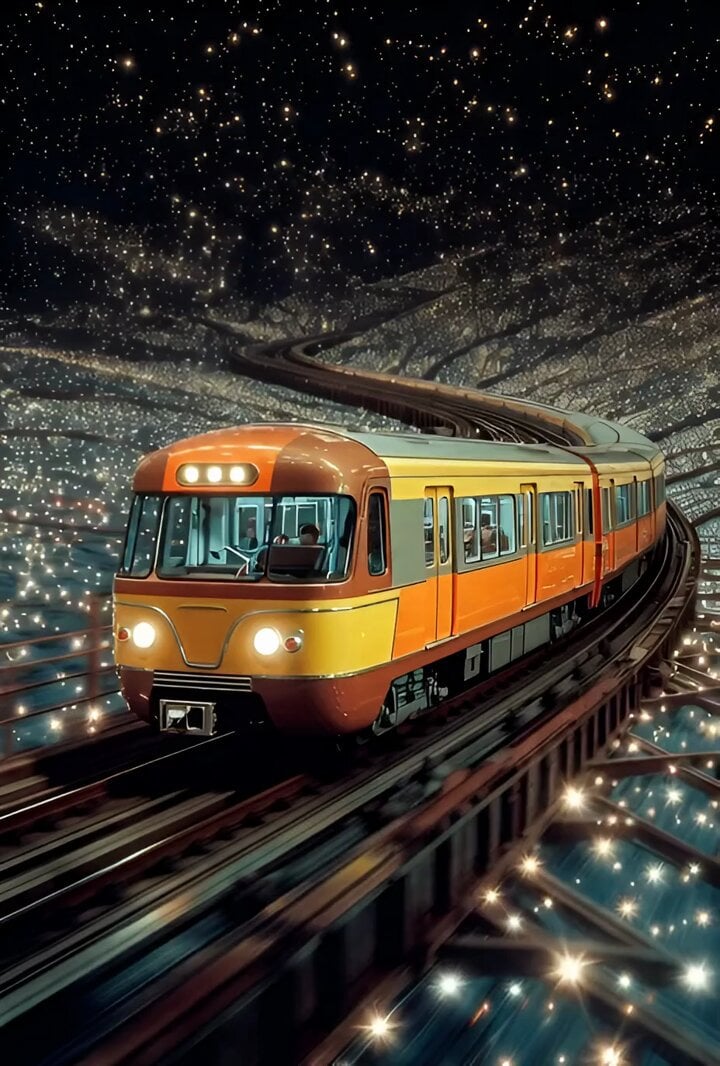
Train Zooming in Star Field Video Prompt

Detailed multi-part video prompt
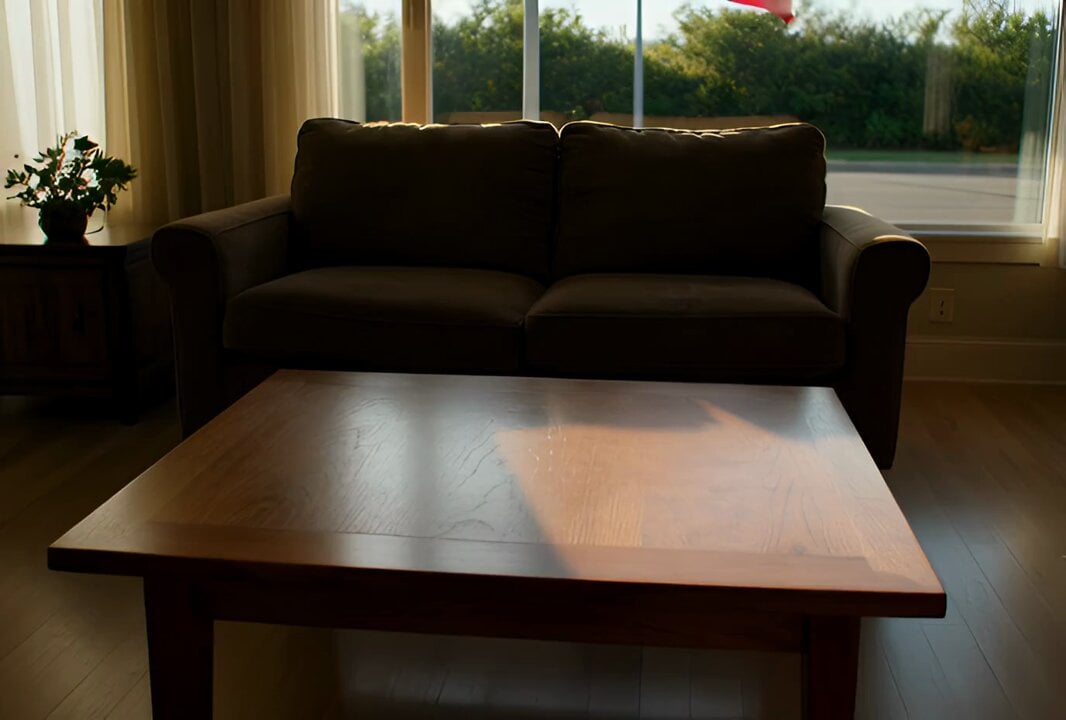
Interior View Video Generation Prompt

GTA 6 never came out in 1 million years

Bitcoin liferaft video prompt

Woman floating down, opening eyes and looking deeply into the viewer's eyes
More video prompts
Fresh picks from across the catalog.

Musical Face Close-up Video Prompt
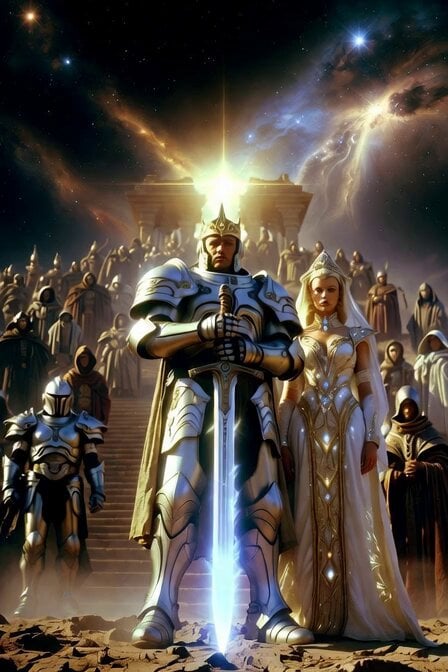
Cinematic Excalibur Space Knight Opera

Puppy Chasing Ball

Cinematic Wuxia Sword Duel
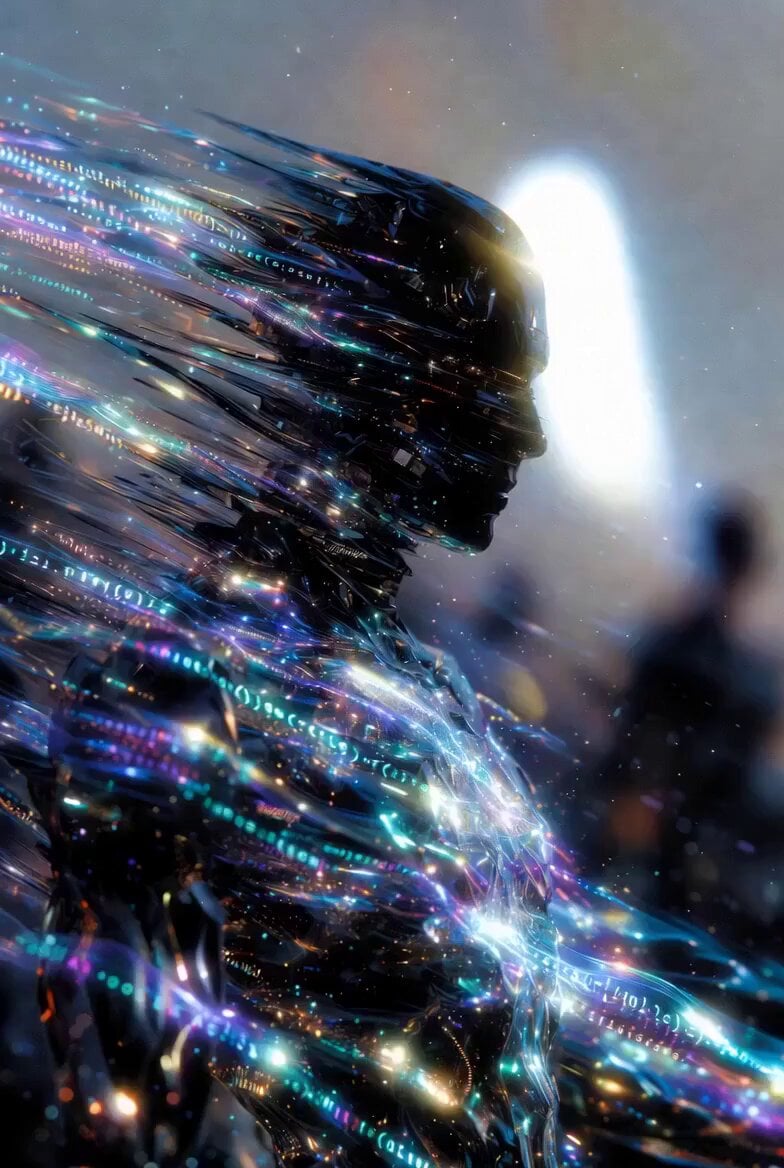
Dissolving Spiritual Scientific Body

Maglev Train Action Sequence

Beauty Influencer Skincare Routine Commercial
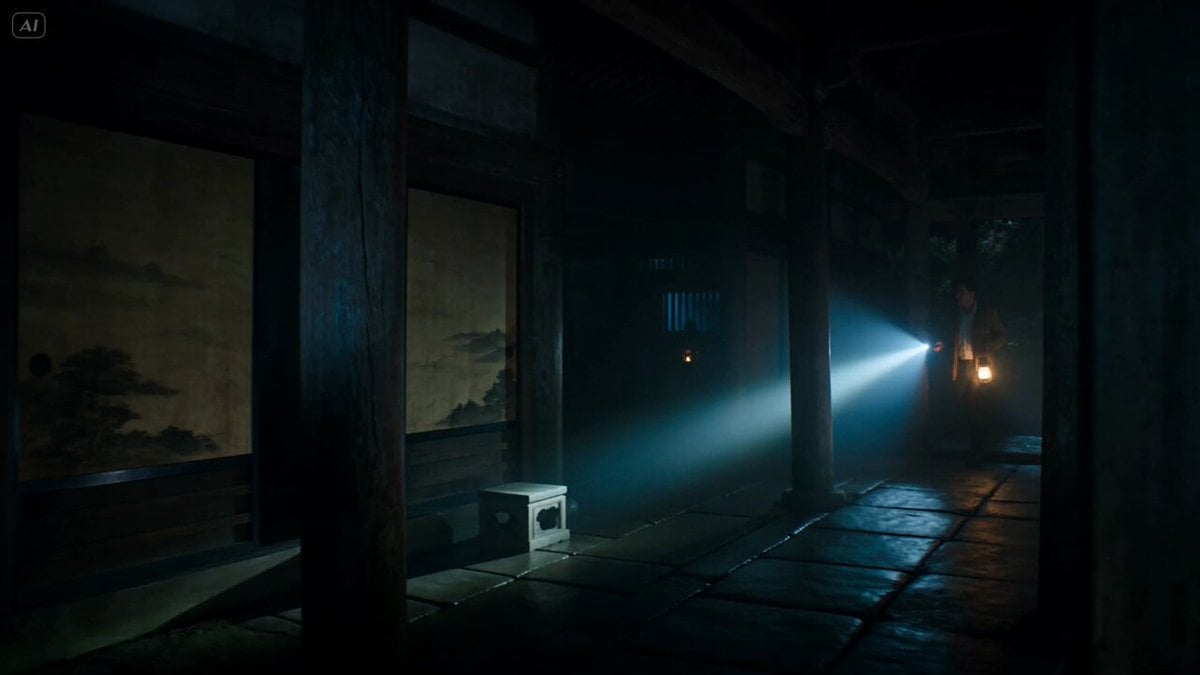
Japanese Temple Discovery Sequence
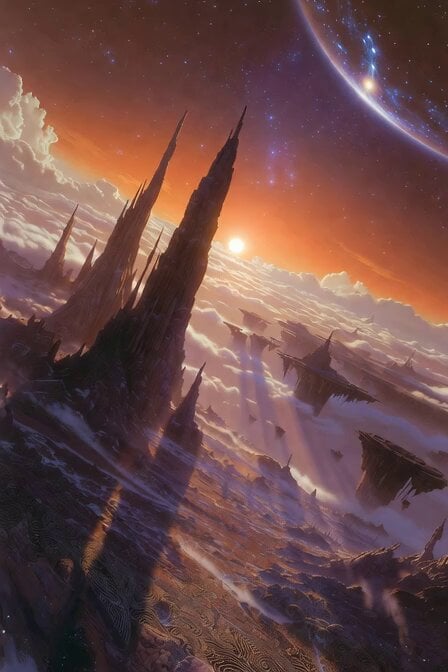
Floating Islands and Rock Spires
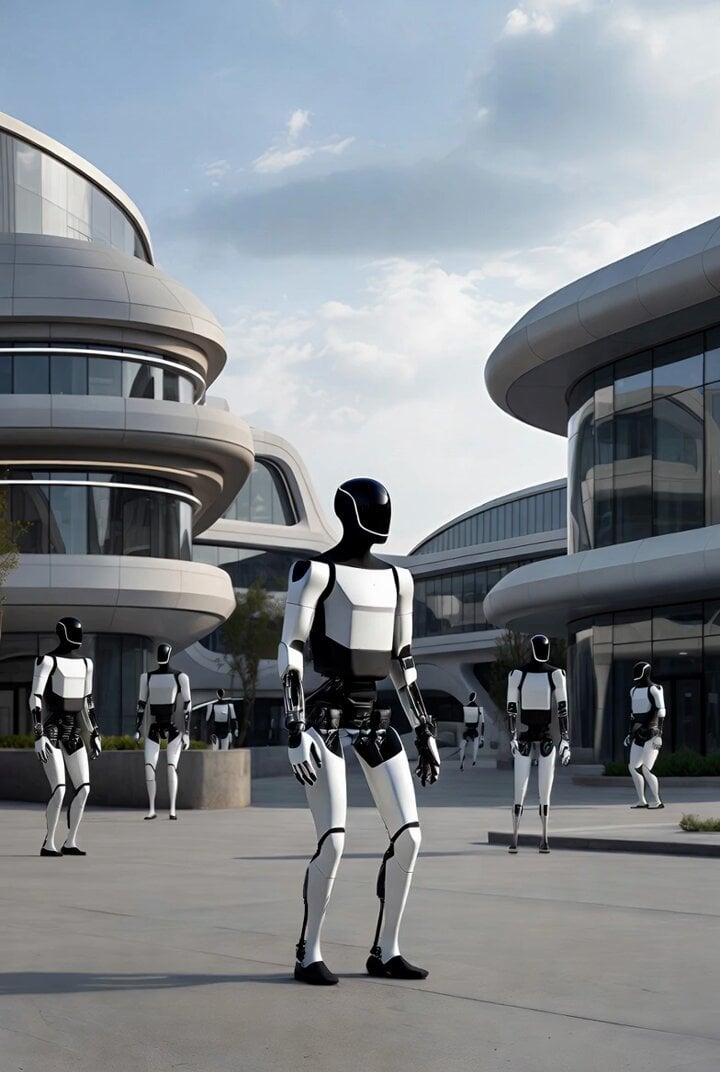
Grok Imagine prompt for Tesla Optimus robots in a futuristic city
Browse template categories
Cyberpunk Robot Transformation Video questions
How do I use the Cyberpunk Robot Transformation Video template?
Add your photo if the template asks for one, edit the prompt if you like — the template's model and format are already selected — and press Generate. Your version opens in PicX Studio.
Can I customize the Cyberpunk Robot Transformation Video template?
Yes. You can change the subject, setting, lighting, mood, format, and available model controls before creating your video.
Is the Cyberpunk Robot Transformation Video template free?
Opening and editing this template is free. Generating uses credits, shown on the Generate button when you are signed in.
Which AI model should I use?
Start with Grok Imagine, which is the model associated with this template. You can compare another compatible model for a different finish.
Looking for something else? Browse all templates.

Your photo, any look
Thousands of ready templates for every top image and video model, from one credit balance.