How do I use the Cinematic Cyberpunk Rain Alley Encounter template?
Edit the prompt in the box under the preview — the template's model and format are already selected — and press Generate. Your version appears right on this page.
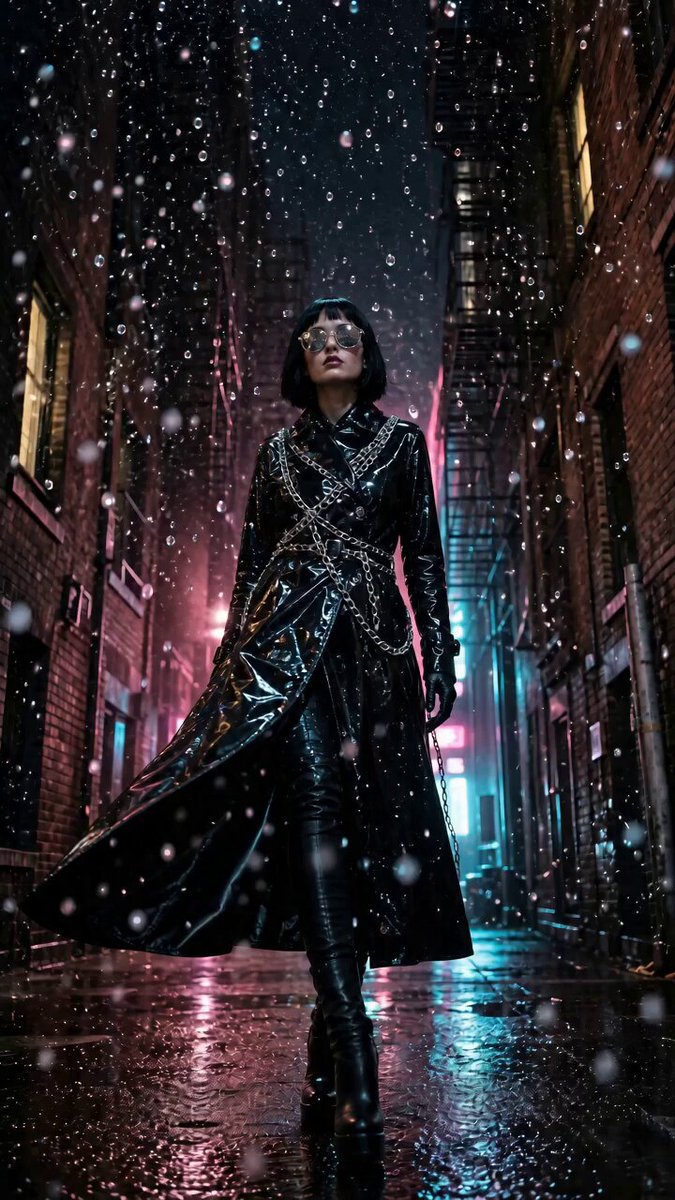
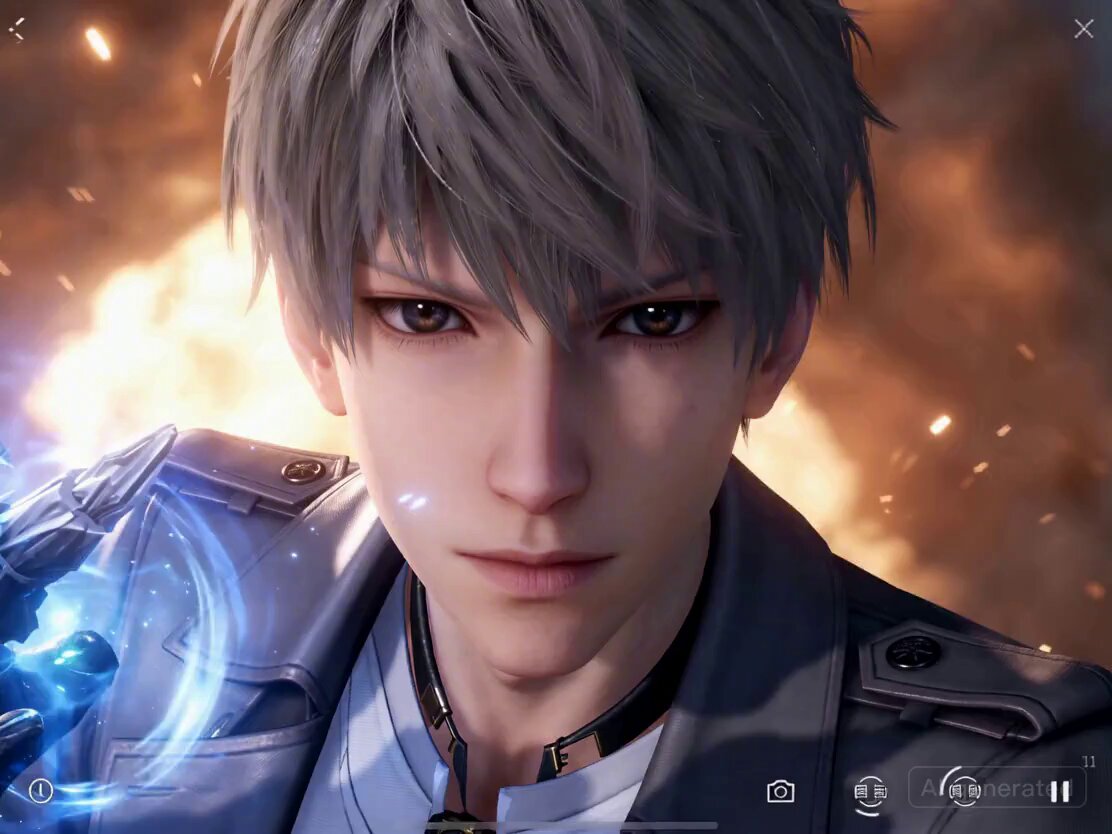
A highly detailed cinematic sequence depicting a man in a rain-soaked alleyway who activates a high-tech exo-suit to combat a glitching digital entity.
Ultra-realistic cinematic rain-soaked alley, midnight ambience, deep shadows, cold blue–purple neon reflections, shallow depth of field. A mysterious young man (same face as reference) walks under flickering signs, holding a black umbrella, earphones in, lightly nodding to music. Calm expression, slightly wet hair, soft breath visible in cold air. Smooth side-tracking shot, puddles reflecting light. Suddenly—electric surge. Streetlights flicker violently. A high-pitched digital distortion fills the air. A nearby billboard glitches, then collapses inward like a vortex. The alley distorts—walls bending unnaturally. From the distortion, a towering shadow entity emerges—humanoid but fragmented, made of shifting pixels and dark energy, eyes glowing white static. Close-up: entity twitching, unstable, emitting digital growls. Cut to close-up: the man, unfazed, slowly removing one earbud. He stops. Silence. He taps his wrist—instant activation. A sleek black-and-chrome exo-suit forms around him in liquid-metal motion, glowing violet circuits, razor-sharp edges, reflective visor. The entity lunges, warping space around it. At impact moment—time fractures. The man phases sideways in a glitch-like teleport, leaving behind a trail of fragmented light. Slow-motion: he reappears mid-air, delivering a precise energy slash. The strike tears through the entity, reality rippling like broken glass. The alley freezes—raindrops suspended mid-air. Hero shot: he stands elevated, surrounded by floating shards of light and frozen rain, neon reflecting across his armor as the entity disintegrates into particles. Everything snaps back. Rain resumes. Suit dissolves into thin air. He puts the earbud back in… continues walking. Final shot: alley returns to normal—only faint digital flickers remain.
Ultra-realistic cinematic rain-soaked alley, midnight ambience, deep shadows, cold blue–purple neon reflections, shallow depth of field. A mysterious young man (same face as reference) walks under flickering signs, holding a black umbrella, earphones in, lightly nodding to music. Calm expression, slightly wet hair, soft breath visible in cold air. Smooth side-tracking shot, puddles reflecting light. Suddenly—electric surge. Streetlights flicker violently. A high-pitched digital distortion fills the air. A nearby billboard glitches, then collapses inward like a vortex. The alley distorts—walls bending unnaturally. From the distortion, a towering shadow entity emerges—humanoid but fragmented, made of shifting pixels and dark energy, eyes glowing white static. Close-up: entity twitching, unstable, emitting digital growls. Cut to close-up: the man, unfazed, slowly removing one earbud. He stops. Silence. He taps his wrist—instant activation. A sleek black-and-chrome exo-suit forms around him in liquid-metal motion, glowing violet circuits, razor-sharp edges, reflective visor. The entity lunges, warping space around it. At impact moment—time fractures. The man phases sideways in a glitch-like teleport, leaving behind a trail of fragmented light. Slow-motion: he reappears mid-air, delivering a precise energy slash. The strike tears through the entity, reality rippling like broken glass. The alley freezes—raindrops suspended mid-air. Hero shot: he stands elevated, surrounded by floating shards of light and frozen rain, neon reflecting across his armor as the entity disintegrates into particles. Everything snaps back. Rain resumes. Suit dissolves into thin air. He puts the earbud back in… continues walking. Final shot: alley returns to normal—only faint digital flickers remain.
Edit the prompt in the box under the preview — the template's model and format are already selected — and press Generate. Your version appears right on this page.
Yes. You can change the subject, setting, lighting, mood, format, and available model controls before creating your video.
Opening and editing this template is free. Generating uses credits, shown on the Generate button when you are signed in.
Start with Seedance 2.0, which is the model associated with this template. You can compare another compatible model for a different finish.
Follow a topic to a crawlable collection of related PicX Studio templates.