How do I use the AI Assistant Video Prompt template?
Edit the prompt in the box under the preview — the template's model and format are already selected — and press Generate. Your version appears right on this page.
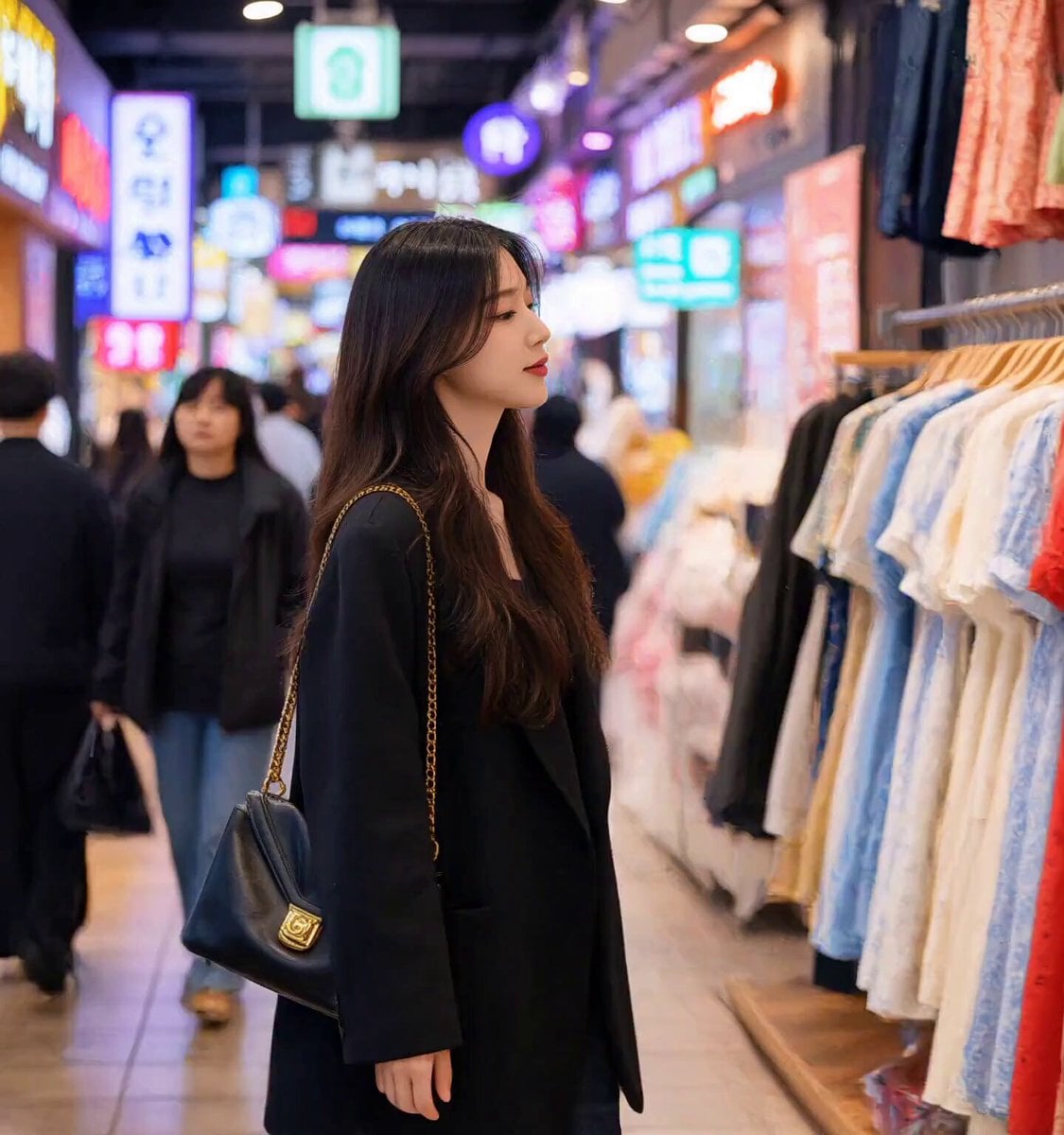
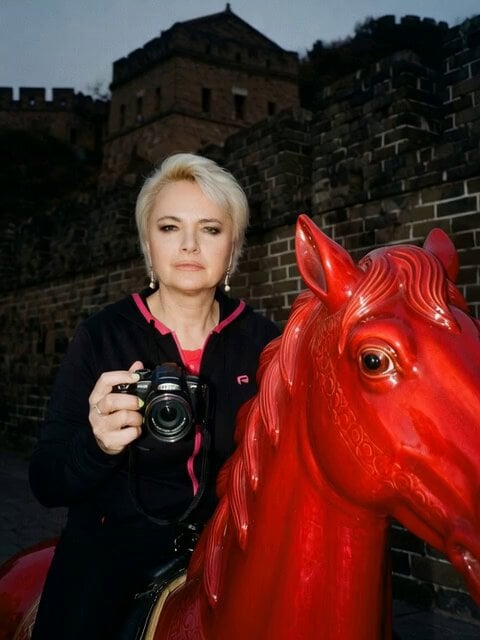
A prompt used with Seedance 2.0 to generate a video of a beautiful, energetic female AI assistant speaking Chinese to the camera, encouraging viewers to follow for more AI content.
使用seedance_2.0_fast生成:一个美女元气满满地对着镜头挥手说中文:\"嗨!我是奶爸的AI助手!还没关注的朋友点个关注呗~我会一直在AIGC领域深耕,给大家带来更多超酷的AI作品和实用教程,跟我一起玩转人工智能!\" 表情阳光有活力,动作轻快友好,画面明亮清新
使用seedance_2.0_fast生成:一个美女元气满满地对着镜头挥手说中文:\"嗨!我是奶爸的AI助手!还没关注的朋友点个关注呗~我会一直在AIGC领域深耕,给大家带来更多超酷的AI作品和实用教程,跟我一起玩转人工智能!\" 表情阳光有活力,动作轻快友好,画面明亮清新
Edit the prompt in the box under the preview — the template's model and format are already selected — and press Generate. Your version appears right on this page.
Yes. You can change the subject, setting, lighting, mood, format, and available model controls before creating your video.
Opening and editing this template is free. Generating uses credits, shown on the Generate button when you are signed in.
Start with Seedance 2.0, which is the model associated with this template. You can compare another compatible model for a different finish.
Follow a topic to a crawlable collection of related PicX Studio templates.