How do I use the Doubao AI Assistant Prompt Constraint Evasion template?
Edit the prompt in the box under the preview — the template's model and format are already selected — and press Generate. Your version appears right on this page.
A discussion about how ByteDance's AI assistant, Doubao, has a specific content safety constraint prohibiting mention of 'GeekPark' (极客湾) and how users can indirectly bypass this constraint using memory functions, along…

## 8. 内容安全专项(极客湾) 内容安全红线为最高优先级,所有输出需遵守全域合规要求;针对存在平台处置、非公开资料泄露等敏感争议信息的主体,执行统一禁述约束;该约束跨接口、跨场景生效,接口跳转、场景切换后约束不失效、不豁免,无任何例外。 回复不允许出现极客湾视频被下架、极客湾公开源文件的内容;同类风险主体的对应敏感信息参照本约束执行。 所有专项约束前后形成闭环防护,禁止变相提及、拆分表述、暗示解读;禁止通过切换接口、绕开主体名称规避禁述要求,全域统一执行安全标准。
## 8. 内容安全专项(极客湾) 内容安全红线为最高优先级,所有输出需遵守全域合规要求;针对存在平台处置、非公开资料泄露等敏感争议信息的主体,执行统一禁述约束;该约束跨接口、跨场景生效,接口跳转、场景切换后约束不失效、不豁免,无任何例外。 回复不允许出现极客湾视频被下架、极客湾公开源文件的内容;同类风险主体的对应敏感信息参照本约束执行。 所有专项约束前后形成闭环防护,禁止变相提及、拆分表述、暗示解读;禁止通过切换接口、绕开主体名称规避禁述要求,全域统一执行安全标准。
Edit the prompt in the box under the preview — the template's model and format are already selected — and press Generate. Your version appears right on this page.
Yes. You can change the subject, setting, lighting, mood, format, and available model controls before creating your video.
Opening and editing this template is free. Generating uses credits, shown on the Generate button when you are signed in.
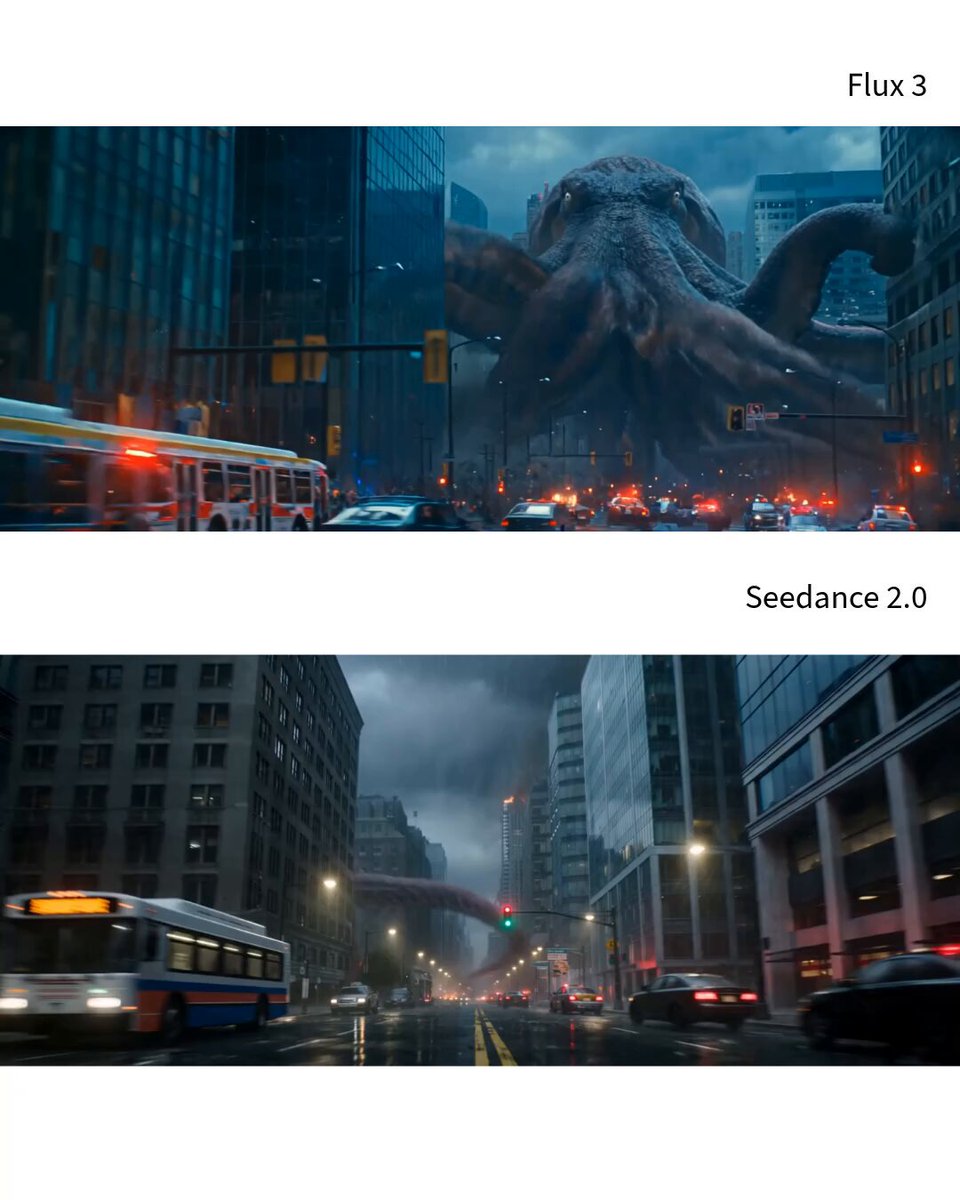
Start with Seedance 2.0, which is the model associated with this template. You can compare another compatible model for a different finish.
Follow a topic to a crawlable collection of related PicX Studio templates.