How do I use the Surreal Nighttime Alley Rain Scene template?
Edit the prompt in the box under the preview — the template's model and format are already selected — and press Generate. Your version appears right on this page.
A cinematic video prompt for Seedance 2.0 featuring a woman in a vinyl trench coat in a frozen-time rainy alley with neon lights and a 360-degree camera orbit.
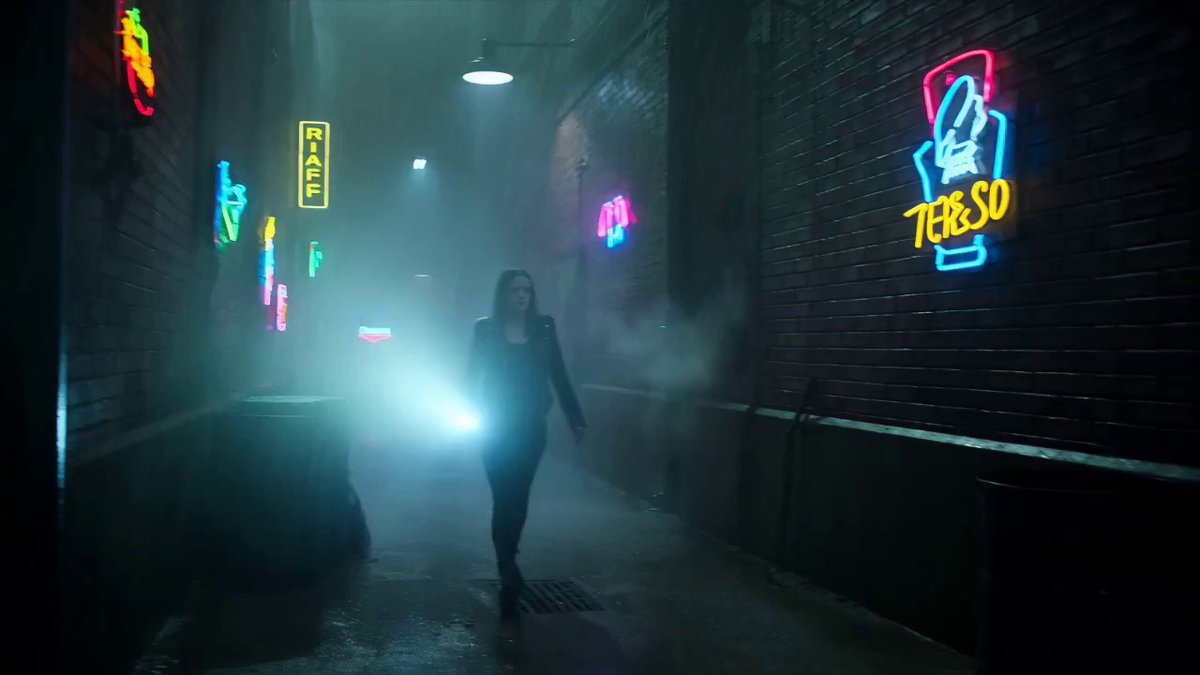
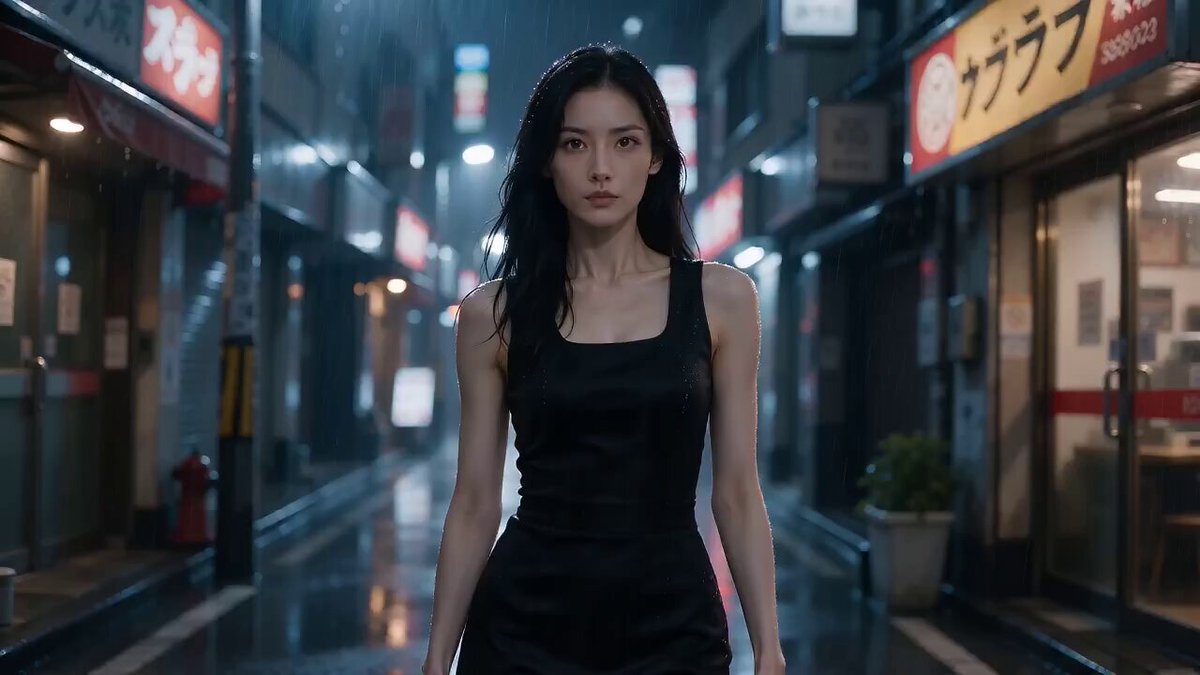
Scene & Mood: Surreal nighttime alley editorial with suspended rain and cold neon stillness. A pale skinned woman with sleek black bob hair stands motionless mid stride in a narrow rain-soaked alley, dressed in a long black vinyl trench coat, silver chain harness over the coat, black leather gloves, and mirrored aviator sunglasses. Around her, raindrops hang frozen in mid air at every distance, catching pink and cyan neon bleed from unreadable signage glow above. The mood is cold, graphic, hypnotic, and cinematic, with suspended time treated as completely real inside a grounded urban alley. Frame Map: Begin in a full body centered composition, low angle. Subject stands center frame, weight on her back leg, front foot lifted mid step, coat frozen mid swing to one side. Frozen raindrops occupy all depth layers: dense near camera droplets soft blurred in foreground, mid layer droplets sharp around her torso, distant droplets faint near the alley's vanishing point. Wet asphalt fills the lower frame, brick walls and fire escapes frame both sides, a single glowing signage silhouette (shape only, no legible letters) glows at the far end of the alley. Subject Lock: Subject keeps the same face, hair, wardrobe, body shape, and silhouette throughout. Preserve her black bob, mirrored sunglasses, calm closed-mouth expression, black vinyl trench coat frozen mid-swing, silver chain harness, black gloves, and mid stride frozen pose with front foot lifted. Do not change her hair length, coat color, harness position, glove style, or stride angle. Coat hem and chain links remain fixed in their suspended arc. Cross Frame Rules: Keep the subject as the only person and main subject. Maintain the same frozen mid stride pose, wardrobe, and suspended raindrop field for all 15 seconds. No new figures enter the alley, no raindrops fall or reset, no duplicated limbs, no body warping, no coat re draping, no sudden pose change. The 360 camera orbit may reveal different sides of the alley, but the subject and raindrop field remain centered, stable, and fully readable. No on screen text, no captions, no signage typography, no rendered text in the frame. Movement: 15 seconds total. Subject remains locked mid stride, body held in suspended animation as if time paused around her alone. Micro motion: slow steady breathing visible in coat fabric, faint hair strands drifting almost imperceptibly, sunglasses catching shifting neon reflections as the camera moves, a single strand of chain swaying by a fraction of an inch. Environmental motion: frozen raindrops hold position but shimmer faintly with internal light refraction, distant signage glow pulses slowly, thin steam rises static frozen from a nearby grate, puddle surface holds a rippling reflection loop of the neon glow. Camera motion: one smooth 360 degree orbit around her over the full 15 seconds, gliding through gaps in the frozen raindrop field without disturbing them, circling from front stride view, around her side, past her back, and returning to the starting angle. Last Frame: At 15 seconds, the camera completes the 360 orbit and settles back near the original centered low angle composition. Subject remains frozen mid stride, coat suspended mid swing, sunglasses reflecting soft neon glow, raindrops still hanging motionless around her at every depth. Camera eases to a steady centered frame with no visible shake. No on screen text, no captions, no signage typography, no rendered text in the frame. World Plate: Narrow urban alley at night, wet black asphalt, aged brick walls, iron fire escapes, a single distant glowing sign shape with unreadable light bleed, thin static steam from a street grate, deep atmospheric haze softening the far end of the alley. Cold neon pink and cyan light mix with practical amber window glow from upper floors. The environment stays grounded and physically real, making the suspended rain feel clean, deliberate, and photographed rather than digitally generated. Sound Bed: Diegetic audio only: distant city hum, faint dripping from unfrozen gutter runoff, soft creak of a fire escape in wind, low electrical buzz from the neon sign, subtle fabric tension in the frozen coat, faint distant traffic murmur. No music, no soundtrack, no score, no lyrics. Capture Realism: Natural skin texture, matte skin under gloves, realistic vinyl coat sheen, believable chain metal weight, grounded wet asphalt reflections, soft neon highlight rolloff, lifted shadows in the brick shadows, mild 35mm grain, realistic frozen droplet light refraction, clean night exposure with controlled highlight bloom. Avoid AI gloss, plastic skin, over sharp puddle reflections, warped hands, melted chain links, duplicated body parts, crushed blacks, clipped highlights, and fake motion blur on the frozen rain. Camera Capture: 15 seconds, 24fps, 180 degree shutter, wide latitude cinema capture, smooth stabilized 360 degree orbit with subtle handheld breath, 35mm lens for full body environmental fashion framing, fine 35mm grain, soft highlight rolloff, cool neon and amber night color grade, realistic motion blur, stable subject tracking, and practical editorial realism.
Scene & Mood: Surreal nighttime alley editorial with suspended rain and cold neon stillness. A pale skinned woman with sleek black bob hair stands motionless mid stride in a narrow rain-soaked alley, dressed in a long black vinyl trench coat, silver chain harness over the coat, black leather gloves, and mirrored aviator sunglasses. Around her, raindrops hang frozen in mid air at every distance, catching pink and cyan neon bleed from unreadable signage glow above. The mood is cold, graphic, hypnotic, and cinematic, with suspended time treated as completely real inside a grounded urban alley. Frame Map: Begin in a full body centered composition, low angle. Subject stands center frame, weight on her back leg, front foot lifted mid step, coat frozen mid swing to one side. Frozen raindrops occupy all depth layers: dense near camera droplets soft blurred in foreground, mid layer droplets sharp around her torso, distant droplets faint near the alley's vanishing point. Wet asphalt fills the lower frame, brick walls and fire escapes frame both sides, a single glowing signage silhouette (shape only, no legible letters) glows at the far end of the alley. Subject Lock: Subject keeps the same face, hair, wardrobe, body shape, and silhouette throughout. Preserve her black bob, mirrored sunglasses, calm closed-mouth expression, black vinyl trench coat frozen mid-swing, silver chain harness, black gloves, and mid stride frozen pose with front foot lifted. Do not change her hair length, coat color, harness position, glove style, or stride angle. Coat hem and chain links remain fixed in their suspended arc. Cross Frame Rules: Keep the subject as the only person and main subject. Maintain the same frozen mid stride pose, wardrobe, and suspended raindrop field for all 15 seconds. No new figures enter the alley, no raindrops fall or reset, no duplicated limbs, no body warping, no coat re draping, no sudden pose change. The 360 camera orbit may reveal different sides of the alley, but the subject and raindrop field remain centered, stable, and fully readable. No on screen text, no captions, no signage typography, no rendered text in the frame. Movement: 15 seconds total. Subject remains locked mid stride, body held in suspended animation as if time paused around her alone. Micro motion: slow steady breathing visible in coat fabric, faint hair strands drifting almost imperceptibly, sunglasses catching shifting neon reflections as the camera moves, a single strand of chain swaying by a fraction of an inch. Environmental motion: frozen raindrops hold position but shimmer faintly with internal light refraction, distant signage glow pulses slowly, thin steam rises static frozen from a nearby grate, puddle surface holds a rippling reflection loop of the neon glow. Camera motion: one smooth 360 degree orbit around her over the full 15 seconds, gliding through gaps in the frozen raindrop field without disturbing them, circling from front stride view, around her side, past her back, and returning to the starting angle. Last Frame: At 15 seconds, the camera completes the 360 orbit and settles back near the original centered low angle composition. Subject remains frozen mid stride, coat suspended mid swing, sunglasses reflecting soft neon glow, raindrops still hanging motionless around her at every depth. Camera eases to a steady centered frame with no visible shake. No on screen text, no captions, no signage typography, no rendered text in the frame. World Plate: Narrow urban alley at night, wet black asphalt, aged brick walls, iron fire escapes, a single distant glowing sign shape with unreadable light bleed, thin static steam from a street grate, deep atmospheric haze softening the far end of the alley. Cold neon pink and cyan light mix with practical amber window glow from upper floors. The environment stays grounded and physically real, making the suspended rain feel clean, deliberate, and photographed rather than digitally generated. Sound Bed: Diegetic audio only: distant city hum, faint dripping from unfrozen gutter runoff, soft creak of a fire escape in wind, low electrical buzz from the neon sign, subtle fabric tension in the frozen coat, faint distant traffic murmur. No music, no soundtrack, no score, no lyrics. Capture Realism: Natural skin texture, matte skin under gloves, realistic vinyl coat sheen, believable chain metal weight, grounded wet asphalt reflections, soft neon highlight rolloff, lifted shadows in the brick shadows, mild 35mm grain, realistic frozen droplet light refraction, clean night exposure with controlled highlight bloom. Avoid AI gloss, plastic skin, over sharp puddle reflections, warped hands, melted chain links, duplicated body parts, crushed blacks, clipped highlights, and fake motion blur on the frozen rain. Camera Capture: 15 seconds, 24fps, 180 degree shutter, wide latitude cinema capture, smooth stabilized 360 degree orbit with subtle handheld breath, 35mm lens for full body environmental fashion framing, fine 35mm grain, soft highlight rolloff, cool neon and amber night color grade, realistic motion blur, stable subject tracking, and practical editorial realism.
Edit the prompt in the box under the preview — the template's model and format are already selected — and press Generate. Your version appears right on this page.
Yes. You can change the subject, setting, lighting, mood, format, and available model controls before creating your video.
Opening and editing this template is free. Generating uses credits, shown on the Generate button when you are signed in.
Start with Seedance 2.0, which is the model associated with this template. You can compare another compatible model for a different finish.
Follow a topic to a crawlable collection of related PicX Studio templates.