
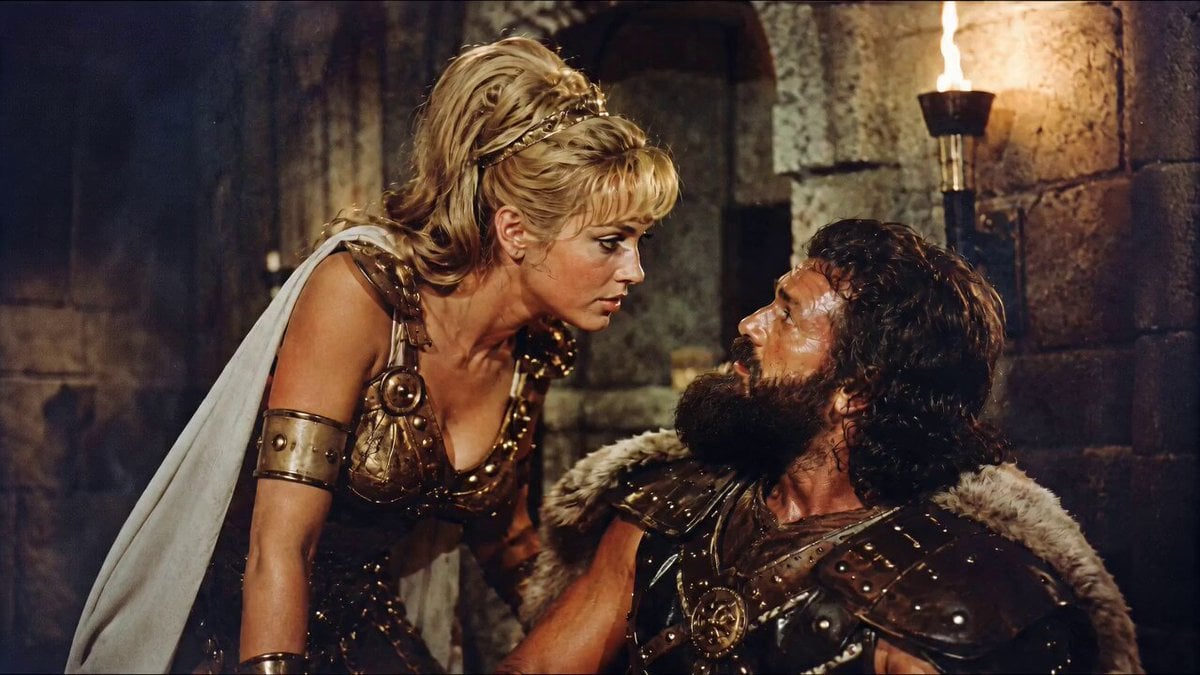
1960s Retro Cinematic Kiss Scene
A detailed cinematic prompt for a 14-second live-action fantasy sequence with a 1960s film aesthetic, featuring torchlight, practical armor, and theatrical blocking.
- Prompt included
- Model and format preset
- Free template
The prompt behind this video
Copy the exact prompt behind 1960s Retro Cinematic Kiss Scene, or open it in the studio and make it yours.
Vintage 1960s practical filmmaking aesthetic. Use the uploaded image as the exact start frame for a 14-second real live-action film shot: the blonde armored heroine and short rugged actor remain in frame together inside a torchlit stone chamber with wet hair glistening in firelight, practical leather and metal armor showing wear and patina, smoke drifting through the space, glowing embers floating upward, warm amber and orange firelight casting flickering shadows on rough-hewn stone walls. Handheld 35mm anamorphic camera with natural gate weave and subtle film grain slowly pushes in on the pair. She leans down with a sly, affectionate smile spreading across her face, her eyes locked on his. He looks up at her, stunned expression, nervous energy, completely charmed and frozen in the moment. She gives him one brief, playful kiss — a quick, tender moment. Immediately after, he comically faints backward, safely tumbling out of frame. She straightens up, holding a tiny victorious smirk, eyes following him down with amused satisfaction. Captured like raw practical footage from a medieval fantasy movie — authentic 1960s film stock look with rich warm tones, natural imperfections, slight lens flares from torchlight, organic camera shake. The entire sequence unfolds in real time with theatrical blocking and timing reminiscent of classic adventure cinema.
How to use 1960s Retro Cinematic Kiss Scene in 3 steps
- 1Upload ImagePNG, JPG or paste
Add your photo
Upload the photo the template builds on. The prompt, model and format are already set.
- 2…a portrait of your subject in softgolden-hour light, 85mm…
Personalize
Edit the subject and creative details for your destination.
- 3Generate
Generate
Press Generate — your video is created in PicX Studio, so you can compare it with the original and refine one variable at a time.
More like this
Templates with the same subject, style or setup. Open one to see its prompt.

Blonde Woman Driving Green 1960s Mustang Golden Hour
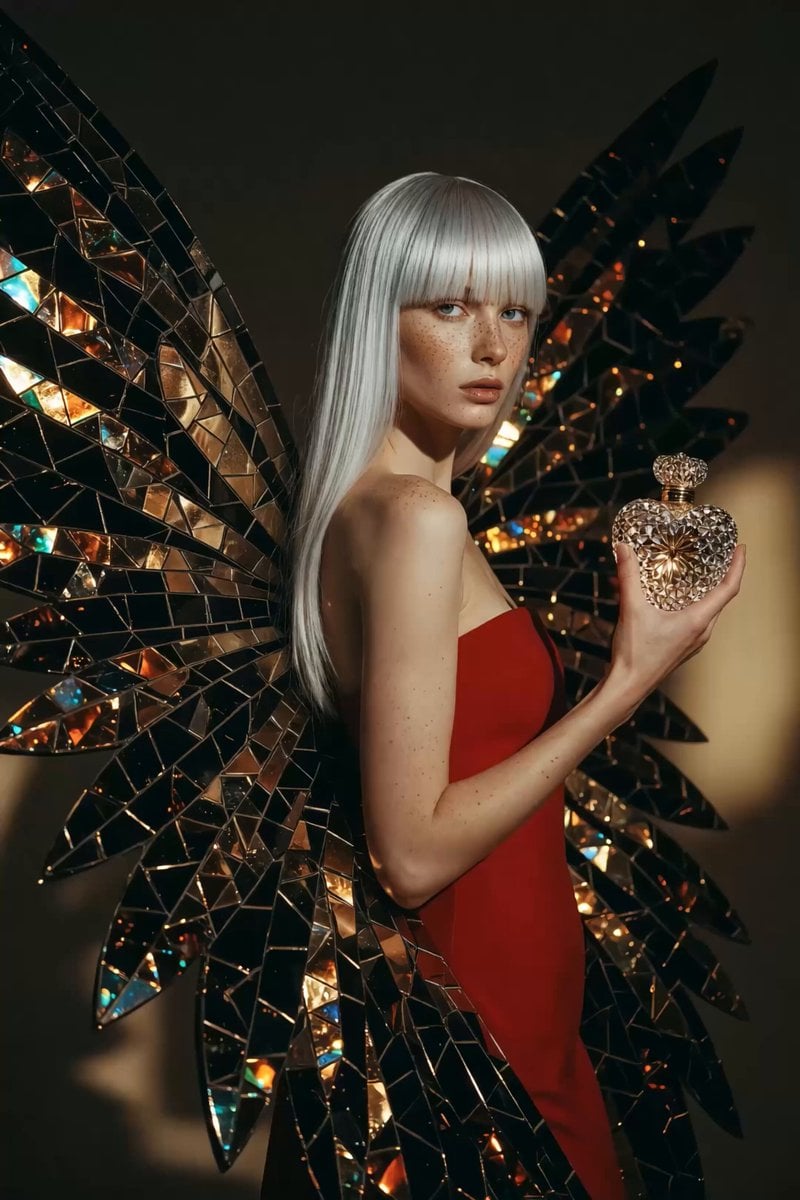
1960s Retro Fashion Portrait with Mosaic Wings
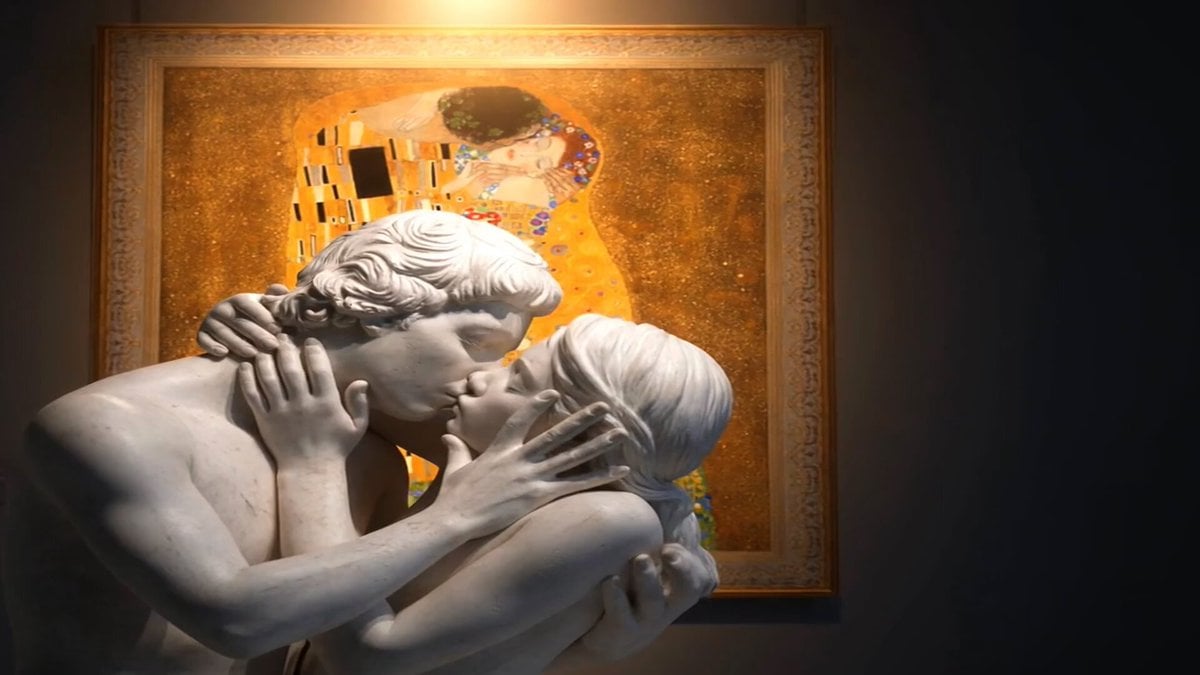
Marble Lovers Golden Kiss
Vintage 1960s Cairo Bazaar
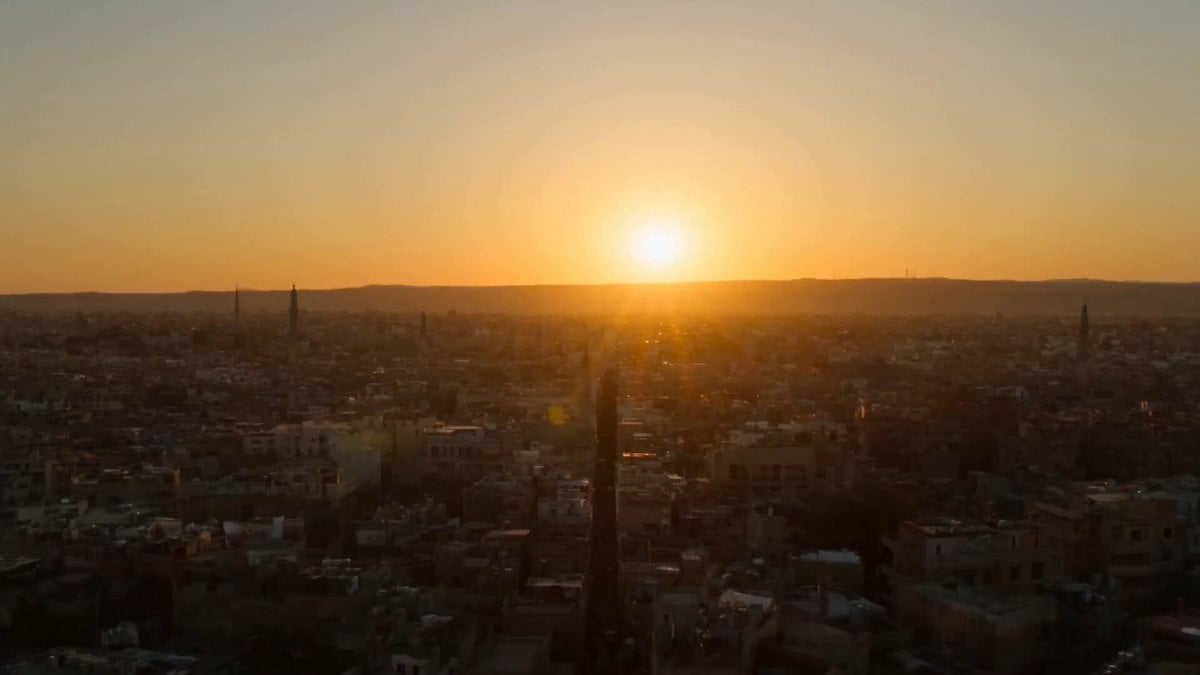
1960s Khan El-Khalili Market Whip Pan
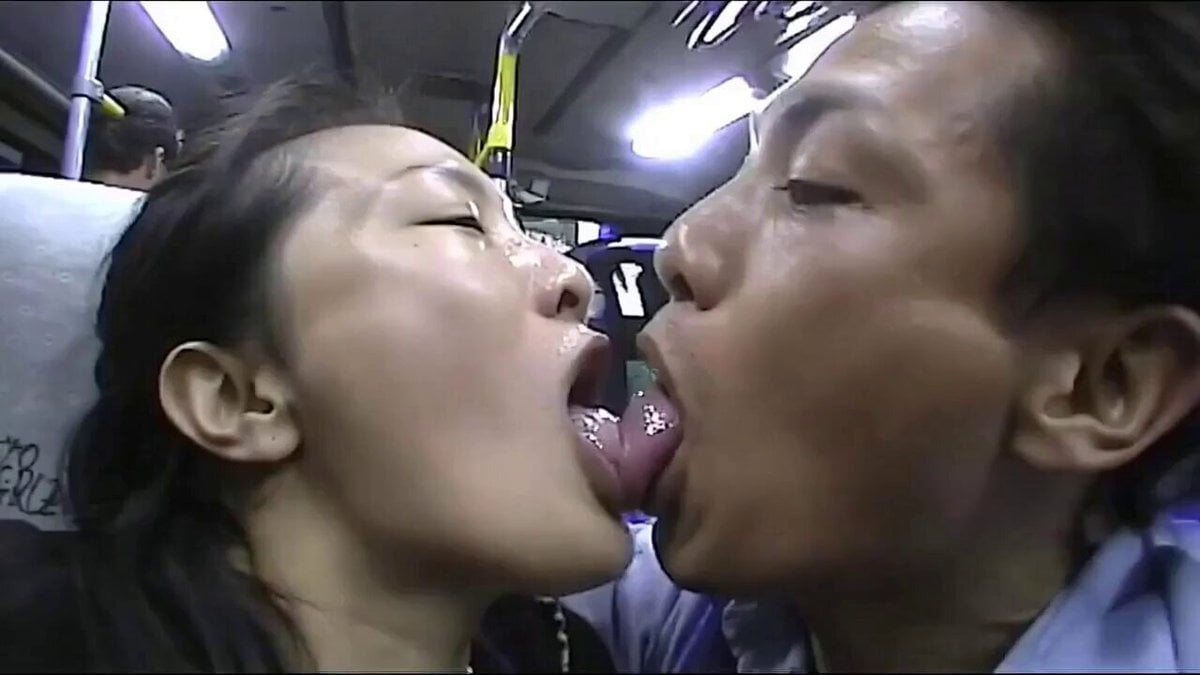
Romantic Kissing Scene Video
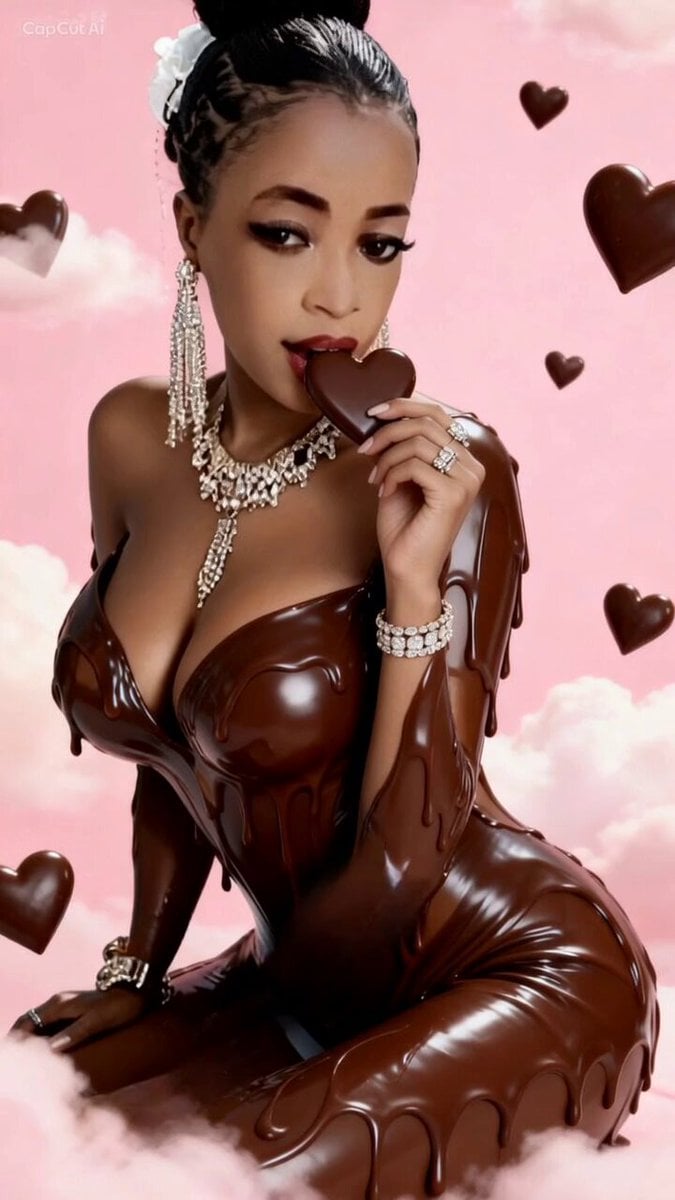
Woman Eating Candy and Blowing a Kiss
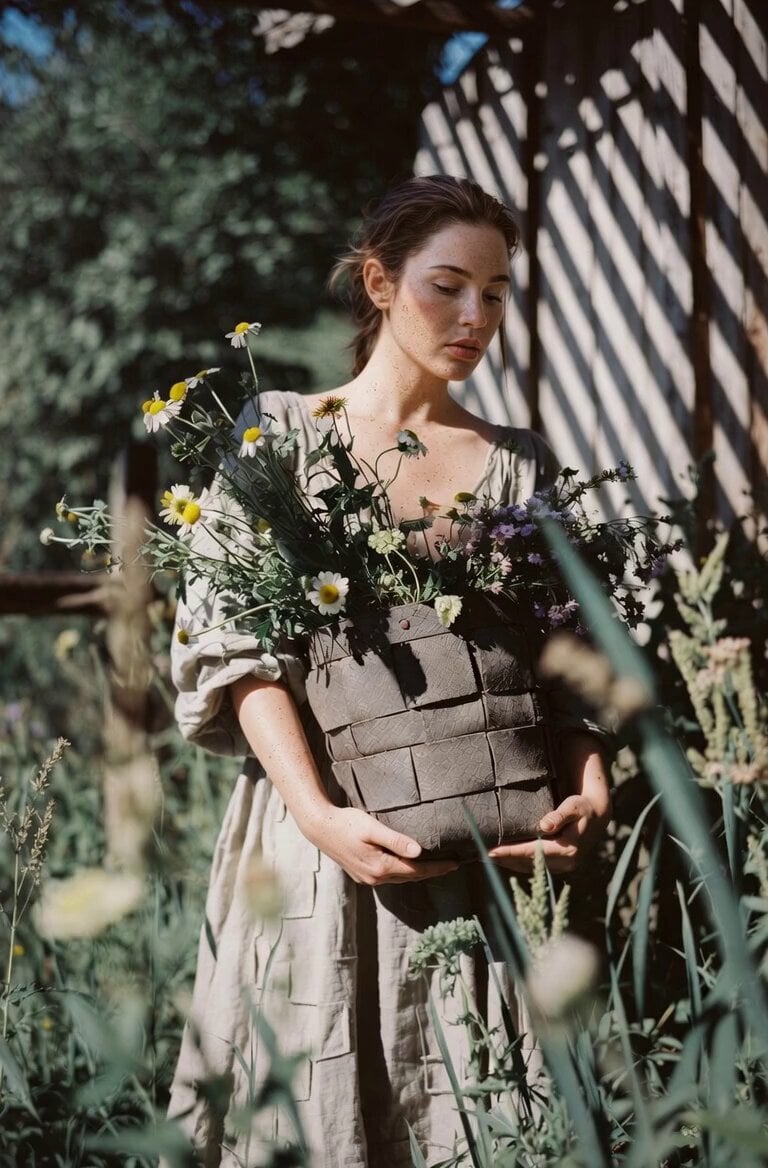
Soft Smile and Flower Kiss

Dreamlike Kiss in Franz Marc Style
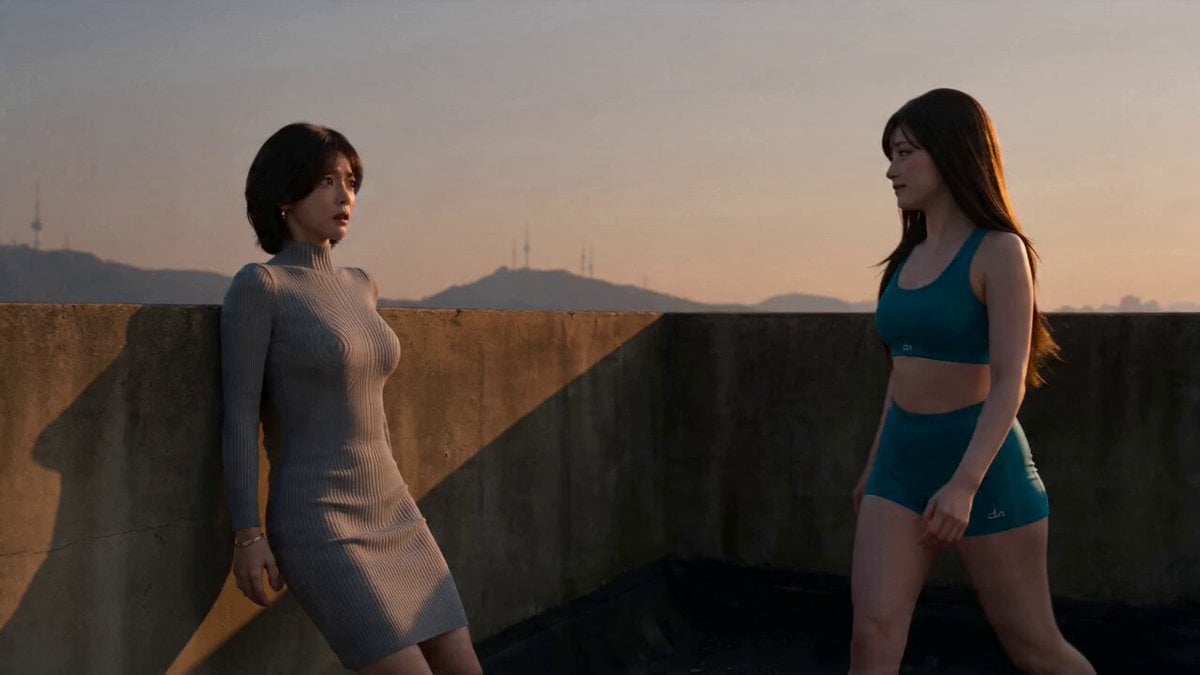
Seedance Seedance 20 Urban Romance Wall Pin Kiss
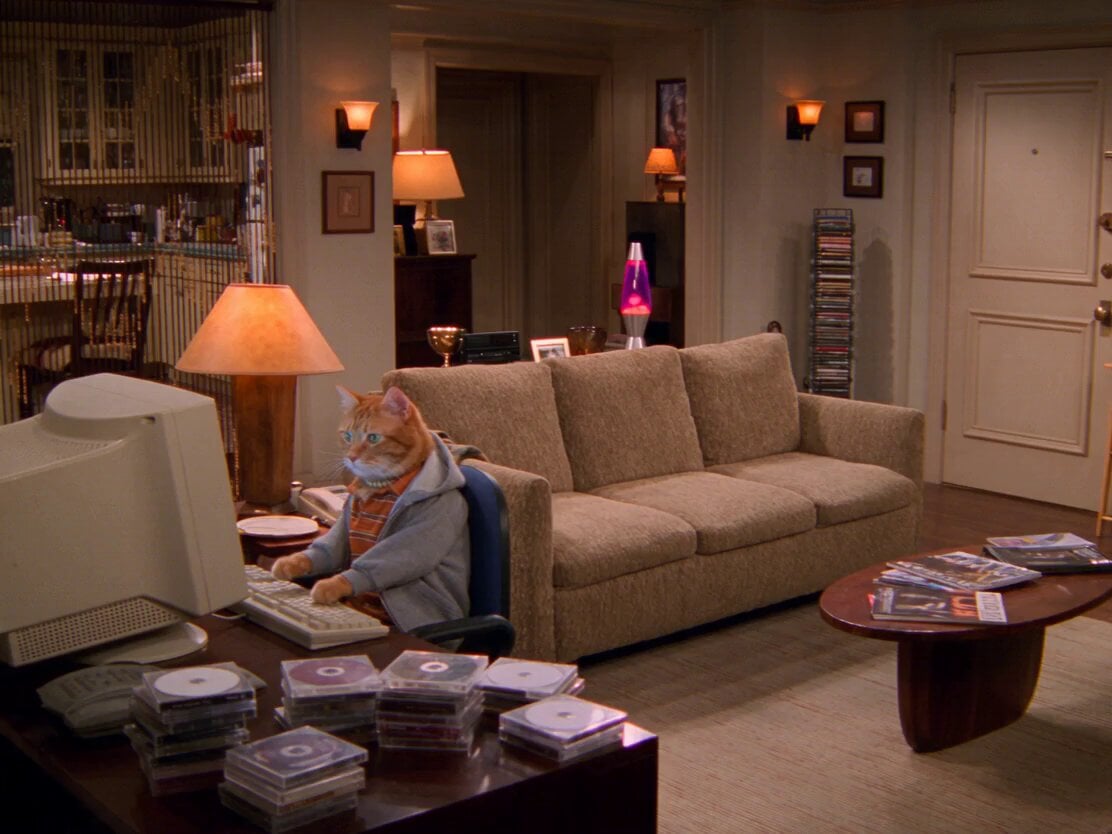
2000s Retro Cat Sitcom
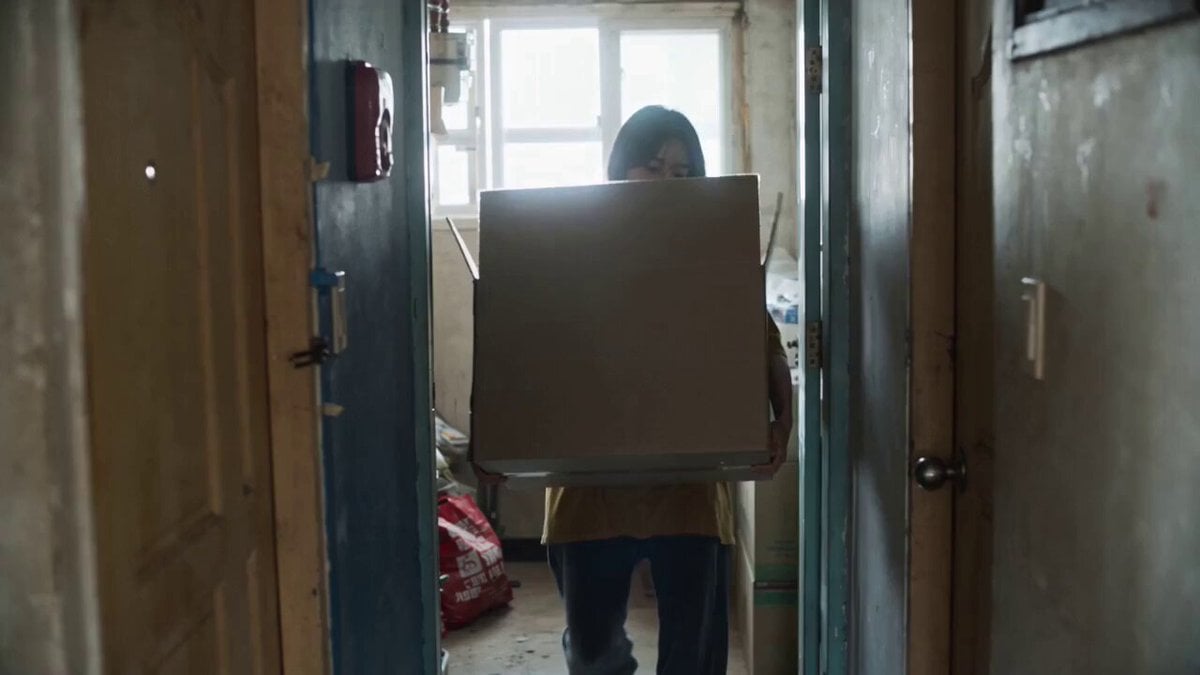
Retro Seoul Moving Day Video
Make it yours
1960s Retro Cinematic Kiss Scene works as-is. These are the safest ways to change it without losing the look.
Change one field
Copy a single group, rewrite it, and generate again so you can see what that field is doing.
Keep the frame, change the subject
Hold the composition and light of 1960s Retro Cinematic Kiss Scene, then swap wardrobe, props or the person for a new take.
| If the result… | Why | Fix |
|---|---|---|
| The result drifts from the preview | Too many fields changed at once. | Reuse 1960s Retro Cinematic Kiss Scene as-is first, then change one group — subject, light, or setting. |
| The model over-stylizes the scene | The prose prompt leaves finish and camera underspecified. | Add one camera or lighting sentence and stay on Seedance 2.0. |
More Seedance 2.0 templates
Other prompts made for Seedance 2.0.

Comical Martial Arts Punch Scene

Maglev Train Action Sequence

Martial Arts Fight Sequence

Wuxia Protection and Trust Script

Vintage Korean Arcade MiniDV Vlog

Mercedes 190 SL Luxury Ad

Rainy Night Supernatural Reverse Comedy Video Script

Amazon Civilization Discovery

Futuristic South Asian City Transformation

Cozy Luxury Cafe Commercial
More video prompts
Fresh picks from across the catalog.
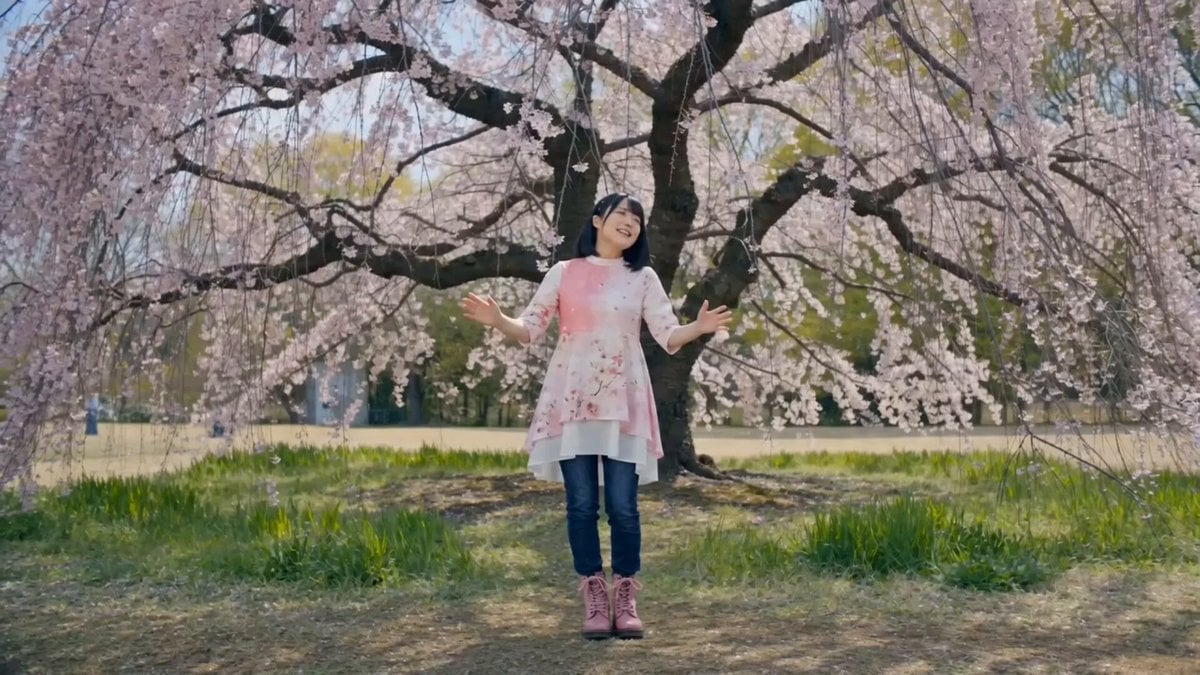
Singing Woman Character Reference Prompt
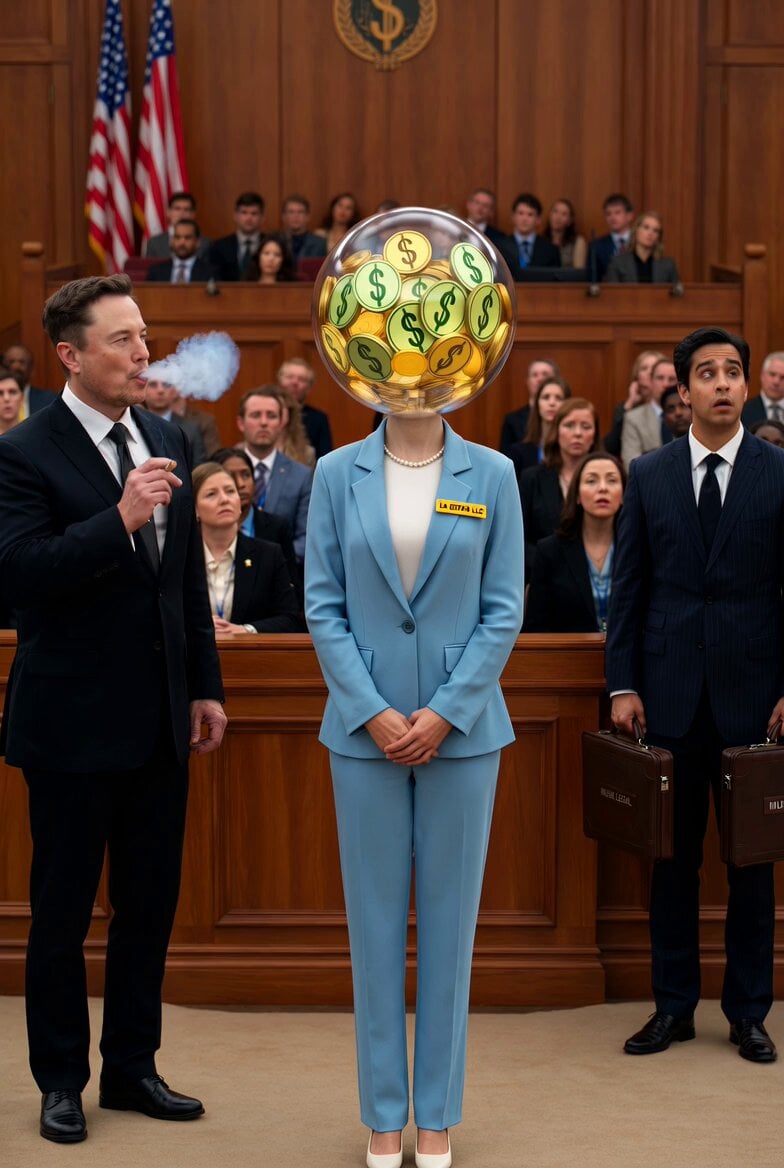
Optimus Prime Robot Interaction
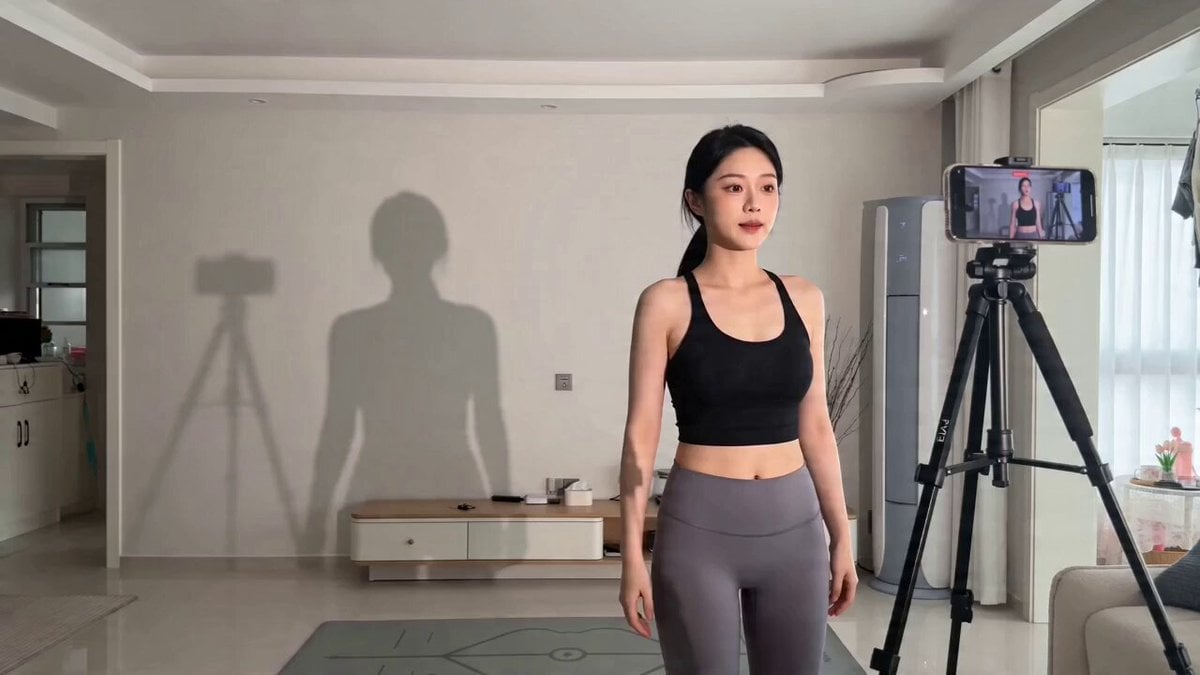
Found Footage Comedy: Shadow Glitch Dance Video Prompt
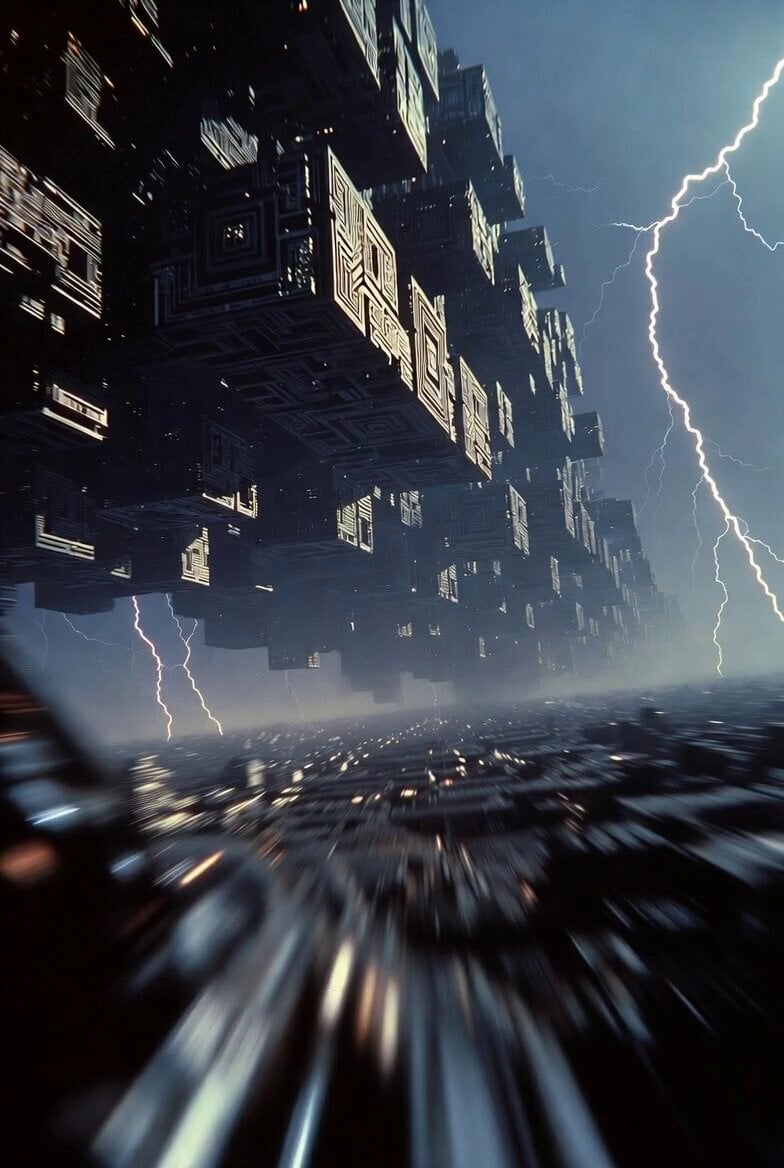
Cybernetic Megacity First Person Flight

Magical Rocket Sketching Animation
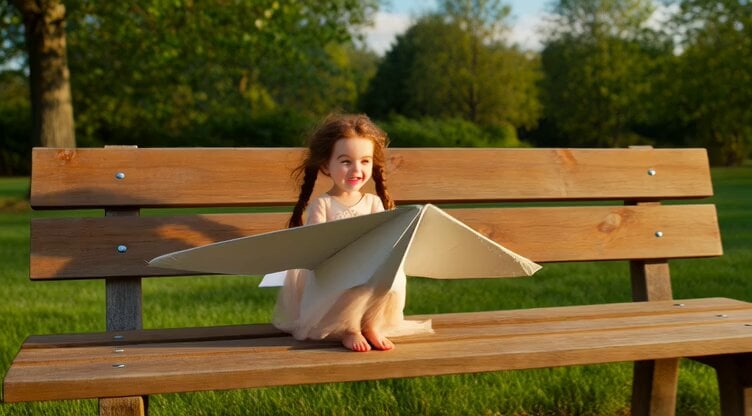
Hyperrealistic Miniature Girl on a Paper Airplane Video Prompt

Pixar-Style Storyboard to 3D Animation
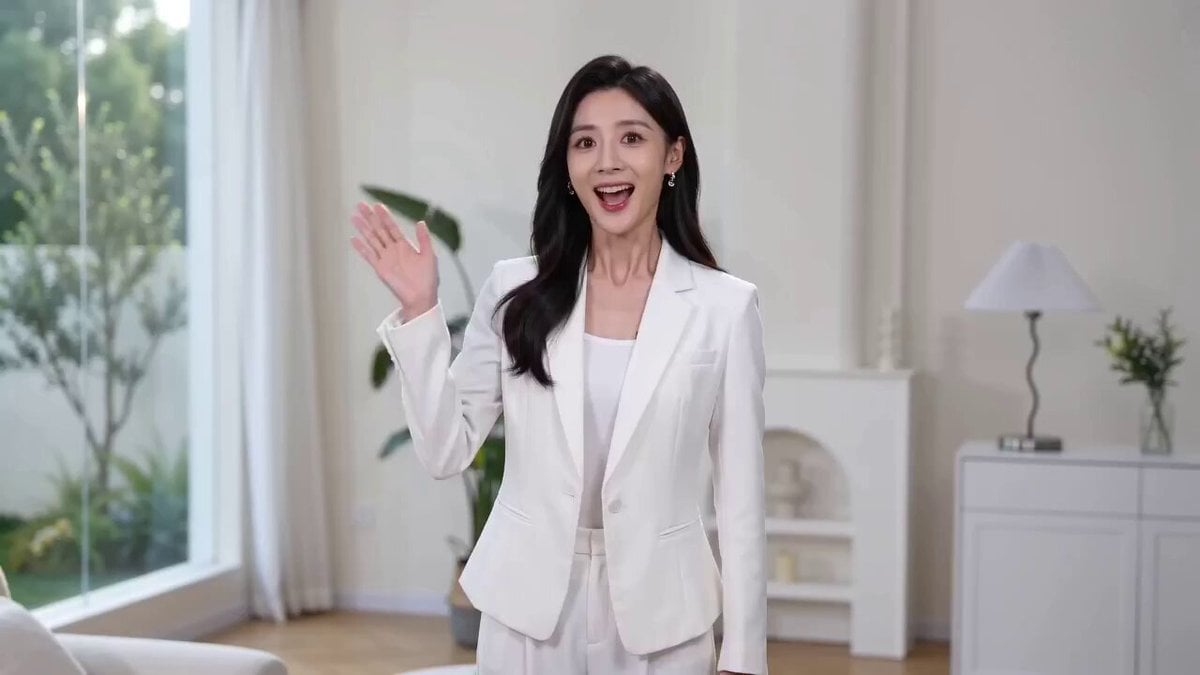
AI Assistant Video Prompt
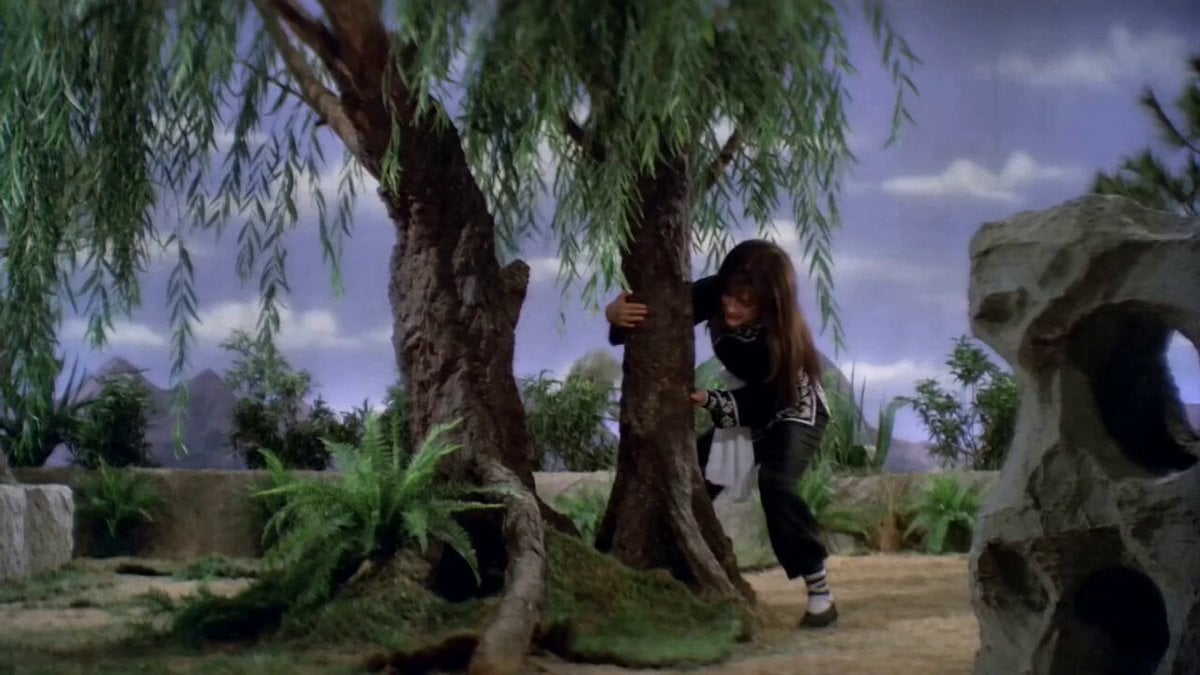
Pupu Pulling Up a Willow Tree: Shaw Brothers Wuxia Style
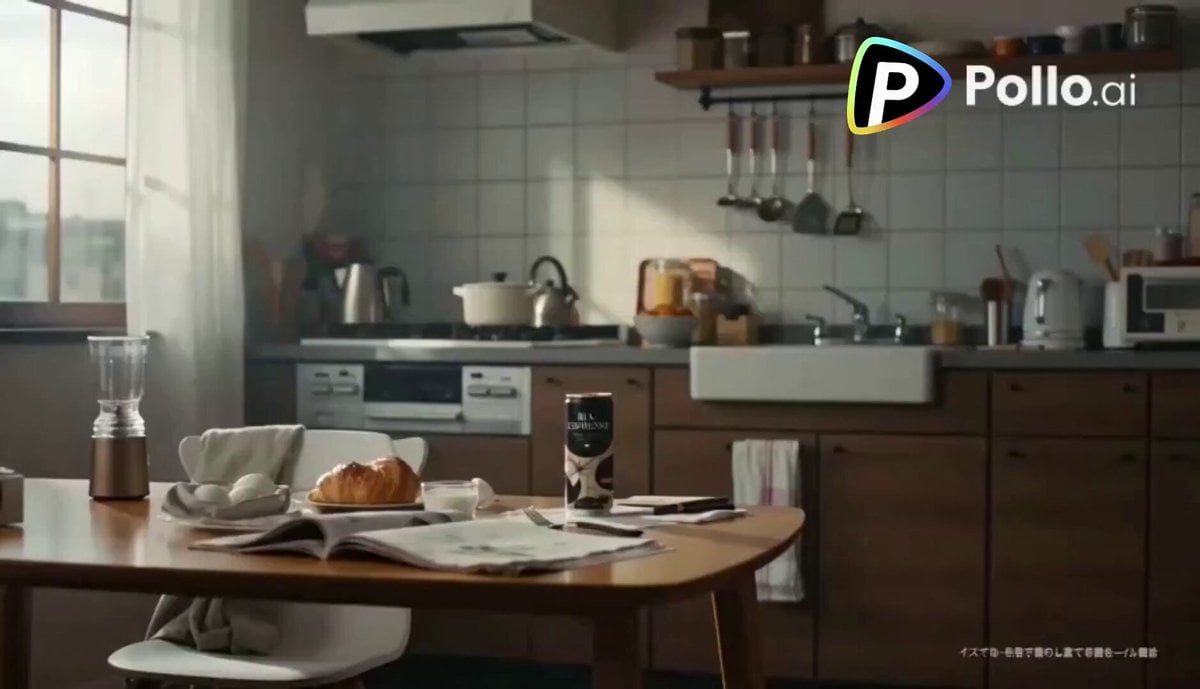
Second Coffee CM: Japan to Italy Trip
Browse template categories
1960s Retro Cinematic Kiss Scene questions
How do I use the 1960s Retro Cinematic Kiss Scene template?
Add your photo if the template asks for one, edit the prompt if you like — the template's model and format are already selected — and press Generate. Your version opens in PicX Studio.
Can I customize the 1960s Retro Cinematic Kiss Scene template?
Yes. You can change the subject, setting, lighting, mood, format, and available model controls before creating your video.
Is the 1960s Retro Cinematic Kiss Scene template free?
Opening and editing this template is free. Generating uses credits, shown on the Generate button when you are signed in.
Which AI model should I use?
Start with Seedance 2.0, which is the model associated with this template. You can compare another compatible model for a different finish.
Looking for something else? Browse all templates.

Your photo, any look
Thousands of ready templates for every top image and video model, from one credit balance.