
Infinite Library Black Hole Sci-Fi
A detailed cinematic prompt for a sci-fi sequence featuring an infinite library orbiting a black hole with surreal gravity effects.
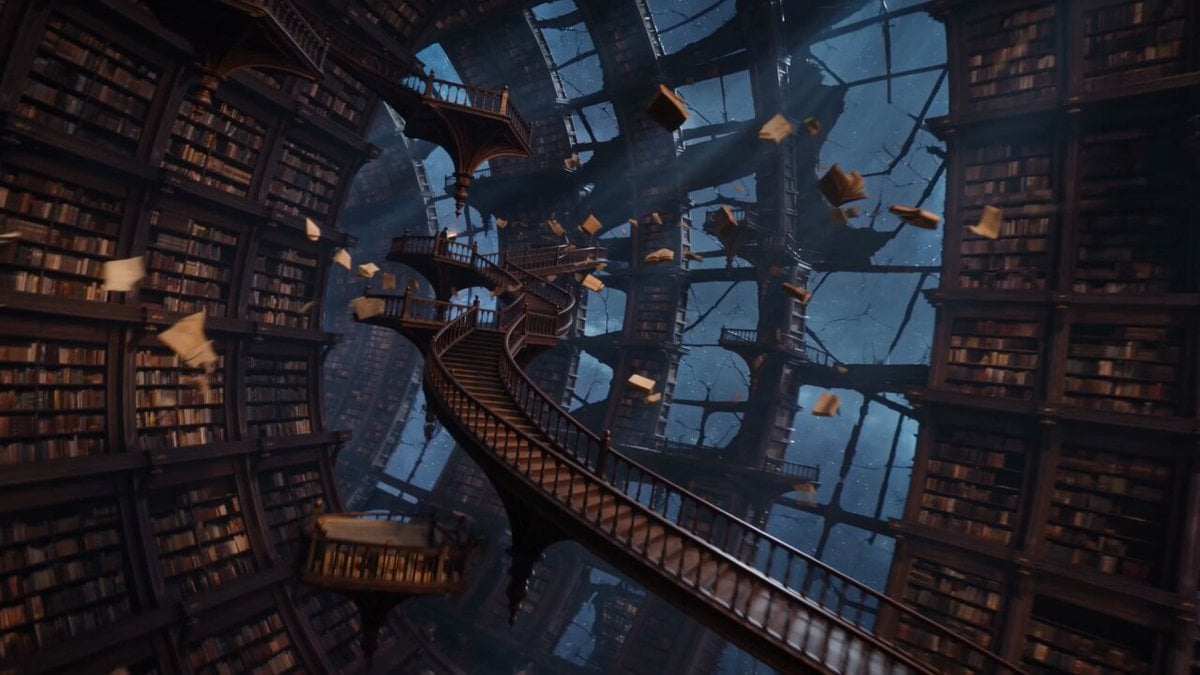
- Prompt included
- Model and format preset
- Free template
The prompt behind this video
Copy the exact prompt behind Infinite Library Black Hole Sci-Fi, or open it in the studio and make it yours.
15-second ultra-cinematic sci-fi fantasy sequence inside an infinite library orbiting a gigantic black hole in deep space. Endless bookshelves stretch in impossible directions, curving upward and sideways under distorted gravity. Ancient books, scrolls, glowing manuscripts, and floating pages drift weightlessly between massive wooden staircases and suspended reading balconies. The camera glides smoothly through the library as the architecture slowly rotates around the black hole visible through enormous shattered windows. The black hole bends starlight into a glowing accretion ring of gold, blue, and violet energy. Gravity behaves strangely: books float upward, chandeliers hang sideways, dust particles spiral in slow orbit, and ink drips through the air like liquid stars. A lone librarian figure walks calmly along a floating staircase, carrying a glowing book while pages orbit around them like tiny moons. Mid-sequence, the black hole pulses. Shelves bend slightly, time ripples through the room, and thousands of books open by themselves, releasing luminous symbols into the air. Final shot: the camera pulls back to reveal the entire infinite library wrapped around the black hole like a colossal ring of knowledge, glowing softly in cosmic darkness. Style: ultra-cinematic cosmic fantasy, surreal gravity physics, impossible architecture, volumetric starlight, floating architecture, volumetric starlight, floating particles, glowing manuscripts, black hole lensing, majestic scale, no text, no overlays. Audio: deep cosmic ambience, low gravitational rumble, pages fluttering, wooden shelves creaking, distant celestial resonance, soft magical energy hum.
How to use Infinite Library Black Hole Sci-Fi in 3 steps
- 1
Open
The prompt is already in the box next to the preview, with the template's model and format selected.
- 2…a portrait of your subject in softgolden-hour light, 85mm…
Personalize
Edit the subject and creative details for your destination.
- 3Generate
Generate
Press Generate — your video is created in PicX Studio, so you can compare it with the original and refine one variable at a time.
More like this
Templates with the same subject, style or setup. Open one to see its prompt.

Sci-Fi Disaster Movie Scene - Seedance 2.5
Rollerblading on a Black Hole
Surreal Infinite Ancient Library POV
Cinematic Flight Towards a Supermassive Black Hole
Black Hole Event Horizon Video Prompt
Sci-Fi Black Supercar Transforming into a Humanoid Robot
School Library Vlog Cinematic
Seedance 2.0 Xianxia Mystery Library Video Prompt
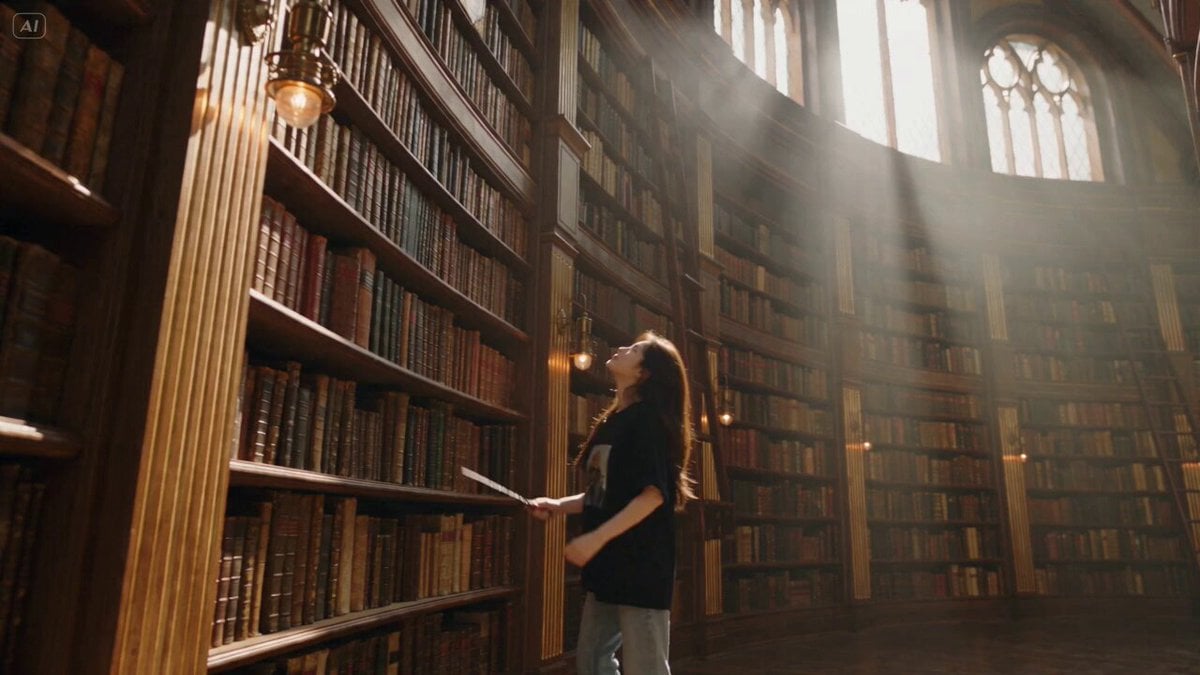
Witch Library Spellbook Summoning
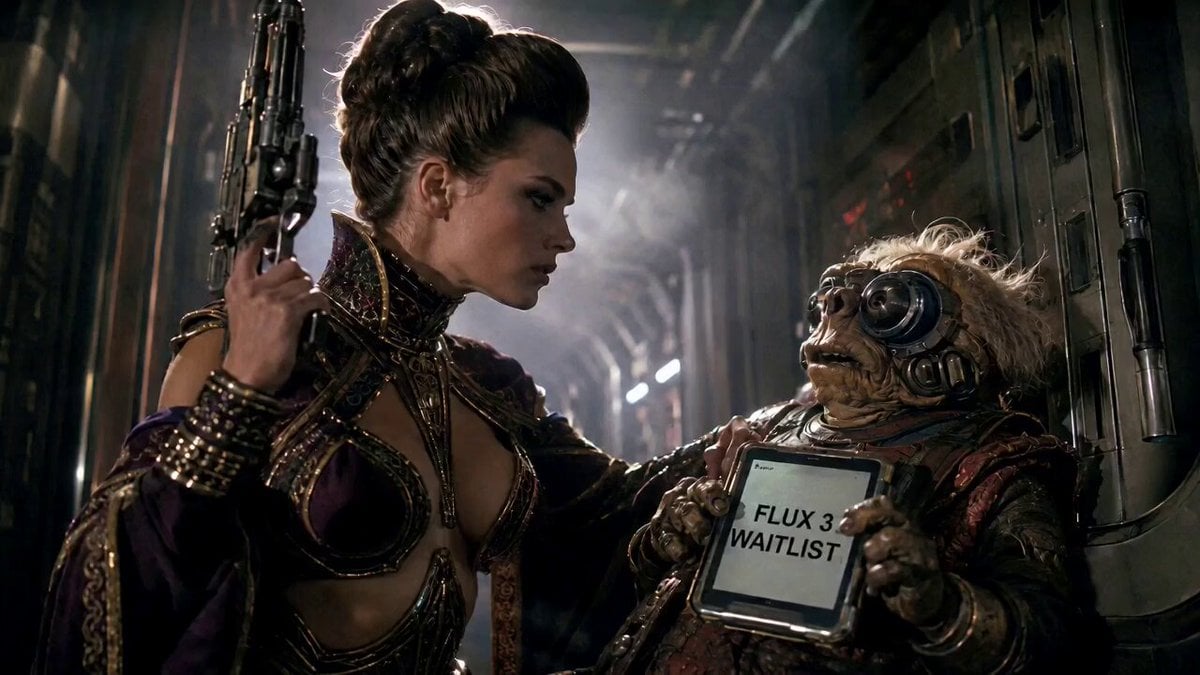
80s Sci-Fi Practical Effects Scene Prompt
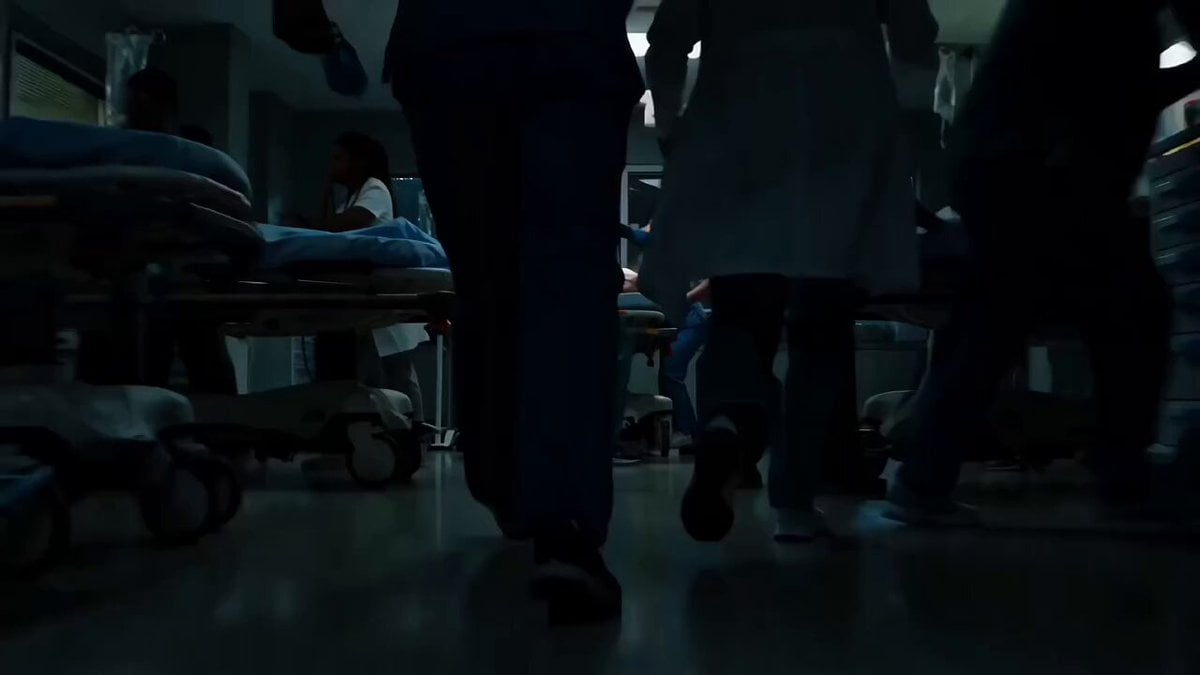
Sci-Fi Horror Hospital Alien Scene
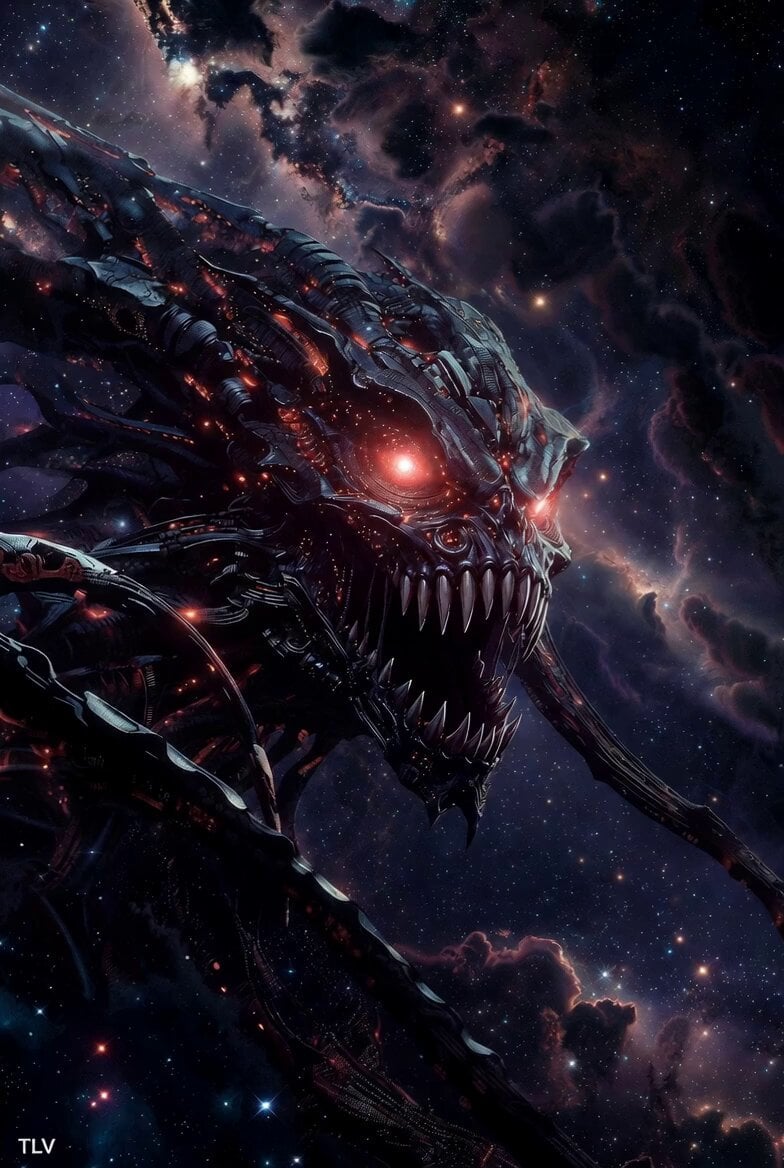
Evil Space Sci-Fi Power Threshold
Make it yours
Infinite Library Black Hole Sci-Fi works as-is. These are the safest ways to change it without losing the look.
Change one field
Copy a single group, rewrite it, and generate again so you can see what that field is doing.
Keep the frame, change the subject
Hold the composition and light of Infinite Library Black Hole Sci-Fi, then swap wardrobe, props or the person for a new take.
| If the result… | Why | Fix |
|---|---|---|
| The result drifts from the preview | Too many fields changed at once. | Reuse Infinite Library Black Hole Sci-Fi as-is first, then change one group — subject, light, or setting. |
| The model over-stylizes the scene | The prose prompt leaves finish and camera underspecified. | Add one camera or lighting sentence and stay on Seedance 2.0. |
More Seedance 2.0 templates
Other prompts made for Seedance 2.0.

Comical Martial Arts Punch Scene

Maglev Train Action Sequence

Martial Arts Fight Sequence

Wuxia Protection and Trust Script

Vintage Korean Arcade MiniDV Vlog

Mercedes 190 SL Luxury Ad

Rainy Night Supernatural Reverse Comedy Video Script

Amazon Civilization Discovery

Futuristic South Asian City Transformation

Cozy Luxury Cafe Commercial
More video prompts
Fresh picks from across the catalog.
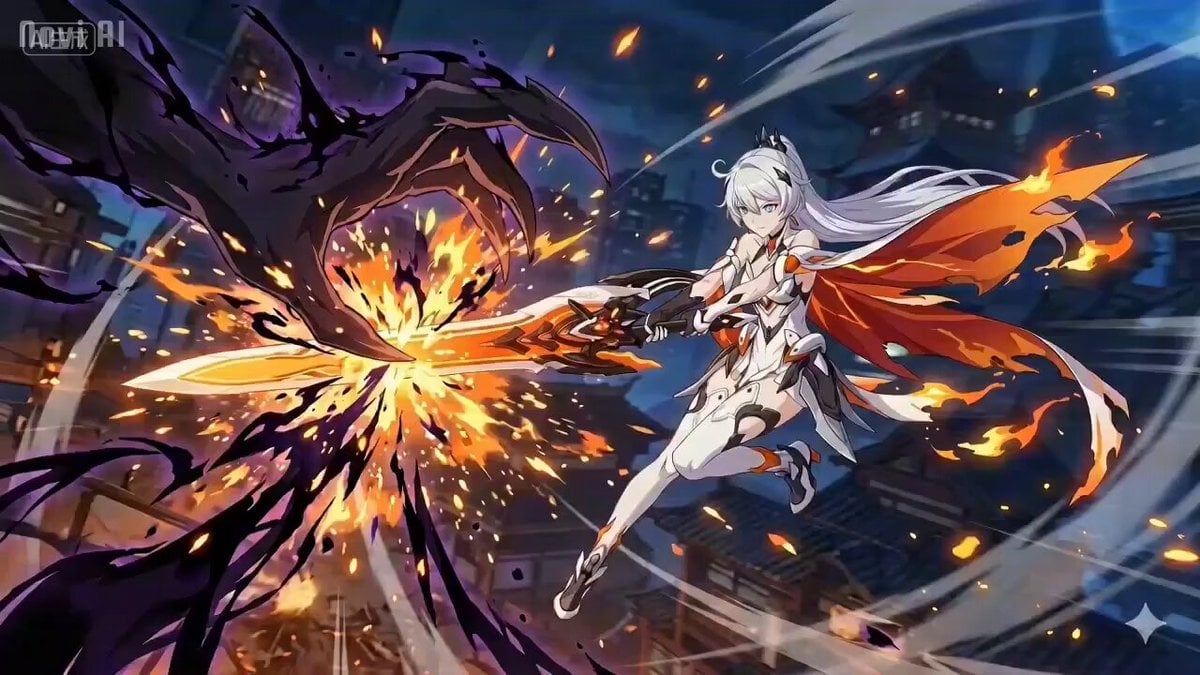
Anime Combat Scene: Knight vs. Shadow Monster
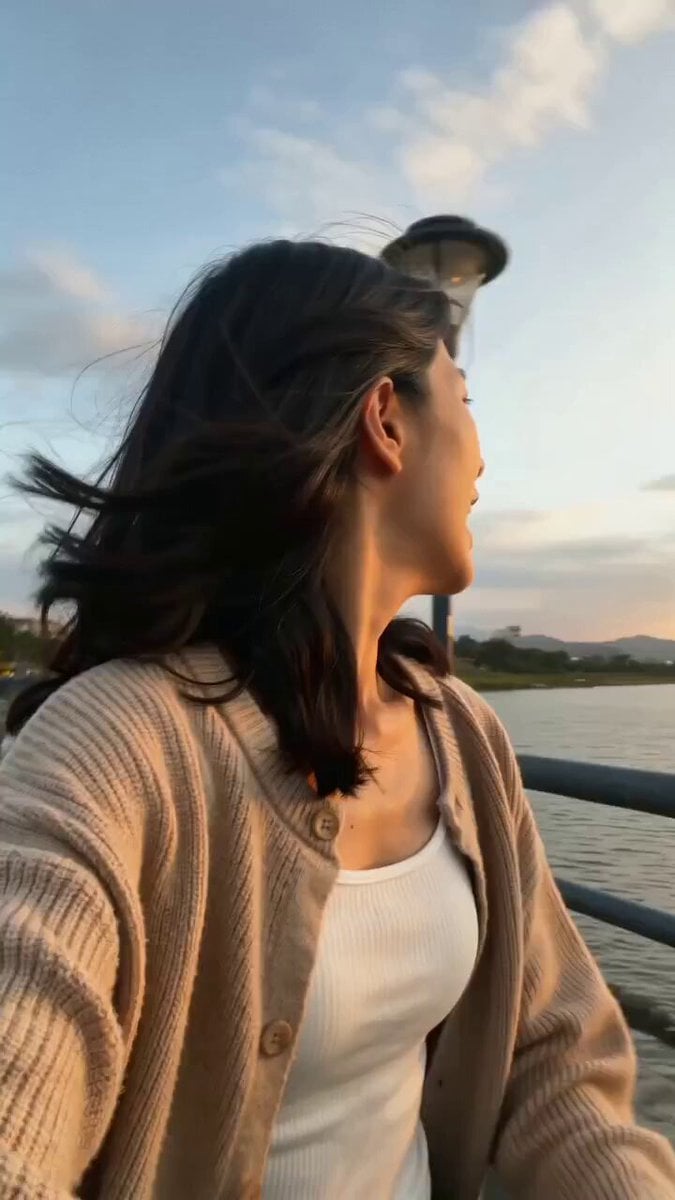
Girlfriend POV Vlog: Taipei Sunset Date
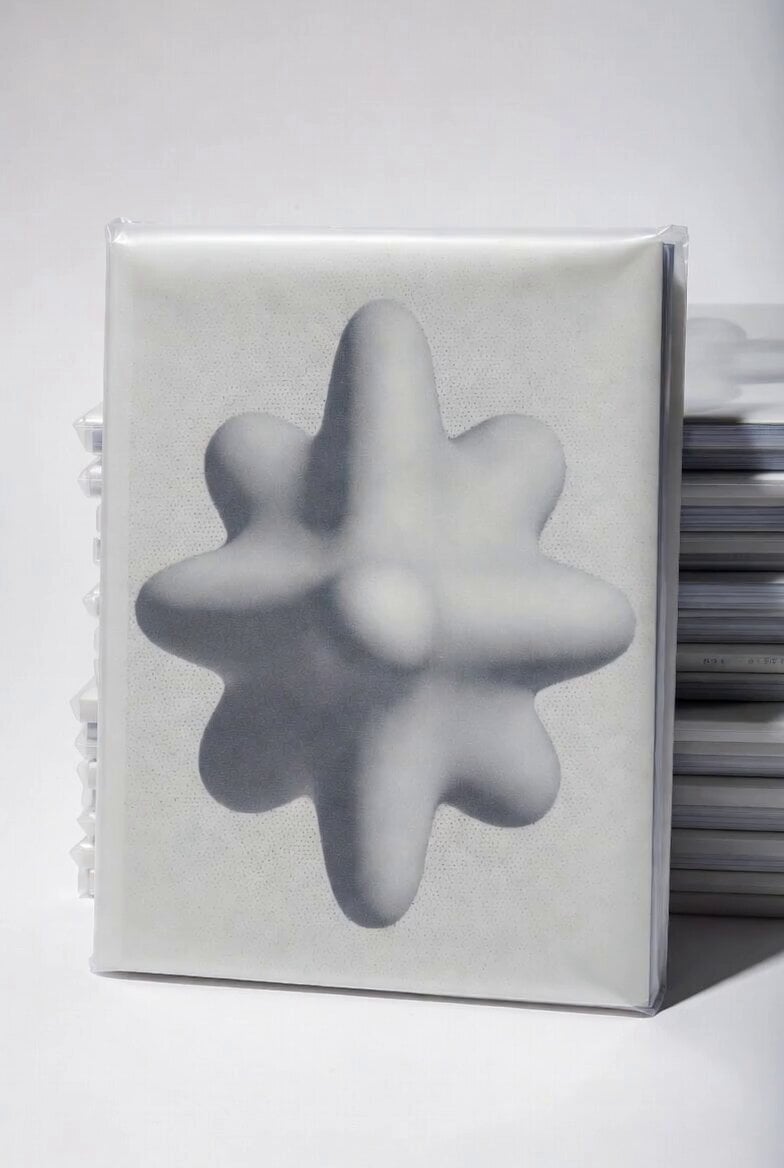
Chibi Blonde Magazine Rotation
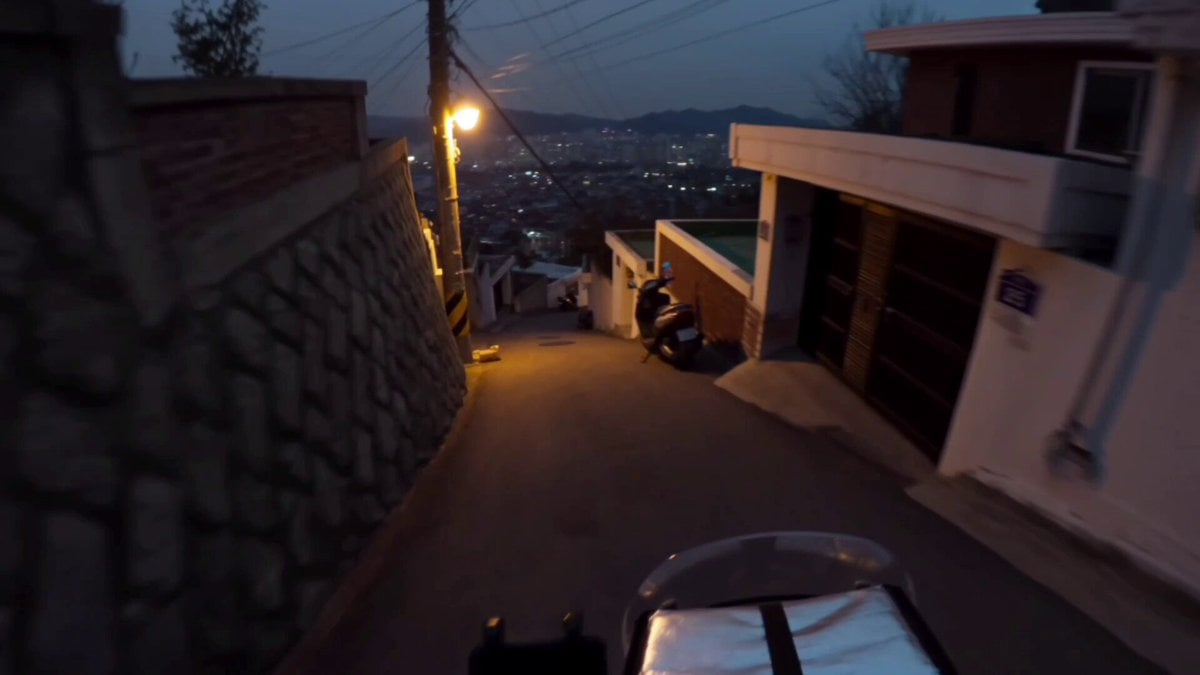
Korean Motorbike Delivery Action Video Prompt
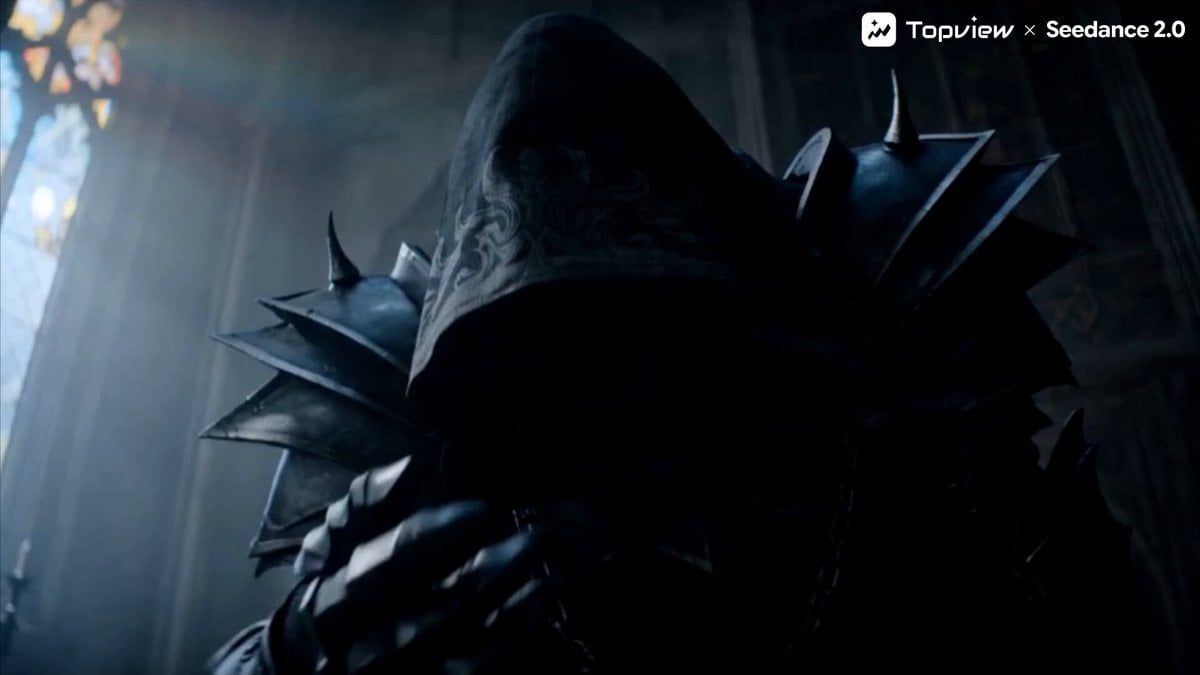
Dark Fantasy Action Short Film Trailer

Peaceful Fairy Women and Lotus Animation
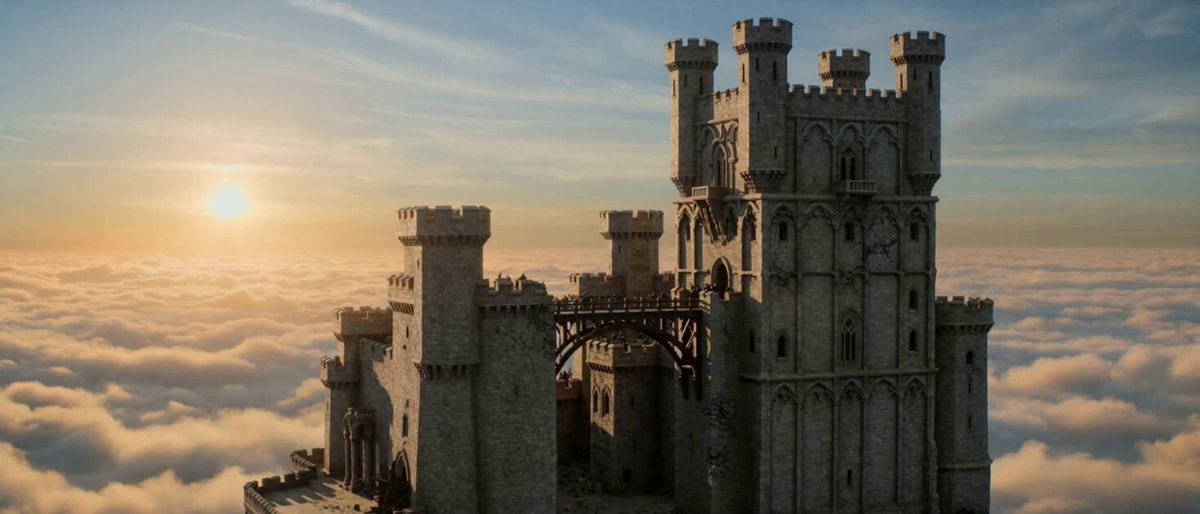
Floating Dragon Castle Sunrise
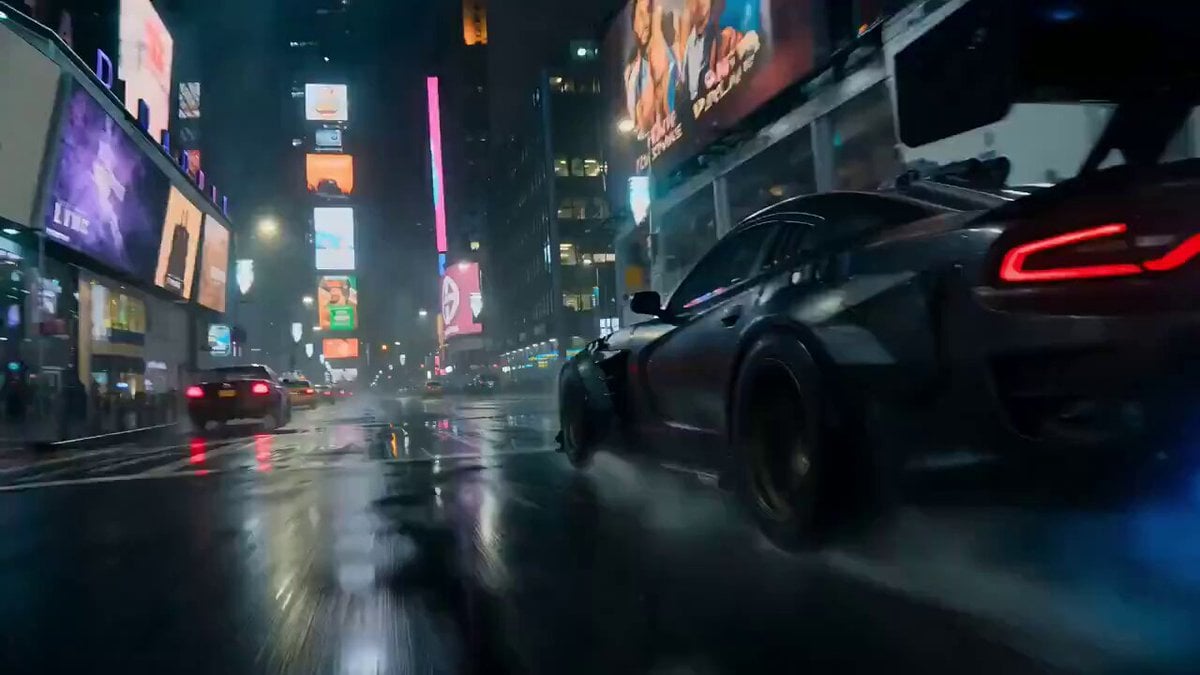
Luxury Car Transforming into Optimus Prime Fighting Godzilla in Tokyo
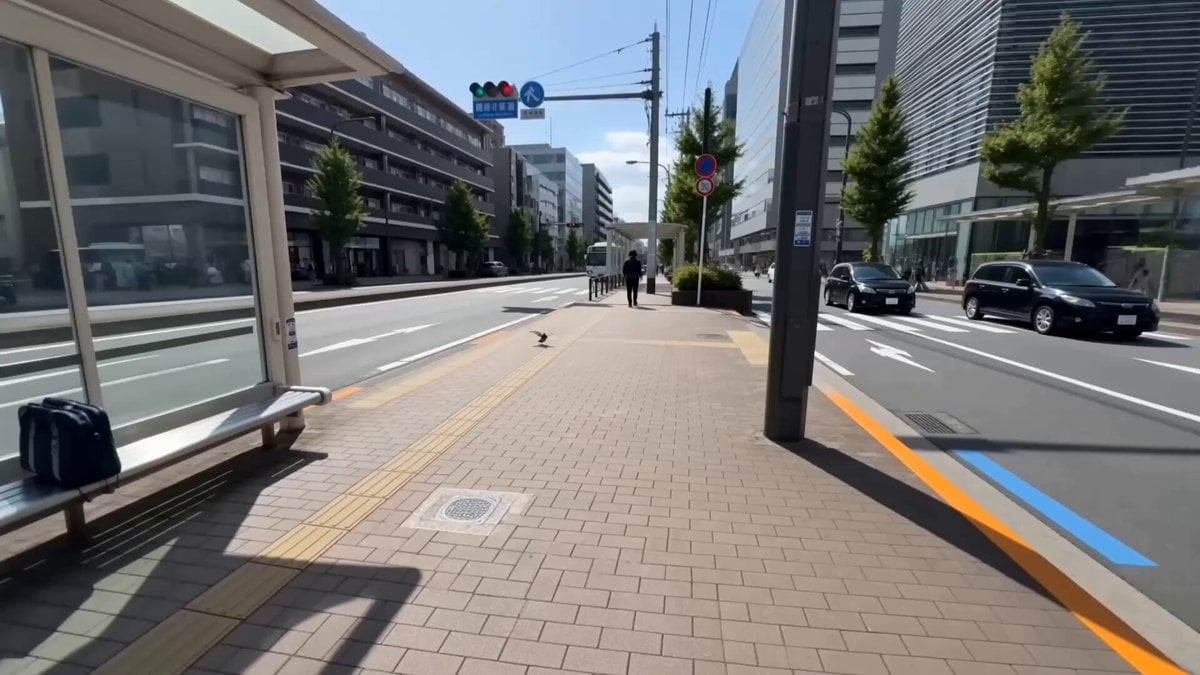
Mixed-Media POV Transformation
Office Absurdity Mockumentary Comedy Video
Browse template categories
Infinite Library Black Hole Sci-Fi questions
How do I use the Infinite Library Black Hole Sci-Fi template?
Add your photo if the template asks for one, edit the prompt if you like — the template's model and format are already selected — and press Generate. Your version opens in PicX Studio.
Can I customize the Infinite Library Black Hole Sci-Fi template?
Yes. You can change the subject, setting, lighting, mood, format, and available model controls before creating your video.
Is the Infinite Library Black Hole Sci-Fi template free?
Opening and editing this template is free. Generating uses credits, shown on the Generate button when you are signed in.
Which AI model should I use?
Start with Seedance 2.0, which is the model associated with this template. You can compare another compatible model for a different finish.
Looking for something else? Browse all templates.

Your photo, any look
Thousands of ready templates for every top image and video model, from one credit balance.