
Sketch Characters Arguing Animation
A multi-shot storyboard prompt for an animation where sketch versions of a character come to life and interact with each other in a pencil-drawn style.
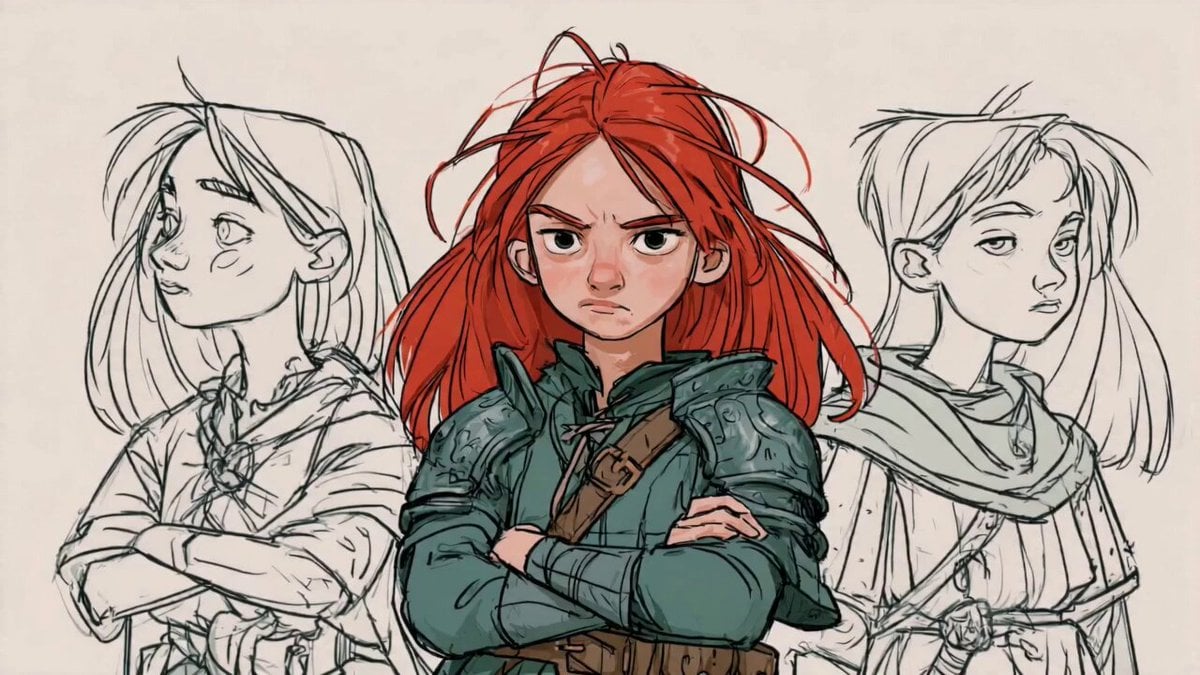
- Prompt included
- Model and format preset
- Free template
The prompt behind this video
Copy the exact prompt behind Sketch Characters Arguing Animation, or open it in the studio and make it yours.
Shot 1 (0-2s): Camera slowly zooms in. Pencil lines begin moving. Shot 2 (2-4s): The left sketch version blinks and looks toward the center character. Shot 3 (4-6s): The right sketch version smirks and raises an eyebrow. Shot 4 (6-8s): All three versions begin arguing silently with exaggerated expressions. Shot 5 (8-10s): The center girl suddenly shouts: "Can everybody stop being me?!" The sketch versions immediately freeze. SFX: pencil scratching, paper rustling, cartoon pop sounds.
How to use Sketch Characters Arguing Animation in 3 steps
- 1
Open
The prompt is already in the box next to the preview, with the template's model and format selected.
- 2…a portrait of your subject in softgolden-hour light, 85mm…
Personalize
Edit the subject and creative details for your destination.
- 3Generate
Generate
Press Generate — your video is created in PicX Studio, so you can compare it with the original and refine one variable at a time.
More like this
Templates with the same subject, style or setup. Open one to see its prompt.

3D Glossy Fairy Animation - Seedance 2.5

Silk Road Pomegranate Folk Animation

Multilingual Creative Typography Loop

Walking Factory with Rebel on Hoverbike - Wasteland
Cartoon Bullfight Arena — Girl vs Bull (Seedance)
Dim Sum Chase — Shrimp Dumpling Monster

Magical Rocket Sketching Animation
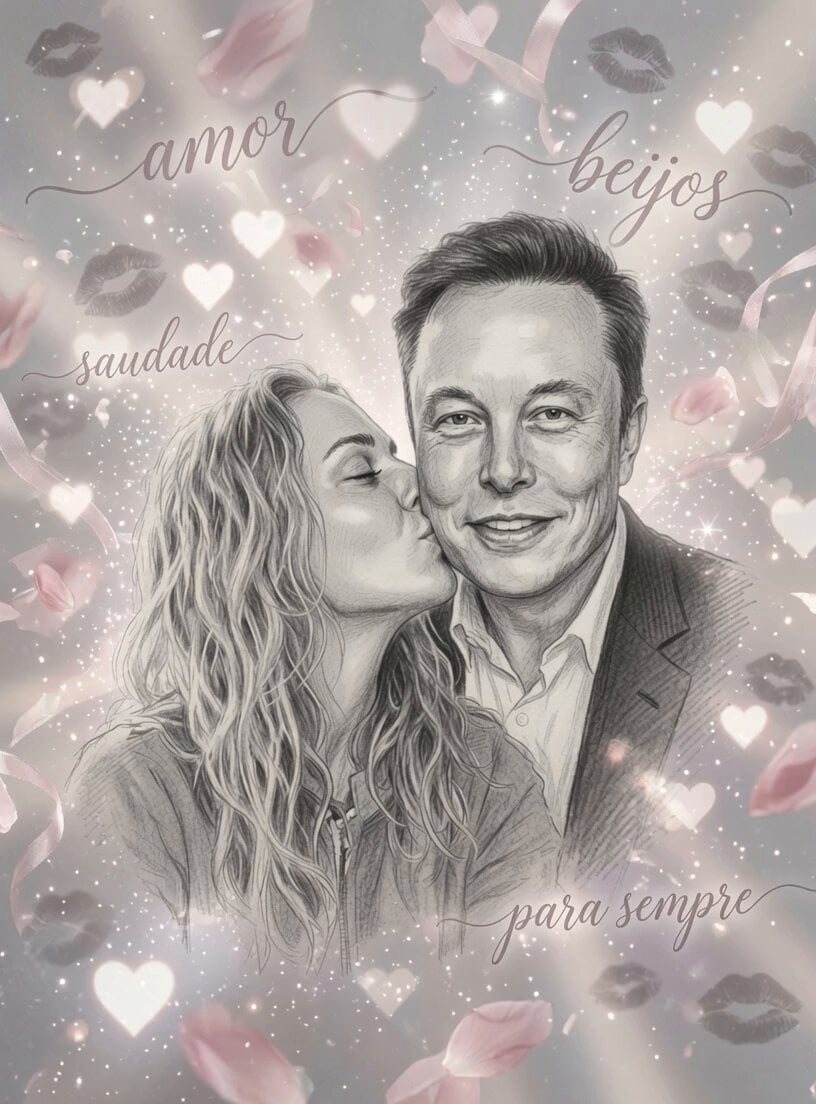
Romantic Pencil Sketch Animation
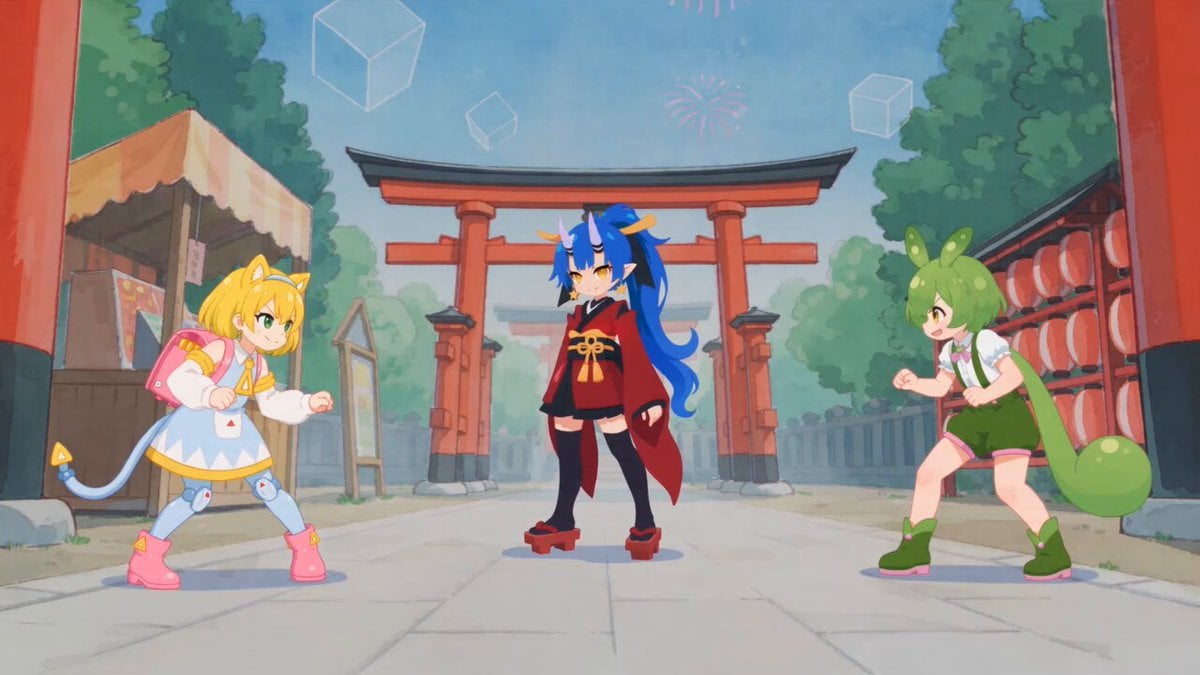
Fluid Sketch Martial Arts Battle
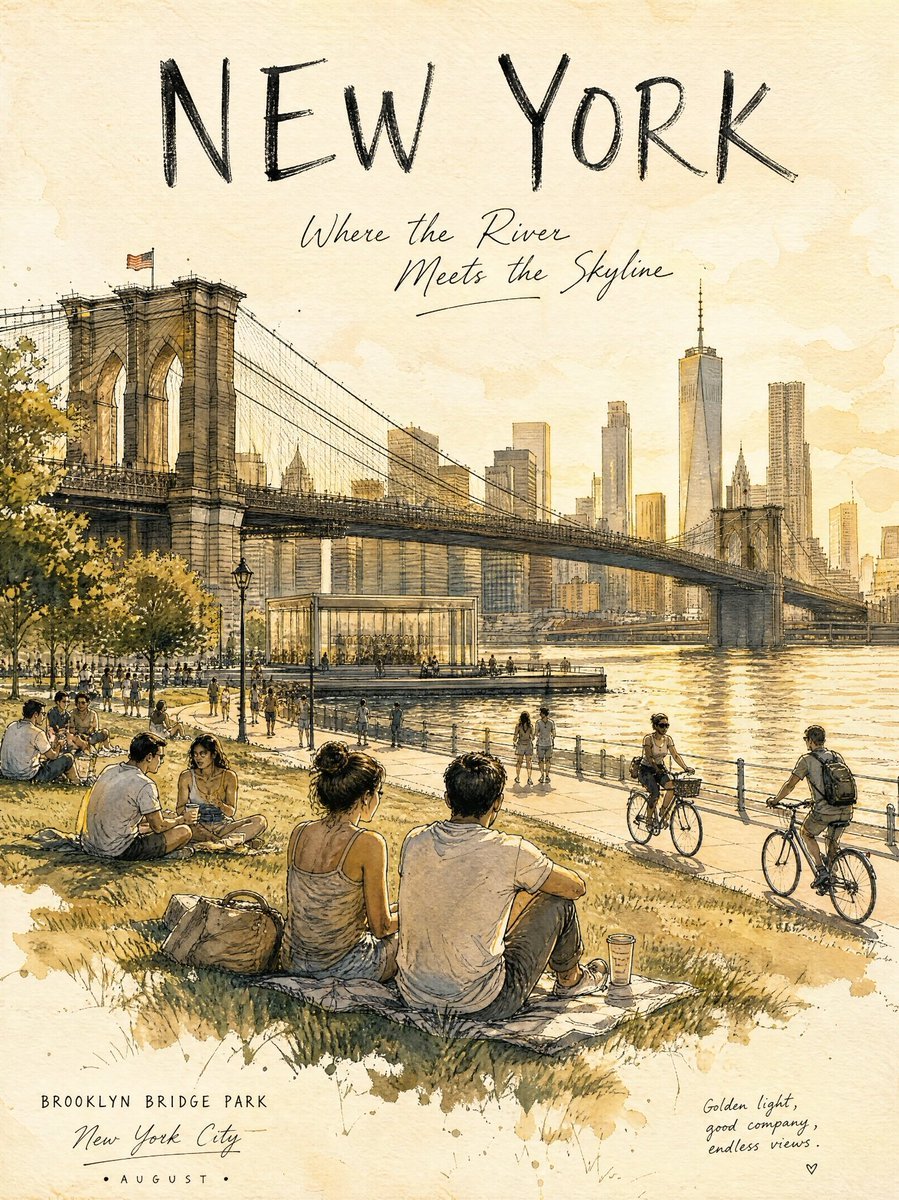
Central Park Summer Urban Sketch Poster
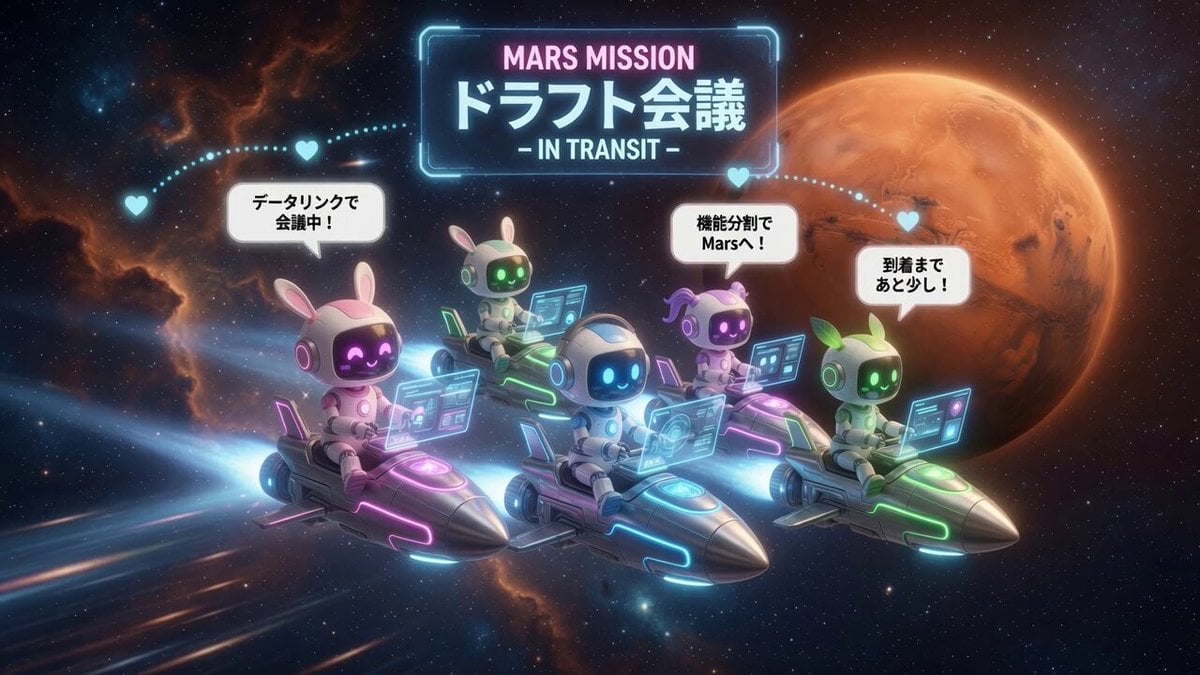
AI Characters on Flying Rockets
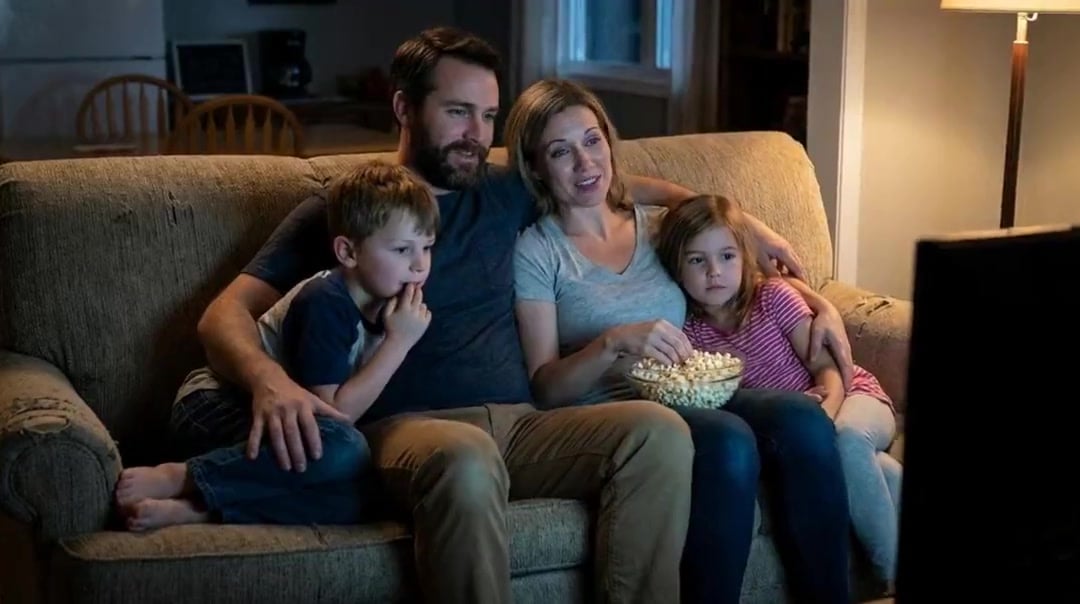
Family Dialogue 4 Characters — Kling 3.0 O3 Pro
Make it yours
Sketch Characters Arguing Animation works as-is. These are the safest ways to change it without losing the look.
Change one field
Copy a single group, rewrite it, and generate again so you can see what that field is doing.
Keep the frame, change the subject
Hold the composition and light of Sketch Characters Arguing Animation, then swap wardrobe, props or the person for a new take.
| If the result… | Why | Fix |
|---|---|---|
| The result drifts from the preview | Too many fields changed at once. | Reuse Sketch Characters Arguing Animation as-is first, then change one group — subject, light, or setting. |
| The model over-stylizes the scene | The prose prompt leaves finish and camera underspecified. | Add one camera or lighting sentence and stay on Seedance 2.0. |
More Seedance 2.0 templates
Other prompts made for Seedance 2.0.

Comical Martial Arts Punch Scene

Maglev Train Action Sequence

Martial Arts Fight Sequence

Wuxia Protection and Trust Script

Vintage Korean Arcade MiniDV Vlog

Mercedes 190 SL Luxury Ad

Rainy Night Supernatural Reverse Comedy Video Script

Amazon Civilization Discovery

Futuristic South Asian City Transformation

Cozy Luxury Cafe Commercial
More video prompts
Fresh picks from across the catalog.

Surreal Composition with Oversized Smartphone and Pepsi

Tesla boat conversion video prompt

Grok Imagine prompt for a large army standoff
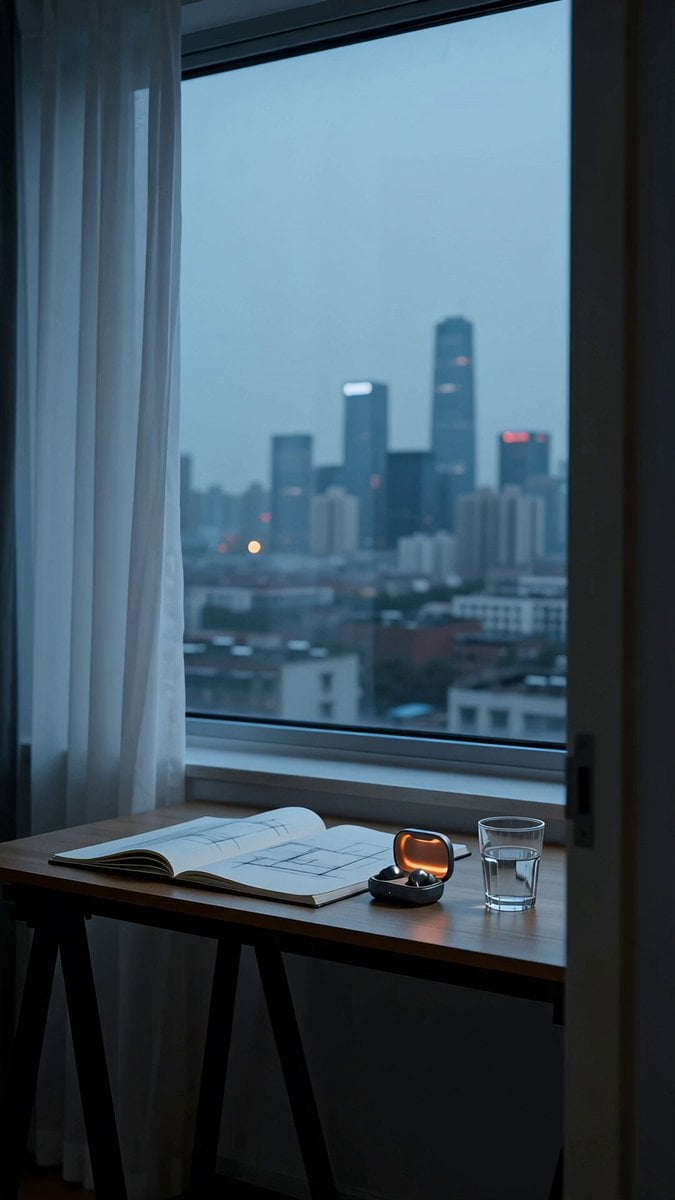
Realistic Wireless Earbuds Commercial

Cinematic Espresso Preparation
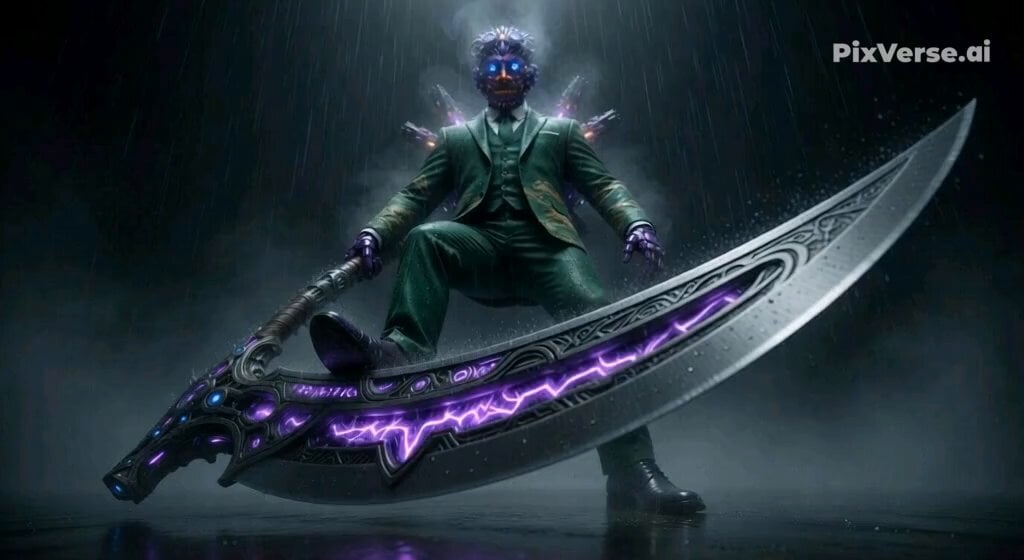
Action Sequence Prompt for Video Model Comparison

Anime Cat Carpentry Project
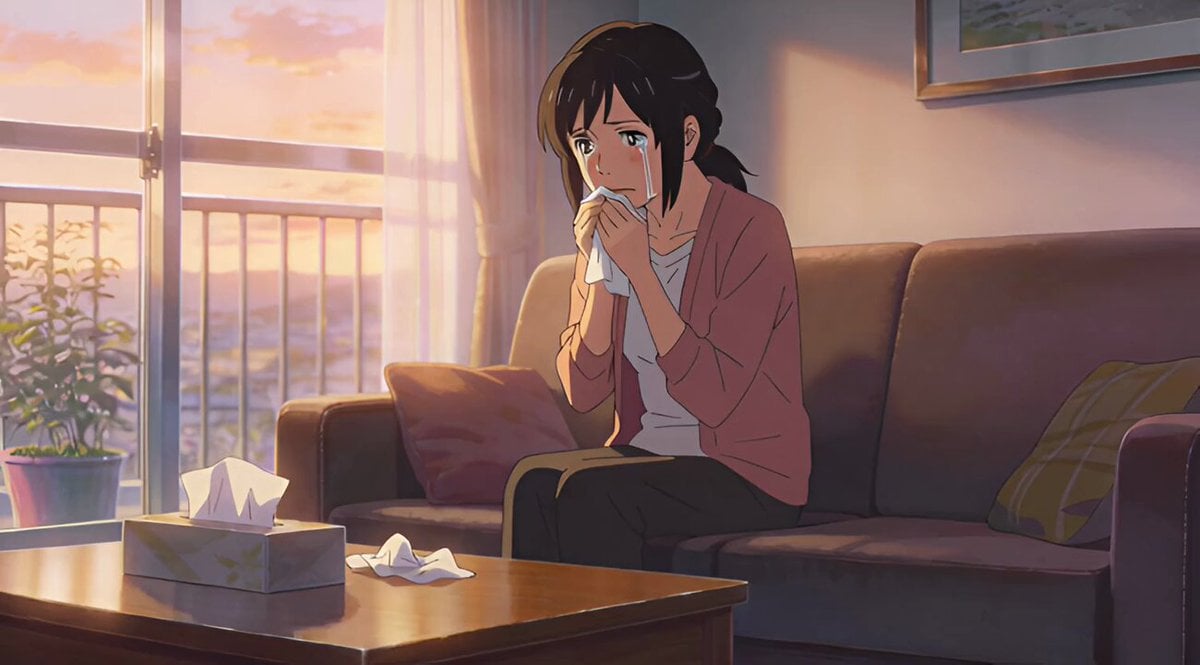
Short story video creation process using Grok Imagine
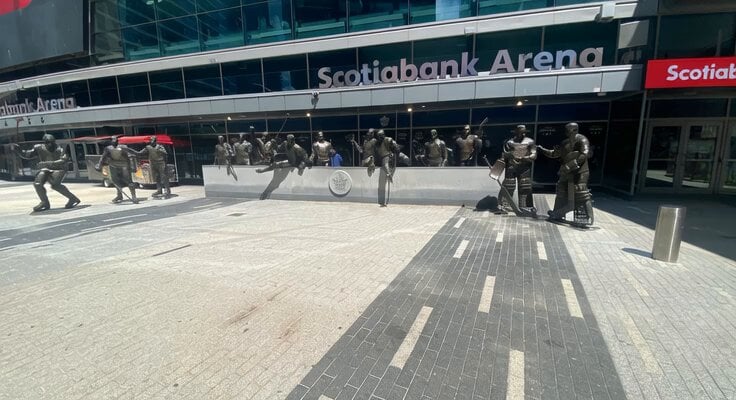
Animated Hockey Player Statues
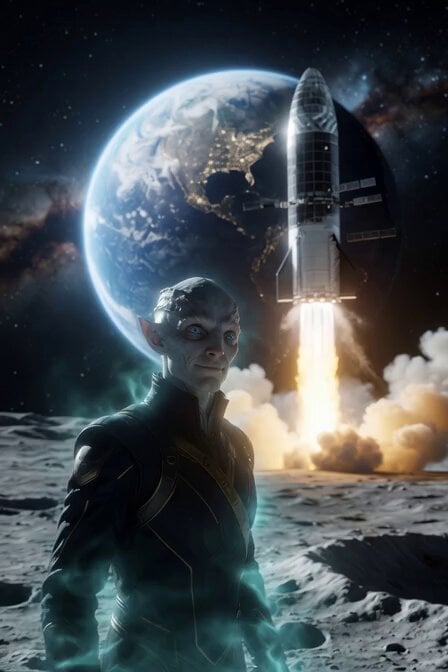
Alien Anthropologist Data Cube Video
Browse template categories
Sketch Characters Arguing Animation questions
How do I use the Sketch Characters Arguing Animation template?
Add your photo if the template asks for one, edit the prompt if you like — the template's model and format are already selected — and press Generate. Your version opens in PicX Studio.
Can I customize the Sketch Characters Arguing Animation template?
Yes. You can change the subject, setting, lighting, mood, format, and available model controls before creating your video.
Is the Sketch Characters Arguing Animation template free?
Opening and editing this template is free. Generating uses credits, shown on the Generate button when you are signed in.
Which AI model should I use?
Start with Seedance 2.0, which is the model associated with this template. You can compare another compatible model for a different finish.
Looking for something else? Browse all templates.

Your photo, any look
Thousands of ready templates for every top image and video model, from one credit balance.