
Tragic Drama Japanese Animation Prompt
A high-fidelity cinematic prompt for a 15-second tragic Japanese animation, focusing on intense emotional expressions, realistic tear rendering, and moody atmospheric lighting.
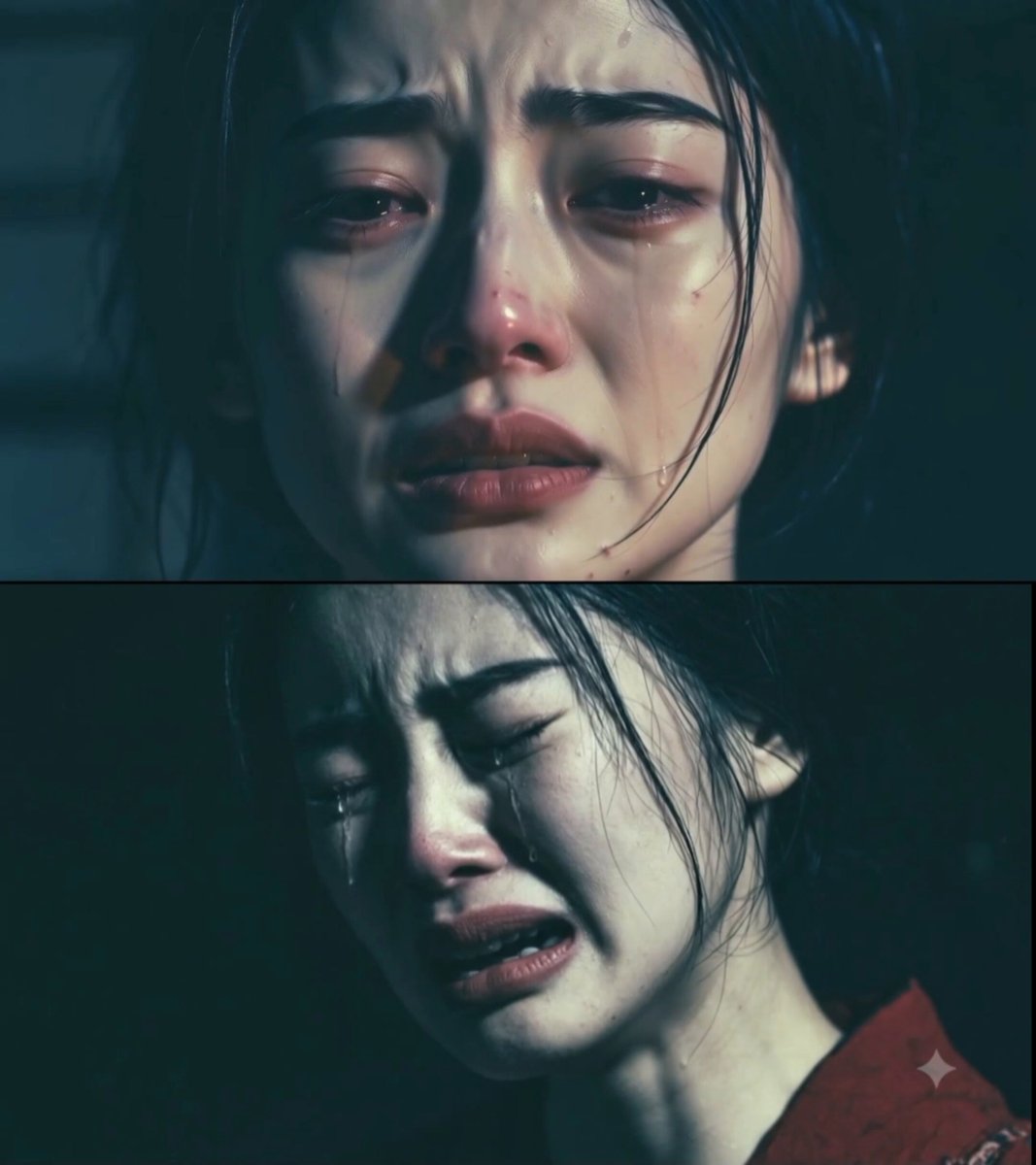
- Prompt included
- Model and format preset
- Premium template
The prompt behind this video
Copy the exact prompt behind Tragic Drama Japanese Animation Prompt, or open it in the studio and make it yours.
@image1 is the first keyframe and style reference. High-cinematic-quality tragic drama animation. Dark, moody, high-contrast desaturated color palette with a cold green-tinted shadow grading. A warm, flickering key light illuminates her face, casting dramatic shadows. Dimly lit traditional Japanese room with soft volumetric dust particles floating in the air. 0–3s: CLOSE-UP from @image1. Her eyes are tightly shut, trembling with intense grief. A thick glinting tear tracks slowly down her cheek, refracting the warm key light. Her chin quivers slightly in a micro-expression of profound sorrow. Camera executes an ultra-slow dolly zoom. 3–6s: EXTREME CLOSE-UP on her lips. Her mouth is slightly agape as a silent, shaky sob escapes. A tear drops from her chin and splashes onto the red collar of her kimono, creating a realistic damp darkening spot on the intricate silk fabric. 6–9s: SLOW PROFILE PAN. She slowly bows her head. Strands of her dark hair fall loose across her face, swaying softly with her shallow, heavy breathing. The collarbone and chest muscles tense up naturally under the weight of her grief. 9–12s: MEDIUM SHOT. She slowly opens her glassy, red-rimmed eyes, looking down in despair. A shaft of cold moonlight pierces the sliding paper screens (shoji) in the background, cutting through the volumetric dust. She clutches her red collar with a trembling, pale hand. 12–15s: MACRO SHOT OF HER EYES. Looking slightly off-camera, her glossy eyes reflect a flickering candle flame. The camera slowly pulls back as she lets out a final, shaky exhale, her facial muscles softening into a hollow, numb expression. Tragic cinematic realism matching the style and face of @image1. High-fidelity tear rendering, volumetric dust, ultra-realistic skin and cloth physics, shallow depth of field. 2.35:1, 24fps. Total: 15s / Multi-shot / 16:9
How to use Tragic Drama Japanese Animation Prompt in 3 steps
- 1
Open
The prompt is already in the box next to the preview, with the template's model and format selected.
- 2…a portrait of your subject in softgolden-hour light, 85mm…
Personalize
Edit the subject and creative details for your destination.
- 3Generate
Generate
Press Generate — your video is created in PicX Studio, so you can compare it with the original and refine one variable at a time.
More like this
Templates with the same subject, style or setup. Open one to see its prompt.

3D Glossy Fairy Animation - Seedance 2.5

Silk Road Pomegranate Folk Animation

Multilingual Creative Typography Loop

Japanese Pure Love Short Film

Kyoto Morning Selfie Vlog
Japanese Anime Cinematic Animation

1970s Japanese Diet Session Animation

Ancient Myth Tragic Cinematic Drama

Walking Factory with Rebel on Hoverbike - Wasteland
1990s Japanese Trendy Drama Style Video Prompt
90s Japanese TV Drama Scene
Misa Time Freeze Japanese
Make it yours
Tragic Drama Japanese Animation Prompt works as-is. These are the safest ways to change it without losing the look.
Change one field
Copy a single group, rewrite it, and generate again so you can see what that field is doing.
Keep the frame, change the subject
Hold the composition and light of Tragic Drama Japanese Animation Prompt, then swap wardrobe, props or the person for a new take.
| If the result… | Why | Fix |
|---|---|---|
| The result drifts from the preview | Too many fields changed at once. | Reuse Tragic Drama Japanese Animation Prompt as-is first, then change one group — subject, light, or setting. |
| The model over-stylizes the scene | The prose prompt leaves finish and camera underspecified. | Add one camera or lighting sentence and stay on Seedance 2.0. |
More Seedance 2.0 templates
Other prompts made for Seedance 2.0.

Comical Martial Arts Punch Scene

Maglev Train Action Sequence

Martial Arts Fight Sequence

Wuxia Protection and Trust Script

Vintage Korean Arcade MiniDV Vlog

Mercedes 190 SL Luxury Ad

Rainy Night Supernatural Reverse Comedy Video Script

Amazon Civilization Discovery

Futuristic South Asian City Transformation

Cozy Luxury Cafe Commercial
More video prompts
Fresh picks from across the catalog.
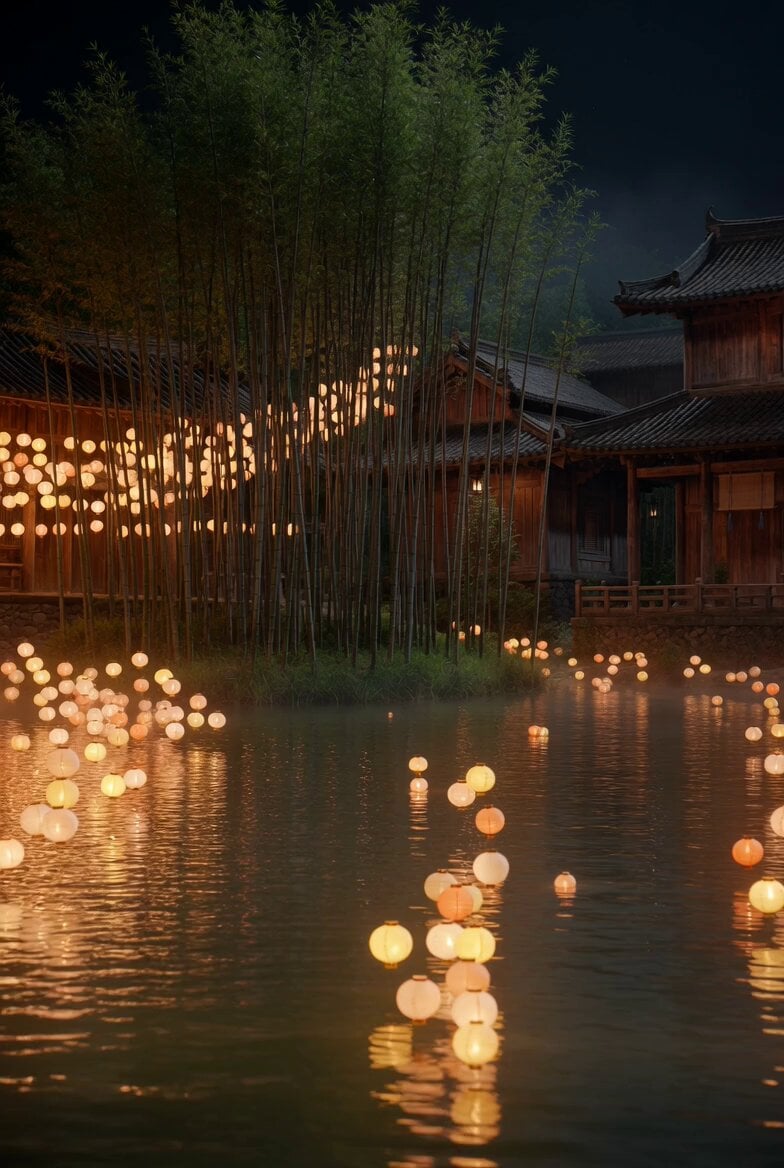
Floating Lights and Lantern Glow Video

Red Hartebeest running in Kalahari summer
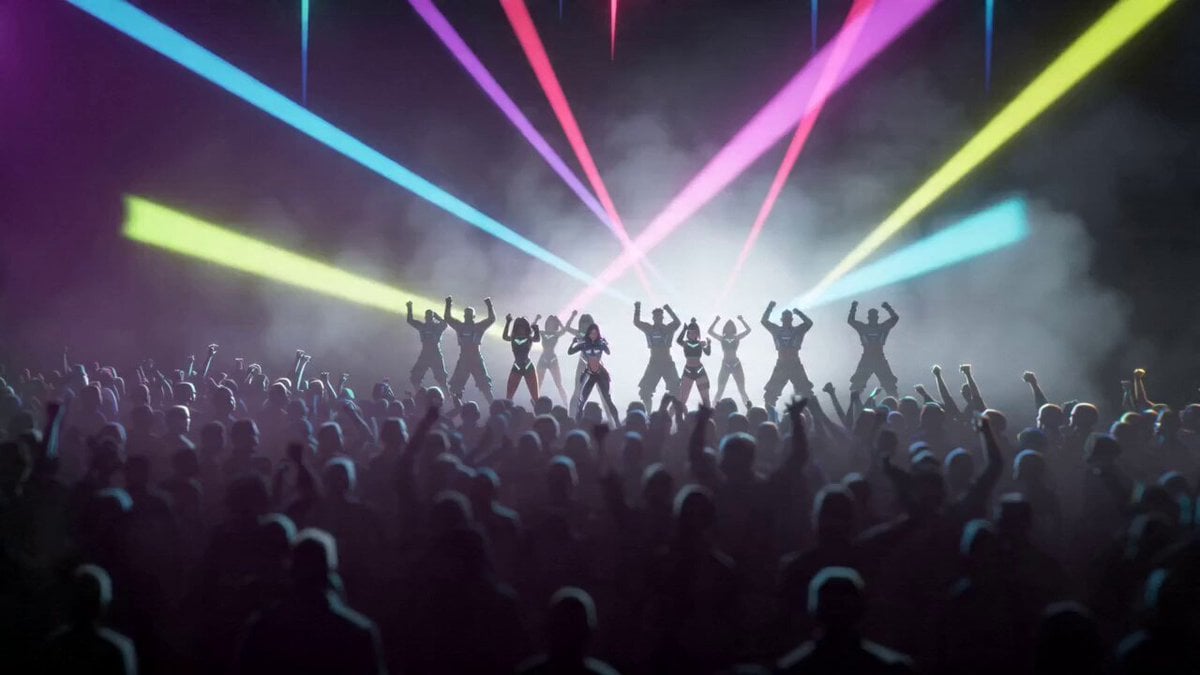
Cyberpunk K-Pop Animation
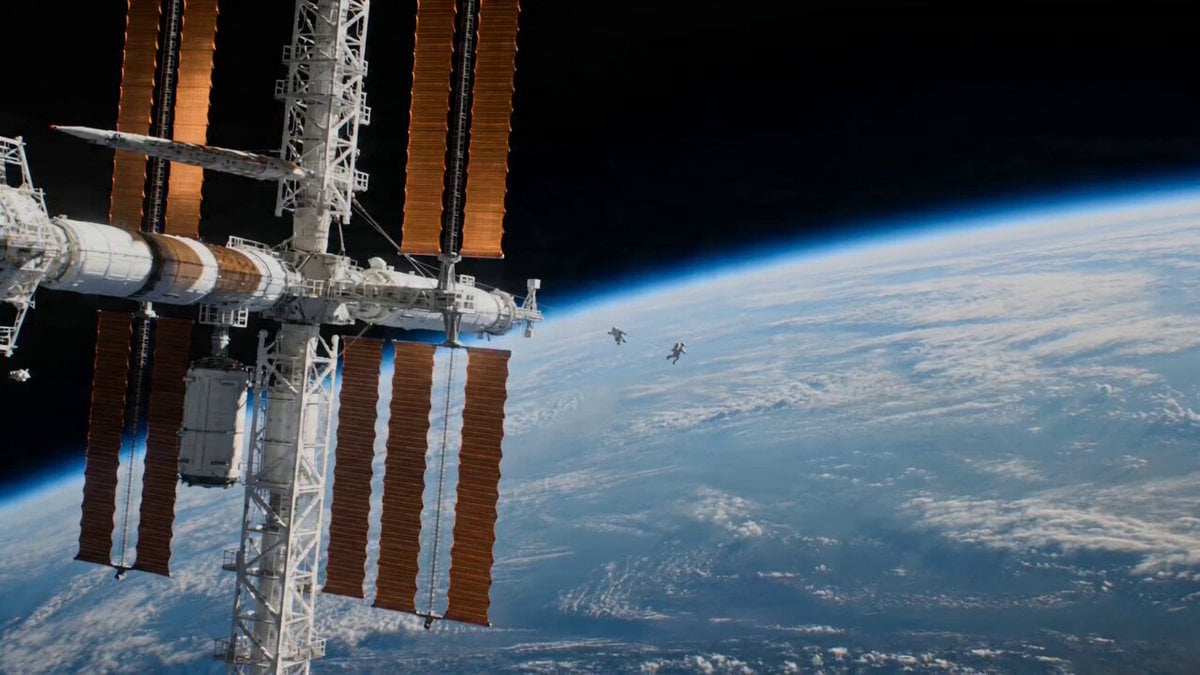
Astronaut Spacewalk Sci-Fi Drama

Hyperrealistic Miniature Girl on a Paper Airplane Video Prompt
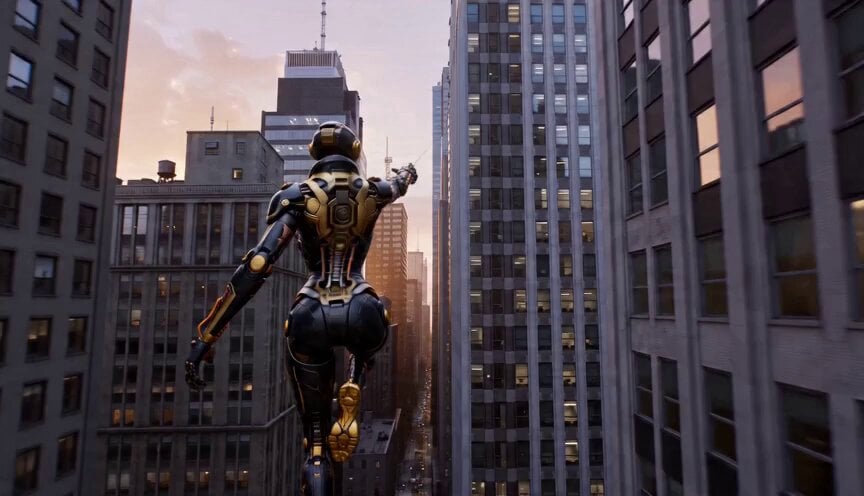
High-Speed Cinematic Action Scene with Web-Slinging
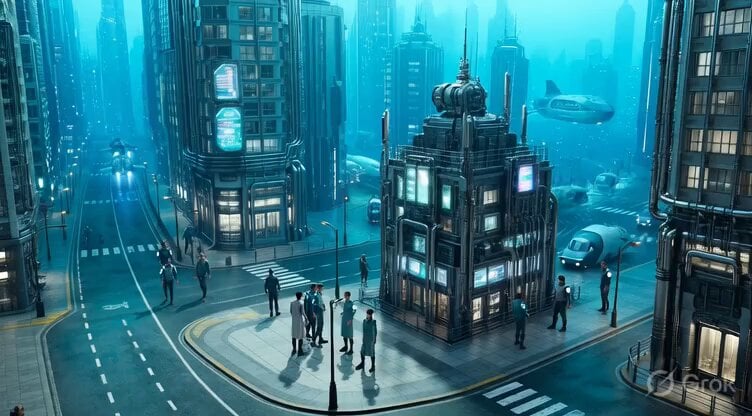
Underwater City Isometric Video Prompt

Luxury Portable Blender Commercial featuring Aria
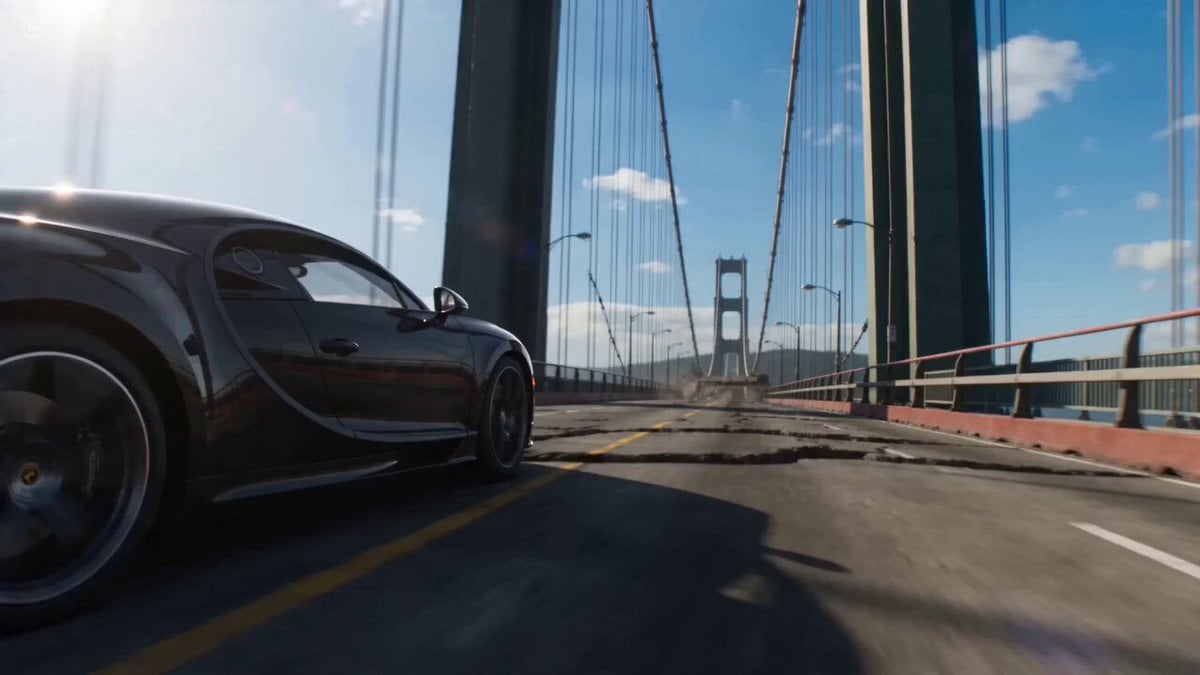
Bridge Collapse Action Sequence
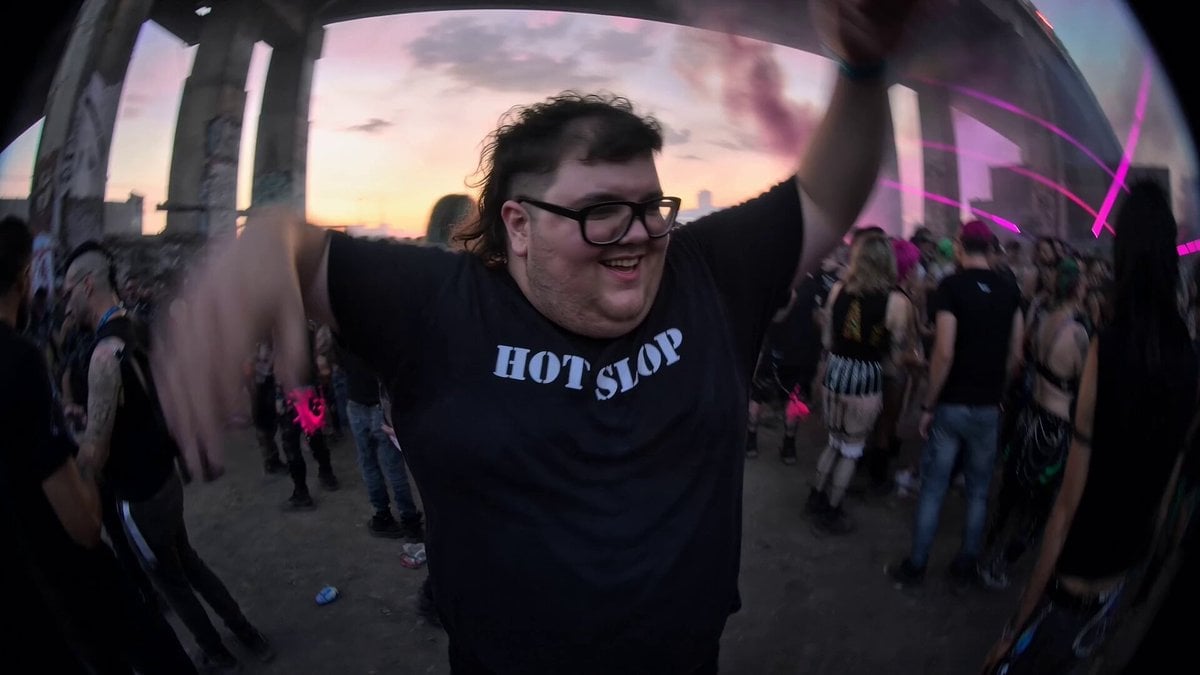
Chaotic Rave Snorricam
Browse template categories
Tragic Drama Japanese Animation Prompt questions
How do I use the Tragic Drama Japanese Animation Prompt template?
Add your photo if the template asks for one, edit the prompt if you like — the template's model and format are already selected — and press Generate. Your version opens in PicX Studio.
Can I customize the Tragic Drama Japanese Animation Prompt template?
Yes. You can change the subject, setting, lighting, mood, format, and available model controls before creating your video.
Is the Tragic Drama Japanese Animation Prompt template free?
Opening and editing this template is free. Generating uses credits, shown on the Generate button when you are signed in.
Which AI model should I use?
Start with Seedance 2.0, which is the model associated with this template. You can compare another compatible model for a different finish.
Looking for something else? Browse all templates.

Your photo, any look
Thousands of ready templates for every top image and video model, from one credit balance.