
Cinematic Sci-Fi Orbital Megastructure
A detailed multi-shot cinematic prompt for a sci-fi sequence featuring an astronaut exploring a massive abandoned orbital structure with realistic lighting and reflections.
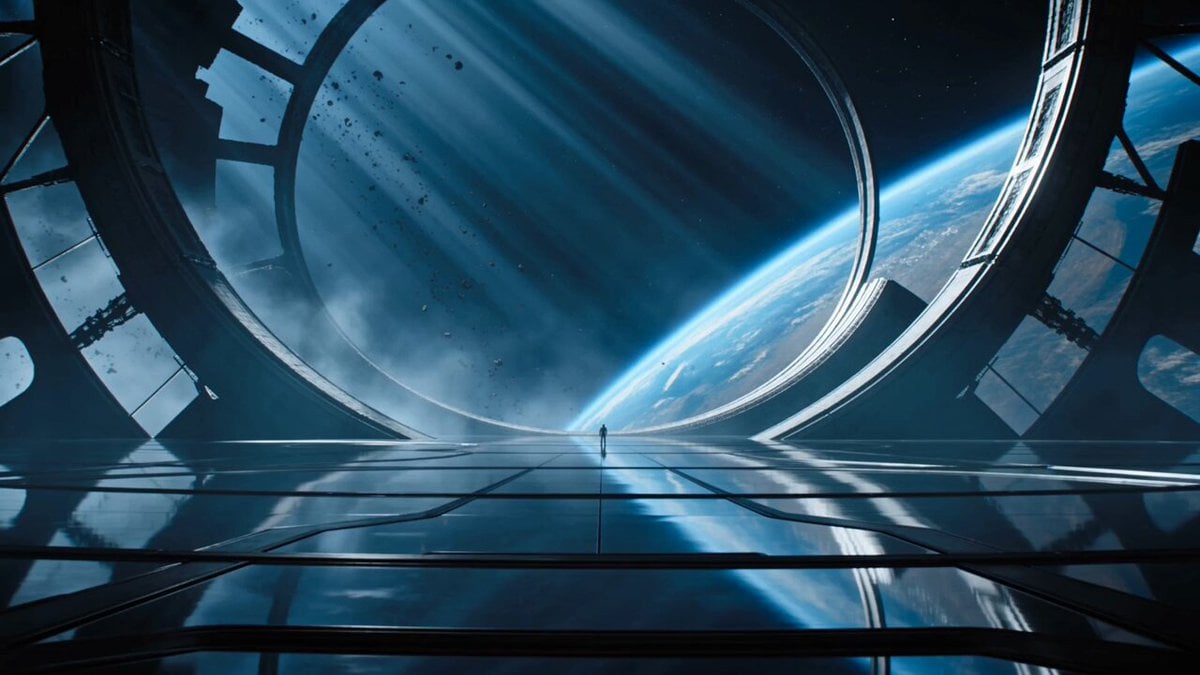
- Prompt included
- Model and format preset
- Free template
The prompt behind this video
Copy the exact prompt behind Cinematic Sci-Fi Orbital Megastructure, or open it in the studio and make it yours.
Create a cinematic sci-fi film sequence in a vast abandoned orbital megastructure above a blue planet. A lone astronaut-explorer in a sleek graphite pressure suit walks slowly across a reflective obsidian floor, helmet visor glowing faintly with interface light. 0–4s: Establishing ultra-wide shot. The explorer appears tiny beneath enormous curved alien architecture, floating debris drifting outside panoramic windows, cold starlight cutting through volumetric haze. Camera performs a slow dolly forward with subtle tilt up. 4–9s: Medium tracking shot from behind as the explorer walks toward a dormant circular gate. Floor panels illuminate one by one beneath each step, soft mechanical pulses echo through the chamber. Reflections ripple across the suit, realistic gravity and weight. 9–13s: Close-up on the helmet visor. The explorer stops, raises one gloved hand, and the visor reflects a massive star map forming in the air. Slow push-in, shallow depth of field, cinematic lens breathing. 13–15s: Hero wide shot. The circular gate opens into a blinding white-blue horizon, silhouettes of impossible structures visible beyond it. The explorer stands centered, cape-like survival fabric moving gently in artificial wind. Style: ultra-cinematic blockbuster sci-fi, anamorphic 35mm lens, deep blue and silver color palette, practical glowing panels, volumetric fog, high contrast rim lighting, realistic metallic textures, premium VFX realism, clean spatial audio with low mechanical hums, distant atmospheric rumbles, no music.
How to use Cinematic Sci-Fi Orbital Megastructure in 3 steps
- 1
Open
The prompt is already in the box next to the preview, with the template's model and format selected.
- 2…a portrait of your subject in softgolden-hour light, 85mm…
Personalize
Edit the subject and creative details for your destination.
- 3Generate
Generate
Press Generate — your video is created in PicX Studio, so you can compare it with the original and refine one variable at a time.
More like this
Templates with the same subject, style or setup. Open one to see its prompt.

Sci-Fi Disaster Movie Scene - Seedance 2.5
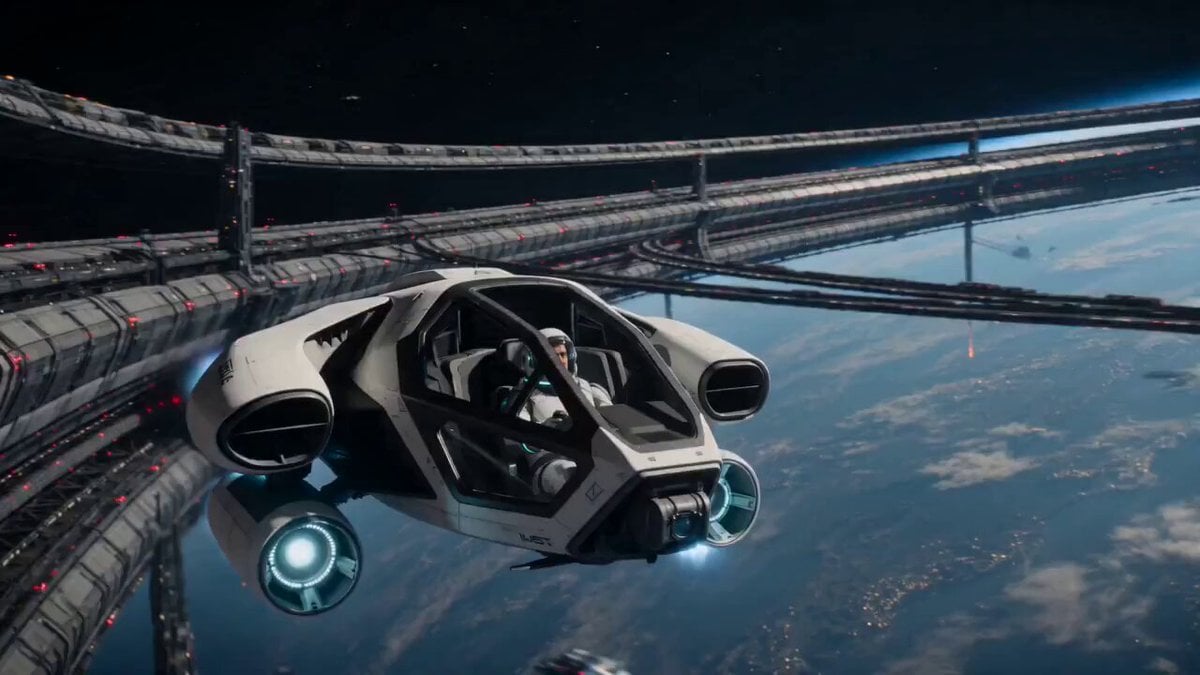
Orbital Rescue Pilot Sci-Fi Cinematic
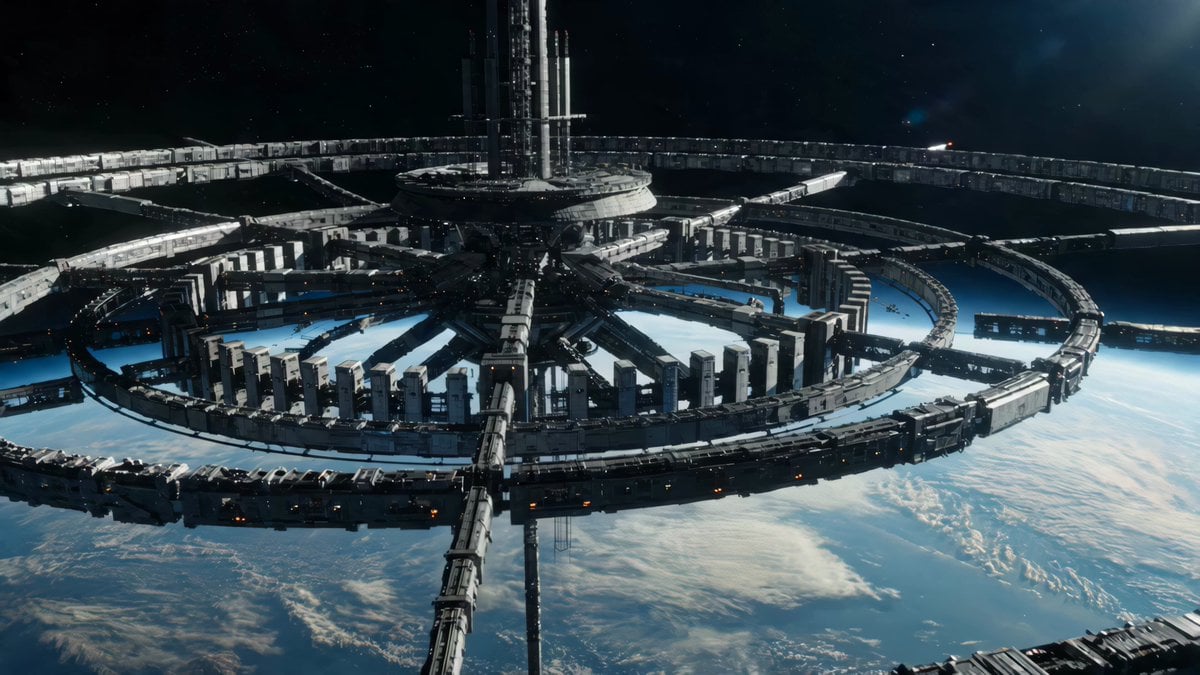
Sci-Fi Orbital Construction Collapse
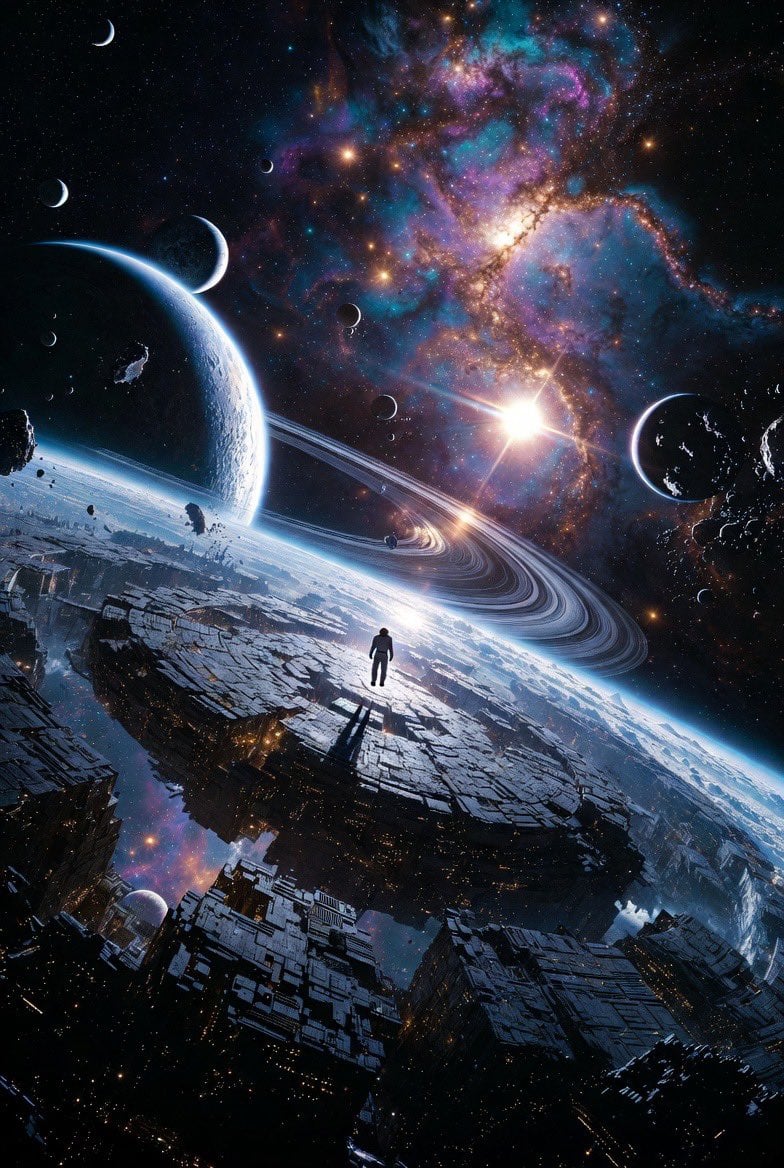
Epic Sci-Fi Scene on an Alien Megastructure with Mixed Art Styles
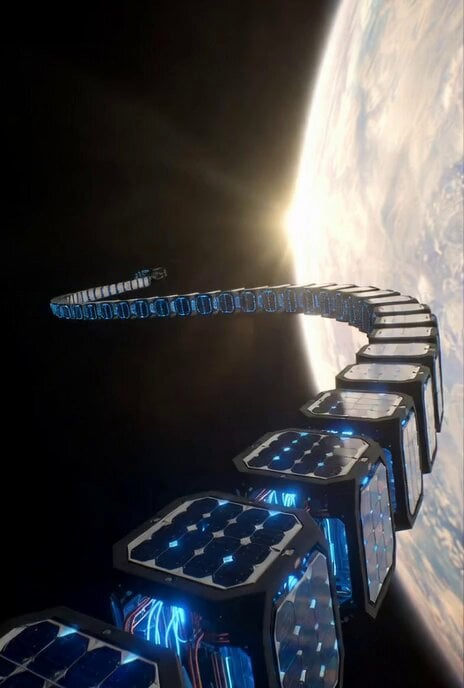
Sci-Fi Documentary Video Prompt for Orbital Solar Energy System
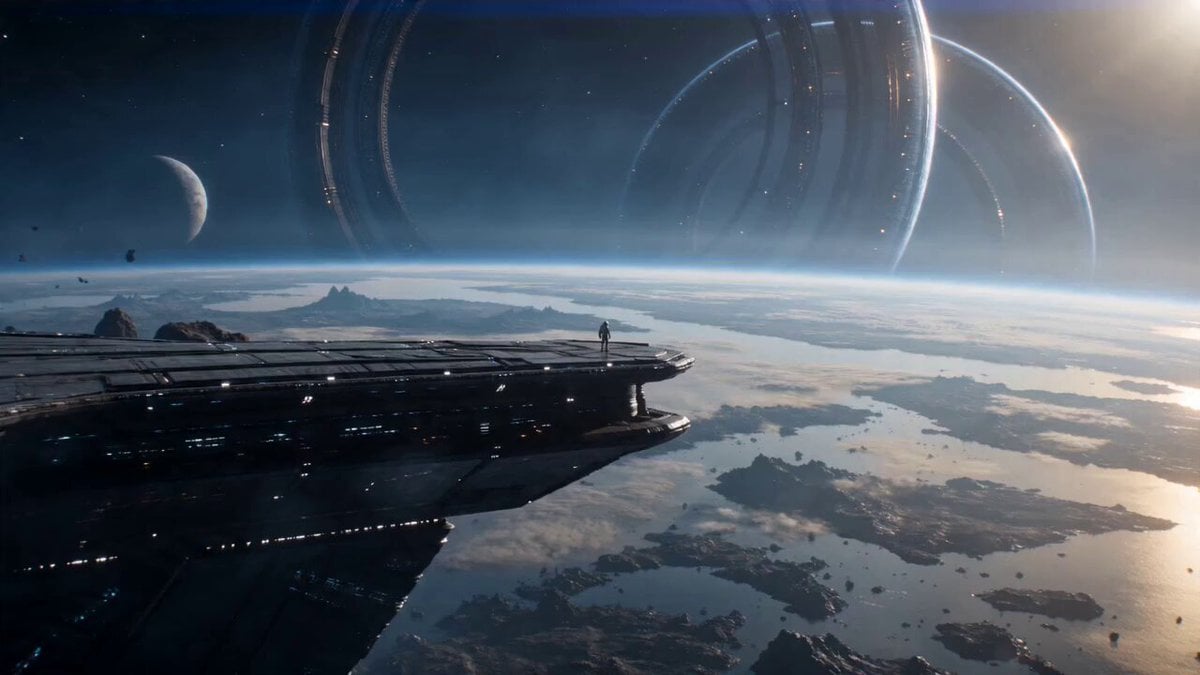
Astronaut and Alien Megastructure
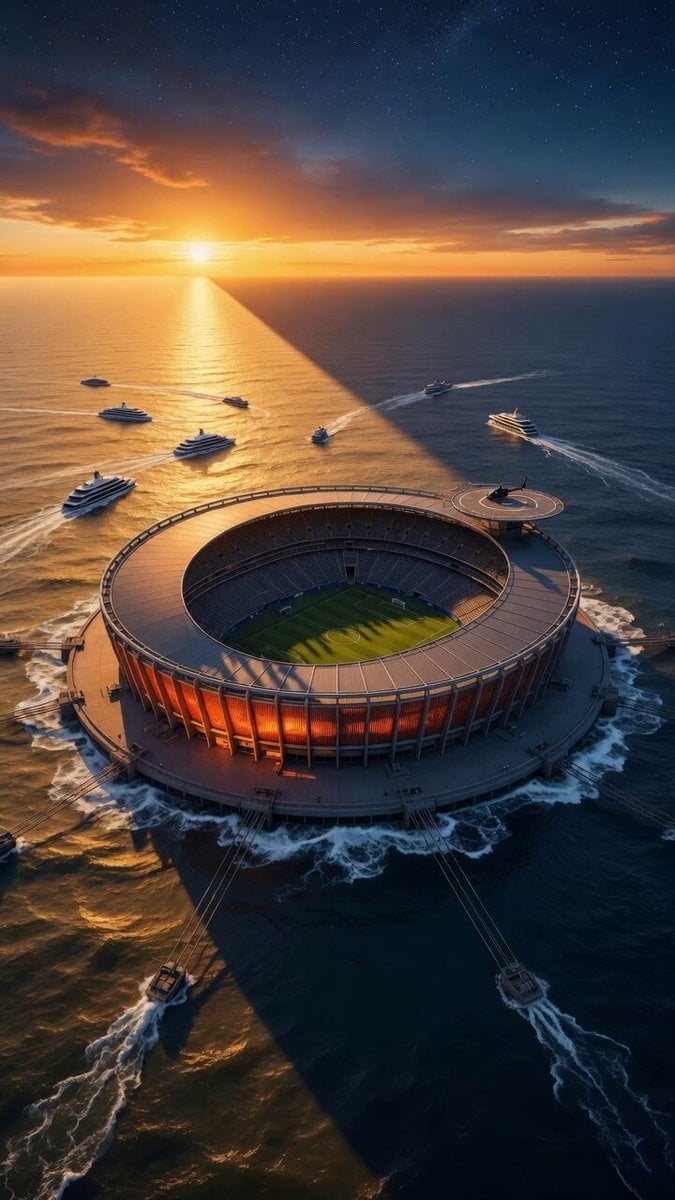
Orbital Drone Stadium Shot
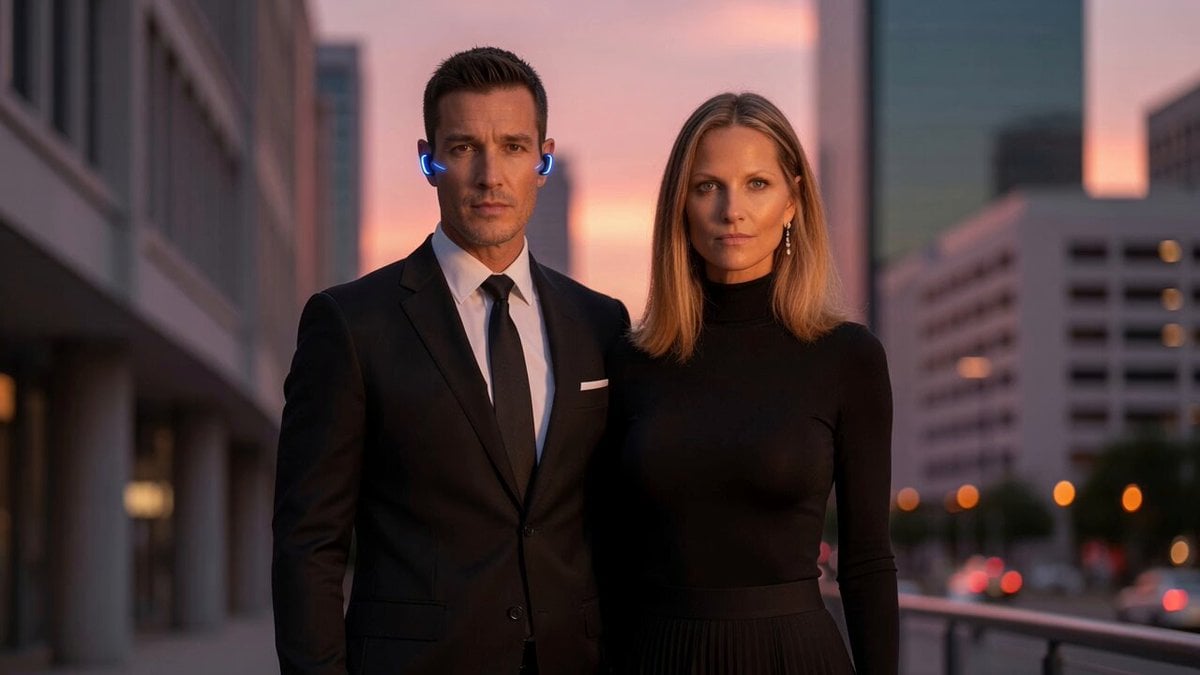
Orbital Camera Dusk Couple Scene
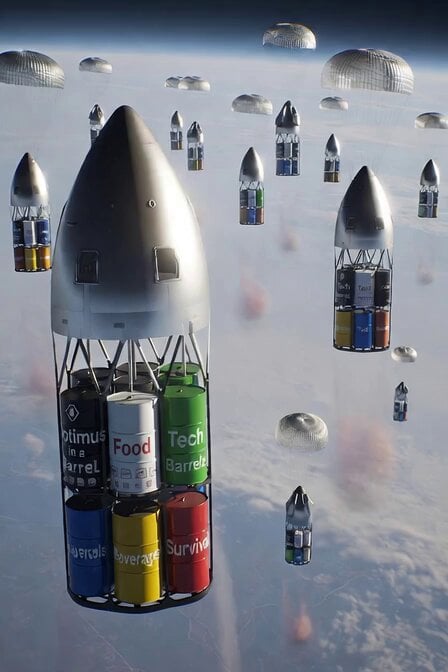
SpaceX Starship Orbital Drop Pods
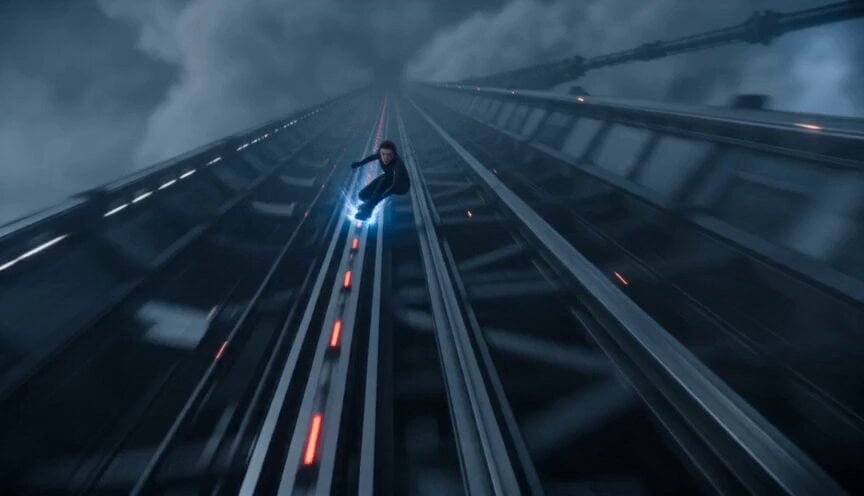
Orbital Elevator Combat Sequence
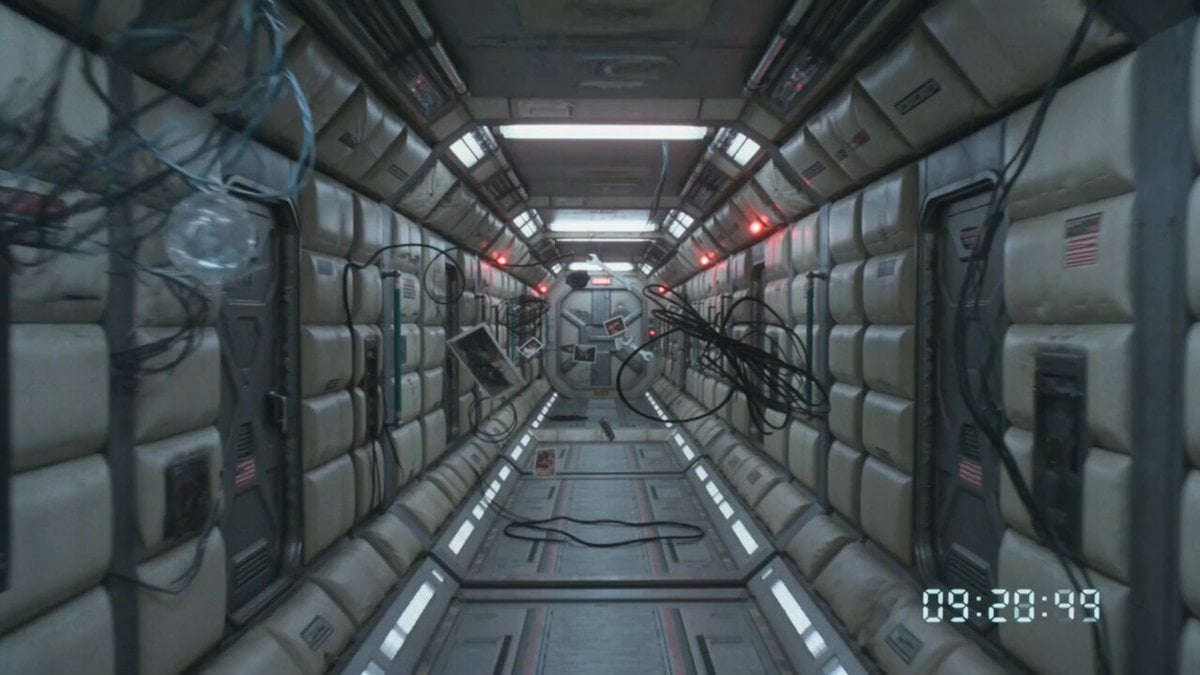
80s VHS Orbital Station Horror
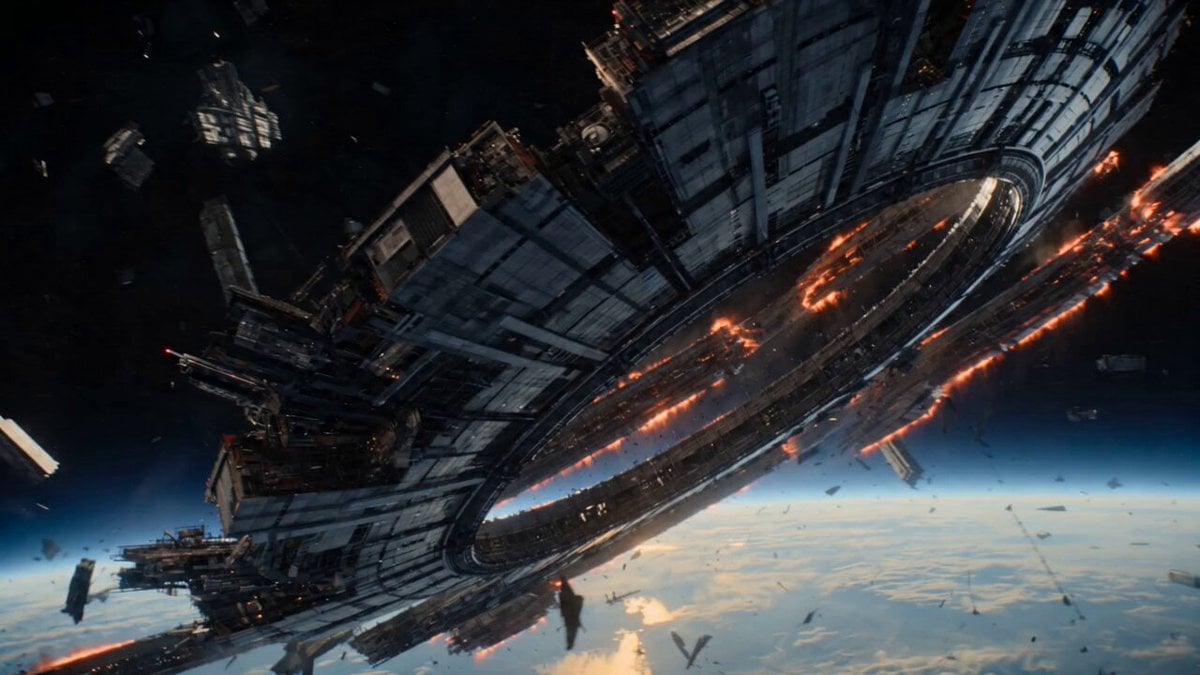
Futuristic Collapsing Orbital Ring Chase
Make it yours
Cinematic Sci-Fi Orbital Megastructure works as-is. These are the safest ways to change it without losing the look.
Change one field
Copy a single group, rewrite it, and generate again so you can see what that field is doing.
Keep the frame, change the subject
Hold the composition and light of Cinematic Sci-Fi Orbital Megastructure, then swap wardrobe, props or the person for a new take.
| If the result… | Why | Fix |
|---|---|---|
| The result drifts from the preview | Too many fields changed at once. | Reuse Cinematic Sci-Fi Orbital Megastructure as-is first, then change one group — subject, light, or setting. |
| The model over-stylizes the scene | The prose prompt leaves finish and camera underspecified. | Add one camera or lighting sentence and stay on Seedance 2.0. |
More Seedance 2.0 templates
Other prompts made for Seedance 2.0.

Comical Martial Arts Punch Scene

Maglev Train Action Sequence

Martial Arts Fight Sequence

Wuxia Protection and Trust Script

Vintage Korean Arcade MiniDV Vlog

Mercedes 190 SL Luxury Ad

Rainy Night Supernatural Reverse Comedy Video Script

Amazon Civilization Discovery

Futuristic South Asian City Transformation

Cozy Luxury Cafe Commercial
More video prompts
Fresh picks from across the catalog.

Cinematic Portrait of Female Fantasy Warrior in Arctic Tundra Video Prompt

Detailed Gacha Game Summon Animation

Octopus Apple Play Animation
NBA Courtside Broadcast Moment
Anime Girls Flying Over Mumbai
马斯克父子 Are you OK 北京话短剧
Indie Film Storyboard Layout

Cinematic Cafe Barista Story
Childhood Conversation Video Prompt
Avant-Garde Anime Girl Sequence
Browse template categories
Cinematic Sci-Fi Orbital Megastructure questions
How do I use the Cinematic Sci-Fi Orbital Megastructure template?
Add your photo if the template asks for one, edit the prompt if you like — the template's model and format are already selected — and press Generate. Your version opens in PicX Studio.
Can I customize the Cinematic Sci-Fi Orbital Megastructure template?
Yes. You can change the subject, setting, lighting, mood, format, and available model controls before creating your video.
Is the Cinematic Sci-Fi Orbital Megastructure template free?
Opening and editing this template is free. Generating uses credits, shown on the Generate button when you are signed in.
Which AI model should I use?
Start with Seedance 2.0, which is the model associated with this template. You can compare another compatible model for a different finish.
Looking for something else? Browse all templates.

Your photo, any look
Thousands of ready templates for every top image and video model, from one credit balance.