
Childhood Conversation Video Prompt
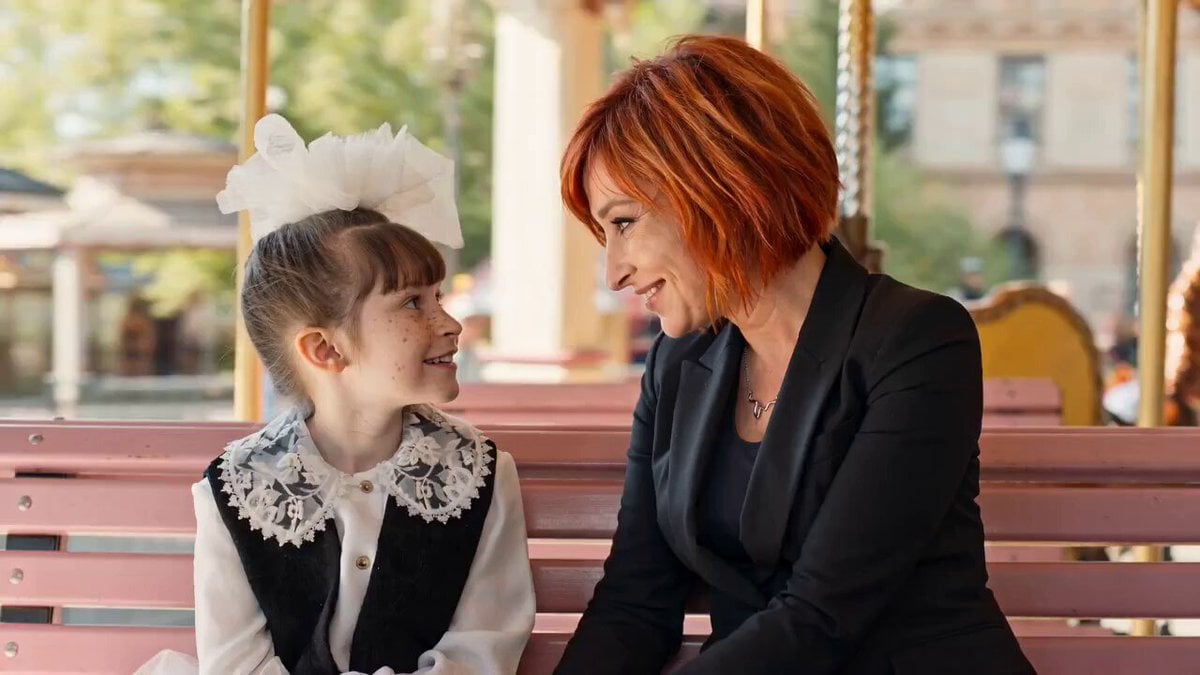
A detailed multi-part prompt for Seedance 2.0 to generate a warm, hopeful video showing a conversation between a child version and an adult version of the same person on a carousel, requiring two reference photos.
- Prompt included
- Model and format preset
- Premium template
The prompt behind this video
Copy the exact prompt behind Childhood Conversation Video Prompt, or open it in the studio and make it yours.
Original characters: child girl from (image1) on the left side of the frame and adult woman from (image2) on the right side, as if they are two versions of the same person, sitting opposite each other on the bench of a classic children's carousel. The carousel rotates at a normal rhythm; blurred motion background behind — blooming spring trees, soft bokeh, bright daylight. Warm, hopeful, joyful mood; both softly smiling, with curious shining eyes and relaxed body language, like a sincere uplifting conversation with your younger self. Poses natural, turned toward each other, fully immersed in the moment. Spring daytime setting on an outdoor carousel: painted wooden structure in pastel colors, metal poles, subtle motion blur from rotation. Airy fresh atmosphere, hints of green blooming trees in the background, no dark yard or park bench. Facial expressions light and happy, no sadness. Subtle natural facial animation. Dialogue in English, one sentence each, subtle lip-sync: Child: "So… what happens next to me?" Adult: "You can't even imagine how much interesting, beautiful stuff is waiting for you." No subtitles, no text, no captions.
How to use Childhood Conversation Video Prompt in 3 steps
- 1
Open
The prompt is already in the box next to the preview, with the template's model and format selected.
- 2…a portrait of your subject in softgolden-hour light, 85mm…
Personalize
Edit the subject and creative details for your destination.
- 3Generate
Generate
Press Generate — your video is created in PicX Studio, so you can compare it with the original and refine one variable at a time.
More like this
Templates with the same subject, style or setup. Open one to see its prompt.

Childhood Toys Conversation Prompt
Korean Idol Childhood Photo Vlog
second magical childhood stream video prompt
Childhood Memory of an Orange Fireball
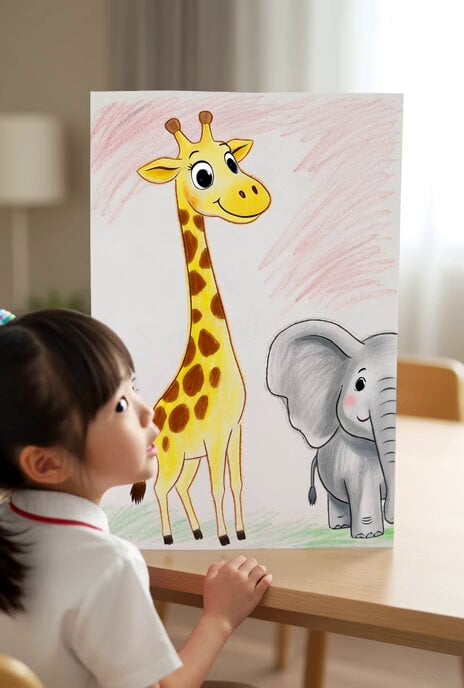
Childhood Memories of Calligraphy, Abacus, and Drawing
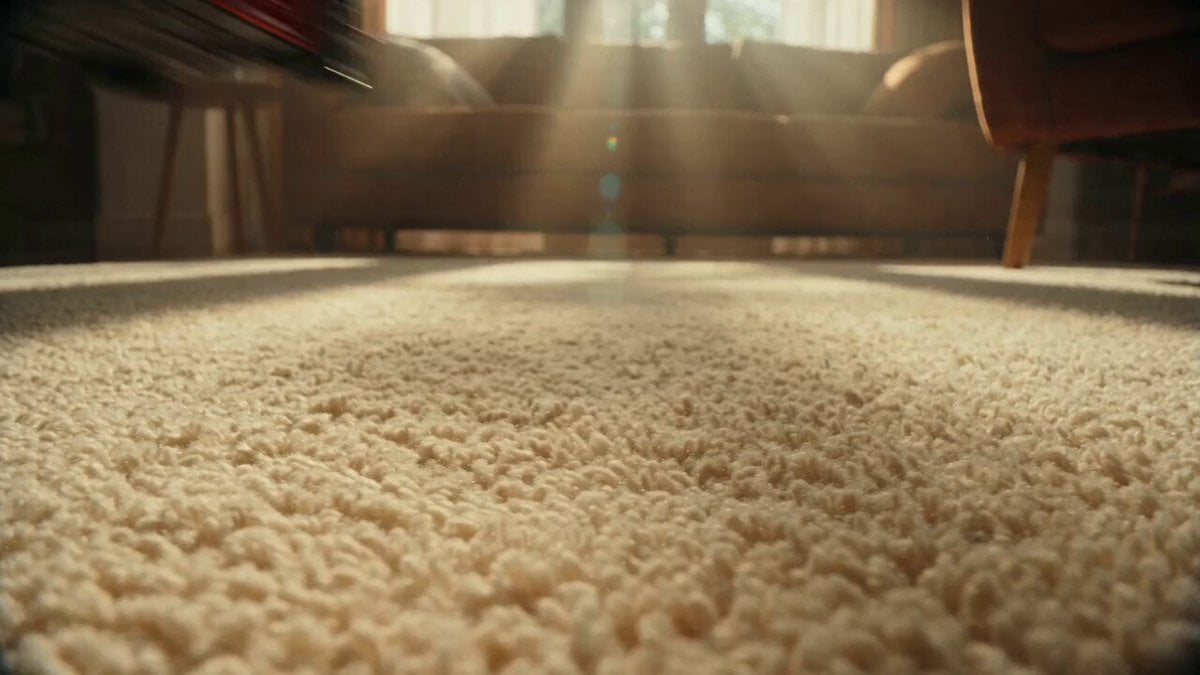
Childhood Dream to Reality Transition Video Prompt
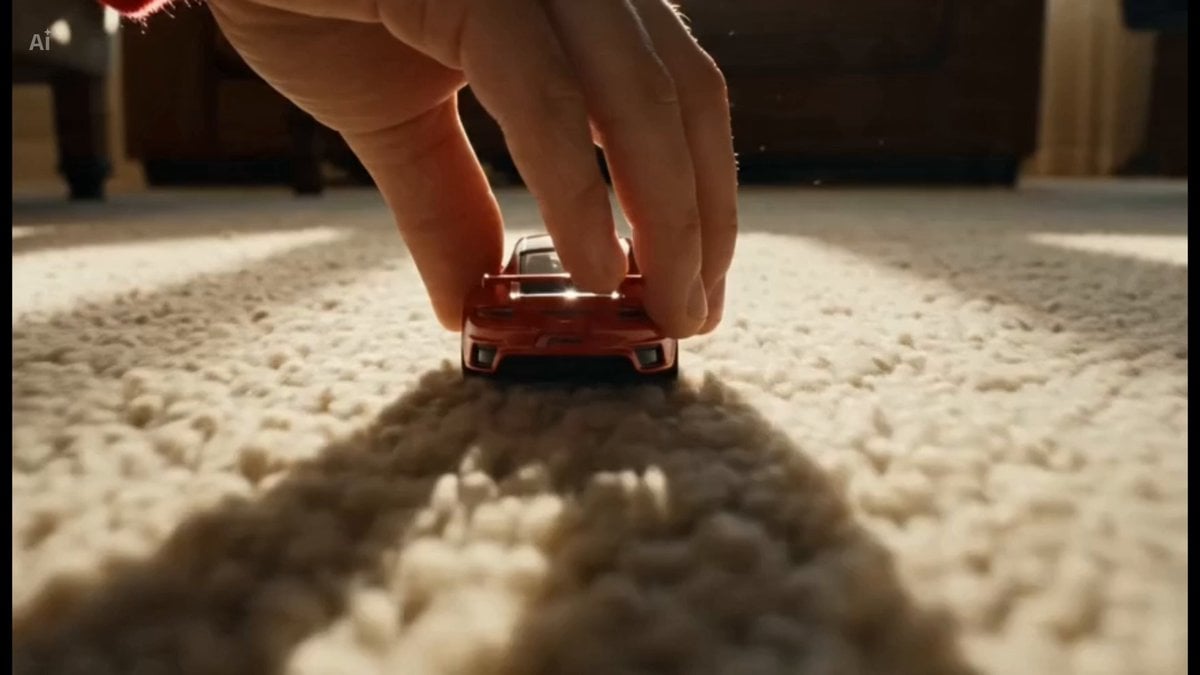
Childhood Imagination to Reality Car Race Video Prompt
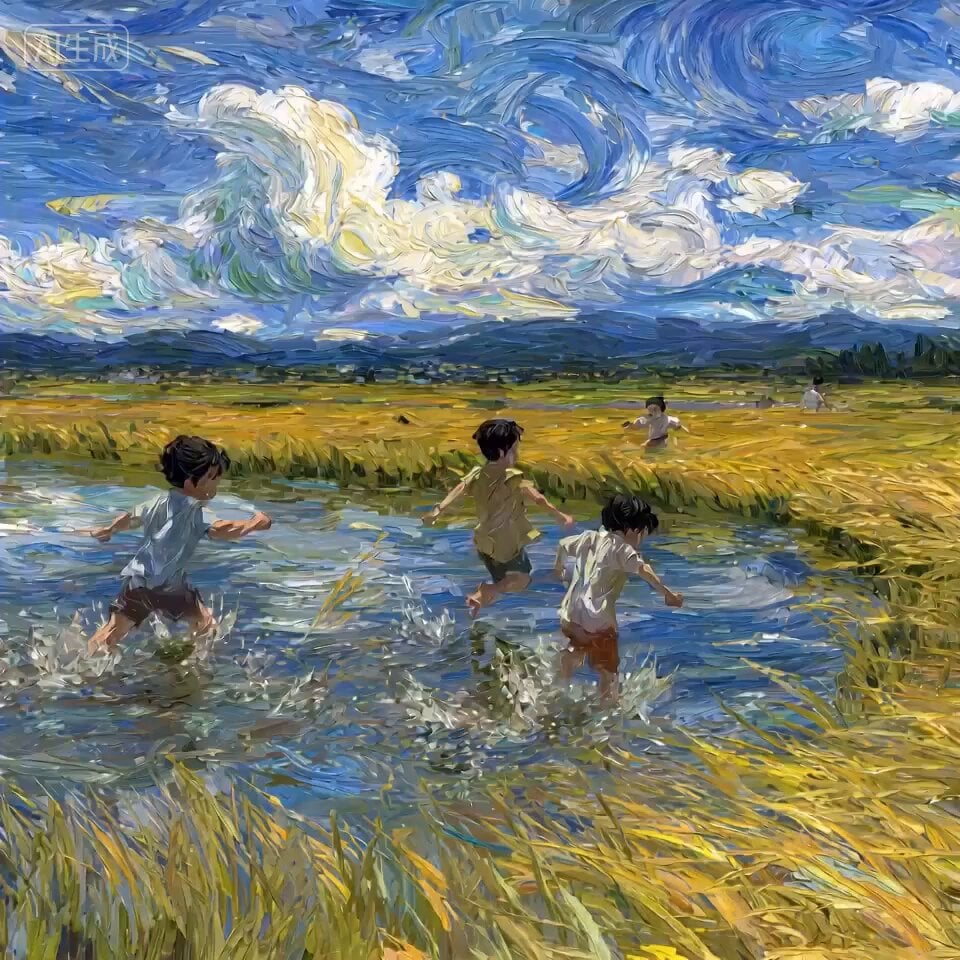
Nostalgic Childhood Memory Video Prompt for Seedance 2.0
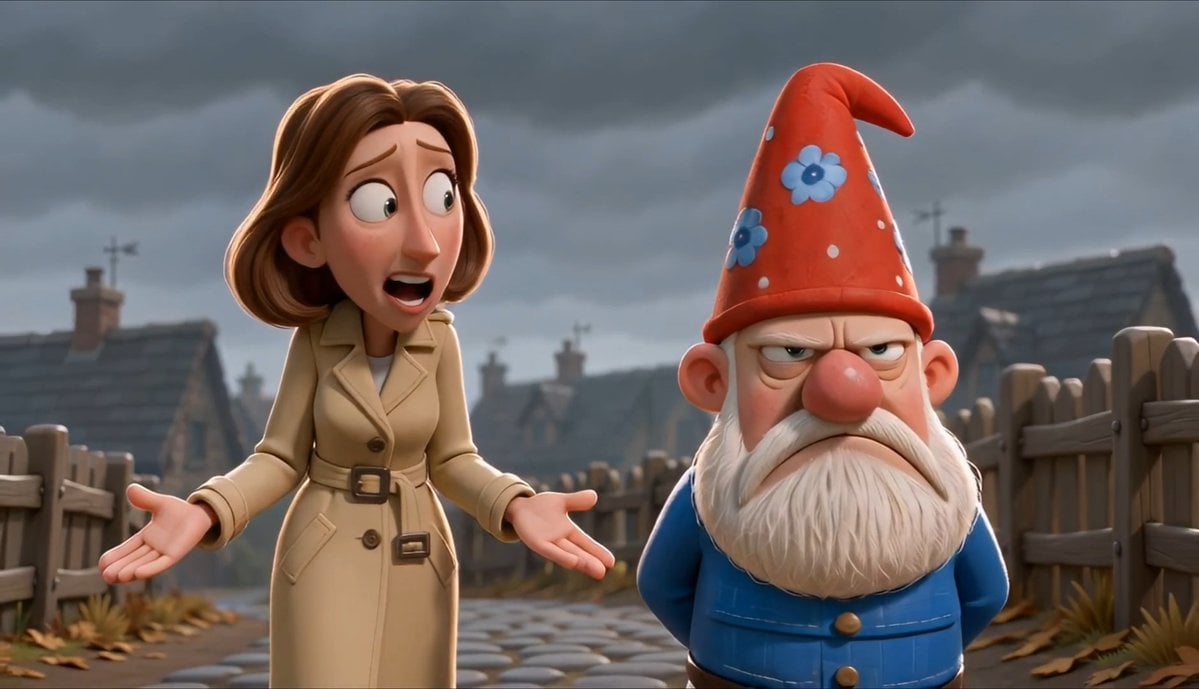
Grumblebert Flowerbottom Garden Conversation
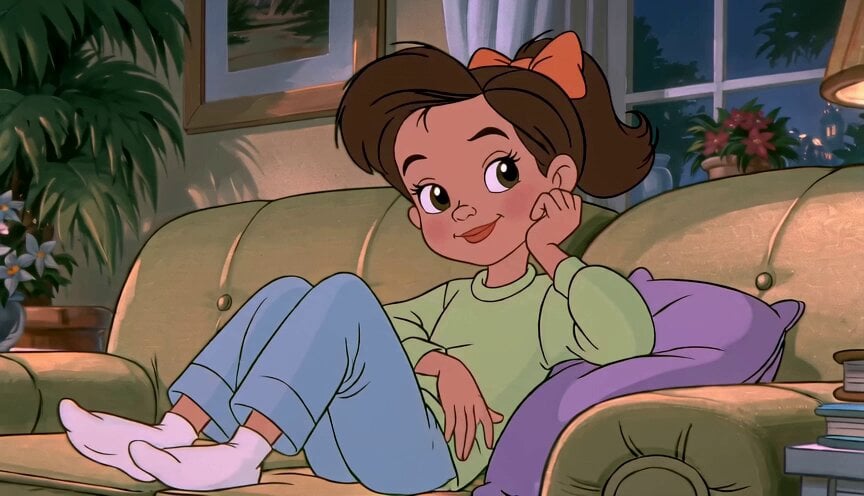
Nostalgic Disney Family Conversation
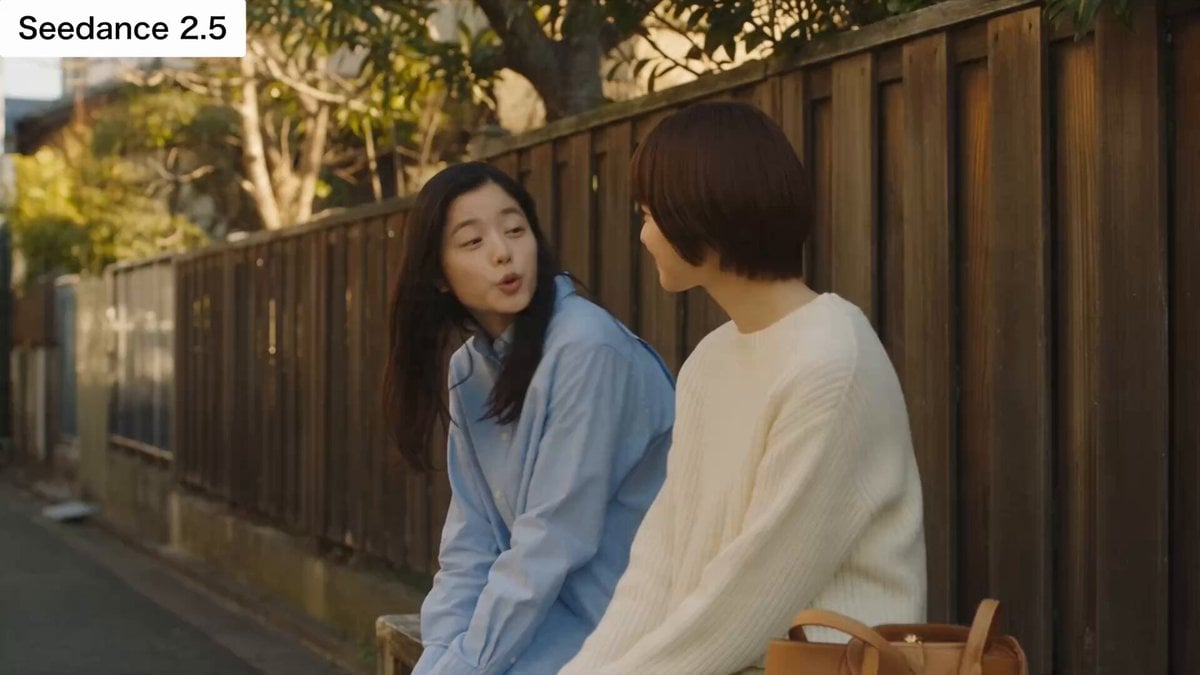
Japanese Slice-of-Life Conversation with Lip Sync
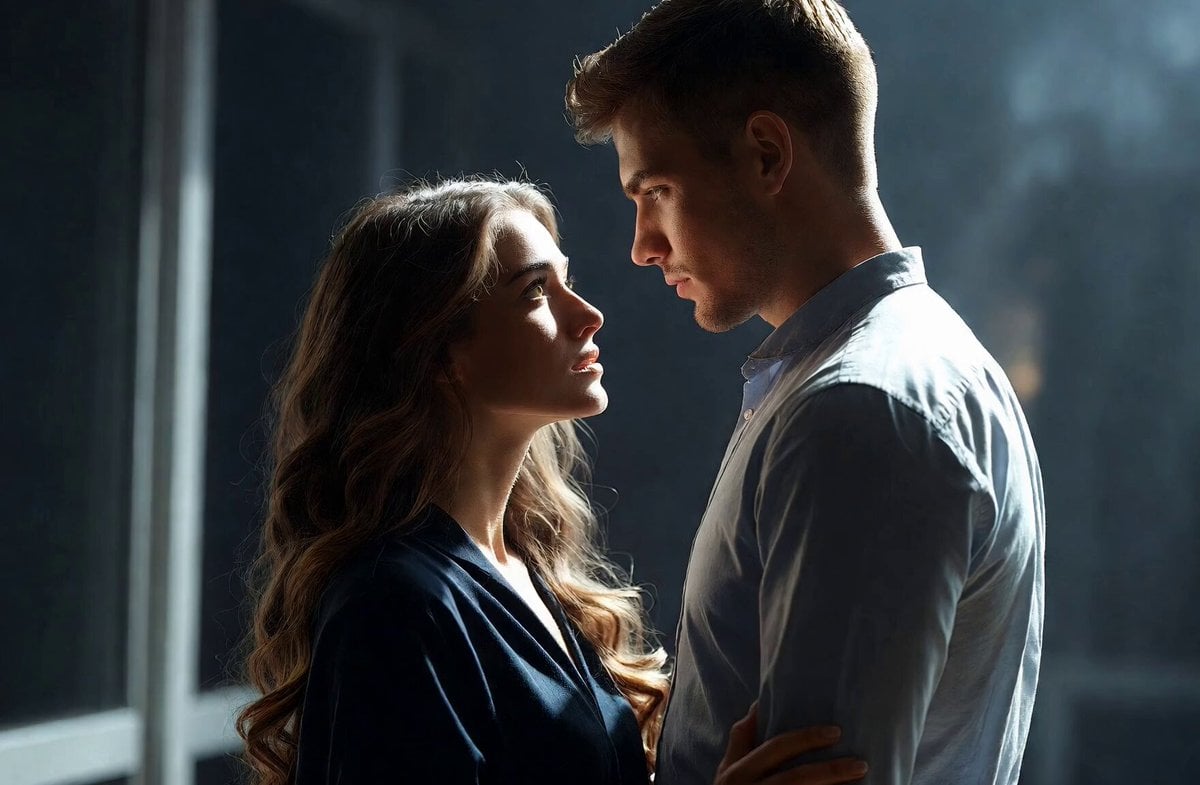
Intimate Future Conversation Couple
Make it yours
Childhood Conversation Video Prompt works as-is. These are the safest ways to change it without losing the look.
Change one field
Copy a single group, rewrite it, and generate again so you can see what that field is doing.
Keep the frame, change the subject
Hold the composition and light of Childhood Conversation Video Prompt, then swap wardrobe, props or the person for a new take.
| If the result… | Why | Fix |
|---|---|---|
| The result drifts from the preview | Too many fields changed at once. | Reuse Childhood Conversation Video Prompt as-is first, then change one group — subject, light, or setting. |
| The model over-stylizes the scene | The prose prompt leaves finish and camera underspecified. | Add one camera or lighting sentence and stay on Seedance 2.0. |
More Seedance 2.0 templates
Other prompts made for Seedance 2.0.

Comical Martial Arts Punch Scene

Maglev Train Action Sequence

Martial Arts Fight Sequence

Wuxia Protection and Trust Script

Vintage Korean Arcade MiniDV Vlog

Mercedes 190 SL Luxury Ad

Rainy Night Supernatural Reverse Comedy Video Script

Amazon Civilization Discovery

Futuristic South Asian City Transformation

Cozy Luxury Cafe Commercial
More video prompts
Fresh picks from across the catalog.
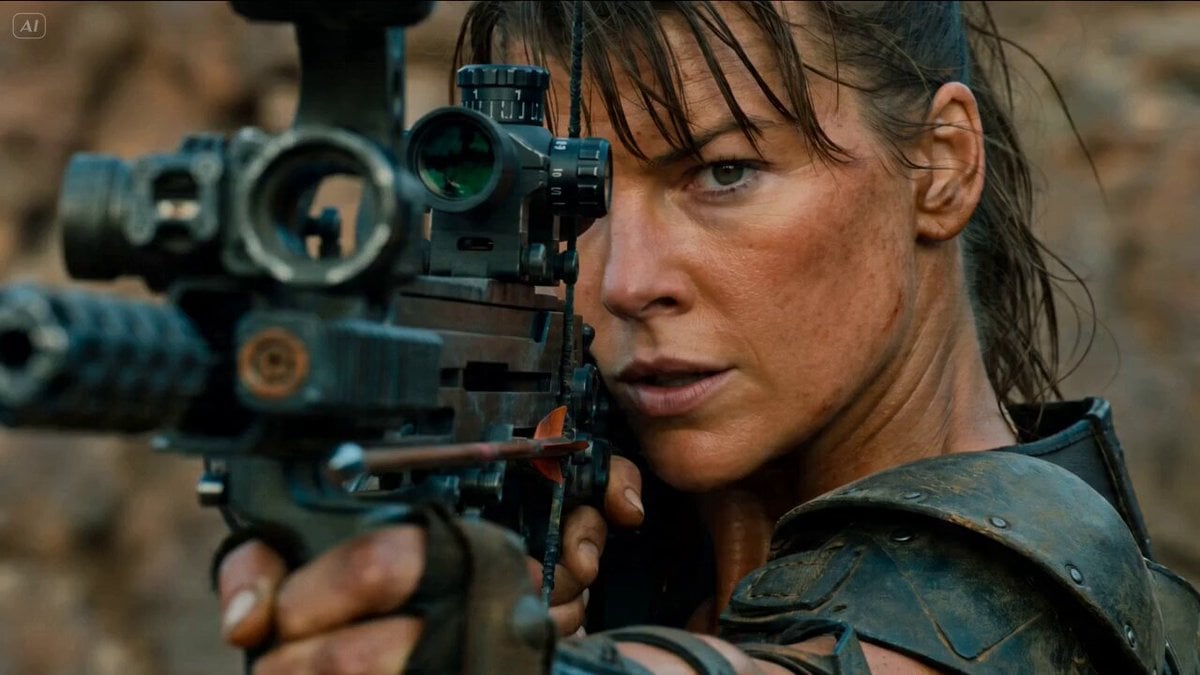
Gritty Post-Apocalyptic Survival Cinematic Setup Prompt
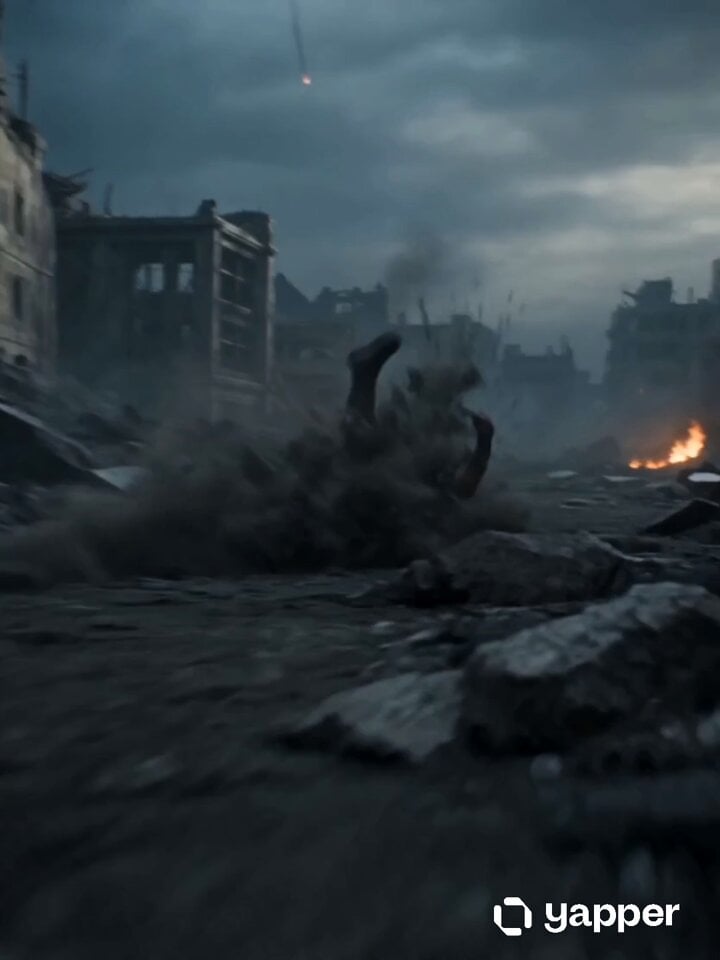
Exhausted Character Close-up
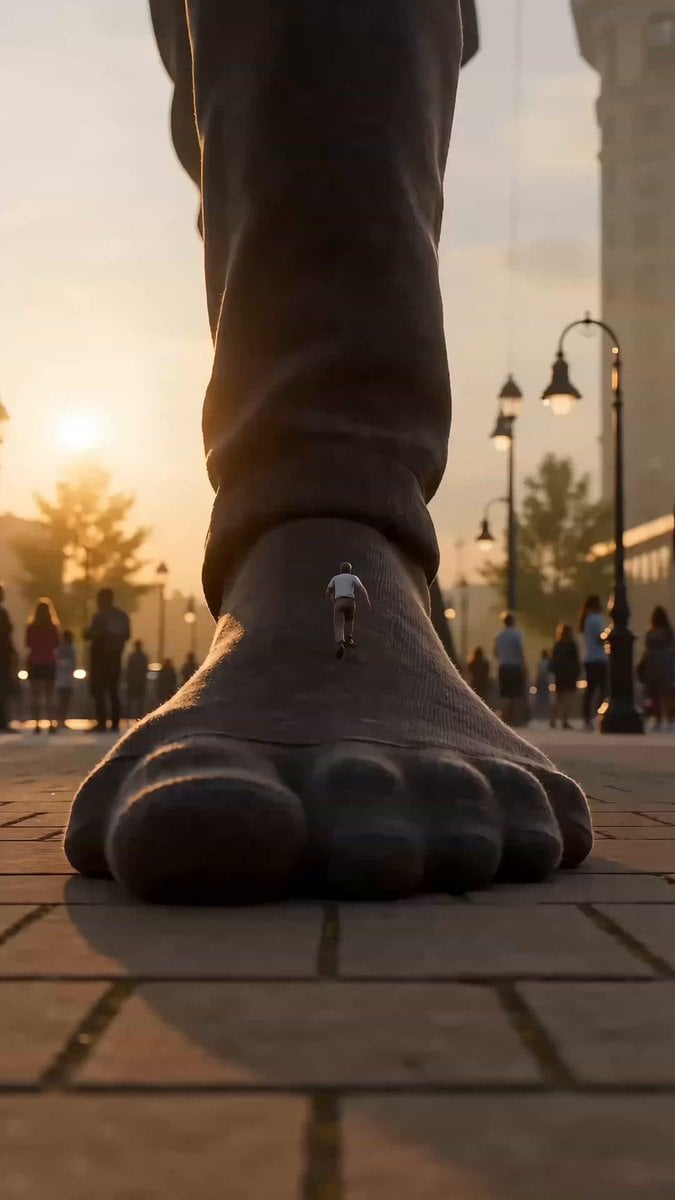
Colossal Scale Surprise Interaction
Claude Prompt: Outlier and Anomaly Detector
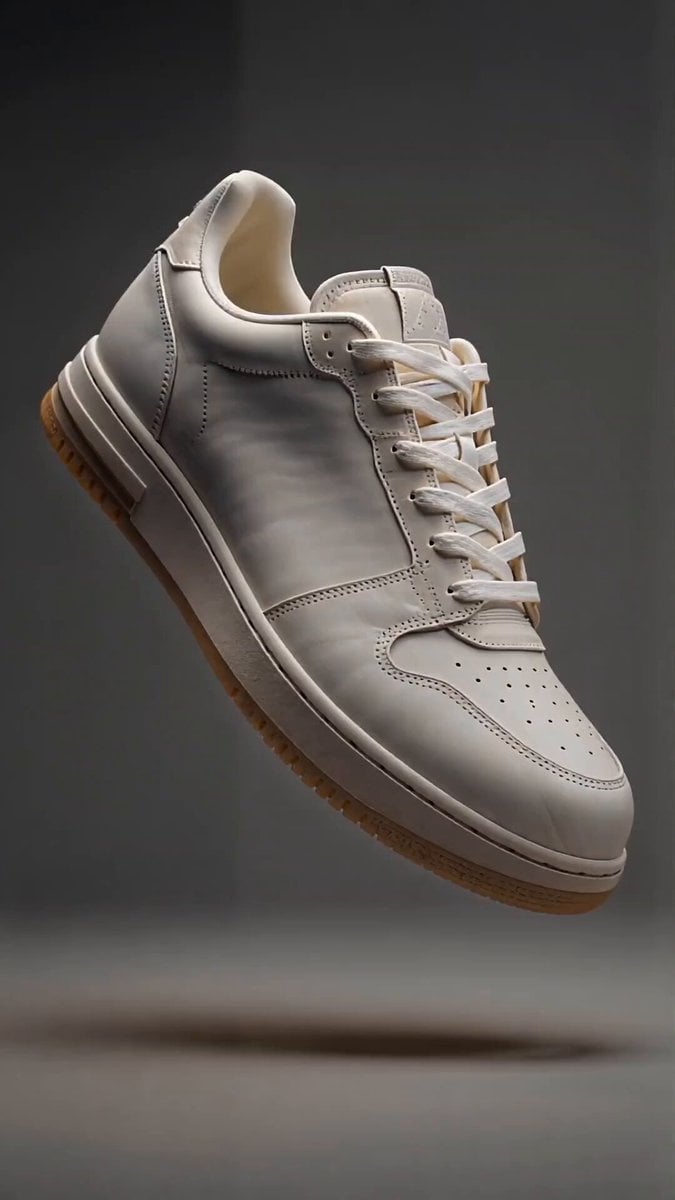
Sneaker Material Morph Transformation
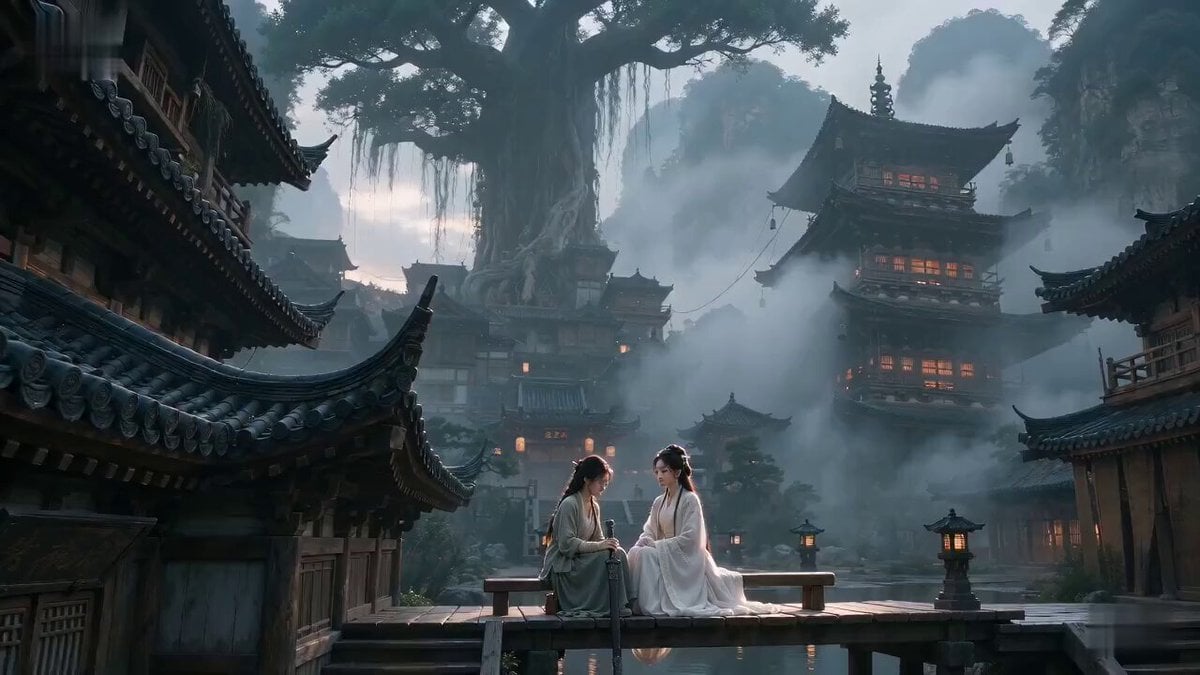
Cinematic Martial Arts Emotional Reversal
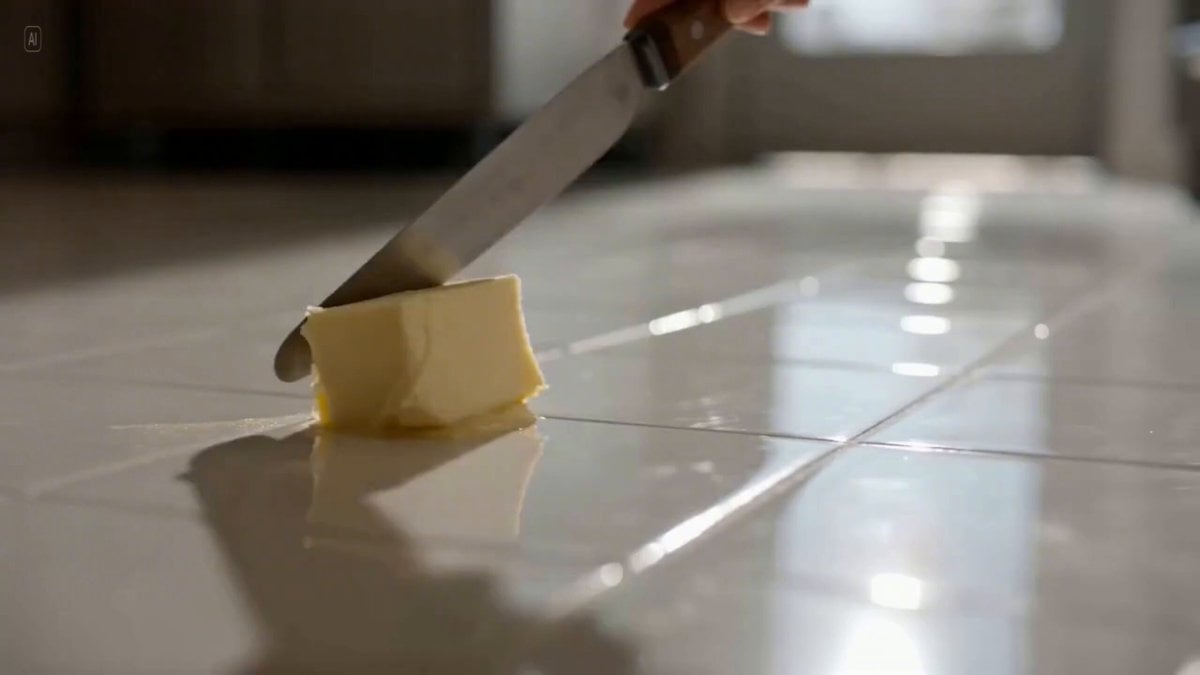
Three-Shot Video Sequence Prompt with Audio Cues

Seedance 2.0 Monologue with Hand Gestures
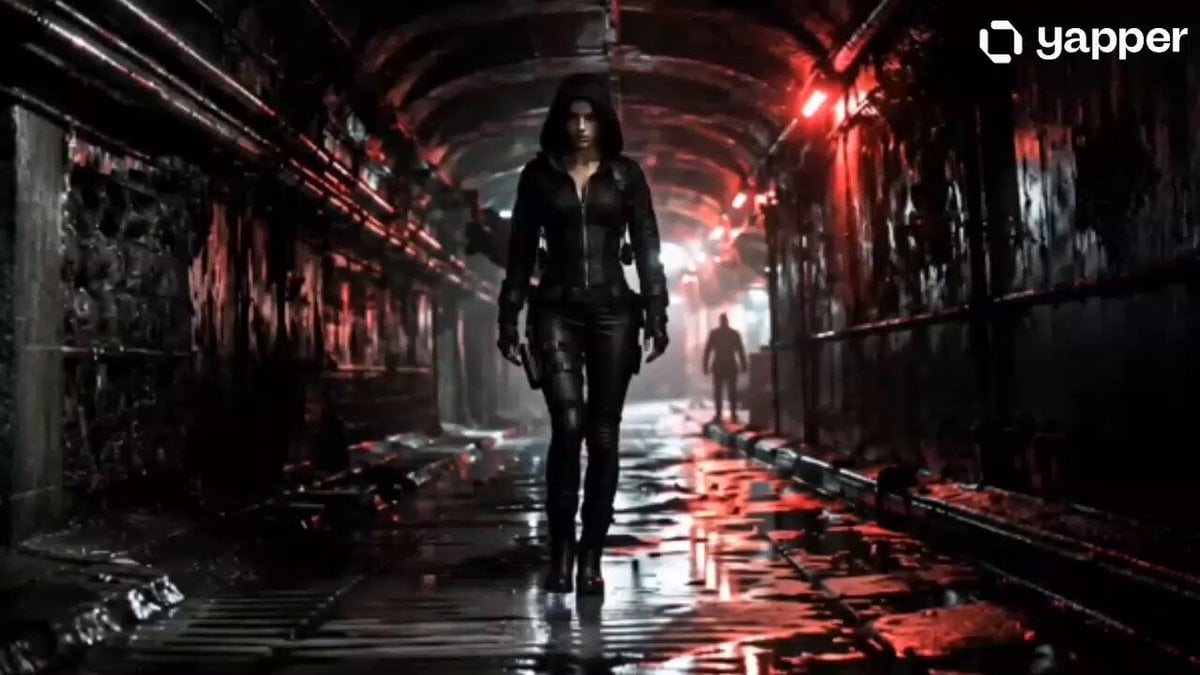
Female Assassin Underground Thriller

Surreal Easter egg bomb exploding with a rabbit emerging
Browse template categories
Childhood Conversation Video Prompt questions
How do I use the Childhood Conversation Video Prompt template?
Add your photo if the template asks for one, edit the prompt if you like — the template's model and format are already selected — and press Generate. Your version opens in PicX Studio.
Can I customize the Childhood Conversation Video Prompt template?
Yes. You can change the subject, setting, lighting, mood, format, and available model controls before creating your video.
Is the Childhood Conversation Video Prompt template free?
Opening and editing this template is free. Generating uses credits, shown on the Generate button when you are signed in.
Which AI model should I use?
Start with Seedance 2.0, which is the model associated with this template. You can compare another compatible model for a different finish.
Looking for something else? Browse all templates.

Your photo, any look
Thousands of ready templates for every top image and video model, from one credit balance.