How do I use the Childhood Memory of an Orange Fireball template?
Edit the prompt in the box under the preview — the template's model and format are already selected — and press Generate. Your version appears right on this page.
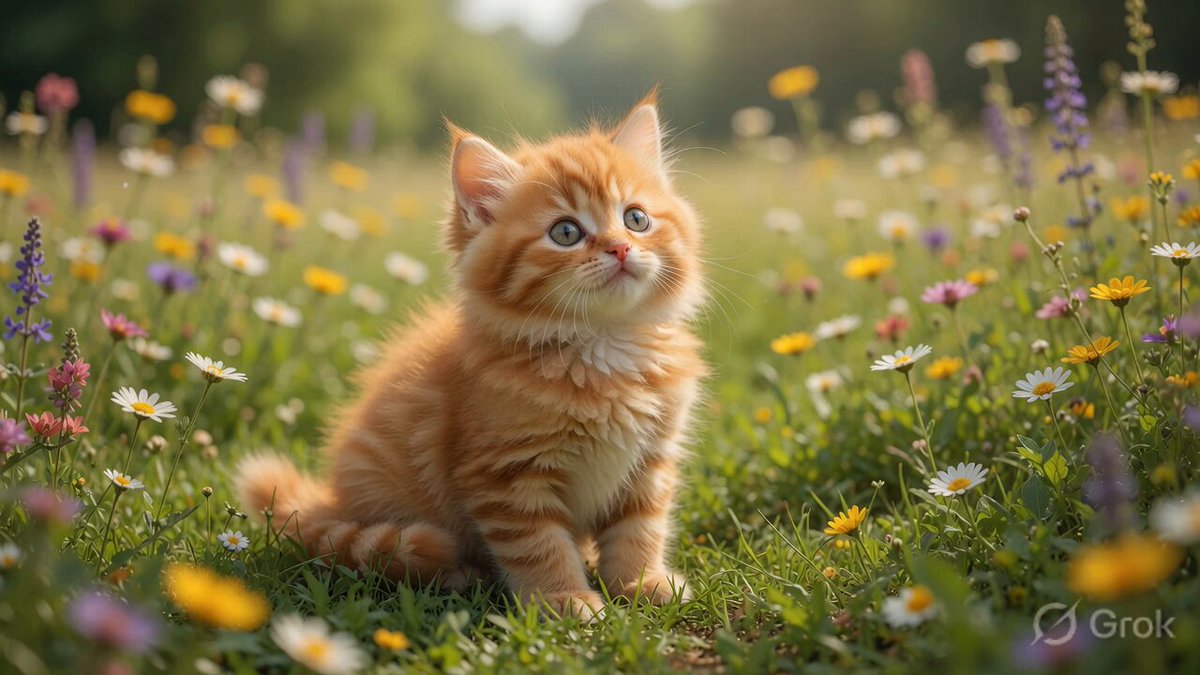
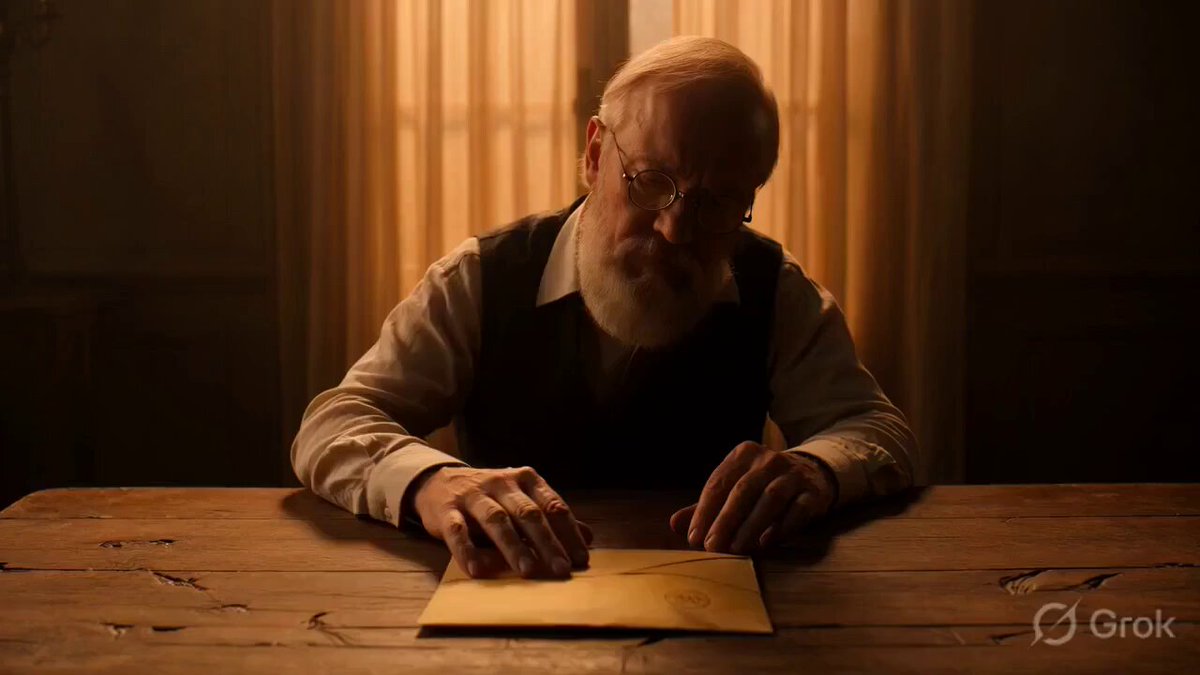
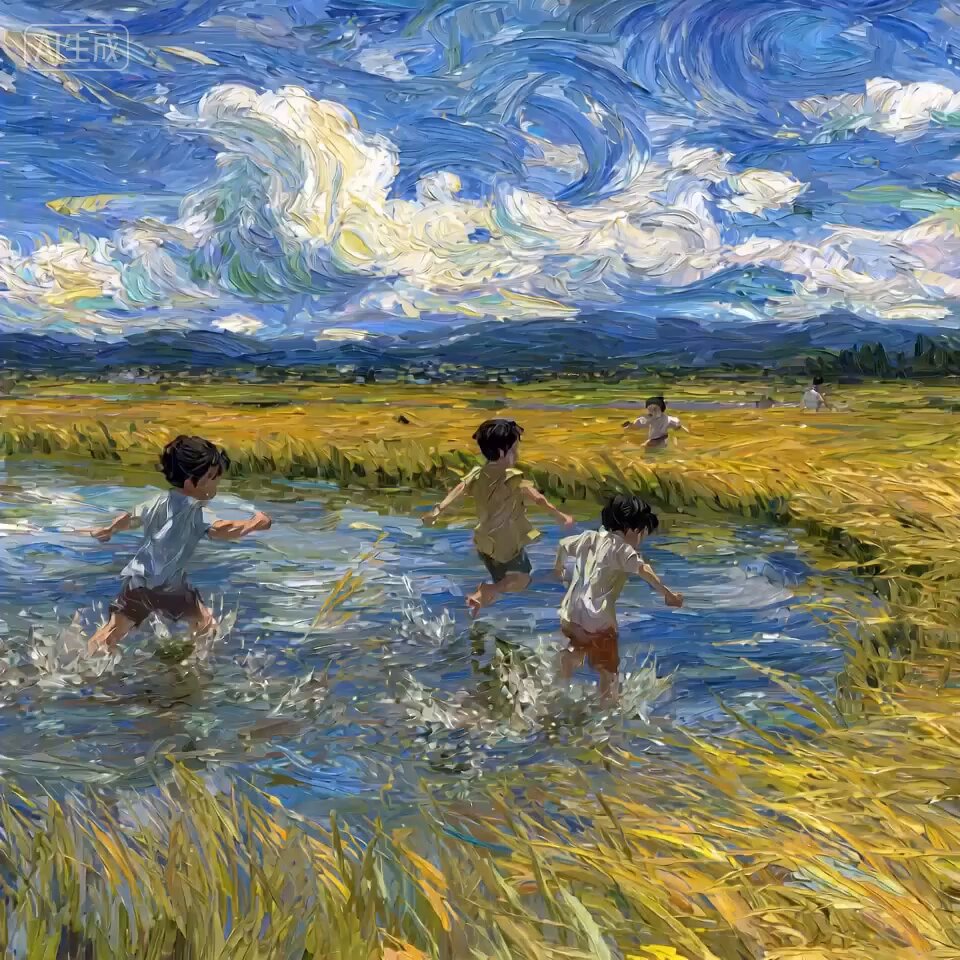
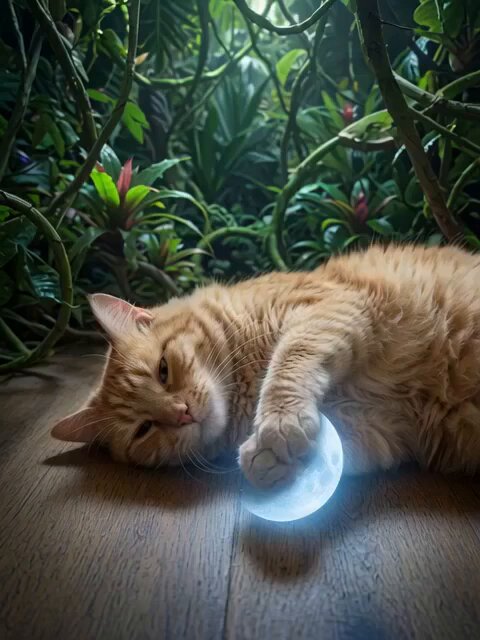
A prompt for Grok Imagine to generate a video based on a childhood memory: seeing an orange fireball appear and disappear in the middle of the road, which was later linked to the passing of an old man nearby.
小学一年生の頃、 道の中央辺りで、オレンジの火の玉が、フワッと現れて、フワッと消えのを見た。 家に帰って、お父さんに言ったら、 裏の少し離れている家のお爺さんが亡くなられたと。
小学一年生の頃、 道の中央辺りで、オレンジの火の玉が、フワッと現れて、フワッと消えのを見た。 家に帰って、お父さんに言ったら、 裏の少し離れている家のお爺さんが亡くなられたと。
Edit the prompt in the box under the preview — the template's model and format are already selected — and press Generate. Your version appears right on this page.
Yes. You can change the subject, setting, lighting, mood, format, and available model controls before creating your video.
Opening and editing this template is free. Generating uses credits, shown on the Generate button when you are signed in.
Start with Grok Imagine, which is the model associated with this template. You can compare another compatible model for a different finish.
Follow a topic to a crawlable collection of related PicX Studio templates.