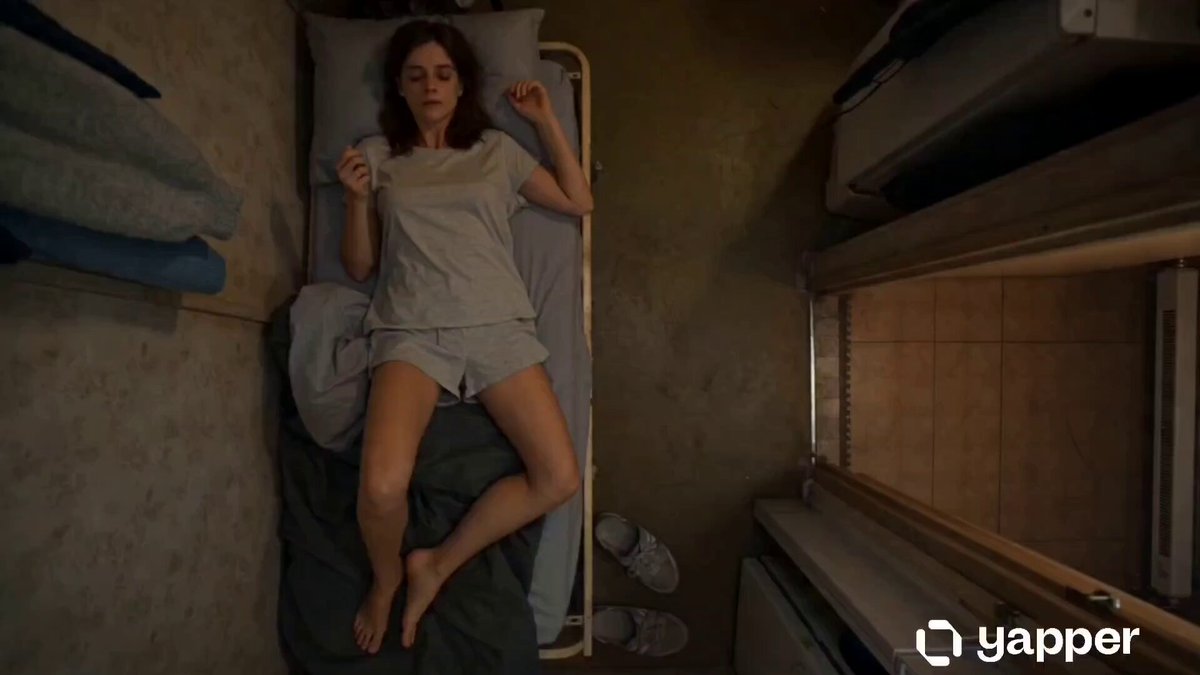
How do I use the Junji Ito Style K-Horror template?
Edit the prompt in the box under the preview — the template's model and format are already selected — and press Generate. Your version appears right on this page.
A disturbing body-horror sequence in a Seoul apartment, featuring spiral distortions in a Junji Ito manga aesthetic.
Cinematic ultra-photorealistic K-horror scene in Junji Ito disturbing manga style, average middle-aged Korean man in faded gray sweatpants and stained white t-shirt, hunched on worn sofa in cramped messy Seoul apartment, wide bulging eyes and silent scream with subtle spiral skin distortion on face, medium-wide eye-level shot with slow menacing dolly zoom inward on peeling walls with faint spiral patterns, cold desaturated blue-green color grading, harsh flickering fluorescent lighting mixed with deep ominous shadows, psychological body-horror isolation genre, ARRI Alexa 65 camera with 35mm anamorphic lens, subtle film grain, 16:9 ratio, hyperrealistic skin pores, fabric texture and decaying wallpaper details. (10 sec action: spirals on face and on objects intensify ther swirling and spinning up to an unsettling crimson k-horror chaos)
Cinematic ultra-photorealistic K-horror scene in Junji Ito disturbing manga style, average middle-aged Korean man in faded gray sweatpants and stained white t-shirt, hunched on worn sofa in cramped messy Seoul apartment, wide bulging eyes and silent scream with subtle spiral skin distortion on face, medium-wide eye-level shot with slow menacing dolly zoom inward on peeling walls with faint spiral patterns, cold desaturated blue-green color grading, harsh flickering fluorescent lighting mixed with deep ominous shadows, psychological body-horror isolation genre, ARRI Alexa 65 camera with 35mm anamorphic lens, subtle film grain, 16:9 ratio, hyperrealistic skin pores, fabric texture and decaying wallpaper details. (10 sec action: spirals on face and on objects intensify ther swirling and spinning up to an unsettling crimson k-horror chaos)
Edit the prompt in the box under the preview — the template's model and format are already selected — and press Generate. Your version appears right on this page.
Yes. You can change the subject, setting, lighting, mood, format, and available model controls before creating your video.
Opening and editing this template is free. Generating uses credits, shown on the Generate button when you are signed in.
Start with Grok Imagine, which is the model associated with this template. You can compare another compatible model for a different finish.
Follow a topic to a crawlable collection of related PicX Studio templates.