
Futuristic AI Smart Home Morning
A futuristic daily-life sequence inside an automated AI home with robotic arms and holographic interfaces.
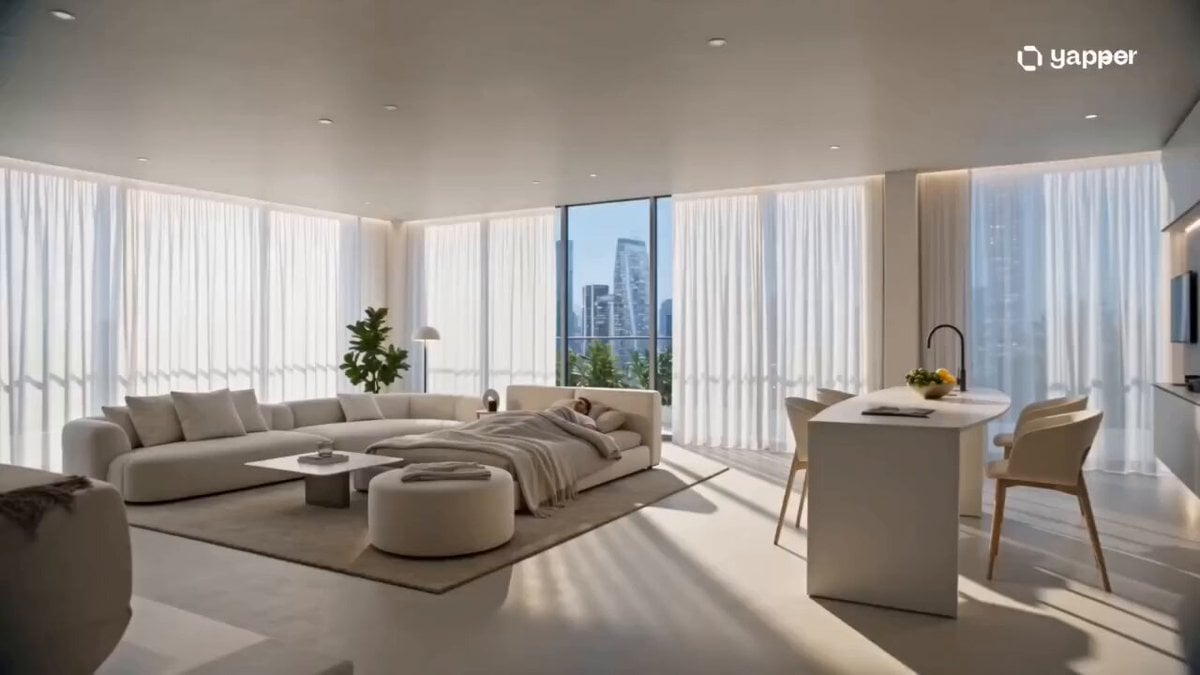
- Prompt included
- Model and format preset
- Free template
The prompt behind this video
Copy the exact prompt behind Futuristic AI Smart Home Morning, or open it in the studio and make it yours.
A cinematic futuristic daily-life sequence inside a fully automated AI-powered home. 0–3s: Early morning sunlight fades into a sleek modern smart apartment. The moment the person opens their eyes, soft ambient lights gradually adjust brightness, and the curtains slide open automatically. 3–6s: The kitchen activates by itself. A robotic arm prepares coffee precisely, steam rising in slow motion. A calm AI voice (subtle UI text style) displays the day’s schedule in mid-air holographic interface. 6–9s: The bathroom mirror turns into an interactive smart display — showing weather, meetings, reminders, and real-time health stats while subtly tracking eye movement. The person brushes teeth calmly as everything runs automatically around them. 9–12s: The apartment responds to movement — floor lighting guides footsteps, wardrobe suggests outfit choices on a holographic screen, and doors unlock as the person walks through. Everything feels seamless and alive. 12–15s: Final cinematic shot. The person stands on a balcony overlooking a glowing futuristic city. The apartment behind them gently powers down into “eco mode,” while city lights reflect across glass surfaces, creating a calm, high-tech lifestyle atmosphere. Style: ultra cinematic realism, clean futuristic aesthetic, soft natural lighting mixed with holographic UI, smooth automation VFX, minimalistic luxury design, calm ambient tone, film-grade color grading, Apple-like sci-fi home experience.
How to use Futuristic AI Smart Home Morning in 3 steps
- 1
Open
The prompt is already in the box next to the preview, with the template's model and format selected.
- 2…a portrait of your subject in softgolden-hour light, 85mm…
Personalize
Edit the subject and creative details for your destination.
- 3Generate
Generate
Press Generate — your video is created in PicX Studio, so you can compare it with the original and refine one variable at a time.
More like this
Templates with the same subject, style or setup. Open one to see its prompt.

Mysterious Home Exploration Vlog - Seedance 2.5

Realistic Morning Routine Lifestyle Vlog - Seedance 2.5
Tokyo Morning Coffee Smartphone Vlog
Rushed Morning Routine Montage

Kyoto Morning Selfie Vlog
Smartphone Home Video Beach Day
Cinematic Car Scene and Video Sequence Prompt
Morning Barn Loft POV
Nostalgic Early 2000s Handheld Home Footage
Morning Routine Lifestyle Vlog
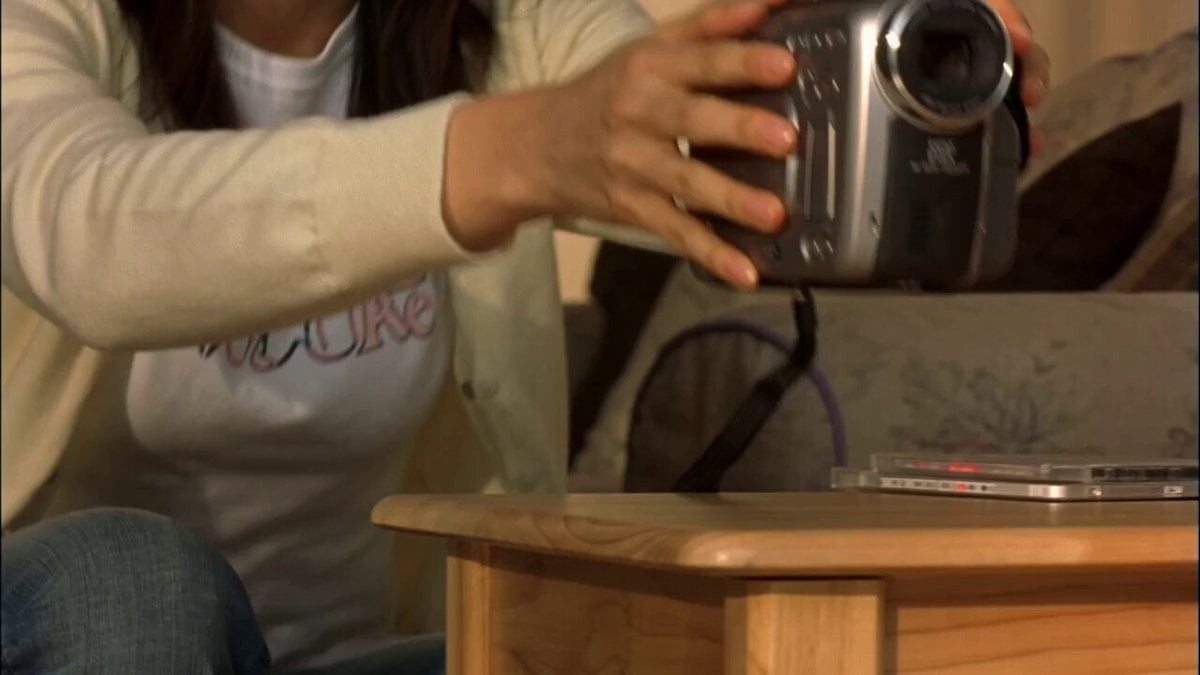
Early 2000s MiniDV home video aesthetic style
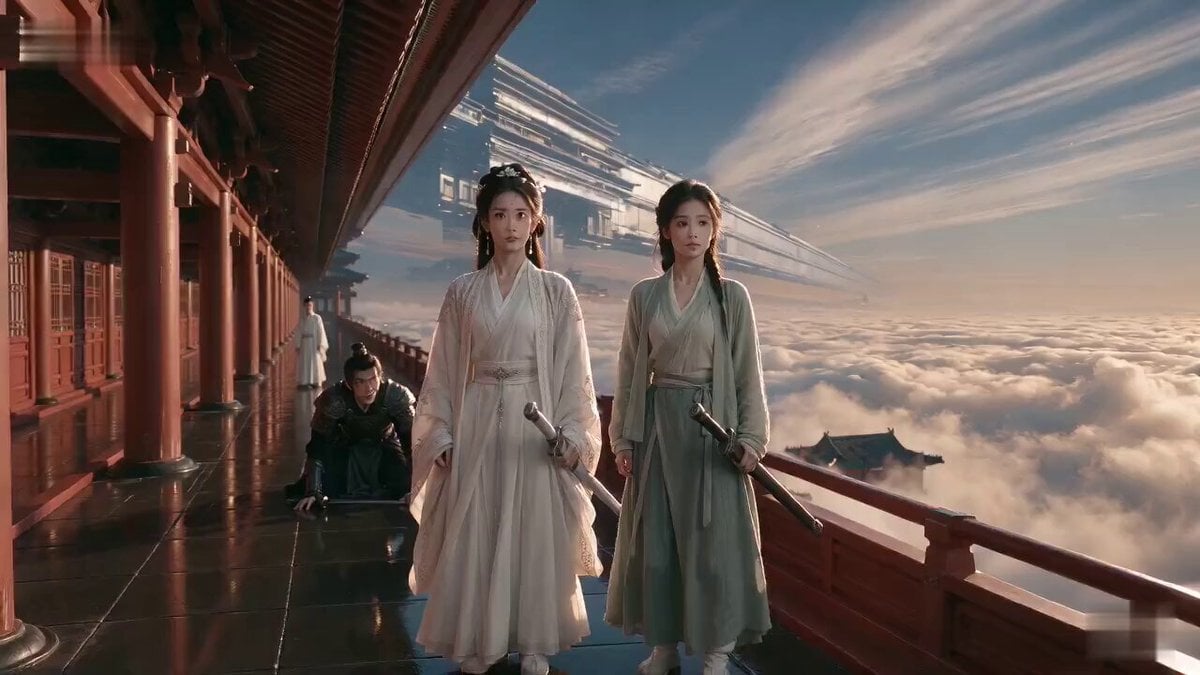
Wuxia Weakness and Home Drama
Make it yours
Futuristic AI Smart Home Morning works as-is. These are the safest ways to change it without losing the look.
Change one field
Copy a single group, rewrite it, and generate again so you can see what that field is doing.
Keep the frame, change the subject
Hold the composition and light of Futuristic AI Smart Home Morning, then swap wardrobe, props or the person for a new take.
| If the result… | Why | Fix |
|---|---|---|
| The result drifts from the preview | Too many fields changed at once. | Reuse Futuristic AI Smart Home Morning as-is first, then change one group — subject, light, or setting. |
| The model over-stylizes the scene | The prose prompt leaves finish and camera underspecified. | Add one camera or lighting sentence and stay on Seedance 2.0. |
More Seedance 2.0 templates
Other prompts made for Seedance 2.0.

Comical Martial Arts Punch Scene

Maglev Train Action Sequence

Martial Arts Fight Sequence

Wuxia Protection and Trust Script

Vintage Korean Arcade MiniDV Vlog

Mercedes 190 SL Luxury Ad

Rainy Night Supernatural Reverse Comedy Video Script

Amazon Civilization Discovery

Futuristic South Asian City Transformation

Cozy Luxury Cafe Commercial
More video prompts
Fresh picks from across the catalog.
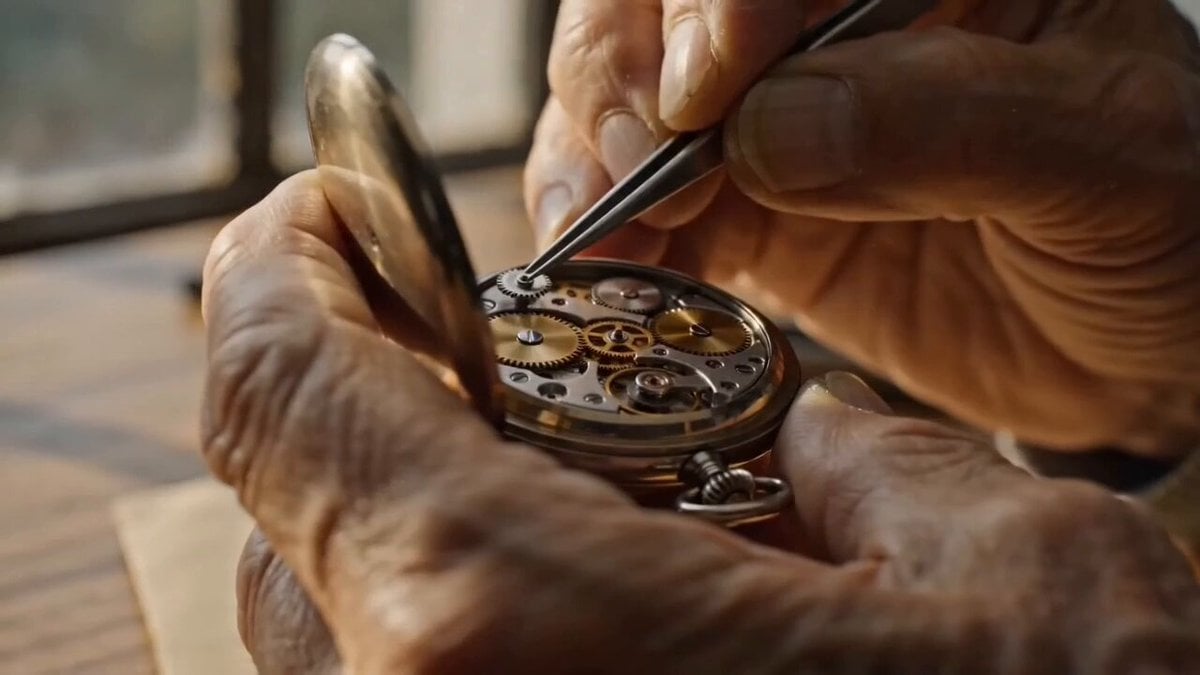
Watchmaker Close-up Orbit Prompt

Claude Fable 5 prompt: Multishot action scene, he
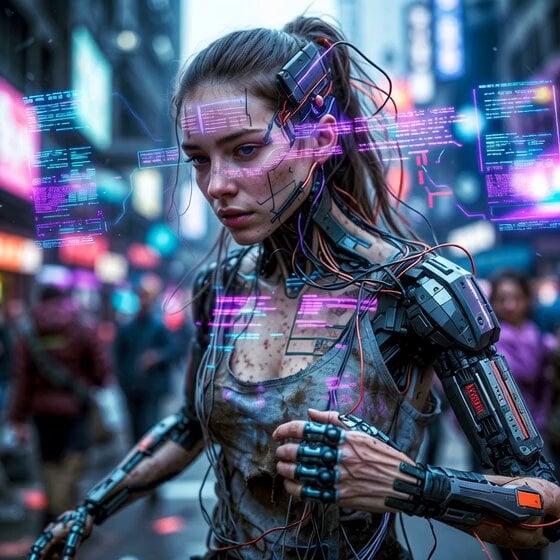
Cyberpunk Guerrilla Girl Video Generation
Gritty Cyber-Noir Alley Fight
Honeysuckle Flowers Pastel Dreamlight
Neon Night Portrait Animation
Second Facial Expression Choreography

Cartoon Kitchen Snack Chaos
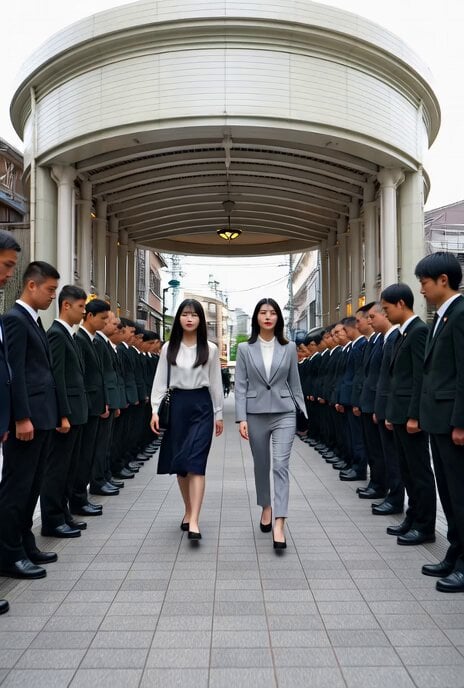
Yakuza Encounter Scene Video
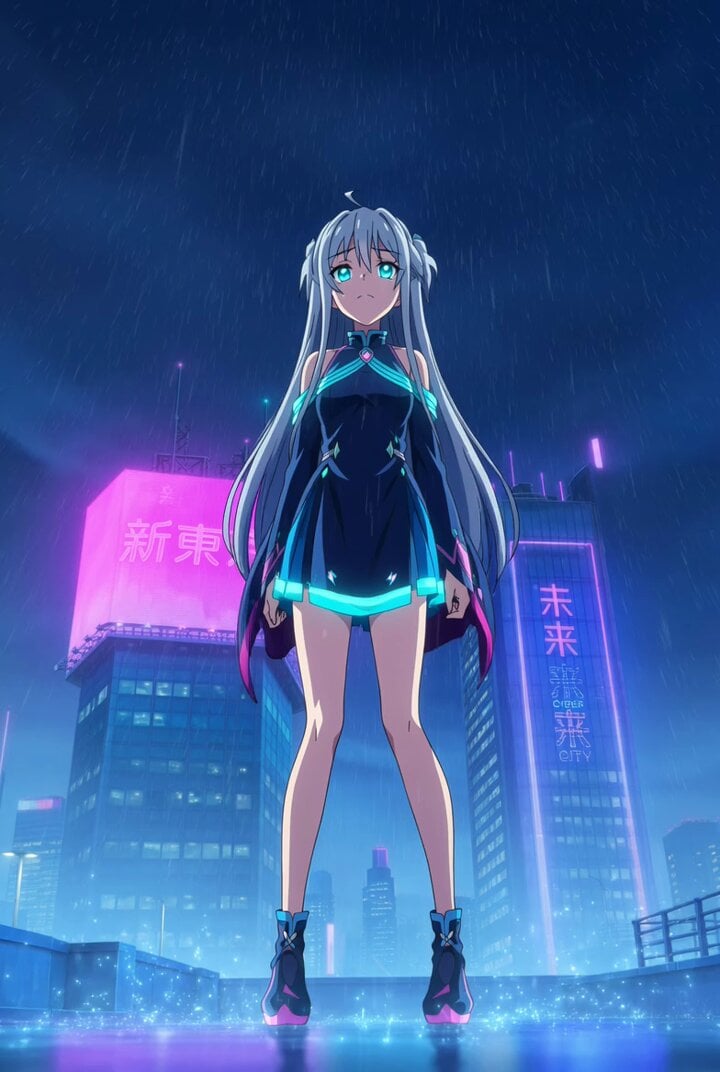
Anime Music Video: Silver-Haired Idol on Tokyo Rooftop
Browse template categories
Futuristic AI Smart Home Morning questions
How do I use the Futuristic AI Smart Home Morning template?
Add your photo if the template asks for one, edit the prompt if you like — the template's model and format are already selected — and press Generate. Your version opens in PicX Studio.
Can I customize the Futuristic AI Smart Home Morning template?
Yes. You can change the subject, setting, lighting, mood, format, and available model controls before creating your video.
Is the Futuristic AI Smart Home Morning template free?
Opening and editing this template is free. Generating uses credits, shown on the Generate button when you are signed in.
Which AI model should I use?
Start with Seedance 2.0, which is the model associated with this template. You can compare another compatible model for a different finish.
Looking for something else? Browse all templates.

Your photo, any look
Thousands of ready templates for every top image and video model, from one credit balance.