
Second Facial Expression Choreography
A comprehensive video prompt for Seedance 2.0 that directs a subject's facial expressions through multiple emotional states over a 15-second duration, from a subtle smile to repressed sadness.
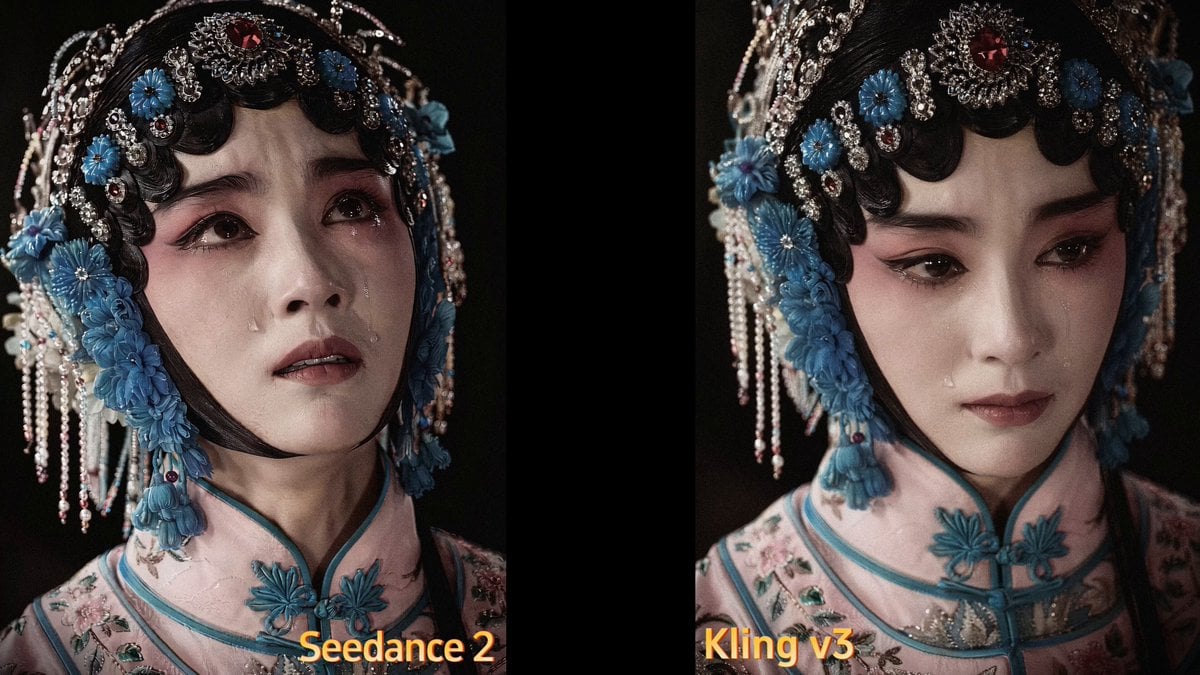
- Prompt included
- Model and format preset
- Free template
The prompt behind this video
Copy the exact prompt behind Second Facial Expression Choreography, or open it in the studio and make it yours.
0–2 seconds: Head bowed, eyes cast downward, with a subtle, faint smile playing at the corners of her lips—without showing her teeth—her expression gentle and serene. 2–4 seconds: The smile gradually fades, and the corners of her mouth return to neutral; her eyes and head slowly lift, her gaze shifting to the right side of the frame, her expression turning to one of focused attention. 4–6 seconds: She continues to look to the right, her eyes taking on a hint of mild confusion and concern; her eyes widen slightly (naturally), her lips part slightly as if she’s about to speak but holds back, and her eyebrows and eyes narrow slightly without furrowing. 6–8 seconds: Her gaze slowly drifts downward, her head tilts slightly; the smile fades completely, her expression becoming quiet and forlorn, as she suppresses her emotions inwardly—without shedding tears or crying. 8–10 seconds: Lower your head and gently close your eyes to compose yourself; a faint, self-deprecating smile—concealing your sadness—appears at the corners of your mouth. Breathe naturally, and move with the utmost subtlety. 10–12 seconds: Slowly lift your head; your eyes meet the soft light once more, gradually brightening yet remaining restrained. Turn your face forward or slightly to the right, with a hint of tenderness and slight resentment at the corners of your lips. 12–15 seconds: Look straight ahead or toward the right side of the frame, with a soft, slightly moist gaze. The lips move slightly as if on the verge of speaking but hold back; ultimately, maintain a quiet, fixed gaze, frozen in a gentle, cool, and slightly melancholic mood. The scene ends without a black screen or transition. 0-2秒:低头垂眸,嘴角噙着含蓄淡笑,不露齿,神态温柔安静。 2-4秒:笑意缓缓收敛,嘴角归平;双眼、头部慢慢抬起,视线转向画面右侧,神情转为认真留意。 4-6秒:持续望向右方,眼神添上浅淡疑惑与担忧,双眼微睁(幅度自然),嘴唇轻启呈欲言又止状,眉眼微收,不皱眉。 6-8秒:视线缓缓下沉,头部微低,笑意尽数褪去,神情安静失落,内敛压抑情绪,不流泪、不哭泣。 8-10秒:低头轻阖双眼,平复心绪,嘴角浮现一抹藏起难过的浅淡自嘲式浅笑,呼吸自然,动作极轻。 10-12秒:缓缓抬头,眼眸重新迎向柔光,眼神渐亮却依旧克制,面部转向前方/偏右,唇角带一丝温柔又委屈的淡意。 12-15秒:目视前方/画面右侧,眼神柔和微润,唇瓣轻动似欲语还休,最终保持安静凝视状态,定格在温柔清冷、略带忧郁的情绪中,结尾无黑屏、无转场。
How to use Second Facial Expression Choreography in 3 steps
- 1
Open
The prompt is already in the box next to the preview, with the template's model and format selected.
- 2…a portrait of your subject in softgolden-hour light, 85mm…
Personalize
Edit the subject and creative details for your destination.
- 3Generate
Generate
Press Generate — your video is created in PicX Studio, so you can compare it with the original and refine one variable at a time.
More like this
Templates with the same subject, style or setup. Open one to see its prompt.
Seedance 2.0 Facial Expression Control
FACS Facial Expression Sequence
Cartoon Facial Expression Transition
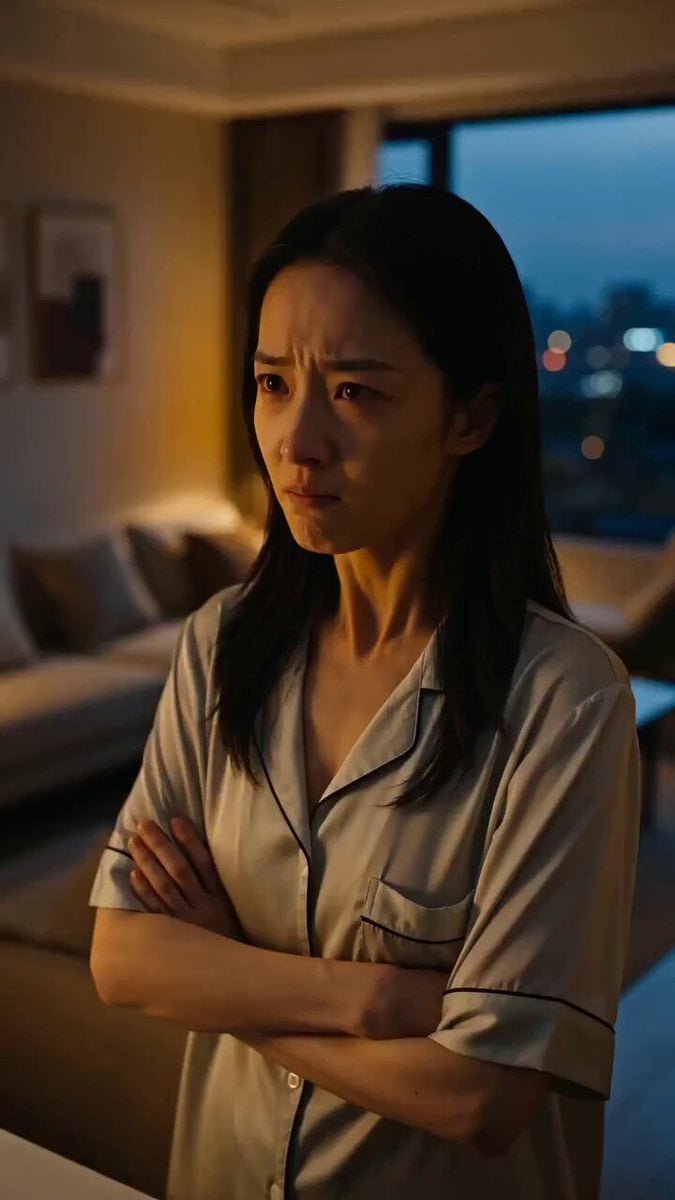
Seedance Micro-Expression Emotional Sequence
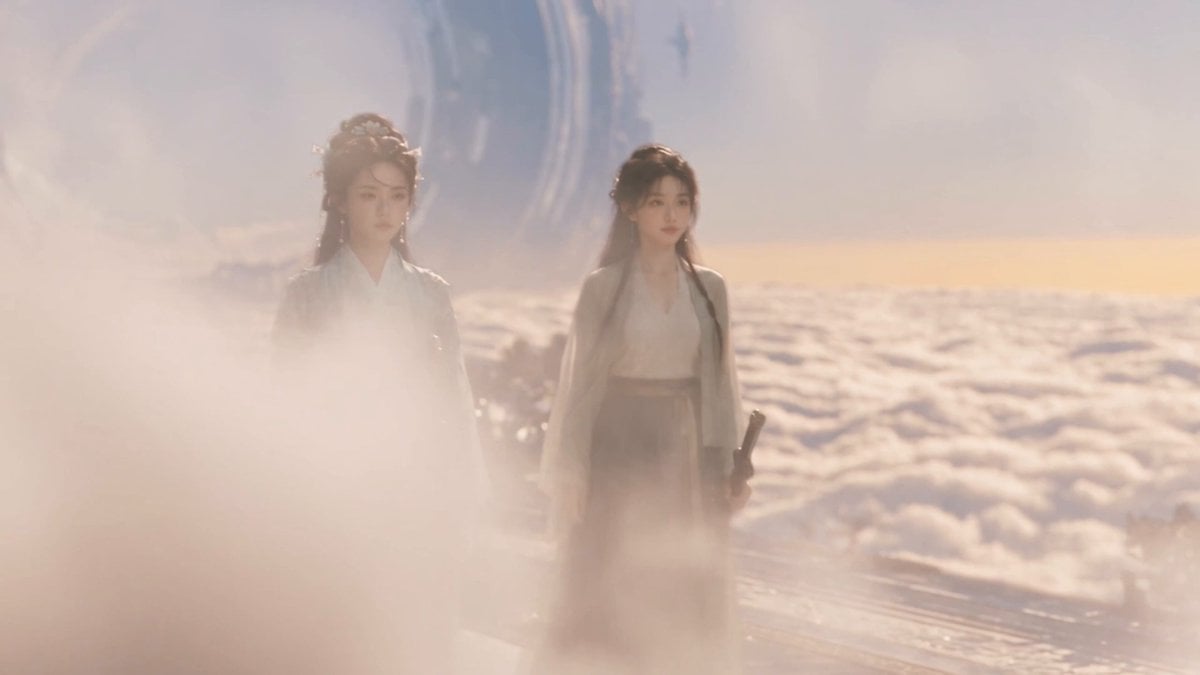
Wuxia micro-expression comedy prompt
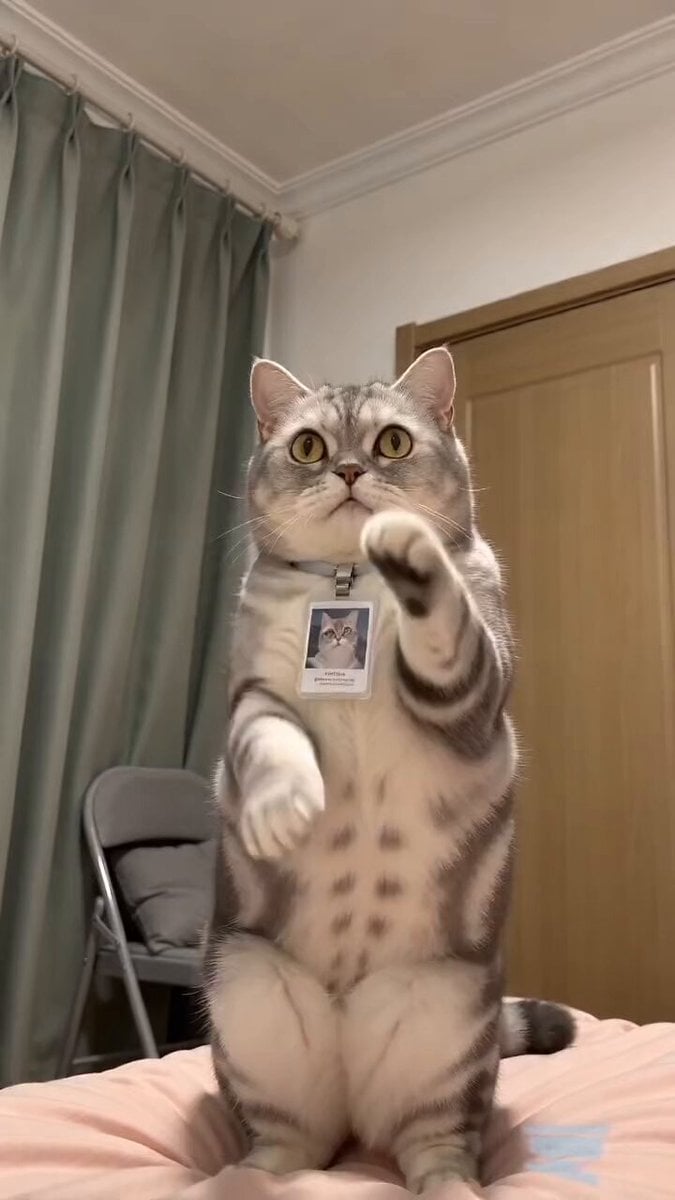
Funny Pet Dancing Expression Video
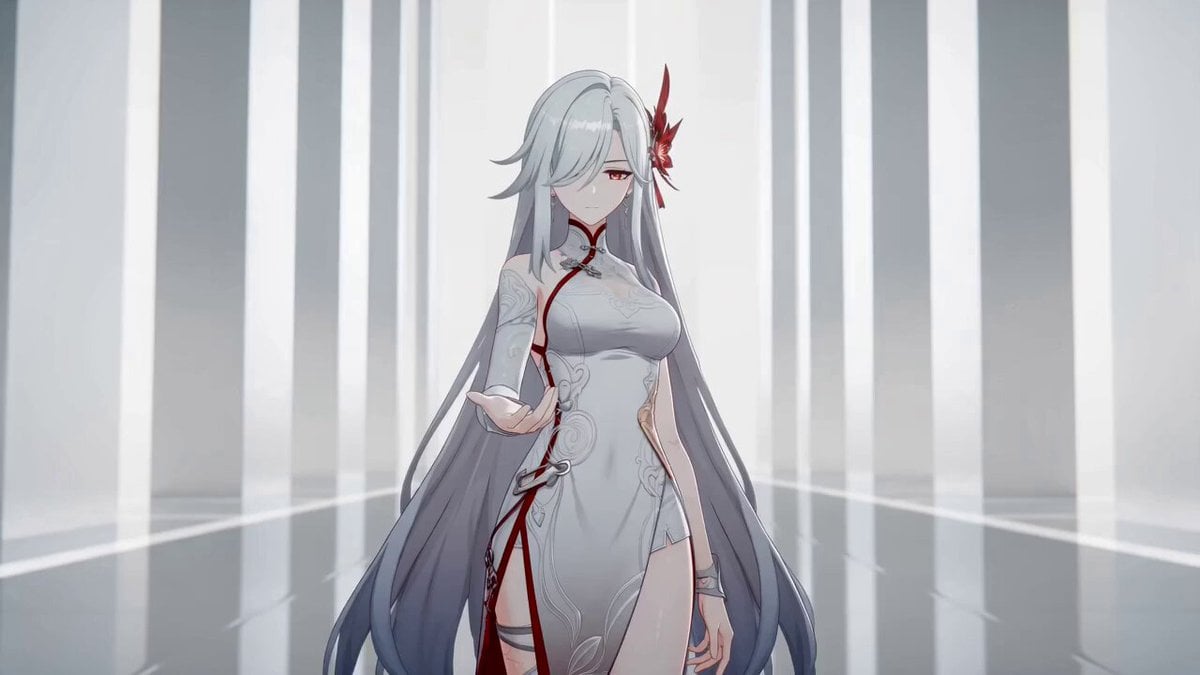
Anime Sword Combat Combat Choreography
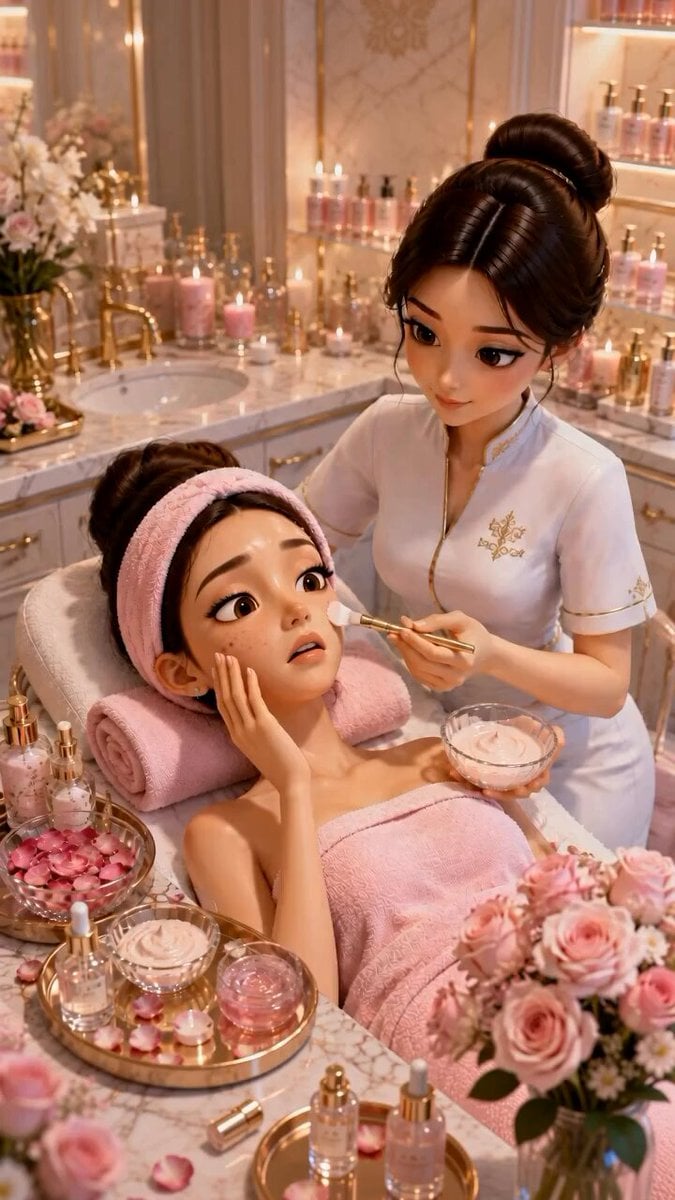
Pixar Style ASMR Spa Facial
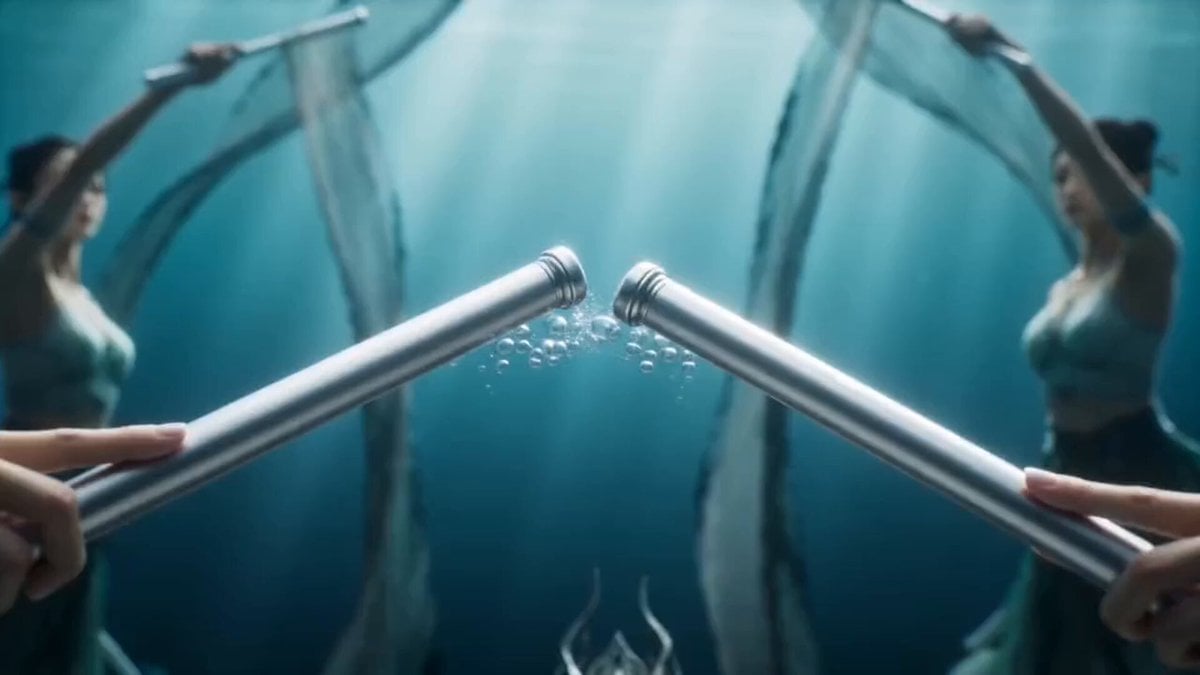
Magical Underwater Dance Choreography
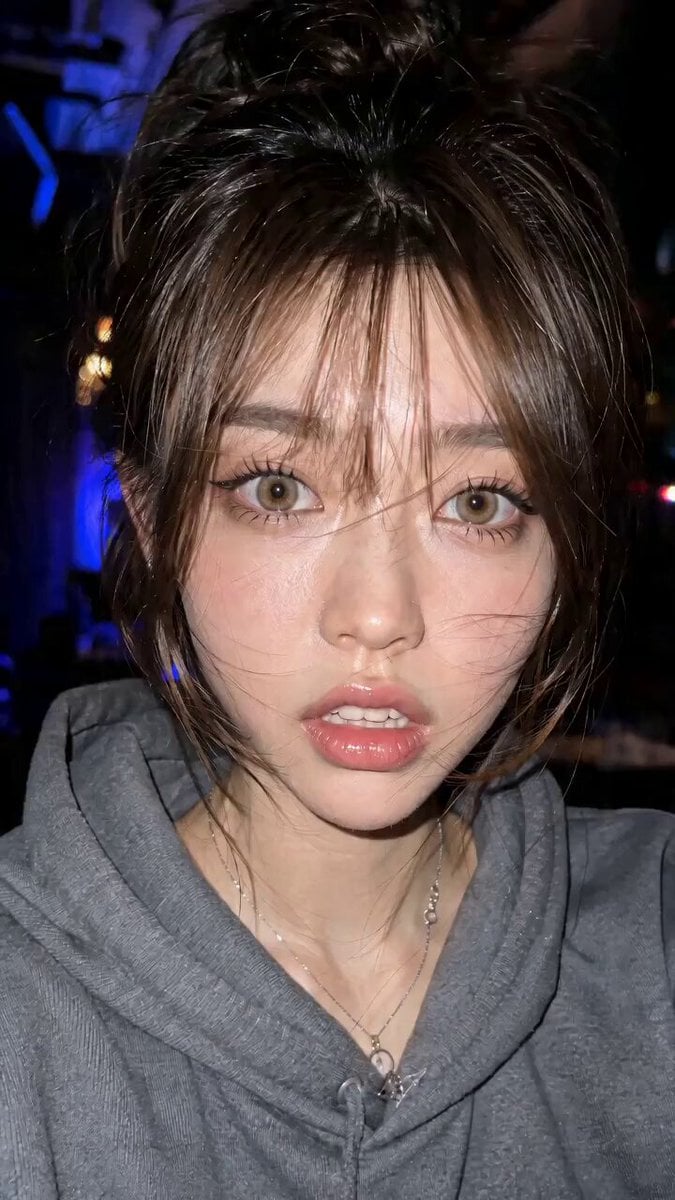
Micro Expressions Character Emotion Switch
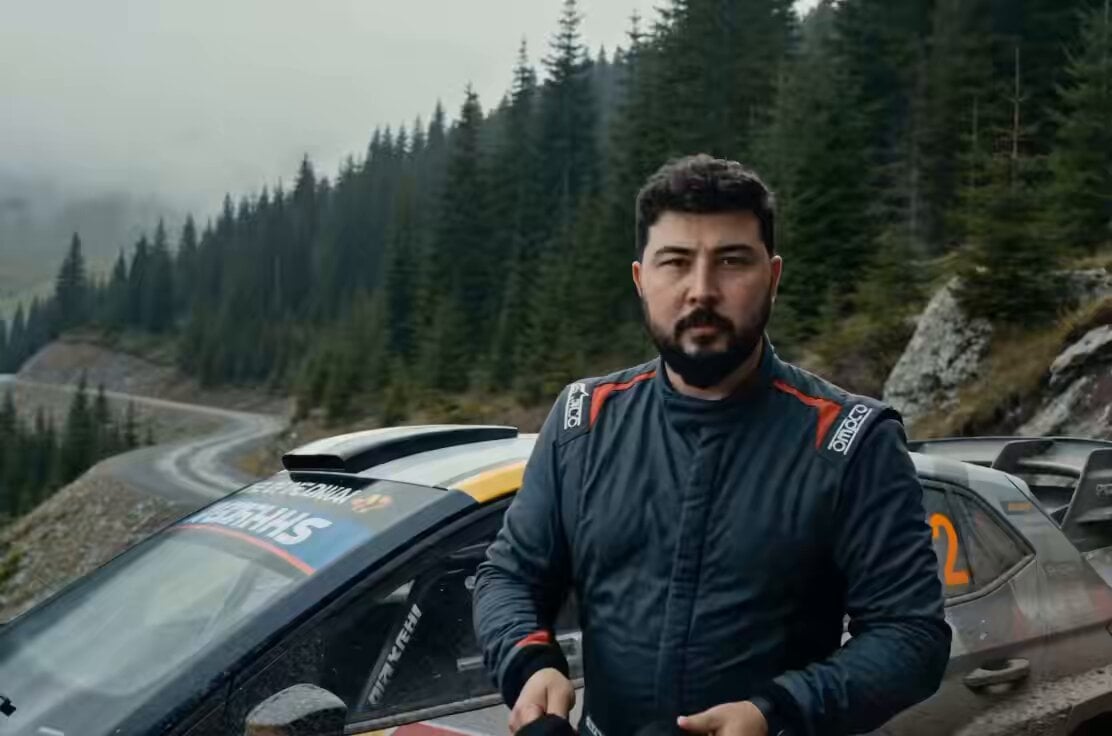
Cinematic 15-Second Rally Film Storyboard
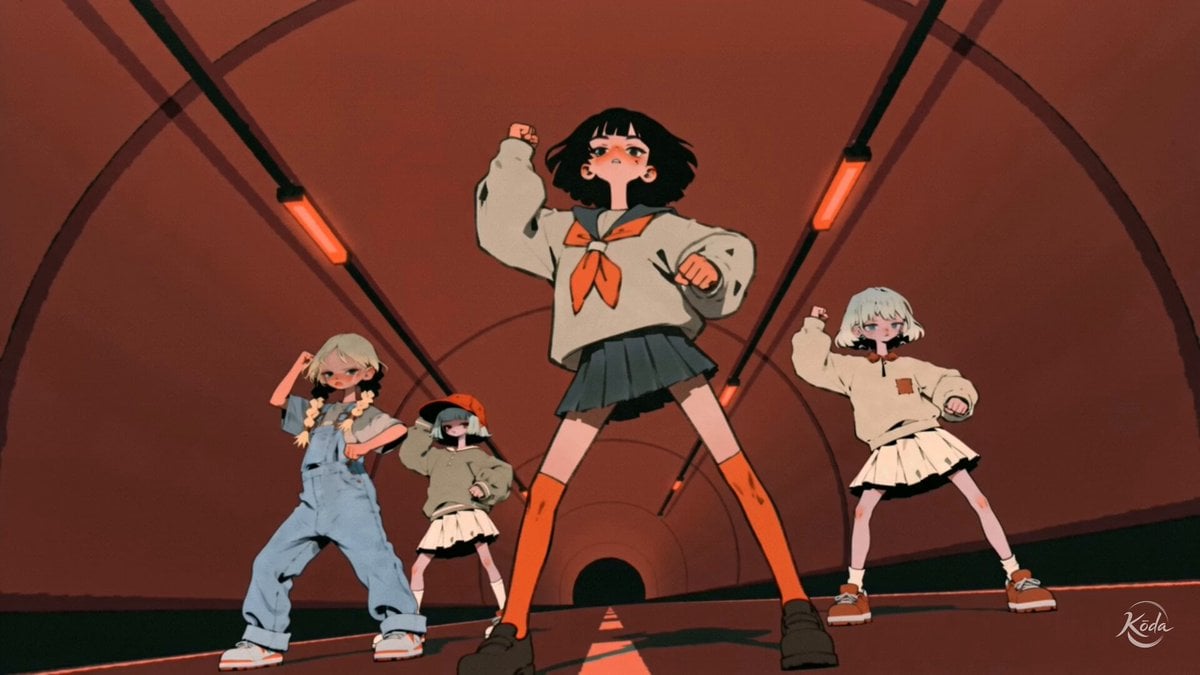
Music Video Choreography and Identity
Make it yours
Second Facial Expression Choreography works as-is. These are the safest ways to change it without losing the look.
Change one field
Copy a single group, rewrite it, and generate again so you can see what that field is doing.
Keep the frame, change the subject
Hold the composition and light of 15-Second Facial Expression Choreography, then swap wardrobe, props or the person for a new take.
| If the result… | Why | Fix |
|---|---|---|
| The result drifts from the preview | Too many fields changed at once. | Reuse 15-Second Facial Expression Choreography as-is first, then change one group — subject, light, or setting. |
| The model over-stylizes the scene | The prose prompt leaves finish and camera underspecified. | Add one camera or lighting sentence and stay on Seedance 2.0. |
More Seedance 2.0 templates
Other prompts made for Seedance 2.0.

Comical Martial Arts Punch Scene

Maglev Train Action Sequence

Martial Arts Fight Sequence

Wuxia Protection and Trust Script

Vintage Korean Arcade MiniDV Vlog

Mercedes 190 SL Luxury Ad

Rainy Night Supernatural Reverse Comedy Video Script

Amazon Civilization Discovery

Futuristic South Asian City Transformation

Cozy Luxury Cafe Commercial
More video prompts
Fresh picks from across the catalog.

Scene Lock Timelapse Continuity
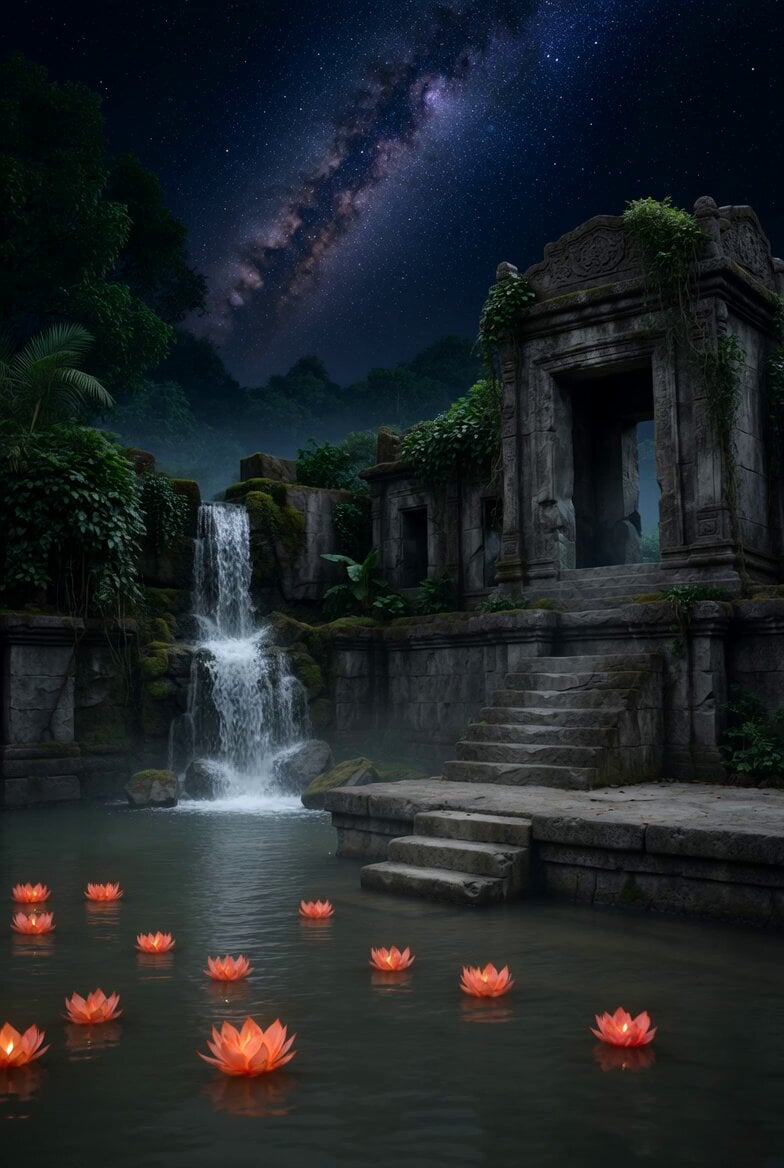
Lotus Lanterns and Milky Way Sanctuary
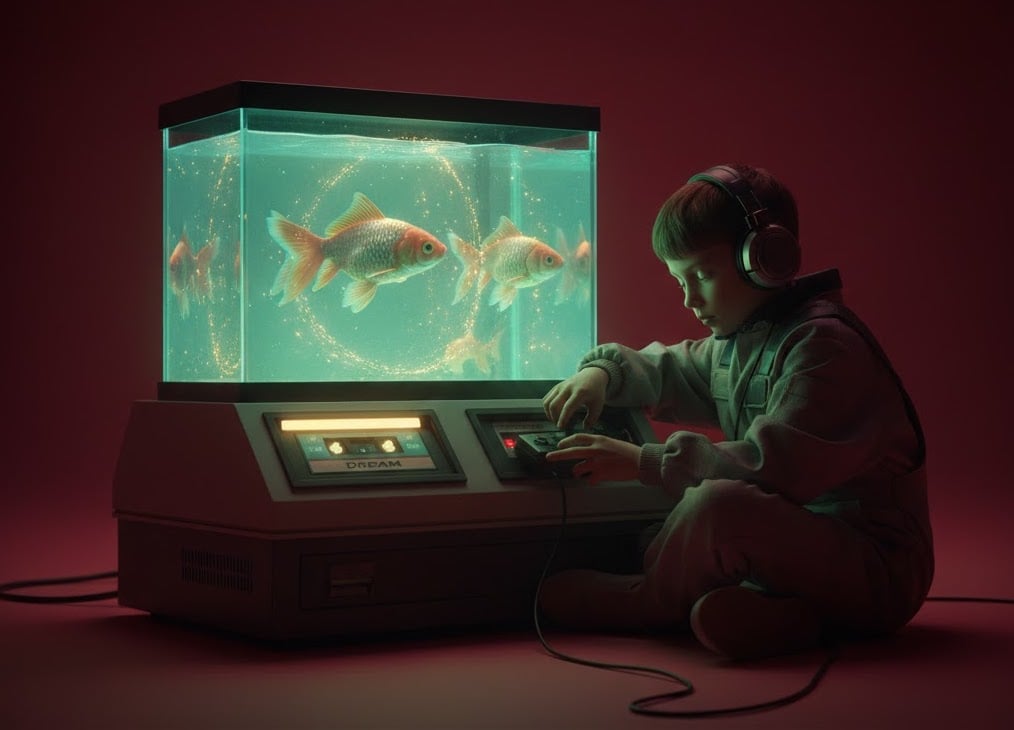
Cyberpunk Boy and Goldfish Tank Scene
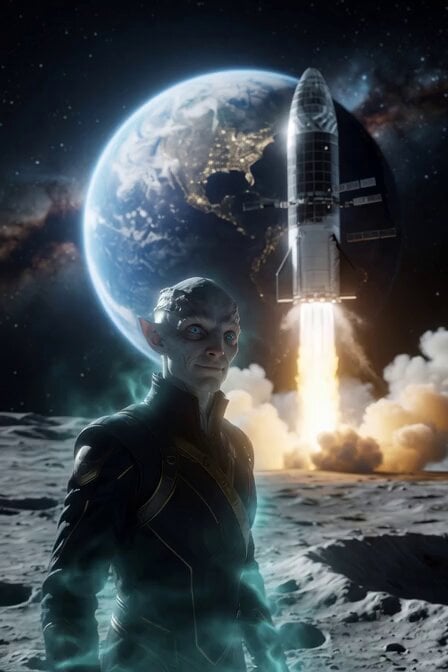
Alien Anthropologist Data Cube Video
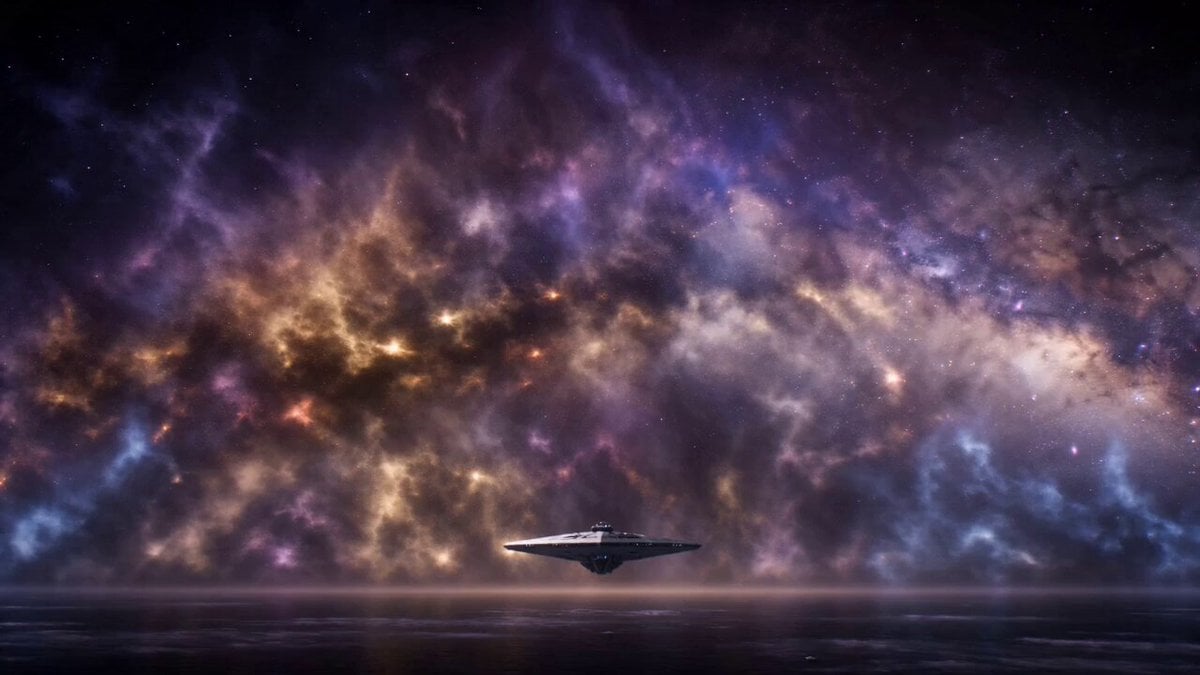
Nebula Cosmic Horror Machine Unfolding
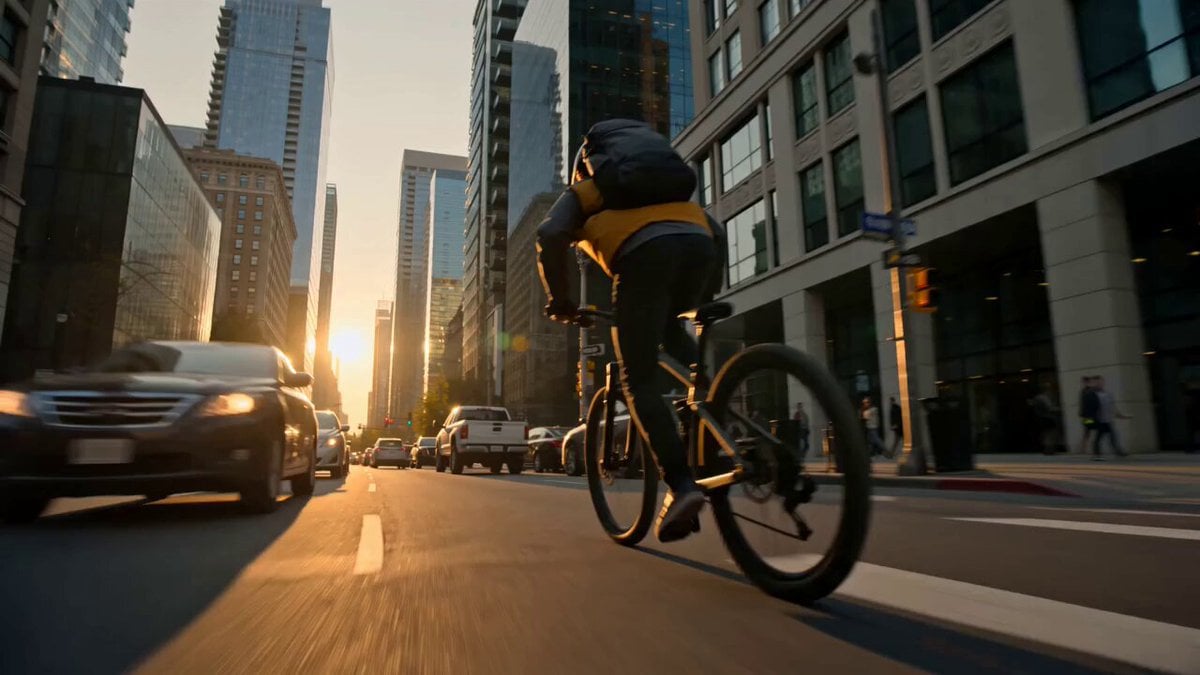
Lost Map Courier Mountain Bike Adventure
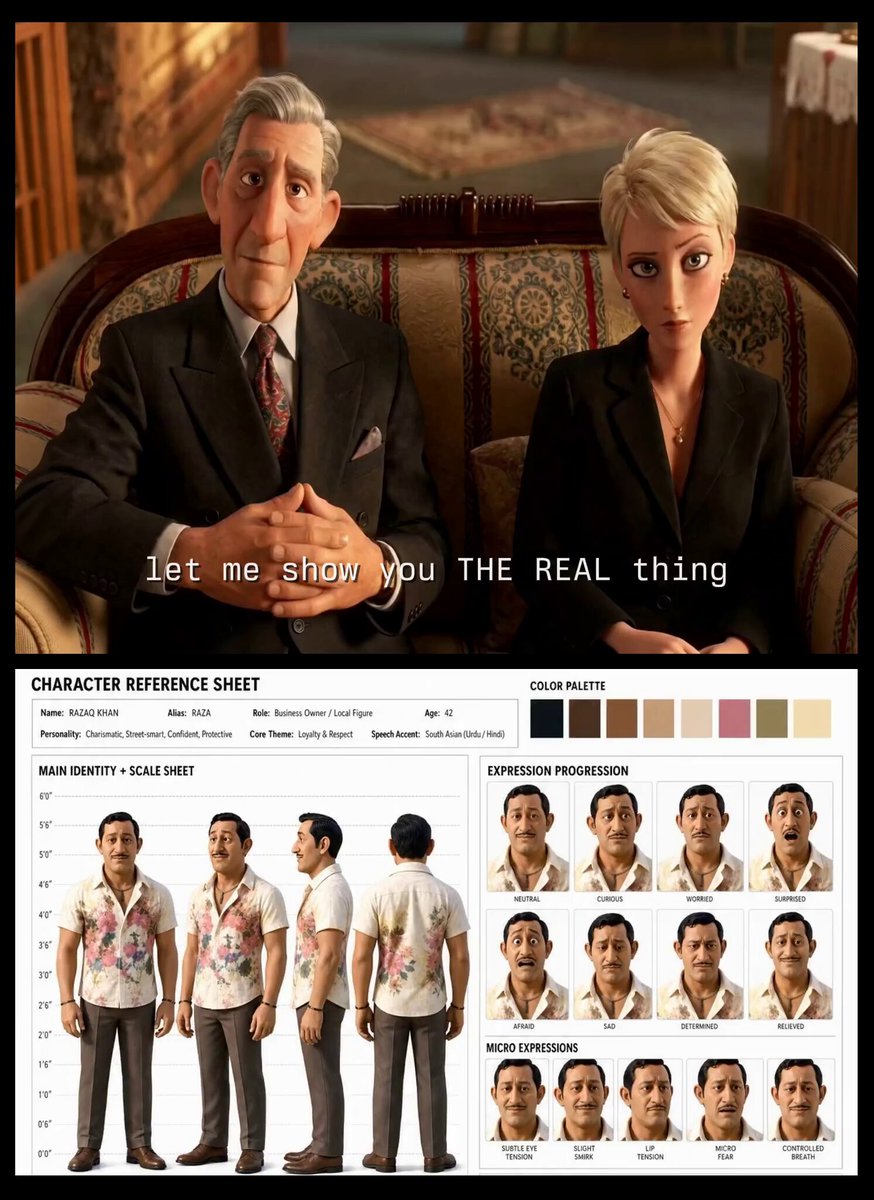
Turkish Carpet Seller Multi-Cut Video
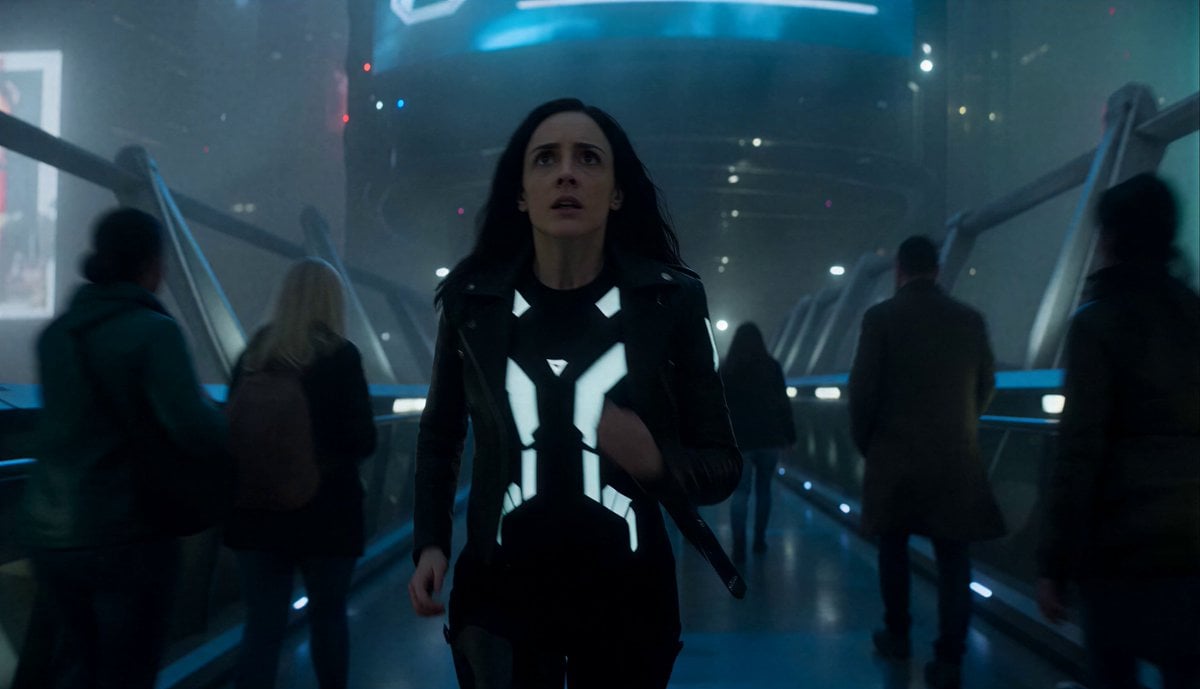
Colossal Entity Futuristic Megacity
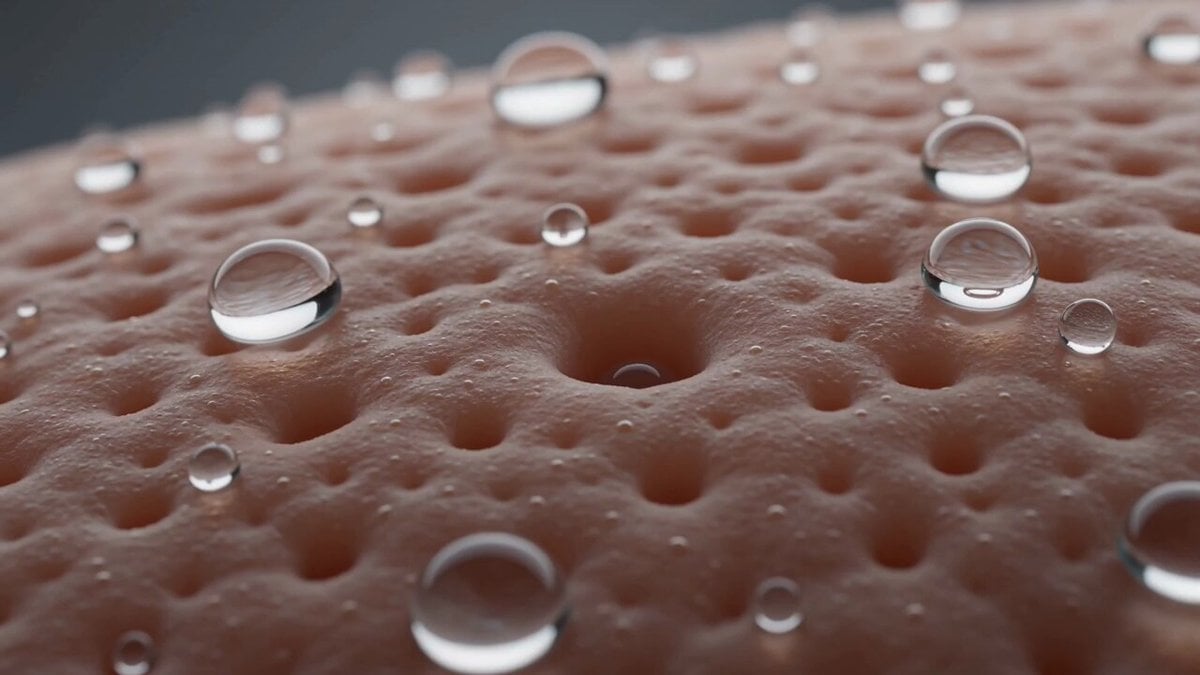
Macro Biological Surreal Skin Forest
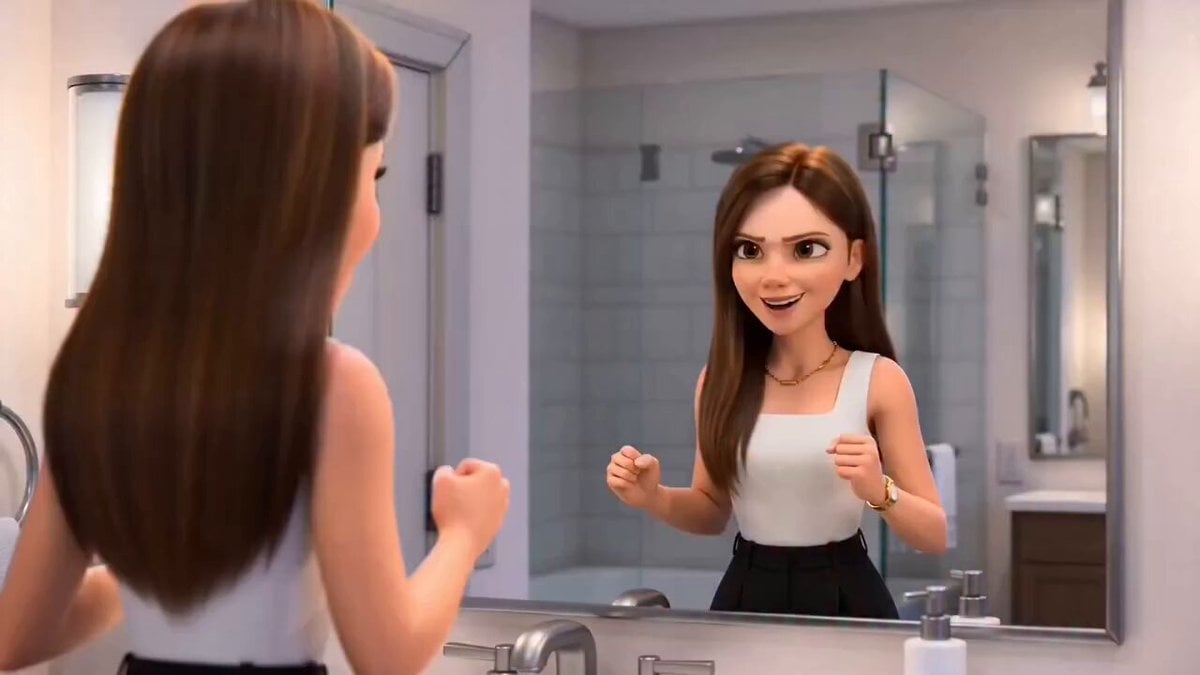
Pixar-Style Hairbun Transformation Animation
Browse template categories
Second Facial Expression Choreography questions
How do I use the 15-Second Facial Expression Choreography template?
Add your photo if the template asks for one, edit the prompt if you like — the template's model and format are already selected — and press Generate. Your version opens in PicX Studio.
Can I customize the 15-Second Facial Expression Choreography template?
Yes. You can change the subject, setting, lighting, mood, format, and available model controls before creating your video.
Is the 15-Second Facial Expression Choreography template free?
Opening and editing this template is free. Generating uses credits, shown on the Generate button when you are signed in.
Which AI model should I use?
Start with Seedance 2.0, which is the model associated with this template. You can compare another compatible model for a different finish.
Looking for something else? Browse all templates.

Your photo, any look
Thousands of ready templates for every top image and video model, from one credit balance.