
Colossal Entity Futuristic Megacity
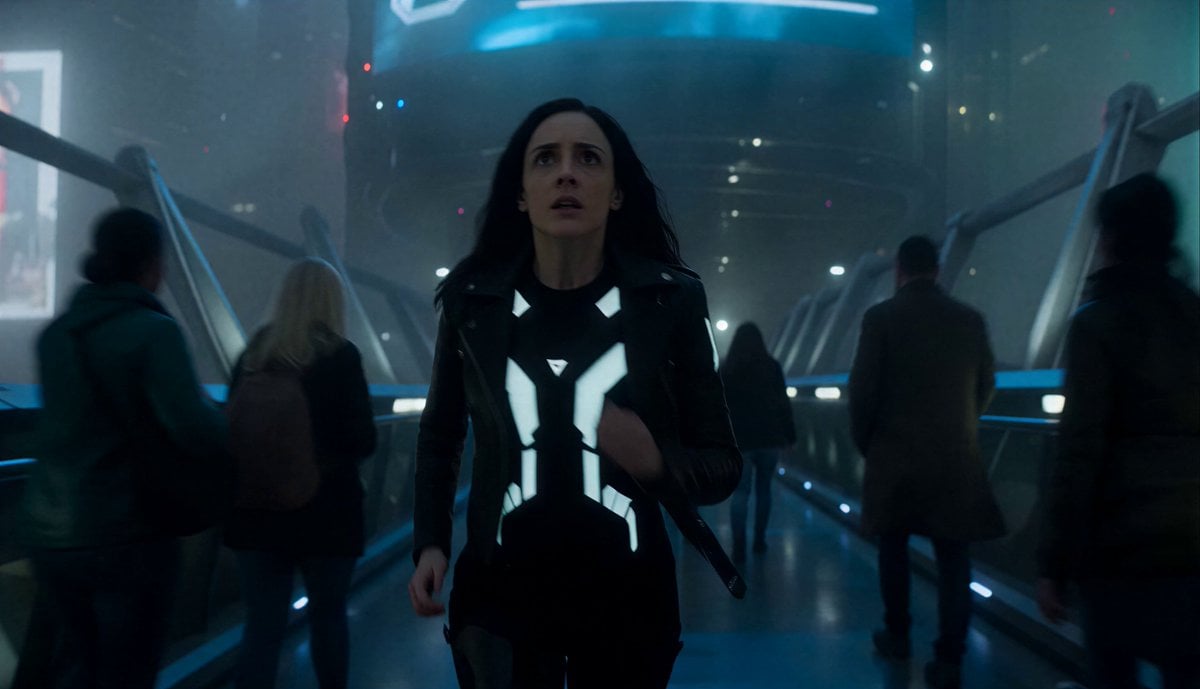
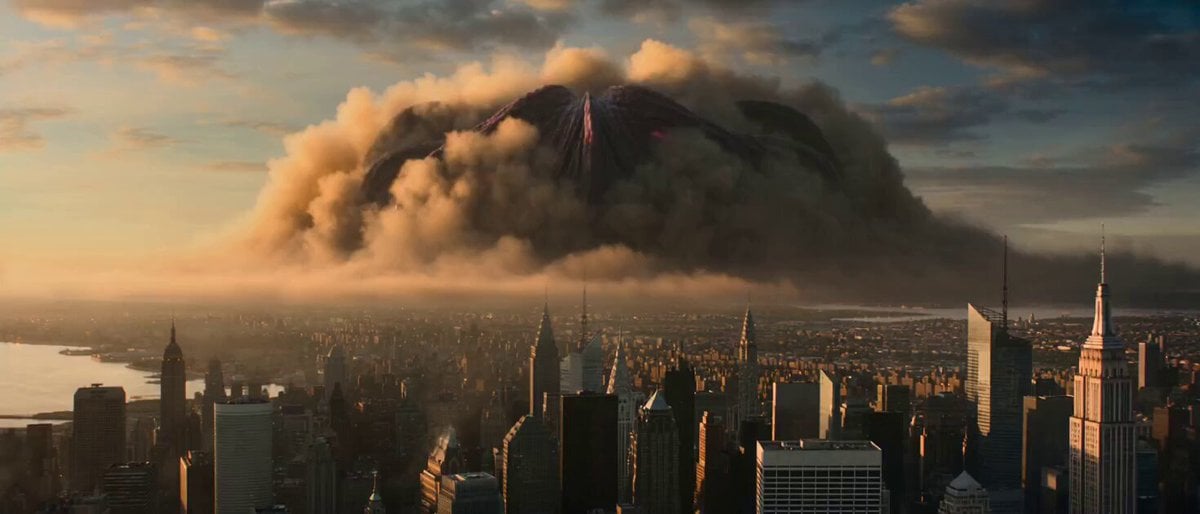
A sci-fi cinematic sequence featuring a gigantic biomechanical creature moving through a foggy cyberpunk city while crowds panic.
- Prompt included
- Model and format preset
- Premium template
The prompt behind this video
Copy the exact prompt behind Colossal Entity Futuristic Megacity, or open it in the studio and make it yours.
Dense futuristic megacity at night covered in fog. A woman moves through crowded elevated walkways while emergency broadcasts interrupt giant holographic screens overhead. Suddenly, massive shadows begin moving through the fog between skyscrapers. People stop walking. Then a gigantic creature silhouette emerges partially through the mist: enormous biomechanical legs stepping slowly between buildings. Every footstep shakes the city. Cars alarms activate automatically. Glass trembles. Streetlights flicker. The creature is too massive to fully see at once. Only fragments visible through fog: glowing eyes, giant armored limbs, mechanical breathing vents, cables hanging beneath its body. The woman begins running through packed pedestrian corridors. Behind her, the colossal entity slowly advances through the skyline. Skyscraper lights reflect across its metallic surface. As tension escalates: drones fall from the sky, bridge structures vibrate violently, giant holograms distort, crowds panic and stampede. The creature lowers its massive head between towers searching the streets below. Its glowing eye scans directly toward her position. At climax, the enormous creature steps over the avenue directly behind her. The frame fills with gigantic mechanical limbs and steam. Then suddenly, the creature stops moving. Silence. Fog slowly hides it again. Ultra cinematic sci-fi tension, gigantic scale, grounded realism, atmospheric fog, cyberpunk city visuals, environmental panic, cinematic handheld camera, colossal creature design.
How to use Colossal Entity Futuristic Megacity in 3 steps
- 1
Open
The prompt is already in the box next to the preview, with the template's model and format selected.
- 2…a portrait of your subject in softgolden-hour light, 85mm…
Personalize
Edit the subject and creative details for your destination.
- 3Generate
Generate
Press Generate — your video is created in PicX Studio, so you can compare it with the original and refine one variable at a time.
More like this
Templates with the same subject, style or setup. Open one to see its prompt.

Futuristic Megacity Heatwave Escape Script

Futuristic Neon Megacity Aircraft Race
Futuristic Megacity Drone FPV Shot
Arctic Glacier to Futuristic Megacity Transformation

Surreal Futuristic Megacity Descent
Colossal Ocean Leviathan Attack on a Megacity Harbor
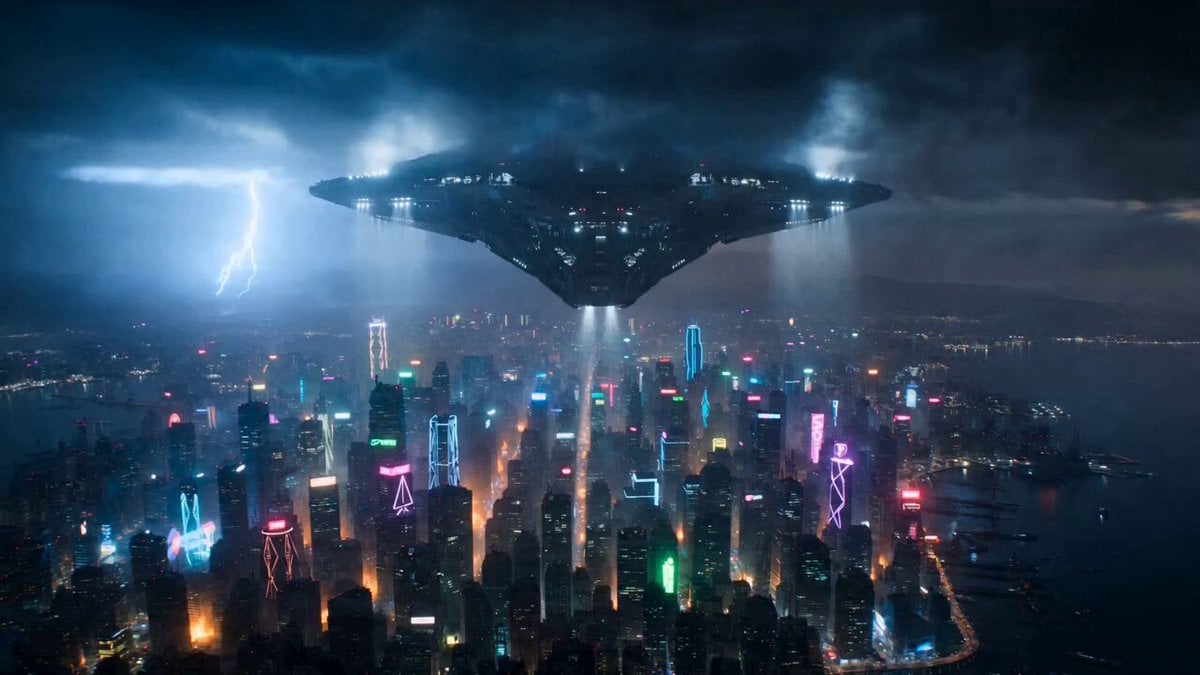
Post-Apocalyptic Futuristic Megacity Video Prompt
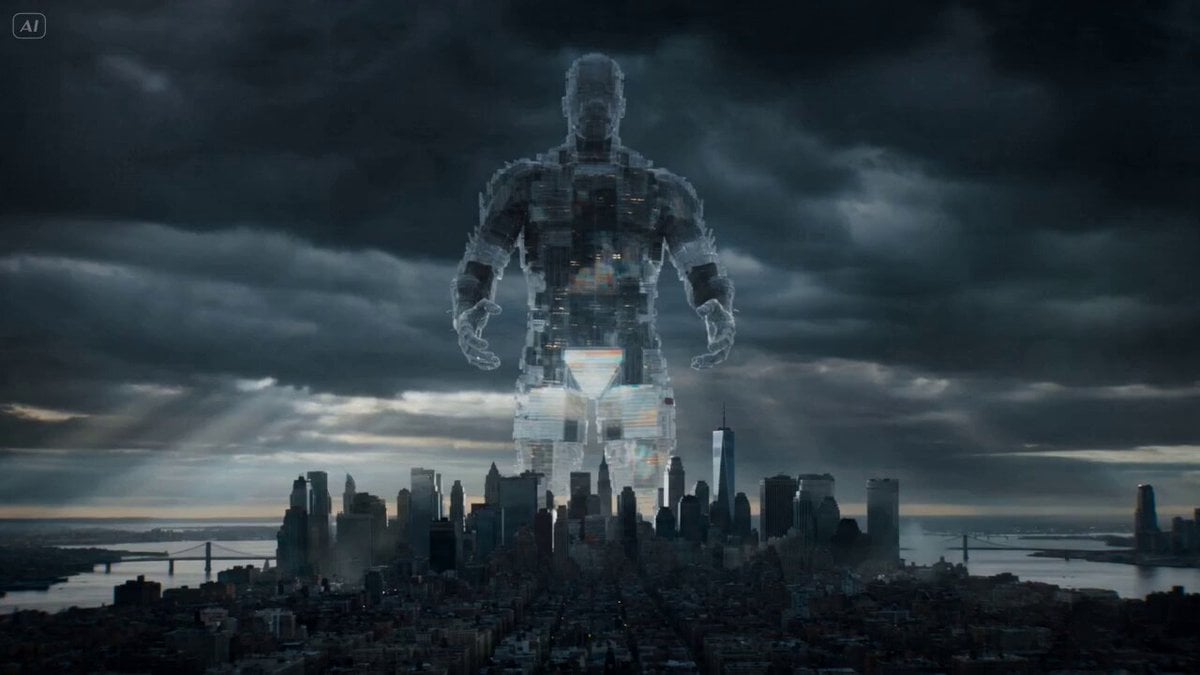
Dimensional Entity Megacity Collision Prompt (Dreamina)
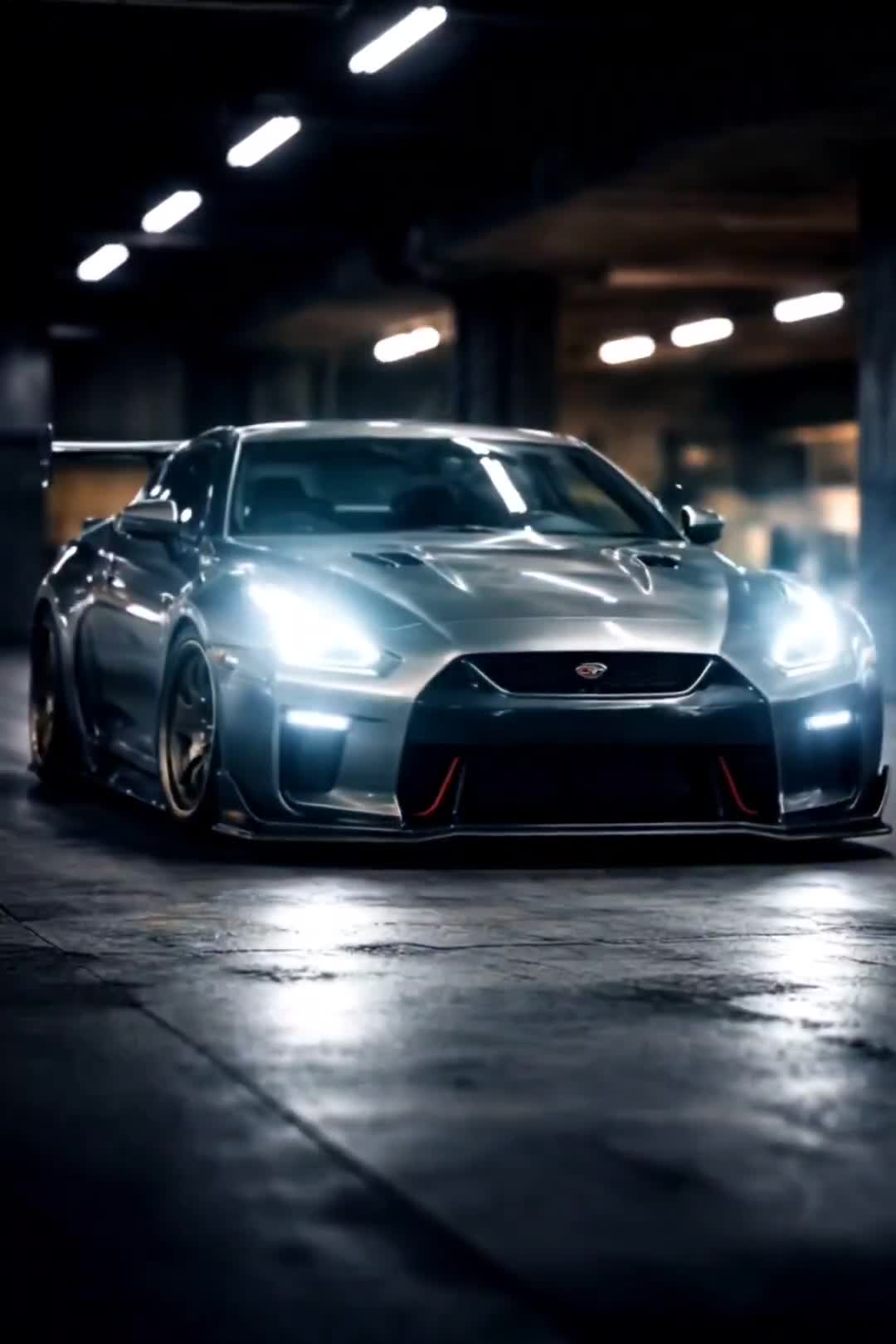
Cinematic Car Scene and Video Sequence Prompt
City Timelapse Growth — Seedance 2.0
Colossal Sea Creature — Stormy Shore Charge (Seedance)
Tiny Figure Climbing a Giant — Low Angle Seedance
Make it yours
Colossal Entity Futuristic Megacity works as-is. These are the safest ways to change it without losing the look.
Change one field
Copy a single group, rewrite it, and generate again so you can see what that field is doing.
Keep the frame, change the subject
Hold the composition and light of Colossal Entity Futuristic Megacity, then swap wardrobe, props or the person for a new take.
| If the result… | Why | Fix |
|---|---|---|
| The result drifts from the preview | Too many fields changed at once. | Reuse Colossal Entity Futuristic Megacity as-is first, then change one group — subject, light, or setting. |
| The model over-stylizes the scene | The prose prompt leaves finish and camera underspecified. | Add one camera or lighting sentence and stay on Seedance 2.0. |
More Seedance 2.0 templates
Other prompts made for Seedance 2.0.

Comical Martial Arts Punch Scene

Maglev Train Action Sequence

Martial Arts Fight Sequence

Wuxia Protection and Trust Script

Vintage Korean Arcade MiniDV Vlog

Mercedes 190 SL Luxury Ad

Rainy Night Supernatural Reverse Comedy Video Script

Amazon Civilization Discovery

Futuristic South Asian City Transformation

Cozy Luxury Cafe Commercial
More video prompts
Fresh picks from across the catalog.
Electric Guitar Summoning — White Roses Field
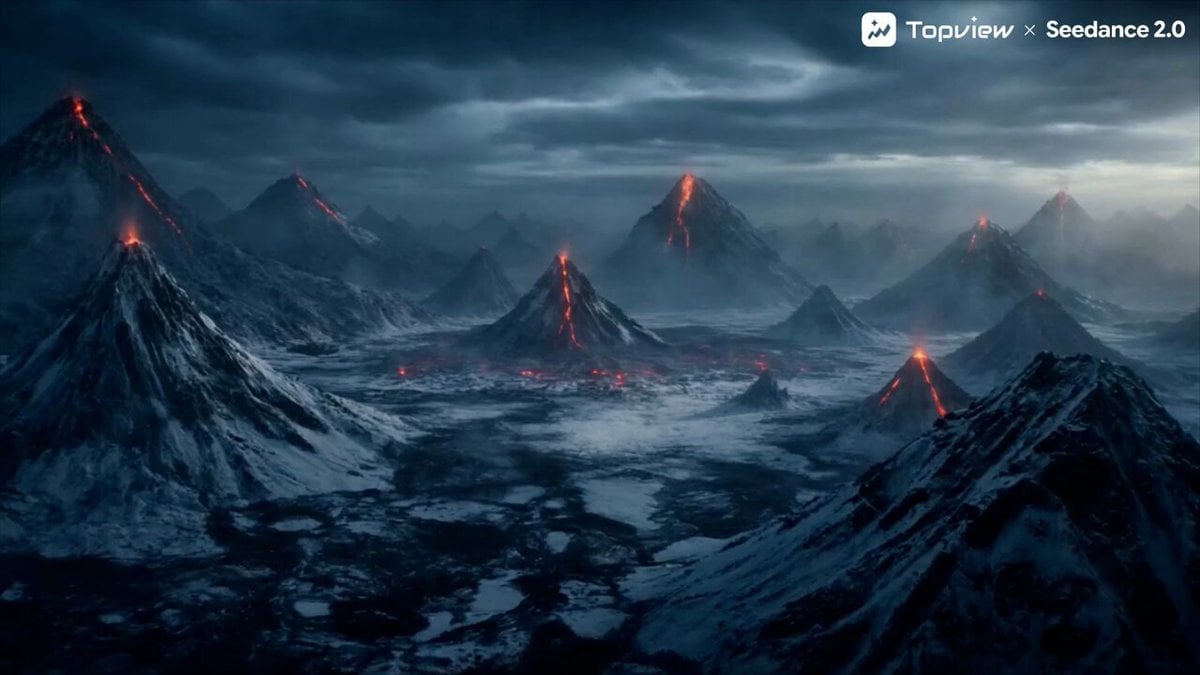
Elemental Battle Short Film Prompt for Seedance 2.0

High-Speed Motorcycle Action Sequence
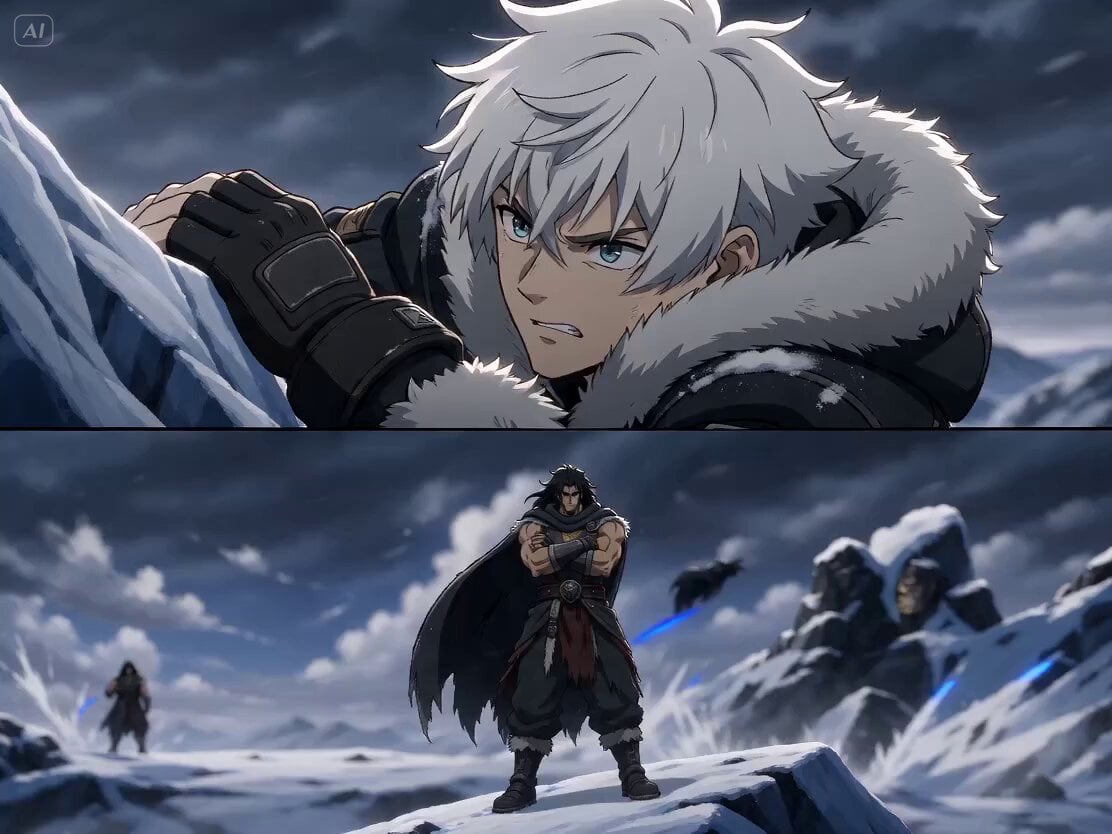
Frozen Mountain Anime Action
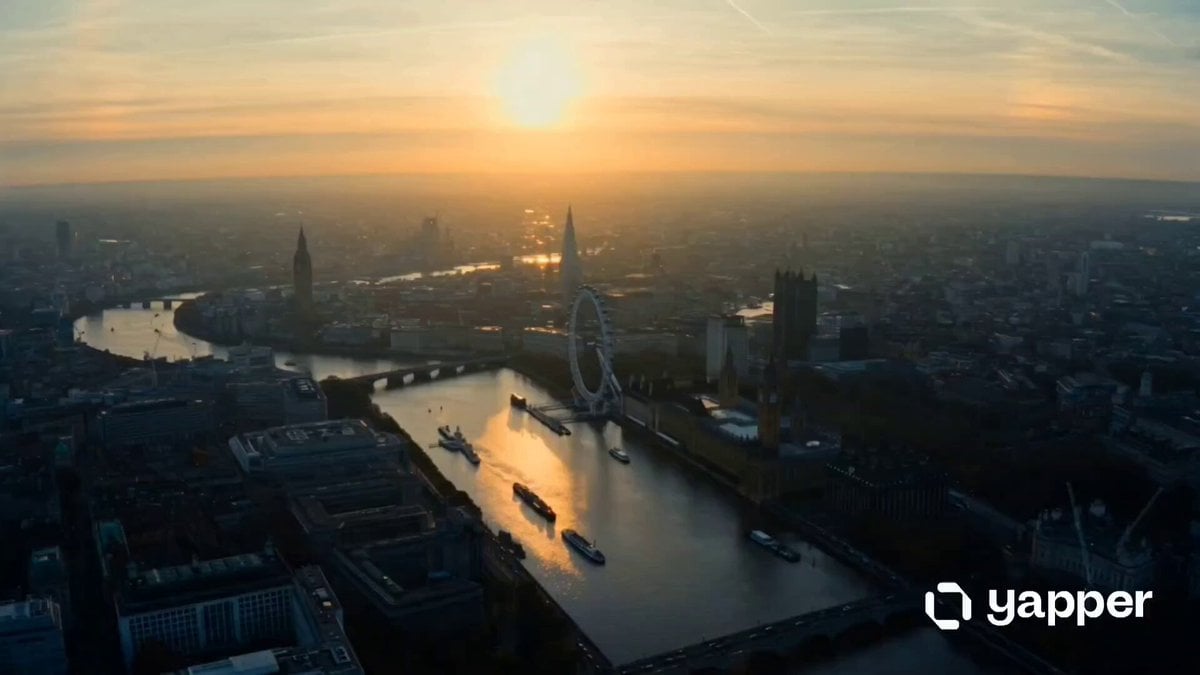
London Eye 15-shot cinematic sequence
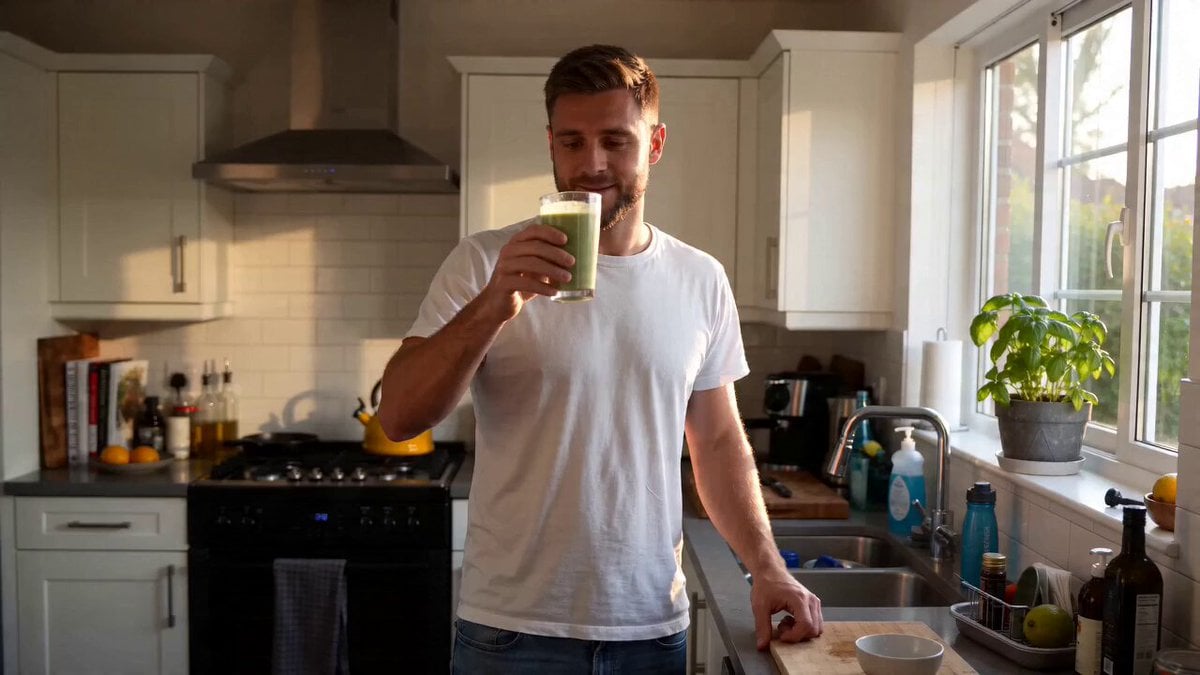
UGC Lifestyle Morning Smoothie
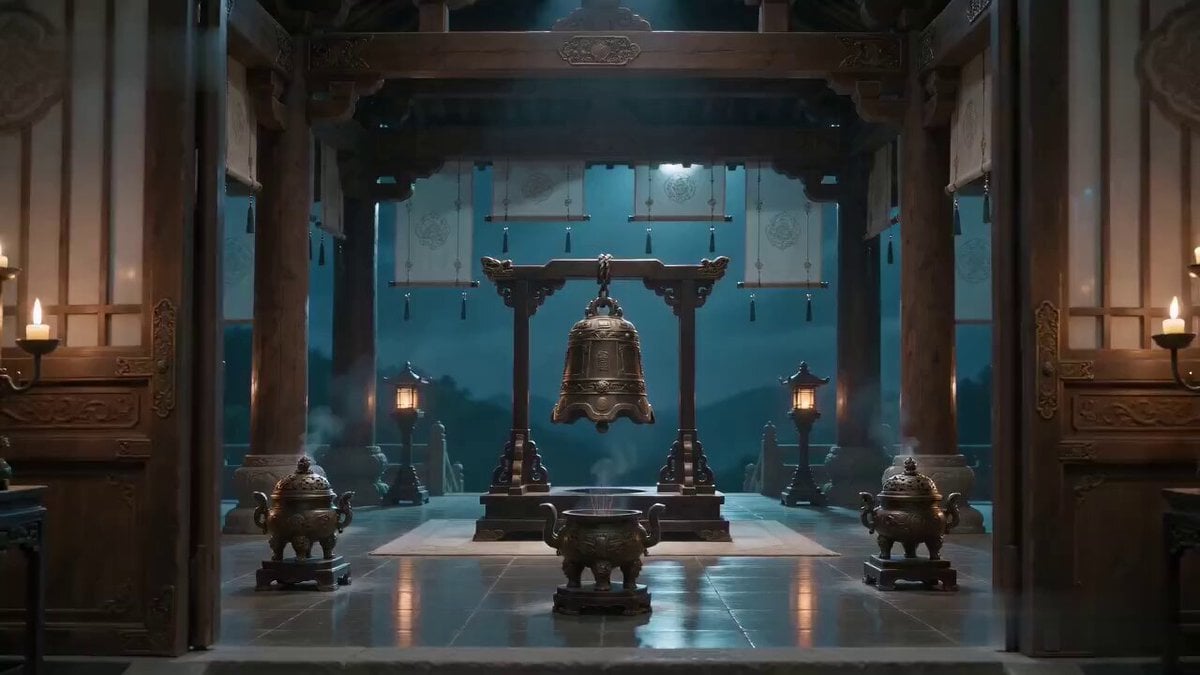
Xianxia Truth Bell Comedy Scene
Organic Alien Arrival Scene Prompt

Cosmic Heart Radiant Energy

Seedance 2.0 Realistic Ancient Town Parkour Transformation
Browse template categories
Colossal Entity Futuristic Megacity questions
How do I use the Colossal Entity Futuristic Megacity template?
Add your photo if the template asks for one, edit the prompt if you like — the template's model and format are already selected — and press Generate. Your version opens in PicX Studio.
Can I customize the Colossal Entity Futuristic Megacity template?
Yes. You can change the subject, setting, lighting, mood, format, and available model controls before creating your video.
Is the Colossal Entity Futuristic Megacity template free?
Opening and editing this template is free. Generating uses credits, shown on the Generate button when you are signed in.
Which AI model should I use?
Start with Seedance 2.0, which is the model associated with this template. You can compare another compatible model for a different finish.
Looking for something else? Browse all templates.

Your photo, any look
Thousands of ready templates for every top image and video model, from one credit balance.