How do I use the Surreal Futuristic Megacity Descent template?
Edit the prompt in the box under the preview — the template's model and format are already selected — and press Generate. Your version appears right on this page.
A highly detailed, multi-paragraph prompt for generating a surreal, anime-style cinematic aerial shot.
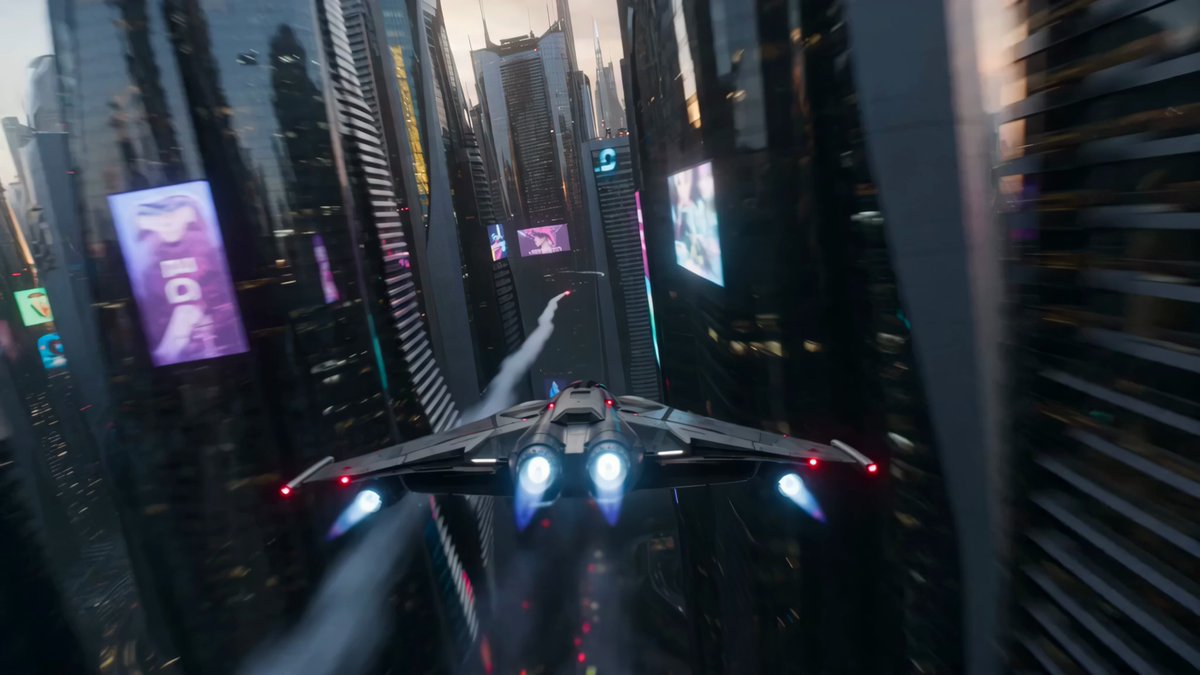
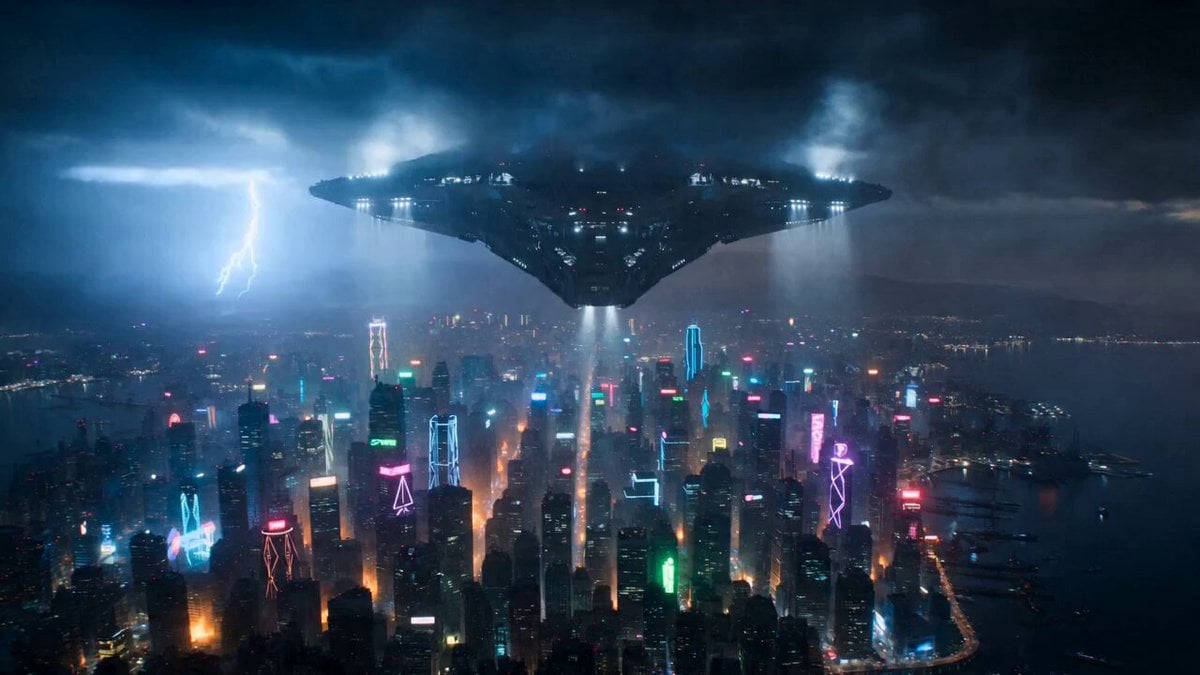
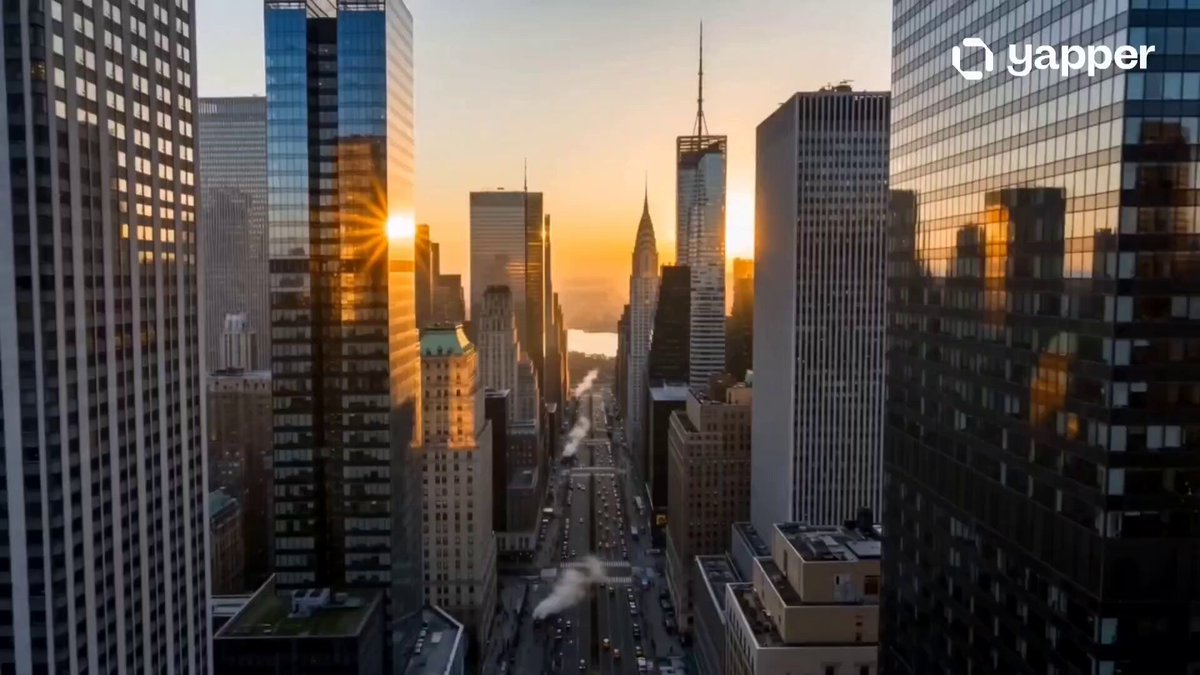
A surreal cinematic aerial shot of a futuristic мегacity at night, filled with towering skyscrapers and multi-level looping highways twisting in impossible geometry. Streams of car headlights and taillights form glowing ribbons of motion. A serene anime-style woman wearing flowing white robes (kimono-inspired) floats and falls gracefully through the air between the looping highways. Her sleeves and fabric billow in slow motion, giving an ethereal, weightless feel. The camera tracks her descent from above, rotating and drifting as she passes through spiraling overpasses and interwoven roads. Traffic moves naturally below, light trails streaking through the dark blue city atmosphere. The environment feels dreamlike and gravity-defying, with massive curved flyovers forming elegant arcs in space. Subtle fog and atmospheric haze add depth and scale.
A surreal cinematic aerial shot of a futuristic мегacity at night, filled with towering skyscrapers and multi-level looping highways twisting in impossible geometry. Streams of car headlights and taillights form glowing ribbons of motion. A serene anime-style woman wearing flowing white robes (kimono-inspired) floats and falls gracefully through the air between the looping highways. Her sleeves and fabric billow in slow motion, giving an ethereal, weightless feel. The camera tracks her descent from above, rotating and drifting as she passes through spiraling overpasses and interwoven roads. Traffic moves naturally below, light trails streaking through the dark blue city atmosphere. The environment feels dreamlike and gravity-defying, with massive curved flyovers forming elegant arcs in space. Subtle fog and atmospheric haze add depth and scale.
Edit the prompt in the box under the preview — the template's model and format are already selected — and press Generate. Your version appears right on this page.
Yes. You can change the subject, setting, lighting, mood, format, and available model controls before creating your video.
Opening and editing this template is free. Generating uses credits, shown on the Generate button when you are signed in.
Start with Seedance 2.0, which is the model associated with this template. You can compare another compatible model for a different finish.
Follow a topic to a crawlable collection of related PicX Studio templates.