How do I use the Smartphone Home Video Beach Day template?
Edit the prompt in the box under the preview — the template's model and format are already selected — and press Generate. Your version appears right on this page.
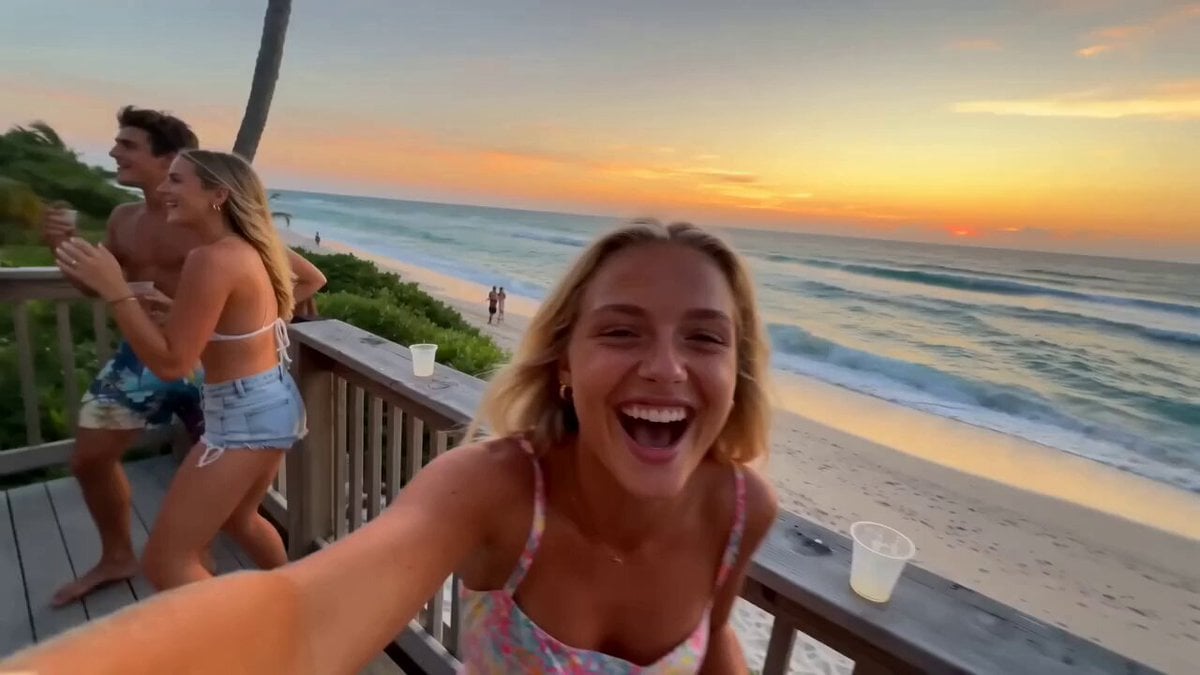
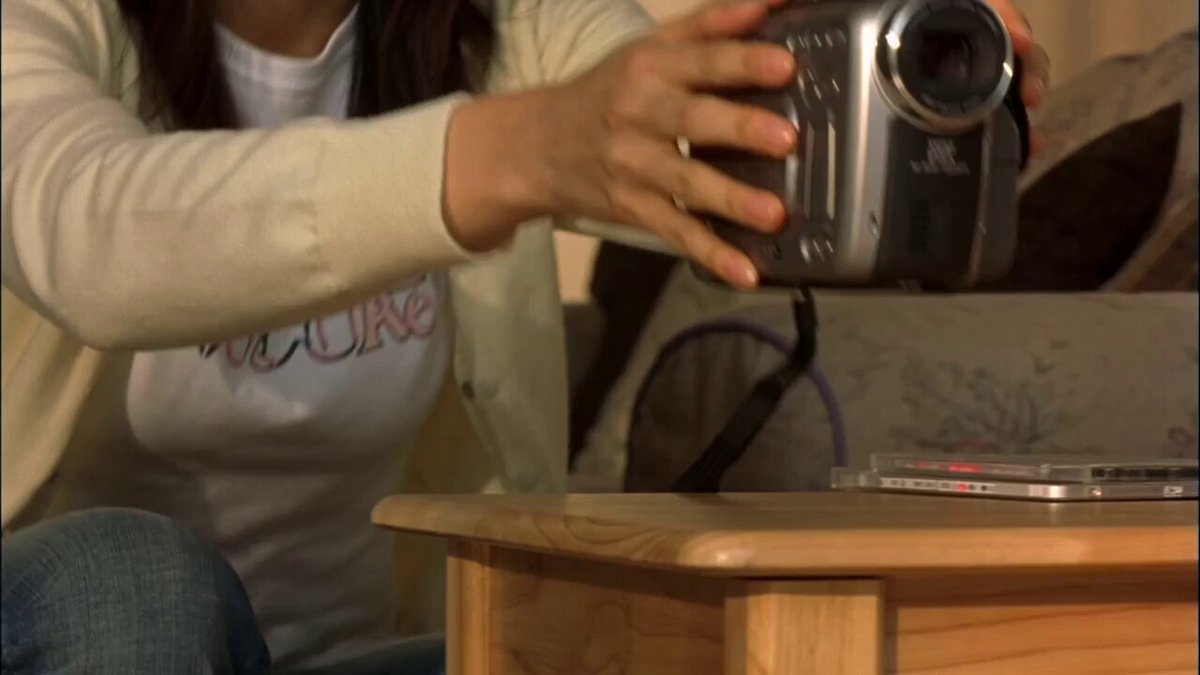
A prompt for creating authentic, unpolished smartphone footage of a beach outing with friends using rapid cuts.
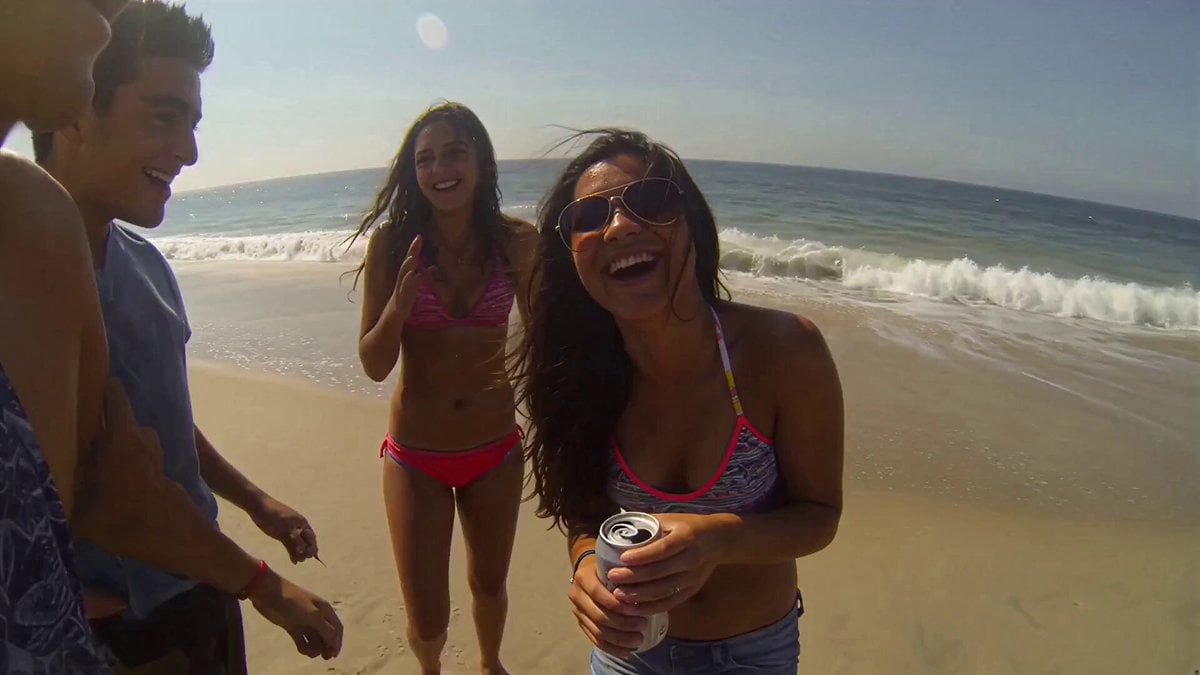
Super casual real smartphone home video footage, sunny beach day outing with friends, natural mobile phone camera with slight authentic handheld shake, normal frame rate with smooth natural motion, rapidfire montage with constant quick jump cuts every 1-2 seconds like scrolling through phone memories, unpolished authentic phone recording of mixed group laughing, playing in sand, snacking and clicking pictures, pure raw home video feel, no cinematic polish or heavy effects. Use the provided reference photo as the strict ONLY visual reference for the main woman. Maintain her exact appearance with zero deviation: [her described features]. Generate a mixed group of friends of all ages around her on the beach. 0-2.5s: Shaky handheld rapid cuts main woman laughing with friends near the shoreline, wind in her hair, quick flashes of feet in sand and waves. 2.5-5s: Abrupt jump cuts close-up of her smiling with sunglasses pushed up, then group splashing water and clicking selfies. 5-7.5s: Fast shaky she sits on a beach towel chatting animatedly, snacks and drinks scattered around, natural sunlight flare. 7.5-10s: Quick cut close-up big warm smile toward camera, playful wave, then jump to group building a small sandcastle together. 10-12.5s: Abrupt edit everyone gathered near a beach umbrella, passing chips and cold drinks, casual toast with cans. 12.5-15s: Final rapid transition main woman relaxed, sitting among friends, soft smile, calm beach memory ending with gentle phone sway. Natural smartphone video quality, slight real handheld shake, smooth normal frame rate motion, authentic casual interactions and physics, stable main character consistency, unpolished home phone recording, no pro stabilization or effects.
Super casual real smartphone home video footage, sunny beach day outing with friends, natural mobile phone camera with slight authentic handheld shake, normal frame rate with smooth natural motion, rapidfire montage with constant quick jump cuts every 1-2 seconds like scrolling through phone memories, unpolished authentic phone recording of mixed group laughing, playing in sand, snacking and clicking pictures, pure raw home video feel, no cinematic polish or heavy effects. Use the provided reference photo as the strict ONLY visual reference for the main woman. Maintain her exact appearance with zero deviation: [her described features]. Generate a mixed group of friends of all ages around her on the beach. 0-2.5s: Shaky handheld rapid cuts main woman laughing with friends near the shoreline, wind in her hair, quick flashes of feet in sand and waves. 2.5-5s: Abrupt jump cuts close-up of her smiling with sunglasses pushed up, then group splashing water and clicking selfies. 5-7.5s: Fast shaky she sits on a beach towel chatting animatedly, snacks and drinks scattered around, natural sunlight flare. 7.5-10s: Quick cut close-up big warm smile toward camera, playful wave, then jump to group building a small sandcastle together. 10-12.5s: Abrupt edit everyone gathered near a beach umbrella, passing chips and cold drinks, casual toast with cans. 12.5-15s: Final rapid transition main woman relaxed, sitting among friends, soft smile, calm beach memory ending with gentle phone sway. Natural smartphone video quality, slight real handheld shake, smooth normal frame rate motion, authentic casual interactions and physics, stable main character consistency, unpolished home phone recording, no pro stabilization or effects.
Edit the prompt in the box under the preview — the template's model and format are already selected — and press Generate. Your version appears right on this page.
Yes. You can change the subject, setting, lighting, mood, format, and available model controls before creating your video.
Opening and editing this template is free. Generating uses credits, shown on the Generate button when you are signed in.
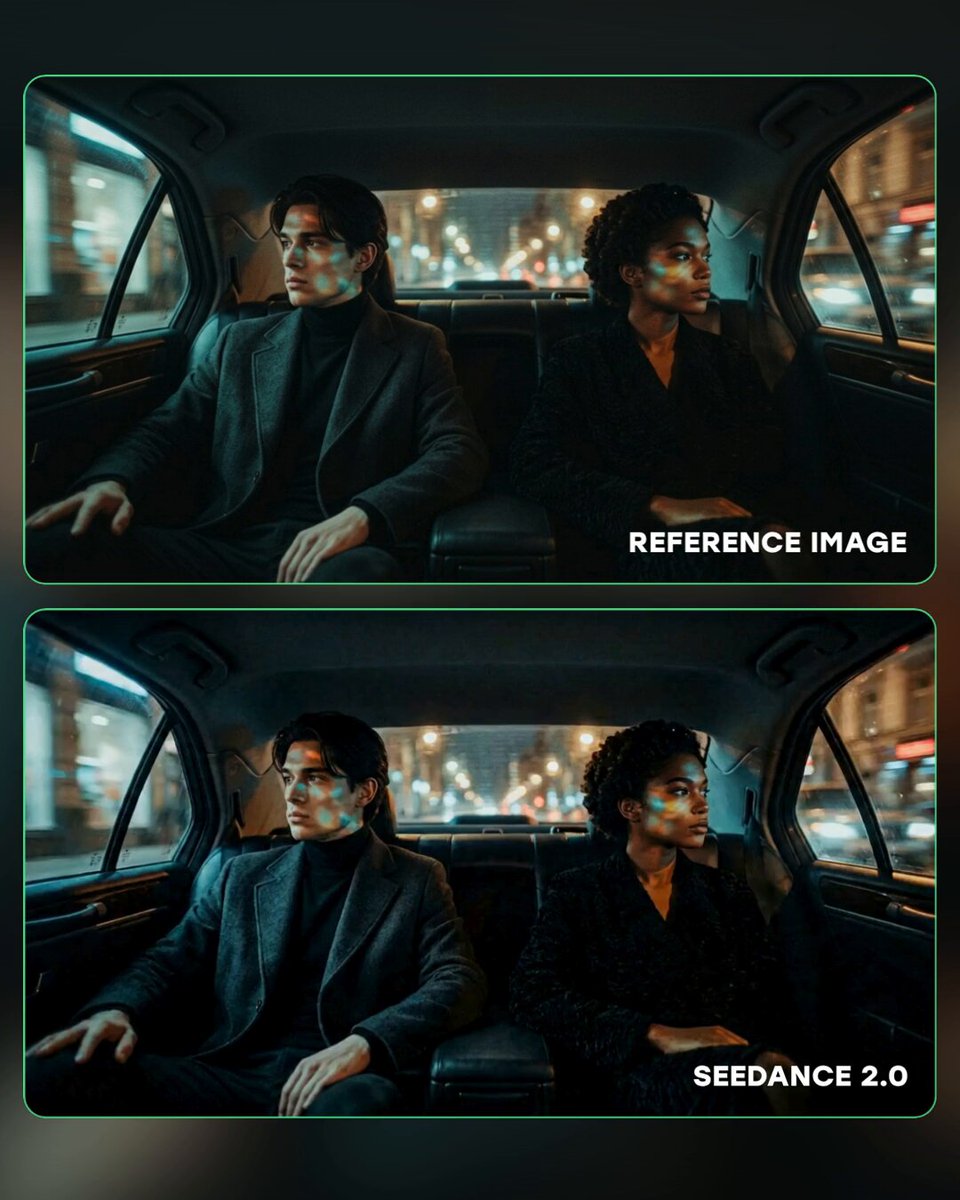
Start with Seedance 2.0, which is the model associated with this template. You can compare another compatible model for a different finish.
Follow a topic to a crawlable collection of related PicX Studio templates.