
Emotional Memory and Nostalgia Storyboard
A cinematic video prompt tracing a mother's emotional journey as she watches home videos that blend into her present reality.
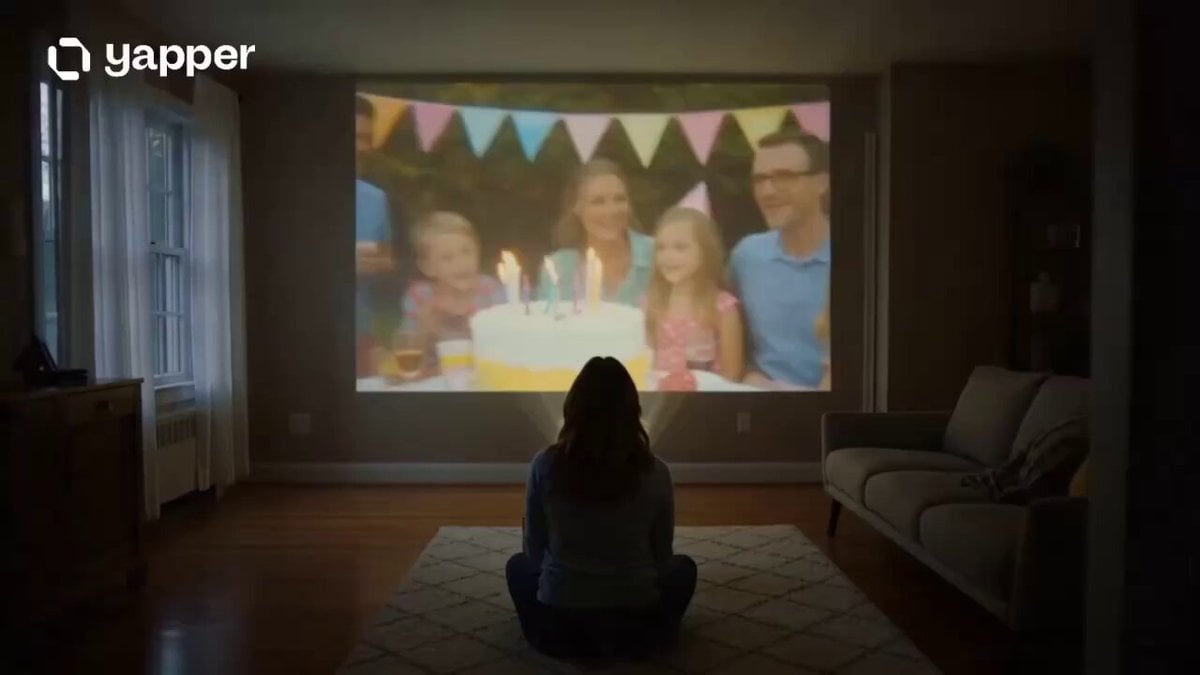
- Prompt included
- Model and format preset
- Premium template
The prompt behind this video
Copy the exact prompt behind Emotional Memory and Nostalgia Storyboard, or open it in the studio and make it yours.
A cinematic emotional story about memory, nostalgia, and the passage of time. 0–3s: Late evening in a quiet living room. A mother sits alone watching old home videos projected onto a wall — childhood birthdays, laughter, family vacations, warm golden memories flickering softly in the dark. 3–6s: Close-up shots of emotional details — dust floating through projector light, trembling hands holding an old tape, tears reflecting scenes of her young child running through sunlight years earlier. 6–9s: Reality begins blending with memory. The child from the videos briefly appears moving through the present-day house, laughing and running past the mother as if time itself is overlapping. 9–12s: The mother walks slowly through these living memories — touching walls, hearing echoes of old conversations, seeing younger versions of her family around the home in soft glowing light. 12–15s: Final emotional shot. The memory fades as the projector stops rolling. The mother smiles gently through tears while dawn light enters the room, leaving behind warmth instead of sadness. Style: ultra cinematic realism, emotional nostalgic atmosphere, soft golden lighting, film-grain memory aesthetic, seamless memory-to-reality transitions, intimate camera movement, heartfelt orchestral mood, film-grade color grading.
How to use Emotional Memory and Nostalgia Storyboard in 3 steps
- 1
Open
The prompt is already in the box next to the preview, with the template's model and format selected.
- 2…a portrait of your subject in softgolden-hour light, 85mm…
Personalize
Edit the subject and creative details for your destination.
- 3Generate
Generate
Press Generate — your video is created in PicX Studio, so you can compare it with the original and refine one variable at a time.
More like this
Templates with the same subject, style or setup. Open one to see its prompt.
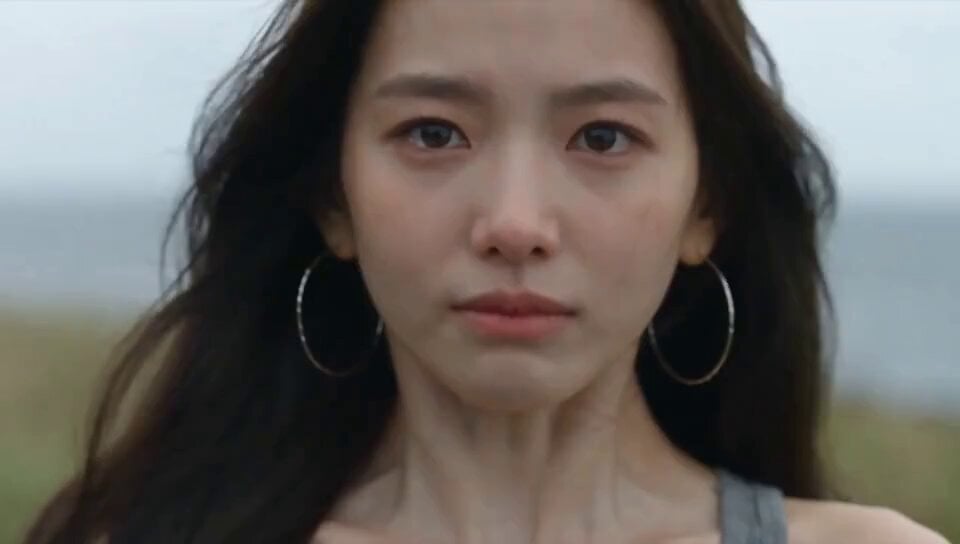
Emotional Breakdown and Fabric Interaction - Seedance 2.5

3x3 Grid Storyboard Racing — Kling 3.0 O3 Pro

Dragon Rider Cinematic Flight — Seedance 2.5

Forgotten 1980s High School Documentary Seedance
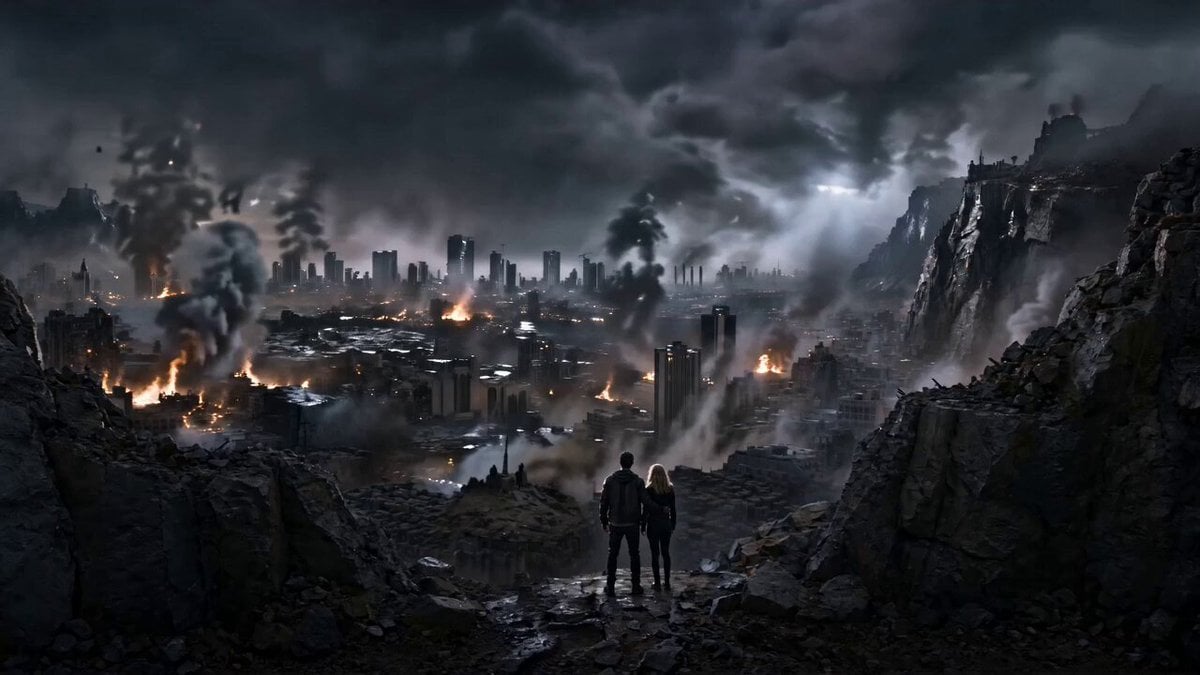
Emotional Disaster Short Film Storyboard
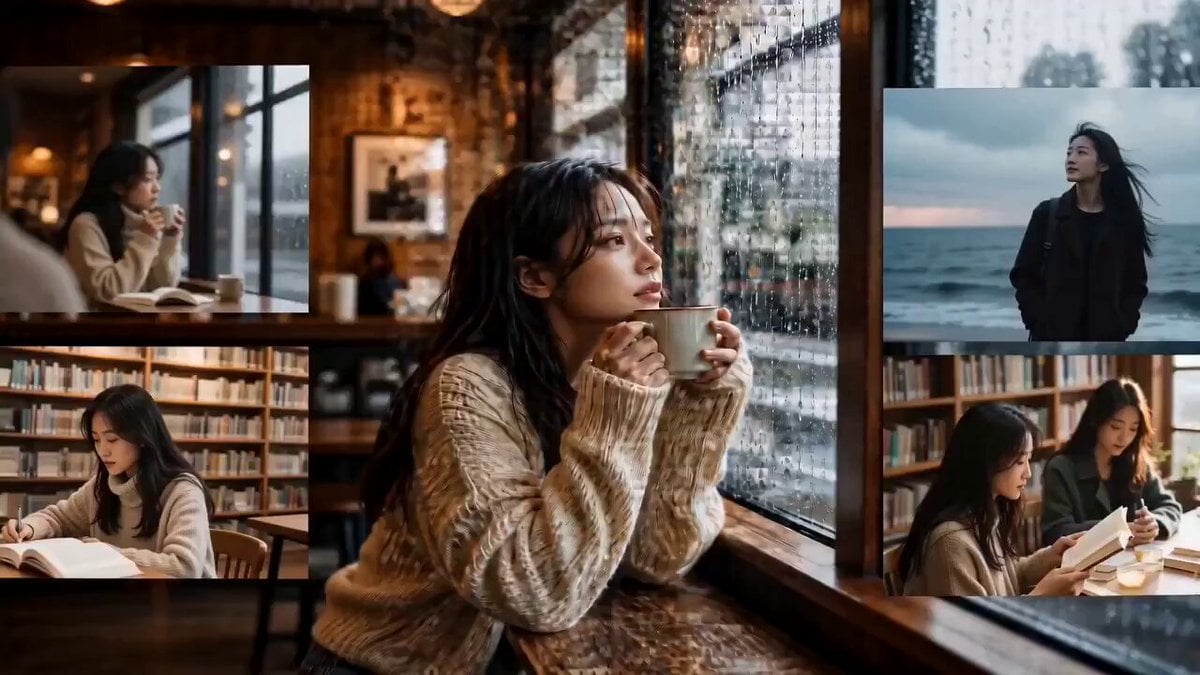
Emotional Photo Mosaic Memory Reveal

Gpt2 Gpt2 Seedance Storyboard to Video
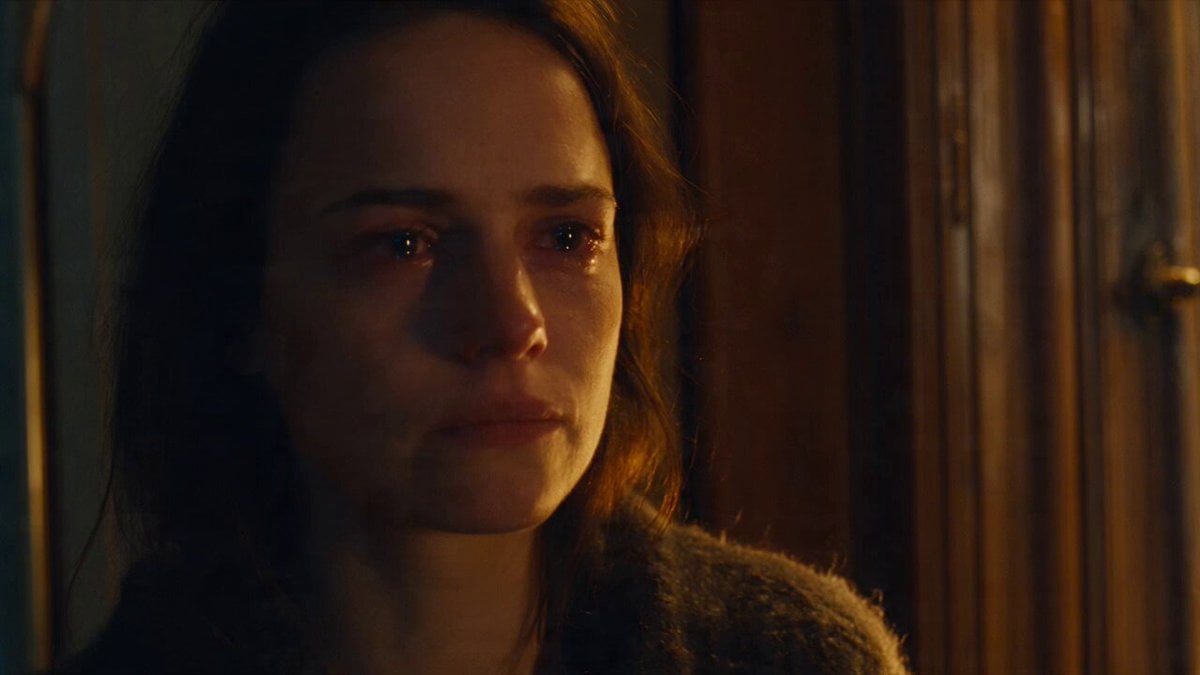
Emotional Parisian Apartment Drama
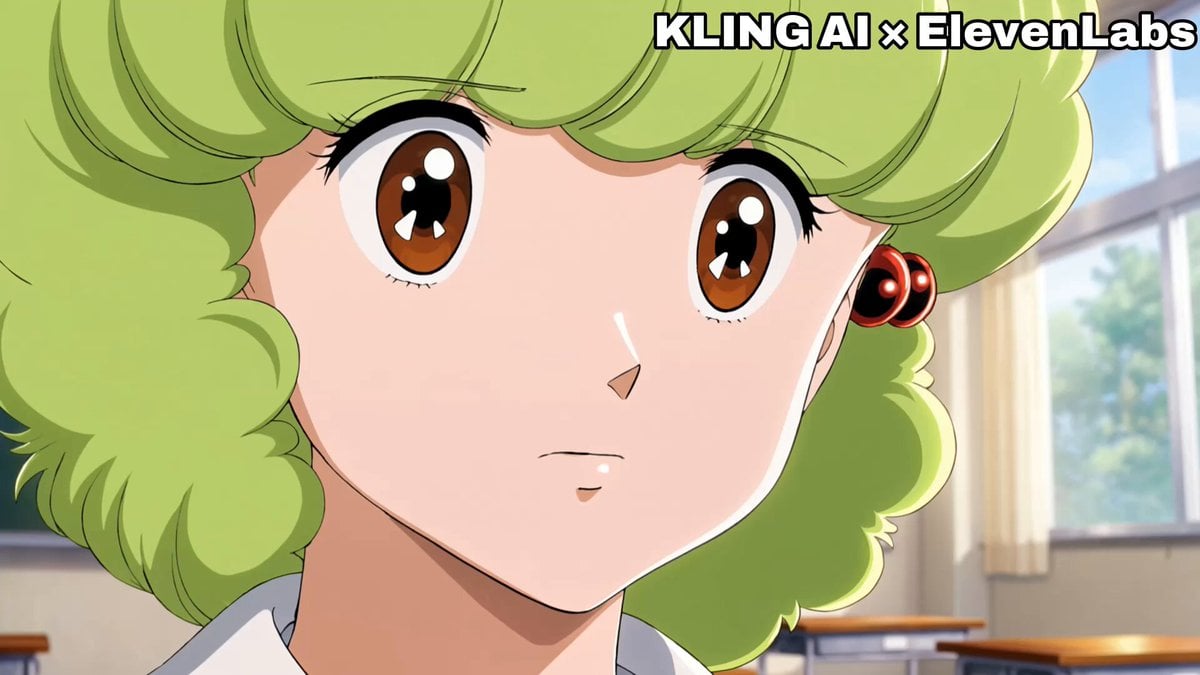
Emotional Anime Monologue Video
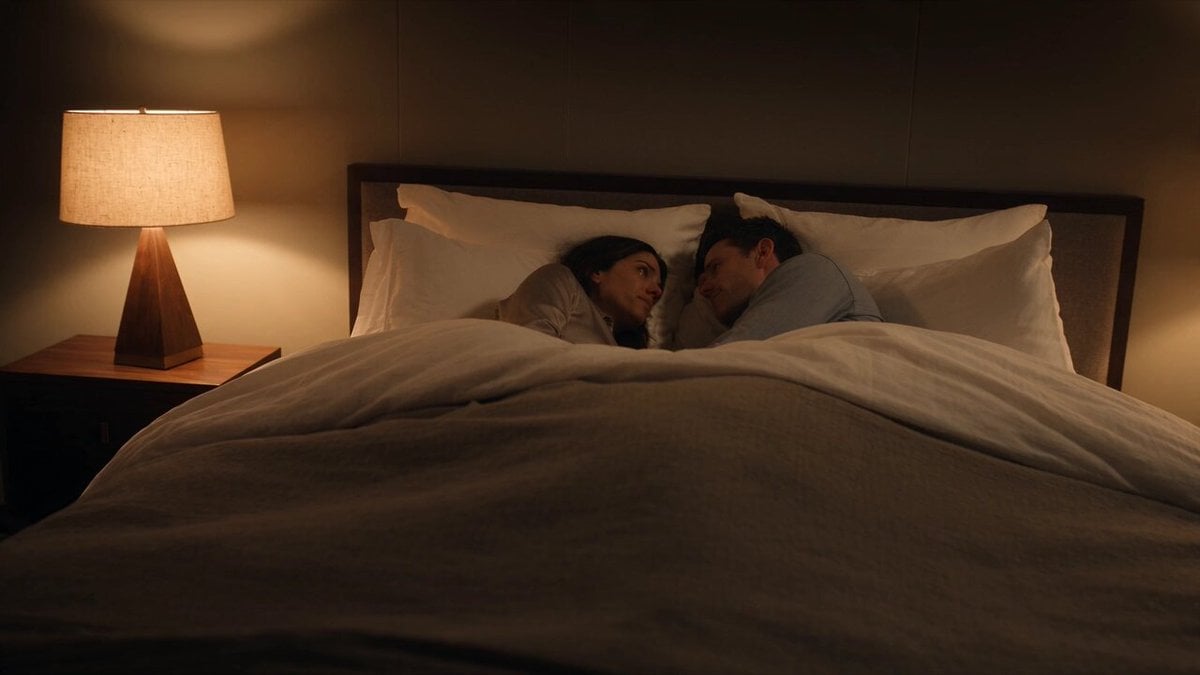
Emotional Bedroom Dialogue Scene
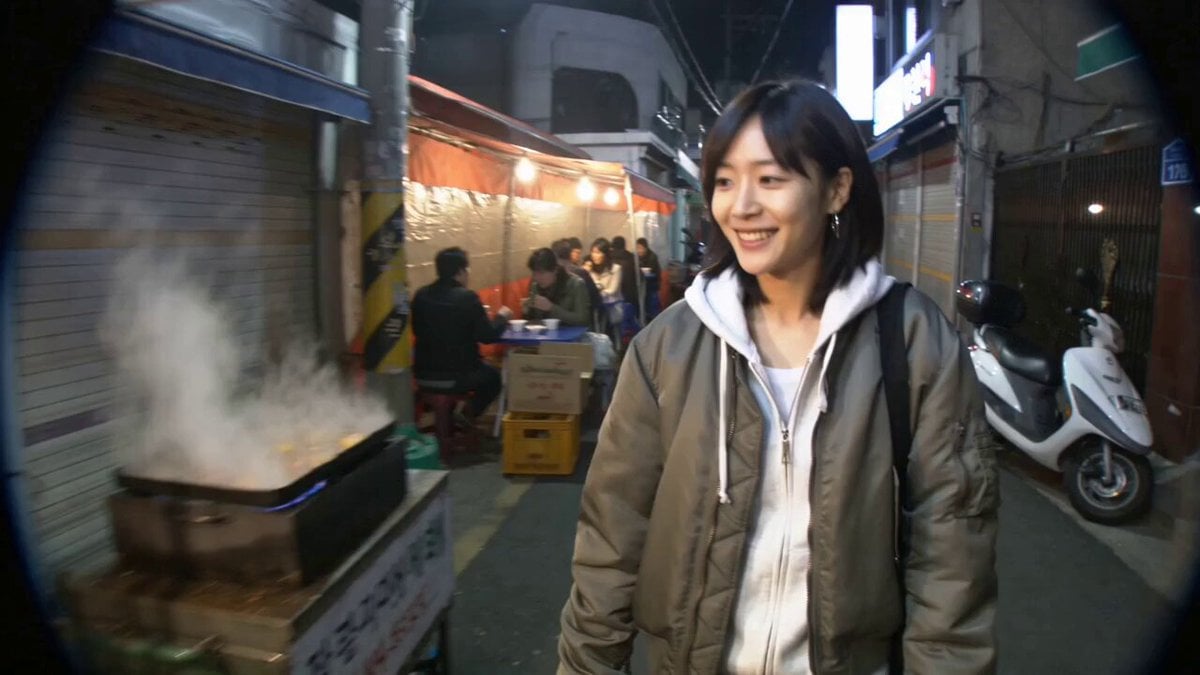
Seoul Street Food MiniDV Nostalgia
Seoul Laundromat MiniDV Nostalgia
Make it yours
Emotional Memory and Nostalgia Storyboard works as-is. These are the safest ways to change it without losing the look.
Change one field
Copy a single group, rewrite it, and generate again so you can see what that field is doing.
Keep the frame, change the subject
Hold the composition and light of Emotional Memory and Nostalgia Storyboard, then swap wardrobe, props or the person for a new take.
| If the result… | Why | Fix |
|---|---|---|
| The result drifts from the preview | Too many fields changed at once. | Reuse Emotional Memory and Nostalgia Storyboard as-is first, then change one group — subject, light, or setting. |
| The model over-stylizes the scene | The prose prompt leaves finish and camera underspecified. | Add one camera or lighting sentence and stay on Seedance 2.0. |
More Seedance 2.0 templates
Other prompts made for Seedance 2.0.

Comical Martial Arts Punch Scene

Maglev Train Action Sequence

Martial Arts Fight Sequence

Wuxia Protection and Trust Script

Vintage Korean Arcade MiniDV Vlog

Mercedes 190 SL Luxury Ad

Rainy Night Supernatural Reverse Comedy Video Script

Amazon Civilization Discovery

Futuristic South Asian City Transformation

Cozy Luxury Cafe Commercial
More video prompts
Fresh picks from across the catalog.
Mujeeb Matrix Bullet Time
Celestial Palace MiniDV Tour
Kyoto Sumi-e and Live Action Fusion
Futuristic Car Commercial Prompt (Y - Drive the Future)
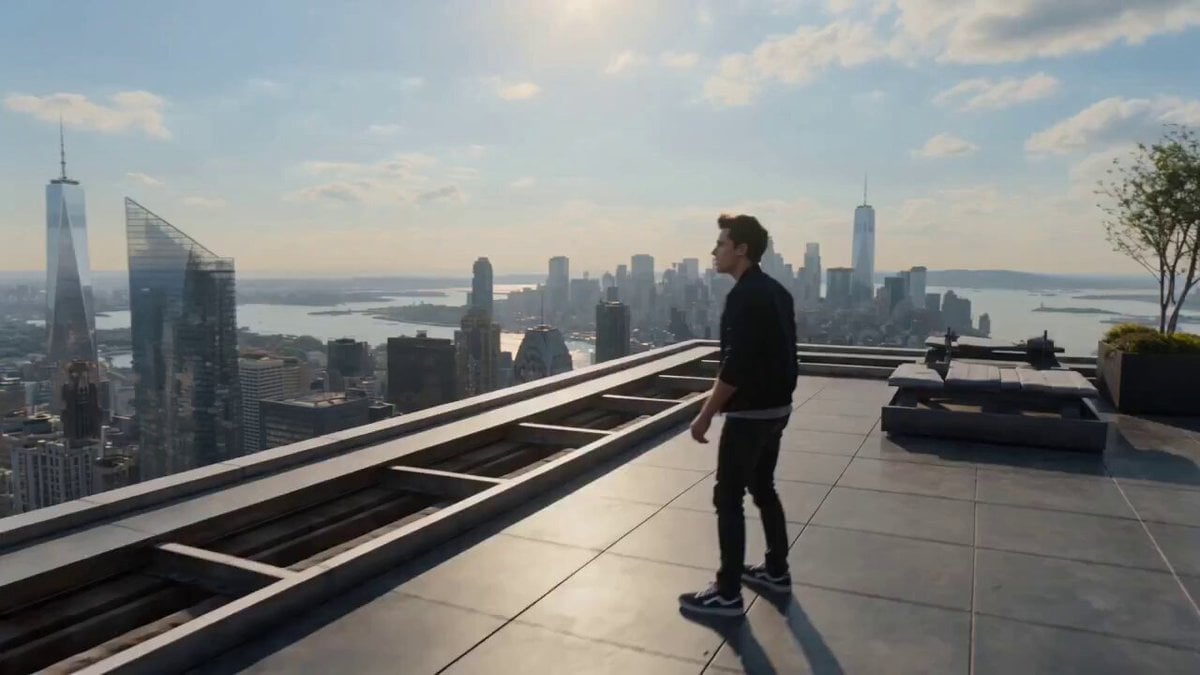
Multiverse Dimensional Portal Fall
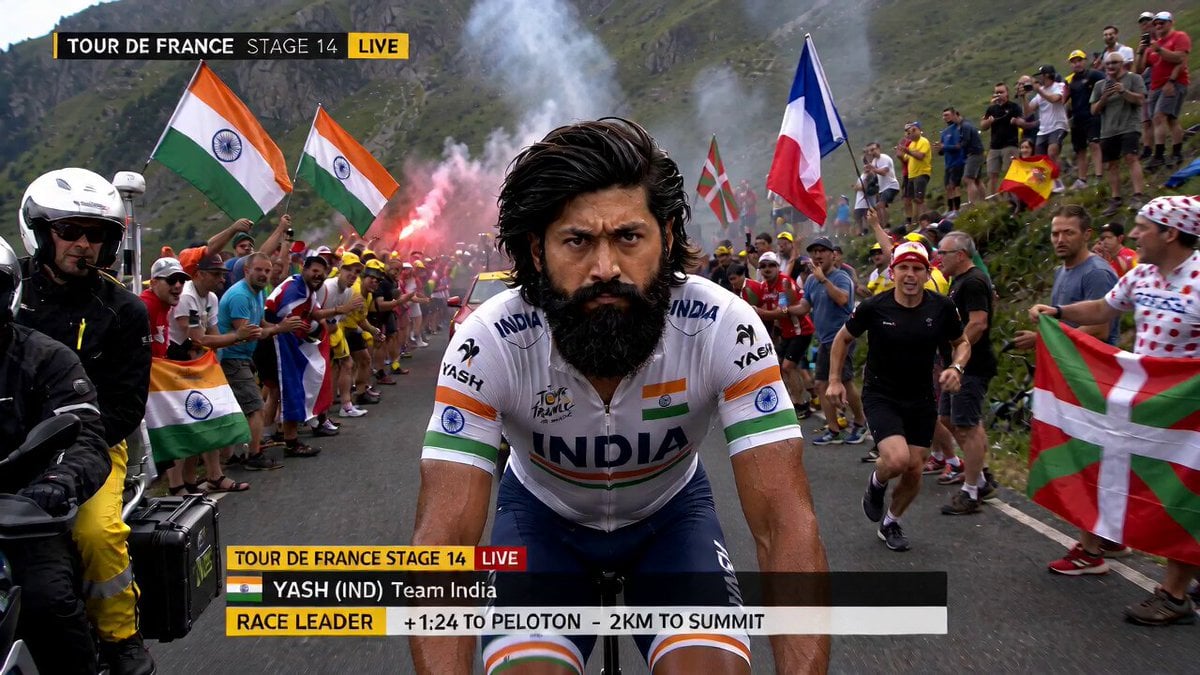
Tour de France Mid-Race Meal
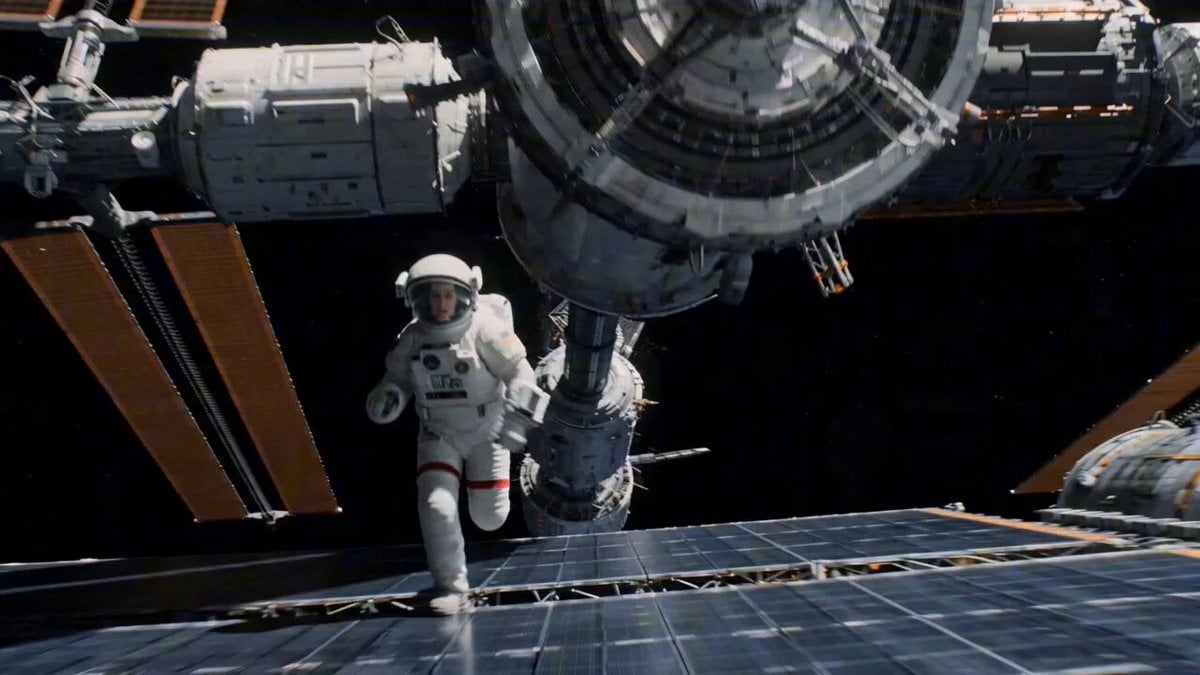
Zero-G Astronaut Run on Damaged Orbital Station
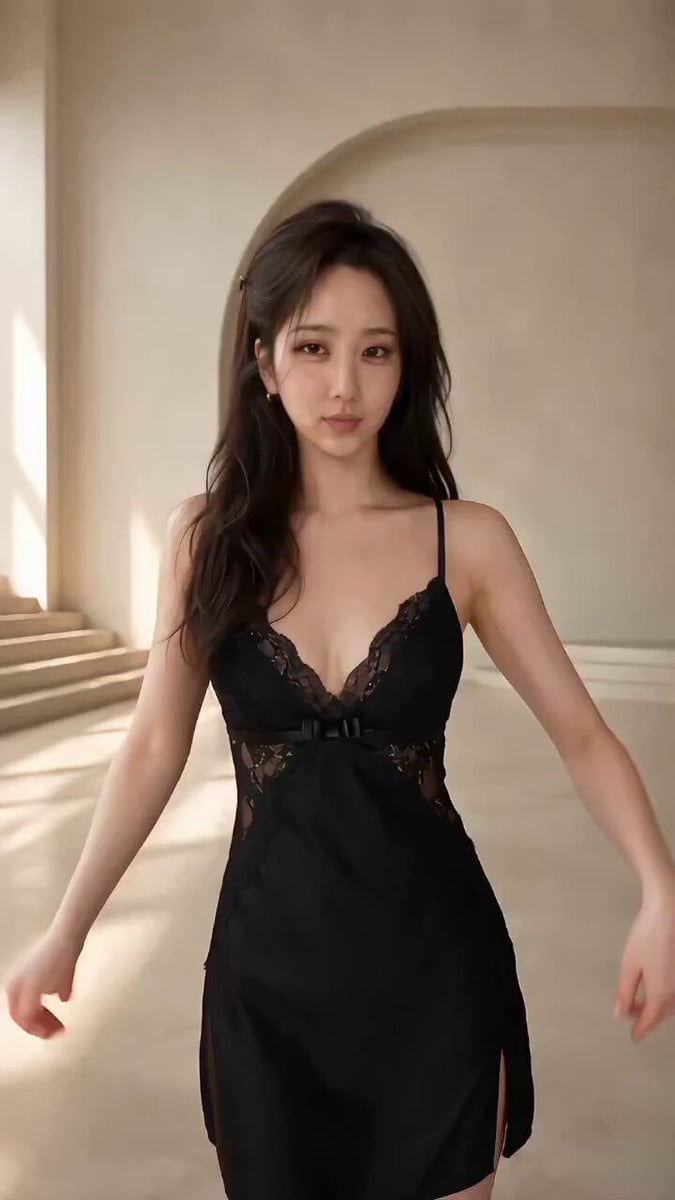
Seedance 2.5 Fashion Display Video Prompt

Monk Cat Wuxia Comedy
Breathing Skyscraper Night Surrealism
Browse template categories
Emotional Memory and Nostalgia Storyboard questions
How do I use the Emotional Memory and Nostalgia Storyboard template?
Add your photo if the template asks for one, edit the prompt if you like — the template's model and format are already selected — and press Generate. Your version opens in PicX Studio.
Can I customize the Emotional Memory and Nostalgia Storyboard template?
Yes. You can change the subject, setting, lighting, mood, format, and available model controls before creating your video.
Is the Emotional Memory and Nostalgia Storyboard template free?
Opening and editing this template is free. Generating uses credits, shown on the Generate button when you are signed in.
Which AI model should I use?
Start with Seedance 2.0, which is the model associated with this template. You can compare another compatible model for a different finish.
Looking for something else? Browse all templates.

Your photo, any look
Thousands of ready templates for every top image and video model, from one credit balance.