
Kyoto Sumi-e and Live Action Fusion
A creative video prompt for Seedance 2.0 that merges traditional Japanese ink wash painting (Sumi-e) with realistic live-action footage of Kyoto.
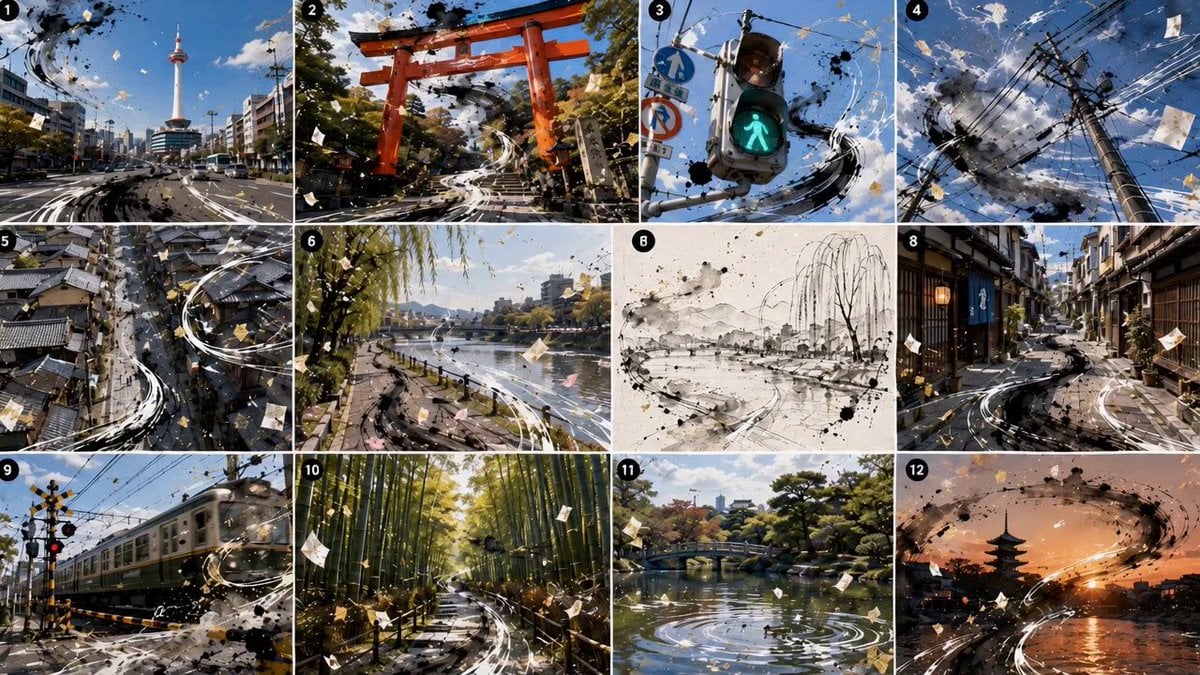
- Prompt included
- Model and format preset
- Premium template
The prompt behind this video
Copy the exact prompt behind Kyoto Sumi-e and Live Action Fusion, or open it in the studio and make it yours.
{{Image 1}} = 絵コンテの参照。 添付された絵コンテ画像{{Image 1}}を基に、15秒、横型16:9の高品質な動画を作成してください。 テーマは「墨絵と実写が混ざる京都」。
How to use Kyoto Sumi-e and Live Action Fusion in 3 steps
- 1Upload ImagePNG, JPG or paste
Add your photo
Upload the photo the template builds on. The prompt, model and format are already set.
- 2…a portrait of your subject in softgolden-hour light, 85mm…
Personalize
Edit the subject and creative details for your destination.
- 3Generate
Generate
Press Generate — your video is created in PicX Studio, so you can compare it with the original and refine one variable at a time.
More like this
Templates with the same subject, style or setup. Open one to see its prompt.
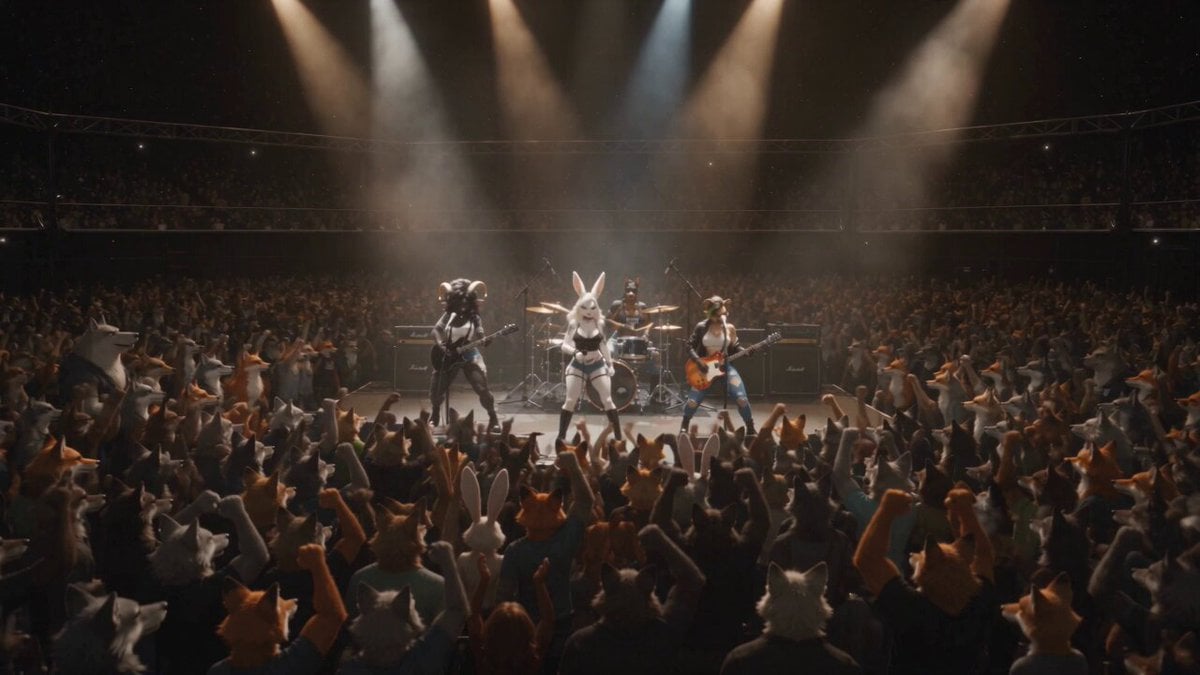
Anthropomorphic Rock Band Live Concert - Seedance 2.5

Kyoto Morning Selfie Vlog

Walking Factory with Rebel on Hoverbike - Wasteland
Thornmaw Monarch — Crimson Glass Desert Beast
Warhorse Sprint on Cliff Aqueduct
Parametric Fight Scenes Seedance

Nano Banana Seedance Time Control Streets
Colossal Sea Creature — Stormy Shore Charge (Seedance)
Skybridge Rescue — Supertall Tower Collapse (Seedance)
Highway Biker — Aggressive Lane Split (PixVerse C1)
Bullet Time Selfie — Modular Parameter Template (Seedance)
Dragon Rescue — Volcanic Kingdom Collapse (Seedance)
Make it yours
Kyoto Sumi-e and Live Action Fusion works as-is. These are the safest ways to change it without losing the look.
Change one field
Copy a single group, rewrite it, and generate again so you can see what that field is doing.
Keep the frame, change the subject
Hold the composition and light of Kyoto Sumi-e and Live Action Fusion, then swap wardrobe, props or the person for a new take.
| If the result… | Why | Fix |
|---|---|---|
| The result drifts from the preview | Too many fields changed at once. | Reuse Kyoto Sumi-e and Live Action Fusion as-is first, then change one group — subject, light, or setting. |
| The model over-stylizes the scene | The prose prompt leaves finish and camera underspecified. | Add one camera or lighting sentence and stay on Seedance 2.0. |
More Seedance 2.0 templates
Other prompts made for Seedance 2.0.

Comical Martial Arts Punch Scene

Maglev Train Action Sequence

Martial Arts Fight Sequence

Wuxia Protection and Trust Script

Vintage Korean Arcade MiniDV Vlog

Mercedes 190 SL Luxury Ad

Rainy Night Supernatural Reverse Comedy Video Script

Amazon Civilization Discovery

Futuristic South Asian City Transformation

Cozy Luxury Cafe Commercial
More video prompts
Fresh picks from across the catalog.
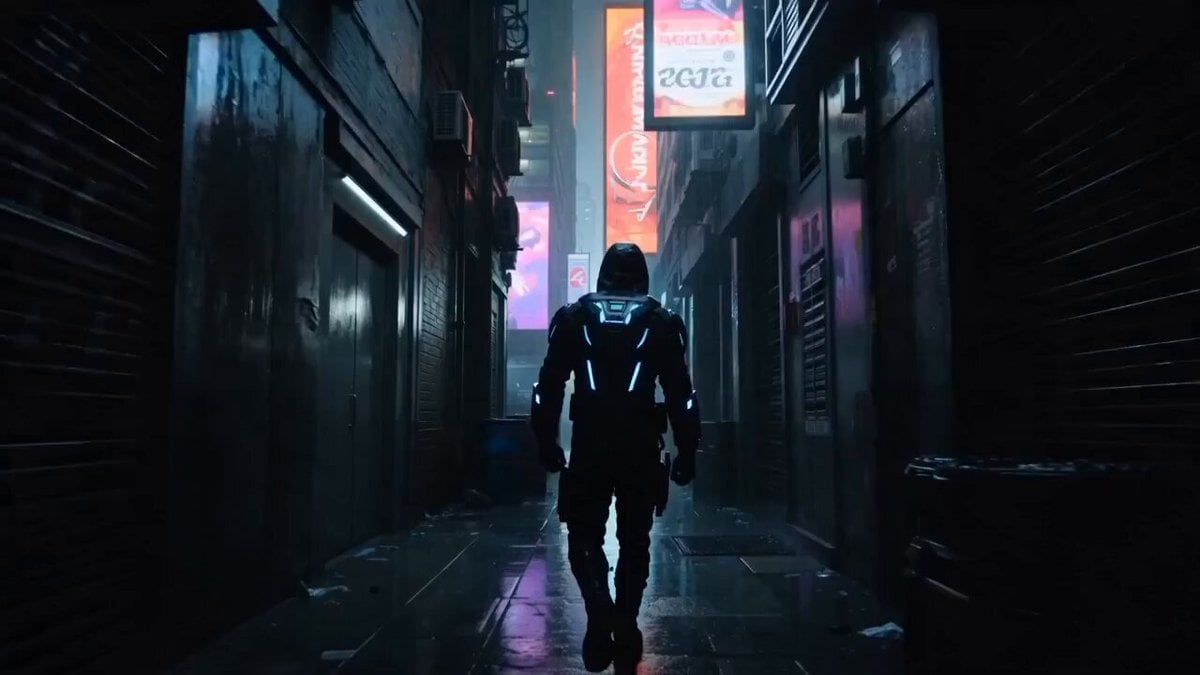
Cyberpunk Assassin Neon Action Sequence

Japanese Summer Festival Travel Vlog
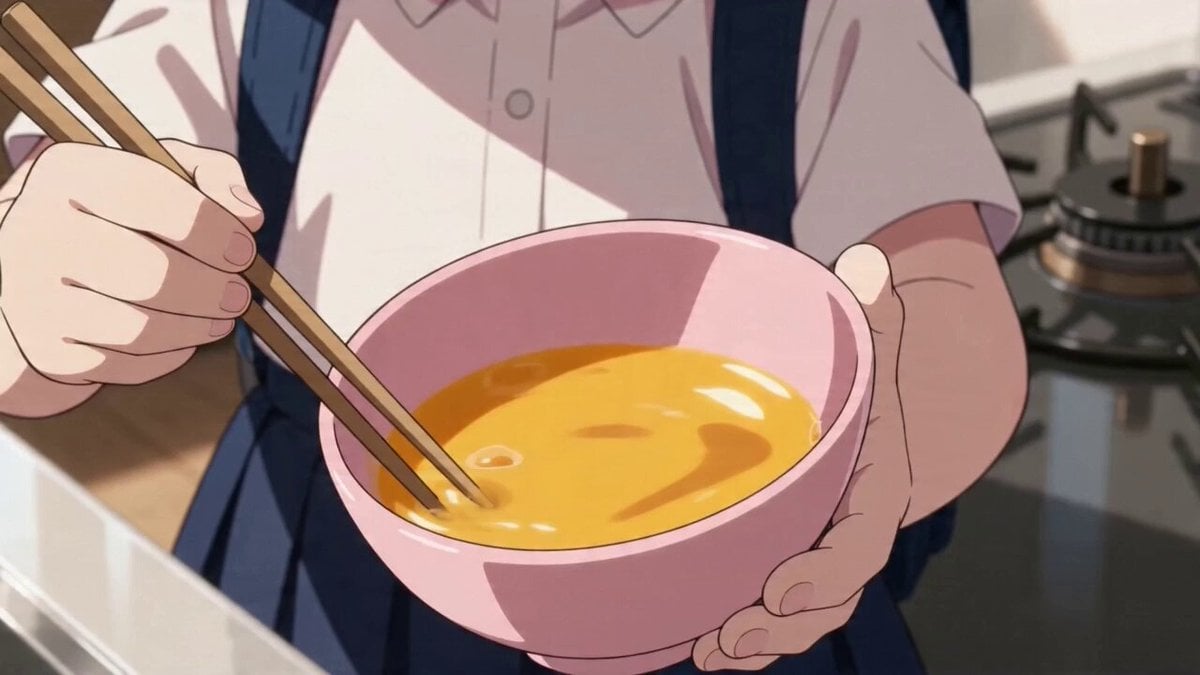
Anime character omelet cooking story template
CEO Romance Drama: Contract Breakup (15s)
2D Animation Youth Racing Narrative

East-Asian Cyborg on Bullet Train

Romero Britto style video prompt
Three Kingdoms Battle Epic
Impossible Single-Take Sci-Fi Ship Tour
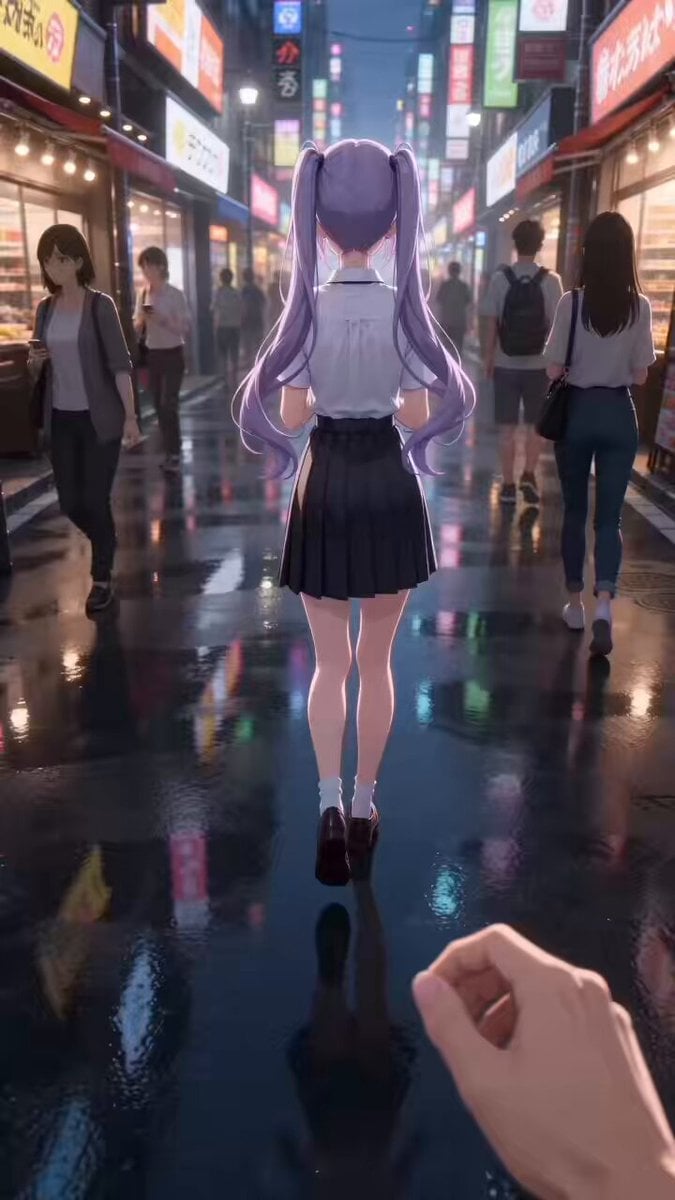
Anime Style Street Encounter Transition Video (Seedance 2.0)
Browse template categories
Kyoto Sumi-e and Live Action Fusion questions
How do I use the Kyoto Sumi-e and Live Action Fusion template?
Add your photo if the template asks for one, edit the prompt if you like — the template's model and format are already selected — and press Generate. Your version opens in PicX Studio.
Can I customize the Kyoto Sumi-e and Live Action Fusion template?
Yes. You can change the subject, setting, lighting, mood, format, and available model controls before creating your video.
Is the Kyoto Sumi-e and Live Action Fusion template free?
Opening and editing this template is free. Generating uses credits, shown on the Generate button when you are signed in.
Which AI model should I use?
Start with Seedance 2.0, which is the model associated with this template. You can compare another compatible model for a different finish.
Looking for something else? Browse all templates.

Your photo, any look
Thousands of ready templates for every top image and video model, from one credit balance.