
Rogue Pilot Canyon Dogfight
An intense cinematic aerial combat prompt featuring a rogue pilot dodging missiles in a desert canyon during sunset.
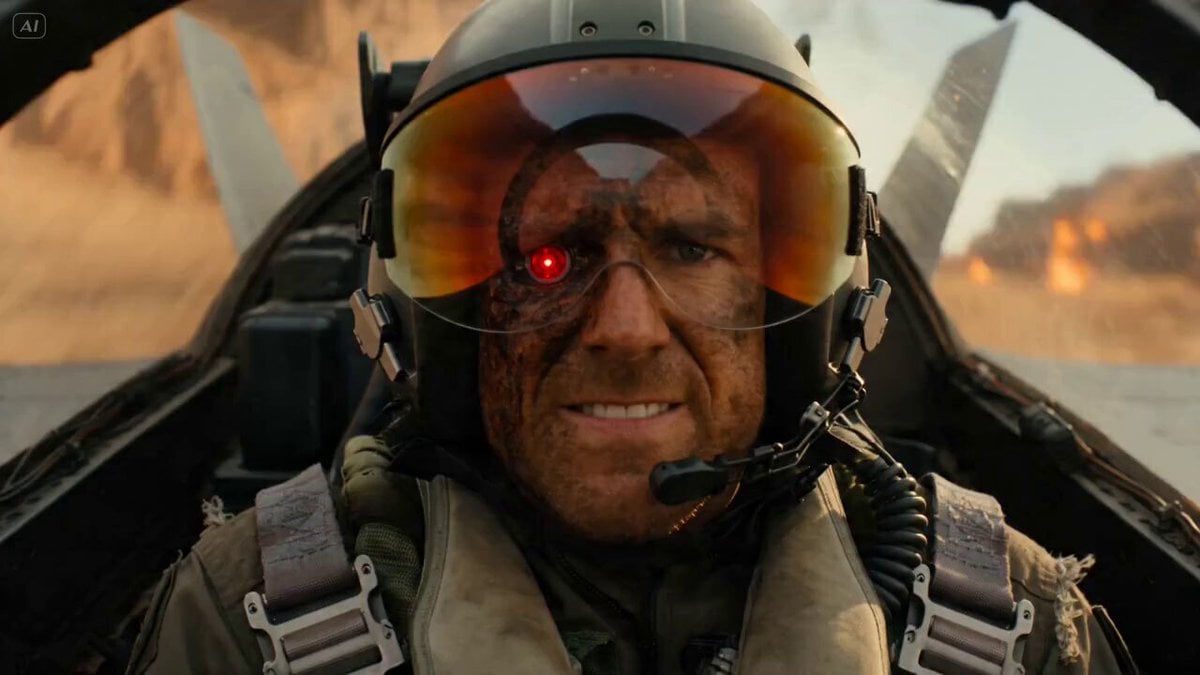
- Prompt included
- Model and format preset
- Free template
The prompt behind this video
Copy the exact prompt behind Rogue Pilot Canyon Dogfight, or open it in the studio and make it yours.
A rogue ex-military pilot wearing a torn flight jacket, face covered in soot, cybernetic eye flickering red, gripping the controls of a heavily armed gunship with absolute focus Flies at extreme speed through a canyon warzone while enemy jets, missiles and anti-air explosions surround him, narrowly avoiding impacts and blasting enemy aircraft out of the sky Massive desert canyon during sunset with collapsing cliffs, smoke trails, fireballs and debris raining into the abyss Starts with cockpit close-up reflecting explosions across the visor, sudden crash zoom through the windshield into aerial FPV chase, whip pans following incoming missiles, barrel-roll camera movements during evasive maneuvers, orbit shot around the gunship during mid-air explosions, sparks and debris slamming into lens, ending with the pilot flying straight through a gigantic explosion cloud as the entire enemy fleet crashes behind him into the canyon, camera slowly pulling upward revealing the burning battlefield stretching across the horizon
How to use Rogue Pilot Canyon Dogfight in 3 steps
- 1
Open
The prompt is already in the box next to the preview, with the template's model and format selected.
- 2…a portrait of your subject in softgolden-hour light, 85mm…
Personalize
Edit the subject and creative details for your destination.
- 3Generate
Generate
Press Generate — your video is created in PicX Studio, so you can compare it with the original and refine one variable at a time.
More like this
Templates with the same subject, style or setup. Open one to see its prompt.
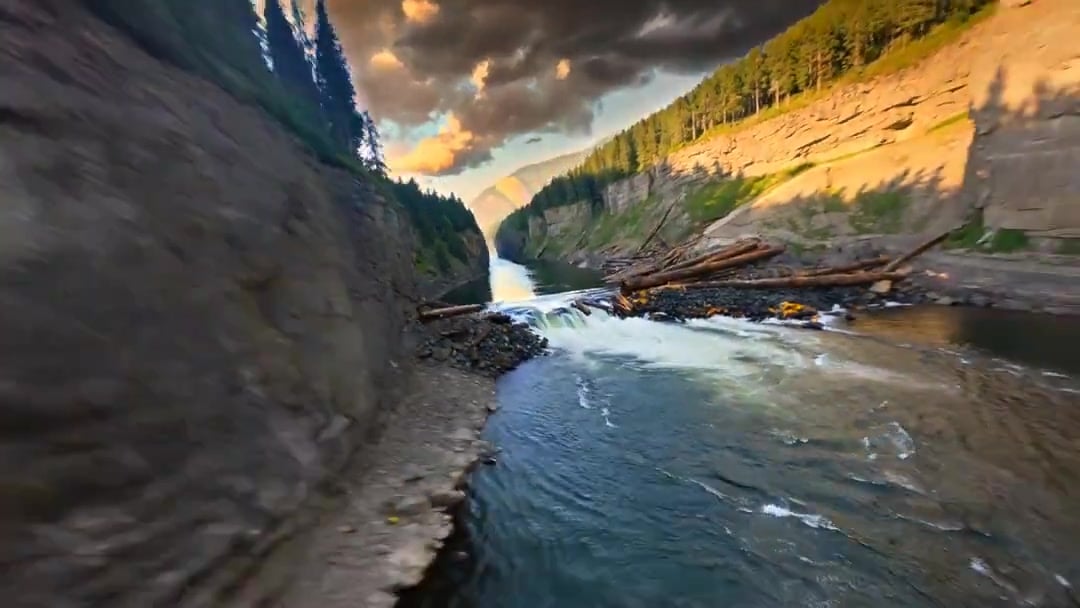
Cinematic Drone Specs Canyon — Kling 3.0 v3 Pro
Tiger vs Gorilla — Jungle Canyon Clash
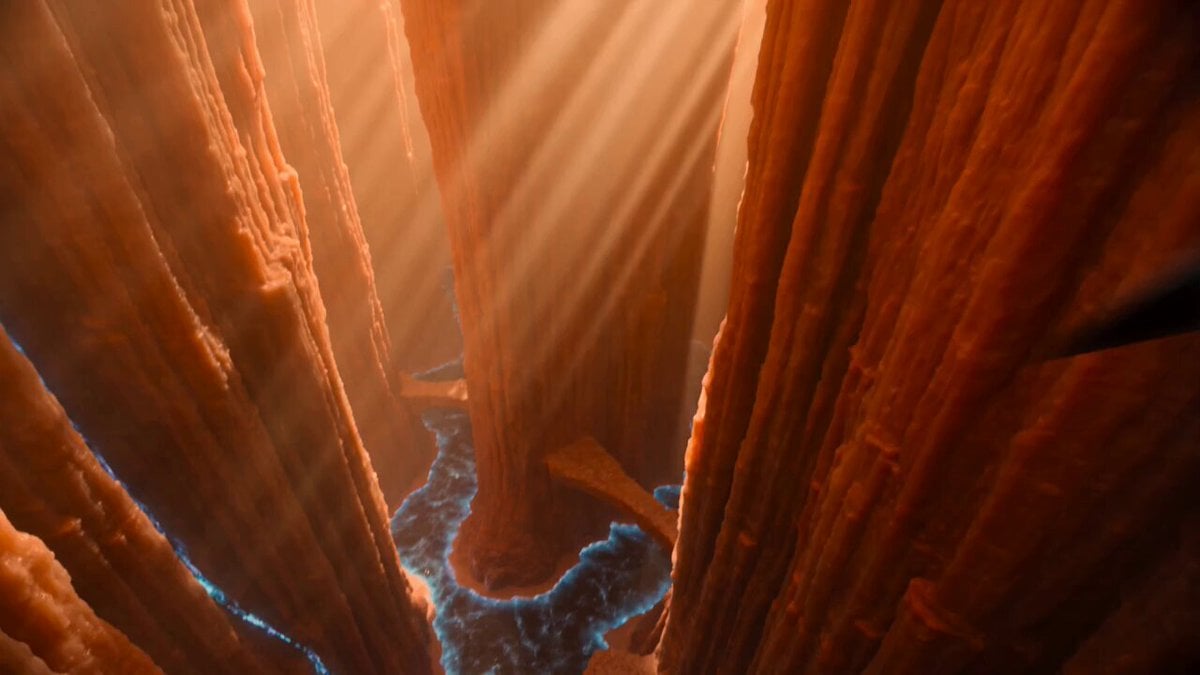
Titan Canyon Interceptor Chase

Dissolving Rope Bridge Canyon
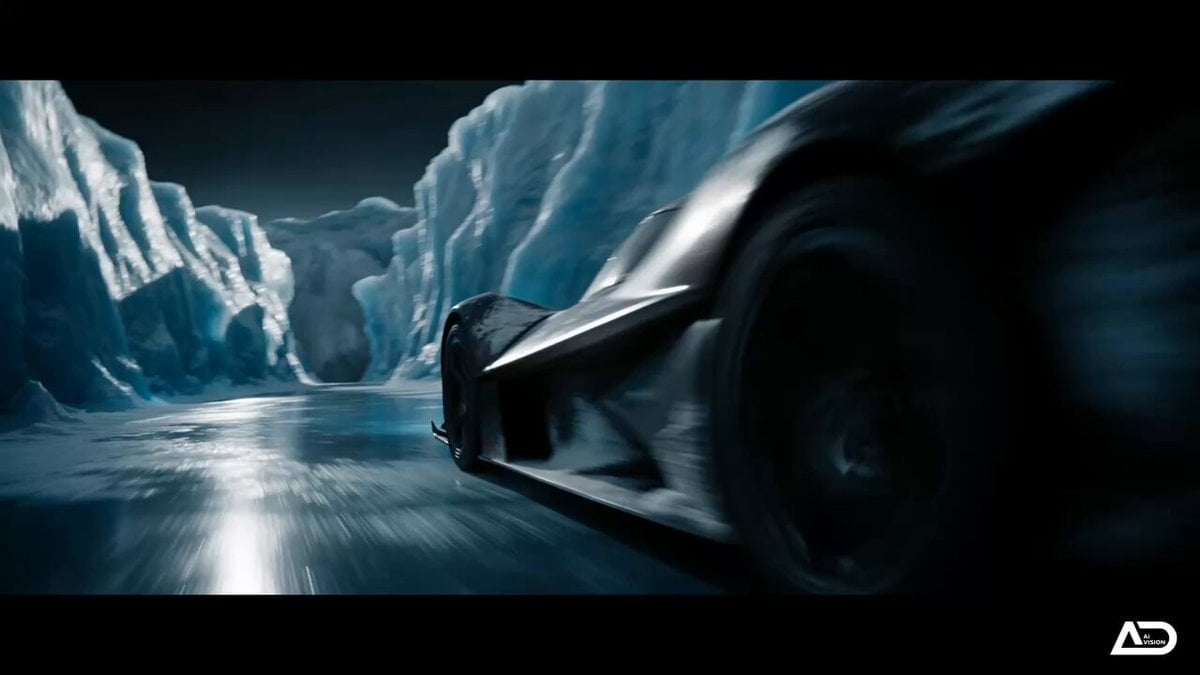
Futuristic Ice Canyon Racer Sequence
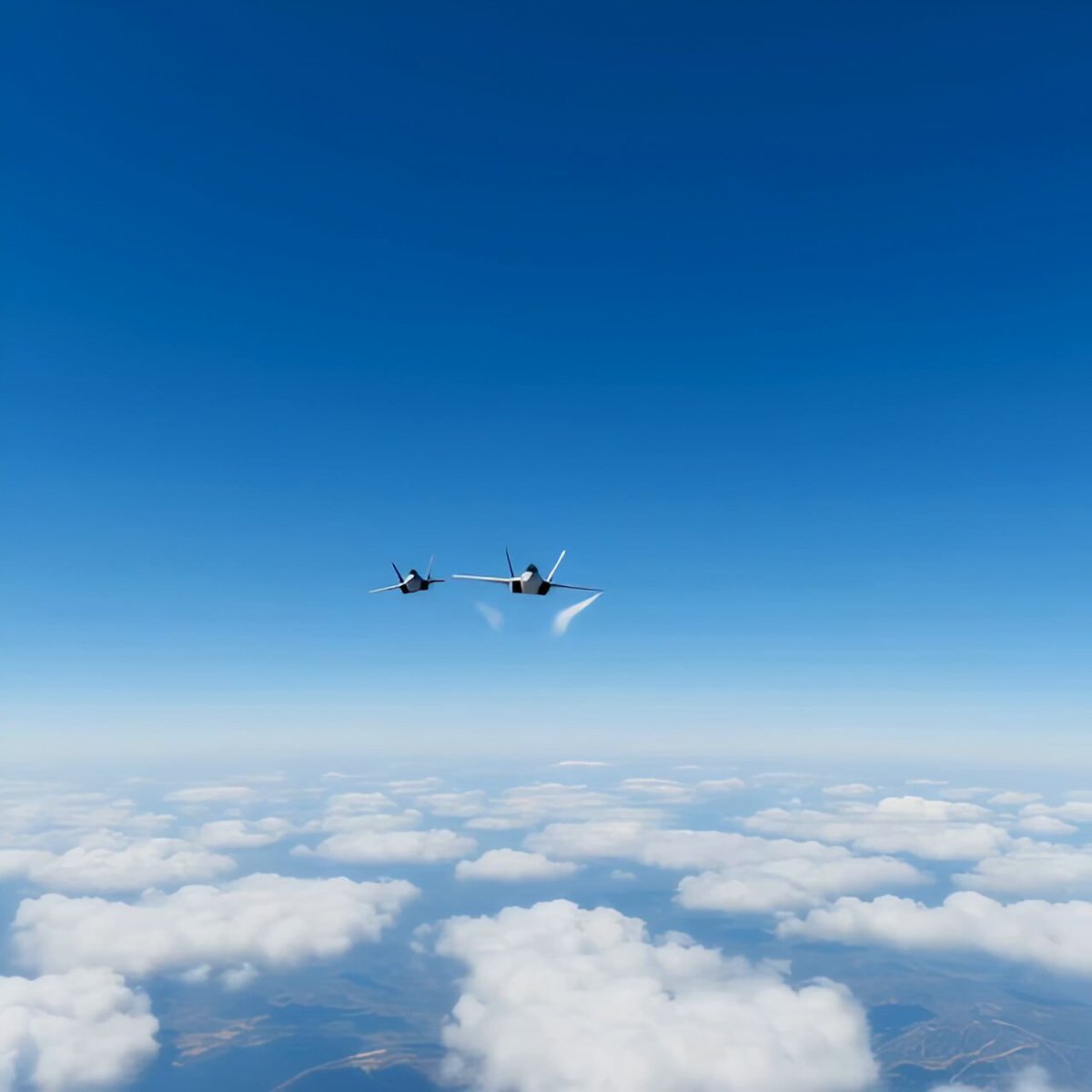
Modern Fighter Jet Dogfight

WWII Aerial Dogfight
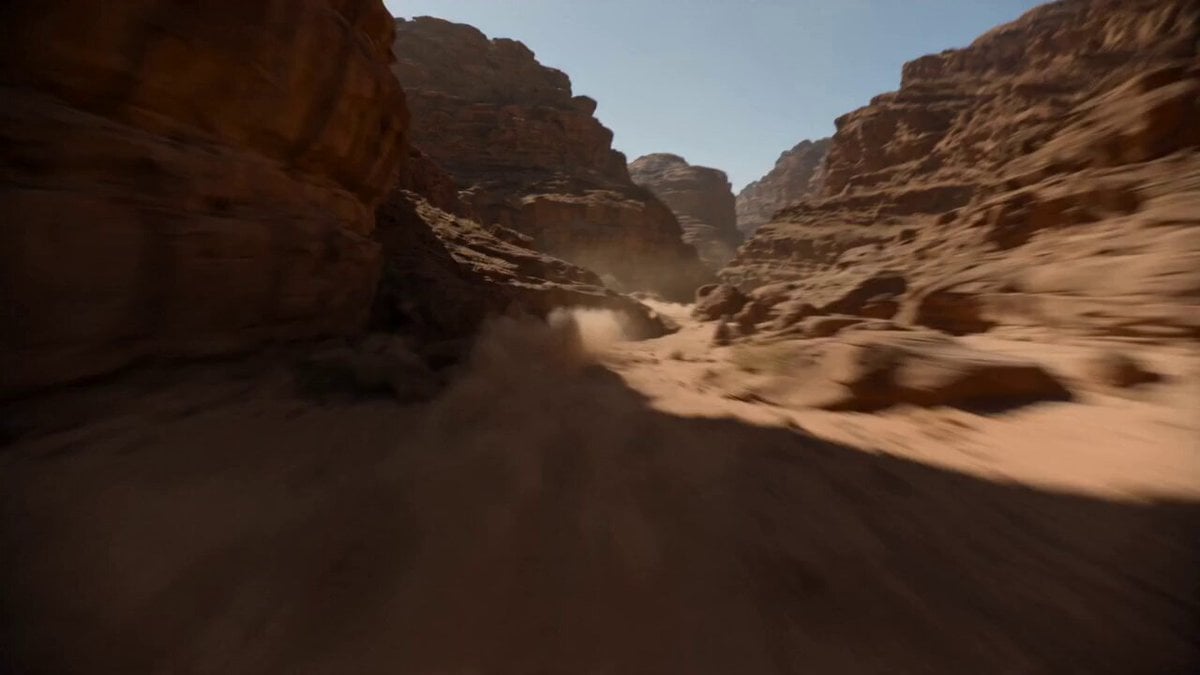
Supersonic Canyon Flight First-Person View
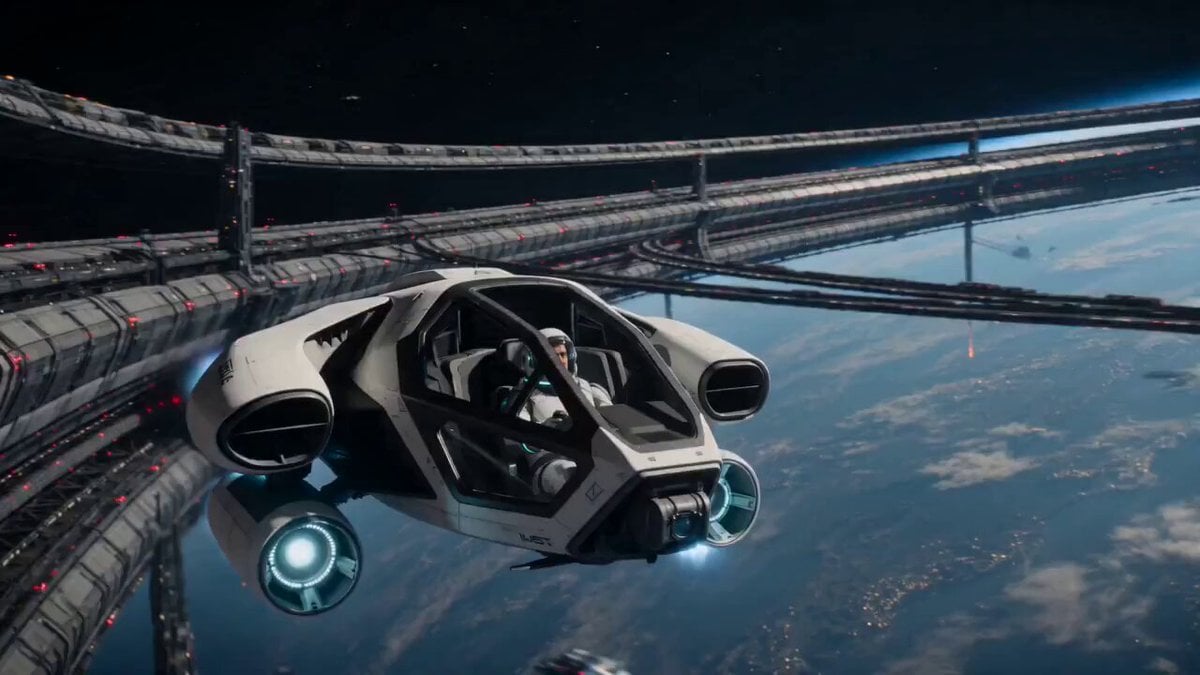
Orbital Rescue Pilot Sci-Fi Cinematic
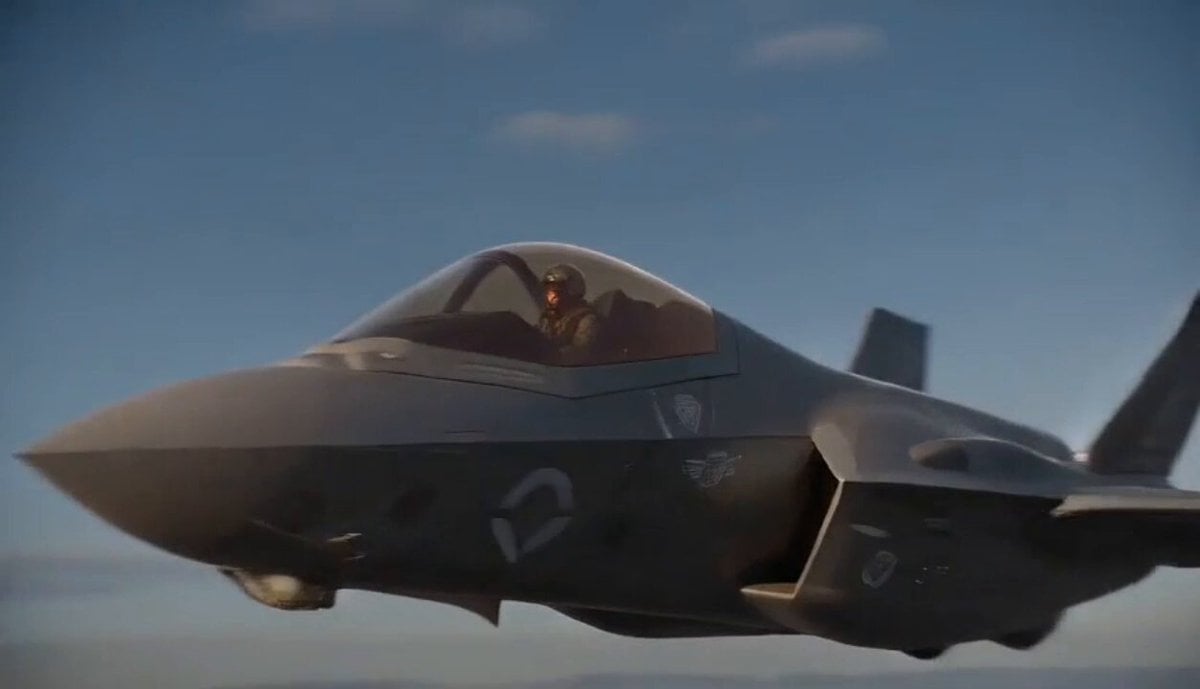
Jet Pilot Ejection Sequence
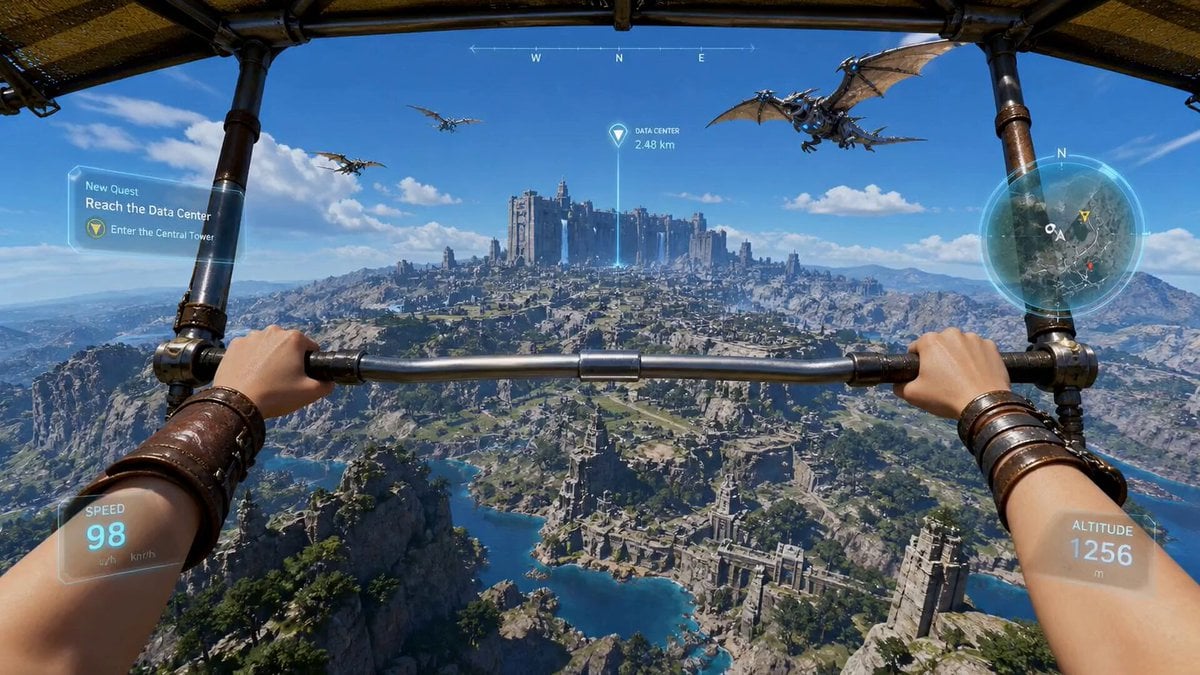
First-Person Wingsuit VR Pilot
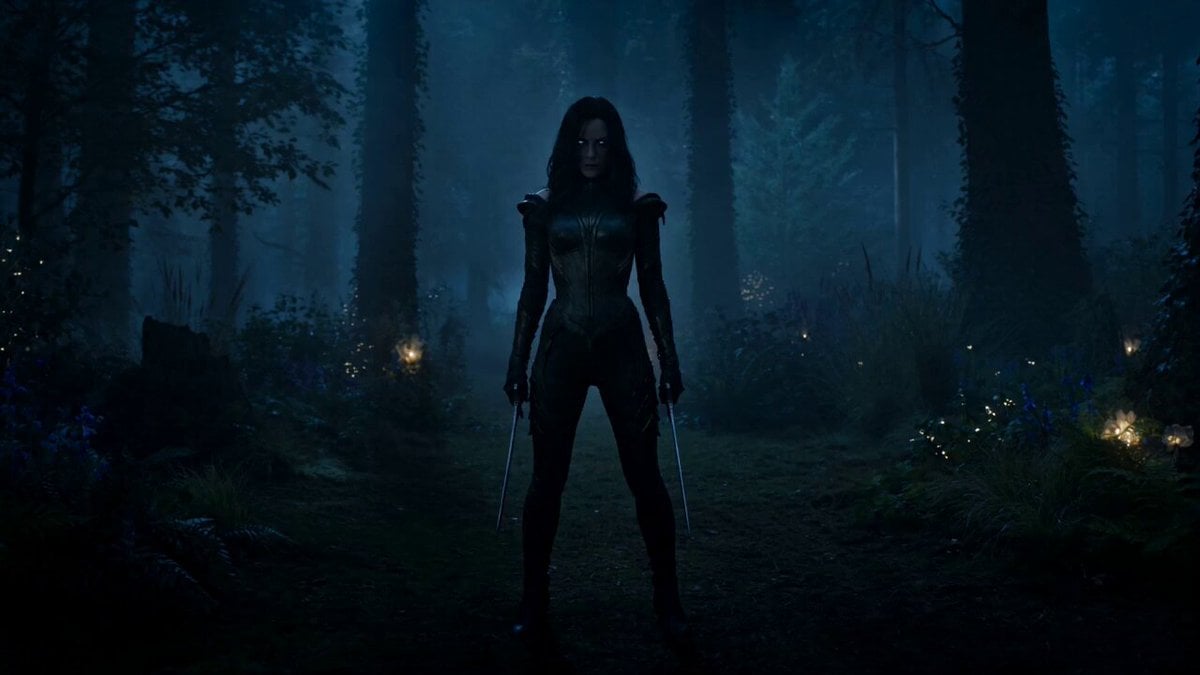
Rogue Elf Assassin Forest Fight
Make it yours
Rogue Pilot Canyon Dogfight works as-is. These are the safest ways to change it without losing the look.
Change one field
Copy a single group, rewrite it, and generate again so you can see what that field is doing.
Keep the frame, change the subject
Hold the composition and light of Rogue Pilot Canyon Dogfight, then swap wardrobe, props or the person for a new take.
| If the result… | Why | Fix |
|---|---|---|
| The result drifts from the preview | Too many fields changed at once. | Reuse Rogue Pilot Canyon Dogfight as-is first, then change one group — subject, light, or setting. |
| The model over-stylizes the scene | The prose prompt leaves finish and camera underspecified. | Add one camera or lighting sentence and stay on Seedance 2.0. |
More Seedance 2.0 templates
Other prompts made for Seedance 2.0.

Comical Martial Arts Punch Scene

Maglev Train Action Sequence

Martial Arts Fight Sequence

Wuxia Protection and Trust Script

Vintage Korean Arcade MiniDV Vlog

Ancient Roman Celestial Flight

Mercedes 190 SL Luxury Ad

Rainy Night Supernatural Reverse Comedy Video Script

Amazon Civilization Discovery

Futuristic South Asian City Transformation
More video prompts
Fresh picks from across the catalog.
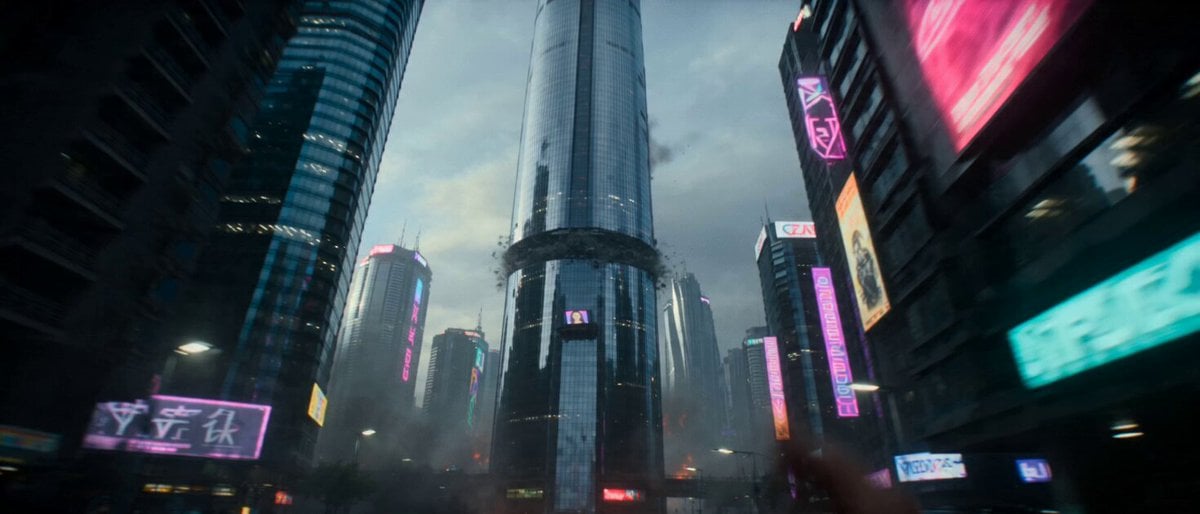
Hollywood Style Cyberpunk Disaster Movie Prompt

UEFA Champions League Titan Battle
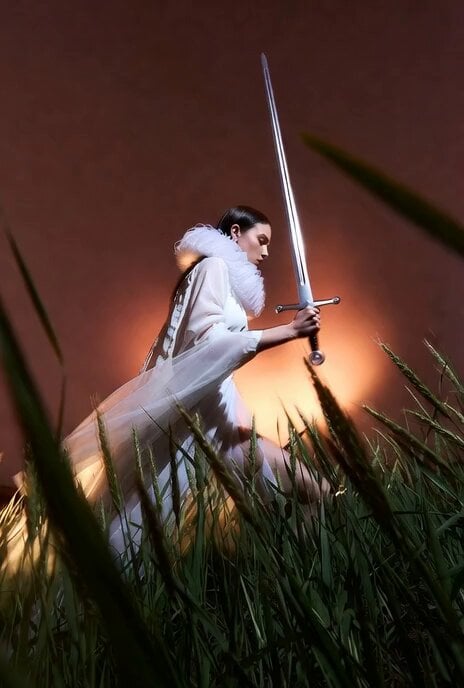
Model Climbing Slope Behind Grasses

Battlefield Survival Scene Prompt

Cinematic Cozy Rain Home Sequence
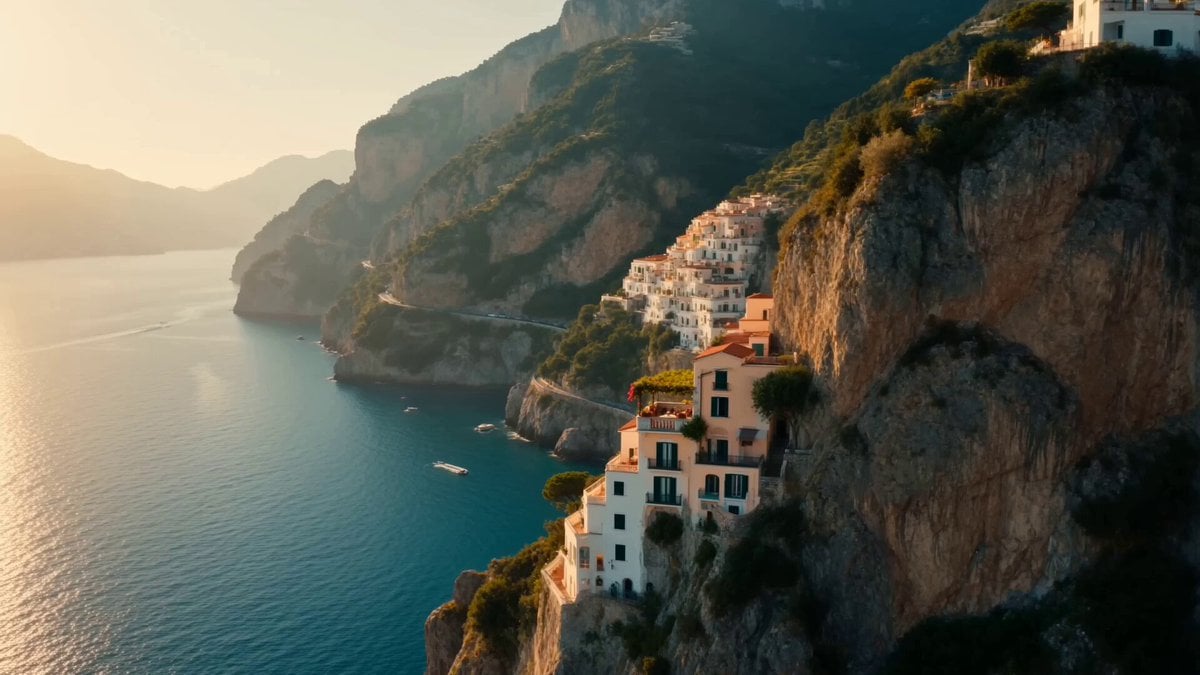
Romantic Amalfi Coast Pasta Lunch
Grok Imagine Video Prompt: Wow! Logo Apparition
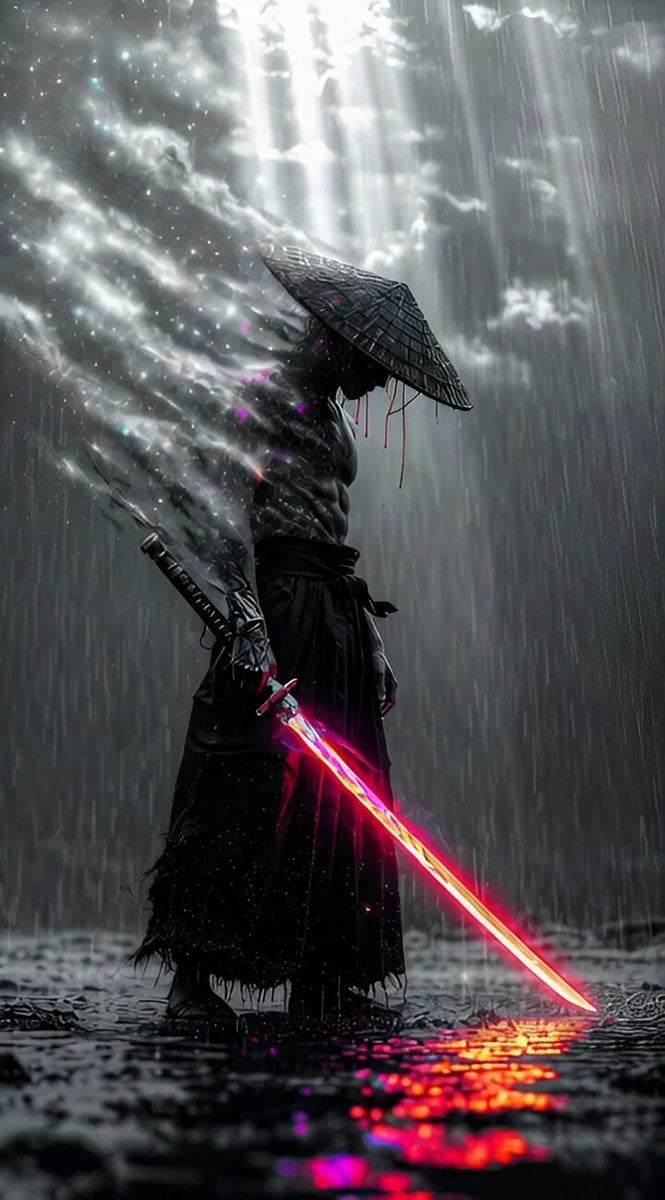
Cybernetic Ronin in Neon Rain (Long Prompt)
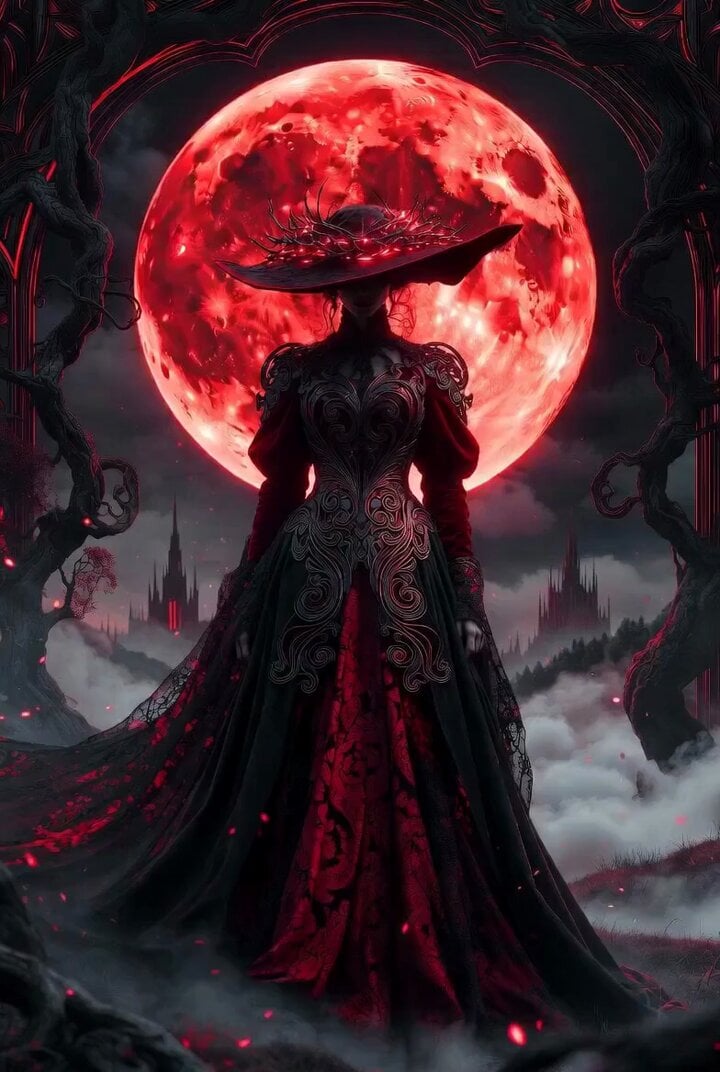
Dark Fantasy Sorceress 'Extend from Frame' Video
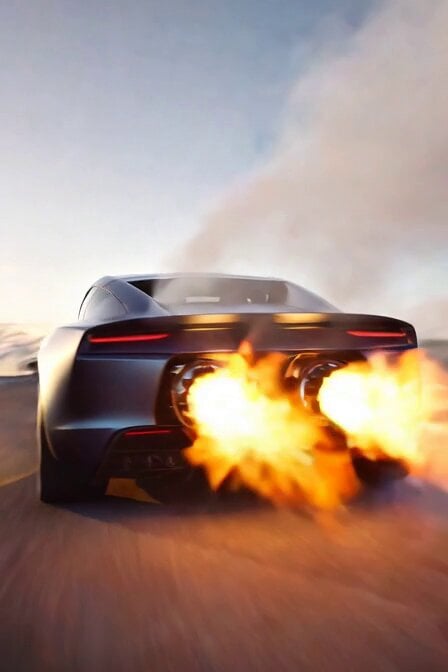
Tesla Roadster SpaceX Rockets
Browse template categories
Rogue Pilot Canyon Dogfight questions
How do I use the Rogue Pilot Canyon Dogfight template?
Add your photo if the template asks for one, edit the prompt if you like — the template's model and format are already selected — and press Generate. Your version opens in PicX Studio.
Can I customize the Rogue Pilot Canyon Dogfight template?
Yes. You can change the subject, setting, lighting, mood, format, and available model controls before creating your video.
Is the Rogue Pilot Canyon Dogfight template free?
Opening and editing this template is free. Generating uses credits, shown on the Generate button when you are signed in.
Which AI model should I use?
Start with Seedance 2.0, which is the model associated with this template. You can compare another compatible model for a different finish.
Looking for something else? Browse all templates.

Your photo, any look
Thousands of ready templates for every top image and video model, from one credit balance.