
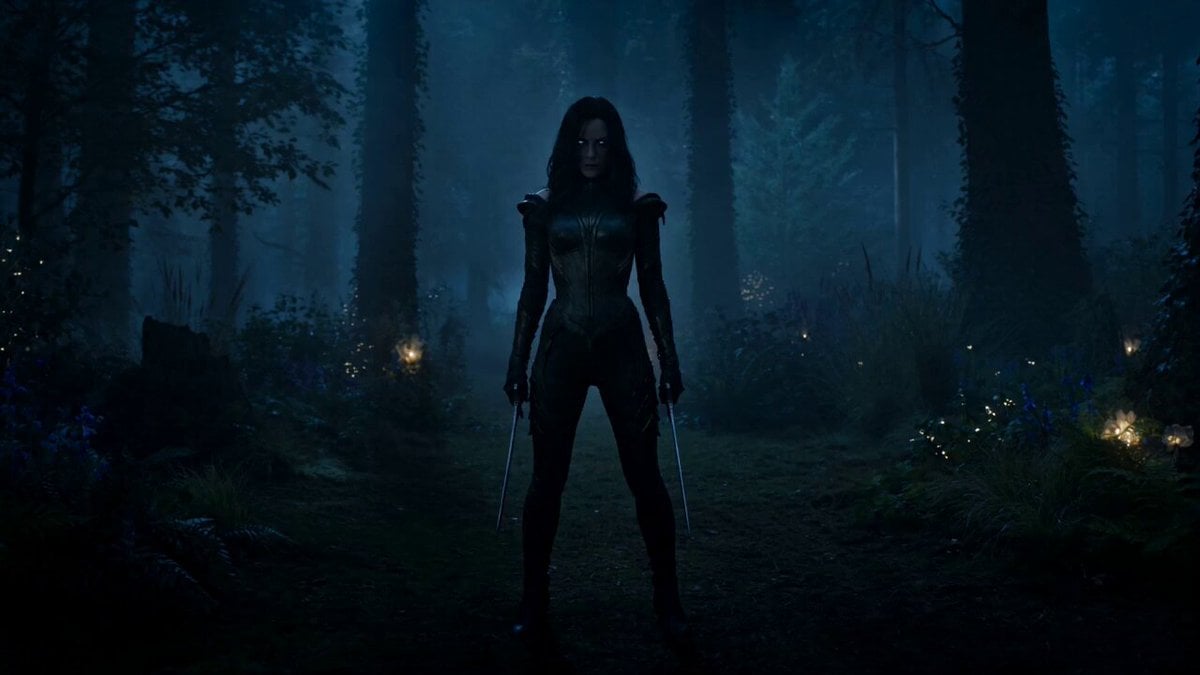
Rogue Elf Assassin Forest Fight
A high-speed combat prompt featuring a rogue elf assassin fighting enemies in an enchanted forest with time-slice effects.
- Prompt included
- Model and format preset
- Free template
The prompt behind this video
Copy the exact prompt behind Rogue Elf Assassin Forest Fight, or open it in the studio and make it yours.
A rogue elf assassin, agile and precise, glowing eyes in the dark, dual blades reflecting faint moonlight, body moving like a shadow Dashes through a group of armored enemies at impossible speed, appearing and disappearing between strikes, leaving behind afterimages as each enemy falls seconds later Dense enchanted forest at night with mist, glowing plants and faint magical light Begins with still frame tension, slow push-in, sudden burst of speed with whip pans following movement, FPV tracking through her path, blades flashing near lens, time-slice effect showing multiple positions, ending with silence as all enemies collapse at once behind her while she stands still, blades dripping, camera slowly rotating in the mist
How to use Rogue Elf Assassin Forest Fight in 3 steps
- 1
Open
The prompt is already in the box next to the preview, with the template's model and format selected.
- 2…a portrait of your subject in softgolden-hour light, 85mm…
Personalize
Edit the subject and creative details for your destination.
- 3Generate
Generate
Press Generate — your video is created in PicX Studio, so you can compare it with the original and refine one variable at a time.
More like this
Templates with the same subject, style or setup. Open one to see its prompt.
Swordsman vs Shadow Monster — Bamboo Forest Battle

Cinematic Istanbul Night Fight - Seedance 2.5
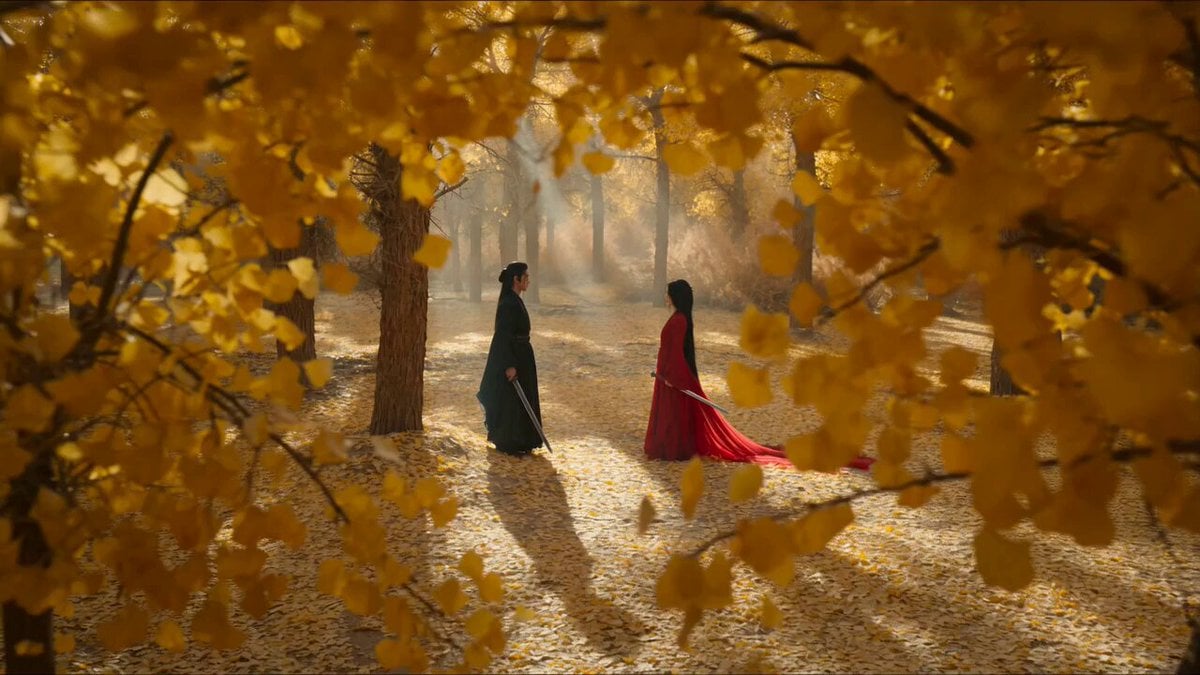
Forest Sword Fight Cinematography

Forest Fantasy Girl Short Film
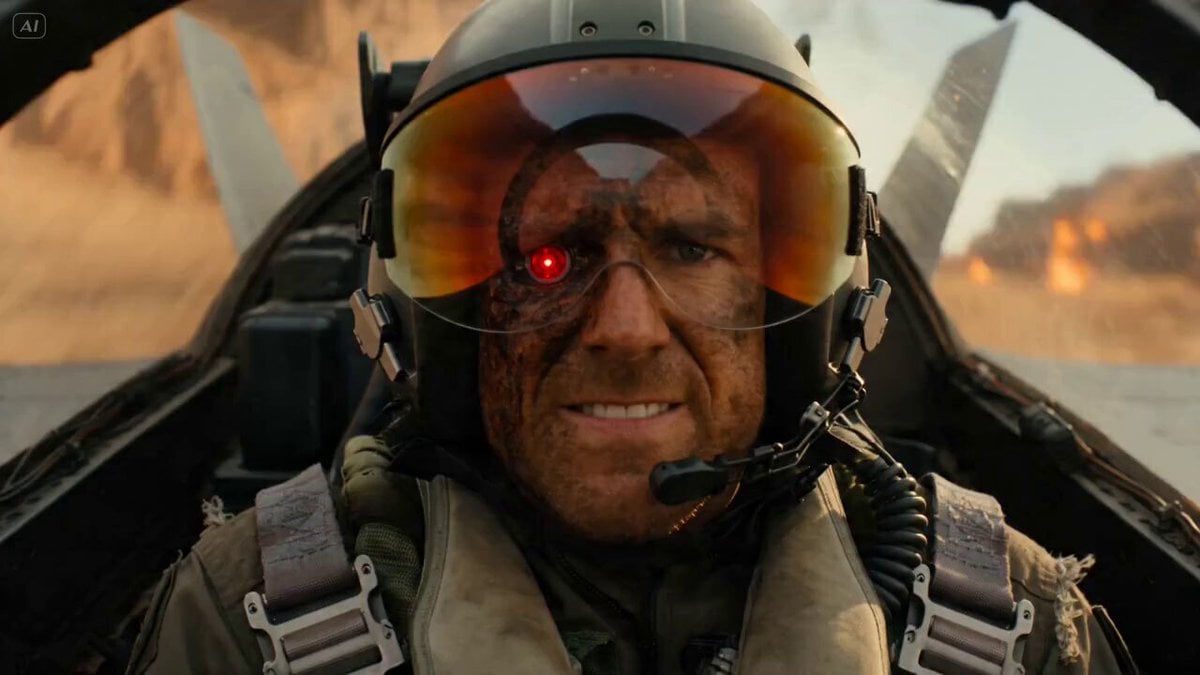
Rogue Pilot Canyon Dogfight

Elf Goddess of the Forest Video Generation
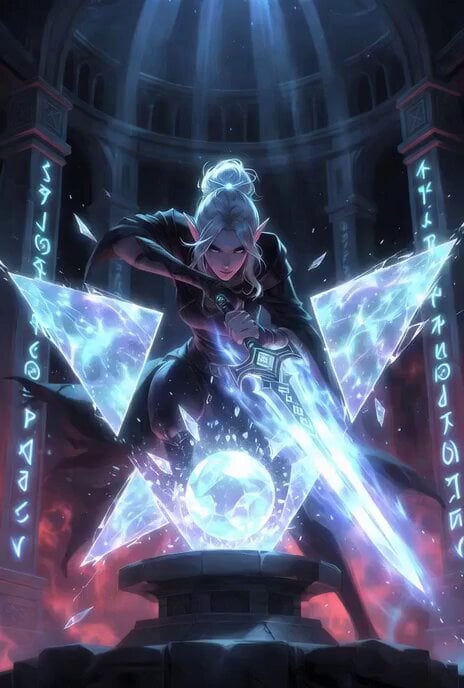
Epic fantasy Grok Imagine prompt of an elf rogue shattering barriers
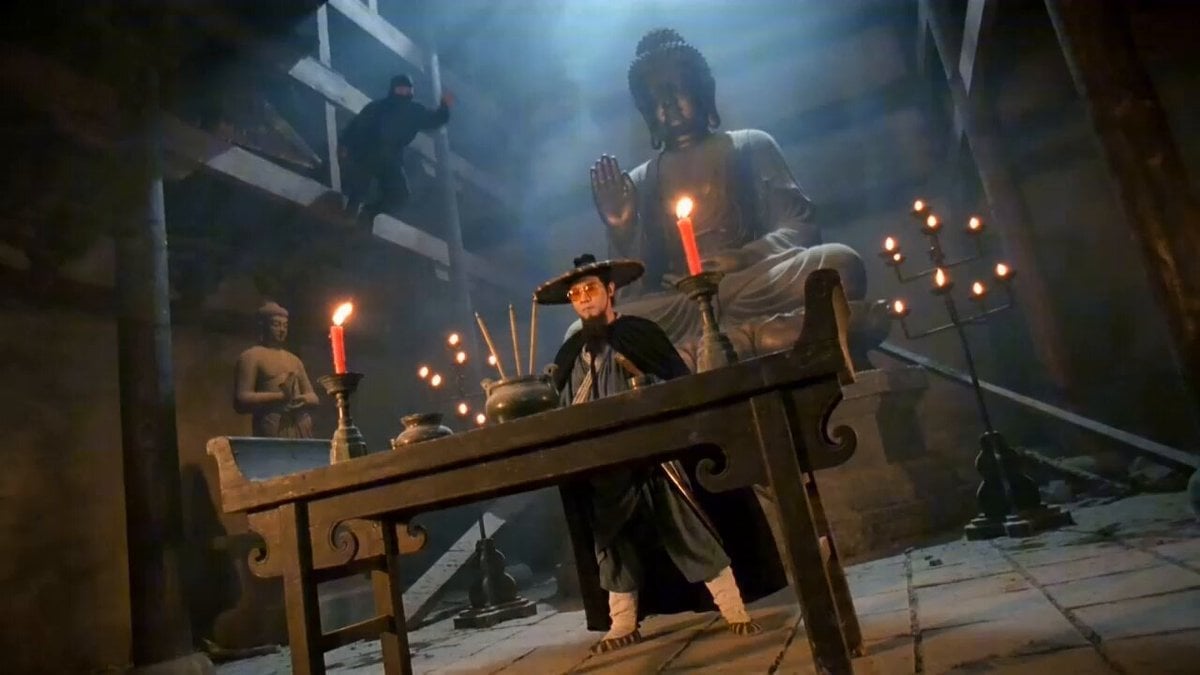
Seedance 2.0 Wuxia Film Style Video Prompt: Assassin Fight

Elf Warrior Katana Battle
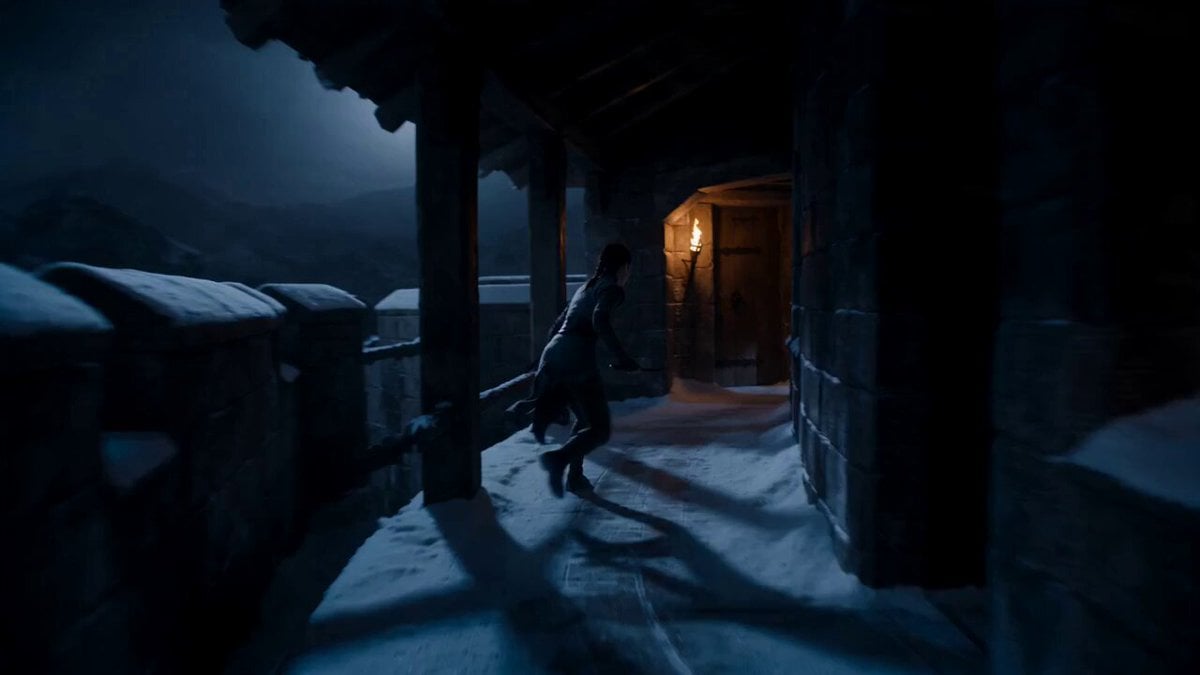
Supernatural Assassin Fortress Infiltration

Martial Arts Fight Sequence
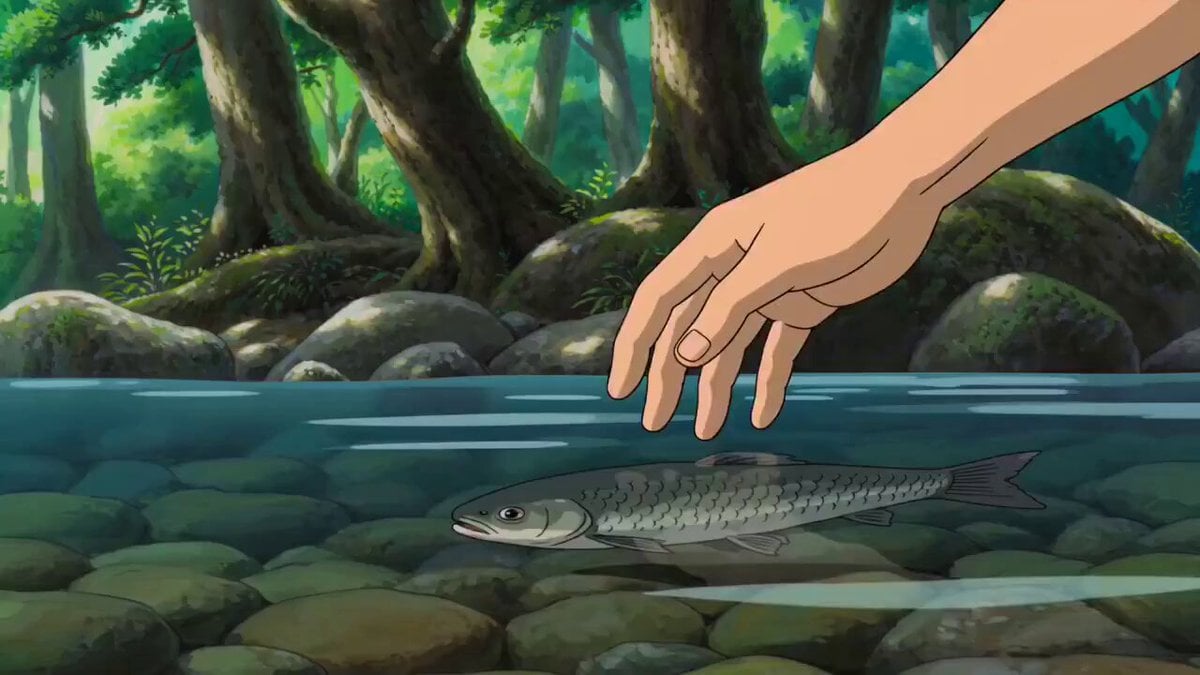
Tranquil Forest Riverside Picnic Animation
Make it yours
Rogue Elf Assassin Forest Fight works as-is. These are the safest ways to change it without losing the look.
Change one field
Copy a single group, rewrite it, and generate again so you can see what that field is doing.
Keep the frame, change the subject
Hold the composition and light of Rogue Elf Assassin Forest Fight, then swap wardrobe, props or the person for a new take.
| If the result… | Why | Fix |
|---|---|---|
| The result drifts from the preview | Too many fields changed at once. | Reuse Rogue Elf Assassin Forest Fight as-is first, then change one group — subject, light, or setting. |
| The model over-stylizes the scene | The prose prompt leaves finish and camera underspecified. | Add one camera or lighting sentence and stay on Seedance 2.0. |
More Seedance 2.0 templates
Other prompts made for Seedance 2.0.

Comical Martial Arts Punch Scene

Maglev Train Action Sequence

Wuxia Protection and Trust Script

Vintage Korean Arcade MiniDV Vlog

Mercedes 190 SL Luxury Ad

Rainy Night Supernatural Reverse Comedy Video Script

Amazon Civilization Discovery

Futuristic South Asian City Transformation

Cozy Luxury Cafe Commercial

Cyber Ronin Nanotech Transformation Video
More video prompts
Fresh picks from across the catalog.
Spaceship Battle Over Missouri River

Poetic Martial Arts Comedy: Zither and Cranes
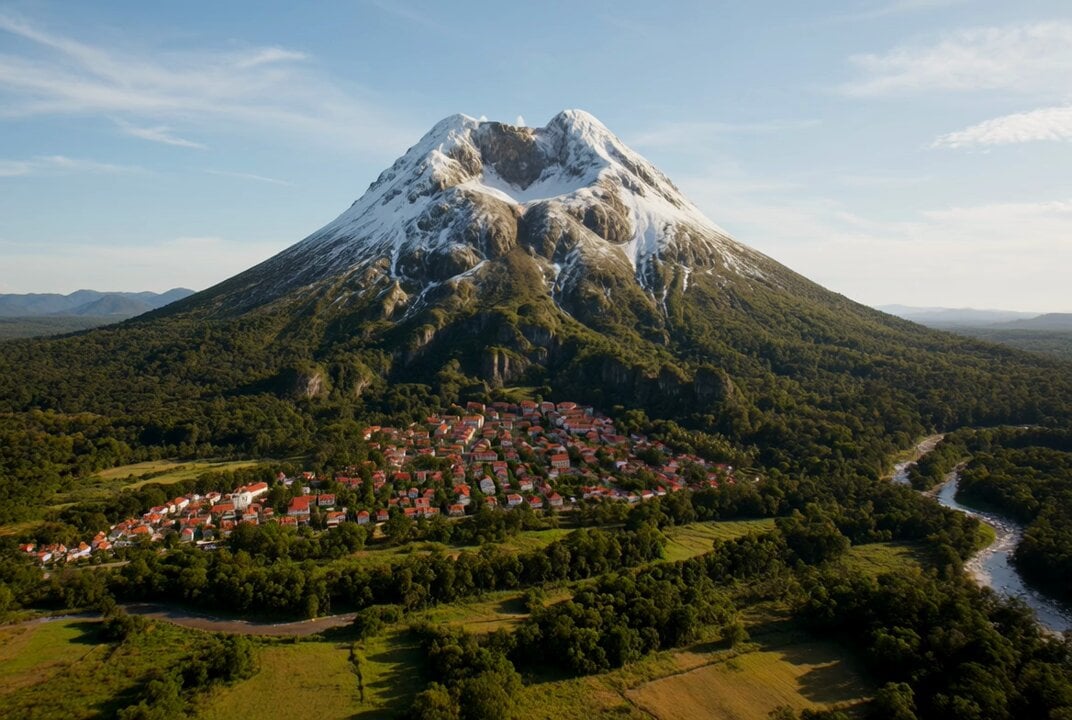
Volcanic eruption destroying a mountain town
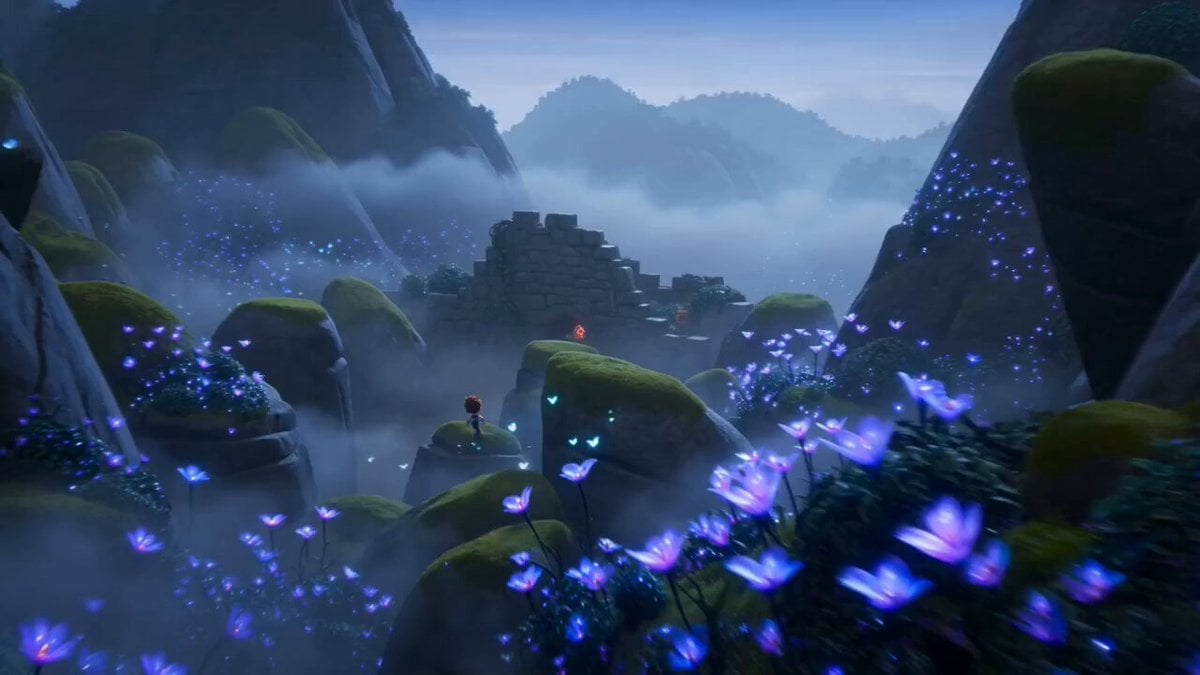
Dragon Egg Adventure Sequence
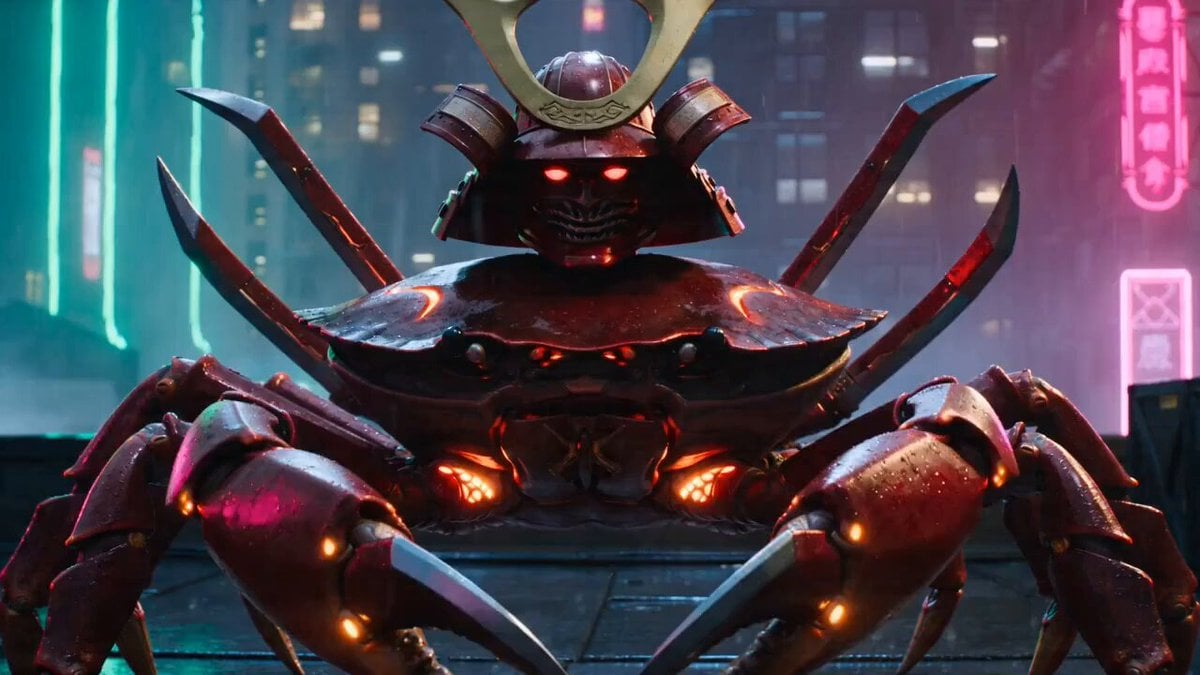
Neon Cyberpunk Crab Samurai Action
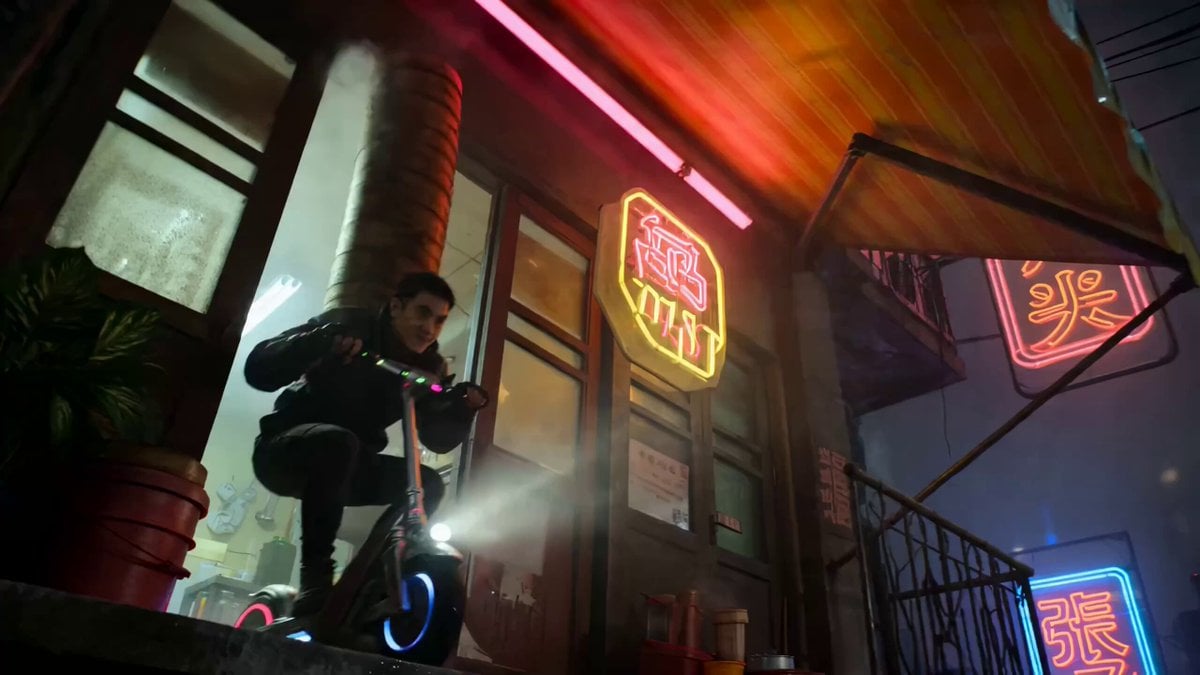
Multi-Shot Action-Comedy Scene Prompt: Neon Dumpling Courier

Vibrant Purple Gluco Energy Biscuit Commercial
Animated Character with Logo Board
Dark Fantasy Dragon Ride
Nano-Strike Frozen Battlefield Sequence
Browse template categories
Rogue Elf Assassin Forest Fight questions
How do I use the Rogue Elf Assassin Forest Fight template?
Add your photo if the template asks for one, edit the prompt if you like — the template's model and format are already selected — and press Generate. Your version opens in PicX Studio.
Can I customize the Rogue Elf Assassin Forest Fight template?
Yes. You can change the subject, setting, lighting, mood, format, and available model controls before creating your video.
Is the Rogue Elf Assassin Forest Fight template free?
Opening and editing this template is free. Generating uses credits, shown on the Generate button when you are signed in.
Which AI model should I use?
Start with Seedance 2.0, which is the model associated with this template. You can compare another compatible model for a different finish.
Looking for something else? Browse all templates.

Your photo, any look
Thousands of ready templates for every top image and video model, from one credit balance.